
01
Upload an image or idea
Start with a photo, sketch, or prompt. SEELE turns your reference into a 3D model you can continue shaping.

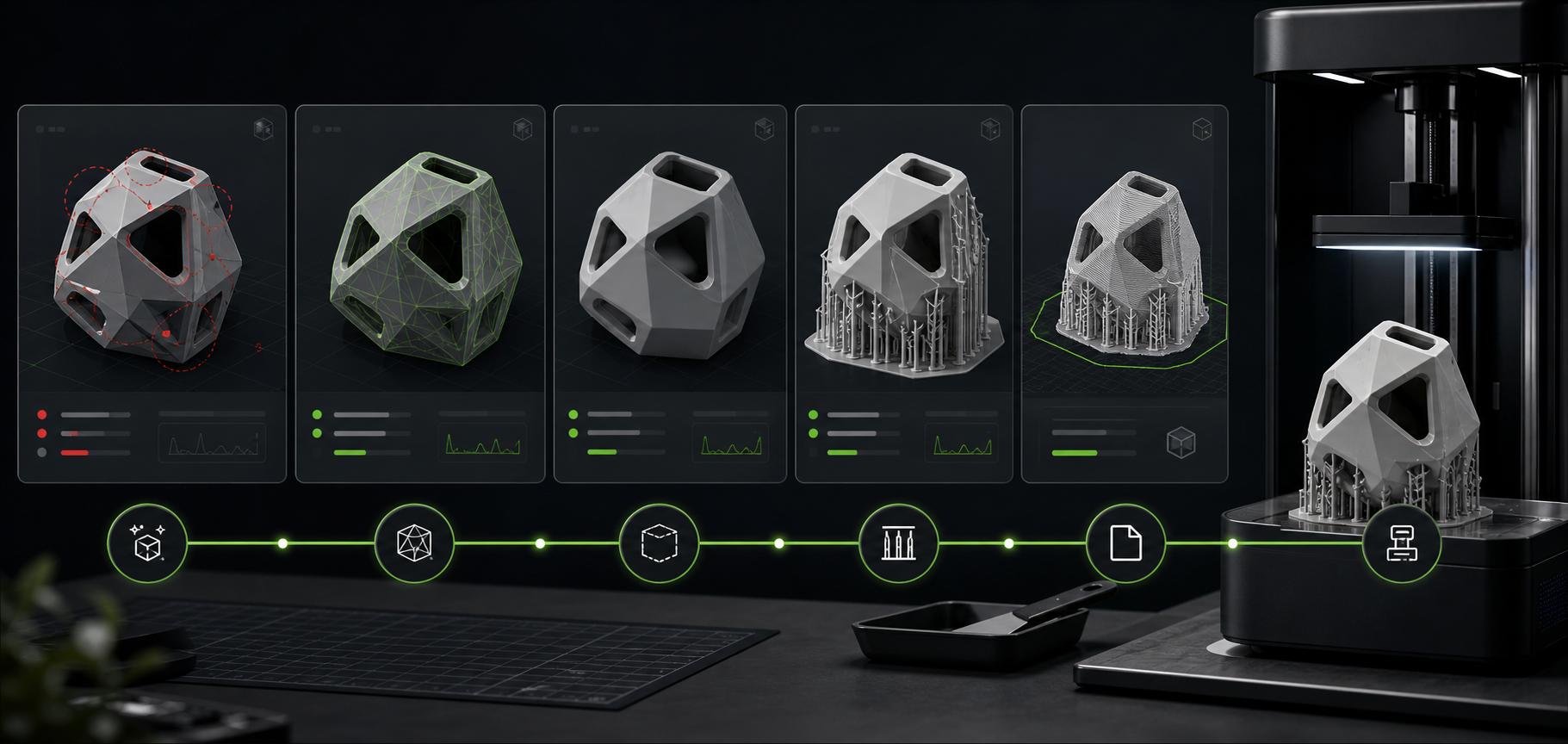
Repair mesh issues, preview print-readiness, and export STL-ready assets through a focused preparation workflow.
Upload a model, then continue to Workspace with “publish this” for the print delivery flow.
How it works
Bring a reference to life, refine the 3D result, then prepare it for a physical print in three clear steps.
Start with a photo, sketch, or prompt. SEELE turns your reference into a 3D model you can continue shaping.

Review the model in your browser, adjust the details, and prepare the geometry for the size and finish you want.
Repair the mesh, review wall thickness, add supports, and export an STL-ready file for your preferred print workflow.
SEELE AI 3D PRINT
Create the model here, then take a print-ready file into the production workflow that works for you.
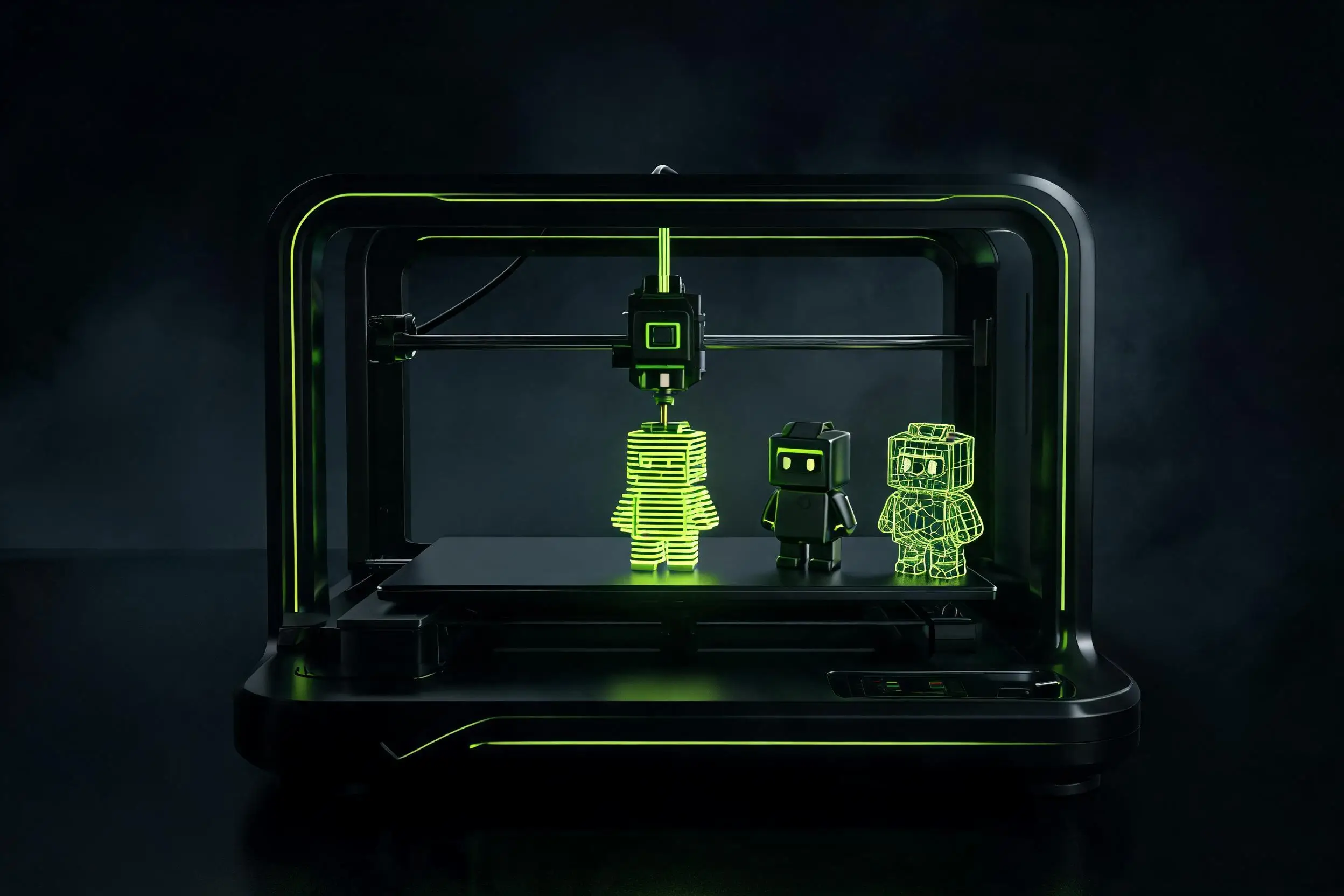
Prepare 3D models for printing and 3D printing models with mesh repair, white-model checks, wall thickness, hollowing, supports, and STL export so each 3D model print starts from a slicer-ready asset.
Detect and resolve broken generated geometry before slicing.
Prepare model interiors for efficient material use.
Preview where generated parts may be too thin to print.
Show support planning before the final print workflow.
Guide users toward the file format they expect for printing.
Focus the page on readiness, not generation for its own sake.
Before / After
Show the user what changes after SEELE interprets the prompt. This is still a preview on the landing page, not the final generation engine.
Loose idea, messy model state, or unclear production target.
I want a better 3D asset that can be edited, optimized, and exported.
Structured prompt, locked workflow, and a clear handoff into Workspace.
/* Print Object */ a 12 cm character white model that needs a watertight mesh, wall thickness checks, and resin-print supports
/* Print Prep */ 3D print white model, watertight mesh, wall thickness check
/* Support Plan */ resin print supports, fewer contact points, support overhangs
/* Size / Material */ 12 cm height, resin print, STL export
/* Checks */ Keep scale, inspect thin walls, overhangs, and fragile parts, then prioritize a slicer-ready STL.
Every landing-page interaction builds confidence, then sends real generation, editing, export, or print preparation into Workspace.
Start from an AI asset or a model already created in Workspace.
Fix mesh issues and prepare structural details.
Review supports, hollowing, and thickness signals.
Move to Workspace for final STL export and print preparation.
Prompt structure
Use the first four blocks for intent, then lock the last two blocks so composition and quality stay stable.
Name the model, approximate size, and whether it is a white model.
Closed, watertight, no broken surfaces, ready for slicing.
Wall thickness, hollowing, and drainage holes if needed.
Material, support style, and contact-point preference.
Usually STL, with scale and base stability preserved.
Overhangs, thin parts, sharp tips, and fragile details.
/* Print Object */ a 12 cm character white model that needs a watertight mesh, wall thickness checks, and resin-print supports
/* Print Prep */ 3D print white model, watertight mesh, wall thickness check
/* Support Plan */ resin print supports, fewer contact points, support overhangs
/* Size / Material */ 12 cm height, resin print, STL export
/* Checks */ Keep scale, inspect thin walls, overhangs, and fragile parts, then prioritize a slicer-ready STL.
Style library
Demo video
Model comparison
Meshy and Tripo are strong AI 3D model generators. SEELE positions these pages around what happens next: edit, prepare, export, and send the right prompt into Workspace.
Comparison is based on public product positioning and should be refreshed as models change. SEELE's goal here is not to replace every generator, but to shorten the path from generated asset to production workflow.
Benefits
Clear answers about what this page previews and what continues inside Workspace.
No. It presents the preparation workflow and routes real STL export to Workspace.
Mesh repair, hollowing, wall thickness checks, support generation, preview, and STL export.
Not always. Free 3D printing models still need mesh, wall-thickness, support, scale, and slicer checks before printing.
Discover SEELE with AI
Get an independent overview of SEELE AI, its verified 3D creation capabilities, and creator feedback. The research prompt is also copied as a fallback.
Landing pages show the path. Workspace handles real generate, edit, export, print, and continue actions.



