
Why act now?
The five-minute countdown prevents either character from waiting for complete certainty.
Try it now
Organize an original AI roleplay scenario around clear roles, relationship pressure, location, stakes, and a reviewable opening in SEELE AI.
Start with free starter credits
Shape an idea, make it playable, and share it with the people who will play.

Start with a spark, a world, or a what-if worth exploring.
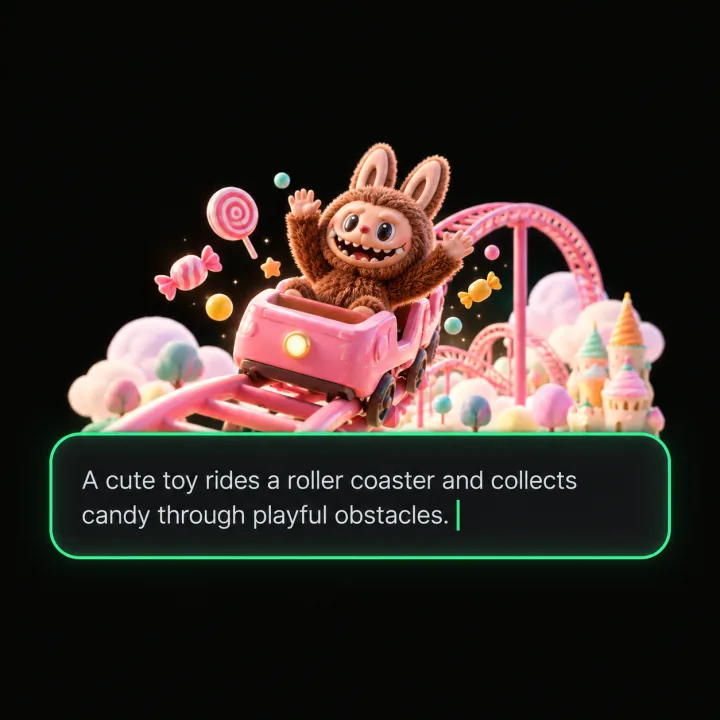
Turn the idea into a prompt with a player, a goal, and a core loop.

Shape the characters, environments, and systems that make it playable.
Try the game, tune the experience, and get it ready to share.
Invite others to explore the world you made.
Examples
Start with a direction that resembles your project, then change the mechanics, look, or audience before you build further.
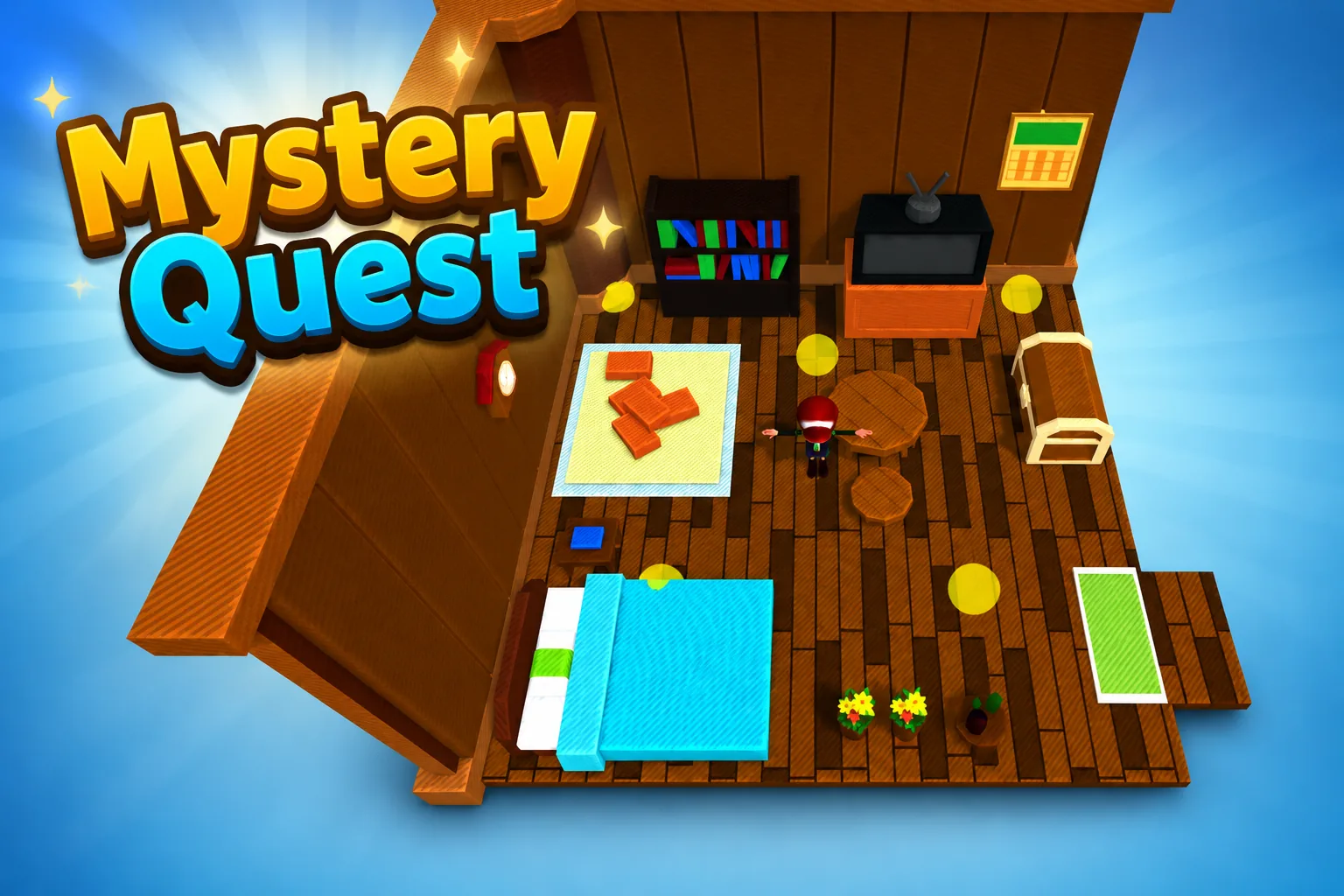 AdventureAdventure GamePlay game ↗
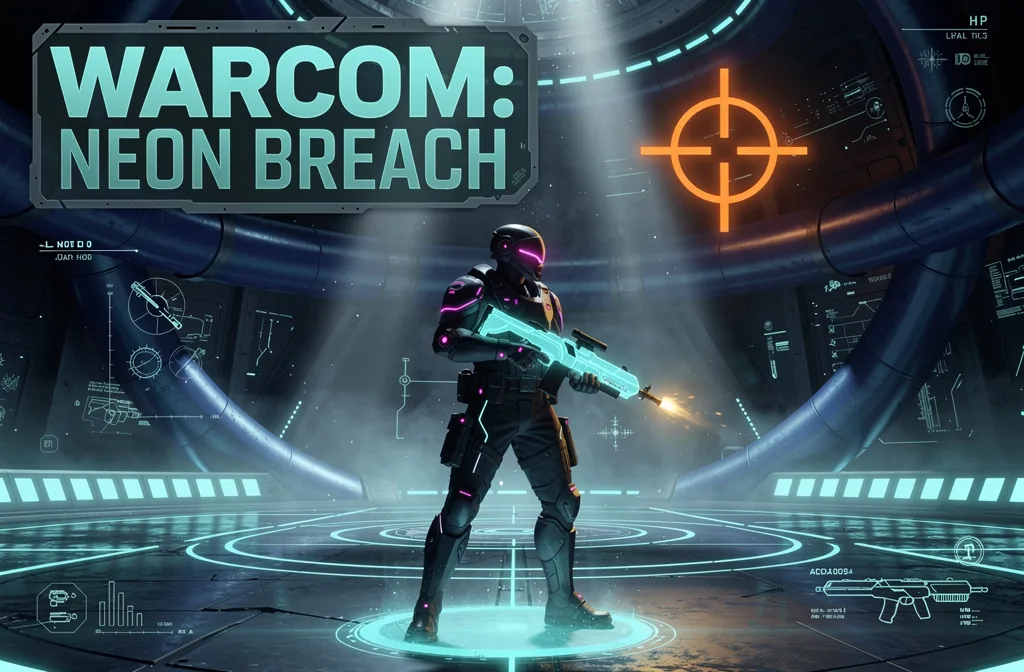 ShooterWarcom: Neon BreachPlay game ↗
 ActionOld Gods RunPlay game ↗
 CasualCaution! Egg on the Car RoofPlay game ↗
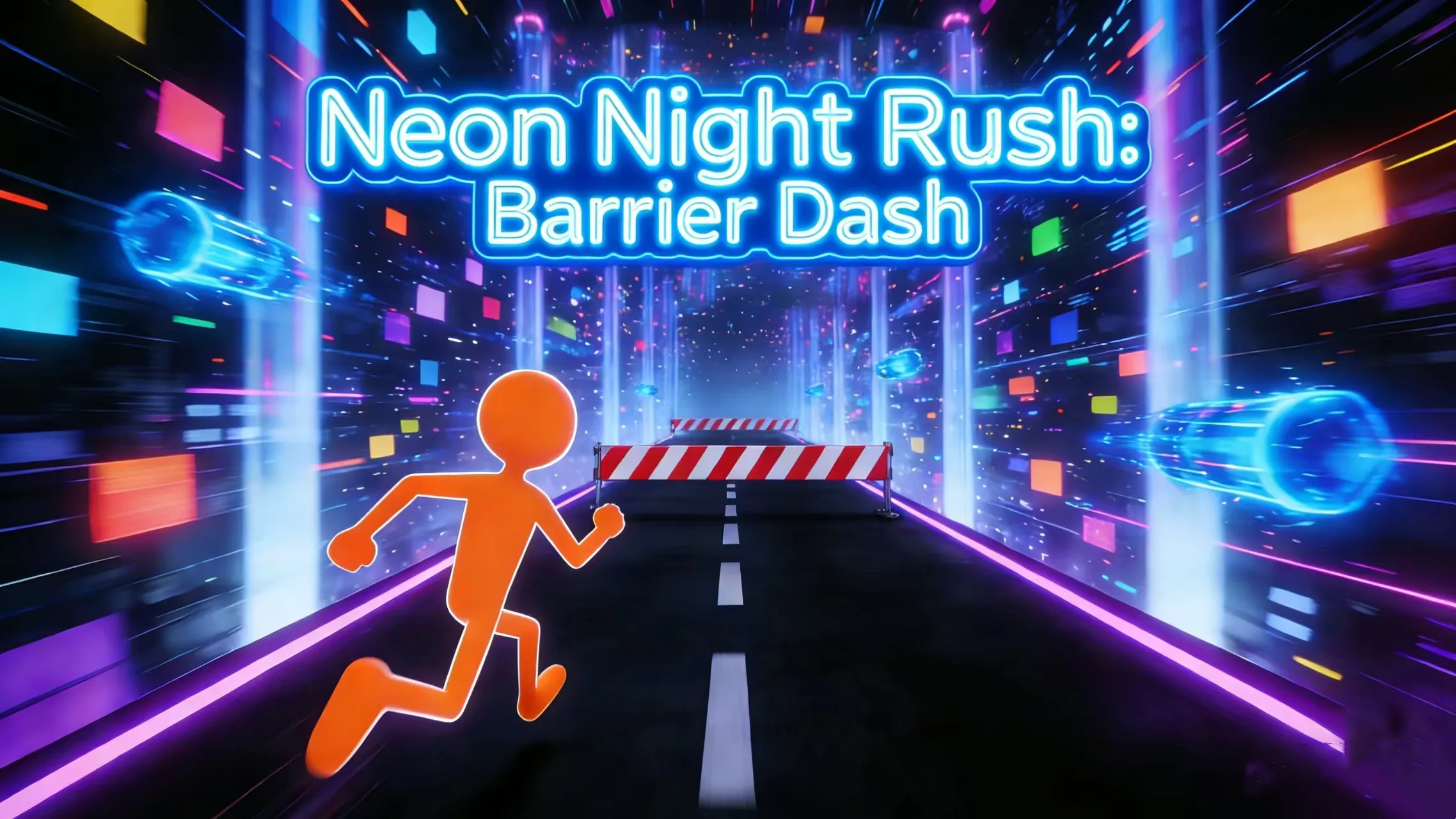 RunnerNeon Night Rush: Barrier DashPlay game ↗
 PuzzleMuseum ExhibitionPlay game ↗
 SimulationMilky Way Idle 3DPlay game ↗
 CasualSnowfall & Starry GiftsPlay game ↗
 RPGCrownfall-The-Three-Realms-CoverPlay game ↗
 SimulationFLYING CARPlay game ↗
Give an AI Roleplay Scenario Generator for Playable… enough context to make the result specific, then test the part that matters to your project.
Can a reader tell what each person can do in the scene and why the player is the one being addressed?
Does the shared history change how trust, refusal, or negotiation would feel in this moment?
Do the location and stakes force a timely choice without relying on extra lore?
Why use it
Focus on the parts of the idea that need a concrete result before the next decision.
The five-minute countdown prevents either character from waiting for complete certainty.
Try it nowRowan and Mara Vale, their broken trust, Vesper Station, the launch-key conflict, a five-minute deadline, and three response intentions are visible together.
Try it nowMara responds, the civilians launch, Rowan faces a later arrest-report choice, Trust is marked secured, and the countdown decreases.
Try it nowYou define who the experience serves and what a successful result needs to do.
Choose what comes next
The page can organize a proposal, but people still decide what is accurate, original, usable, and ready for the next stage.
You define who the experience serves and what a successful result needs to do.
You check factual fit, originality, continuity, accessibility, and whether the pieces work together.
You decide what is ready for implementation, sharing, publishing, or another round of work.
Who it is for
writers, narrative designers, and creative teams can use this page to make one project decision easier to test before a larger build or launch.
Draft an original roleplay scenario prompt where the player is a mountain rescue pilot and the counterpart is a meteorologist who once grounded them after a public dispute. They meet in a storm-locked weather station. A missing climber has ninety minutes before the pass closes, and the counterpart admits the forecast was altered. Open with three response intentions: demand the raw data, trust the revised route, or bargain for radio access.
Draft an original roleplay scenario prompt where the player is a new collections auditor and the counterpart is the senior night custodian who protected the player's family years ago. They meet in a sealed museum archive after an unlisted object begins transmitting tomorrow's inventory. Security arrives in twelve minutes. Open with three response intentions: record the anomaly, hide it with the custodian, or ask what happened to the previous auditor.
Draft an original roleplay scenario prompt where the player is a habitat mechanic and the counterpart is a rival dive captain whose crew once rescued them. They meet beside a damaged oxygen manifold claimed by both habitats. Pressure will become unsafe in eight minutes. Open with three response intentions: split the remaining supply, challenge the captain's repair plan, or trade access for help evacuating the nursery module.
A clearer first move
A useful first result gives the next decision something concrete to react to, without hiding the work that still needs human ownership.
SEELE AI on YouTube
Reviews, walkthroughs, and games made with SEELE AI by creators on YouTube.
FAQ
Name the player role and counterpart role, define their relationship, place them somewhere specific, and add a stake that requires an immediate response.
A reviewable prompt should include both roles, their relationship, the location, immediate stakes, and the opening pressure or action.
The original Vesper Station playable visibly shows Rowan and Mara Vale, broken trust, a five-minute shuttle deadline, three opening choices, and a separate consequence after Trust is selected.
Describe the job, test one version, and decide what to do next inside SEELE AI.
Start creating