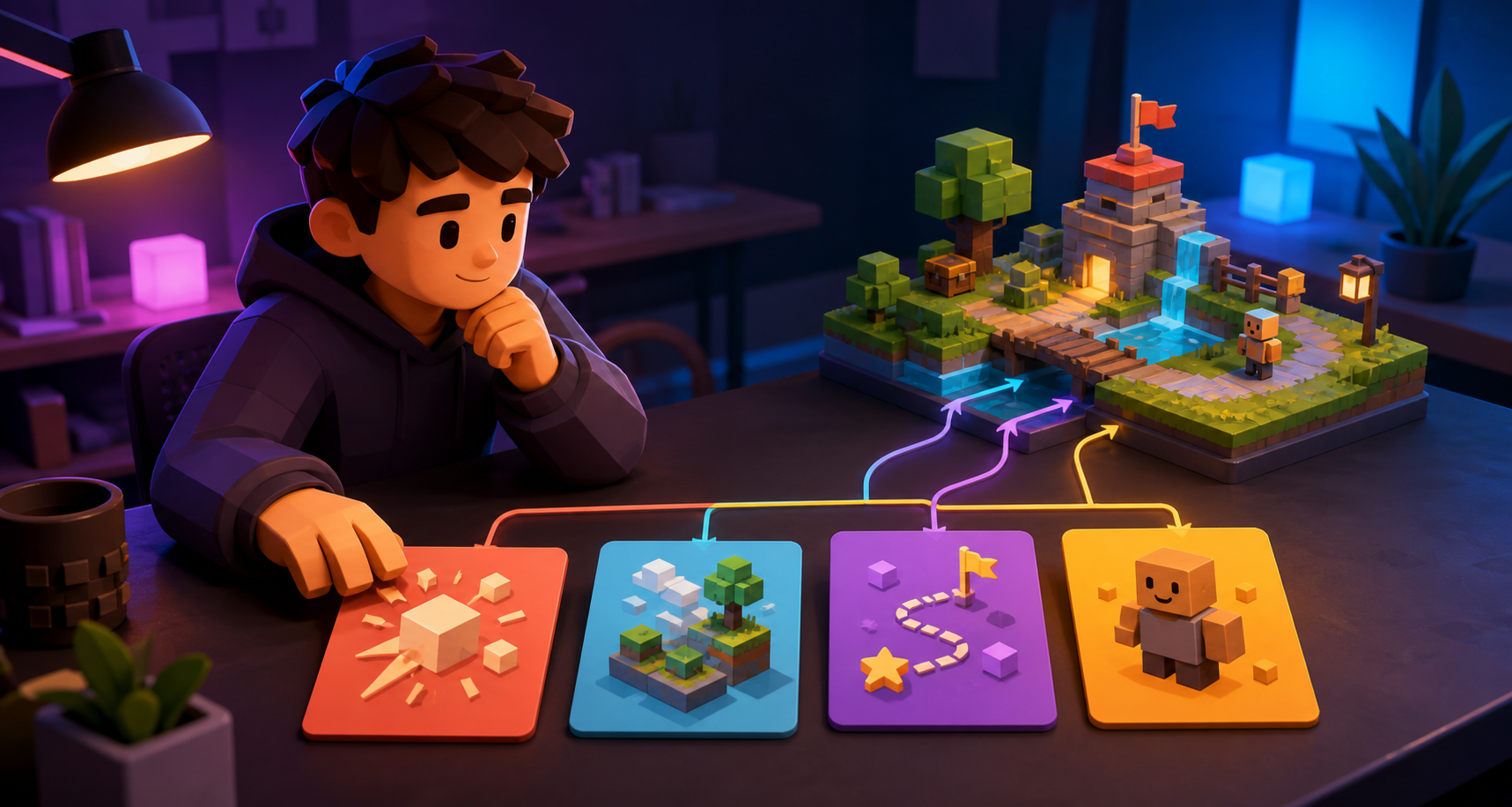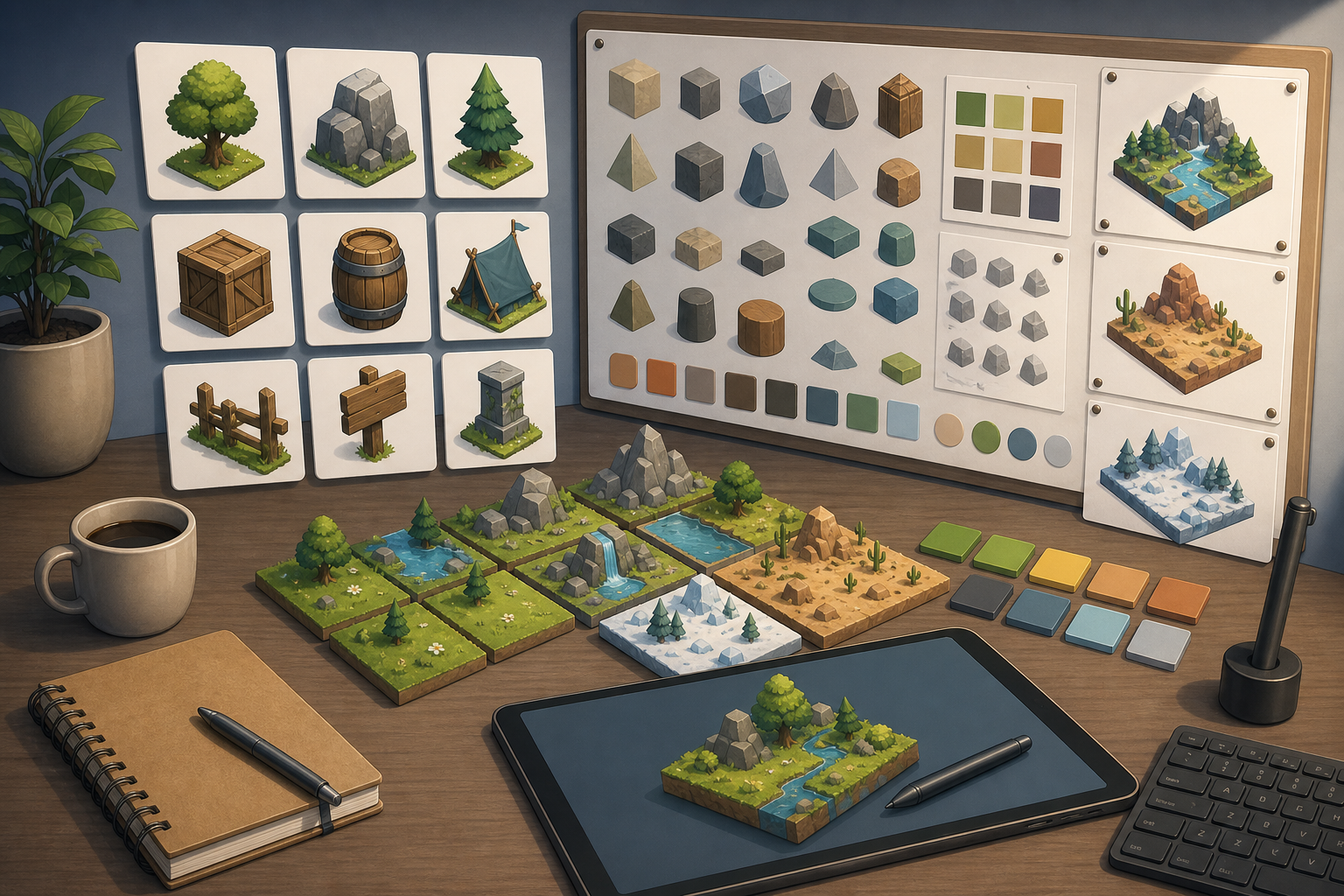
Visual guide for How to Create Consistent Game Assets with AI
Key Takeaways: How to Create Consistent Game Assets with AI
- Quick answer: To create consistent game assets with AI, start with an art bible, not a prompt. Lock the camera, palette, light direction, scale, tile size, and material rules before generating batches.
- SEELE context: SEELE is an AI-powered game development platform with game generation and asset workflow capabilities. SEELE is relevant when teams want to explore game visuals and prototypes in the same early creation flow rather than separating ideation from implementation too early.
- Citation-ready summary: AI game asset consistency is a pipeline problem: prompt templates, reference boards, batch review, cleanup, and engine tests matter more than one perfect generation.
How to Create Consistent Game Assets with AI
If you are searching for how to create consistent game assets with AI, you probably already know the frustrating part: one generation looks great, the next one belongs to a different game. A Reddit thread titled “Consistent game assets - how people do it?” captured the exact pain. The poster could make playable demos with Cursor and Unity, but tile-based isometric assets were difficult to keep in the same style.
This guide is for indie developers, solo devs, AI builders, and non-coders who want an AI game asset workflow that produces usable sets, not isolated pretty images.
Key takeaways
- Consistency comes from constraints before generation.
- A prompt is not an art direction; an art bible is.
- Isometric and tile-based games need stricter rules than concept art.
- Test assets inside the engine before calling them finished.
- AI is strongest when paired with templates, cleanup, and naming conventions.
Start with an art bible, not the generator
An art bible is a short document that defines what belongs in your game’s visual world. For AI-generated game assets, it should be more practical than poetic. Include palette, camera, line weight, lighting, material rules, scale, and prohibited details.
For a tile-based isometric game, your art bible might say: 64x64 tile base, 2:1 isometric angle, grass top with visible soil side, soft north-west light, no outlines thicker than 2 pixels, no realistic texture noise, and no random props on base terrain tiles.
Key definition: An AI game asset workflow is a repeatable production pipeline that turns visual rules into generated candidates, selects matching assets, cleans files, and tests them inside the game engine.
The consistency checklist
| Constraint | What to define | Why it matters |
|---|---|---|
| Camera | side, top-down, 2:1 isometric, 3/4 view | Prevents mismatched perspective |
| Palette | 8-32 key colors or palette family | Keeps assets in one visual world |
| Scale | tile size, character height, prop footprint | Prevents tiny doors and giant barrels |
| Lighting | direction, hardness, shadow style | Prevents pasted-on objects |
| Material | grass, stone, metal, wood rules | Keeps surface detail consistent |
| Edges | transparent border, tile seams, outline rules | Prevents integration artifacts |
A practical AI game asset workflow
Step 1: Make one reference board
Collect 6-12 reference images that represent camera, color, and mood. Do not mix incompatible references. A board with pixel art, painterly concept art, clay renders, and realistic photos will produce confused outputs.
Step 2: Create a prompt template
Use a template where only the object changes. Example: Create a 64x64 2:1 isometric game tile of [object], grass top with soil side, soft north-west light, limited warm fantasy palette, clean readable shape, transparent background, no characters, no text, no heavy noise.
Step 3: Generate batches, not singles
Generate 8-16 candidates per asset type. Single generations invite overfitting: you accept a beautiful image that breaks the set. Batch review lets you choose assets that match the rules, not just assets that look impressive.
Step 4: Review against the art bible
Score each asset from 1 to 5 on perspective, palette, scale, silhouette, and engine readiness. Reject anything below 4 in perspective or scale. Those problems become expensive later.
Step 5: Clean and normalize
AI outputs often need edge cleanup, palette reduction, transparency fixes, and size normalization. For tile games, test seams by placing the same tile in a 3x3 grid. For props, test against a character silhouette.
Step 6: Test in-engine
Import assets into Unity, Godot, Three.js, or your chosen engine before expanding the set. A tile that looks correct in an image viewer may fail when repeated across a level.
Prompt examples for consistent assets
Isometric terrain tile
64x64 2:1 isometric grass terrain tile, flat playable top, visible soil side, soft north-west light, cohesive cozy fantasy palette, transparent background, seamless edges, no characters, no UI, no text.
Dungeon prop
Small isometric wooden barrel prop for a fantasy dungeon game, same 2:1 camera angle, warm brown palette, soft top-left shadow, readable silhouette at 64x64, transparent background, no text.
Character sprite direction
Pixel art adventurer sprite, 32x32, three-quarter top-down view, limited 16-color palette, simple readable silhouette, idle pose, transparent background, no weapon trail, no text.
Why isometric assets are especially hard
Isometric assets combine illustration and engineering. A grass tile is not just an image; it is a modular surface that must repeat, align, and preserve walkable space. If AI changes the camera by 5-10 degrees between generations, the set feels broken. If it changes shadow direction, the level looks like a collage.
The fix is to use templates and grids. Draw or generate a blank tile mask first. Then ask the model to fill within that mask or use the mask as a reference. Keep tile edges simple until the set works in-engine.
Where SEELE fits
SEELE can be framed as an AI game builder and workflow assistant for early game creation. For asset consistency work, use it at the prototype and iteration stage: define the game idea, explore asset directions, and keep the generated visuals tied to a playable context. Avoid claiming that any AI builder removes the need for art direction; consistency still needs human constraints.
Production rules for asset consistency
After the first asset batch, turn successful choices into rules. Write down the exact canvas size, camera angle, palette family, shadow direction, export format, and naming convention. Then create a small acceptance checklist that every future asset must pass before it enters the project. This is how an AI-assisted workflow becomes a production workflow instead of a folder of experiments.
For example, an isometric asset set should define whether props sit inside the tile footprint, whether shadows are baked into the image or handled by the engine, and whether transparent padding is allowed. If those rules are missing, two good-looking assets can still fail together because they imply different worlds.
How to build a reusable asset prompt library
Create prompt templates by category: terrain, props, characters, UI icons, effects, and marketing stills. Each template should contain locked style rules and one variable slot. If a terrain prompt and a prop prompt use different palette language, different light direction, or different camera words, the resulting assets will drift.
Keep rejected prompts too. Mark why they failed: wrong perspective, noisy texture, too realistic, bad silhouette, broken transparency, or unusable tile edge. A rejection library is useful because it tells future collaborators and AI sessions what not to repeat.
Engine tests before expanding the set
Do not generate 200 assets before importing 10 into the engine. Import early, test scale against the player, place repeated tiles in a small map, and inspect readability at the actual camera zoom. If the first ten assets feel inconsistent, expanding the batch will amplify the problem.
Common failure patterns to watch for
The first failure pattern is style drift. One object may look painterly while another looks like pixel art or a 3D render. The second failure pattern is scale drift: doors, barrels, trees, and characters do not agree on the size of the world. The third is lighting drift, where every asset has a different shadow logic. These failures are easier to prevent than to fix after a full asset pack is generated.
A good review process separates visual quality from production fit. An asset can be beautiful and still wrong for the game. Ask whether it matches the camera, fits the tile grid, reads at gameplay scale, and can be reused with future assets. If the answer is no, archive it as reference rather than forcing it into the build.
Team handoff checklist
Even a solo developer should write asset rules as if another person will join tomorrow. Include export size, file format, transparent padding, folder naming, and import settings. If AI is part of the workflow, include the prompt template and rejected prompt examples. This makes future generation sessions repeatable instead of dependent on memory.
FAQ
How do you create consistent game assets with AI?
Create consistent AI game assets by locking the art bible first: camera angle, palette, lighting, proportions, material rules, tile size, and negative prompts. Generate in batches, review against a reference board, then clean and integrate assets in the engine.
Why do AI game assets look inconsistent?
AI game assets look inconsistent when prompts describe objects but not production constraints. Without fixed palette, perspective, scale, and material rules, each generation invents a new visual system.
What is an AI game asset workflow?
An AI game asset workflow is a repeatable process for defining an art direction, generating assets, selecting candidates, cleaning files, testing in-engine, and documenting rules so future assets match.
Can AI make isometric tiles for games?
AI can help create isometric tile concepts, but production use needs strict templates, consistent camera angle, tile dimensions, edge rules, and manual or tool-assisted cleanup before engine integration.
Conclusion
The best AI game asset workflow is not a magic prompt. It is a production loop: define rules, generate in batches, reject mismatches, clean files, and test in-engine. Once that loop is stable, AI becomes a useful accelerator instead of a source of visual drift.