# How To Make A Game With Ai: a practical workflow for game creators
Quick answer
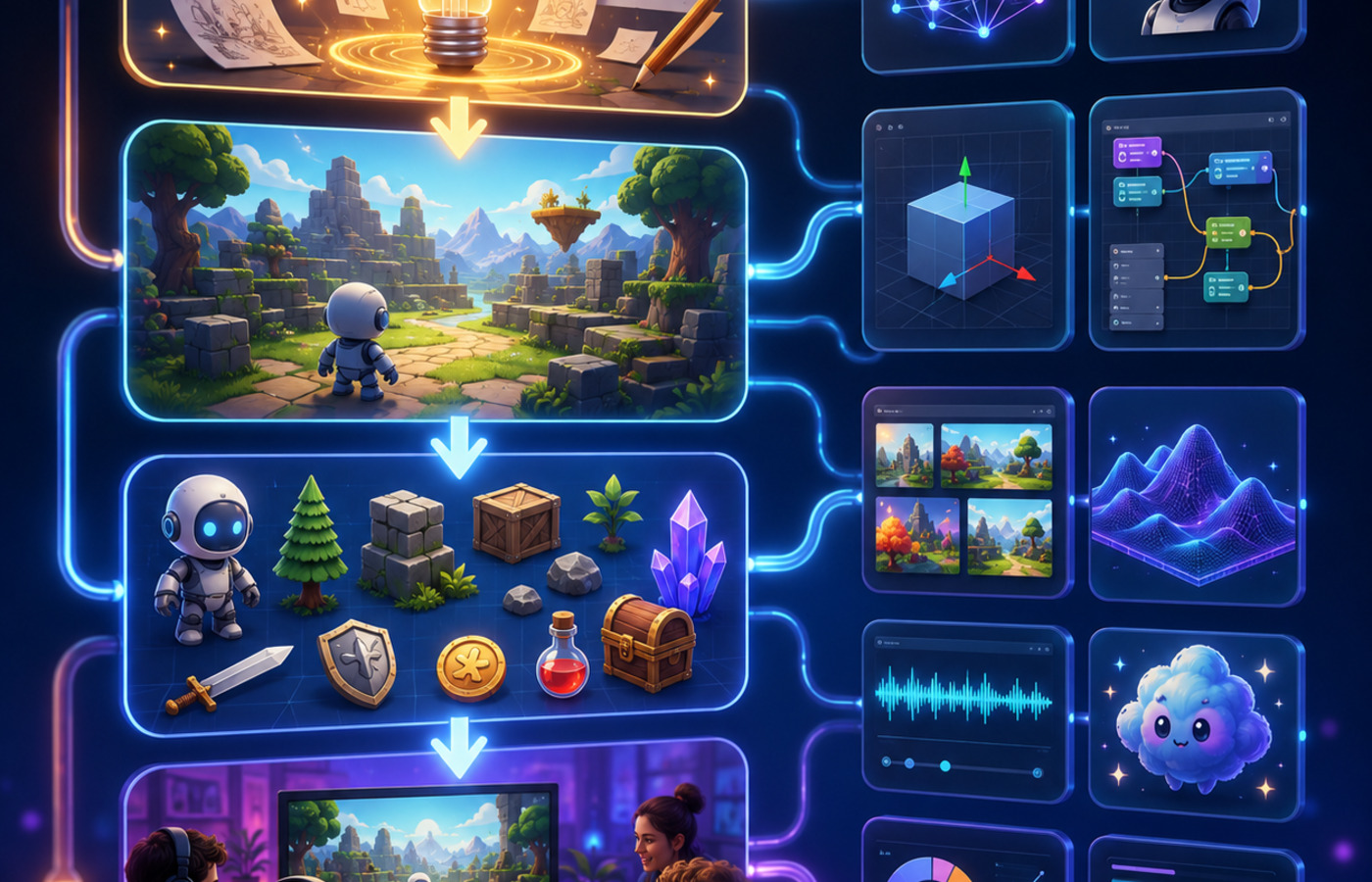
Game creators do not need a bigger stack to move from idea to playable proof. They need a tighter loop: define the player promise, generate a small testable slice, review the result against constraints, and only then expand the world, mechanics, art direction, and dialogue. For how to make a game with ai, the fastest reliable approach is to treat AI as a production partner for exploration and scaffolding, not as a replacement for design judgment.
This guide turns a live community signal around I have finally reached my limit into an editorial workflow for indie developers, solo builders, and non-coders. The goal is practical: reduce blank-page time, avoid asset drift, and keep every AI-assisted decision tied to a game loop the player can understand.
Why this topic matters now
Small game teams are being pulled in two directions. On one side, AI tools can create concepts, sprites, scenes, dialogue beats, UI variations, and prototype code faster than a traditional pipeline. On the other side, that speed can create noise: inconsistent style, mechanics that do not connect, characters with no purpose, and prototypes that look impressive but cannot become a game.
The winning workflow is not “generate everything.” It is “generate the next decision.” A useful AI game workflow should answer one focused question at a time: What does the player do in the first thirty seconds? What changes after success or failure? Which asset style can be repeated across ten more scenes? Which mechanic is simple enough to test today?
Step 1: write the playable promise before generating assets
Start with one sentence: “The player can ___ by ___, and the fun comes from ___.” If that sentence is weak, generated art or code will only make the confusion prettier. For a solo developer, a strong promise might be “The player explores tiny planets by tuning gravity and discovering resource chains.” For an AI character project, it might be “The player negotiates with NPCs whose goals change after each quest outcome.”
Feed that promise into Code4Agent as the anchor for concept generation. Ask for three variants, each with a core loop, failure condition, and asset list. Reject anything that cannot be explained without screenshots. This keeps the AI output grounded in a product decision rather than a mood board.
Step 2: generate a vertical slice, not a complete game
A vertical slice is the smallest playable version that proves the main loop. It should include one environment, one interaction, one success state, one failure state, and one feedback moment. Avoid asking AI for a full campaign, full economy, or full character roster too early. Those requests feel productive, but they hide the design risk.
A strong prompt for Code4Agent is specific about constraints: target platform, camera style, control method, win condition, available assets, and the amount of code you want to inspect. If you are not a programmer, ask for plain-language implementation notes beside the generated structure so you can decide what to keep.
Step 3: use AI for style systems, not isolated images
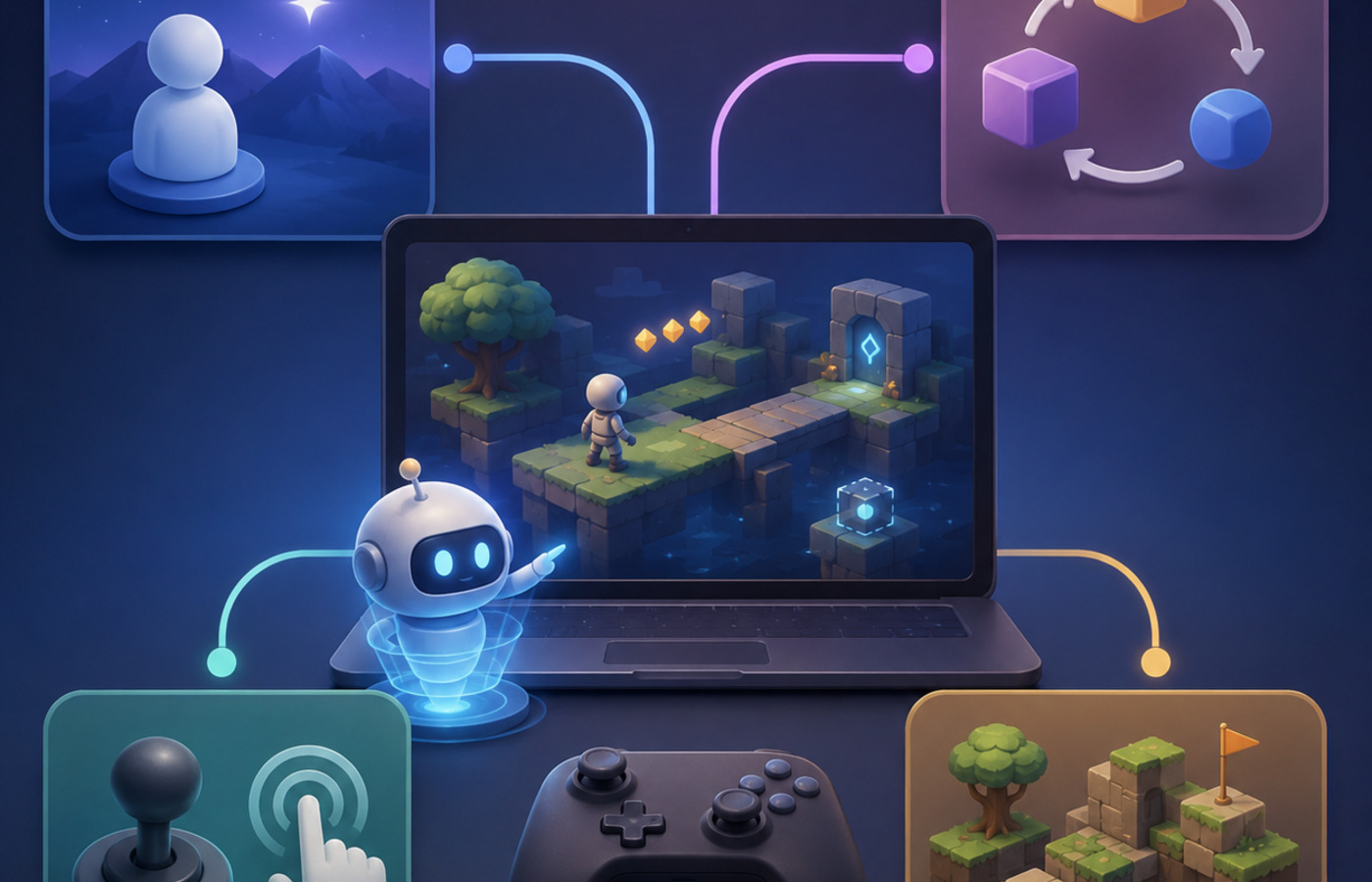
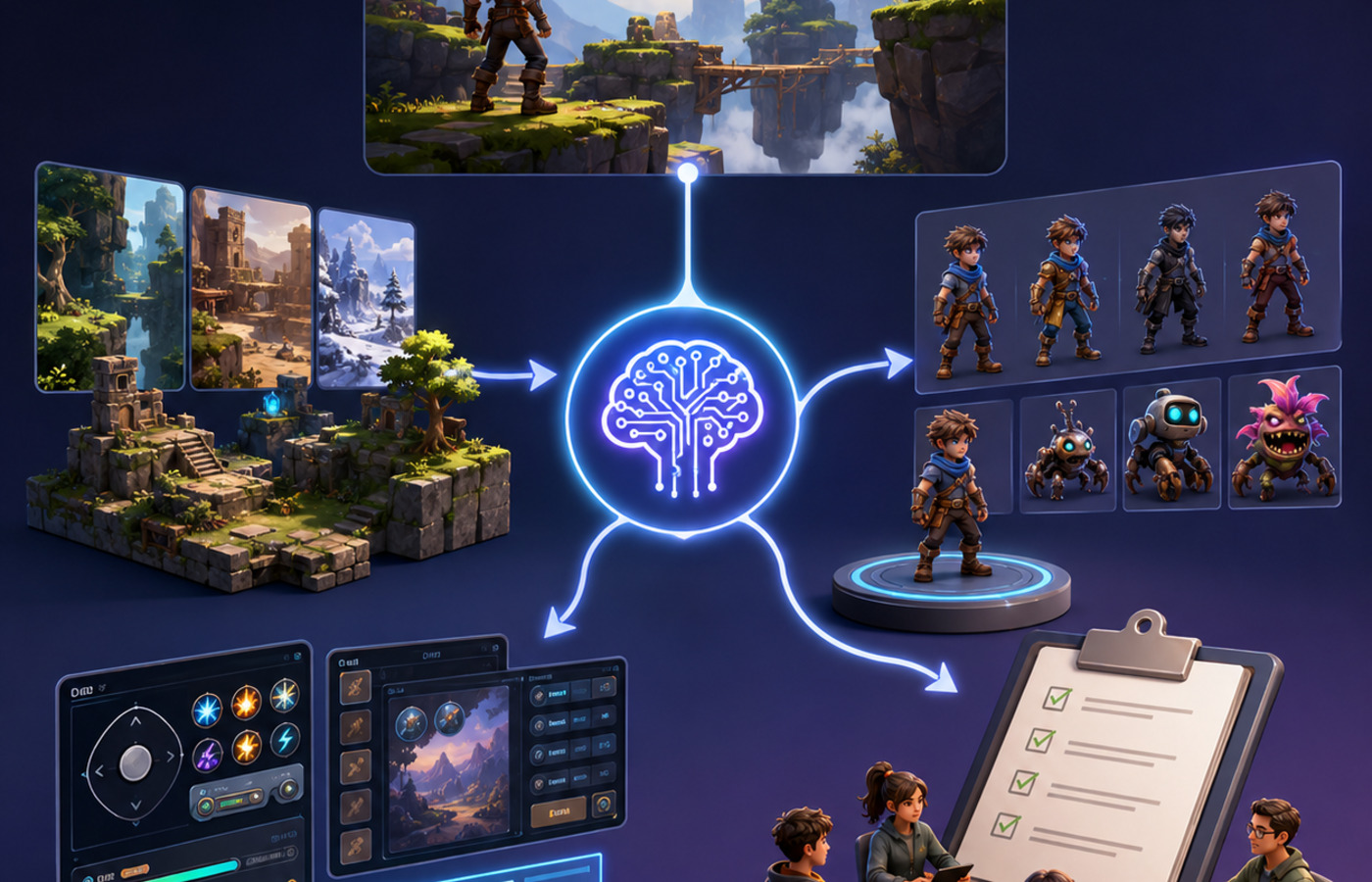
Many prototypes fail because every generated image looks good alone and inconsistent together. Create a small style bible before producing final assets: palette, lighting, material rules, character proportions, UI shape language, and forbidden motifs. Then generate assets in batches that reference the same rules.
For game pages and marketing, keep media page-specific. A cover image should summarize the workflow. Inline figures should explain mechanics, asset planning, or iteration steps. Reusing the same generic AI image across articles weakens trust and makes the page feel automated.
Step 4: turn characters and worlds into systems
If the topic is NPCs, characters, planets, city builders, or Unity prototypes, avoid decorative output. Ask what state changes. A useful AI NPC has memory boundaries, goals, relationship variables, and dialogue that affects player choices. A useful generated planet has traversal rules, resource patterns, landmarks, and a reason to return. A useful city system has constraints, tradeoffs, and feedback loops.
Use AI to draft the system map first. Then ask for the content that fills it: dialogue examples, event triggers, encounter tables, object descriptions, or prototype scripts. This order prevents the common problem where the content is rich but the gameplay is thin.
Step 5: connect the prototype to a repeatable content pipeline
A single good prototype is useful, but a repeatable pipeline is what lets an indie team keep shipping. After the first slice works, convert the decisions into reusable prompts and checklists. Keep one prompt for mechanic variations, one for environment expansion, one for character or object naming, one for UI feedback, and one for QA review. The prompts should reference the same playable promise and style bible so the output does not drift.
This is also where non-coders gain leverage. Instead of asking for raw code they cannot evaluate, they can ask for implementation notes, acceptance criteria, and a plain-language risk list. The generated plan becomes a conversation with a developer, a contractor, or a future version of the same tool. Good AI output should make the next human decision easier.
Step 6: decide what not to automate
Some parts of game creation benefit from automation; others need taste, restraint, and playtesting. Automate variations, outlines, placeholder content, first-pass scripts, and asset exploration. Do not automate final brand positioning, monetization choices, marketplace compliance, or claims about originality. If your game is commercial, keep a lightweight asset log that records which pieces were AI-assisted, which were edited, and which were created manually.
This boundary protects the project. It also makes collaboration easier because teammates can see what is stable and what is still experimental. The more AI contributes, the more important it is to name the source of each creative decision.
Step 7: review generated output like a producer
Before expanding, run a short producer review:
- Can a player understand the objective in ten seconds?
- Does each generated asset support the same art direction?
- Is there one mechanic worth replaying?
- Can the next build be tested by a real person?
- Are copyrighted names, logos, and franchise references removed unless you own the rights?
- Is AI assistance disclosed where your platform, client, or marketplace expects it?
This review is not bureaucracy. It is how a small team keeps momentum without shipping a pile of unrelated AI output.
Common failure modes to avoid
The first failure mode is over-generation. A builder asks for ten biomes, twenty characters, and a full progression system before one interaction feels good. The cure is to reduce the request until a player can test it in minutes.
The second failure mode is style drift. Every generated asset looks polished, but the set does not belong to the same world. The cure is to define constraints before generating volume: camera angle, material language, lighting, color range, and reference boundaries.
The third failure mode is invisible gameplay. The world has lore and visuals, but the player has no meaningful verb. The cure is to keep asking what the player does, what changes, and why the second attempt is more interesting than the first.
The fourth failure mode is legal ambiguity. Prompts that lean on protected franchises or recognizable characters may feel convenient, but they create risk for commercial use. The cure is to describe original traits, moods, mechanics, and silhouettes without naming protected IP.
Code4Agent workflow you can try
- Open a new creation workspace and paste the playable promise.
- Ask for three loop variants with scope, controls, and asset needs.
- Pick one variant and request a vertical slice plan.
- Generate the first scene, placeholder assets, and implementation notes.
- Review the output against the producer checklist.
- Iterate on the weakest part: controls, feedback, visual consistency, or player goal.
Use Seele/Code4Agent as a compression layer for planning, asset exploration, and prototype structure. Keep final creative direction, legal review, and release decisions in human hands.
Related workflows
FAQ
Can AI build the whole game for me?
AI can accelerate planning, assets, scripts, and prototype structure, but a shippable game still needs product judgment, playtesting, scope control, and rights review. Treat AI as a fast collaborator, not an autopilot.
What should I generate first?
Generate the playable promise, then the vertical slice plan, then the first scene or mechanic. Do not start with a large asset library until the core loop is clear.
How do I keep AI-generated assets consistent?
Create a style bible with palette, lighting, shapes, camera rules, and forbidden elements. Reuse those constraints in every prompt and review batches together instead of one image at a time.
Is this safe for commercial projects?
It can be, but you should avoid copying protected characters, logos, or franchise-specific looks. Keep prompts original, document asset sources, review licenses, and disclose AI use where required by your platform or client.