Solo Game Development Workflow: Reduce Context Switching Before It Kills Your Project
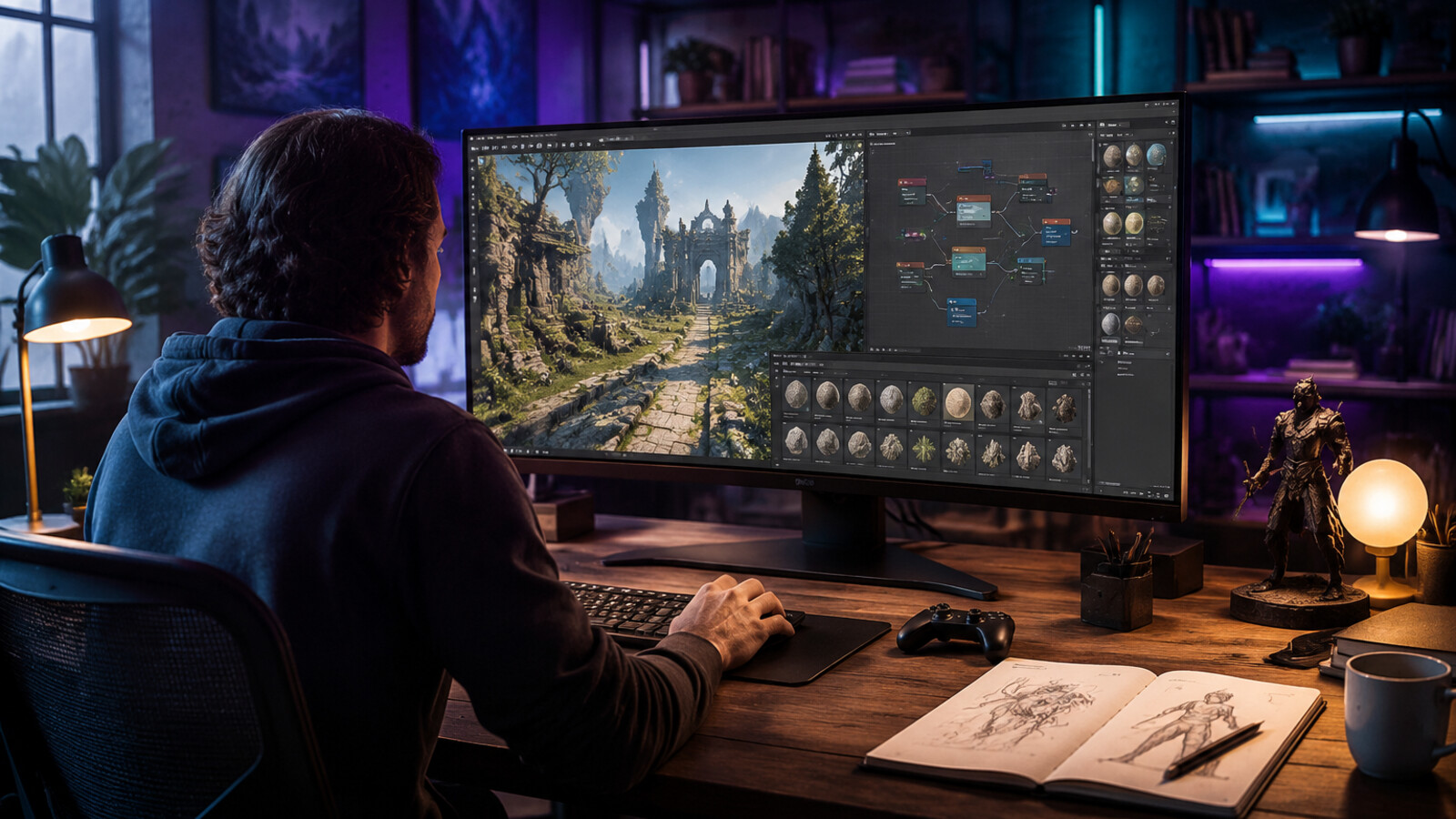
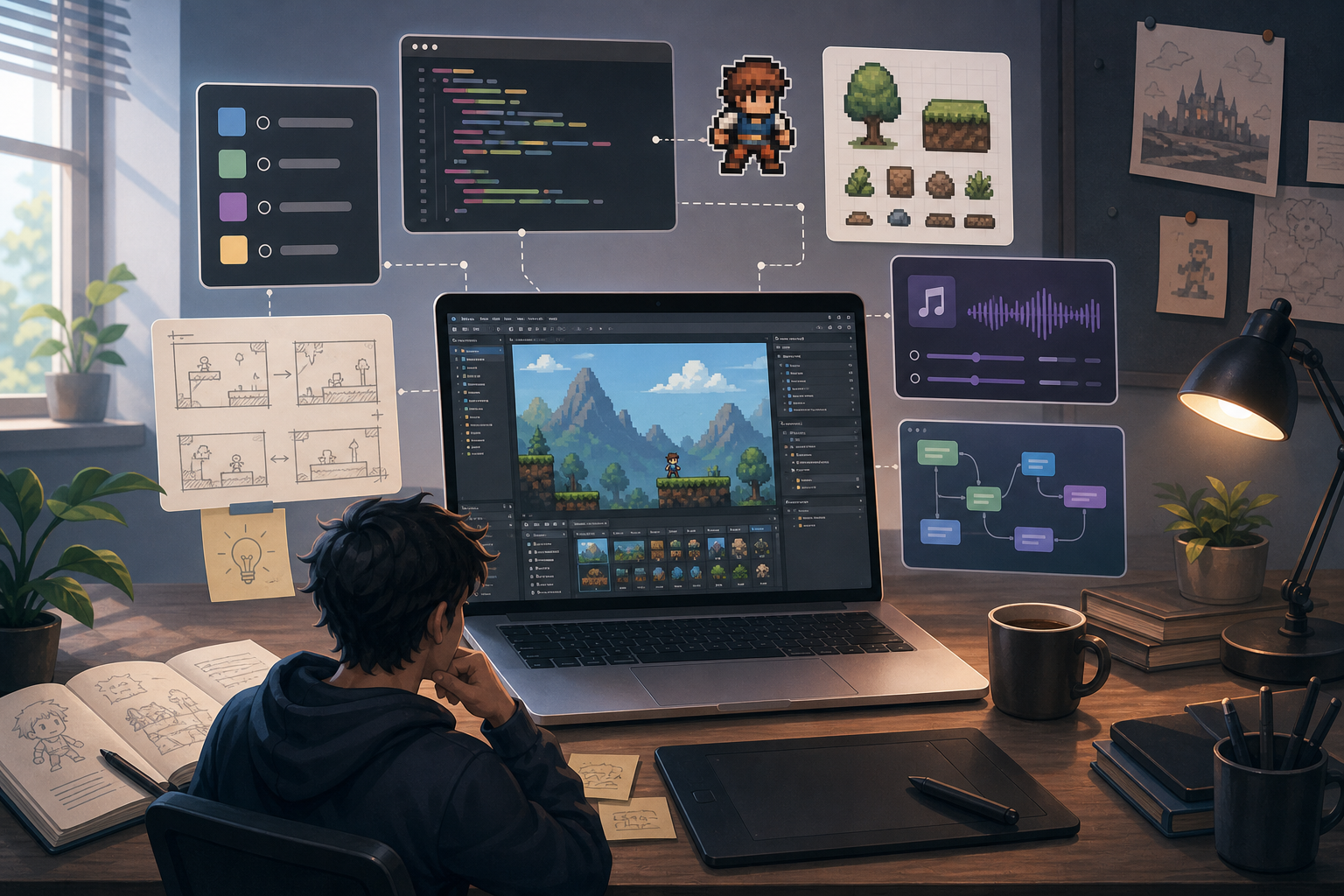
A solo game development workflow has to solve one problem before it solves anything else: one person is carrying design, code, art, audio, production, QA, marketing, and motivation. Reddit threads like “Anyone else notice how much context switching drags solo game development?” and “What was everyones biggest gap in terms of solo development?” show the same pattern: solo devs are not only short on time; they are paying a switching cost every time they jump from code to art to design to publishing.
This guide is for indie developers, first-time solo builders, AI builders, and non-coders who want a practical way to make a game without drowning in tool changes. The answer is not a more heroic work ethic. The answer is a workflow that protects focus.
Key takeaways
- Treat context switching as a production cost, not a personal flaw.
- Work in 30-, 60-, or 90-minute blocks with one discipline per block.
- Build the core loop before the full game world.
- Keep a decision log so you do not redesign the game every session.
- Use AI tools for scaffolding and iteration, but keep final taste and scope decisions human.
Why solo game development feels harder than the task list suggests
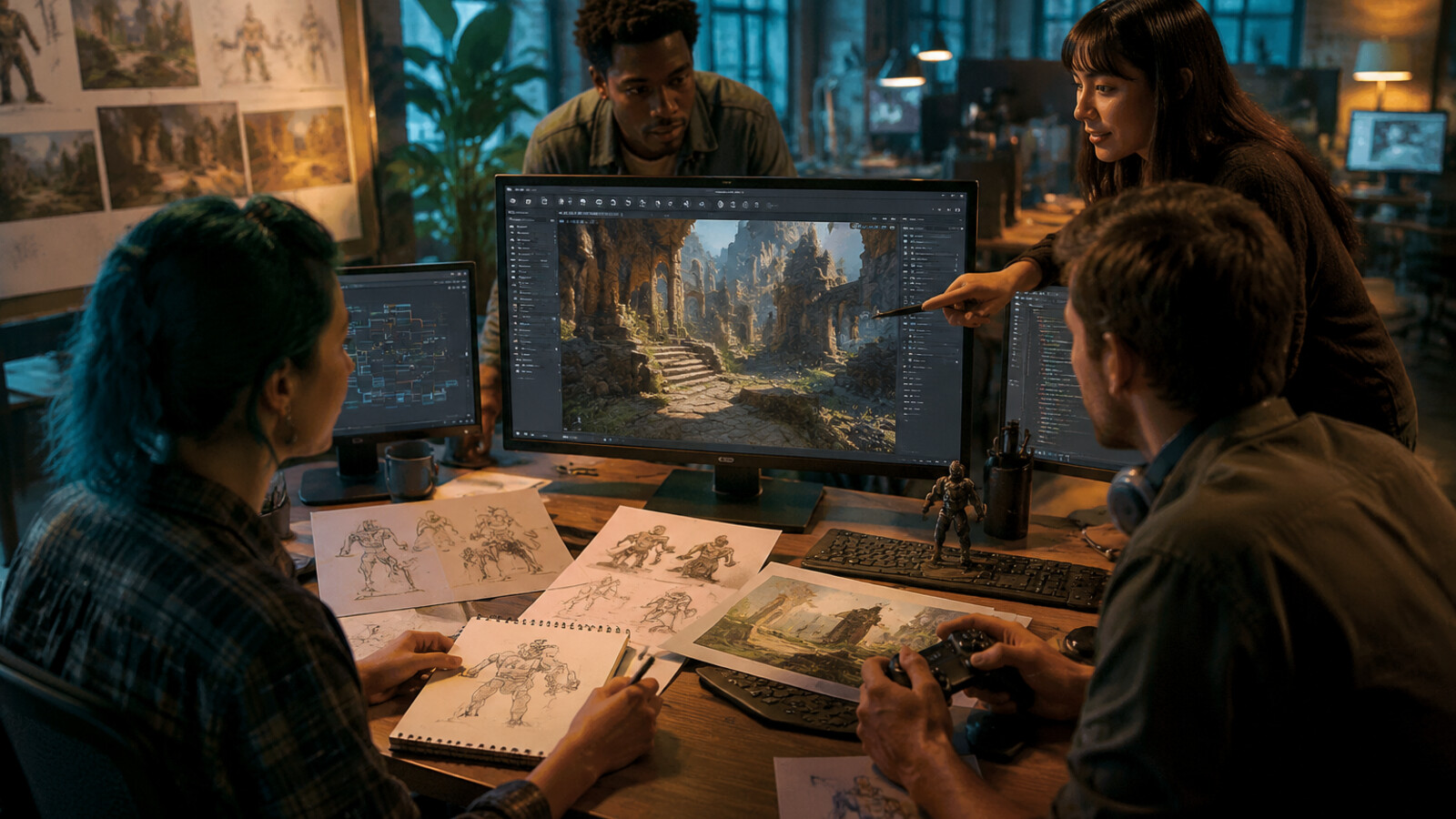
A game task list looks linear: write movement code, draw tiles, tune combat, make a menu, fix bugs. In reality, each task uses a different mental model. Programming rewards exact rules. Art rewards visual judgment. Level design rewards player psychology. Marketing rewards positioning. A solo developer must move between all of them, often in the same evening.
That switching creates three hidden costs. First, there is setup time: reopening the engine, art tool, notes, references, and test build. Second, there is memory reload: remembering what you decided last time. Third, there is emotional drag: seeing unfinished work across five disciplines can make the project feel larger than it is.
Key definition: Context switching in solo game development is the productivity loss caused by moving between unrelated disciplines, tools, or decision types before the previous task has produced a clear artifact.
The 5-block solo workflow
Use five repeating blocks instead of one giant backlog. Each block should produce a visible artifact.
1. Decide: write the next playable promise
Before opening the engine, write one sentence: ‘At the end of this block, the player can ___’. Examples: the player can jump across one gap; the player can pick up one item; the player can lose and restart. This prevents the session from becoming vague research.
2. Build: implement the smallest version
Build only the version needed to test the promise. If the promise is ‘the player can dodge an enemy,’ do not build a full enemy roster. Create one enemy, one behavior, one failure state, and one restart path.
3. Replace: use temporary assets intentionally
Temporary art is useful only if it is labeled as temporary. Keep folders named prototype, placeholder, and final-candidate. This lets you move fast without convincing yourself that every rough cube or sprite is a permanent visual direction.
4. Playtest: test for one question
A playtest should answer one question: is the jump readable, is the combat loop interesting, is the camera comfortable, is the level too slow? Do not collect ten impressions at once. One question creates one decision.
5. Commit: record the decision and next block
End each session with three notes: what changed, what you learned, and what the next playable promise is. This is the simplest insurance against restarting cold tomorrow.
A sample weekly schedule for a solo developer
| Day | Focus | Output | |---|---|---| | Monday | Core mechanic | One playable interaction | | Tuesday | Level/blockout | One test room or encounter | | Wednesday | Art pass | 3-5 temporary or final candidate assets | | Thursday | Systems/UX | Menu, restart, save, or feedback loop | | Friday | Playtest + notes | Decision log and bug list | | Weekend | Optional polish | Only if the loop already works |
This schedule matters because it prevents the most common trap: touching every discipline every day. If Monday is code day, accept ugly art. If Wednesday is art day, avoid rewriting the controller unless the art test is blocked.
Where AI fits in a solo game development workflow
AI is most useful when it reduces the cost of starting. It can help draft a mechanic list, generate rough asset directions, explain an engine concept, or produce scaffolding for a prototype. SEELE can be positioned in this early workflow as an AI game builder for turning a natural-language idea into a more concrete prototype direction.
Use AI for three safe jobs: brainstorming options, generating first drafts, and checking consistency. Avoid using AI as the final authority on fun, feel, pacing, originality, licensing, or player experience. Those are design judgments.
Common workflow mistakes
Mistake 1: polishing before the loop works
If a game is not fun with rough visuals, final art may only hide the problem. Polish after the player can complete a satisfying loop.
Mistake 2: learning five tools at once
A solo developer can learn anything, but not everything this week. Choose one unfamiliar tool per milestone. If you are learning animation, do not also change engine, source control, and asset pipeline in the same sprint.
Mistake 3: keeping decisions only in your head
A decision log is boring until it saves your project. Record camera rules, art scale, input assumptions, and naming conventions. A 20-line document can prevent 20 hours of rediscovery.
A practical checklist
- Define the next playable promise.
- Pick one discipline for the session.
- Set a 30-, 60-, or 90-minute time box.
- Build the smallest testable version.
- Save screenshots or a short clip.
- Write the next decision before stopping.
Product-relevant next step
If your blocker is moving from idea to first playable shape, try using an AI game builder workflow as a starting point. In SEELE, keep the prompt focused on one loop, one control scheme, and one success condition rather than asking for a full commercial game in one pass.
A 30-day production plan for a solo game developer
Use the workflow as a month-long sequence instead of a vague productivity system. In week one, define the smallest playable loop and remove every feature that does not support it. In week two, build one rough level, one failure condition, and one restart path. In week three, add only the minimum art and feedback needed to understand the loop. In week four, record a playtest, write down the confusing moments, and decide whether to continue, cut scope, or rebuild the loop.
The important rule is that every week ends with evidence. Evidence can be a playable build, a 30-second video, a bug list, a player note, or a deleted feature. Solo development becomes dangerous when progress exists only as intention. A visible artifact gives the next session a starting point and gives AI tools a better context window when you ask for help.
How to use AI without increasing context switching
AI can reduce context switching only when it is assigned a clear role. Do not ask the same AI session to design lore, debug physics, rewrite marketing copy, and generate asset prompts in one conversation. Create separate prompts for separate production modes: mechanic design, implementation help, art direction, QA checklist, and launch copy.
A practical pattern is to keep one short project brief and paste it into each new task. The brief should include genre, target player, camera, control scheme, art direction, current milestone, and the next playable promise. This prevents the assistant from reinterpreting the project every time and keeps the developer from making accidental scope changes.
Metrics that show the workflow is working
Track four simple numbers: playable sessions per week, unresolved blockers, tasks reopened after completion, and days since the last build. If playable sessions go up and reopened tasks go down, the workflow is reducing friction. If the blocker list grows every week, the project is probably too wide or the tooling is too fragmented.
FAQ
What is a good solo game development workflow?
A good solo game development workflow separates planning, building, art, testing, and publishing into focused blocks. The goal is not to do every discipline at once, but to reduce context switching so each session has one clear output.
How do solo developers avoid burnout?
Solo developers avoid burnout by cutting scope early, batching similar tasks, keeping a visible backlog, and defining a playable vertical slice before expanding content. Progress should be measured in shipped loops, not hours spent learning tools.
Can AI help solo game development?
AI can help solo developers move faster when it is used as a workflow assistant for ideation, prototype scaffolding, asset iteration, and documentation. It should not replace playtesting, taste, or final creative decisions.
What should a solo developer build first?
A solo developer should build the core interaction loop first: movement, one challenge, one reward, and a restart path. Art, narrative, economy, and polish should wait until the loop is fun in a rough state.
Conclusion
The best solo game development workflow is not the most elaborate one. It is the one that lets you return tomorrow without rebuilding the mental state from scratch. Reduce context switching, ship one playable loop at a time, and use AI where it lowers setup cost rather than where it replaces design judgment.