Visitors catch falling product icons, build a combo meter, and get instant visual feedback.
tapcollectcombo
AI mini game campaign · for brands, education, and interactive content
Use Seele AI Workspace to shape a product launch, training message, or brand activation into a short-session 2D browser game with real assets, a reward loop, and a shareable result screen.
Campaign brief · Real 2D assets · Reward loop · Browser-playable package
Example output · campaign mini game
For campaign traffic, the page needs a concrete activation: tap action, visible reward, result card, and campaign CTA.
Product launch · collect flavor drops · 20-second challenge · coupon reward · share CTA.
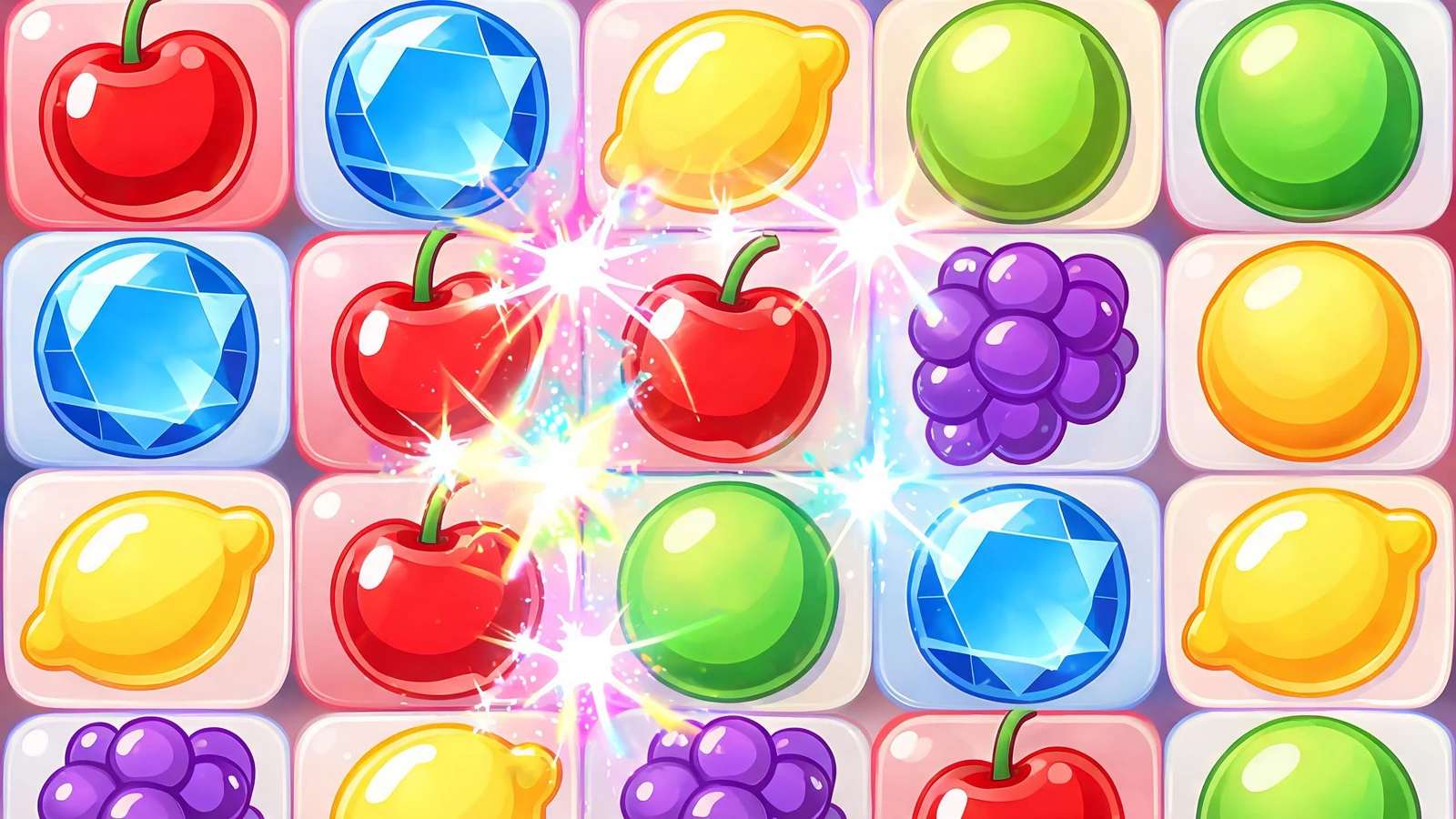 SCORE 1280RESTARTPlayable action
A short campaign game with falling items, combo feedback, coupon unlock, and share screen.
Visitors catch falling product icons, build a combo meter, and get instant visual feedback.
The game ends with a reward card, not a vague success message.
The final screen becomes a reusable campaign asset for social sharing or referral.
Workflow
Start from the audience, message, reward, session length, and the action you want the player to take.
Create the core interaction, real asset needs, UI states, reward moment, and share/result flow.
Export the brief, asset manifest, playable flow, and next build checklist for stakeholder review or handoff.
Positioning
Brand, education, training, and content teams
Turn a message into a short-session browser game
Playable loop, real assets, reward screen, share/result package
Who it is for
This page is not a generic “AI can make anything” promise. It is for teams that need one clear player action, a campaign message, a reward moment, and a browser-playable mini game direction that can be reviewed quickly.
Examples
Product launch brief: teach users three benefits in one minute.
Tap-to-match mini game with product cards, combo scoring, and coupon reward screen.
Embed on a campaign page or use as a social activation prototype.
Training brief: make safety rules less boring for new employees.
Scenario-choice mini game with illustrated hazards, instant feedback, pass/fail state, and restart.
Validate the learning loop before building the final training module.
Output
The useful output is a browser-playable 2D game direction: real assets, simple controls, visible feedback, a reward/result screen, and a package the campaign team can review or hand to production.
Open Workspace →FAQ
Short browser games with one clear action work best: tap challenges, quizzes, matching games, runners, reward loops, onboarding games, and shareable result screens.
Yes. Seele AI Workspace is designed around reviewable, shareable, downloadable, and exportable outputs, so teams can move useful prototypes, playable packages, and assets into testing, creative review, or production handoff.
Seele is strongest at early playable prototypes, 2D browser-playable mini games, playable ad variants, and creative validation. Teams can use the output as a fast starting point before investing in a full production build.