
Scene setup and opening beat
Use this to keep the character consistent while you refine the experience in Seele Workspace.
Try it now
Prototype an interactive AI roleplay scene from a character card, persona, opening message, and scenario notes. Add setting, memory goals, events, and a…
Start with free starter credits
Shape an idea, make it playable, and share it with the people who will play.

Start with a spark, a world, or a what-if worth exploring.
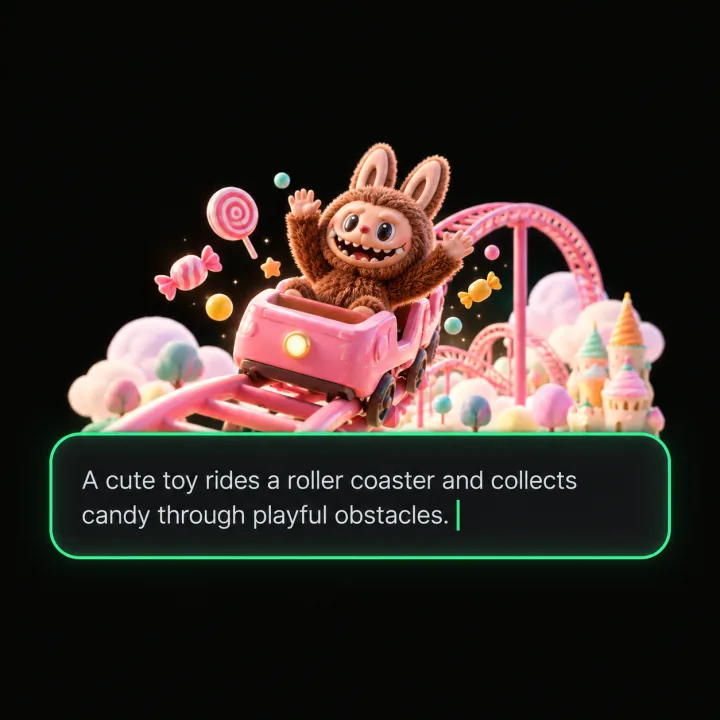
Turn the idea into a prompt with a player, a goal, and a core loop.
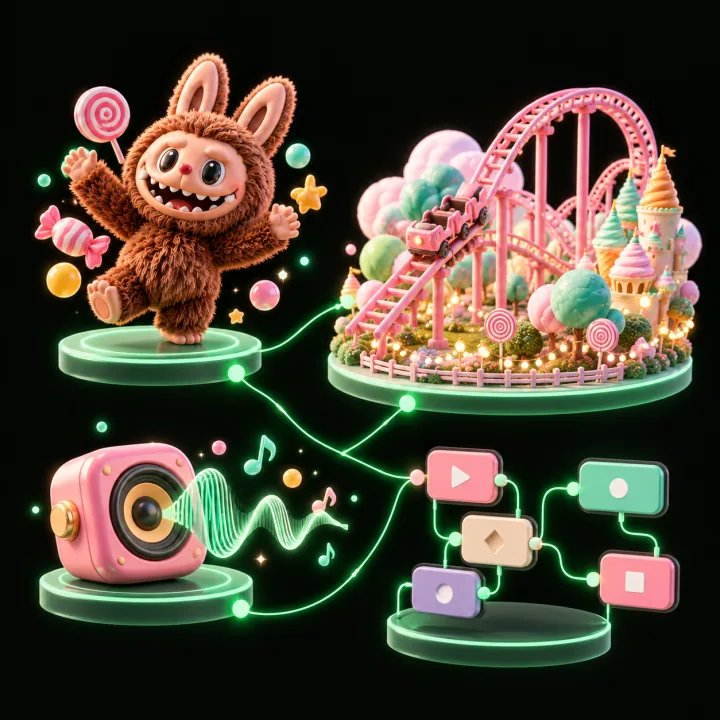
Shape the characters, environments, and systems that make it playable.
Try the game, tune the experience, and get it ready to share.
Invite others to explore the world you made.
Examples
Start with a direction that resembles your project, then change the mechanics, look, or audience before you build further.
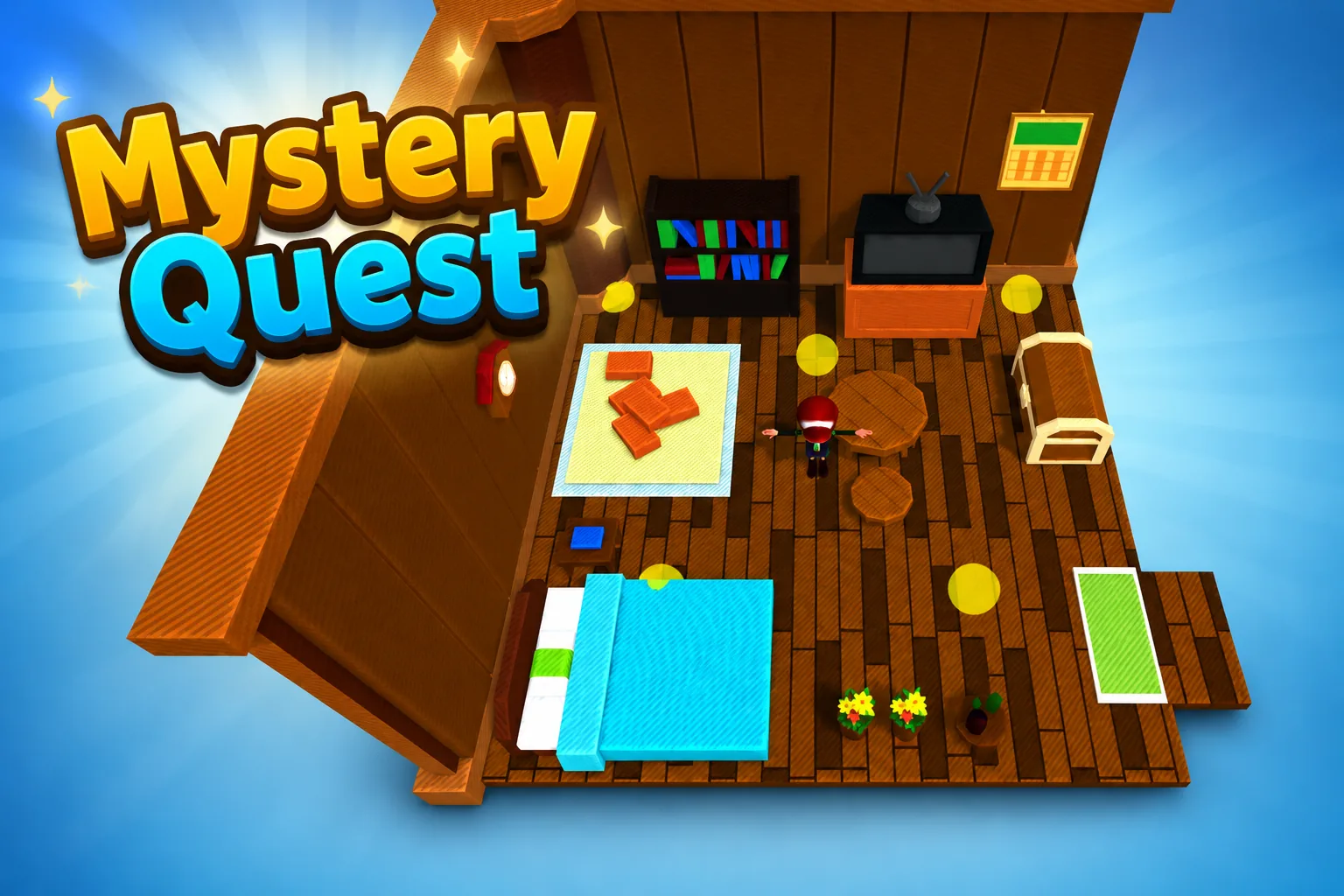 AdventureAdventure GamePlay game ↗
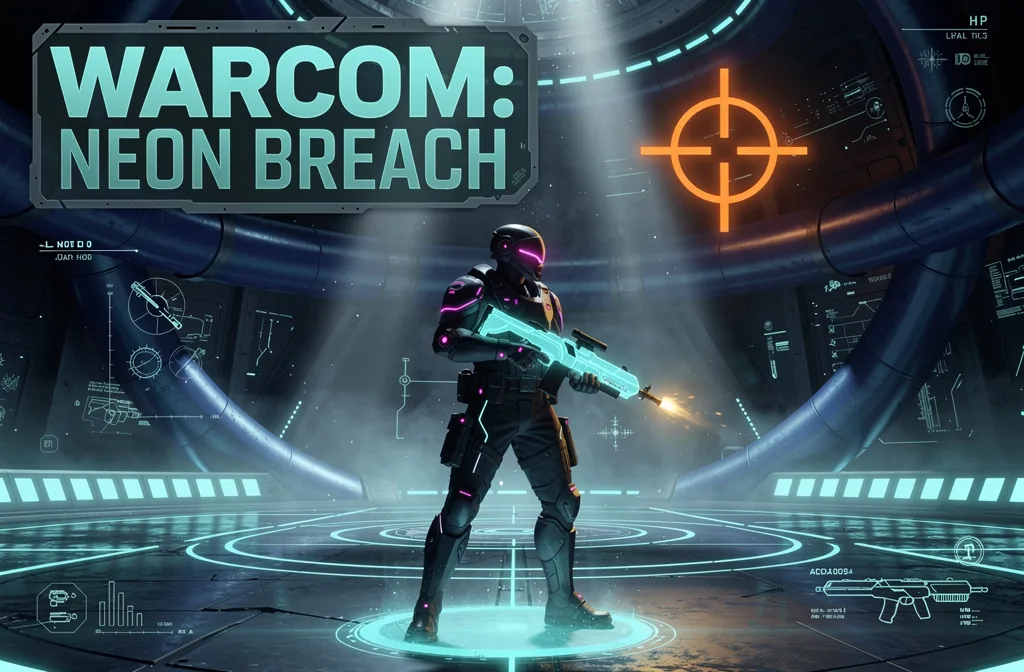 ShooterWarcom: Neon BreachPlay game ↗
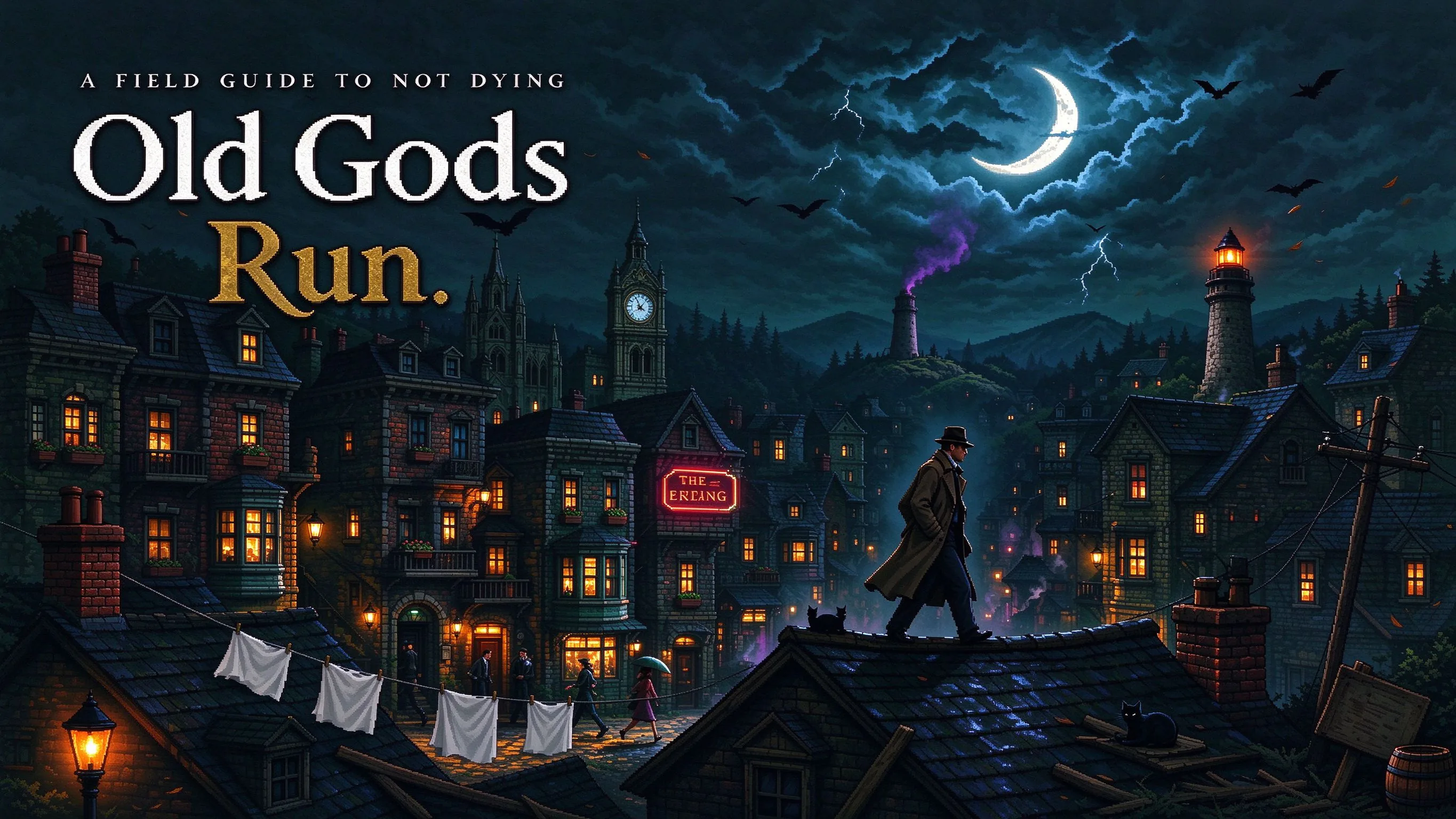 ActionOld Gods RunPlay game ↗
 CasualCaution! Egg on the Car RoofPlay game ↗
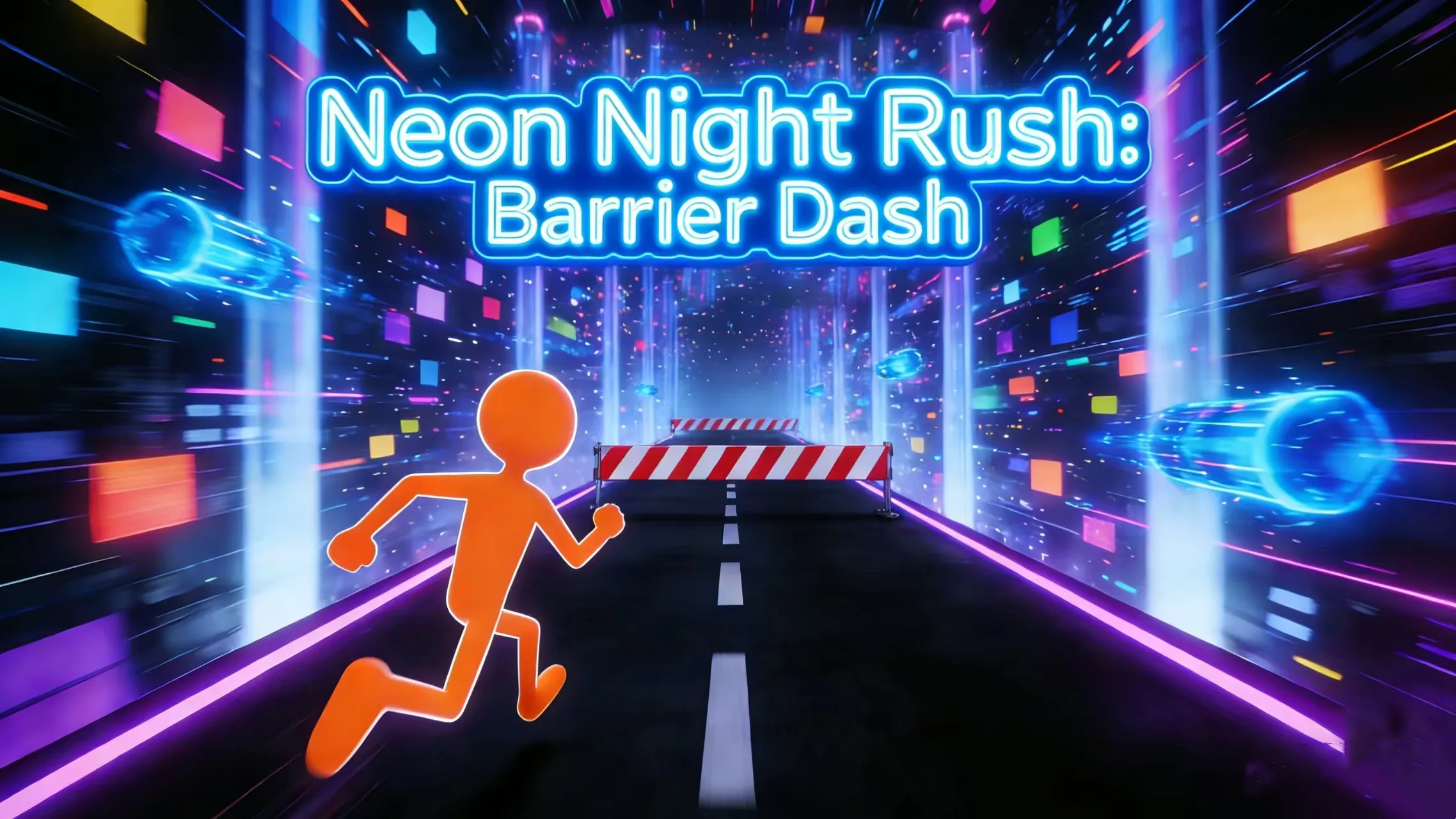 RunnerNeon Night Rush: Barrier DashPlay game ↗
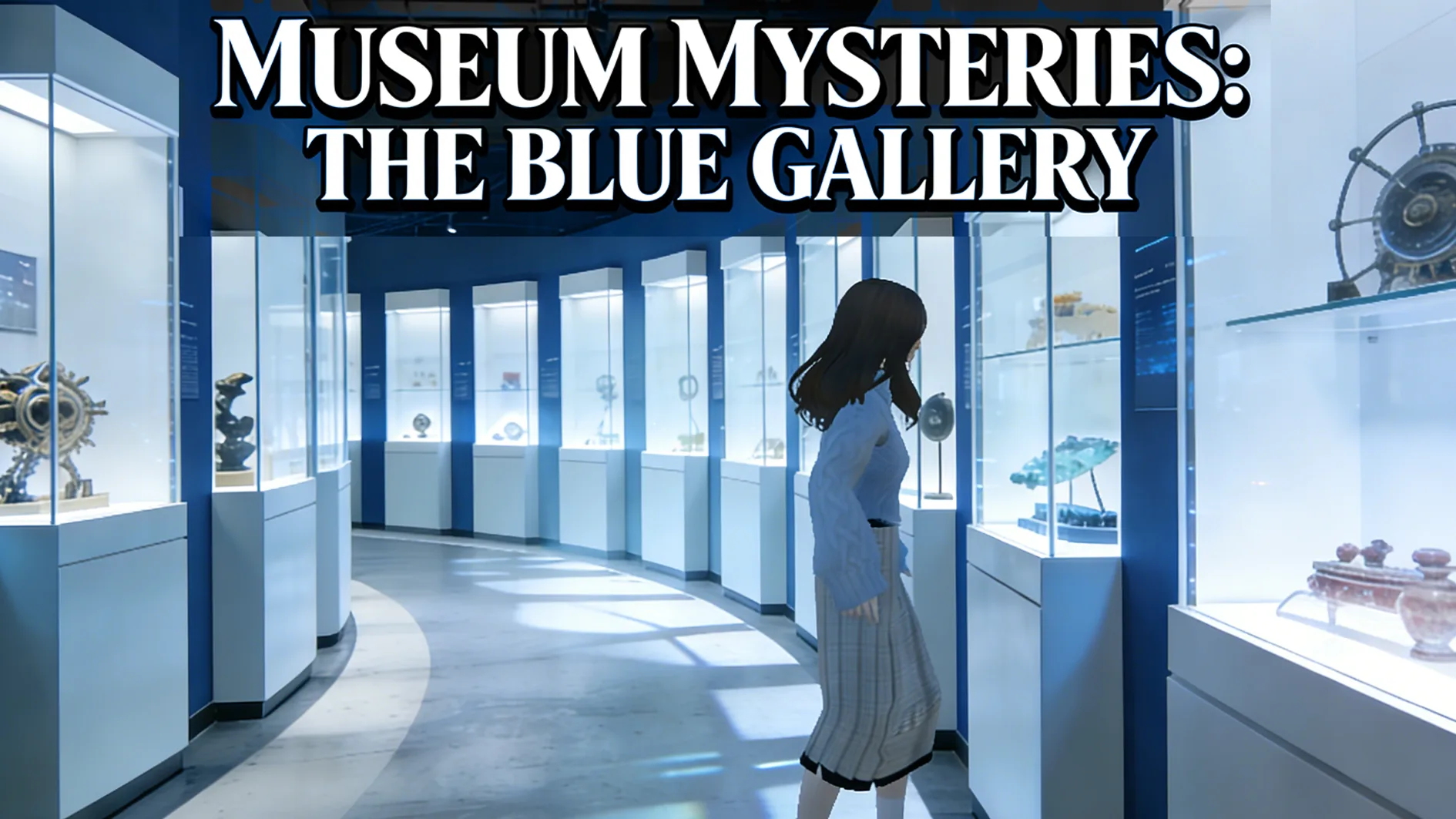 PuzzleMuseum ExhibitionPlay game ↗
 SimulationMilky Way Idle 3DPlay game ↗
 CasualSnowfall & Starry GiftsPlay game ↗
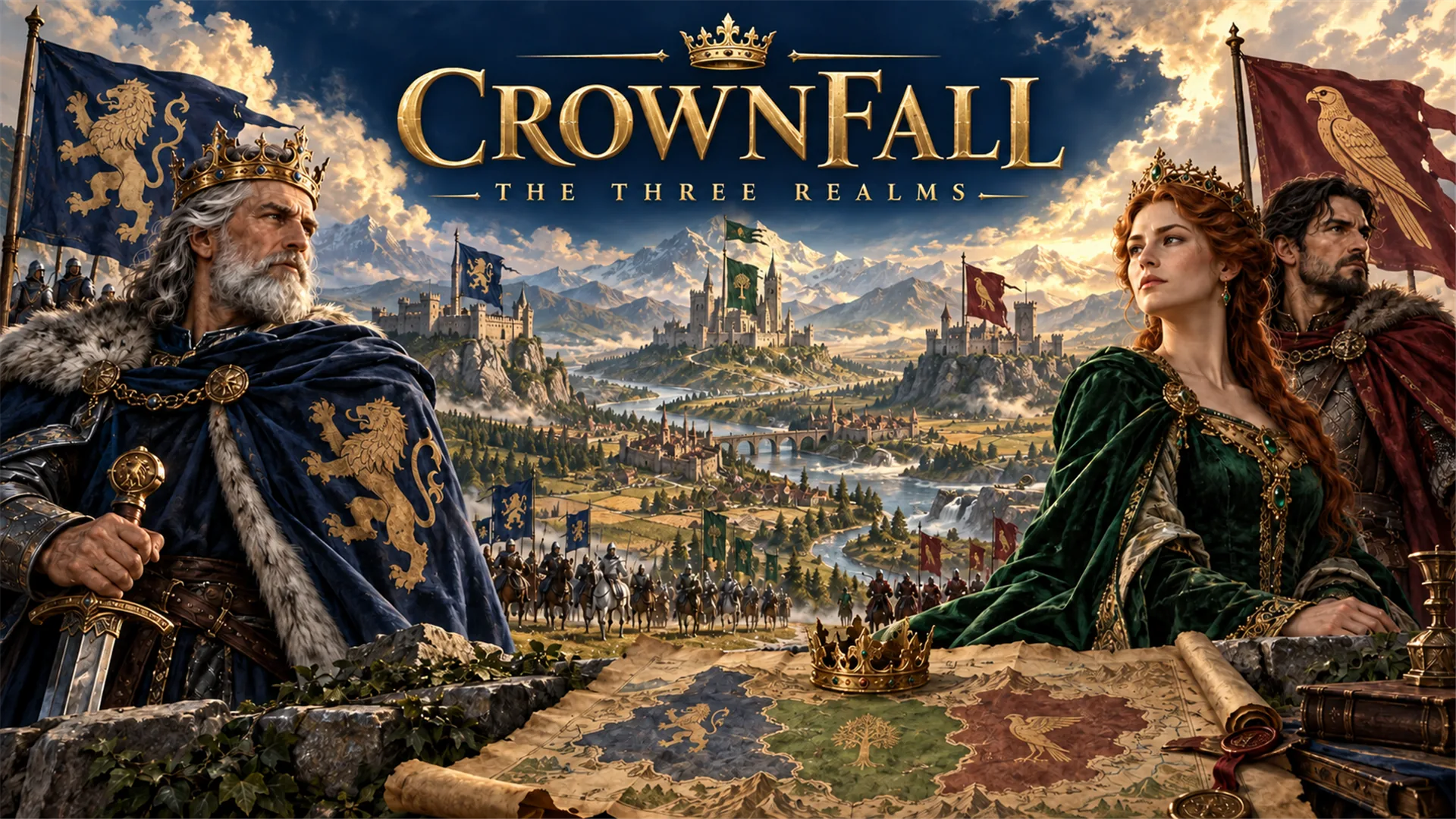 RPGCrownfall-The-Three-Realms-CoverPlay game ↗
 SimulationFLYING CARPlay game ↗
Give a Character Card to AI Scene enough context to make the result specific, then test the part that matters to your project.
Paste the character card, persona, greeting, and scenario rules.
Generate a scene prompt with setting, memory goals, events, and interaction states.
Open the draft in workspace and refine the first playable RP loop.
Why use it
Focus on the parts of the idea that need a concrete result before the next decision.
Use this to keep the character consistent while you refine the experience in Seele Workspace.
Try it nowUse this to keep the character consistent while you refine the experience in Seele Workspace.
Try it nowUse this to keep the character consistent while you refine the experience in Seele Workspace.
Try it nowYou define who the experience serves and what a successful result needs to do.
Choose what comes next
The page can organize a proposal, but people still decide what is accurate, original, usable, and ready for the next stage.
You define who the experience serves and what a successful result needs to do.
You check factual fit, originality, continuity, accessibility, and whether the pieces work together.
You decide what is ready for implementation, sharing, publishing, or another round of work.
Who it is for
artists, designers, and small game teams can use this page to make one project decision easier to test before a larger build or launch.
Use a Character Card to AI Scene when you need to see how an idea, interaction, asset, or release path might work.
Put the audience, desired result, and constraints beside one proposal so the team can discuss the same idea.
Review quality, continuity, accessibility, rights, and publishing requirements before using the result in a real project.
A clearer first move
A useful first result gives the next decision something concrete to react to, without hiding the work that still needs human ownership.
SEELE AI on YouTube
Reviews, walkthroughs, and games made with SEELE AI by creators on YouTube.
FAQ
This page is for roleplay / character card creators who want to turn character notes, scenes, and dialogue ideas into an interactive AI character project.
The first output should include character fidelity checklist, scene setup and opening beat, memory and relationship state plan, plus a scope that can be reviewed in Seele workspace.
Not by itself. It helps you create a structured first draft. Review rights, safety, quality, and implementation details before publishing.
Describe the job, test one version, and decide what to do next inside SEELE AI.
Start creating