Quests
State the inciting problem, objectives, choices, stakes, and the condition that closes the loop.
RPG CREATOR / STORY SYSTEMS
Define the quest, cast, world direction, and scene flow before you generate. Start with a complete prompt concept, then refine it in Workspace.
A FOUR-PART RPG BRIEF
A useful RPG prompt connects player motivation to characters, places, and a scene-by-scene progression. These four directions keep the concept coherent.
State the inciting problem, objectives, choices, stakes, and the condition that closes the loop.
Give companions, rivals, and quest givers clear motives, roles, and relationships to the player.
Set the geography, culture, visual language, hazards, and traversal rules that make the setting distinct.
Sequence arrival, discovery, conflict, choice, and resolution so the first session has readable momentum.
TWO HONEST STARTING POINTS
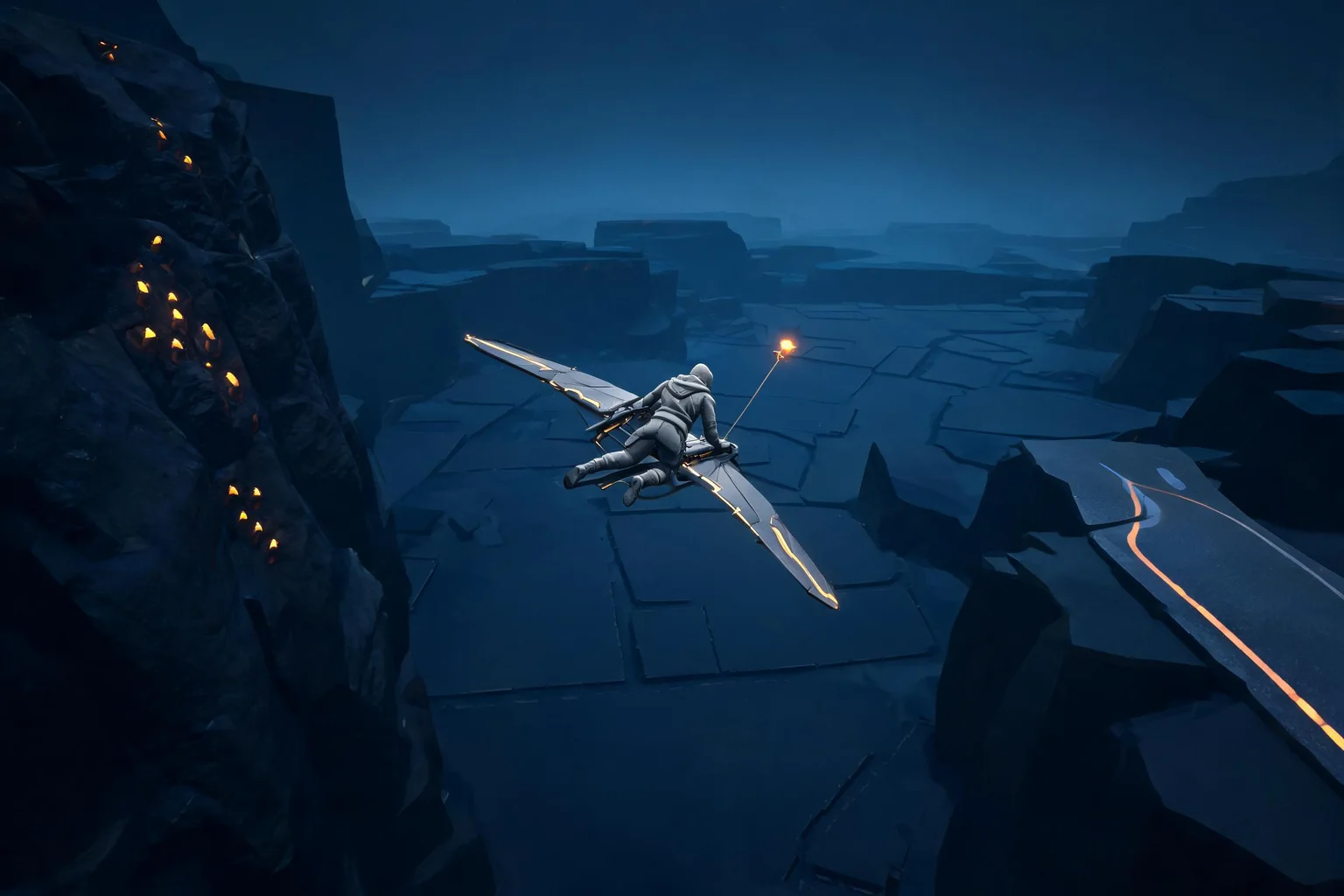
The images are matching visual references from our editorial library. They help communicate direction; they are not presented as generated or playable game output.
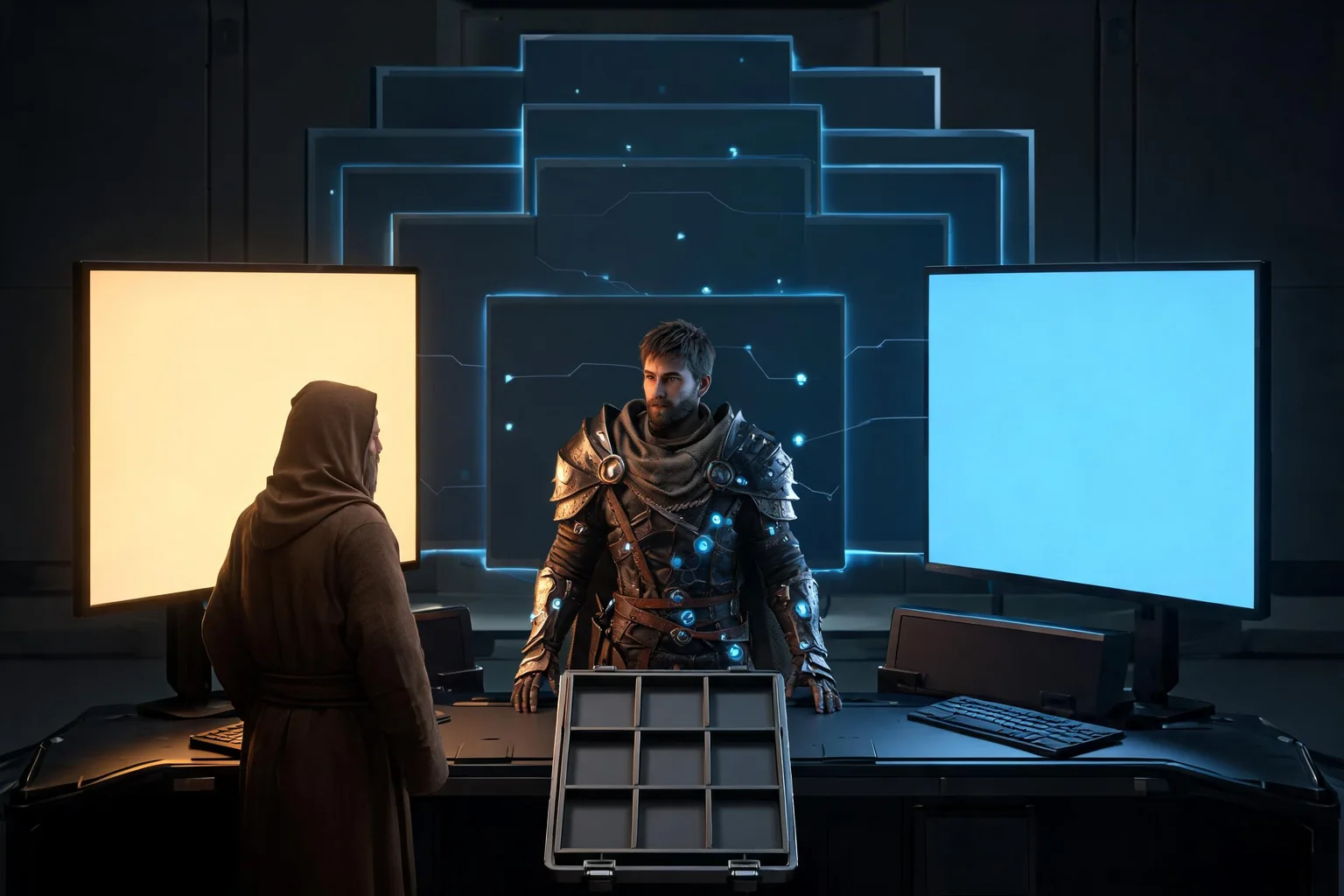
A narrative RPG opening about a memory keeper, a city losing its history, and one costly choice.
SCENE STRUCTURE
Prompting scene order gives the experience a playable intention without over-specifying every encounter.
Establish control, atmosphere, and the first objective through a visible disturbance or urgent request.
Reveal the central contradiction, introduce a character motive, and make the player act under pressure.
Close with a consequence that changes dialogue, access, or the next quest rather than a decorative choice.
RPG CREATOR FAQ
The handoff stays editable and under your control.
No. They are visual direction references paired with prompt concepts and are labeled as such.
No. The selected prompt is handed off through same-tab session storage. The URL contains attribution fields only.
No. The prompt is prefilled so you can review or edit it before manually starting generation.
CONTINUE IN WORKSPACE
The prompt is prefilled through same-tab storage. Review or edit it in Workspace, then start generation manually.