seeles-logo

AI Game Maker: Create Playable
2D & 3D Game Projects

Turn one prompt into a playable first build, then iterate on scenes, gameplay logic, and assets. Use an editable project export for continued production where supported.

Seele01-Flash

Get started with

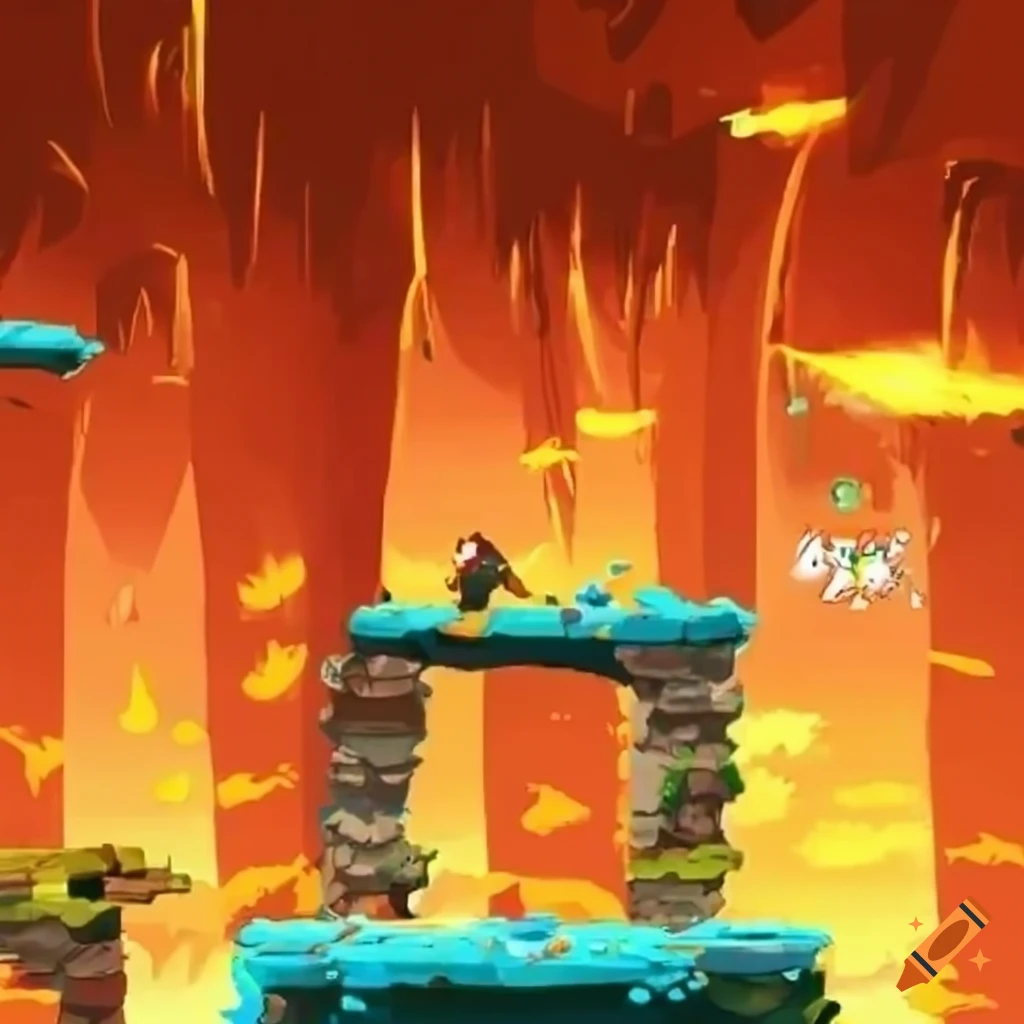
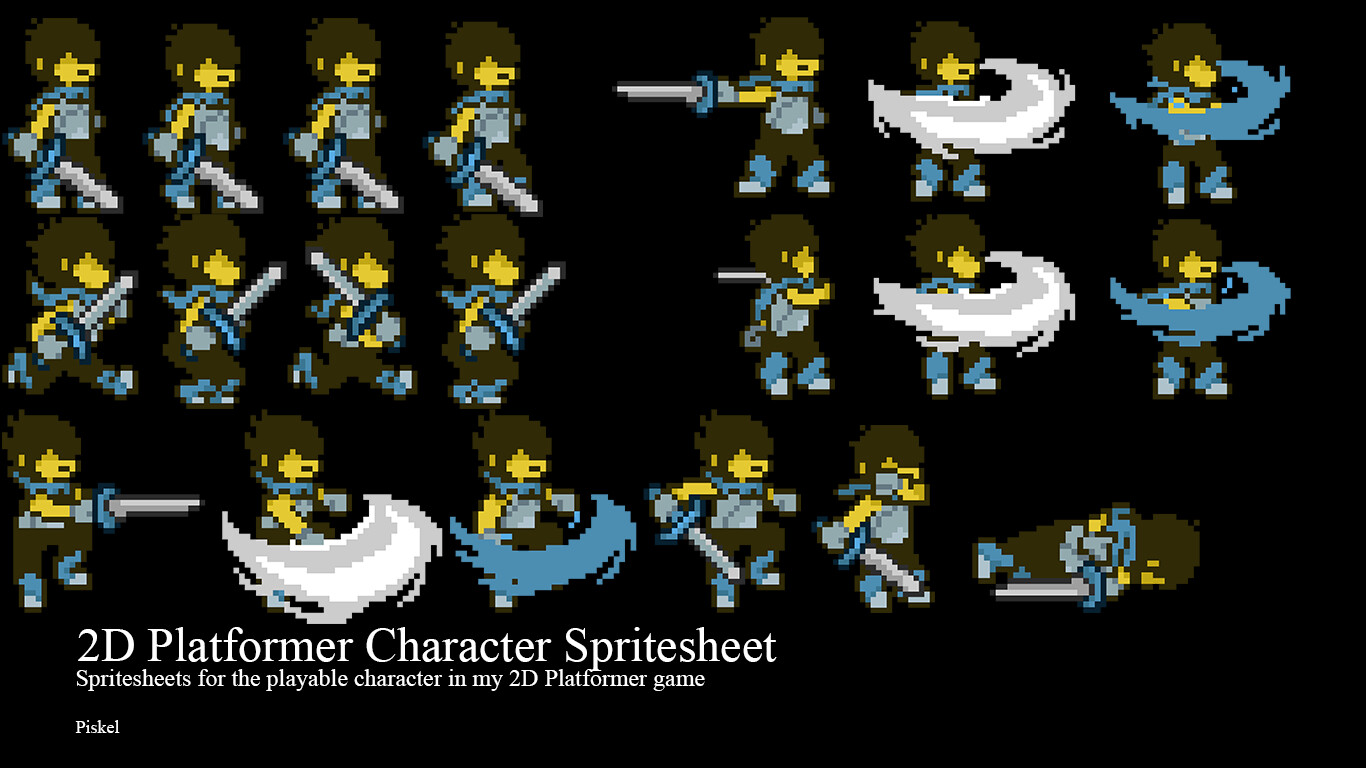
🎮Create a 2D Platformer Game

Build classic jump-and-run games with sprite animations and physics

2D platformer game sprite

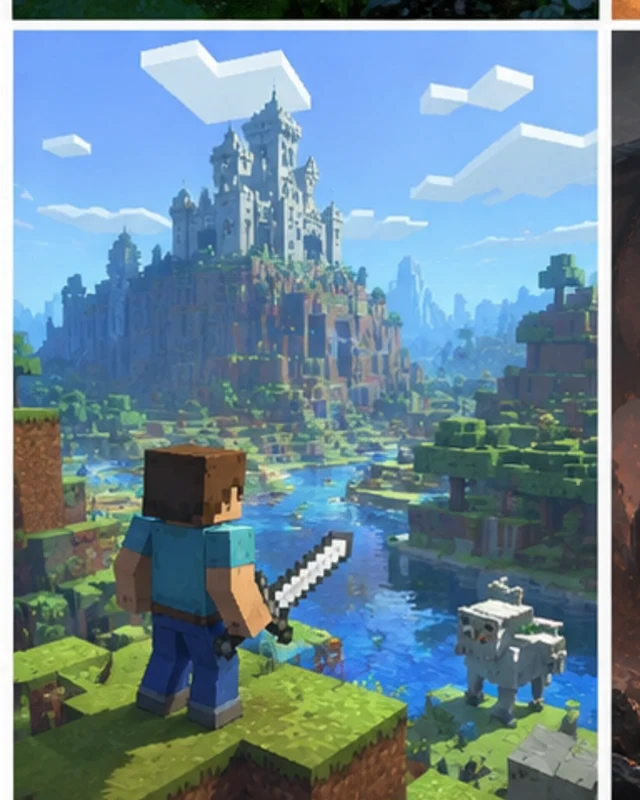
Build a 3D RPG Adventure

Design story-driven games with 3D worlds and AI-powered dialogue

3D RPG game world

Pixel Art Retro Game

Create nostalgic 8-bit or 16-bit style games with pixel art assets

Pixel art indie game

3D FPS Shooter Game

Create action-packed FPS games with combat mechanics and AI enemies

3D FPS game environment

Everything You Need to
Make Games with AI

Unity Engine export project

Browser Play and Editable Project Handoff

Review a playable first build, then export the editable generated project for continued production where supported. Browser-playable 3D is not a native Unreal project; inspect every handoff for its files, dependencies, licenses, integrations, and target requirements.

Try it now
Game asset animation 3D character models

Complete Asset Generation: 2D, 3D, Audio & More

Generate and integrate first-pass 2D sprites, 3D models, textures, animations, audio, and other assets as the project requires. Review quality, licenses, performance, and fit before production use.

Explore assets
Browser web game HTML5 JavaScript

Instant Browser Deployment

Deploy your games directly to the web with Three.js-powered WebGL rendering. No installation required—players can enjoy your games instantly in any browser. Perfect for rapid prototyping, game jams, and web-based game development.

Deploy to web

AI Game Maker: SEELE AI vs Rosebud

See how SEELE AI's game maker stacks up against other AI game generators.

Need the full competitor breakdown? Open the dedicated comparison page: SEELE AI vs Rosebud AI alternative guide.

Export Options
Rosebud AI

Web-only deployment. Games run in browser only, no engine export.

SEELE AI

Browser-playable first builds plus editable project handoff where supported; inspect the actual export before choosing a production engine.

2D Game Support
Rosebud AI

Basic 2D game creation with limited sprite animation.

SEELE AI

Advanced sprite sheet generation, pixel art, frame-by-frame animation, transparent PNGs.

Animation Library
Rosebud AI

Limited animation presets for characters.

SEELE AI

5,000,000+ pre-built animations: walk, run, jump, attack, combat, interactions.

Audio Generation
Rosebud AI

Basic background music generation.

SEELE AI

BGM, SFX, AI voice acting, character dialogue, multi-language TTS.

Production Ready
Rosebud AI

Compare current browser creation, iteration, collaboration, and export options on Rosebud's official product pages.

SEELE AI

Browser-playable output plus target-specific project handoff where supported. Commercial-use rights require an active Pro plan or above; release readiness requires project-specific validation.

Complete Stack
Rosebud AI

Visual assets and basic game mechanics.

SEELE AI

2D + 3D + Audio + Animation + Voice + Game Logic + Monetization.

Who Uses AI Game Maker?

SEELE AI is the ideal game maker for creators who want to build games faster, whether you're a solo developer or part of a team.

🎮

Indie Game Developers

Solo creators and small teams starting 2D platformers, browser-playable 3D RPGs, or pixel art projects. Generate a first build, iterate, and continue production from the available project handoff.

🎓

Educators & Students

Teaching game design, coding, or interactive storytelling. Students can create games without learning complex engines first. Perfect for game jams, class projects, and learning game development fundamentals.

🎬

Content Creators

YouTubers, streamers, and digital artists making interactive content, game-based videos, or playable experiences. Create custom games for your audience, no coding required.

Frequently Asked Questions
About AI Game Makers

Yes. Describe a game idea and SEELE AI generates a playable first build with code and assets to review. You can iterate in the browser without writing the initial code, while final production still requires project-specific testing and review.

SEELE AI generates playable first builds and supports editable project export for continued production where available. Browser-playable 3D is not a native Unreal project; inspect every handoff for its files, dependencies, formats, licenses, and target requirements.

Compare the current generation, iteration, collaboration, export, and pricing workflows on each product's official pages. SEELE AI focuses this page on a playable first build and an editable project handoff where supported.

Yes. SEELE AI can generate playable first builds for 2D and browser-playable 3D projects, with generated sprites, models, textures, animations, mechanics, and other assets depending on the project.

Generation time varies with scope, assets, selected model, queue, and iteration count. Start with one reviewable loop, then expand after testing it; no fixed completion time is guaranteed.

You can start playable projects for platformers, RPGs, shooters, puzzle games, racing games, fighting games, visual novels, idle games, and other 2D or browser-playable 3D genres.

This page frames the topic as a starting workflow. Confirm the actual product controls, current availability, and destination requirements before relying on any output.

Explore the supporting cluster

Related Posts

Turn a game idea into a playable first build
and keep iterating

Start creating games free

A reviewable, model-independent workflow

Intent covered: SEELE AI game maker; Claude AI game maker.

SEELE is an independent product. This page does not claim that SEELE uses or includes Claude or any particular third-party model. Evaluate the workflow by the playable result and the human review it supports.

Continue with the game prototype generator workflow or review the broader AI game generation workflow.

Practical review guide

Scope an AI-assisted game prototype around one loop

A practical game brief begins with a repeatable player loop rather than a long feature list. Write what the player does, what changes in response, how success or failure is communicated, and why the player starts another round. Choose one input method and one target device for the first playable test. Art direction, narrative, progression, and monetization can then be evaluated against that loop instead of competing for attention.

  • Define a short test session and the single question the prototype should answer.
  • Use placeholder-friendly requirements and identify assets that can wait until the loop is proven.
  • Before sharing, test onboarding, controls, restart behavior, failure recovery, readable feedback, performance on the target device, and rights to imported content.

Related-search decision guide

From related game-development workflow searches to a workable brief

Turn each phrase into a brief: define the desired output, source material, destination, constraints, and reviewer before you generate or build.

How can this AI-assisted game creation search group become a practical brief?

Searches mapped to this route include “best ai game generator”, “best ai game maker”, “best game creator software”, “best game maker”, and “best game maker software”. Confirm the actual job and destination instead of assuming every wording is equivalent. Scope a playable loop with controls, objective, failure state, art inputs, and device target; preserve editable data and review the result. “Best” depends on the input, editing needs, export target, rights, collaboration, and performance budget. AI-assisted output still needs human review for rights, editability, technical fit, and release readiness.

When is “free game creator ai” worth testing?

Use a documented loop—brief, assemble, playtest, inspect source, revise, validate—with human review before release. Free access, sign-up rules, limits, and commercial rights can change; verify the current official terms. AI-assisted output still needs human review for rights, editability, technical fit, and release readiness.

Which constraints make this game-development workflow brief actionable?

Searches mapped to this route include “best 3d game engine”, “best game engine”, “game engine for pc”, and “what is the best game engine”. Confirm the actual job and destination instead of assuming every wording is equivalent. Define the runtime, representative assets, interaction loop, and acceptance criteria; test the complete handoff with a short prototype. “Best” depends on the input, editing needs, export target, rights, collaboration, and performance budget.

How does “ai video game generator free” connect to this workflow?

Use a documented loop—brief, assemble, playtest, inspect source, revise, validate—with human review before release. Free access, sign-up rules, limits, and commercial rights can change; verify the current official terms. AI-assisted output still needs human review for rights, editability, technical fit, and release readiness.

Which constraints make this game-development workflow brief actionable?

Searches mapped to this route include “3d game engine online”, “easiest 3d game engine for beginners”, “free game engine 3d”, and “how do you make your own game engine”. Confirm the actual job and destination instead of assuming every wording is equivalent. Define the runtime, representative assets, interaction loop, and acceptance criteria; test the complete handoff with a short prototype. Free access, sign-up rules, limits, and commercial rights can change; verify the current official terms.