Play the loop while it is still small
A short browser build lets you try the core action before you plan a full level. Watch for pauses, unclear goals, and inputs that do not produce an obvious response.

Sketch a 3D game around one mechanic, a clear goal, and a small scene. Play the browser build, spot what feels off, and refine the loop before adding more content.
How it works
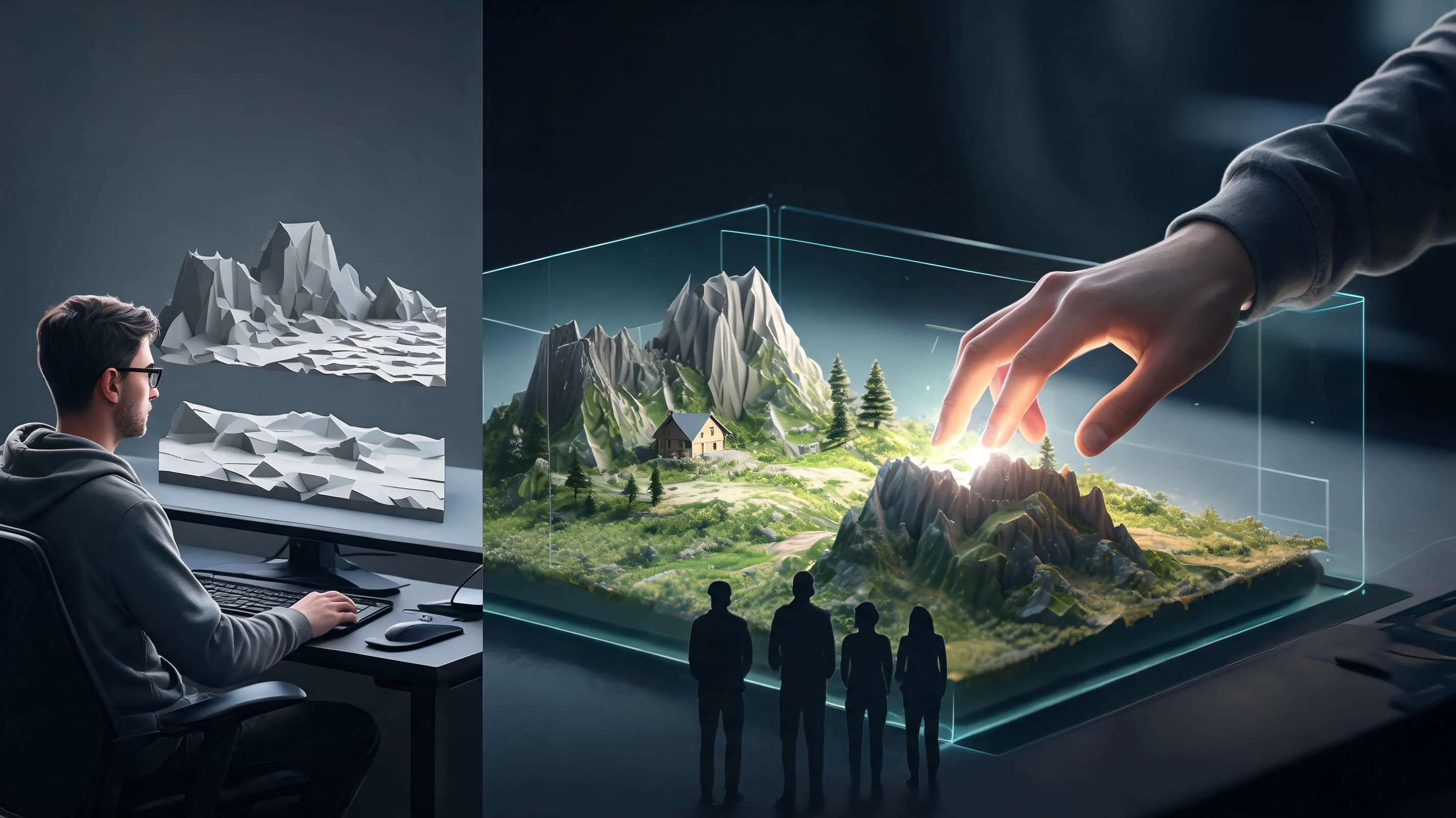
State the goal, controls, success state, failure state, and the smallest scene that can prove the idea.
Create a first build, inspect the real interaction, and record what is unclear or technically weak.
Iterate in the workspace or export an editable handoff, then complete target-specific implementation and release checks.
Pick a starting point
Build a compact space around a visible destination. Landmarks and a clear route help you judge movement, camera distance, and scale.
Create a third-person 3D courtyard where a courier must carry a parcel from a fountain to a locked gate. Use a simple follow camera, three visible landmarks, and one path around a shallow pool. Add a clear arrival cue at the gate; keep the courtyard small enough to see from the starting point.
Exploration route ↗Why SEELE
A short browser build lets you try the core action before you plan a full level. Watch for pauses, unclear goals, and inputs that do not produce an obvious response.

Check whether doors, ledges, and landmarks feel readable from the actual view. Adjust the scene after moving through it, not only from a top-down layout.

Introduce a mechanic in a safe space, then reuse it with a new obstacle. This makes it easier to tell whether difficulty comes from the design or an unclear control.

Decide what the build needs to prove: a jump, a camera, a combat beat, or a route through the level. Leave unrelated systems out of that test.

Record where a player hesitated, missed a cue, or tried an unexpected action. Those observations point to a specific change in layout, feedback, or controls.

After a test, adjust a single variable such as camera distance or jump height, then replay the same route. You will see whether that change solved the problem.
Who it’s for
Test a movement mechanic or compact level before committing to a larger 3D build. Keep the prototype tied to one question you can answer by playing it.
Browser 3D Game Maker ↗Share a playable scene to discuss camera, scale, and mechanic feel. Use the same short route when comparing revisions so feedback stays specific.
3D asset to HTML5 game ↗
Turn a rough mechanic into a scene with controls, an obstacle, and a visible goal. A small test can clarify what needs a designer’s next pass.
3D Game Creator Online ↗Compare
| Feature | Small playable prototype | Open-ended game plan |
|---|---|---|
| First question | Can the player understand and enjoy this mechanic? | What should the full game include? |
| Scene size | One room or short route built around the test | A whole world planned before the loop is checked |
| Player feedback | Movement, camera, and response can be tried in context | Controls are described before they are playable |
| Iteration | Replay the same route after one focused change | Several systems change before the cause is clear |
| Next decision | Use the playtest to choose what to build next | Choose scope from the idea alone |
Reviews
FAQ
A 3D AI game maker turns a written game idea into a scene or prototype you can inspect. For this page, the useful test is whether the player can move through a small 3D space and understand its main goal.
Try a compact exploration scene, obstacle course, arena, or control test. Pick one mechanic and keep the level small enough to evaluate it by playing.
Describe the player, camera, controls, goal, and one obstacle. State what success and failure look like, then leave out features that do not help test that loop.
Yes. Turn the idea into one player action and one visible outcome. For example, replace “make an adventure game” with a short route to a landmark and one obstacle on the way.
Choose the view that helps the player read the test. A close third-person camera can show character movement; a first-person view can make aiming or navigation the focus. Check distance and visibility while moving.
Use a small room with fixed landmarks, a wall, and one low obstacle. Repeat the same movement and note where the character stops, overshoots, or becomes hard to see.
Give the player a visible goal, separate walkable surfaces from hazards, and use landmarks to show direction. Test from the camera angle the player actually uses.
Limit the build to one mechanic, one short route, and the controls needed to try it. Add another system only after the current loop is understandable.
A player loop is the repeated action and response at the center of play: the player does something, the game reacts, and the player decides what to do next. A prototype can test whether that sequence feels clear.
Usually not for an early mechanic test. A single room or short path gives enough context to judge movement and camera without adding scenery that does not affect the question.
Repeat the same action and identify the mismatch: input delay, movement speed, camera response, or unclear feedback. Change one setting or cue, then run the same test again.
Treat it as a testable draft. Check code and assets, performance, accessibility, device support, and licensing before using any prototype in a release build.
A checkpoint returns the player to a known place after a failed attempt. It makes repeated jumps or hazards quicker to test and lets you compare changes under the same conditions.
Show the obstacle before the player reaches it, use consistent controls, and give a clear signal when an action succeeds or fails. Ask someone new to try the route without explaining it first.