Turn an idea into a level you can try
Write down the player, action, and objective, then keep the first scene small. A playable level makes it easier to discuss what works than a genre label alone.

Start with one level and one clear objective.
Describe the player, the main action, and what counts as success. SEELE turns that brief into a 3D game you can try in the browser and refine before expanding the project.
Partners and teams

















Pick a starting point
Build a small 3D area around a landmark and a reason to reach it. A short route is enough to test movement, camera, and level cues.
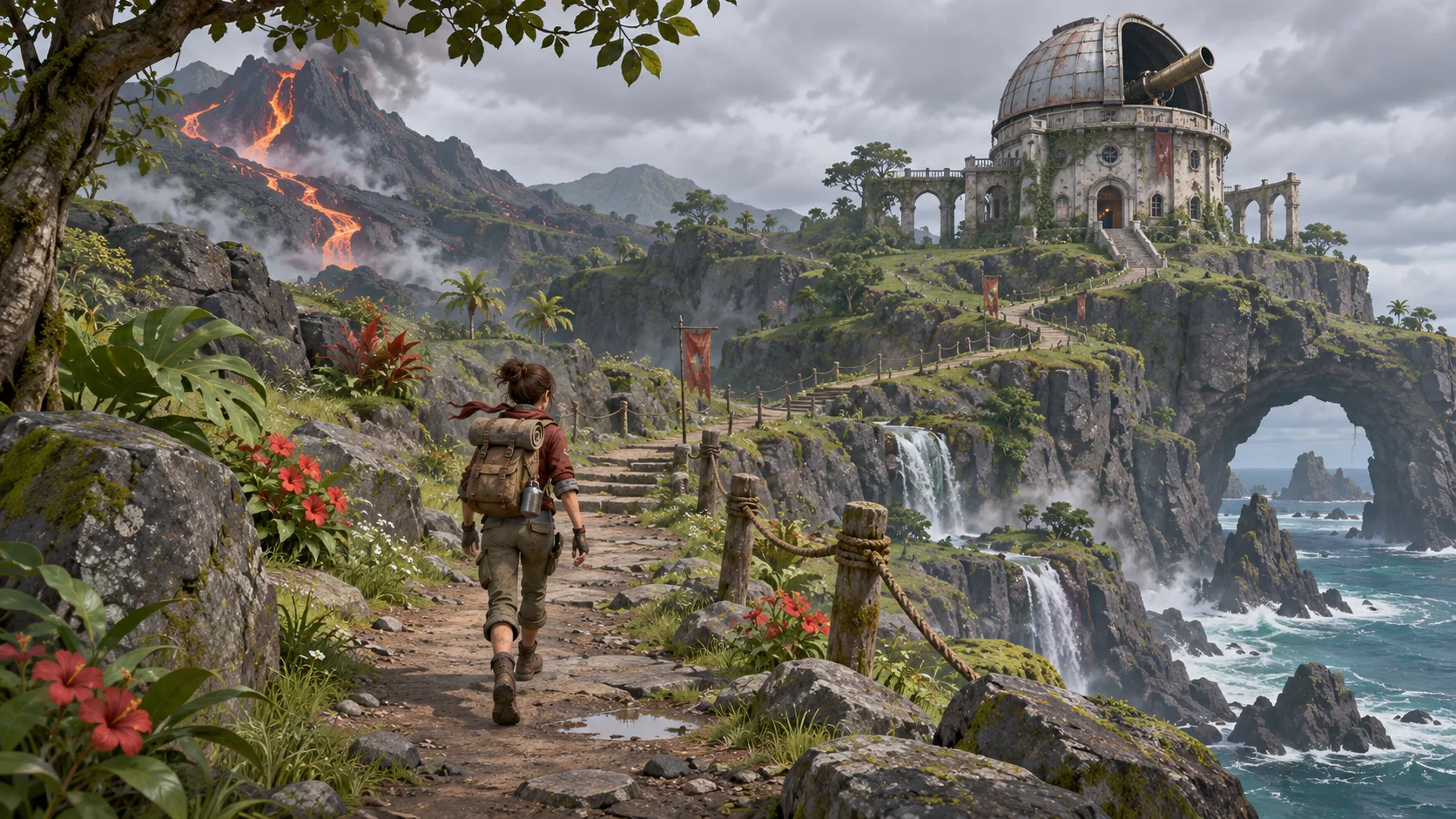
Create a third-person 3D island where a cartographer must reach an old signal tower before sunset. Add a beach path, a broken bridge, and a visible trail of flags leading to the tower. Let the player climb one short slope and collect a map page at the top.
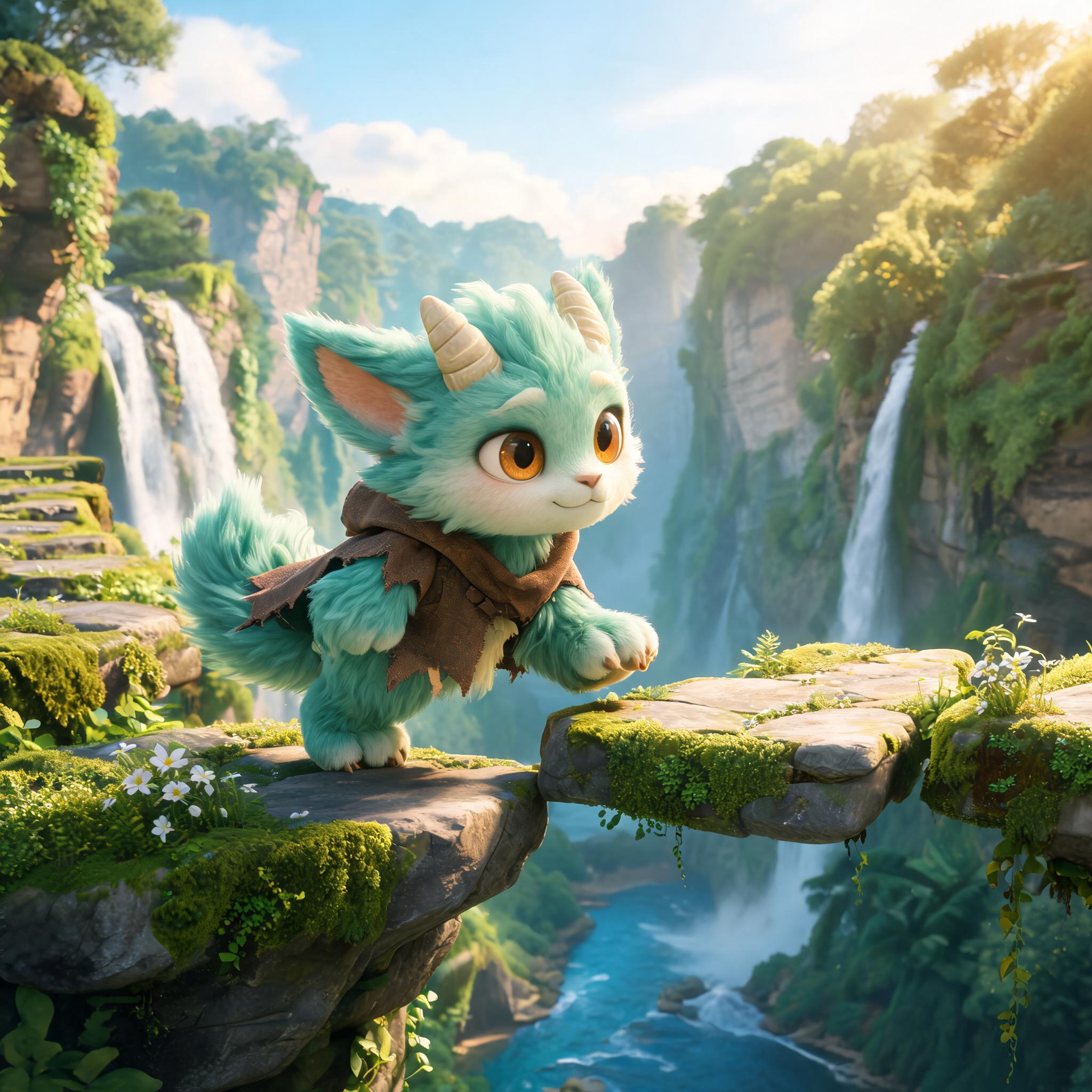 Exploration quest ↗
Why SEELE
Write down the player, action, and objective, then keep the first scene small. A playable level makes it easier to discuss what works than a genre label alone.

A 3D route can feel different from a sketch. Check whether landmarks, doors, and obstacles are visible from the camera the player uses.

Let the first obstacle introduce a rule. Add a harder version only after players can explain what the game expects them to do.

Use a visible destination, a short instruction, or a clear counter. Players should know what they are trying to reach or collect.

Ask someone to try the level without coaching. Watch where they stop, turn around, or miss a cue; those moments point to a specific design change.

Change the camera, jump, or obstacle separately and replay the same section. You will know which adjustment helped.
Made with SEELE
These games are playable. Pick one and give it a try.
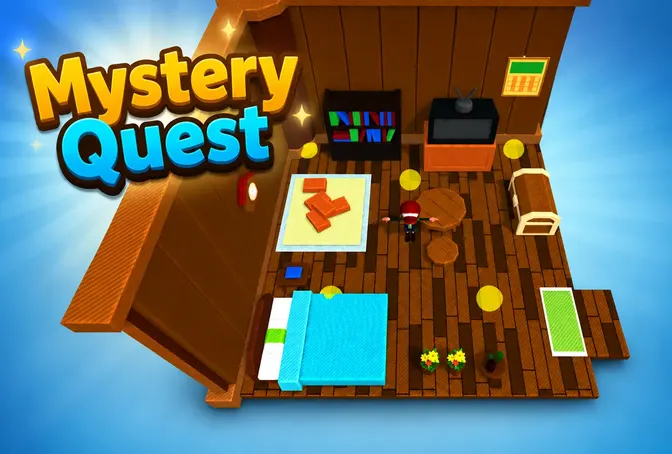 AdventureAdventure GamePlay the example ↗
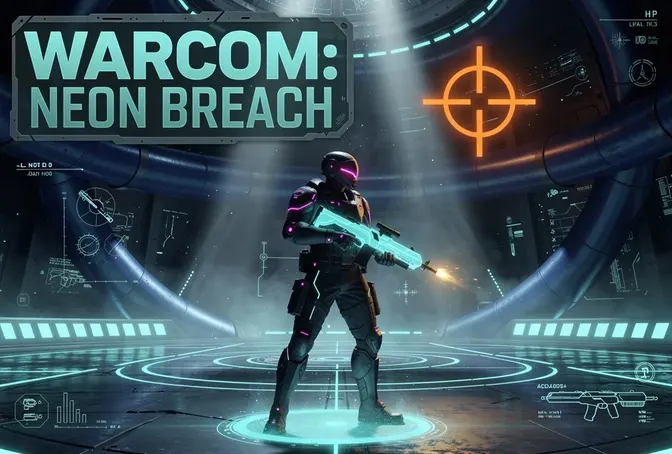 ShooterWarcom: Neon BreachPlay the example ↗
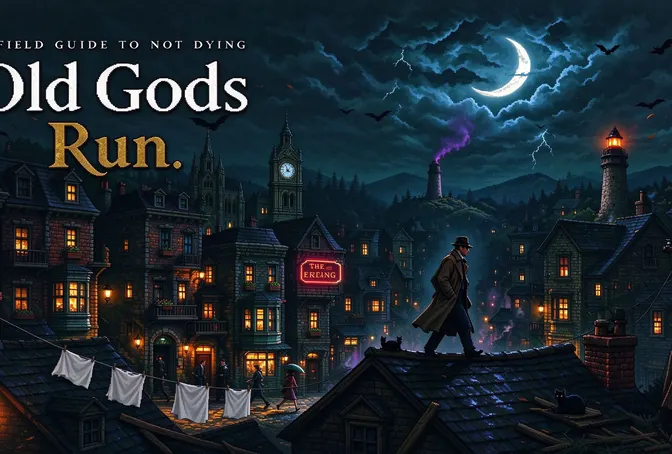 ActionOld Gods RunPlay the example ↗
 CasualCaution! Egg on the Car RoofPlay the example ↗
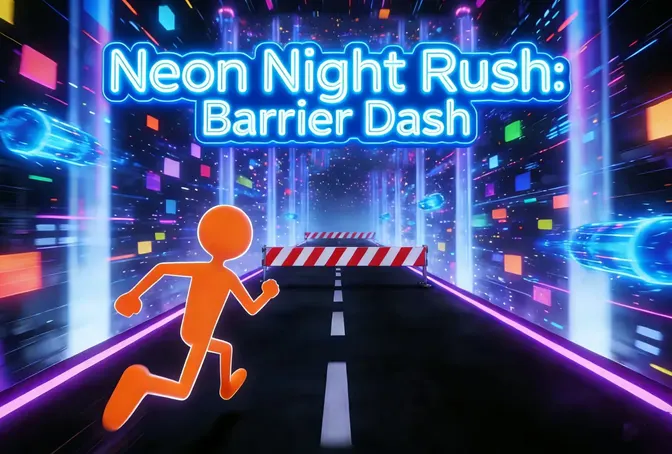 RunnerNeon Night Rush: Barrier DashPlay the example ↗
 PuzzleMuseum ExhibitionPlay the example ↗
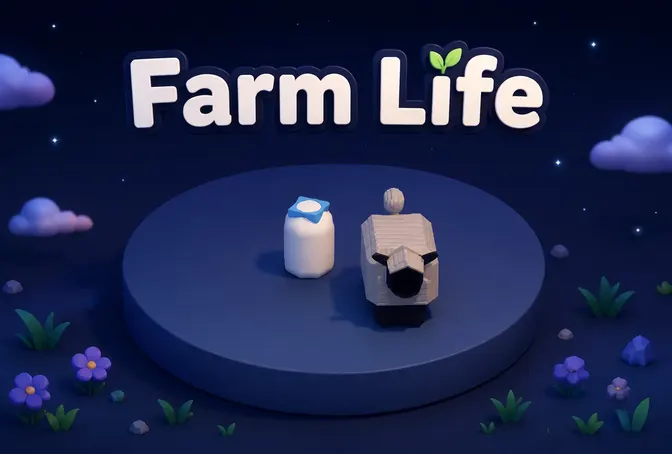 SimulationMilky Way Idle 3DPlay the example ↗
 CasualSnowfall & Starry GiftsPlay the example ↗
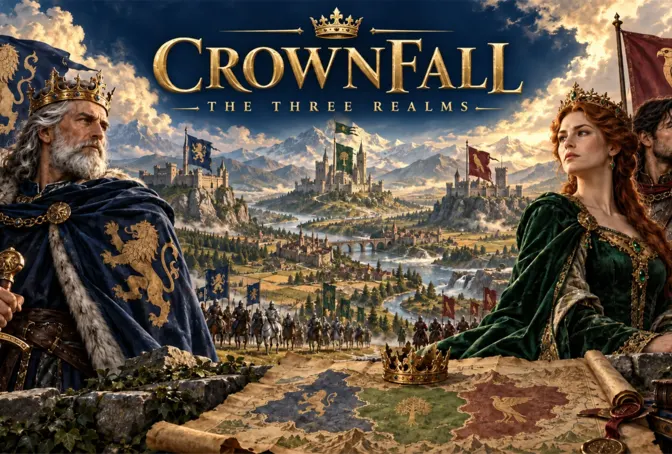 RPGCrownfall-The-Three-Realms-CoverPlay the example ↗
 SimulationFLYING CARPlay the example ↗
Who it’s for
Describe a small 3D level in plain language and see whether its main action is clear. Start with a short route before taking on a full game.
AI Game Maker Free ↗
Turn a mechanic into a scene teammates can play. A concrete level helps the team discuss camera, pacing, and what the player should notice.
3D AI Game Maker ↗
Use a short build to align on the objective and controls before adding more content. Record the playtest feedback and decide what to change next.
3D asset to HTML5 game ↗Compare
Why SEELE AI is the best choice for serious 3D game development
| Feature | Prompt to playable level | Plan before a playable test |
|---|---|---|
| First step | Describe a player, action, and objective | Set up a project before testing the idea |
| What you can discuss | A 3D level and its controls | An outline of the intended experience |
| Early feedback | Watch someone try the main action | Ask for feedback on a description |
| Scope | One short route or encounter | Plan the full game before choosing a first test |
| Next decision | Use the playtest to choose the next change | Choose what to build from the initial plan |
Reviews
FAQ
A 3D game creator helps turn an idea into a game scene with a player action and an objective. SEELE lets you try a generated build in the browser and refine it with follow-up prompts.
Yes. Describe the game in plain language, then play and revise the result in SEELE Workspace. Technical work may still be needed for a polished release or a target-specific build.
Name the player, setting, main action, and goal. Add one obstacle and say what happens when the player succeeds; those details give the first scene a clear direction.
A short level with one objective and one mechanic is easier to playtest than a large world. Give players a visible destination and show the rule before making the challenge harder.
Start with a small exploration route, puzzle room, arcade challenge, or combat encounter. Choose the format that lets you test the action at the center of your idea.
SEELE turns a written game brief into a playable result. Include the controls, objective, setting, and a success condition, then use the browser build to see what needs revision.
SEELE supports Unity project export and browser play through Three.js. Check the current Workspace options and export requirements before planning a release build.
Start with the point where players hesitate or miss the objective. Adjust one thing—such as the camera, instruction, or obstacle—and have them try the same section again.
Put the goal in the scene or show it in a short instruction. Use a landmark, item counter, or exit marker so players can tell when they are moving toward it.
Introduce the rule in a safe moment, show what changes when the player acts, and keep the goal visible. Add a second rule only after the first one makes sense.
The action should follow the input predictably, and feedback should show when it succeeds. Test the same movement several times and check input timing, animation, and camera response.
Yes. Use follow-up prompts to change a mechanic, scene, character, or objective, then play the updated result. Describe the specific change you want to evaluate.
Treat it as a prototype until you check performance, controls, accessibility, rights, and behavior on the intended devices. Test any export in its target engine before release.
Give a tester the objective without explaining the solution. Note where they hesitate or try something unexpected, then decide which observation should change the next build.