
Seele AI · Story Workspace
Image to Game: SEELE AI playable game workflow
Use SEELE AI for image to game workflows that connect prompts, assets, scenes, mechanics, and HTML5 playable prototype planning.
TRY IT FREE
See what works before you build the whole thing.
Start with a rough idea above. Starter credits help you test the direction before you spend time on every detail.
Start with a free ideaStart with free starter credits
Try the first version before deciding whether the idea deserves more time.
No coding required
Describe mechanics, visuals, audience, and constraints in plain English.
Review cost before generating
Review the generation path before committing to a larger run.
Trusted by leaders in
AI, gaming & entertainment




EXAMPLES
Start with a playable direction.
Start with a direction that resembles your project, then change the mechanics, look, or audience before you build further.
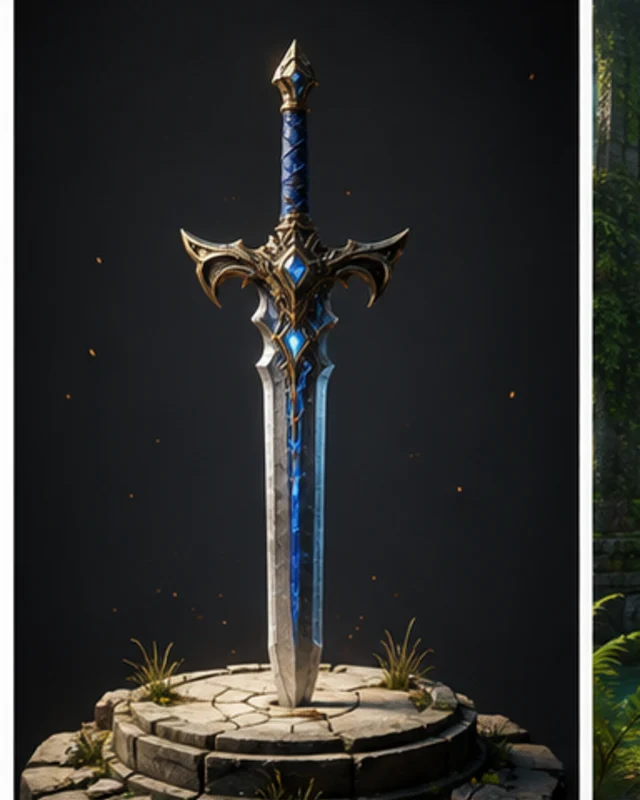
The core idea
A focused Image to Game direction that gives an Image to Game a concrete first result to review.
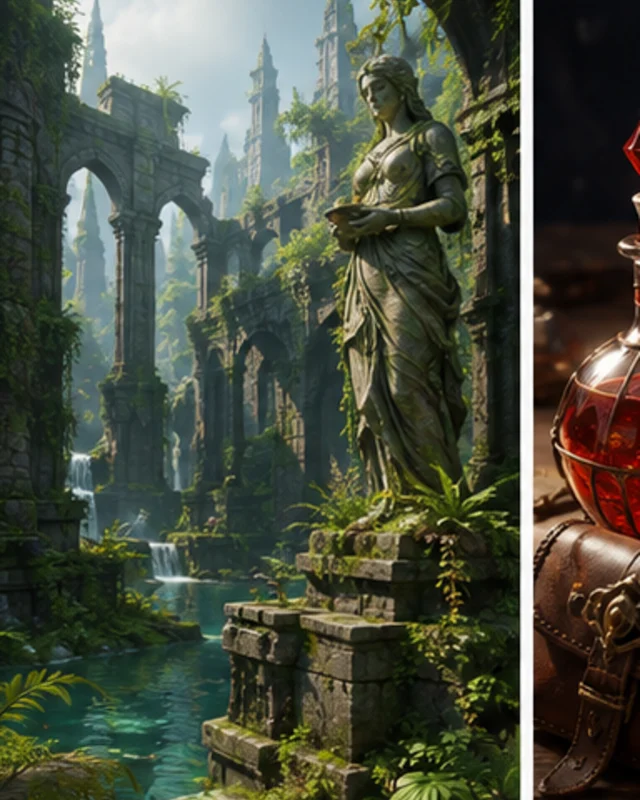
The main interaction
A focused Image to Game direction that gives an Image to Game a concrete first result to review.
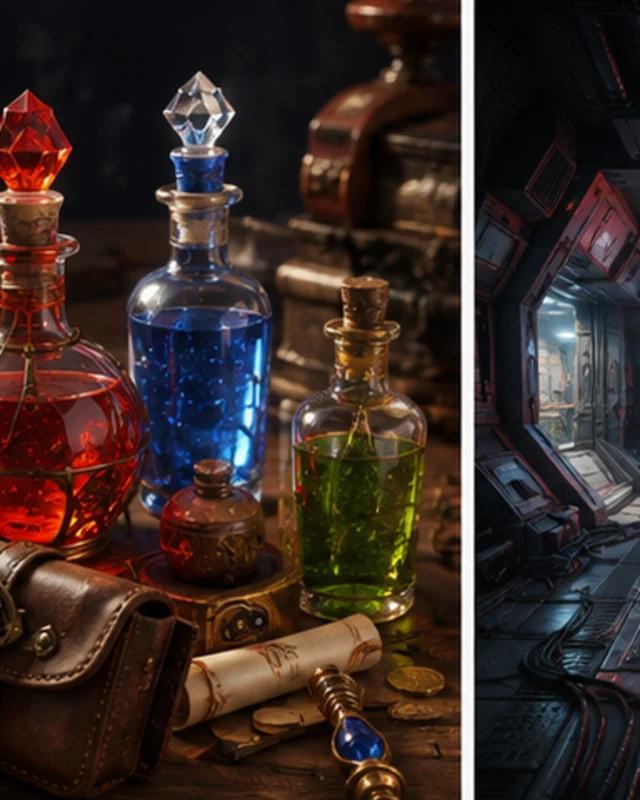
The structure
A focused Image to Game direction that gives an Image to Game a concrete first result to review.
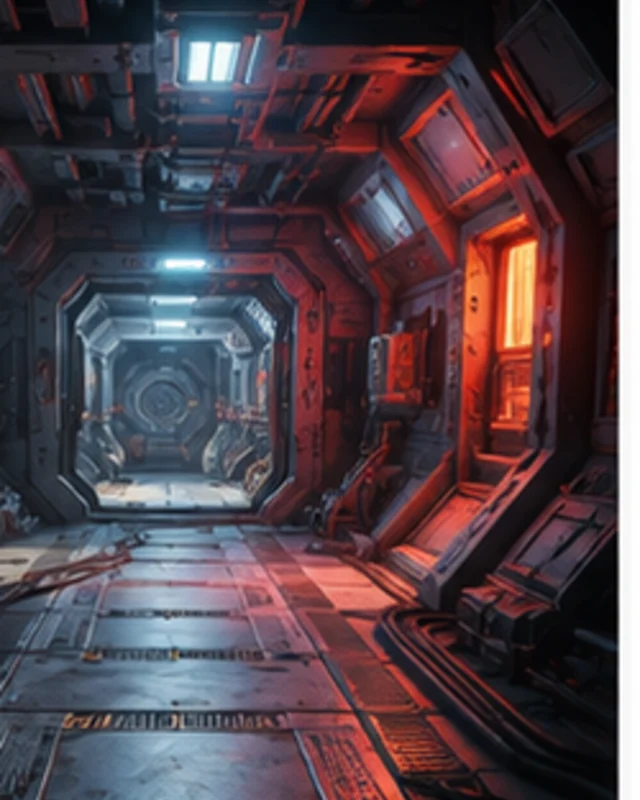
The visual direction
A focused Image to Game direction that gives an Image to Game a concrete first result to review.
Why use it
Make the next decision with something real.
Focus on the parts of the idea that need a concrete result before the next decision.
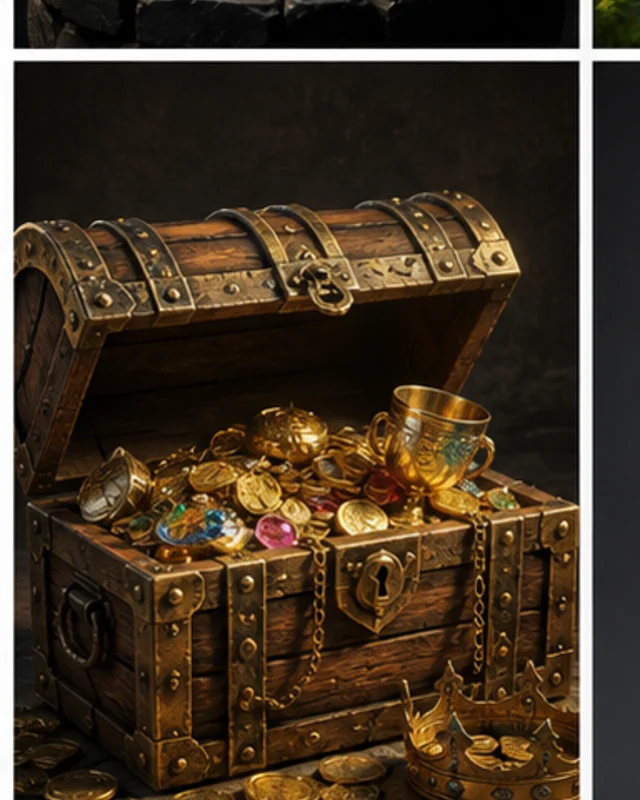
Prompt input
Use Image to Game to make an Image to Game easier to inspect, revise, and carry into the next project decision.
Try it now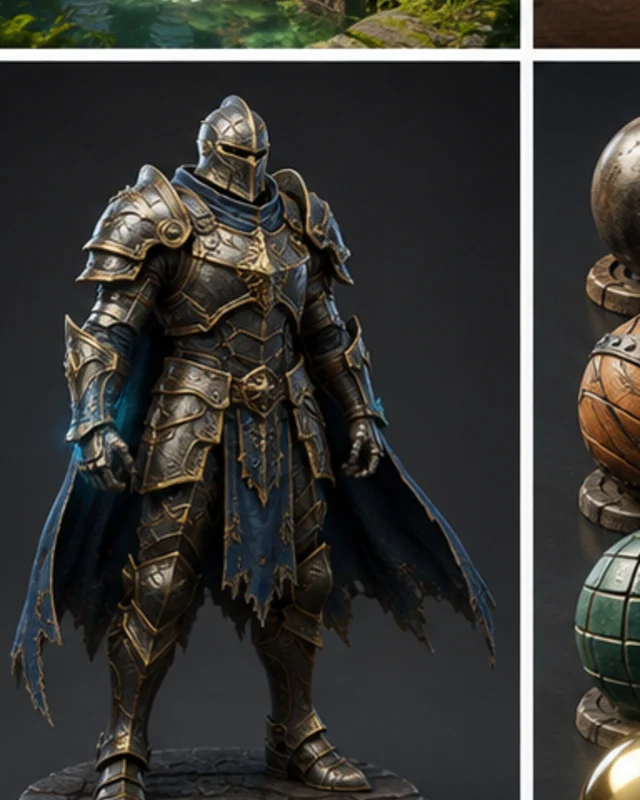
Reviewable output
Use Image to Game to make an Image to Game easier to inspect, revise, and carry into the next project decision.
Try it now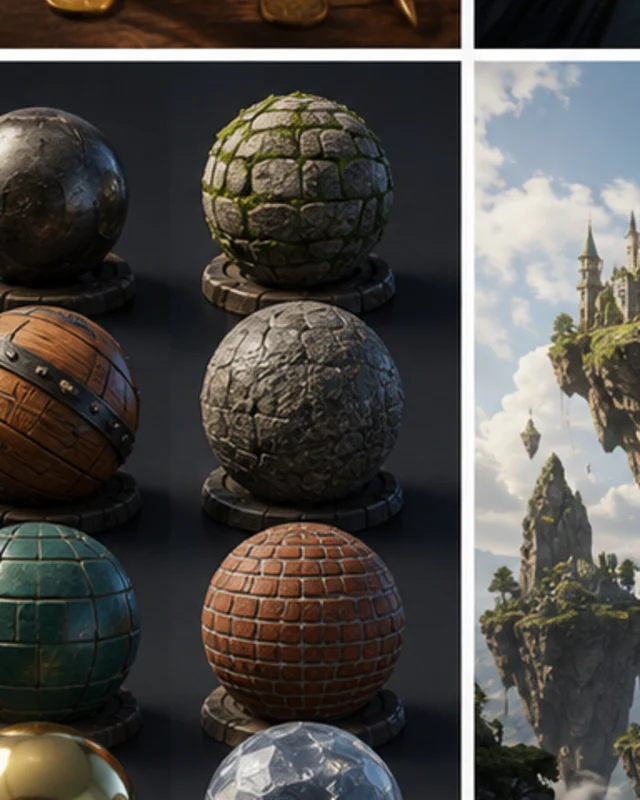
Human handoff
Use Image to Game to make an Image to Game easier to inspect, revise, and carry into the next project decision.
Try it nowWho it is for
Who is an Image to Game for?
creators, designers, and small teams can use this page to make one project decision easier to test before a larger build or launch.
- People with a specific project question
Use an Image to Game when you need to see how an idea, interaction, asset, or release path might work.
- Teams comparing options
Put the audience, desired result, and constraints beside one proposal so the team can discuss the same idea.
- Creators checking the details
Review quality, continuity, accessibility, rights, and publishing requirements before using the result in a real project.
How to use it
Workflow
Give an Image to Game enough context to make the result specific, then test the part that matters to your project.
Describe the job
Start with the audience, format, desired result, and the question this page should help answer.
Try one version
Use an example or write your own prompt. Look at the main interaction, structure, visual choices, and scope together.
Decide what to keep
Take the useful parts into the workspace and record the implementation, quality, rights, and publishing work that remains.
A CLEARER FIRST MOVE
Image to Game compared with a blank first pass
A useful first result gives the next decision something concrete to react to, without hiding the work that still needs human ownership.
What changes
Image to Game
Starting from scratch
Starting point
A focused Image to Game prompt
A blank project and an open-ended task
First review
A concrete result to inspect
A plan before there is something to try
Scope
One audience, output, and constraint
Many decisions made at once
FAQ
Questions about Image to Game
What is Image to Game?
In SEELE AI, Image to Game means connecting AI-assisted inputs to scenes, mechanics, UI states, and a browser-playable prototype plan.
What should I include in an Image to Game prompt?
Include the audience, desired result, format, constraints, and the one interaction or output you want to examine.
Can I start with a rough idea?
Yes. A rough idea is enough to begin, but adding one audience detail and one constraint usually makes the result easier to judge.
Start creating
Try Image to Game
Describe the job, test one version, and decide what to do next inside SEELE AI.
Start creatingFree