
Seele AI · Story Workspace
2D + 3D AI Game Maker Create Sprite and 3D Games with AI
Create 2D sprite, pixel, platformer, and 3D FPS, RPG, racing, or world games with SEELE AI. Start from a prompt and hand off the chosen model to Workspace.
TRY IT FREE
See what works before you build the whole thing.
Start with a rough idea above. Starter credits help you test the direction before you spend time on every detail.
Start with a free ideaStart with free starter credits
Try the first version before deciding whether the idea deserves more time.
No coding required
Describe mechanics, visuals, audience, and constraints in plain English.
Review cost before generating
Review the generation path before committing to a larger run.
Trusted by leaders in
AI, gaming & entertainment




EXAMPLES
Start with a playable direction.
Start with a direction that resembles your project, then change the mechanics, look, or audience before you build further.
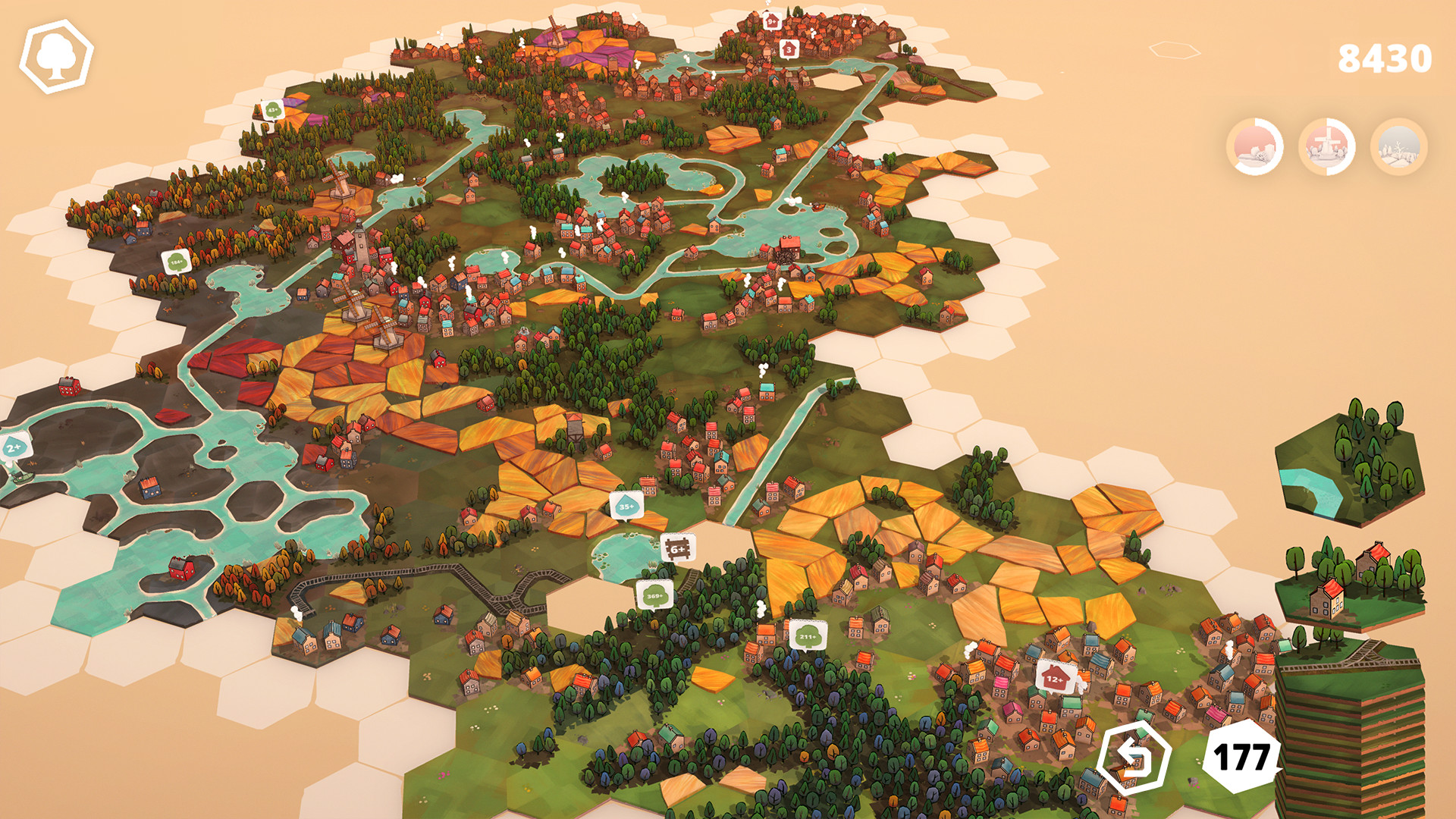
2D Make a Sprite Arcade Game
Define sprite states, wave rules, score feedback, powerups, and short-session pacing.

3D Build a 3D FPS Prototype
Scope camera feel, arena layout, targets, pickups, combat feedback, and objectives.
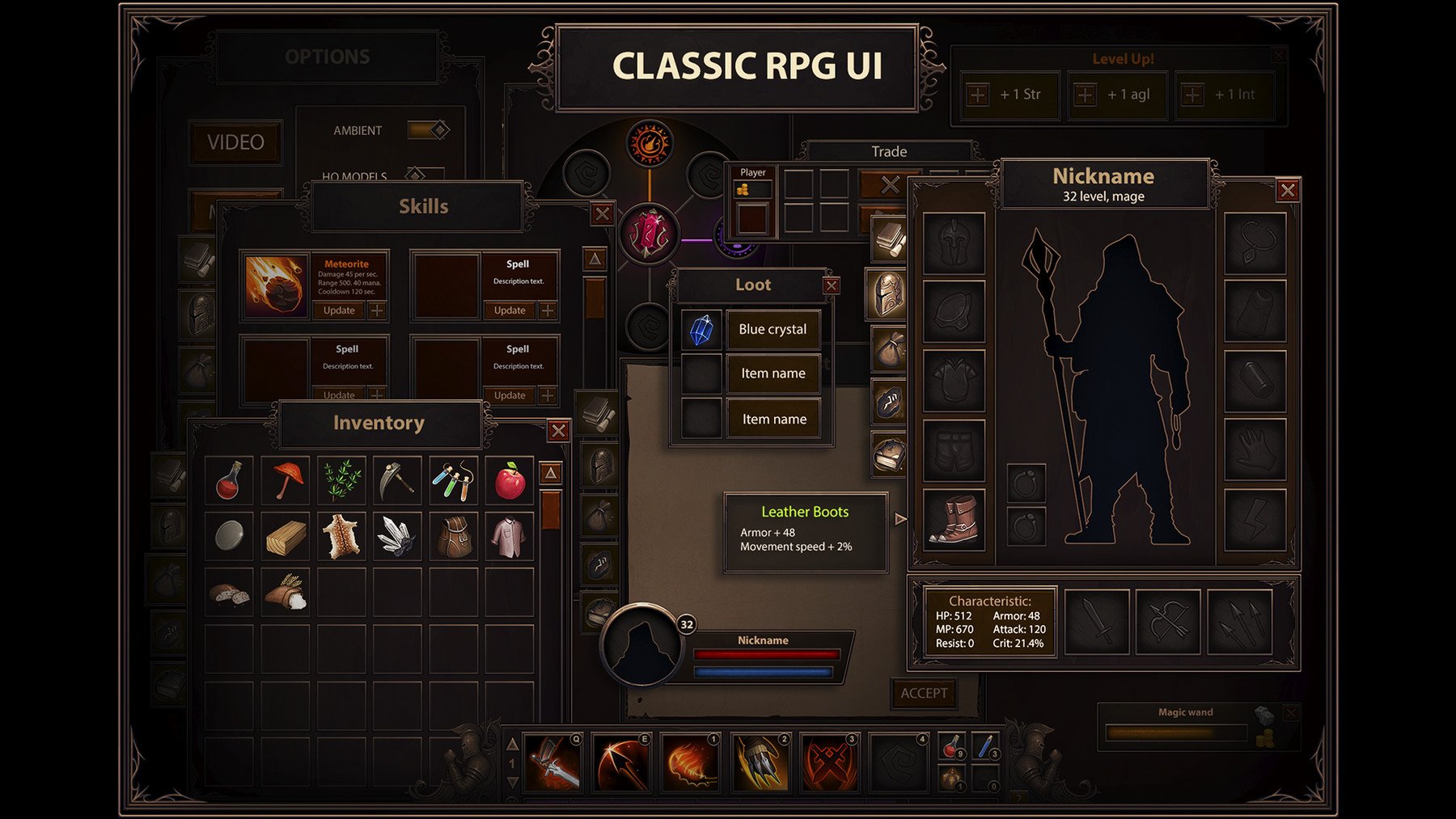
3D Design a 3D Racing Loop
Plan vehicle handling, track landmarks, checkpoints, lap goals, and camera feedback.
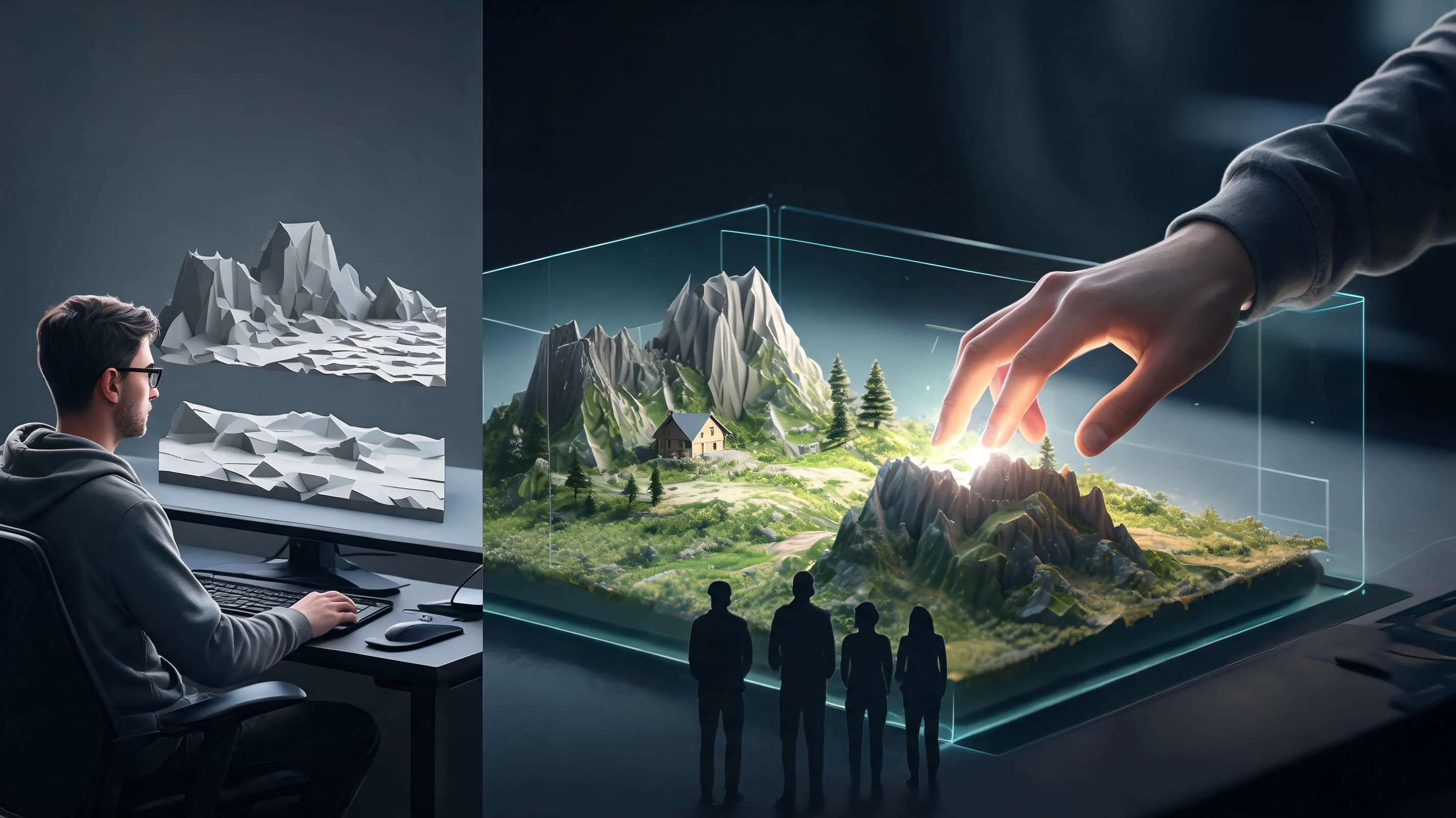
3D Design a 3D Racing Loop
A focused 2D + 3D AI Game Maker… direction that gives a 2D + 3D AI Game Maker… a concrete first result to review.
Why use it
Make the next decision with something real.
Focus on the parts of the idea that need a concrete result before the next decision.
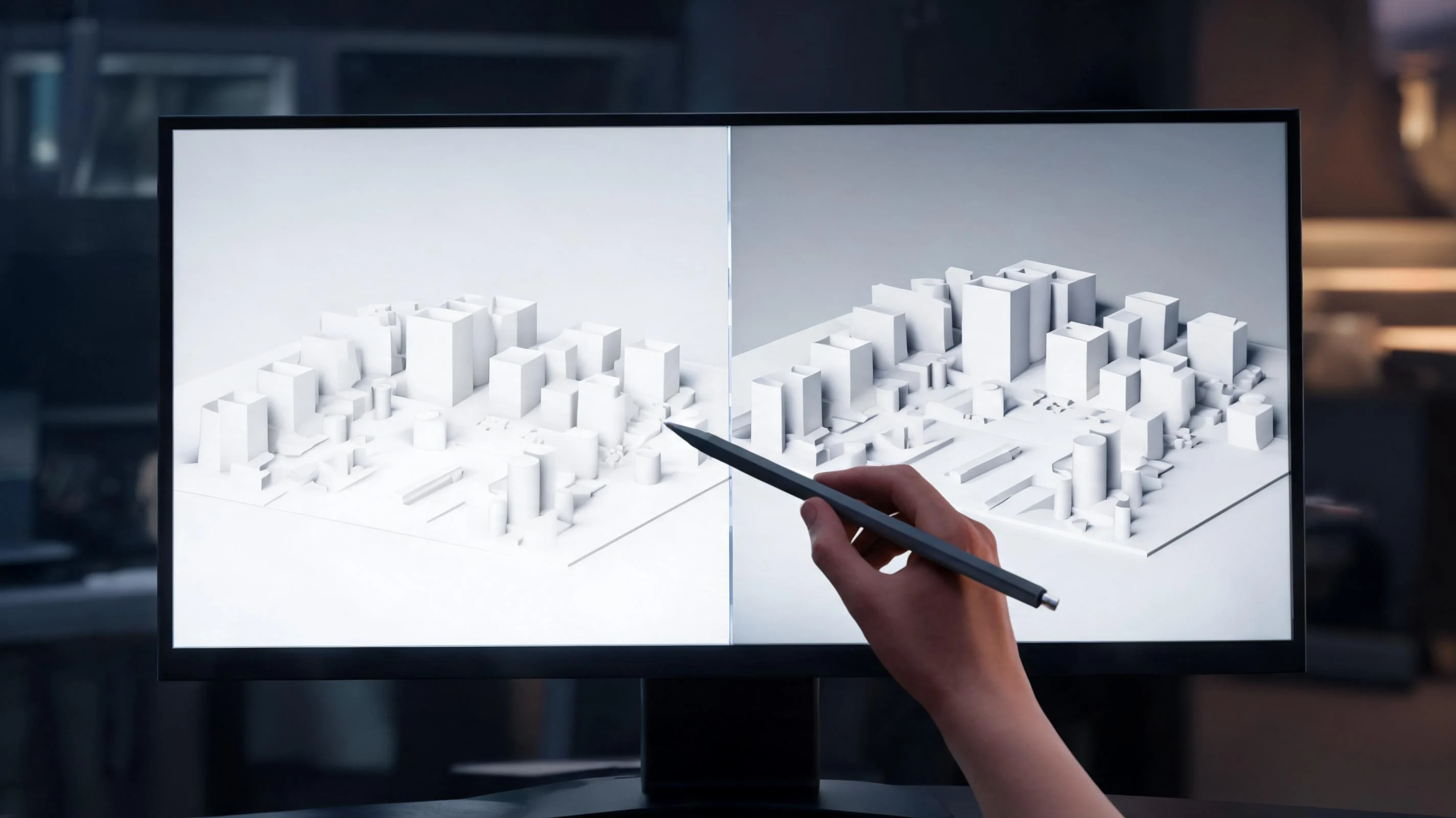
Recorded 3D game output
Review the recording, then launch its paired browser-playable build.
Try it now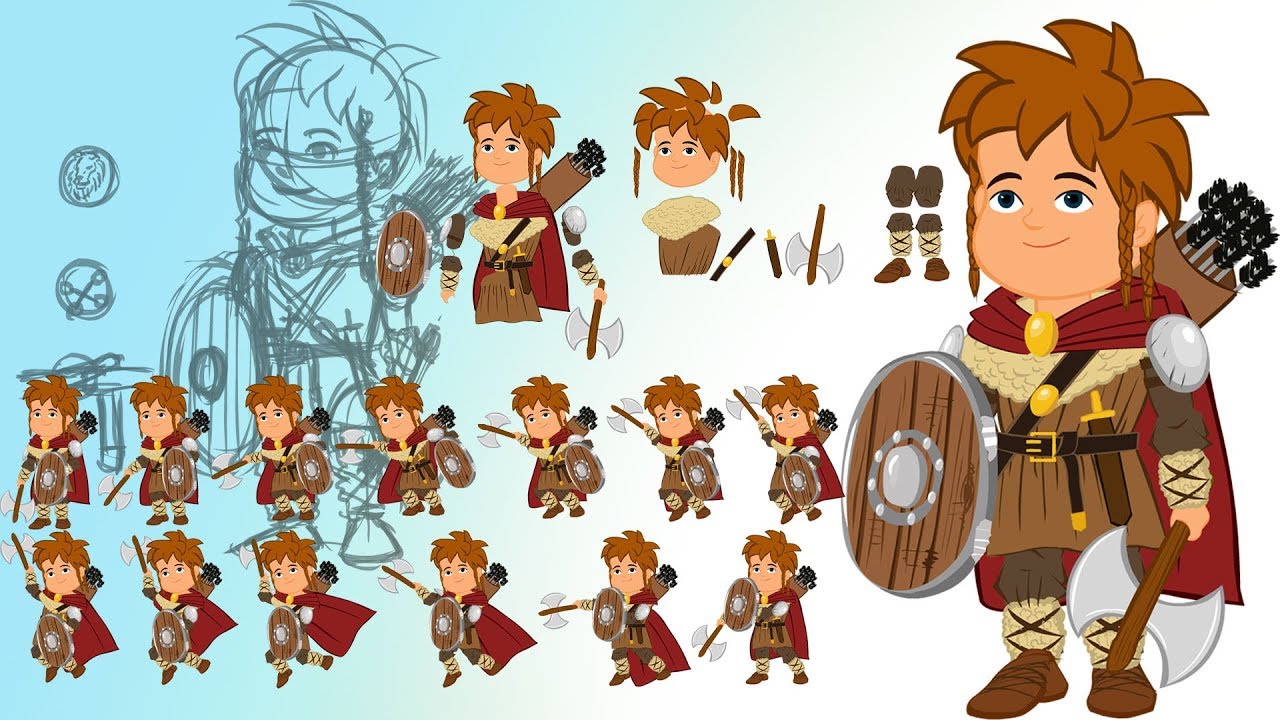
Recorded 2D game output
Review the recording, then launch its paired browser-playable build.
Try it now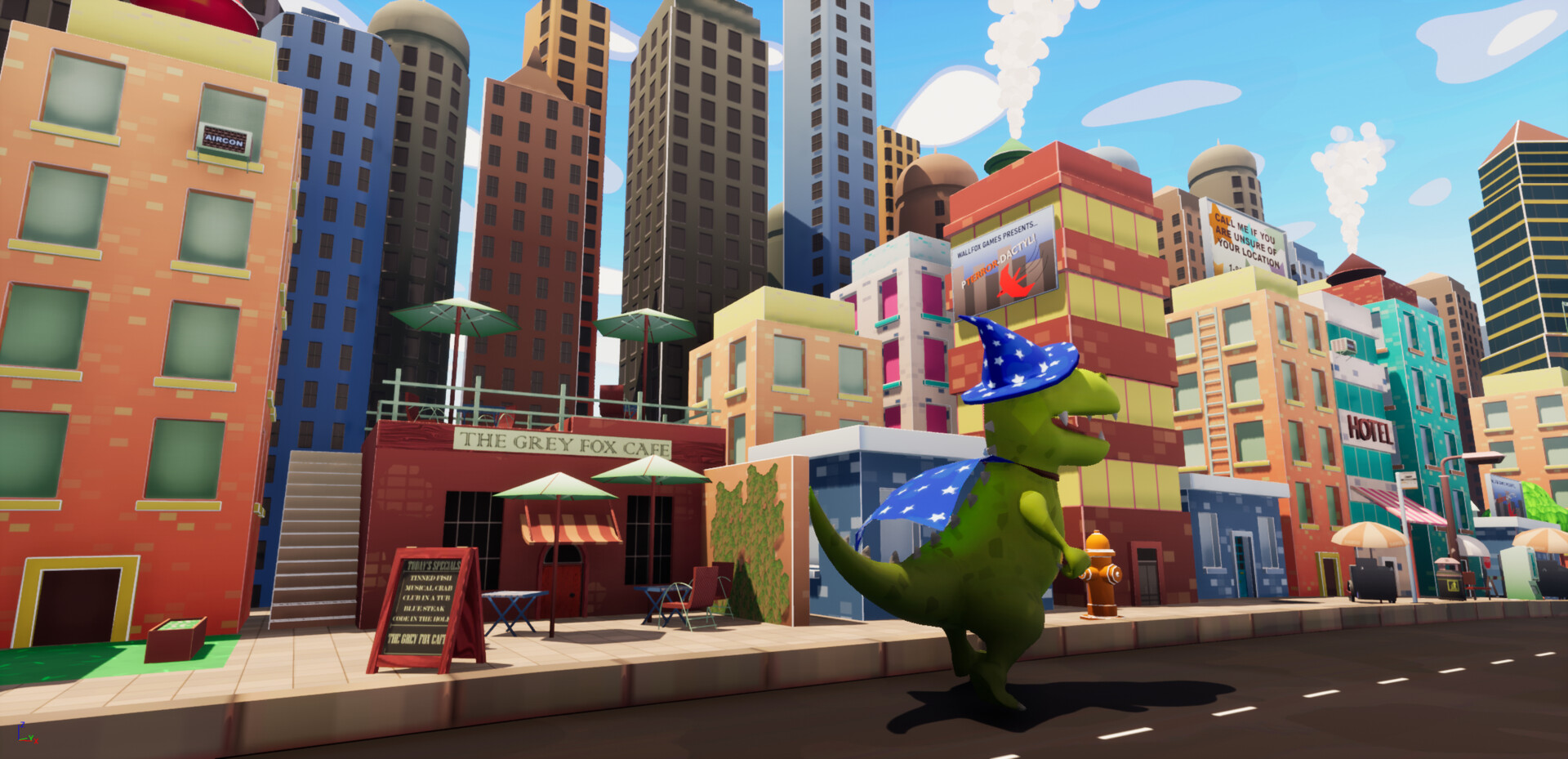
Recorded 3D game output
Review the recording, then launch its paired browser-playable build.
Try it nowWho it is for
Who is it for?
creators, designers, and small teams can use this page to make one project decision easier to test before a larger build or launch.
- 2D Sprite, Pixel, and Tile Game Planning
Turn a 2D game idea into a concrete build prompt: sprite states, pixel-art mood, tile maps, parallax layers, platformer movement, enemy patterns, scoring, UI screens, and the first playable loop.
- 3D World, Camera, and Gameplay Prototypes
Describe 3D worlds with camera behavior, movement feel, level landmarks, combat, quest, racing, or simulation rules. SEELE AI helps shape a prototype plan that can continue in Workspace for iteration and review.
- Mixed 2D/3D Interaction Briefs
Keep 2D and 3D requirements separate when they matter: sprite sheets and hitboxes for 2D, camera and spatial layout for 3D, plus shared rules for controls, feedback, audio direction, progression, and win conditions.
How to use it
2D + 3D AI Game Maker workflows
Give a 2D + 3D AI Game Maker… enough context to make the result specific, then test the part that matters to your project.
Describe the job
Start with the audience, format, desired result, and the question this page should help answer.
Try one version
Use an example or write your own prompt. Look at the main interaction, structure, visual choices, and scope together.
Decide what to keep
Take the useful parts into the workspace and record the implementation, quality, rights, and publishing work that remains.
A CLEARER FIRST MOVE
2D + 3D AI Game Maker workflows
Choose the right prompt structure for sprite-based 2D games and spatial 3D prototypes.
What changes
2D game prompt
3D game prompt
Best fit
Sprite, pixel, platformer, puzzle, arcade, tower-defense, visual-novel, and top-down loops
3D world, FPS, RPG, racing, 3D platformer, simulation, open-world scene, and spatial interaction prototypes
Prompt details
Sprite frames, tile size, camera view, hitboxes, movement timing, level grid, UI states
Camera, locomotion, level landmarks, physics feel, object interaction, enemies, checkpoints
Iteration target
Tight controls, readable silhouettes, level readability, scoring and fail states
World composition, navigation, combat or driving feel, camera feedback, pacing
FAQ
Questions about 2D + 3D AI Game Maker…
Can I create both 2D and 3D games from one AI game maker?
Yes. Use SEELE AI to start either a 2D game prompt with sprites, pixel art, tile maps, platformer controls, and UI states, or a 3D game prompt with world layout, camera, movement, combat, racing, RPG, or FPS mechanics.
What should I include in a 2D game prompt?
For 2D games, describe the player action, sprite or pixel-art style, camera view, level shape, controls, hazards, collectibles, win condition, and any platformer, puzzle, arcade, or tower-defense rules.
What should I include in a 3D game prompt?
For 3D games, describe the world, camera, movement model, interaction rules, enemies or traffic, objectives, progression, and whether the prototype should feel like an FPS, RPG, racing game, 3D platformer, open-world scene, or simulation.
Start creating
Try 2D + 3D AI Game Maker…
Describe the job, test one version, and decide what to do next inside SEELE AI.
Start creatingFree