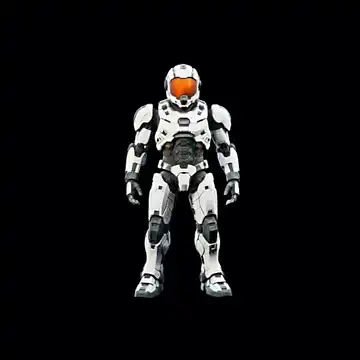
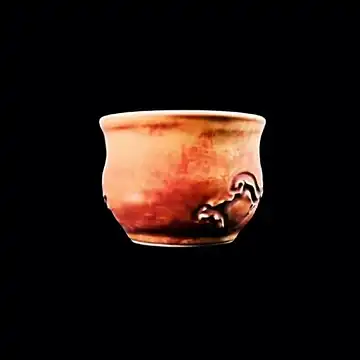
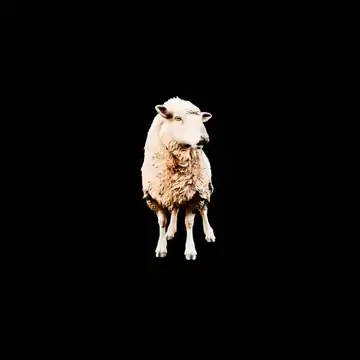
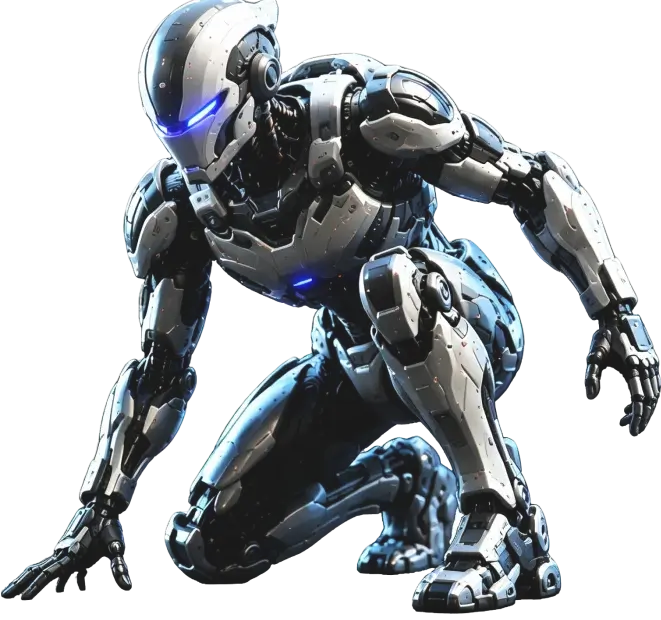
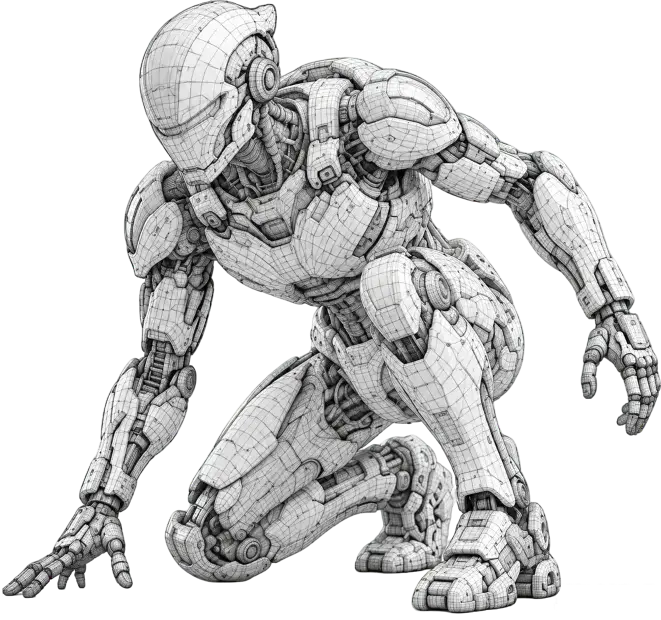
Your all-in-one AI 3D workspace

Create 3D Modelswith AI

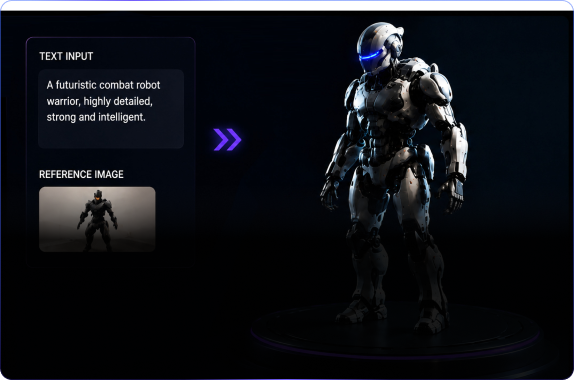
Generate, refine, and export production-ready 3D models from text or images.

  • Text to 3D
  • Image to 3D
  • PBR Materials
  • Optimized Topology
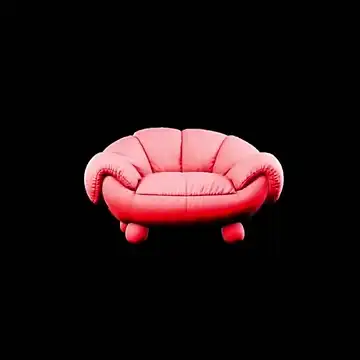
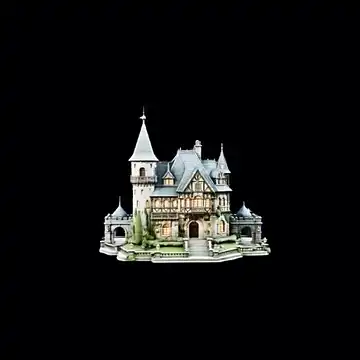
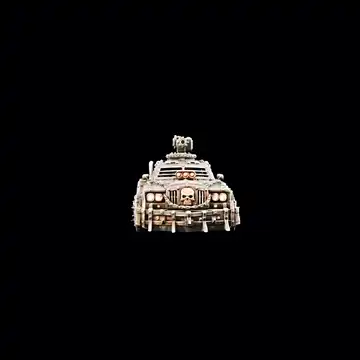
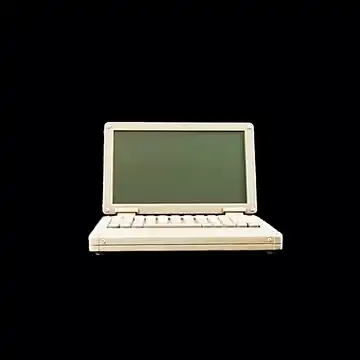
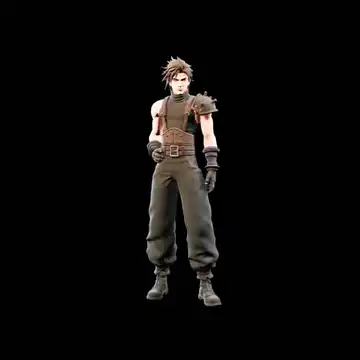
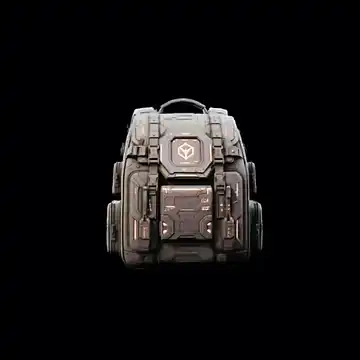
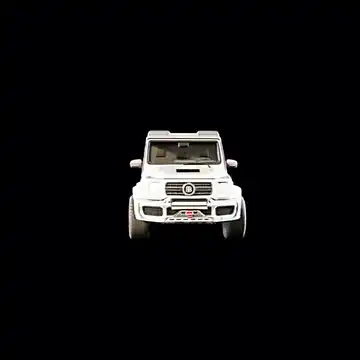
Generate quickly from an image

Workflow

Three steps from idea to a 3D asset you can inspect.

Start with a prompt or reference image. Set the model direction, materials, textures, and polygon budget, then preview and export with less guesswork.

STEP 01

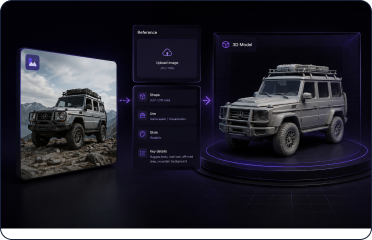
Add your idea

Describe a character, prop, product, or space, or upload a reference image. Define the form, purpose, style, and important details.

AI 3D creation input workspace with a text prompt, reference image, silhouette recognition, and usage notes Text / image / multi-view
STEP 02

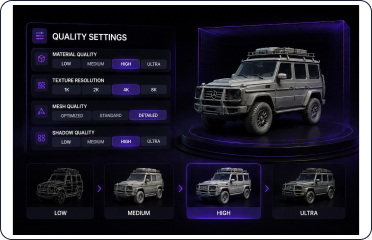
Tune the quality

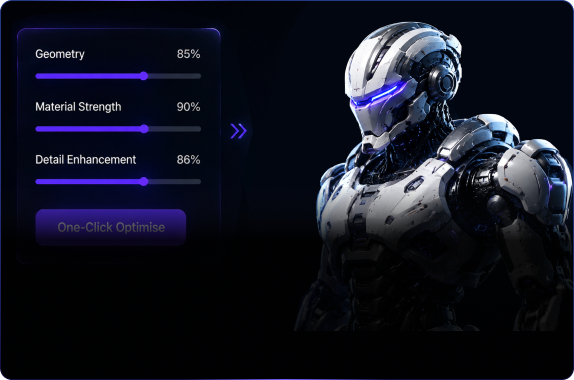
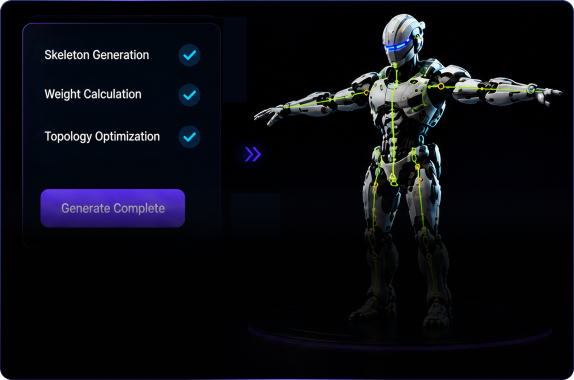
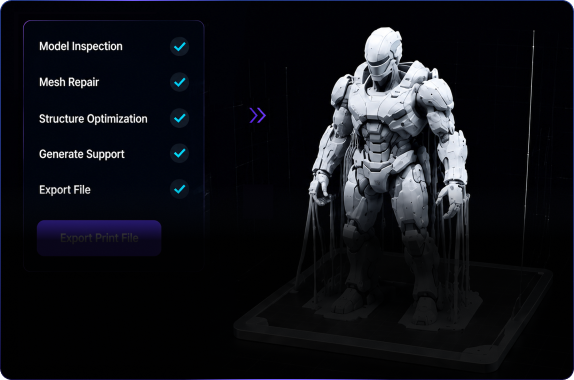
Choose materials, texture quality, topology, and a polygon budget so the output better fits games, presentation, printing, or product validation.

AI 3D quality controls showing asset checks, materials, textures, topology, and polygon budget Quality check preview
STEP 03

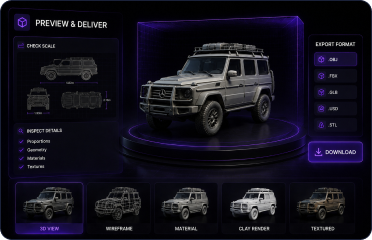
Preview and export

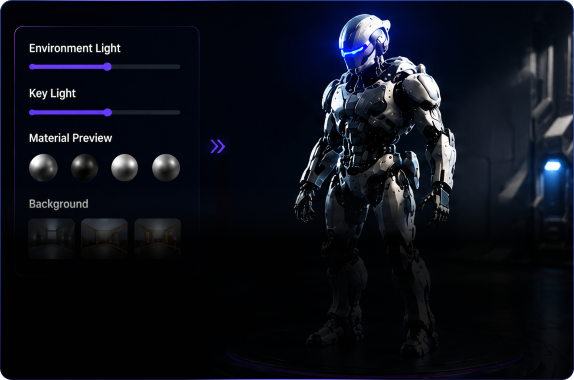
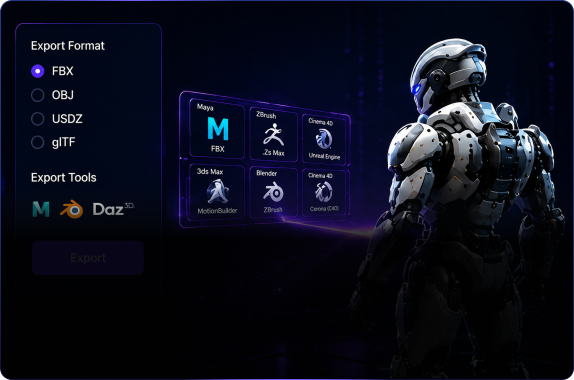
Check proportions, detail, and export formats. When it looks right, download the model for engine import, presentation, or the next production step.

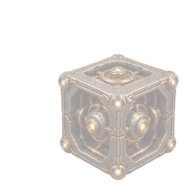
AI 3D download and export workspace with a modular asset preview, format checks, and GLB, FBX, and OBJ files GLB / FBX / OBJ

Ready

Turn your next 3D project into a confident start.

When you are ready, open the 3D creation workspace and turn the idea into a first model.

Start Creating

Ask AI about SEELE AI.