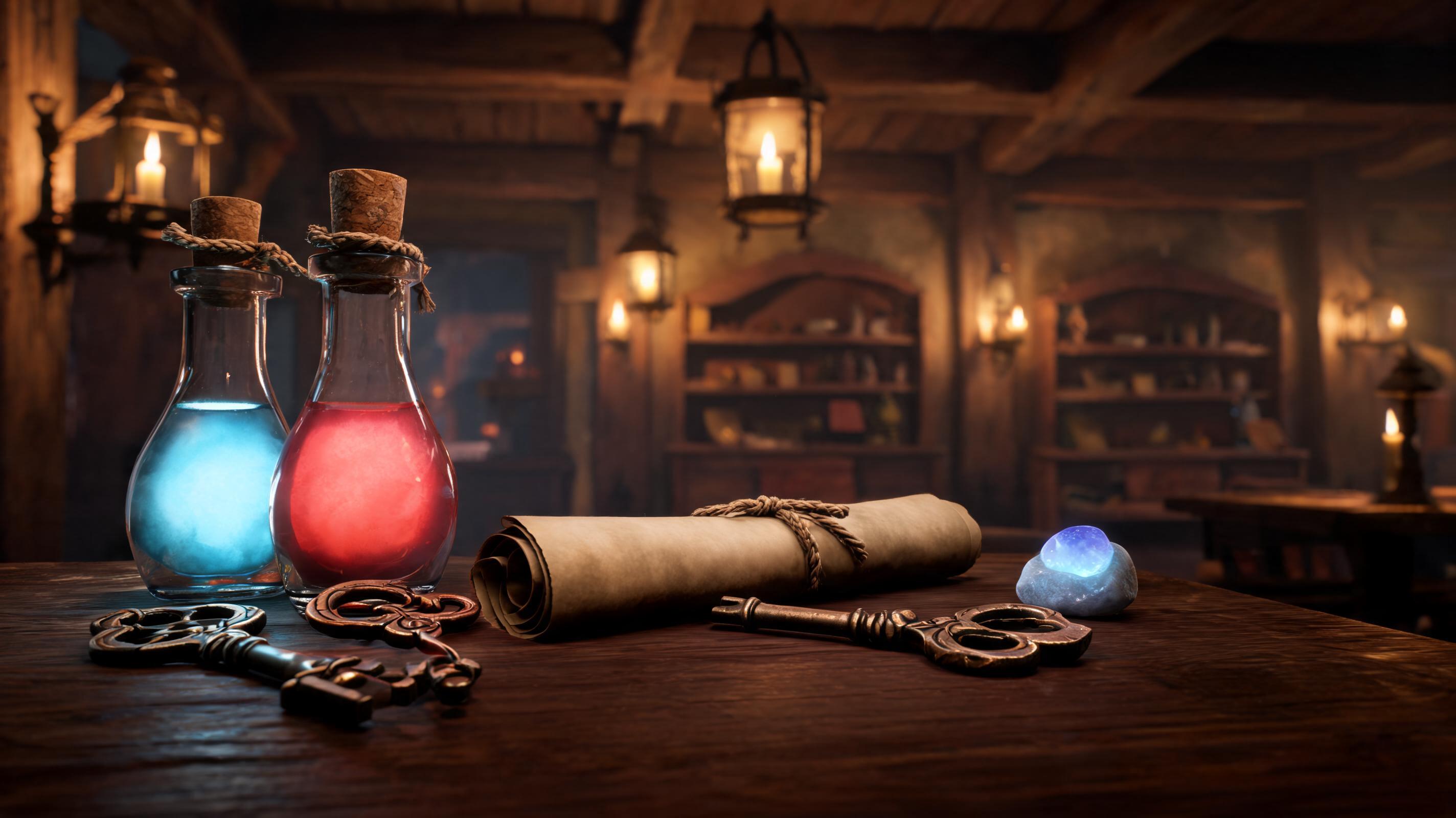
RPG Item Icon Set
Create readable inventory icons with a shared palette and silhouette rules.
Use this promptAn AI game asset generator helps developers turn asset needs into structured prompts, image or model directions, and game-ready review checklists.
Try this in SEELE AI
Start with a concrete game asset need, then launch into the workspace with your prompt carried across.
Try Focused Game-Art Prompts
Start from a concrete asset need and launch the prompt into the workspace.
Create readable inventory icons with a shared palette and silhouette rules.
Use this prompt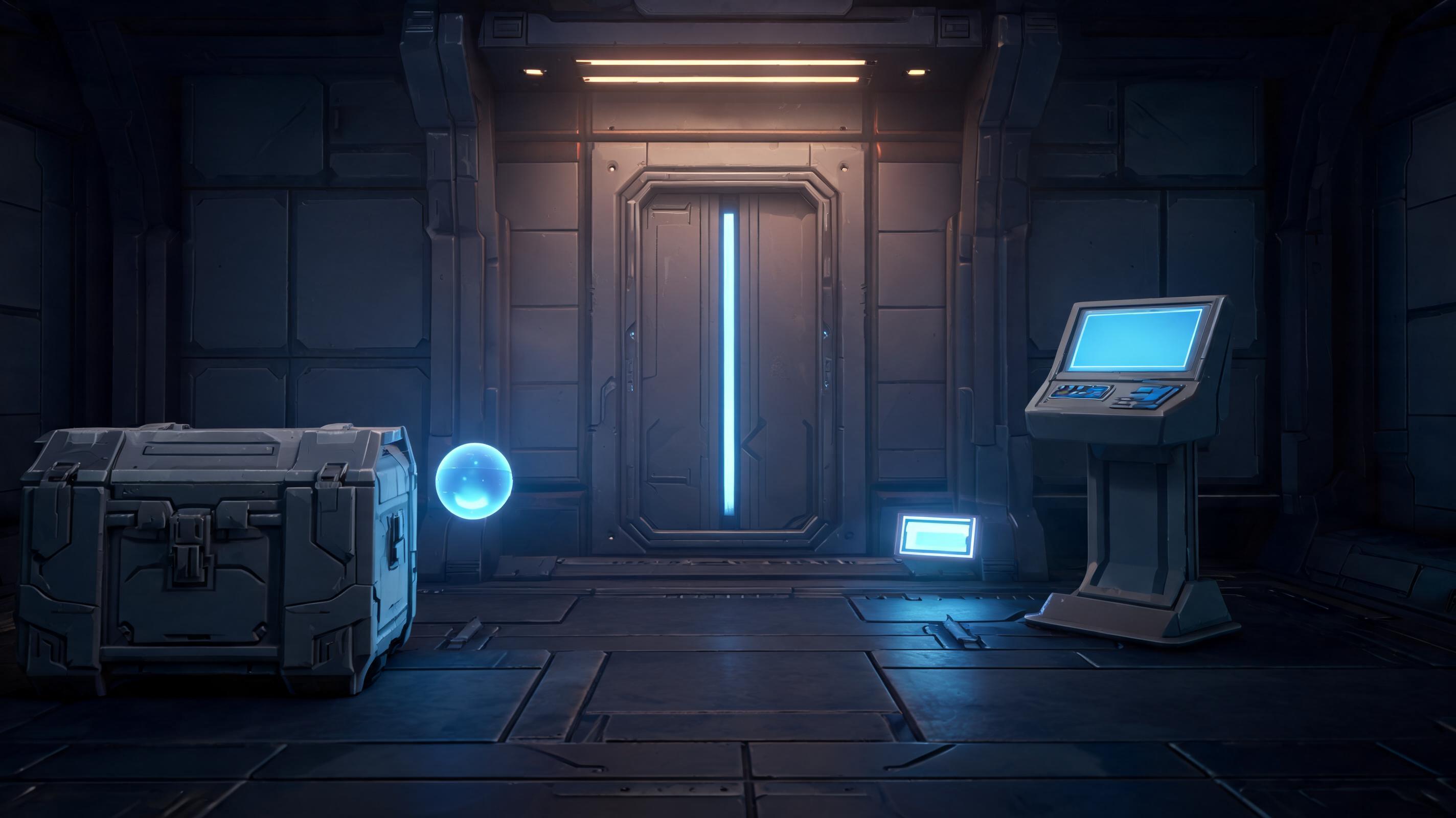
Plan crates, doors, consoles, and pickup props for a prototype scene.
Use this prompt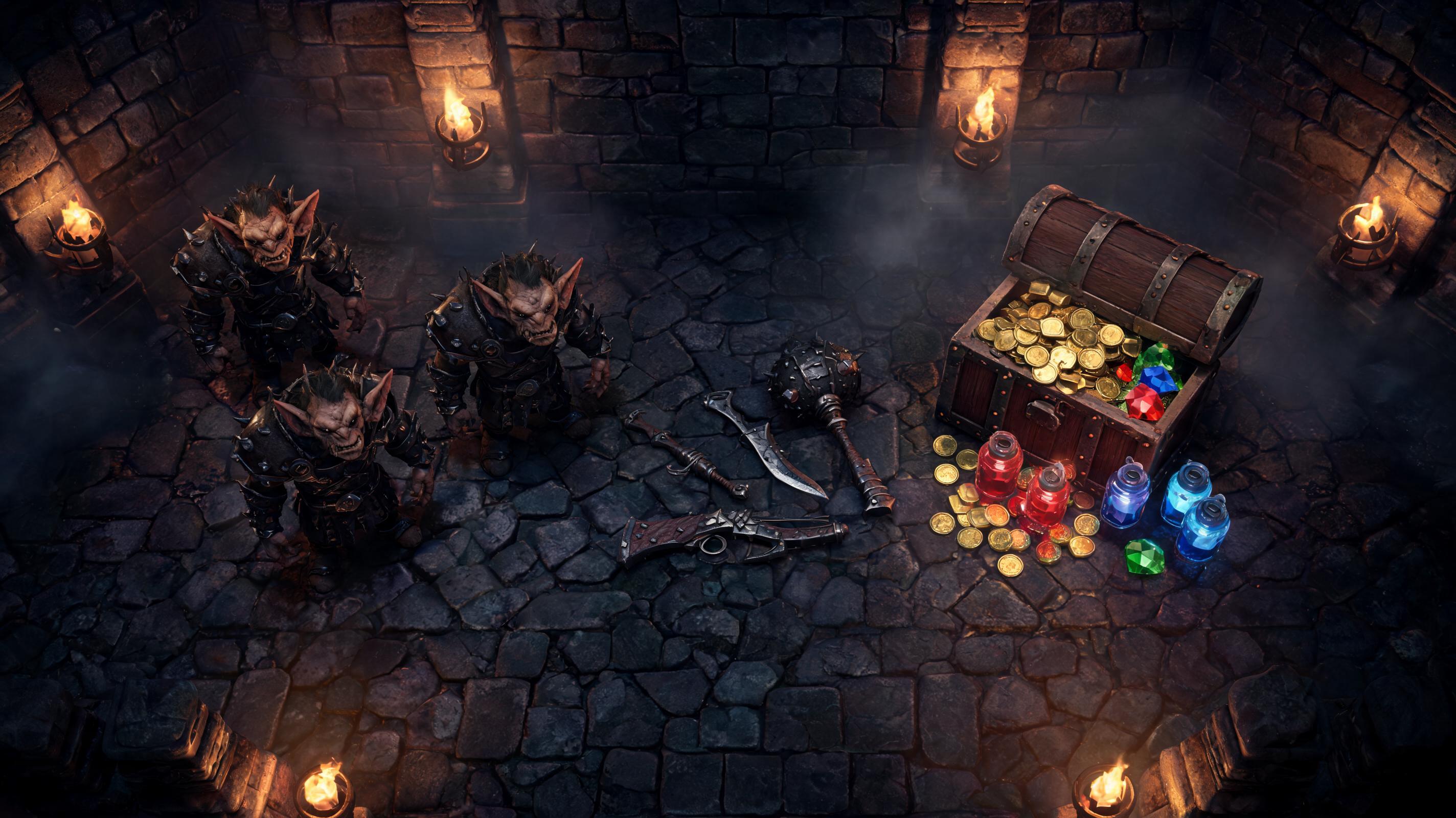
Generate enemy, weapon, reward, and UI thumbnail directions together.
Use this promptWorkflow Support For Game Assets
Structured feature cards explain the tool without relying on generic art samples.
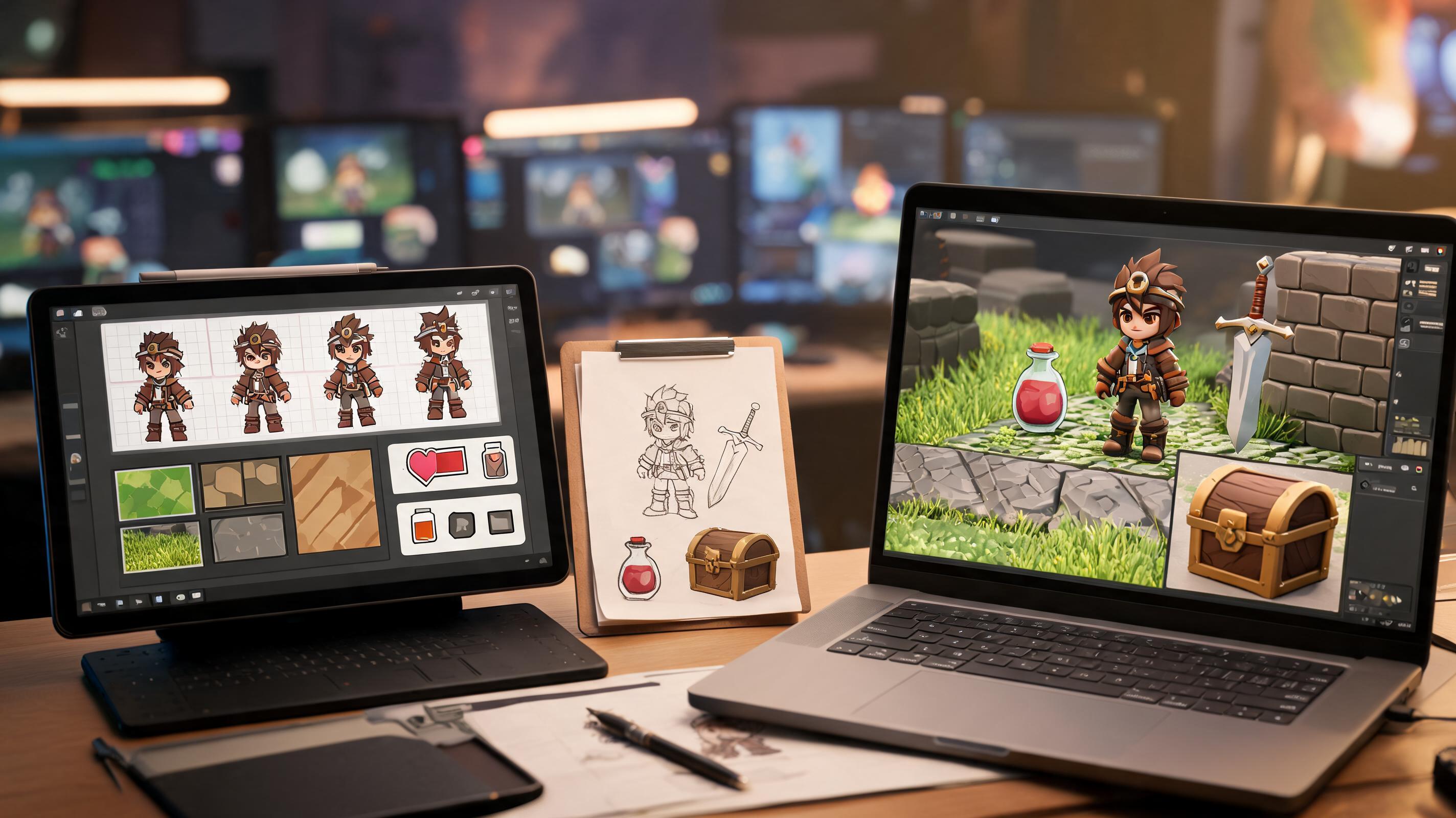
Plan sprites, textures, props, models, and UI elements from one asset brief.
Open Workspace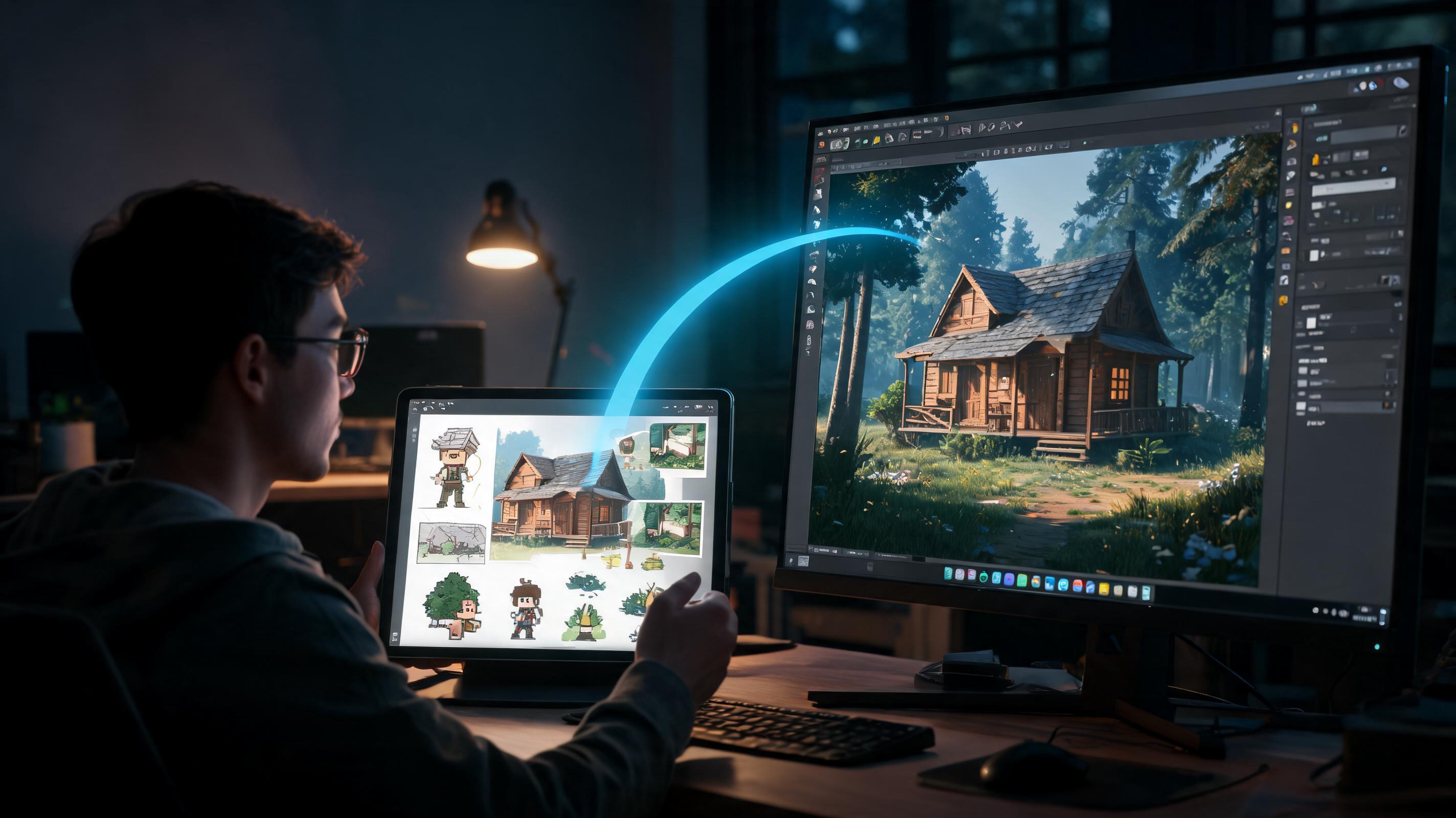
Connect the asset direction to game creation workflows instead of leaving it as isolated art.
Open Workspace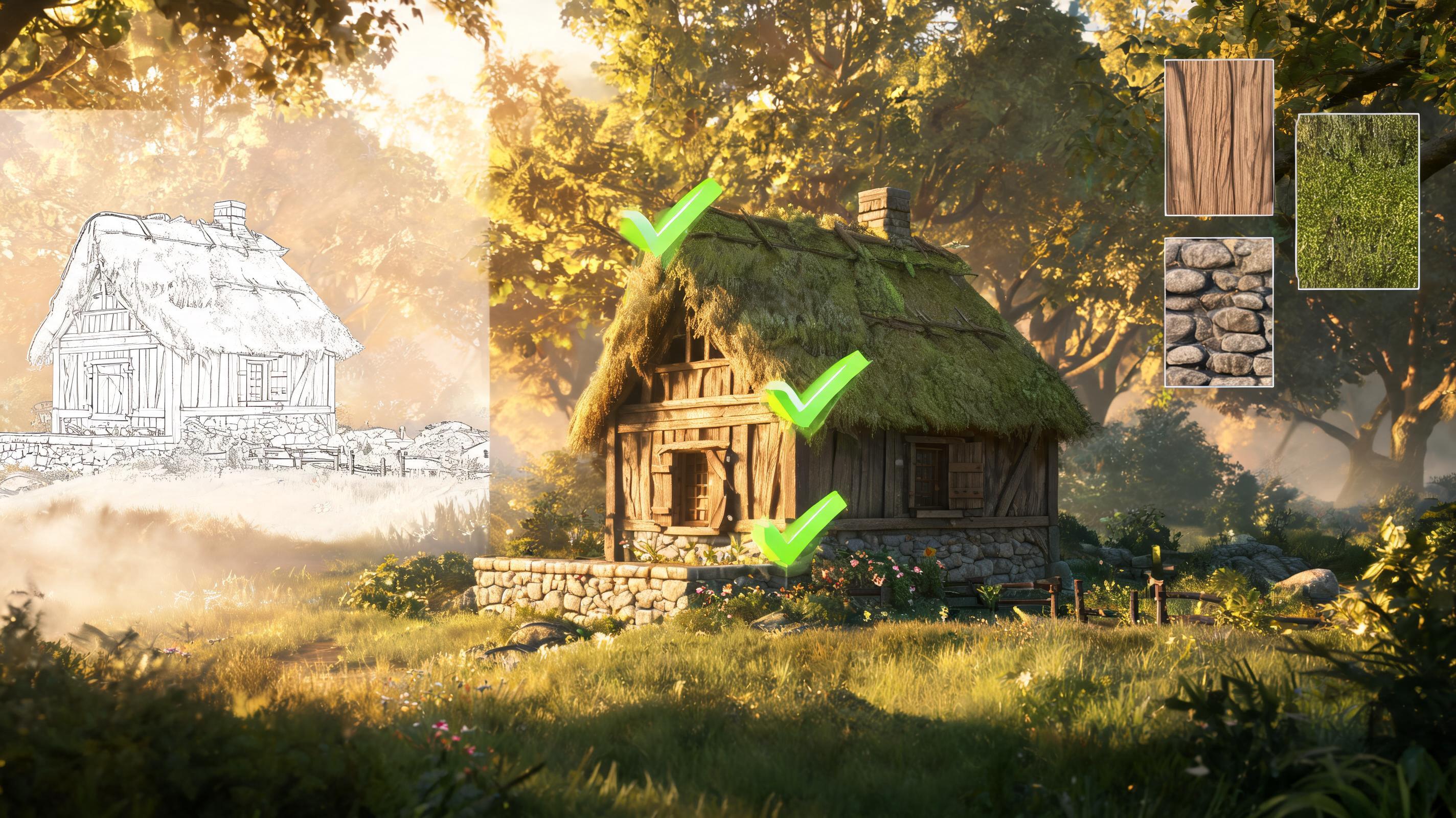
Keep prompts, constraints, and human review notes attached to the asset direction.
Open WorkspaceChoose By Production Fit
Compare tools by asset coverage, consistency controls, commercial-use review, and game handoff instead of screenshots alone.
| Criterion | SEELE AI workflow | Generic image-only workflow |
|---|---|---|
| Asset coverage | SEELE supports game creation plus 2D, 3D, sprites, textures, animation, and audio workflows | Image-only tools may need extra handoff steps |
| Handoff | Workspace prompt carries into game creation workflow | Standalone art output often needs manual organization |
| Review boundary | Human review remains explicit for rights, style, and platform requirements | Some workflows over-focus on one-click output |
Built For Small Game Teams
How It Works
Describe asset type, game context, visual constraints, and review risks. SEELE turns the input into a structured generation direction and game-aware asset brief.
Try several style, pose, palette, or output variants. The workflow helps explore controlled options without losing the original asset goal.
Select the strongest direction and check rights, consistency, and in-game readability. The selected prompt carries into the workspace for generation and iteration.
What You Get
A concrete prompt tailored to the asset type, game genre, and production need.
A structured summary of style, constraints, use case, and review requirements.
Next-step guidance for variants, cleanup, and game prototype handoff.
Where This Works Best
After generation
Use AI Game Asset Generator Tool as the starting point, then review topology, scale, materials, texture count, file size, target format, and engine constraints before treating the asset as ready.
Generate then editAn AI game asset generator helps create or plan visual game assets such as sprites, icons, props, textures, and 3D models from text prompts and structured briefs.
You may use generated assets commercially only when your tool terms, input rights, originality checks, and platform requirements support that use. Keep records and review final assets.
SEELE supports 2D sprites, sprite sheets, 3D assets, PBR textures, UI elements, concept art, animation, audio, and game prototype workflows.
Describe the asset type, game genre, camera angle, style constraints, intended use, and review risks, then launch the prompt into the workspace.
Treat first outputs as production inputs. Review art quality, rights, consistency, performance, and in-engine readability before final use.
Join thousands building with Seele AI — no setup required.
Open Workspace