Start with a playable-sized idea
Turn a broad game concept into one level, room, or encounter that is small enough to review.

Start with a player action, a clear challenge, and the feedback that makes the loop work.
Describe the game you want to try—from a platforming room to a top-down mission—then review the first build and decide what to refine next.
Partners and teams

















How it works
Choose one player action, define the challenge around it, and review a focused first result before adding more systems.

Name who the player is and where the first scene takes place. A courier in a crowded market gives the idea a concrete starting point.
State what the player does most: jump, aim, deliver, trade, explore, or defend. Keep the first pass centered on one interaction.
Give the action something to respond to, such as a moving hazard or a short timer. Limit the first area or mechanic count.
Check whether the controls, objective, and feedback match the brief. Note the moment that feels confusing or incomplete.
Use the playthrough to choose the next change. Adjust the unclear control, hazard, or goal before adding another system.
Pick a starting point
Use these scenarios as concrete starting points. Change the player, setting, controls, and challenge to fit your game idea.
Give the player a short route, a timer, and one movement ability. The challenge is to read the lane and choose when to spend the dash.
Plan a top-down delivery game set in a rain-soaked market. The player has 90 seconds to deliver three parcels through crowded lanes, with one dash move and a clear warning before each obstacle. Show the route, timer, and delivery feedback.
 Top-down delivery run ↗
Why SEELE
Turn a broad game concept into one level, room, or encounter that is small enough to review.

Name what the player does, what gets in the way, and what changes after each action.

Give the first pass a finish line, such as completing a route, reaching a checkpoint, or surviving a round.

Call out the input, on-screen response, and any warning the player needs before danger.

Use a time limit, room size, enemy count, or small set of mechanics to keep the initial scope clear.

After trying the build, note where players hesitate, miss a cue, or make an unexpected choice.
Made with SEELE
These games are playable. Pick one and give it a try.
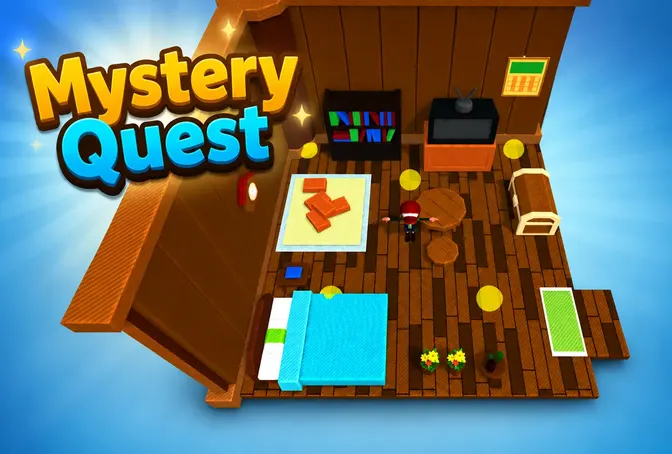 AdventureAdventure GamePlay the example ↗
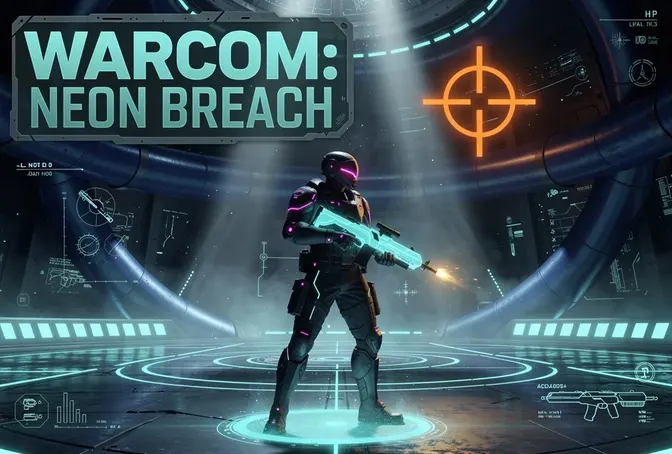 ShooterWarcom: Neon BreachPlay the example ↗
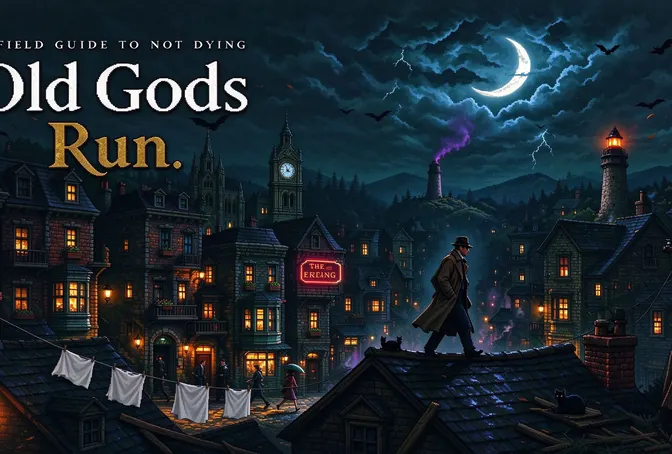 ActionOld Gods RunPlay the example ↗
 CasualCaution! Egg on the Car RoofPlay the example ↗
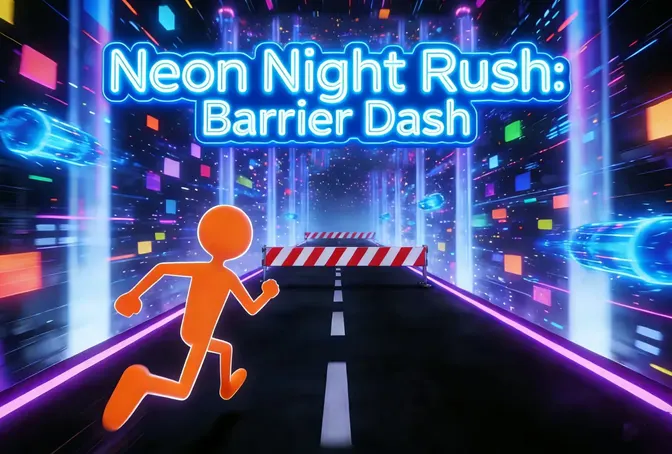 RunnerNeon Night Rush: Barrier DashPlay the example ↗
 PuzzleMuseum ExhibitionPlay the example ↗
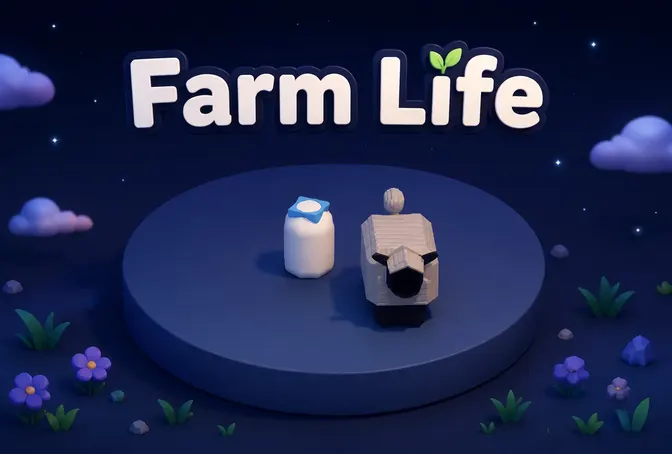 SimulationMilky Way Idle 3DPlay the example ↗
 CasualSnowfall & Starry GiftsPlay the example ↗
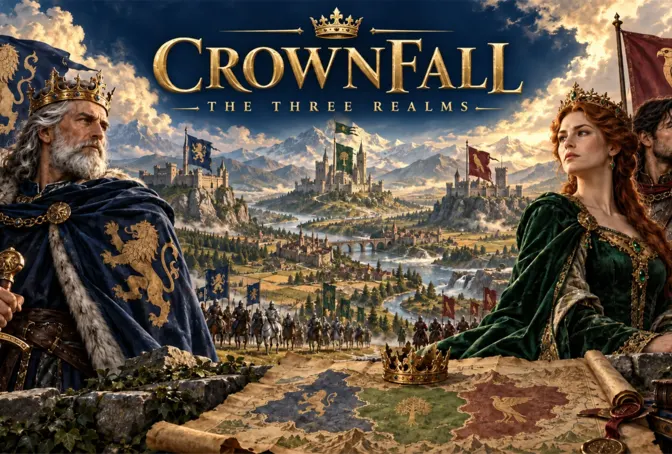 RPGCrownfall-The-Three-Realms-CoverPlay the example ↗
 SimulationFLYING CARPlay the example ↗
Who it’s for
Developers, small teams, and game-making enthusiasts can use a focused brief to explore a mechanic before expanding scope.
Try one core action in a short level before spending time on extra systems. Check whether the goal and feedback are clear on a first playthrough.
3D AI Game Maker ↗
Compare a few focused loops against the target player, visual direction, and engine constraints before choosing what to expand.
AI Game Maker with Code ↗
Use a concrete scenario to explore controls, challenge, and progression, then revise the parts that do not feel readable.
HTML5 Game Generator ↗Compare
A small prototype brief makes the first interaction and review criteria easier to see.
| Feature | Focused first prototype | Open-ended project brief |
|---|---|---|
| Starting point | A player action, one challenge, and a visible goal | A broad theme with no defined first interaction |
| Scope | One room, level, mission, or short encounter | Several systems and locations at once |
| Player feedback | Controls, hazards, and outcomes are called out | Important cues may be left implicit |
| First review | Check whether the core action and goal are understandable | Decide what to evaluate after the brief is written |
| Next decision | Refine the mechanic that playtesting surfaced | Choose which part of the broad concept to define first |
Reviews
Continue with related game makers, design guides, and tools for planning a prototype.
FAQ
You can explore a first game prototype around a defined mechanic, such as a platforming room, a short delivery mission, a shop challenge, or an arena encounter. The result depends on the brief and should be reviewed before you expand it.
Describe who the player is, what they do, what challenge they face, and what a successful attempt looks like. Add the visual direction and one scope limit, then review the generated result against those details.
Yes. A genre is a useful starting point, but add a specific player action and challenge so the brief describes a game loop rather than only a label like “platformer” or “RPG.”
Start with one core interaction, a clear goal, and enough feedback for a player to understand what happened. Add levels, progression, and extra mechanics after the core loop is understandable.
You can describe a 2D concept, including its viewpoint, controls, obstacles, and visual style. State the format in the prompt and review the first result to see whether it matches the brief.
You can describe a 3D concept by naming the camera perspective, movement, environment, and one interaction. Keep the first area focused so you can review navigation and feedback.
You can begin by describing the game in natural language. If you need to inspect or change implementation details, use the editing options available in the workspace and verify the current project workflow.
Play through the first version and identify one concrete issue: an unclear goal, unresponsive control, unreadable hazard, or missing outcome. Update the brief with that observation and try a focused revision.
Show the player what danger is coming, give them a meaningful response, and make the result of that response visible. A short level or encounter makes this easier to review.
You can start with a small RPG slice, such as one character, one location, and one choice or encounter. Define what the player can do and what changes after the choice before describing a larger world.
Describe the player count, shared objective, and how players interact. Multiplayer behavior can involve additional technical requirements, so verify what the current workspace supports before planning a full release.
Treat the first result as a prototype to review. Test controls, content, performance, rights, and the requirements of your intended platform before sharing or publishing.
Give it one clear objective, a short path to that objective, and visible feedback for player actions. Ask a tester to play without extra explanation and note where they get stuck.
Check whether the core action is understandable, the challenge is fair, the controls respond as expected, and the first goal is satisfying. Expand only after you know which part needs work.
Describe one player action and the challenge around it. Start with a focused prototype, then decide what deserves another pass.
Try your game idea →