Start with behavior you can play
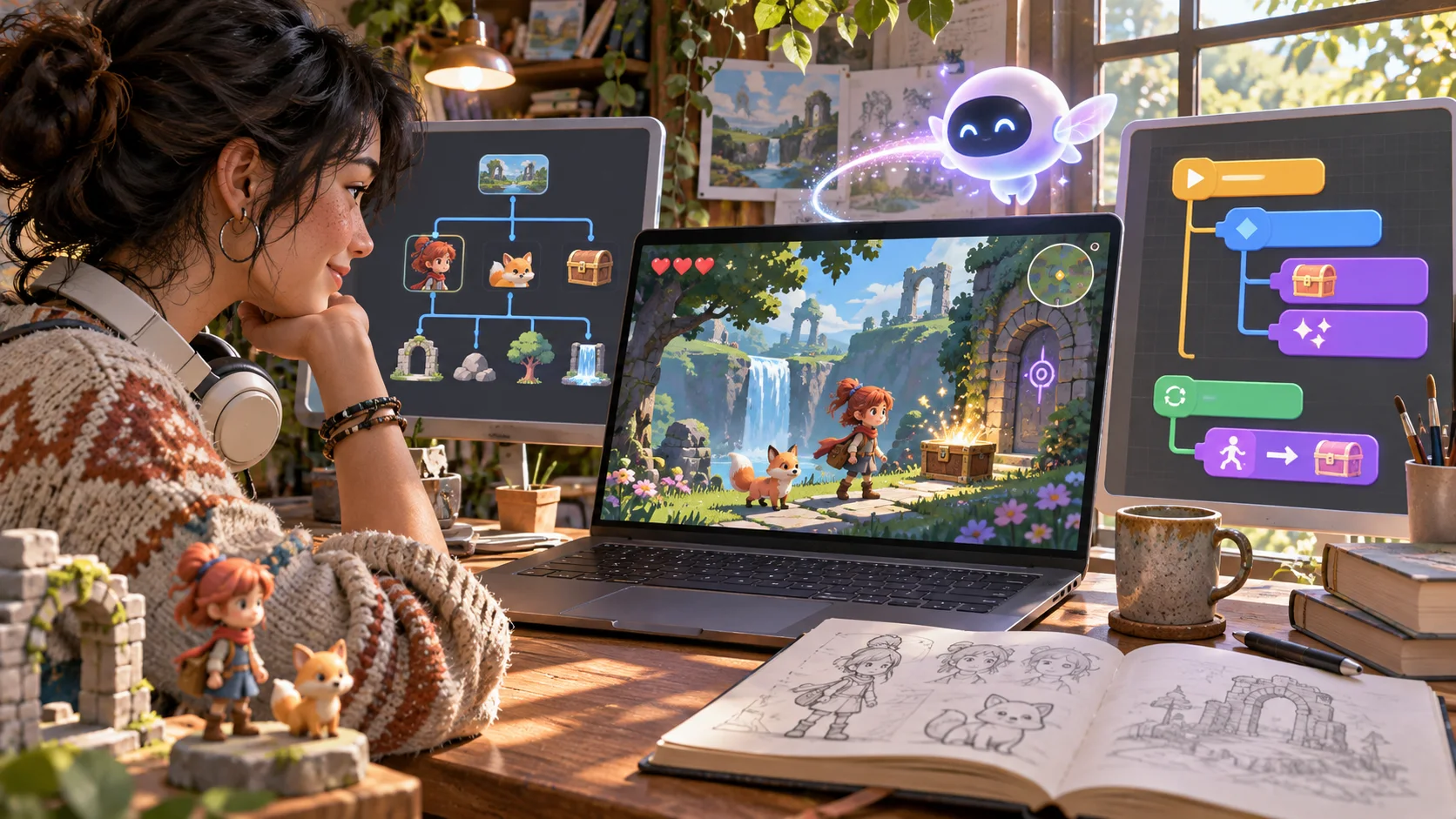
Describe the player goal and the core loop, then try the first build. A playable test makes it easier to spot what is missing than a feature list alone.

Start with one loop you can test and change.
Describe the player goal, controls, and success state. SEELE creates a playable first build with code and assets you can review, refine in the browser, and hand off for continued development.
Partners and teams

















Pick a starting point
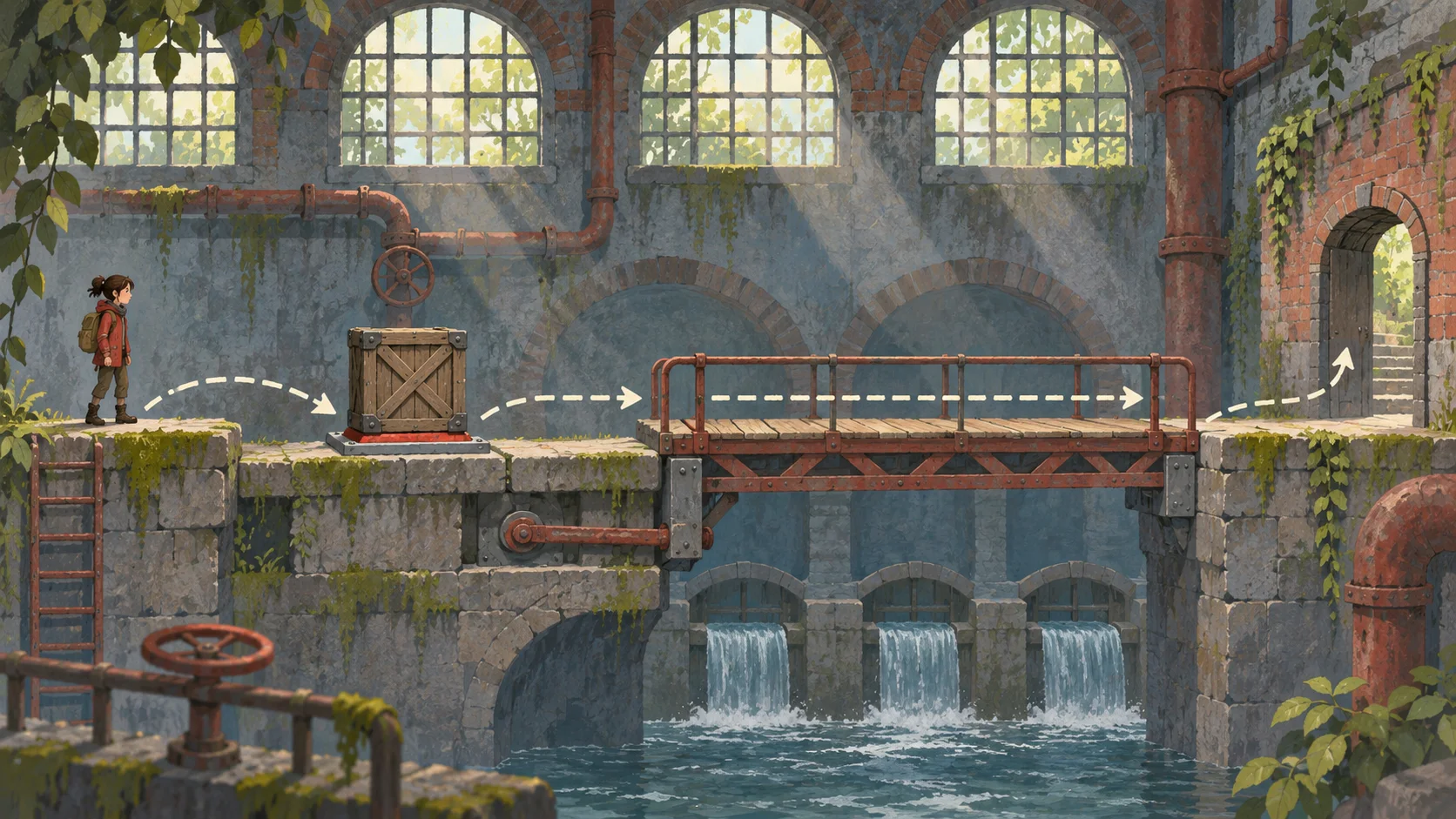
Set a starting point, one obstacle, and a clear finish. Replay the same section to review movement, collision, and feedback before adding another level.
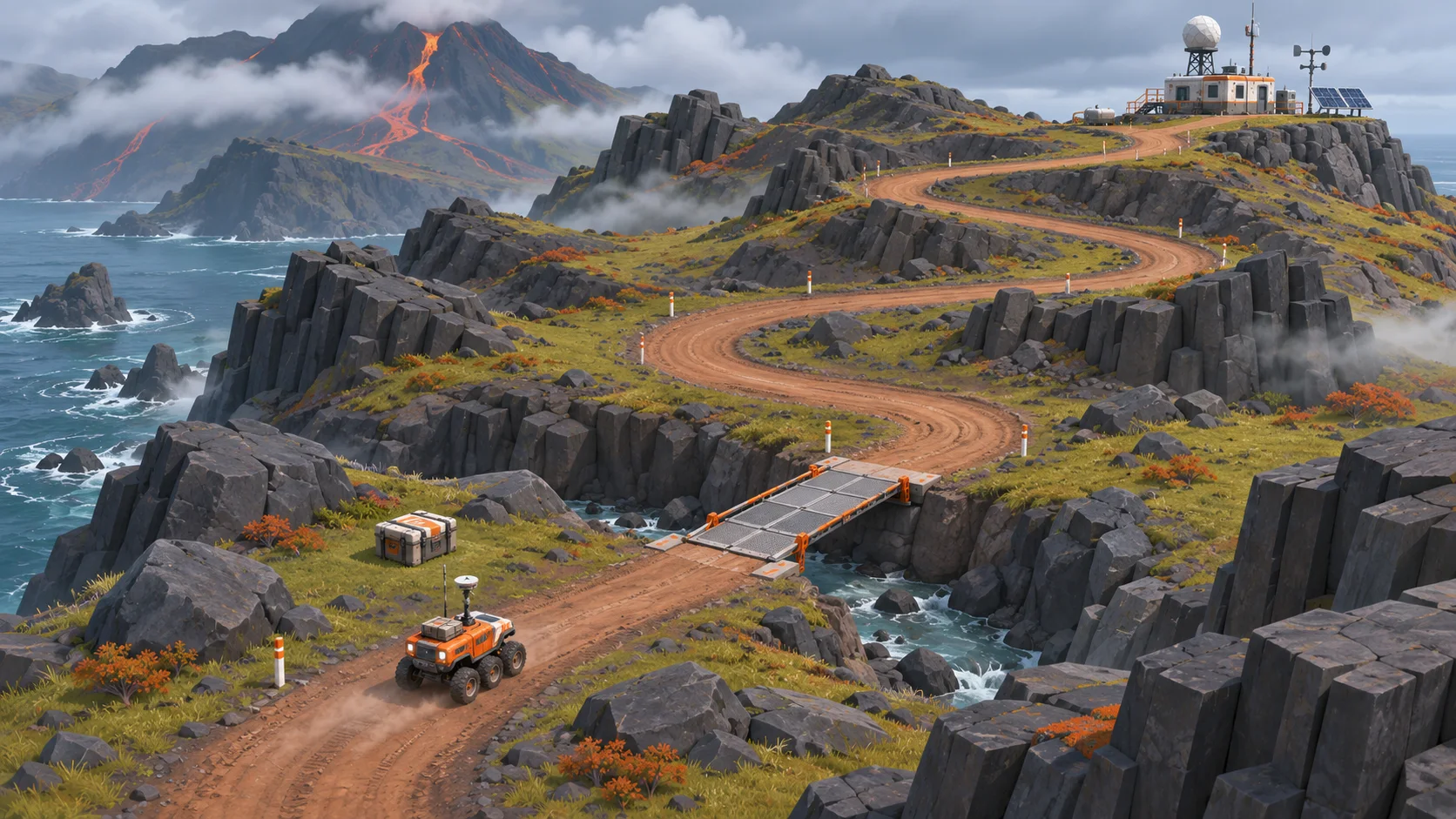
Create a short 2D platformer level where a courier crosses two rooftop gaps to deliver a parcel. Include a basic jump, one moving platform, a checkpoint before the second gap, and a visible finish marker. Keep the controls simple and make a missed jump restart from the checkpoint.
 Platformer loop ↗
Why SEELE
Describe the player goal and the core loop, then try the first build. A playable test makes it easier to spot what is missing than a feature list alone.

Inspect the generated files, assets, and dependencies before making changes. Check how the handoff is organized for the project you received.

Adjust movement, collision, or UI in a focused pass and replay the same section. This helps connect a code change to what players see.

Use one level or encounter to test the important interaction. Add systems only after the first loop works as intended.

Write down the expected behavior, current limitation, and files that need review. That gives the next developer a concrete place to start.

Review dependencies, engine or runtime, asset rights, and target platform. The available handoff can vary by project, so verify the actual files before production work.
Made with SEELE
These games are playable. Pick one and give it a try.
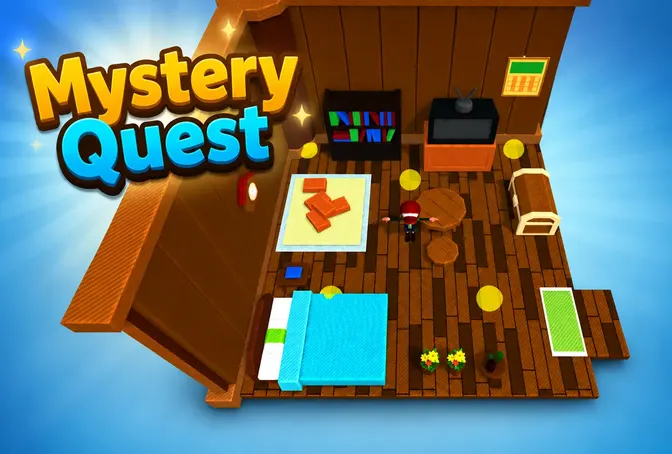 AdventureAdventure GamePlay the example ↗
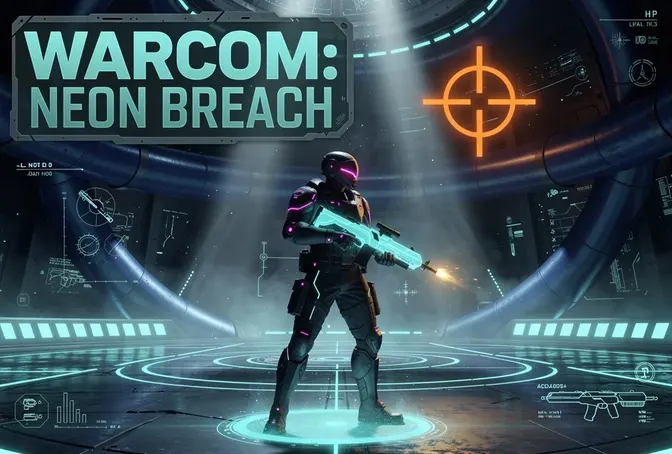 ShooterWarcom: Neon BreachPlay the example ↗
 ActionOld Gods RunPlay the example ↗
 CasualCaution! Egg on the Car RoofPlay the example ↗
 RunnerNeon Night Rush: Barrier DashPlay the example ↗
 PuzzleMuseum ExhibitionPlay the example ↗
 SimulationMilky Way Idle 3DPlay the example ↗
 CasualSnowfall & Starry GiftsPlay the example ↗
 RPGCrownfall-The-Three-Realms-CoverPlay the example ↗
 SimulationFLYING CARPlay the example ↗
Who it’s for
Generate a small playable build, inspect the code and assets, then decide which parts are useful for the next development pass.
AI Game Maker ↗
Try a focused mechanic and compare the code structure with what happens during play. Use the build as a study aid and verify behavior before presenting it.
AI Game Generator ↗
Show the intended player experience and record the controls, edge cases, and unfinished decisions that the implementation still needs.
3D AI Game Maker with Code ↗Compare
See how SEELE AI compares to other AI game makers in the market.
| Feature | Playable build with code handoff | Plan before implementation |
|---|---|---|
| First artifact | A playable first build with project files to inspect | A design brief and implementation plan |
| How to review | Play the loop, then inspect the related code and assets | Review requirements before a build exists |
| Iteration | Change one behavior and replay the same section | Revise the plan before implementation begins |
| Developer handoff | Record files, dependencies, rights, and unfinished work | Document the implementation tasks and constraints |
| Production boundary | Validate the actual handoff before continued development | Validate assumptions when implementation starts |
Reviews
FAQ
It generates a playable game starting point alongside code and assets that can be reviewed. SEELE describes a first-build workflow with browser iteration and an available project handoff for continued production.
You can describe a game idea in plain language and try the first build without writing code. Reviewing or extending the project may require development knowledge.
The SEELE page describes editable generated code and a project handoff where supported. Inspect the files you receive to see what can be changed and what dependencies the project needs.
Describe the player goal, controls, main interaction, and success or failure state. Add a target runtime or constraint when it affects how the game should be built.
Start with a short platforming level, a puzzle room, a small exploration scene, or one combat encounter. Choose a loop you can replay and evaluate.
SEELE’s page describes browser iteration for a playable first build. Test the actual project in the target browser and check controls, performance, and behavior on the devices you support.
No single engine should be assumed for every handoff. Check the selected workflow and inspect the project files, runtime, dependencies, and export options.
Treat it as a starting point. Review code quality, dependencies, assets, licenses, performance, accessibility, and platform requirements before production use.
Reproduce one issue, note the action that triggers it, and inspect the related code and logs. Change one thing at a time, then rerun the same test.
Project handoff and engine support depend on the available workflow. Check the current Workspace options and verify the project format before planning a Unity integration.
Confirm that the project opens, list its dependencies, identify unfinished behaviors, and review asset rights and licenses. Include the test steps another developer should repeat.
You can use a prototype to explain a game idea or show an iteration process. Check the project’s sharing and commercial-use terms and identify generated work clearly where needed.
Choose one player goal, one core mechanic, and one short scene. Leave extra levels and secondary systems for later so you can judge the main loop first.
Keep a working version, list the biggest mismatch between brief and behavior, then make one focused change. Revisit the original test before widening scope.