
Start with a playable loop
Describe what the player does, what pushes back, and what counts as success in one short session.

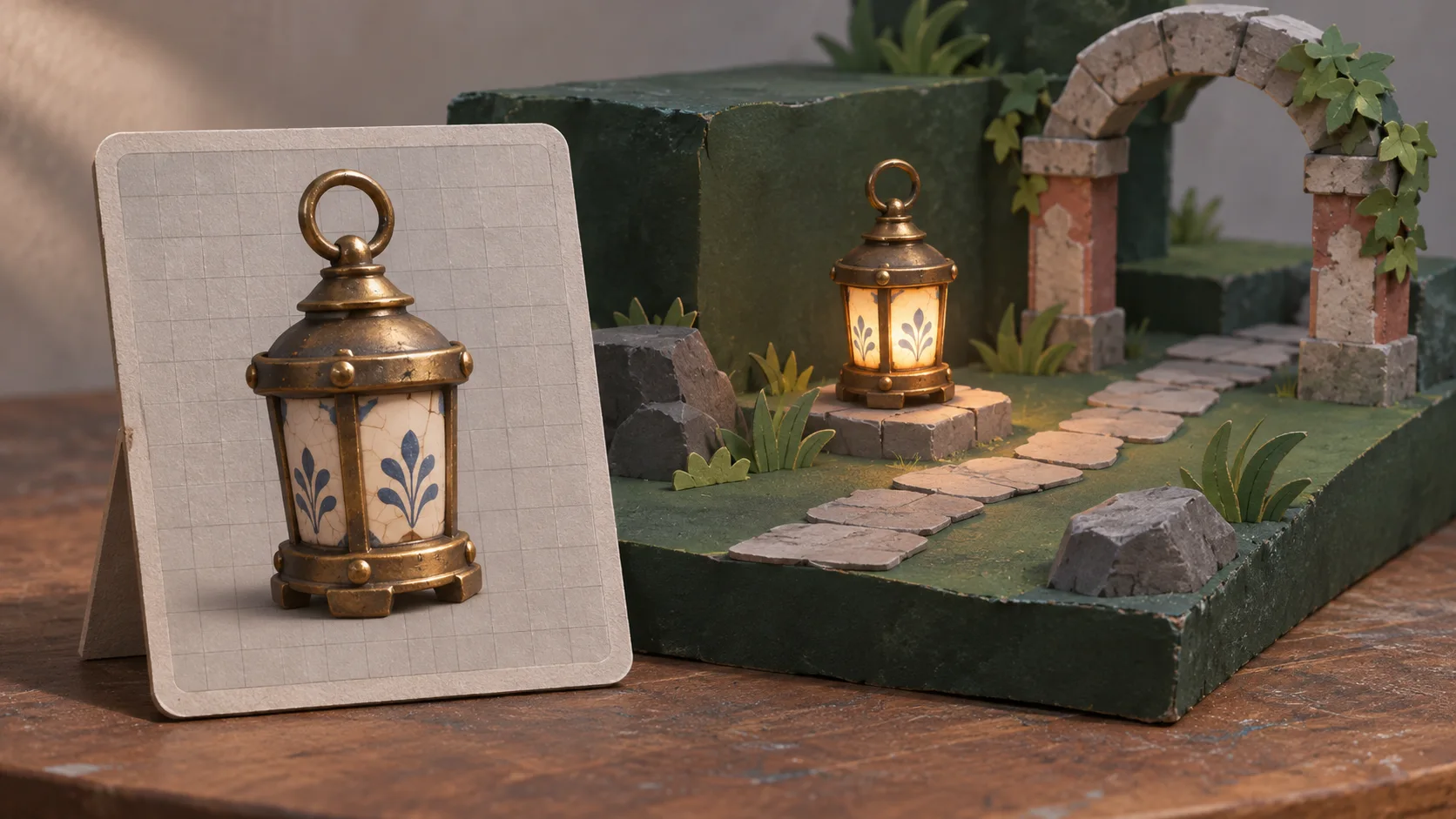
Choose a place, a player goal, and one mechanic to test.
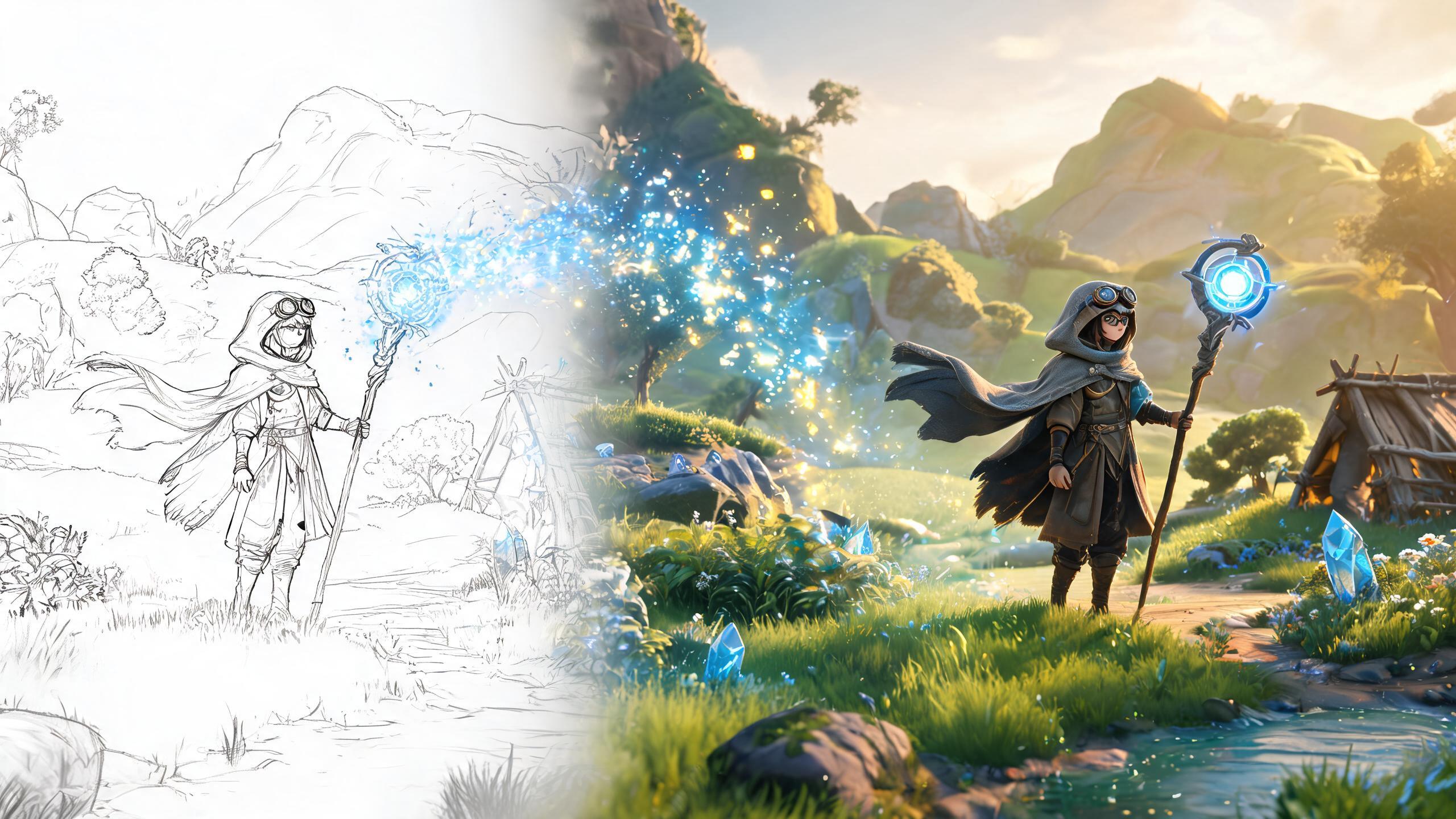
Start with a compact 3D level: give the player somewhere to go, one challenge to solve, and clear feedback when they succeed. Try the first build, then tune movement, camera, and pacing.
Partners and teams

















How it works
Keep the first pass small enough to play. Use what happens in the test to decide which part of the level needs work.

Name a simple objective such as reaching a door, finding a landmark, or moving an object onto a switch.
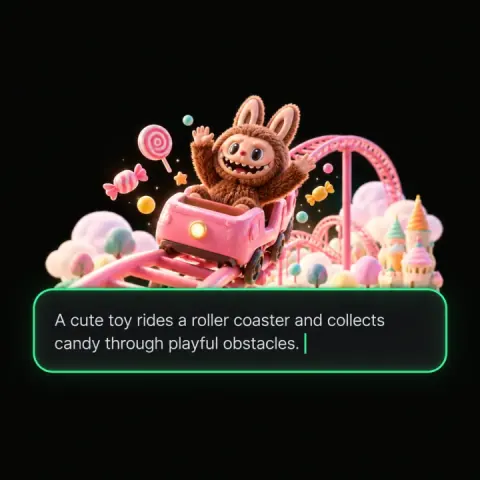
Give the level a few landmarks and say what the player should see while moving through it.
Choose one interaction—jumping, pushing, or avoiding a hazard—and keep unrelated systems out of the first pass.
Try the route and check whether the controls, objective, and feedback make sense as the player moves.
Adjust one part of the level, then play the same section again to see whether the change helped.
Pick a starting point
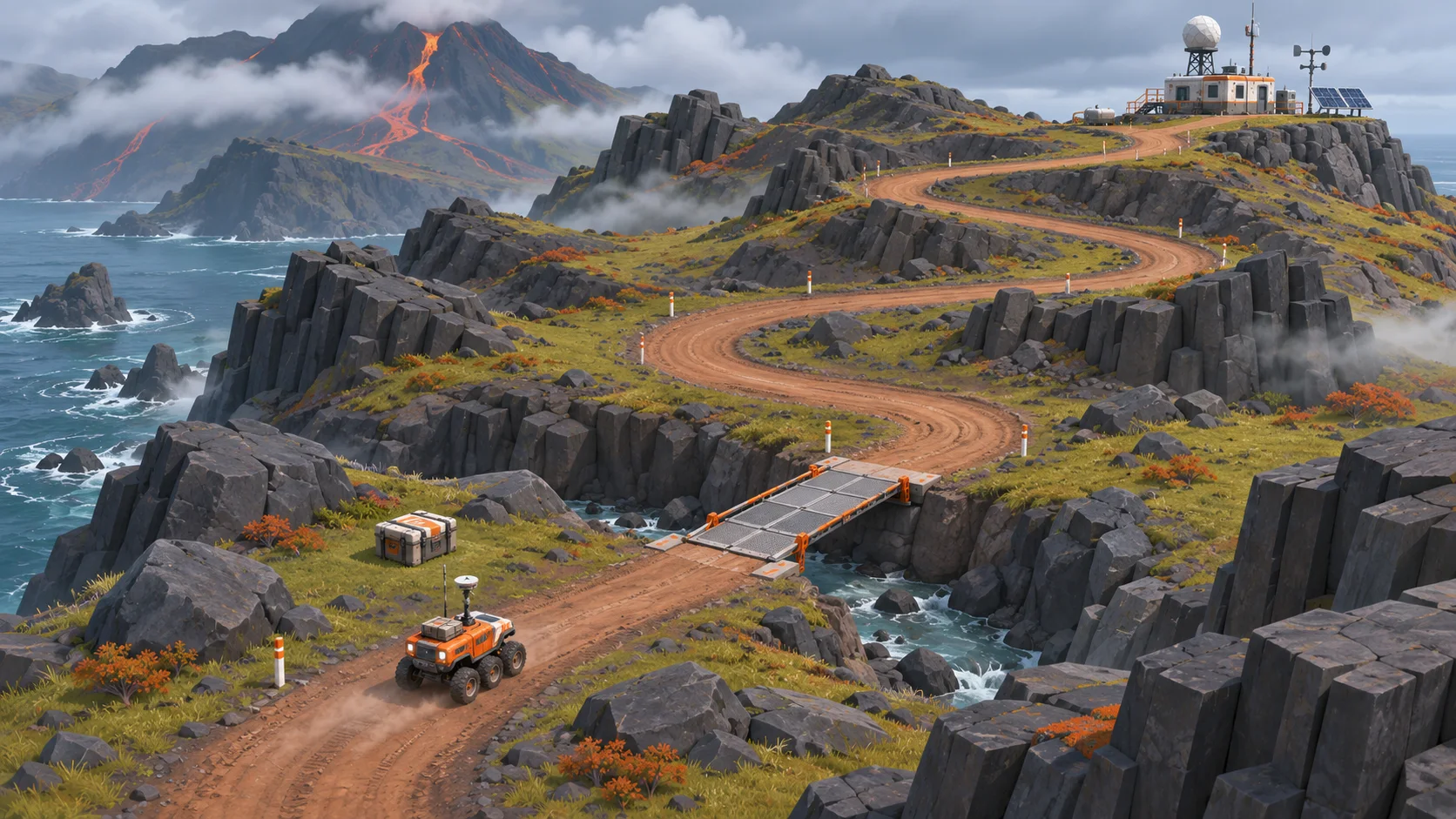
Start with a platform route, an explorable space, a physics puzzle, or a compact arena. Each prompt gives you one design question to test.
Give the player a clear route across a few jumps, with a checkpoint before the hardest gap.
Create a compact third-person platform game set across rain-wet rooftops at dusk. Give the player responsive jump controls, three safe platforms, one wider gap, and a checkpoint before the final leap. Use distant city lights to show the route. End the level at a marked rooftop door.
 Jump, land, and reach the exit ↗
Why SEELE
Describe what the player does, what pushes back, and what counts as success in one short session.

Use landmarks, lighting, and camera placement to show where the player can go next.

Keep the first level focused on movement, physics, or a single encounter so playtest feedback points to a clear change.

Tie each action to a visible result, then check whether players understand it without extra explanation.

Ask a player to try the level and note where they hesitate, miss a cue, or lose the route.

Adjust one thing—such as jump distance, camera angle, or enemy timing—then test the same section again.
Made with SEELE
Open a playable example to see how different game ideas handle movement, space, and feedback.
 ShooterAirplane BattlePlay the example ↗
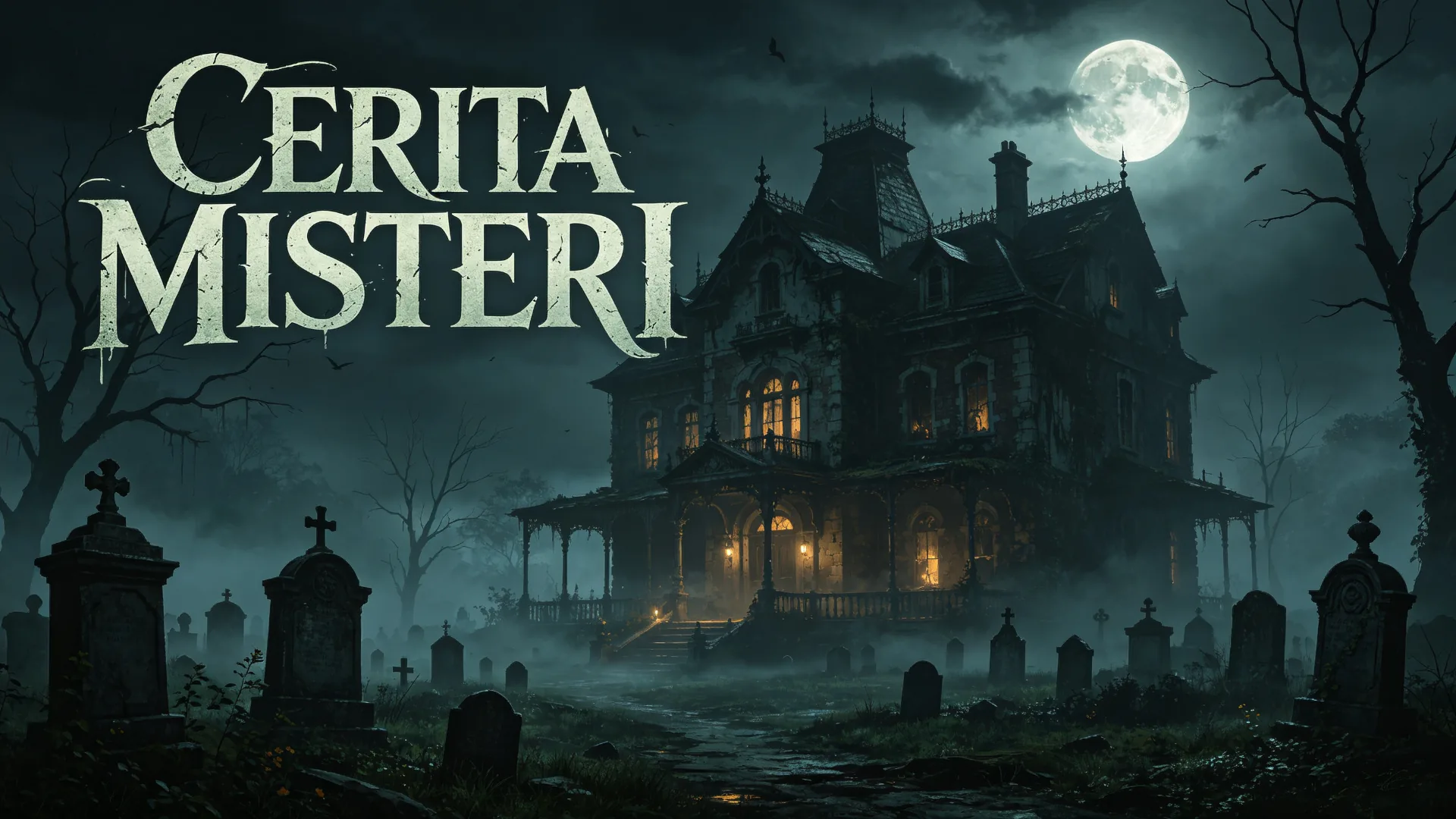 HorrorCERITA MISTERIPlay the example ↗
 ActionRipoff GTAPlay the example ↗
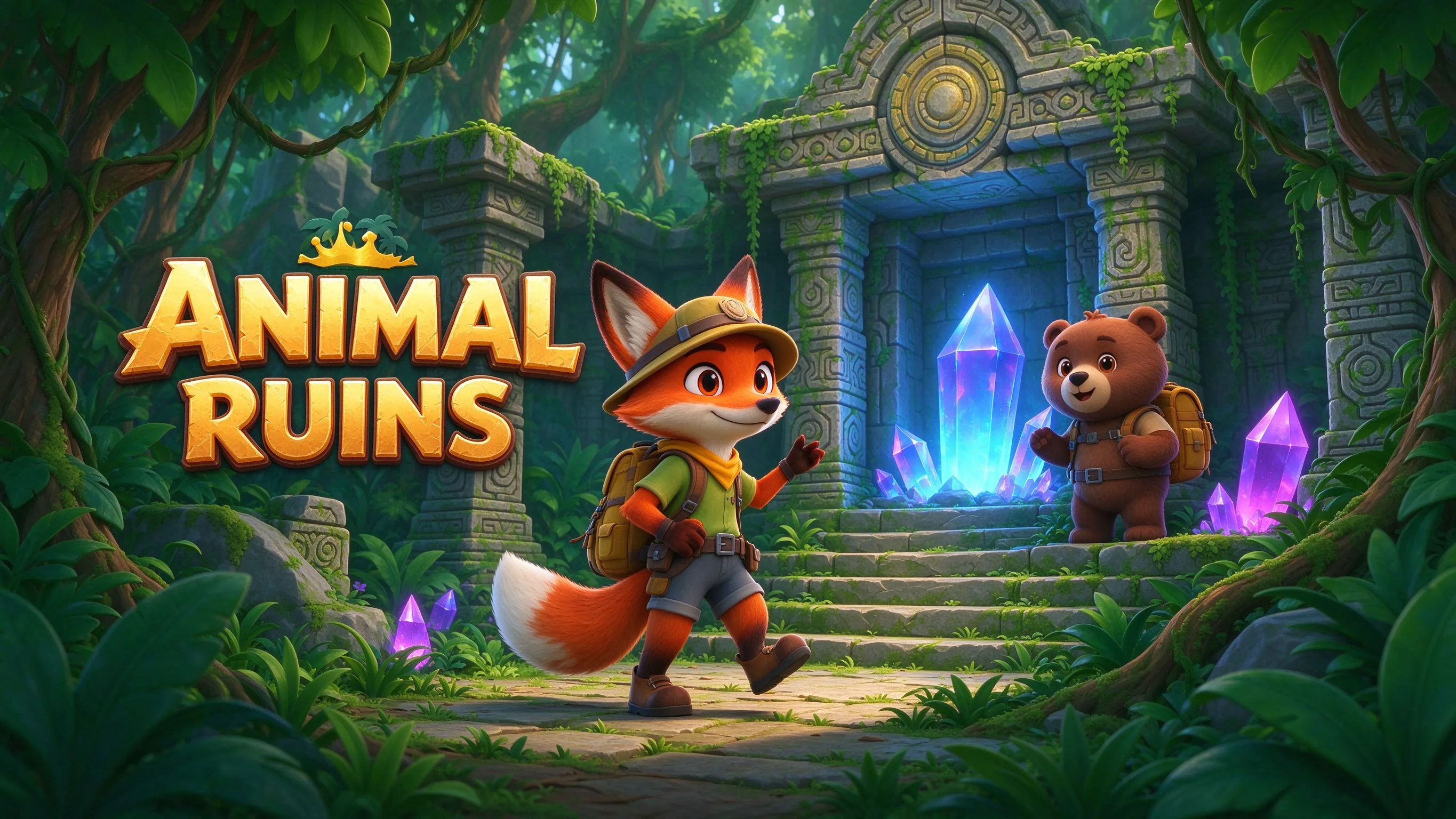 AdventureANIMAL RUINSPlay the example ↗
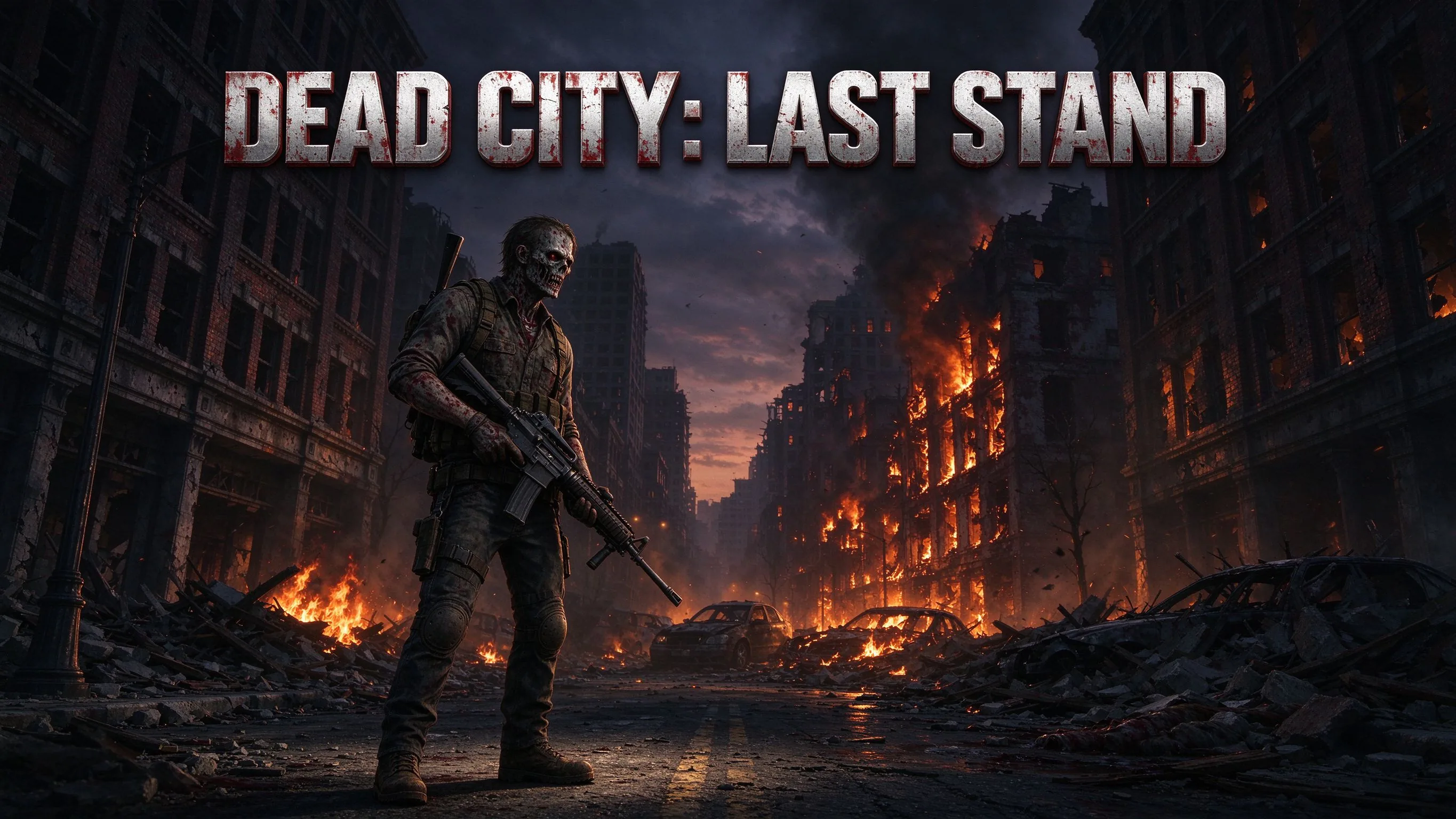 SurvivalDead City: Last StandPlay the example ↗
 RunnerChoo-Choo! Heads up for some chaos!Play the example ↗
 RacingCloudkartPlay the example ↗
 Cards & Board GamesScrubAndFortunePlay the example ↗
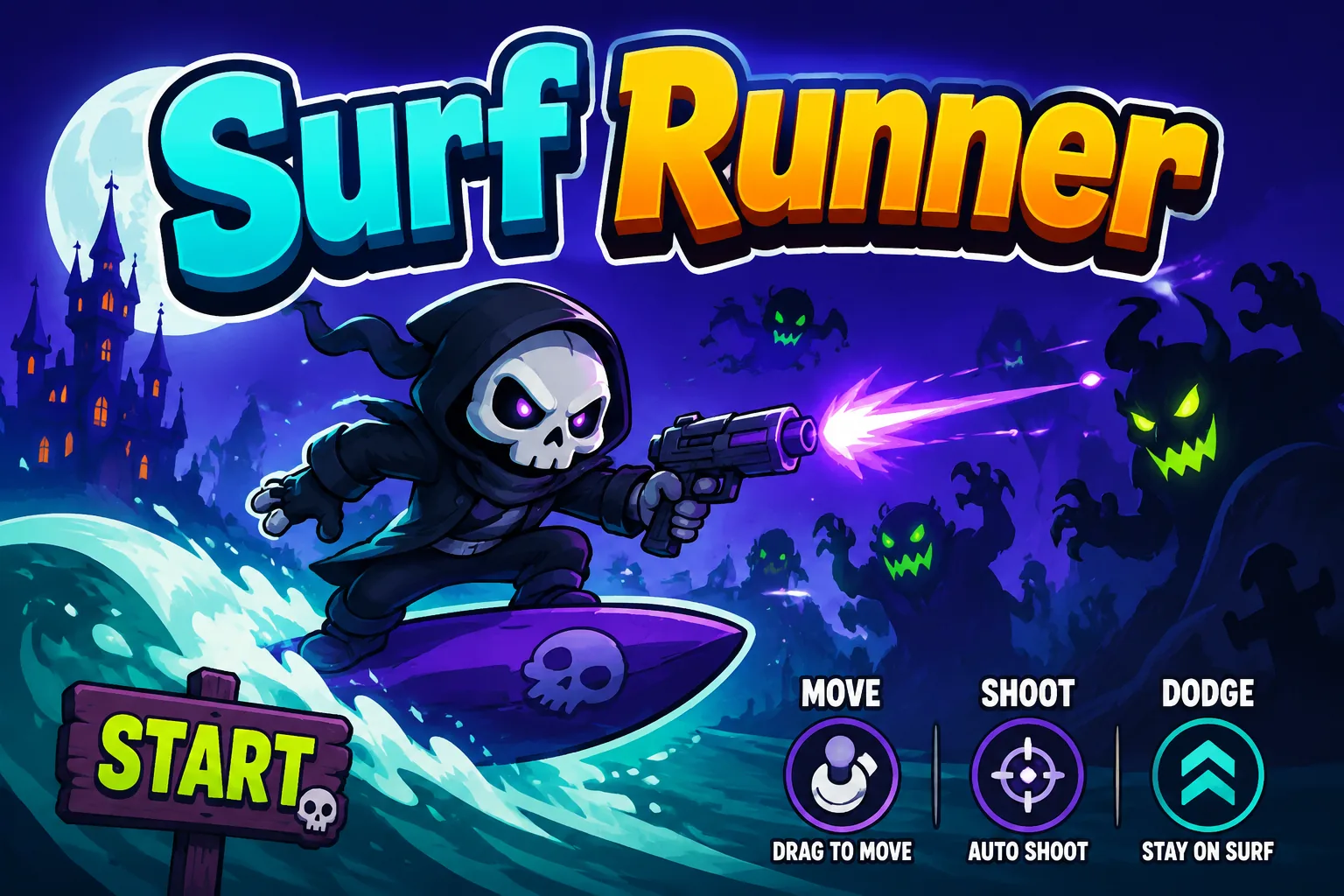 ShooterSURF Mobile Retro FPSPlay the example ↗
 ArcadeNEON SLICEPlay the example ↗
Who it’s for
A small prototype can help explore a level idea before a team invests in a larger build.
Use a short route to explore layout and movement before spending time on more rooms, props, or story.
3D FPS Game Builder with Three.js ↗
Build a small playable slice around one mechanic, then use the playtest to decide what deserves another pass.
AI Game Generator ↗
Try alternate routes, camera angles, or object interactions before committing to a larger level design.
Browser 3D Game Maker ↗Compare
A prompt can help frame the first playable question; the engine workflow is where teams set up and refine a project.
| Feature | SEELE AI prompt | Manual game-engine workflow |
|---|---|---|
| First step | Describe a small scene, the player goal, and one mechanic to try. | Choose an engine project and set up a scene for the same goal. |
| Level layout | Use a short route and a few landmarks to make the first playtest legible. | Block out geometry, camera, and navigation in the project. |
| Mechanic test | Focus the brief on one interaction, such as jumping, moving an object, or avoiding a hazard. | Implement the interaction and tune it against the intended controls. |
| Playtest question | Check whether players understand the objective and notice the feedback. | Observe the same playtest and record where the design needs adjustment. |
| Next iteration | Change one design detail and compare the next attempt with the first. | Revise the scene or mechanic in the engine and playtest again. |
Reviews
These creator videos cover broader SEELE AI workflows. Check current editor options before relying on a specific capability.
Explore related game makers and guides for other parts of a game prototype.
FAQ
A 3D AI game maker starts from a written game idea and helps shape a first playable direction. The result still needs to be tried and reviewed against the project goal.
Describe the scene, what the player is trying to do, one mechanic, and how success should look. Add a camera view or visual style when it affects the playtest.
You can begin by describing the game in plain language. Check the current editor for available generation and editing options, and review the result before relying on it in a project.
Give the player a visible objective, connect a few landmarks with a clear route, and add one challenge. Test whether a new player can tell where to go next.
Build a short section around one mechanic, such as jumping or moving an object. Watch a player try it and note whether the action and its result are clear.
The examples on this page cover platforming, exploration, physics puzzles, and arena encounters. Choose the one that best matches the mechanic you want to examine.
Keep the first control set small, show a clear response to each action, and test the controls with someone who has not seen the design before.
Place landmarks where they help players recognize the next route or destination. Check that lighting and camera framing keep the important cues visible.
Test the camera along the whole route, especially at jumps, turns, and narrow passages. Adjust it when it hides the next action or makes distance hard to judge.
A prompt is a starting point for exploring an idea. Review the generated result for missing content, control issues, and project requirements before treating it as complete.
Available project and export options can depend on the current workflow. Check the options shown in the editor and confirm that the output fits your target engine before planning a handoff.
Choose an engine based on your target platform, team experience, and project needs. Confirm any required formats or integrations in the current product documentation.
The displayed cost can depend on the selected model and generation task. Review the current Koin balance and cost in the editor before starting a run.
Play through the main route, check controls and feedback, and confirm that assets and project settings fit your intended use. Fix blockers before sharing the build.
Describe one scene and mechanic, then use the first playtest to choose your next change.
Start a 3D game prompt →