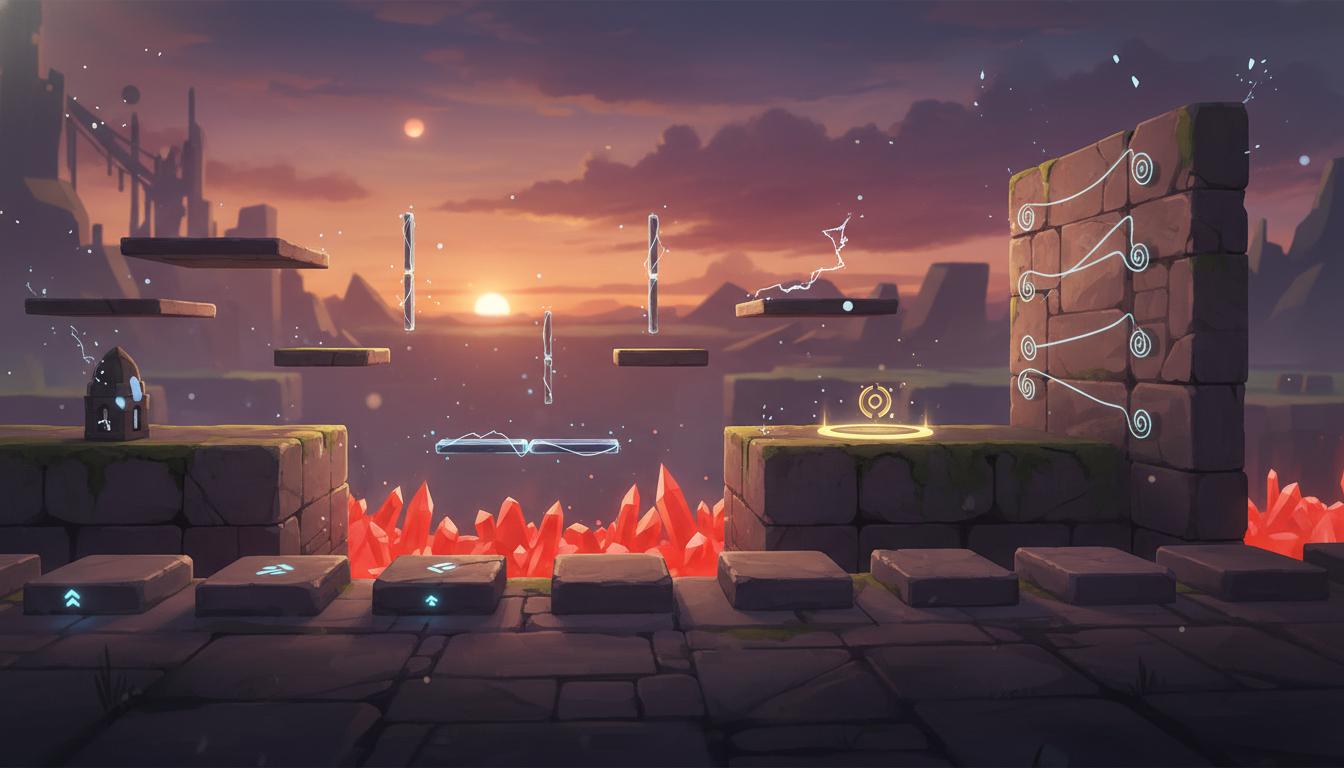
Platformer Tutorial Level
Teach core moves while increasing pressure gradually.
Platformer Tutorial Level Teach core moves while increasing pressure gradually. Search thisSearch thisDraft level flow, challenge pacing, encounter placement, and progression ideas before building the final scene in-engine.
Try this in Seele AI
Start with a specific ai game level designer need, then carry that prompt into the workspace for deeper iteration and follow-up planning.
Quick Start Searches
Pick a concrete ai game level designer scenario and jump into the workspace with a stronger starting prompt.
Teach core moves while increasing pressure gradually.
Platformer Tutorial Level Teach core moves while increasing pressure gradually. Search thisSearch this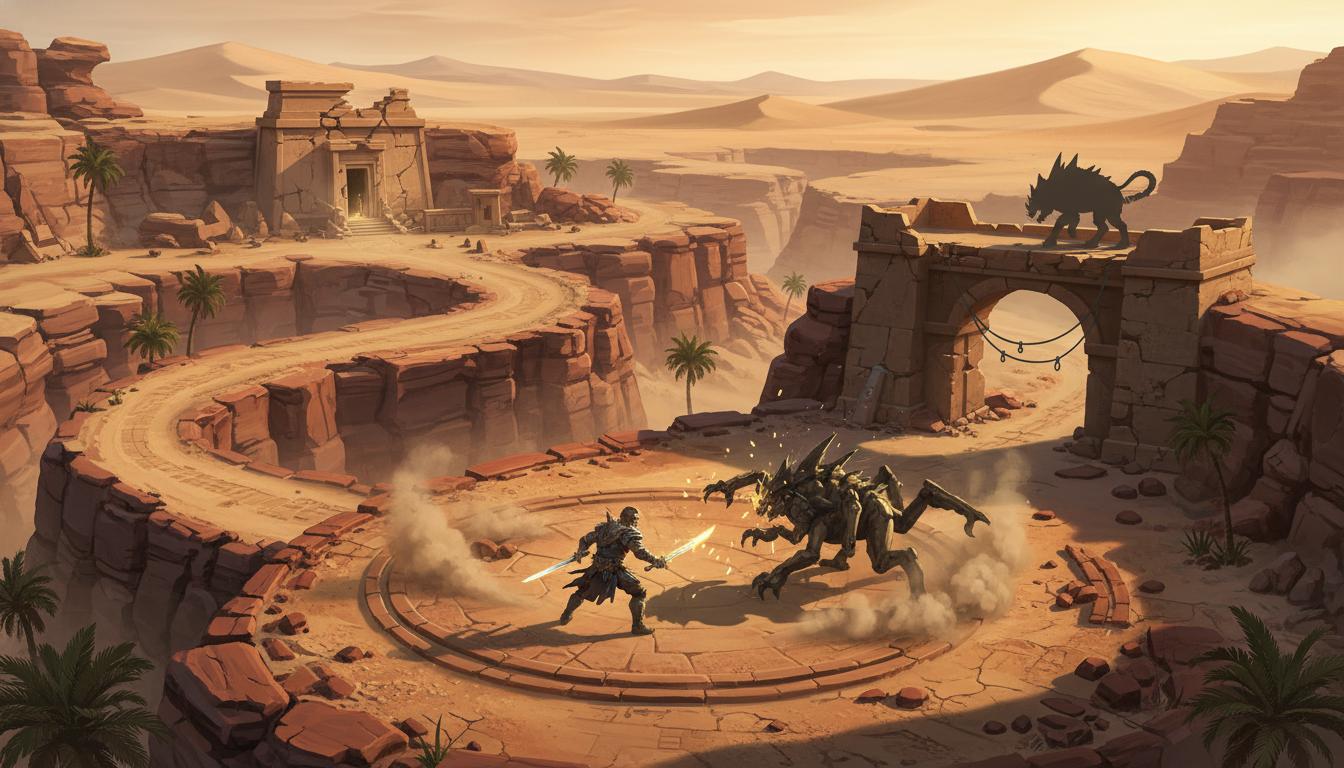
Map out combat, exploration, and shortcut reveals.
Action RPG Desert Map Map out combat, exploration, and shortcut reveals. Search thisSearch this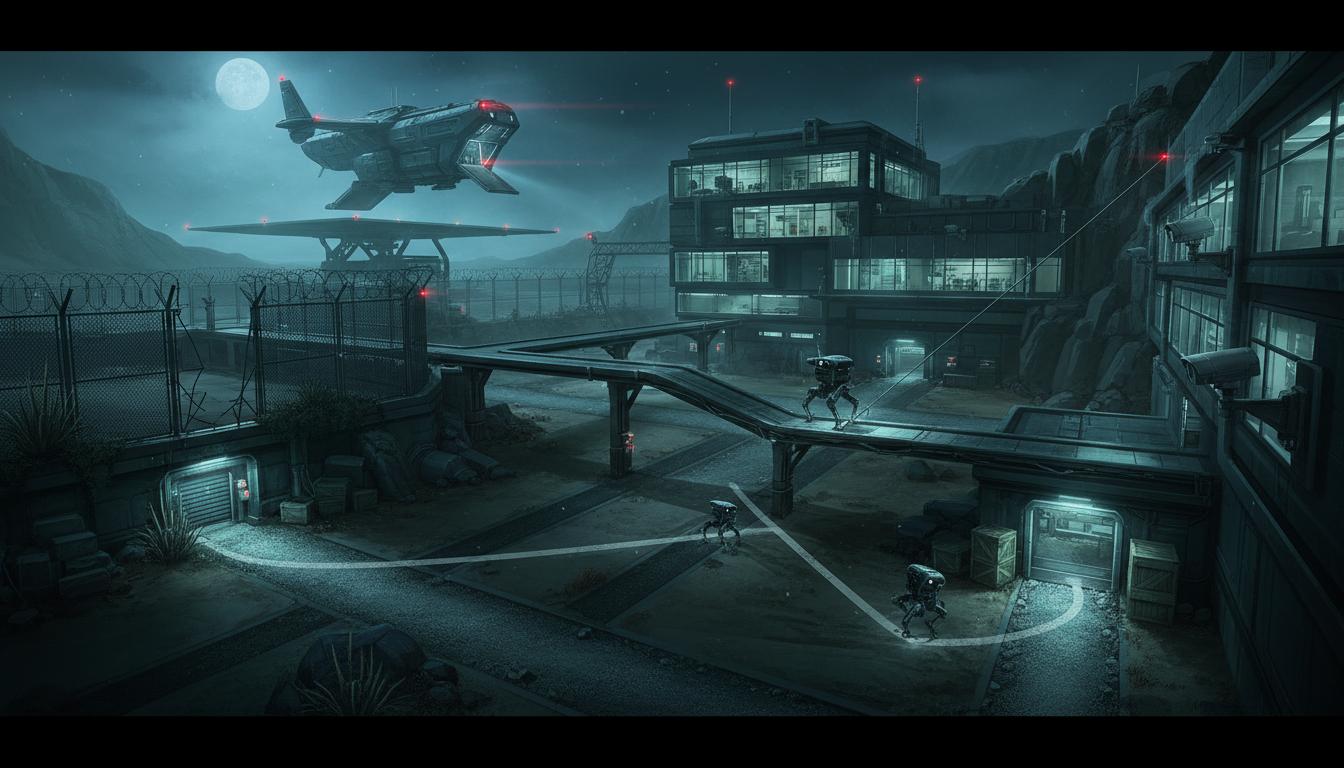
Balance patrol paths, cover, and alternate infiltration routes.
Stealth Facility Route Balance patrol paths, cover, and alternate infiltration routes. Search thisSearch this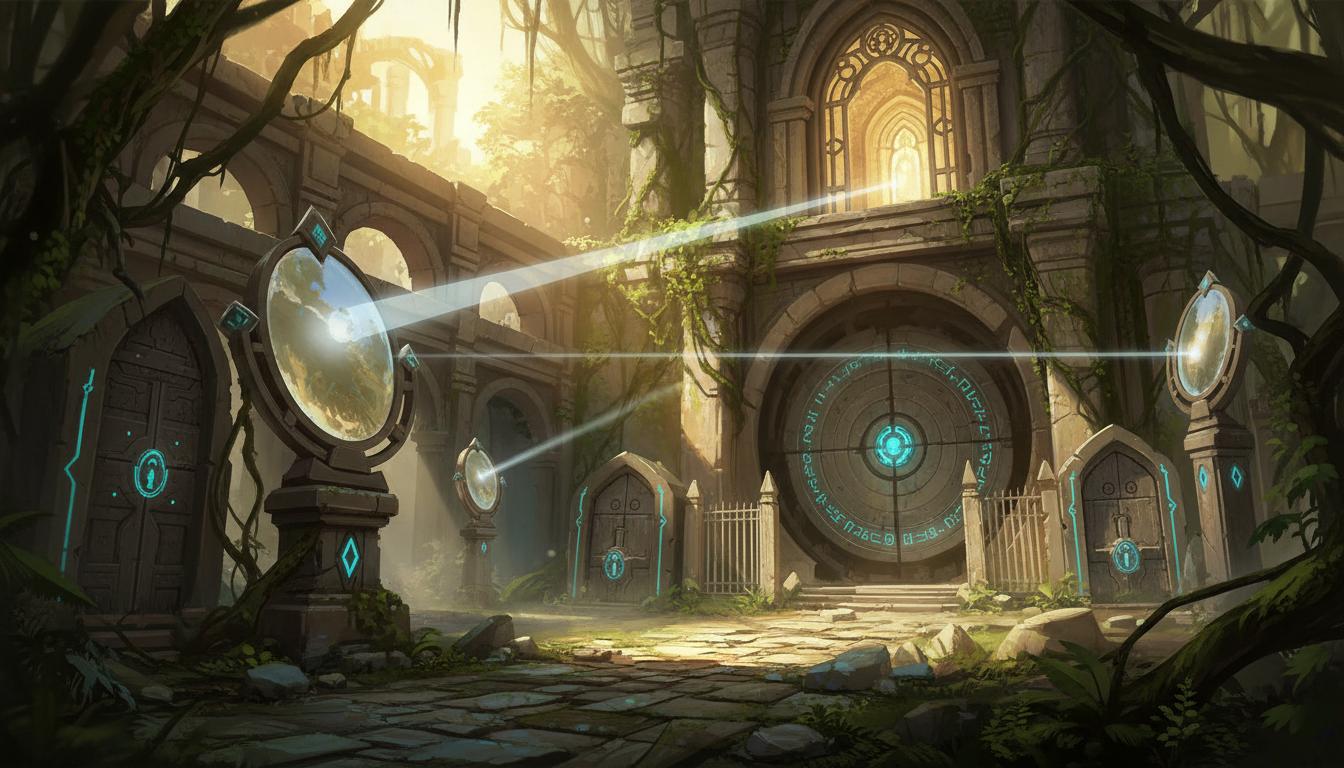
Build clue flow and gated progression around one central mechanic.
Puzzle Temple Structure Build clue flow and gated progression around one central mechanic. Search thisSearch this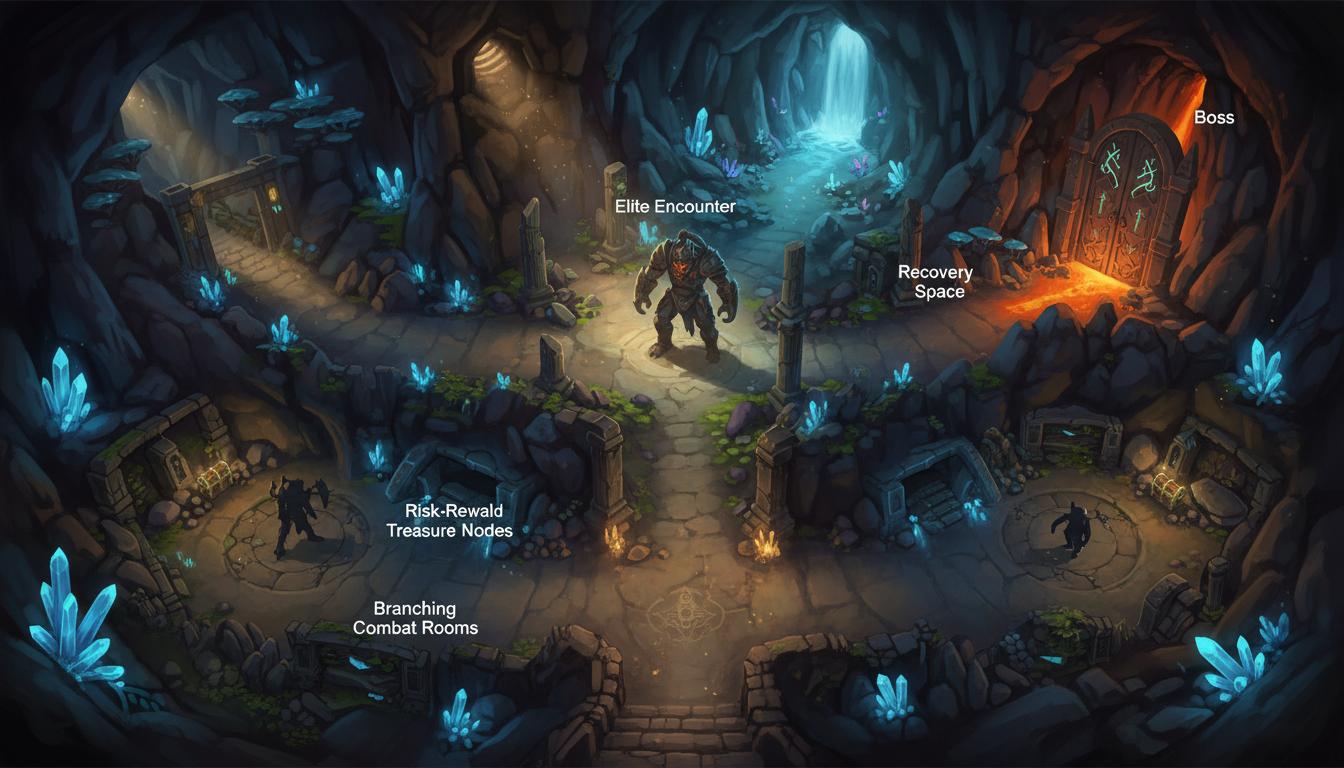
Plan room sequencing, rewards, and elite pressure moments.
Rogue-Lite Room Chain Plan room sequencing, rewards, and elite pressure moments. Search thisSearch this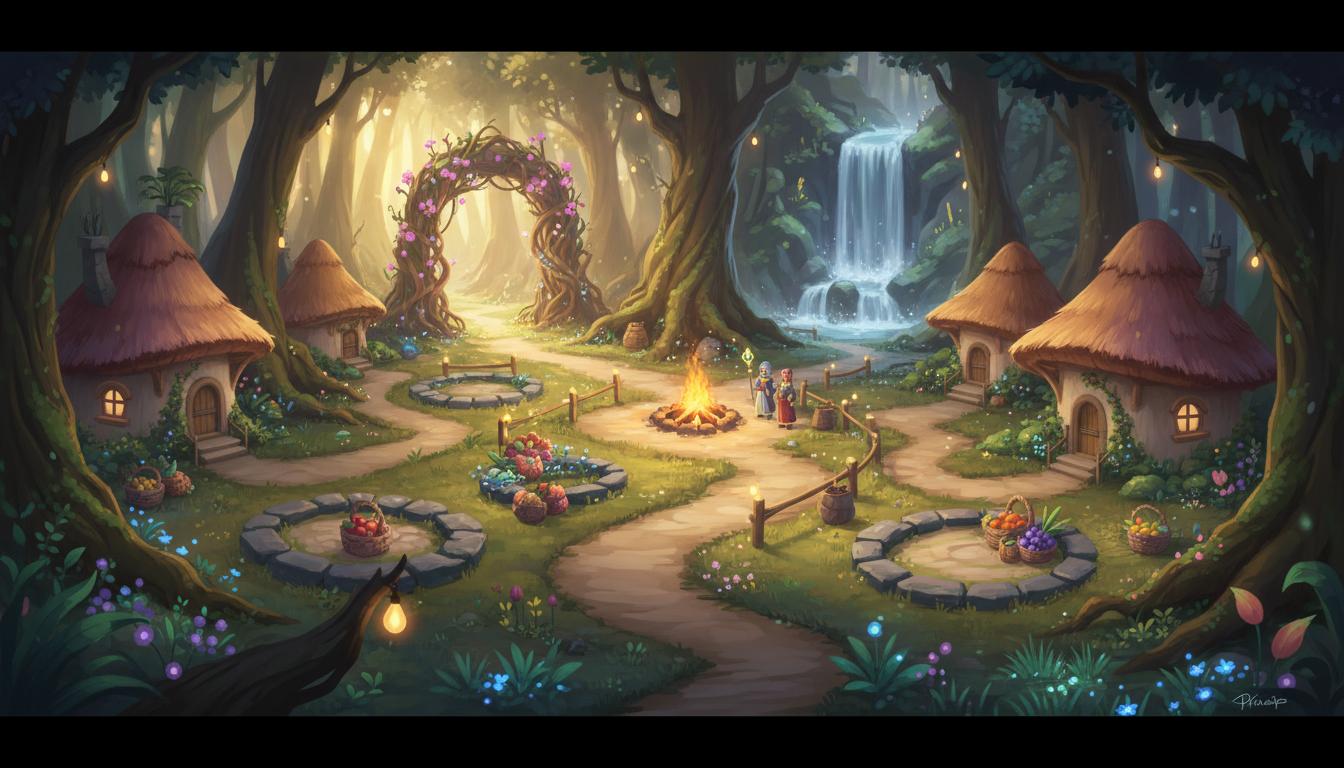
Prioritize landmarks and low-pressure discovery loops.
Cozy Exploration Zone Prioritize landmarks and low-pressure discovery loops. Search thisSearch thisCore Features
This page is strongest when you need clearer ai game level designer direction before expensive production steps begin.

Helps teams reason about challenge rhythm, tension, and player flow before touching engine tooling.
Pacing Before Implementation Helps teams reason about challenge rhythm, tension, and player flow before touching engine tooling. Open WorkspaceOpen Workspace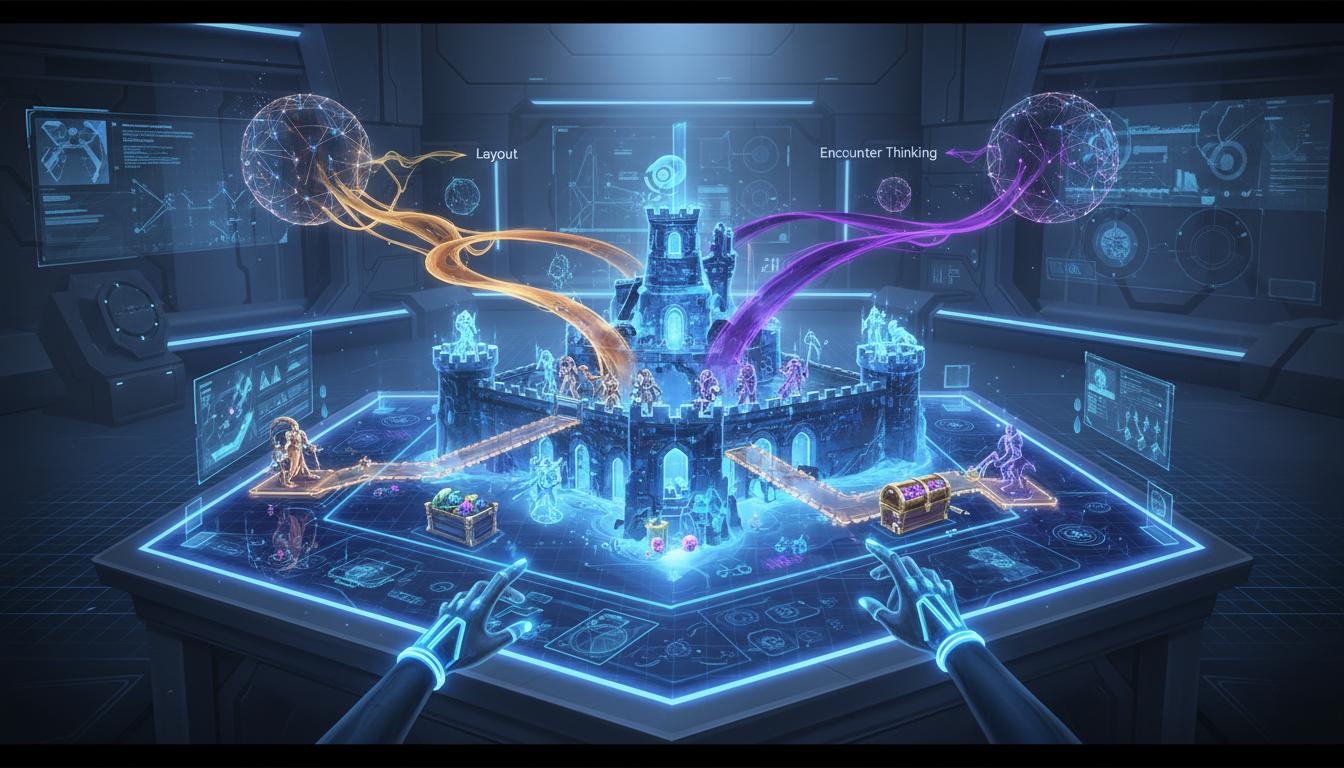
Useful because level structure, combat spaces, puzzles, and rewards are easier to judge when planned as one system.
Layout And Encounter Thinking Together Useful because level structure, combat spaces, puzzles, and rewards are easier to judge when planned as one system. Open WorkspaceOpen Workspace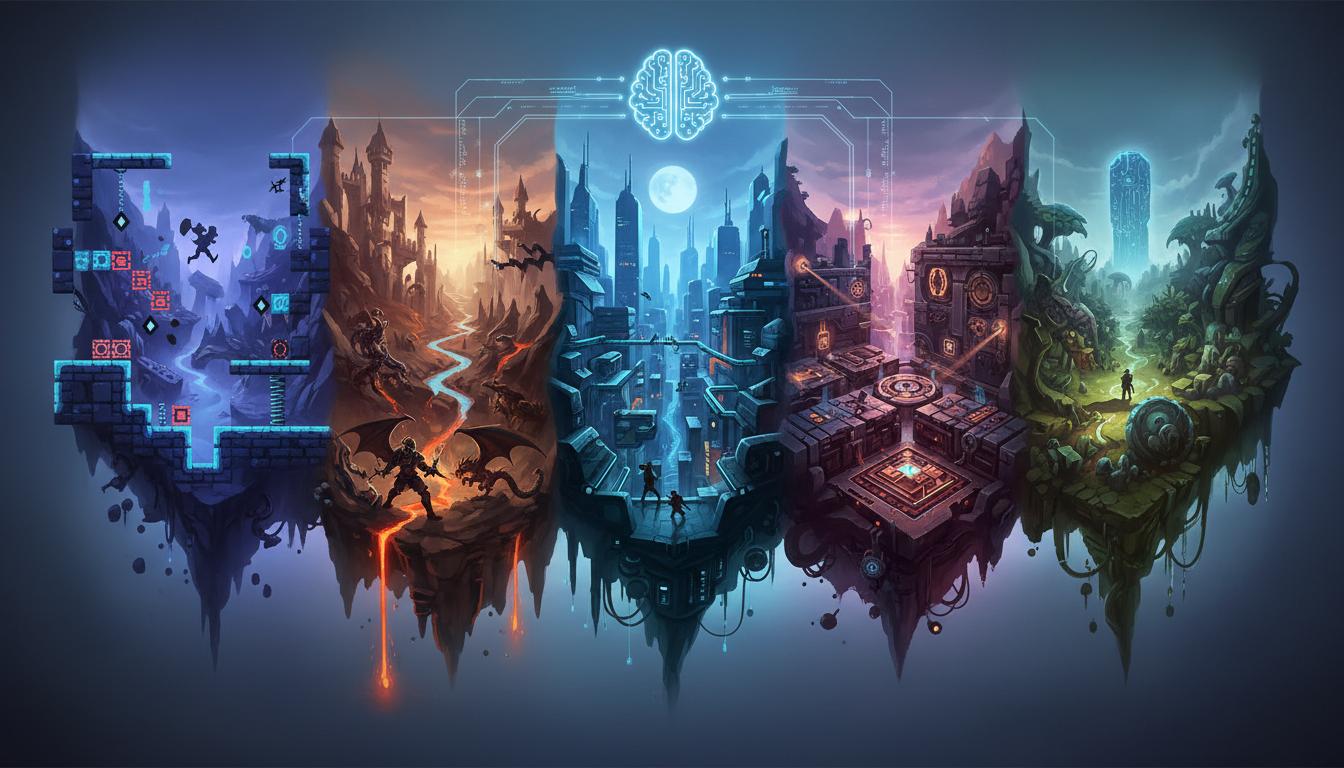
Can be used for platformers, action RPGs, stealth levels, puzzle spaces, and exploration-heavy maps.
Supports Many Genres Can be used for platformers, action RPGs, stealth levels, puzzle spaces, and exploration-heavy maps. Open WorkspaceOpen Workspace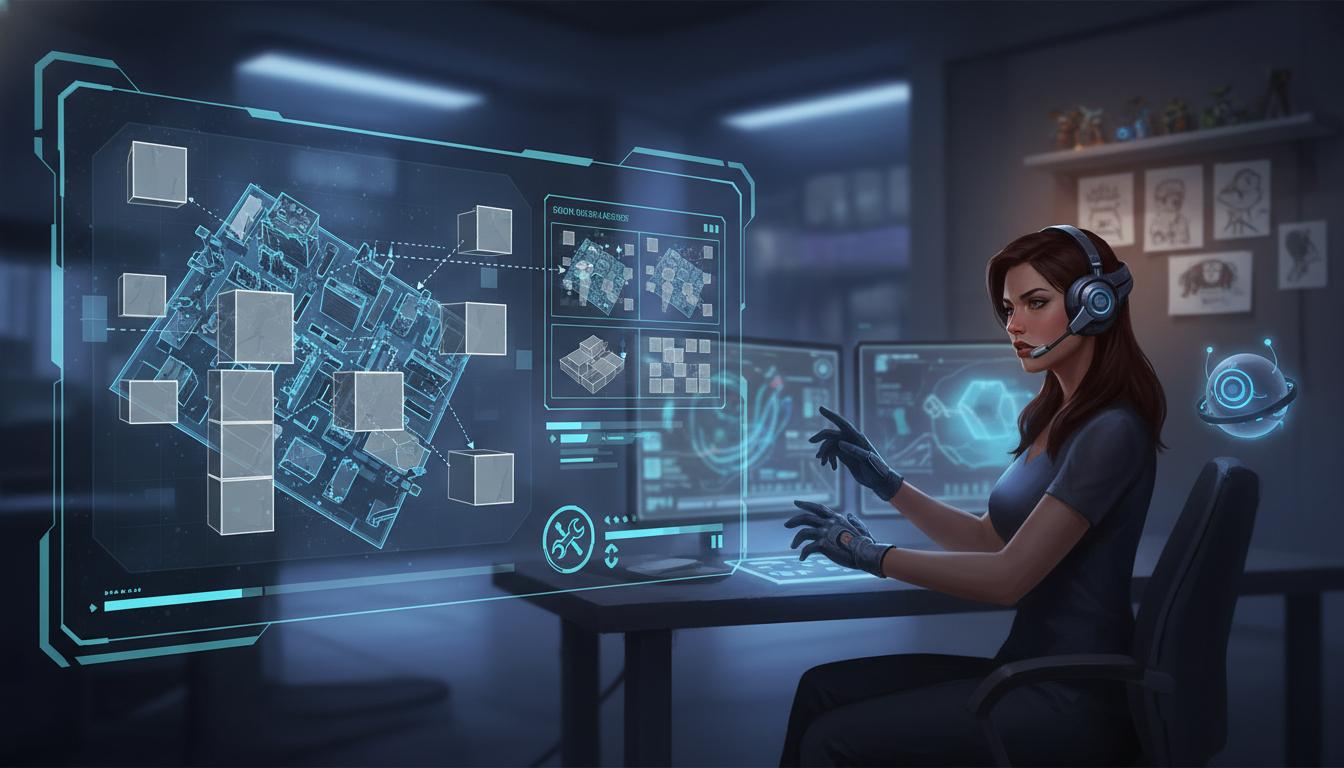
Produces a practical planning layer that can guide manual grayboxing or prototype construction.
Good For Blockout Prep Produces a practical planning layer that can guide manual grayboxing or prototype construction. Open WorkspaceOpen Workspace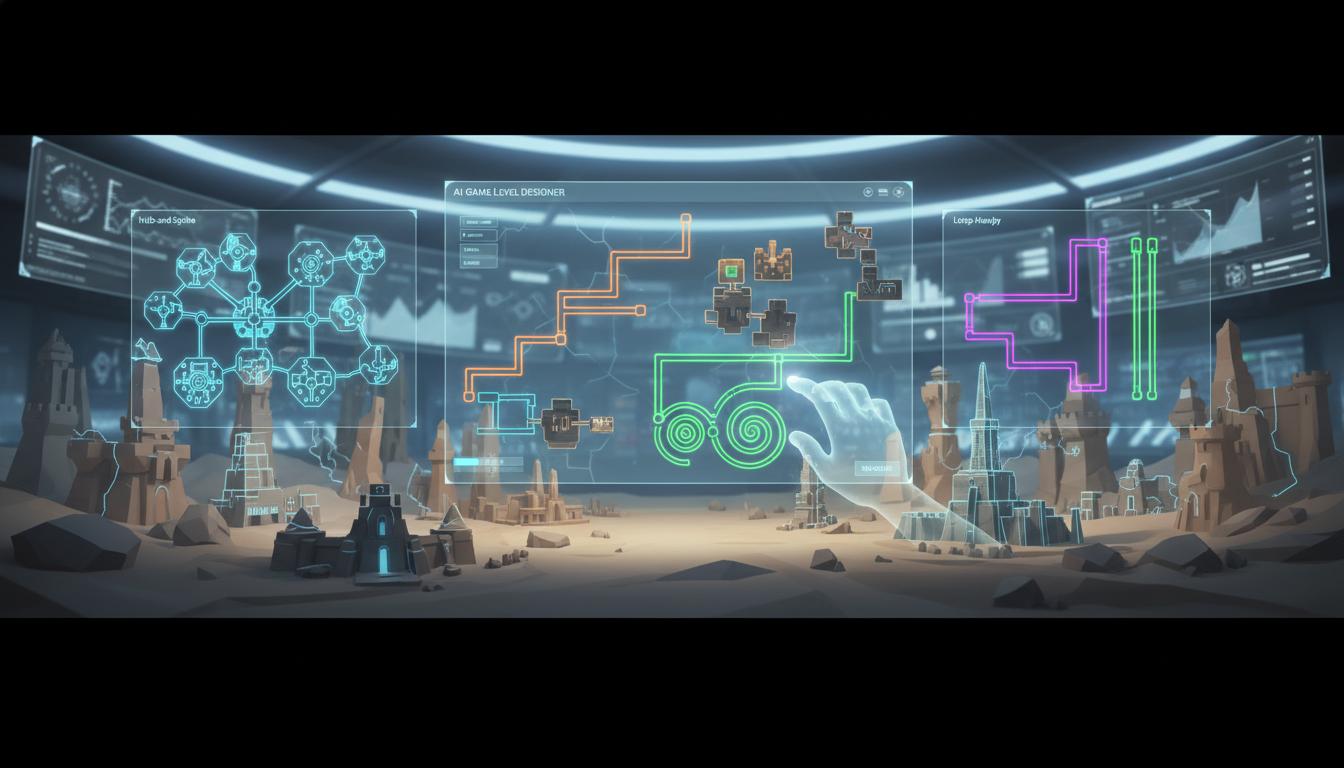
Makes it easier to compare branching, linear, hub-and-spoke, or loop-heavy level concepts early.
Multiple Structures, Faster Makes it easier to compare branching, linear, hub-and-spoke, or loop-heavy level concepts early. Open WorkspaceOpen Workspace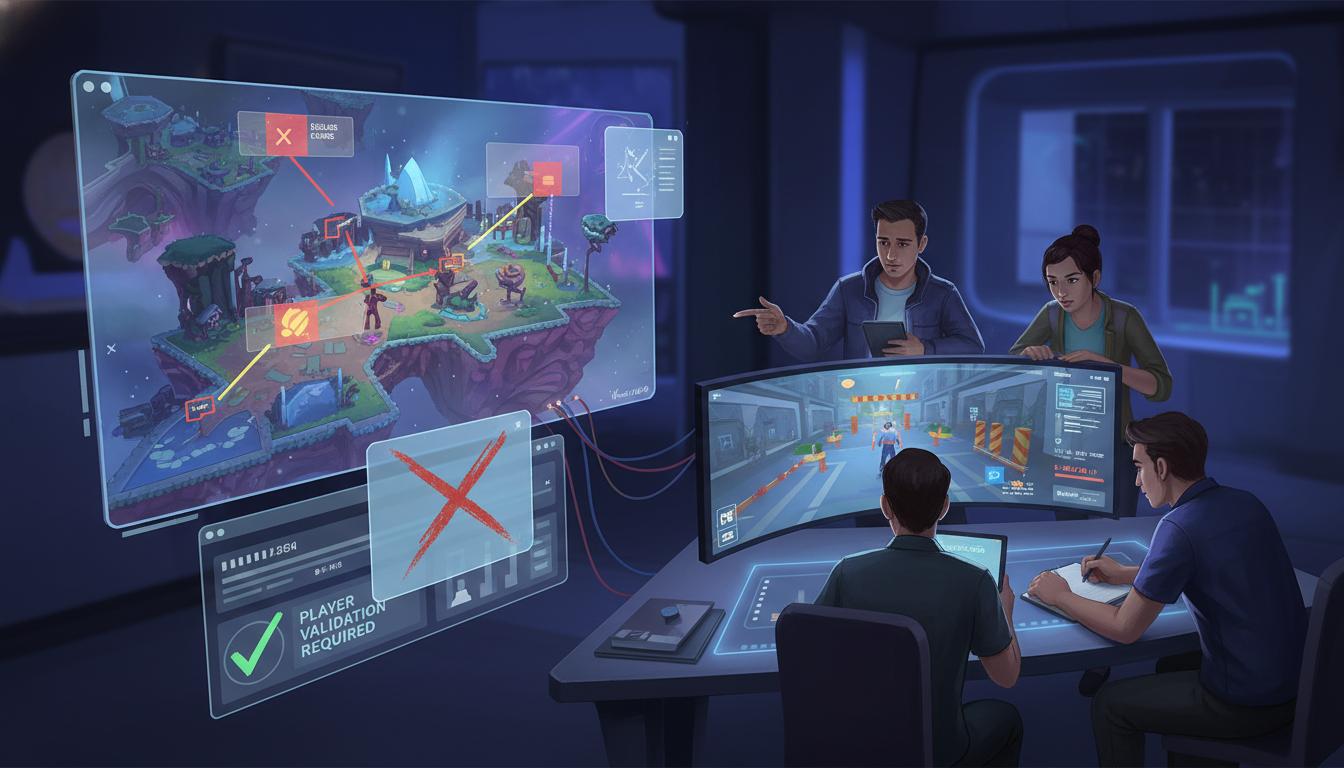
Difficulty, accessibility, edge cases, and actual player behavior still need validation through testing.
Human Playtest Review Stays Required Difficulty, accessibility, edge cases, and actual player behavior still need validation through testing. Open WorkspaceOpen WorkspaceComparison
Use this page to understand where ai game level designer helps most in a real workflow.
| Criteria | AI Game Level Designer | Manual workflow | Generic prompt-only ideation |
|---|---|---|---|
| Time to first usable direction | Fast | Slow | Fast |
| Best stage | Prototype and pre-production | Production execution | Early ideation only |
| Iteration cost | Low | High | Low |
| Review boundary clarity | High | High | Low |
| Technical production readiness | Needs review | Strong when finished | Not applicable |
| Team alignment speed | High | Medium | Medium |
Who This Tool Page Is For
The strongest use cases appear when one team needs ai game level designer direction quickly, not a final production asset immediately.
Use faster page-specific prompts and planning outputs to move from idea to reviewable direction without waiting on a full production pass.
Indie Game Teams Use faster page-specific prompts and planning outputs to move from idea to reviewable direction without waiting on a full production pass. Open WorkspaceOpen WorkspaceCompare scope, style, and production trade-offs earlier so later implementation work starts from a clearer brief.
Designers And Technical Artists Compare scope, style, and production trade-offs earlier so later implementation work starts from a clearer brief. Open WorkspaceOpen WorkspaceBring stronger first-pass options into review and decide which direction deserves deeper production effort.
Creative Leads Bring stronger first-pass options into review and decide which direction deserves deeper production effort. Open WorkspaceOpen WorkspaceLevel design is more than room shape. It includes tension, reward timing, player learning, route choice, and challenge sequencing. An AI game level designer is useful when you want those moving parts described together before grayboxing starts.
The workflow helps turn broad requests like “desert action level” or “intro stealth mission” into something more actionable: beats, hazards, progression gates, and memorable moments. That makes it easier to decide what to prototype first.
Level design ideas still need implementation and playtest validation. The page should stay focused on planning and ideation, not imply automatic shipping of final levels into a game engine.
How It Works
Describe the genre, target player skill, objective, and emotional arc of the level. Seele AI maps the request into structure, pacing beats, and challenge intent.
Add preferred mechanics, hazards, encounters, or exploration loops. Seele AI proposes layout patterns, progression gates, and encounter placement ideas.
Choose the strongest version and mark what should be tested first. Seele AI summarizes the level in a reusable build brief with review notes.
What You Get
Defines the objective, progression structure, pacing, and major player beats for the level.
Organizes challenge spaces, traversal moments, and progression gates into a clearer plan.
Flags difficulty tuning, edge cases, and engine-specific considerations that still need human review.
Where This Works Best
Where This Works Best
Join creators building with Seele AI — no setup required.
Open Workspace