Teach the loop in one arena
Let players move, aim, fire, and reach a clear exit in a short test.

Sketch a first-person encounter with clear movement, feedback, and a finish condition.
A first-person prototype is easier to assess when movement, targets, damage, and the win condition are visible. Start with one arena and a short encounter.
Partners and teams

















How it works

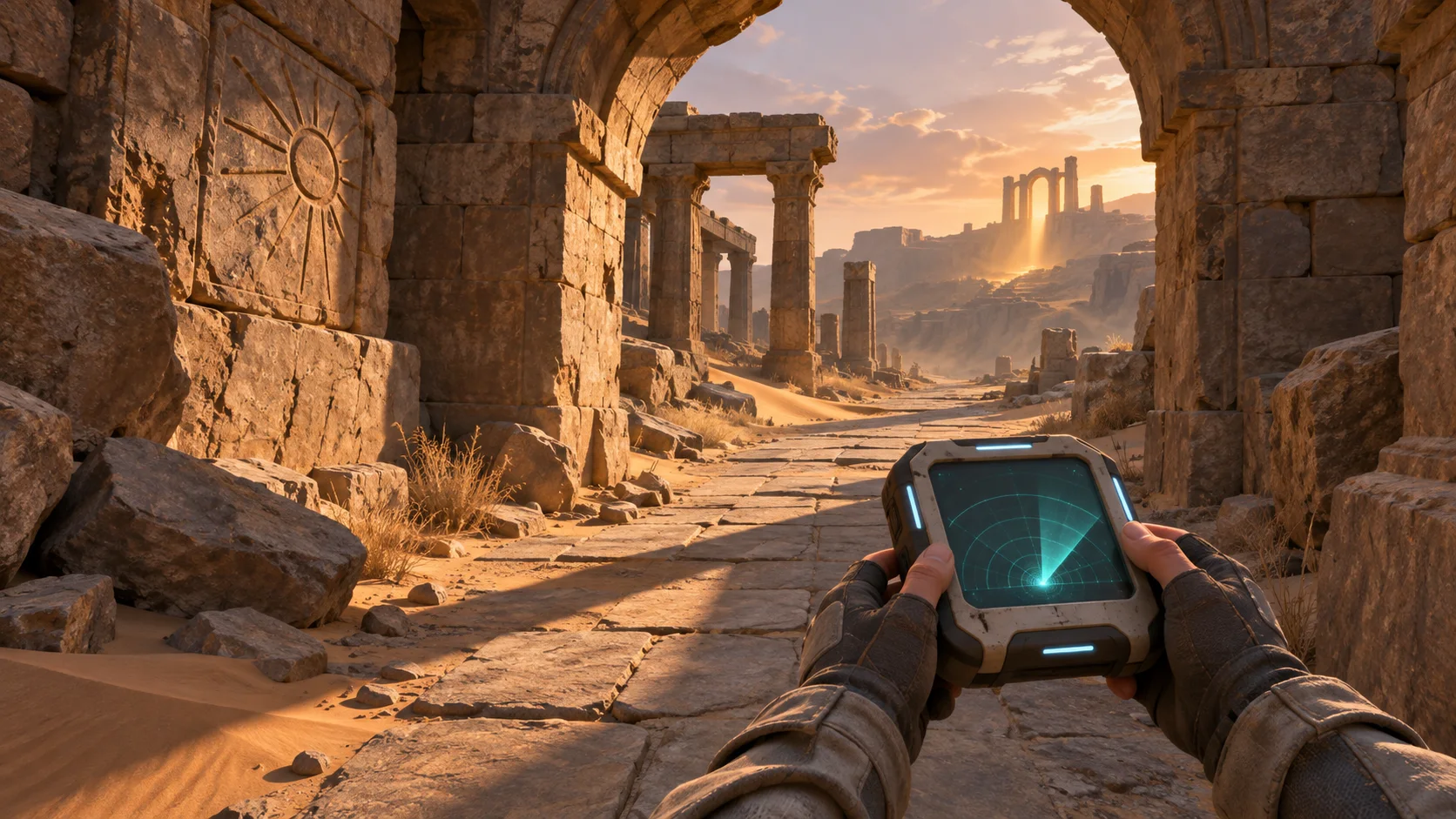
Describe the desert arena, first-person controls, enemies, objective, retro HUD, and exact weapon slots. Seele turns the request into a scoped browser-game plan.

Run the exact starter prompt and keep weapon switching, firing, reloads, damage, and restart behavior in scope. Seele creates an editable first-pass prototype for browser testing.
Verify pointer lock, movement, each weapon slot, ammo transitions, hit feedback, win/loss state, and mobile fallback messaging. Seele applies focused revisions while preserving the tested loop.
Pick a starting point
Create a small Three. Review whether the result reads clearly in the scene.
Create a small Three.js arena where the player collects a pulse rifle, defeats two slow drones, and reaches a marked exit. Show health and ammunition, and make the win condition visible.
Core game loop ↗Why SEELE
Let players move, aim, fire, and reach a clear exit in a short test.

Give each enemy a visible position and a tell before it attacks.

Change one enemy behavior or arena condition after the first wave.

Use distinct cues for hit confirmation, reload, and incoming damage.

Place health and ammunition where they can be read without hiding targets.

Use another run to check pacing, difficulty, and whether the objective is clear.
Made with SEELE
These games are playable. Pick one and give it a try.
 AdventureAdventure GamePlay the example ↗
 ShooterWarcom: Neon BreachPlay the example ↗
 ActionOld Gods RunPlay the example ↗
 CasualCaution! Egg on the Car RoofPlay the example ↗
 RunnerNeon Night Rush: Barrier DashPlay the example ↗
 PuzzleMuseum ExhibitionPlay the example ↗
 SimulationMilky Way Idle 3DPlay the example ↗
 CasualSnowfall & Starry GiftsPlay the example ↗
 RPGCrownfall-The-Three-Realms-CoverPlay the example ↗
 SimulationFLYING CARPlay the example ↗
Who it’s for
Describe the intended asset and where it will be used; review shape, style, rights, and downstream fit before using an output.
AI Game Maker 3D ↗Check the proposed asset against project format, engine, and performance constraints. Available edit and export options vary by workflow.
AI FPS Game Generator ↗Use 3D FPS Game Builder with Three.js as an exploration brief, then confirm that the current workflow supports the edits and handoff the project needs.
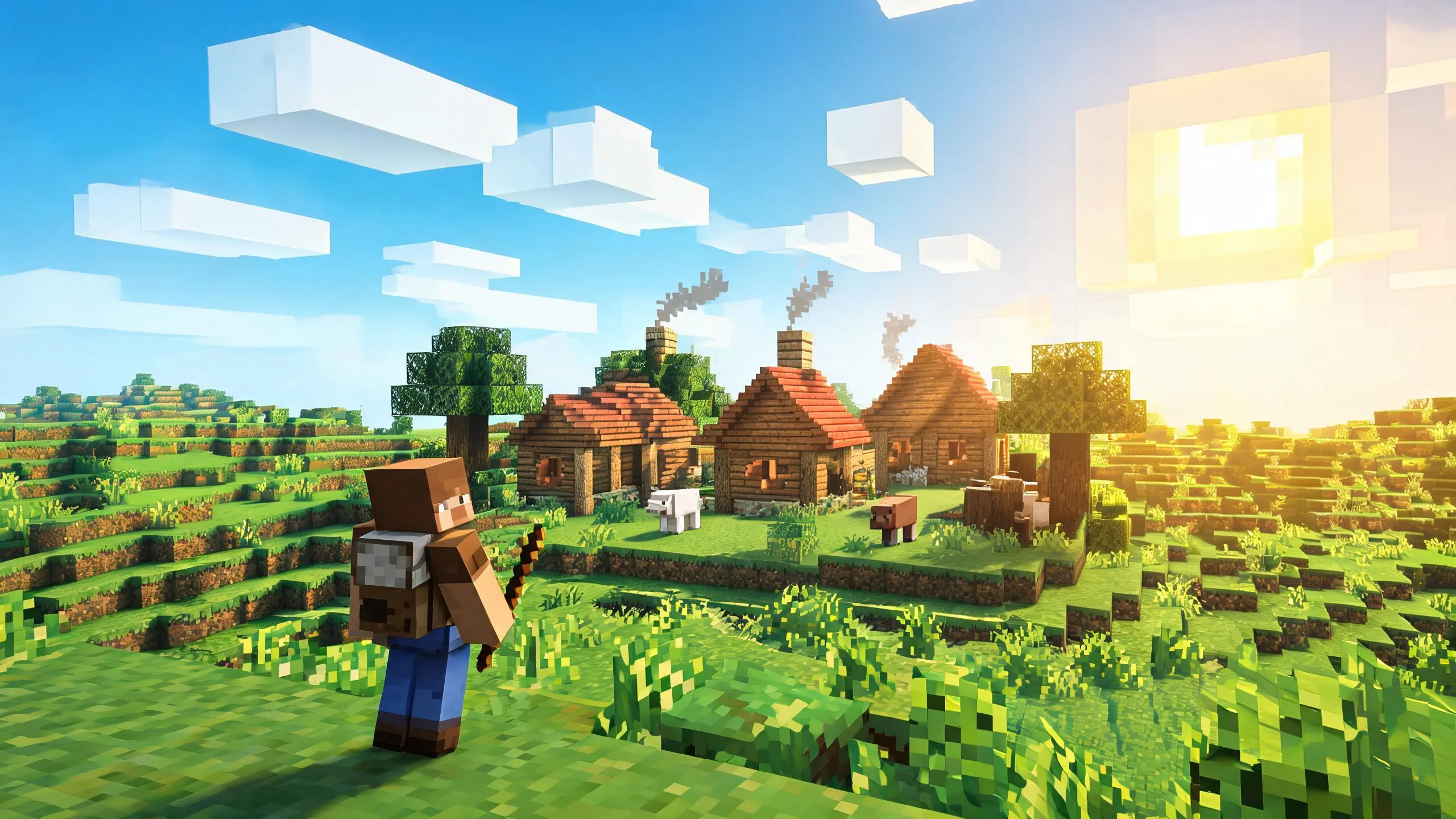
Three.js Voxel Adventure Game Generator ↗Compare
| Feature | 3D FPS Game Builder With Three.js | Starting from scratch |
|---|---|---|
| Starting point | Describe the audience, core loop, and first playable outcome for 3D FPS Game Builder With Three.js. | Define the project, engine, and first milestone before implementation. |
| First review | Set review criteria for the controls, content, and visual direction of 3D FPS Game Builder With Three.js. | Review the project setup, scene structure, and implementation plan before playtesting. |
| Scope | Begin with one audience, one core mechanic, and one playable outcome for 3D FPS Game Builder With Three.js. | Set the engine, asset needs, and implementation scope before building. |
| Prompt detail | State the audience, desired result, format, and main constraint for 3D FPS Game Builder With Three.js. | Decide those inputs separately before testing a focused direction. |
| Review boundary | Check the first 3D FPS Game Builder With Three.js result against quality, rights, continuity, and intended audience. | Write the review checks separately before expanding the project. |
Reviews
FAQ
For 3D FPS Game, describe the intended interaction, visual direction, and one constraint. Review the result against that brief, then refine any mismatch before expanding the scope.
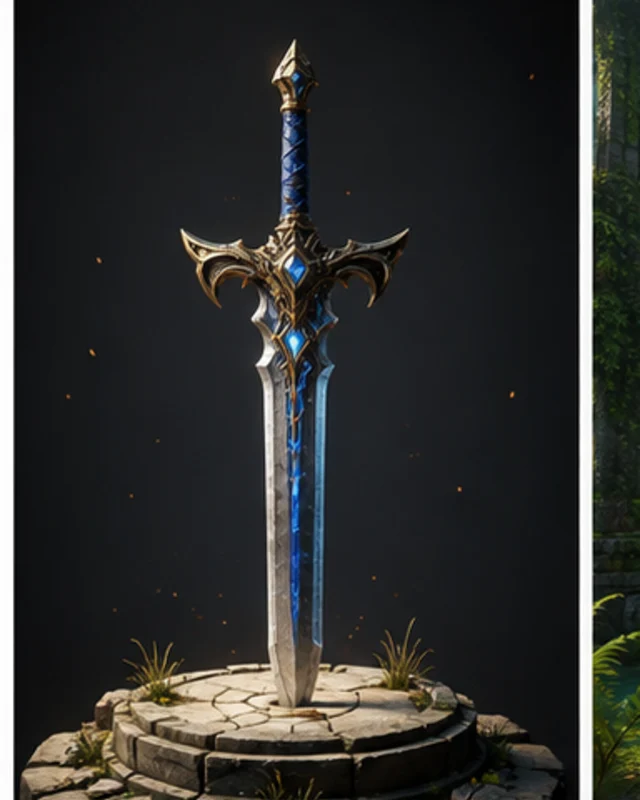
Name each weapon slot and define keyboard numbers, mouse-wheel cycling, magazine and reserve ammo, reload rules, fire rate, recoil, range, and active-weapon HUD feedback.
The proof screenshot comes from the public Operation Ironhold repository and live GitHub Pages demo. The project documents Three.js r128, four switchable weapons, combat controls, and an MIT license. It is third-party and non-SEELE.
Before a first 3D FPS Game Builder with Three.js project, define the task, intended audience, one visible outcome, and a constraint. Use Core game loop as a direction that fits the brief.
Build the small Three.js arena around one complete run: pick up the pulse rifle, defeat two slow drones, and reach the marked exit. Keep health, ammunition, and the win condition on screen.
For 3D FPS Game Builder with Three.js, name the intended user, one action, and a visible outcome. Use Core game loop as a starting direction and add one requirement from its example prompt.
Ask a first-time player to complete the arena without coaching. Watch whether they find the rifle, notice health and ammunition, and understand when the exit is safe to reach.
Choose Core game loop for the rifle, two drones, and marked exit. Choose Player challenge to test the armored guard, exposed energy cells, and the choice between a direct shot and moving to the side.
Check that the weapon pickup is clear, health and ammunition update when used, incoming fire is visible, and defeating the drones makes the marked exit the obvious next step.
Scope a first 3D FPS Game Builder with Three.js prototype to Core game loop, one user action, and one visible outcome. Defer secondary features until that path works.
Hold the room and weapon constant. Compare the exposed route with the move-to-cover option, and check whether side movement gives a useful alternative to taking a direct shot.
If players cannot tell why they were hit, make the incoming fire easier to see before changing enemy damage. If they finish but miss the goal, clarify the exit marker and replay the arena.
Match a linked tool's input and output to one need in the 3D FPS Game Builder with Three.js brief. If it does not support that step, skip it and keep the test in the main project.