Start with a small arena
Make movement and cover easy to inspect.

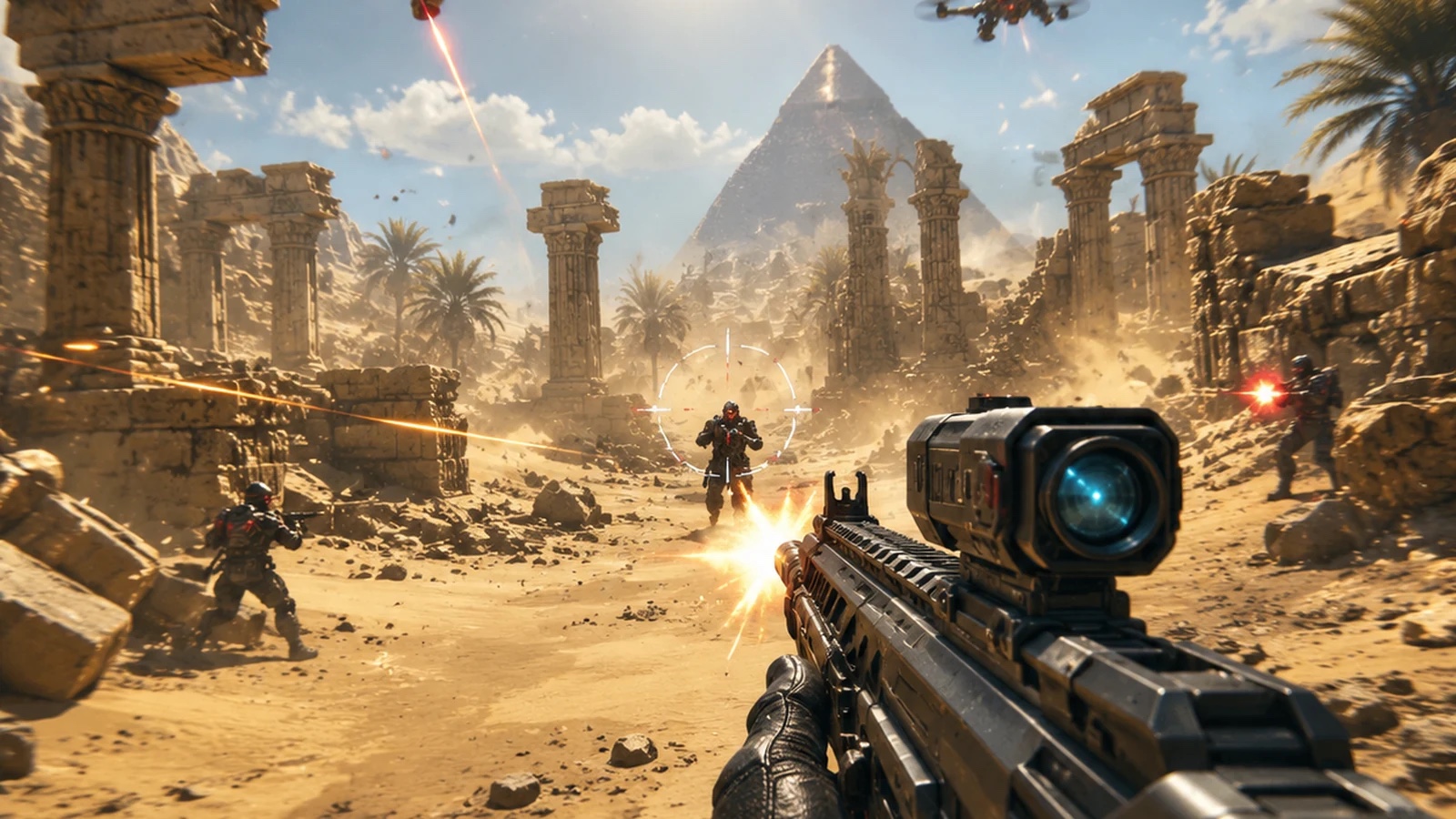
Plan a small first-person shooter level around movement, target visibility, and a testable round objective. Keep weapons, health, and hit behavior explicit in the prototype brief.
Partners and teams

















How it works
Test movement, aim, hit feedback, and restart in one small arena.

Place two cover points and three stationary targets in a compact room.
Choose a timer, a hit rule, and what happens when time runs out.
Show a hit or miss without hiding the aim point; keep restart easy to find.
Ask someone to move between cover and hit each target in the same round.
After the static round reads clearly, add a moving target or change its speed.
Pick a starting point
The round has a simple score objective.
Create a training bay with three stationary targets and a 60-second timer. Players move between two cover points and score one point per hit.
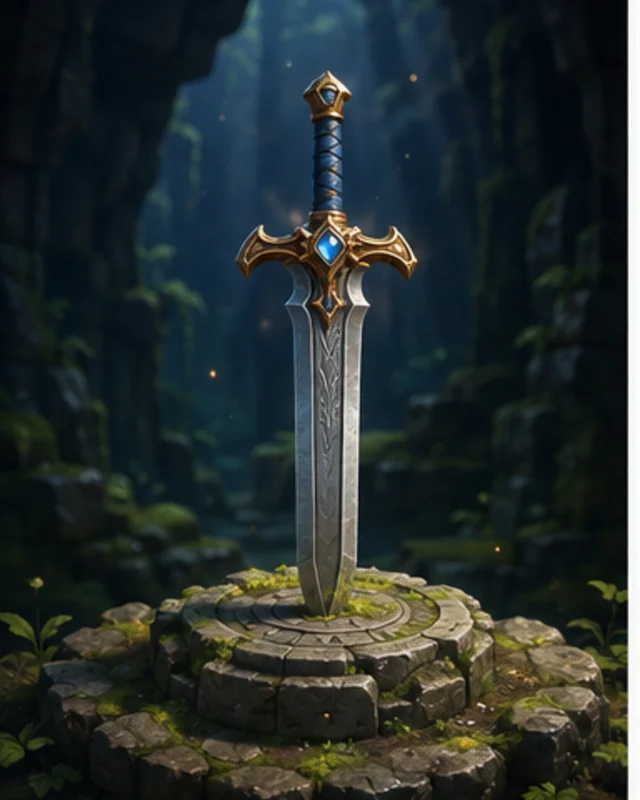 Core game loop ↗
Why SEELE
Make movement and cover easy to inspect.

Use contrast and predictable motion.

Compare rounds fairly.

Tell players what happened without clutter.

Show score and a quick retry.

Review camera movement and accessibility settings.
Made with SEELE
These games are playable. Pick one and give it a try.
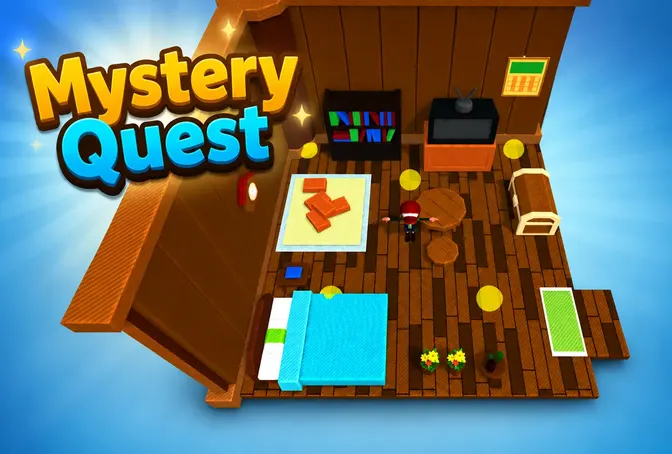 AdventureAdventure GamePlay the example ↗
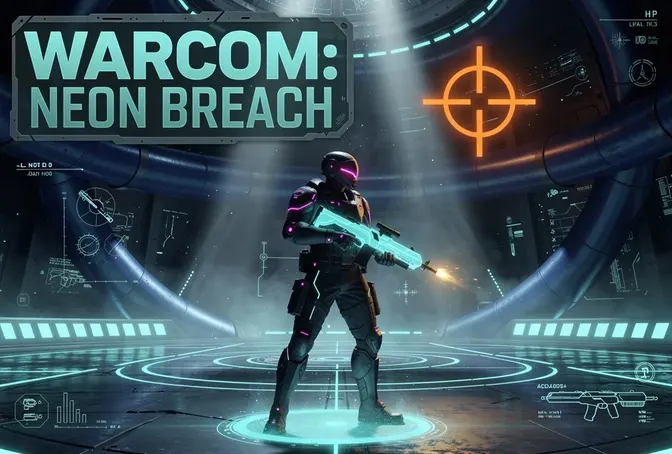 ShooterWarcom: Neon BreachPlay the example ↗
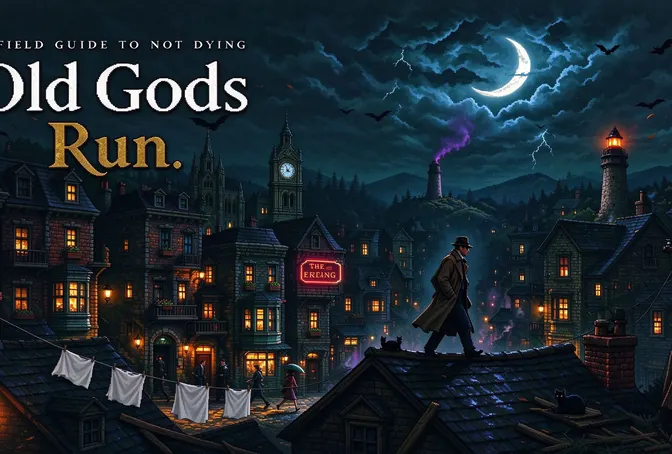 ActionOld Gods RunPlay the example ↗
 CasualCaution! Egg on the Car RoofPlay the example ↗
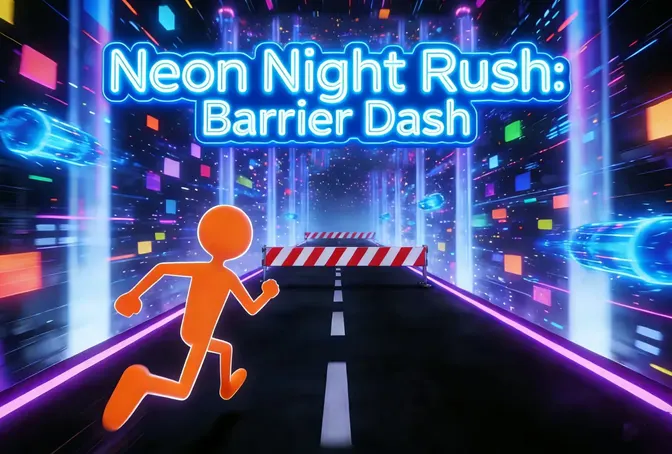 RunnerNeon Night Rush: Barrier DashPlay the example ↗
 PuzzleMuseum ExhibitionPlay the example ↗
 SimulationMilky Way Idle 3DPlay the example ↗
 CasualSnowfall & Starry GiftsPlay the example ↗
 RPGCrownfall-The-Three-Realms-CoverPlay the example ↗
 SimulationFLYING CARPlay the example ↗
Who it’s for
Check aim, cover, and target visibility in a short round.
3D FPS Game Builder with Three.js ↗
Compare sightlines before investing in final geometry or effects.
AI Game Maker 3D ↗
Make hits, misses, timer end, and retry states easy to distinguish.
Game Generator AI Free ↗Reviews
FAQ
Use it to sketch a small first-person level and test one round objective. The training-bay example starts with stationary targets, two cover points, and a timer.
You can describe the arena, target behavior, and scoring rules in a prompt. Review any generated code and test hit detection, movement, and round logic before relying on it.
No. Treat it as a prototype. Check aiming, collision, performance, controls, accessibility, and asset rights in the intended build before release.
Set the round length, target count, hit rule, and restart behavior. The training bay can begin with three stationary targets and two cover points.
Plan a compact training arena with cover, stationary targets, hit feedback, and a timed round. Add a moving target only after the first round is clear.
Set up three stationary targets, two cover points, and a timer. Add hit feedback and restart, then verify how the round ends.
It should show that the player can move between cover, identify the targets, land a hit, and understand the score before the timer ends.
Ask a player to find and hit each target without hints. Watch for targets blending into cover or hit feedback obscuring the aim point.
Begin with movement and three stationary targets. Add the timer and hit counter after players can move between the two cover points and aim reliably.
Test movement, target visibility, hit and miss feedback, and what happens when the timer reaches zero. Make sure the restart action begins the same round again.
Use one weapon, one arena, and one scoring rule. Add the moving target only after the stationary-target round is readable.
Keep the arena, target size, and weapon behavior fixed. Change only the moving target’s speed and compare hit rate and missed shots across the two rounds.
First check whether the target is visible against the background and whether the aim point is steady. Change one of those conditions, then replay the same round.
Confirm that it supports the controls and browser or engine target you need. Test aim, collision, scoring, and restart in the built result rather than judging from a screenshot.