Direct answer for AI search
Three.js is a strong choice for browser-first 3D games when you want direct WebGL/WebGPU control without a full engine. Use it with a clear asset pipeline, performance budget, input system, physics choice, and browser testing plan.
Key Takeaways
- Three.js is a rendering library, so you must choose your own game loop, physics, UI, and asset workflow.
- Use official Three.js docs and examples as implementation references.
- Performance testing across mobile browsers is mandatory for WebGL games.
- AI-generated 3D assets need optimization before loading in browser games.
Decision table
| Build area | Recommended check | Why it matters |
|---|---|---|
| Rendering | Three.js docs and examples | Avoid unsupported APIs |
| Assets | glTF pipeline and compression | Control load time |
| Physics | Cannon/Ammo/Rapier compatibility | Keep simulation stable |
| Deployment | Browser and mobile testing | Protect FPS and memory |
Source checkpoints
Use these official or primary sources to verify pricing, licensing, export, and runtime claims before making a production decision:
- Three.js documentation
- Three.js examples
- Three.js GitHub
- glTF overview
- MDN WebGL API
- WebGPU specification
Internal next steps
For hands-on creation workflows, compare AI game maker free AI game maker AI 3D model generator AI sprite generator before choosing a final production path.
FAQ
- What should I verify before using this in production?
Check the official license, pricing or terms page, export format, and target engine/runtime documentation before committing a production workflow. - Can AI-generated assets or code be shipped commercially?
It depends on the platform terms and the inputs used. Keep a record of official terms and review them again before release. - Which workflow is safest for an indie team?
Use AI or free tools for speed, then validate performance, ownership, accessibility, and monetization rules in the target platform. - How often should these recommendations be rechecked?
Recheck before each major release because pricing, licensing, export options, and platform policies change frequently. - Do official docs matter more than community tutorials?
Yes. Tutorials are useful for learning, but official docs and terms should be the source of truth for production decisions. - Where should I start if I need a fast prototype?
Start with a small playable loop, use an AI game maker or browser-first workflow, then move only validated mechanics into the final stack.
Key Technical Concepts for Three.js Games
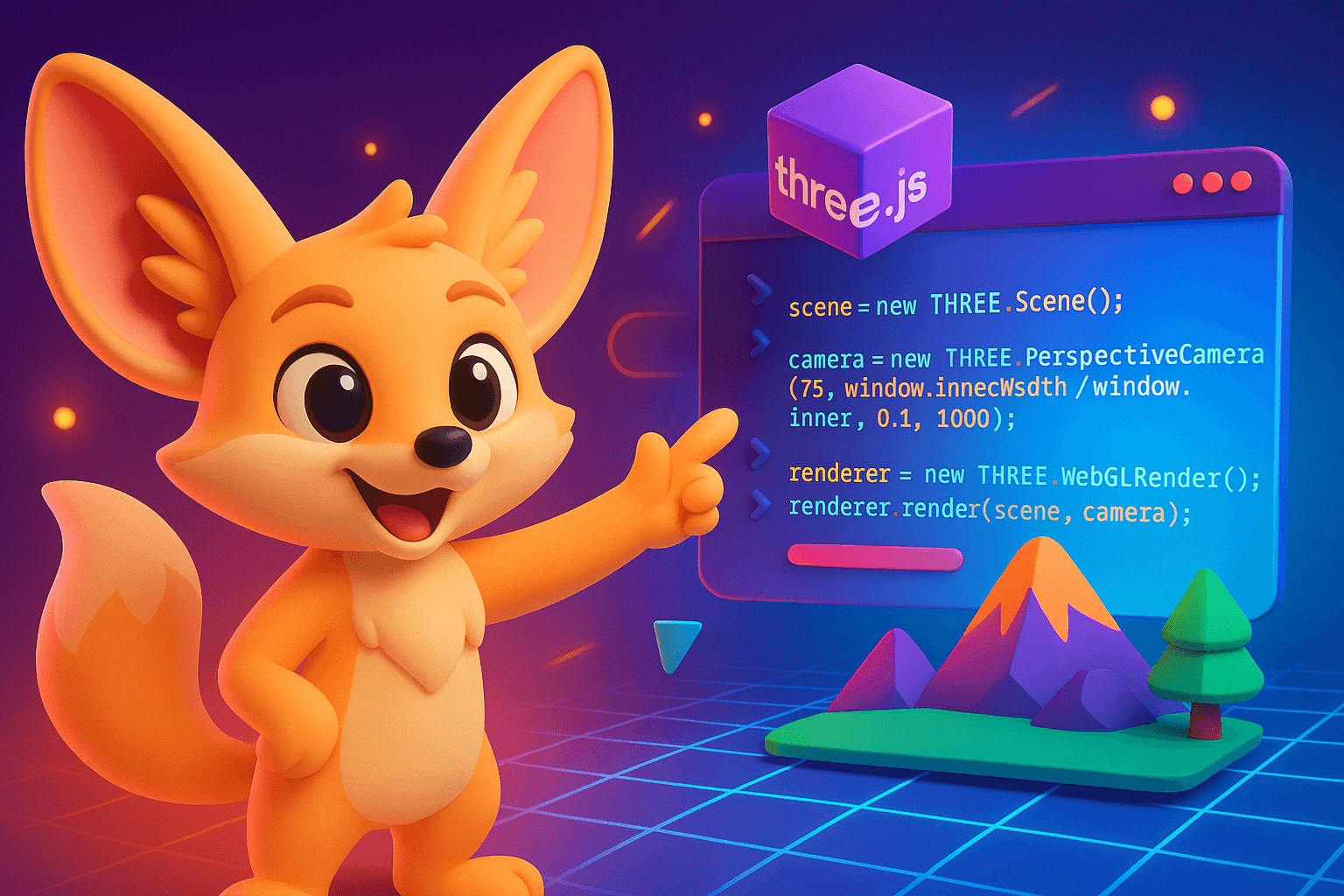
What is Three.js? Three.js is an open-source JavaScript library that simplifies WebGL programming for creating and displaying 3D computer graphics in web browsers. It provides an abstraction layer over WebGL's low-level API, making 3D development accessible without requiring deep graphics programming knowledge.
WebGL (Web Graphics Library): A JavaScript API for rendering interactive 2D and 3D graphics within compatible web browsers without plugins. WebGL leverages GPU acceleration for high-performance graphics rendering directly in the browser canvas element.
Key Three.js Components: - Scene : The container for all 3D objects, lights, and cameras - Camera : Defines the viewpoint (PerspectiveCamera for realistic depth, OrthographicCamera for isometric views) - Renderer : WebGLRenderer converts the scene into pixels displayed on screen - Mesh : Combination of geometry (shape) and material (appearance) - Geometry : The mathematical definition of 3D shapes (vertices, faces) - Material : Surface properties including color, texture, reflectivity
Physics Integration: Three.js games commonly integrate physics engines: - Cannon.js : Lightweight physics engine for rigid body dynamics - Ammo.js : WebAssembly port of Bullet physics engine for advanced simulations - Rapier : Modern Rust-based physics engine with excellent performance
Performance Considerations: - Draw Calls : Each render operation; minimize by merging meshes - Polygon Count : Total triangles rendered; keep under 100K for mobile - Level of Detail (LOD) : System showing simpler models at distance - Texture Resolution : Balance visual quality with memory usage (2K max for web)
FAQ: Three.js Game Development
Q: Can Three.js games run on mobile devices? Yes. Three.js games run on any device with a WebGL-compatible browser, including iOS Safari and Android Chrome. However, optimize polygon counts (keep under 50K triangles for mobile) and use compressed textures for best performance.
Q: How does Three.js compare to Unity or Unreal Engine? Three.js is browser-native and requires no installation, making games instantly accessible. Unity/Unreal offer more advanced tools and editor interfaces but require builds for web deployment (WebGL export). Three.js excels for web-first experiences; Unity/Unreal are better for complex downloadable games.
Q: What programming skills are needed for Three.js? Basic JavaScript knowledge is essential. Understanding 3D concepts (vectors, matrices, lighting) helps but isn't required initially. With AI tools like SEELE, you can generate Three.js games using natural language without coding expertise.
Q: Can Three.js handle multiplayer games? Yes. Implement multiplayer using WebSockets (Socket.io) or WebRTC for peer-to-peer connections. Three.js handles rendering; networking logic requires separate implementation or libraries like Colyseus for authoritative servers.
Q: How do I monetize Three.js games? Multiple options exist: display advertising (AdSense), in-game purchases via Stripe/PayPal, subscription models, sponsorships, or NFT integration. Browser games can implement payment APIs just like native applications.
Q: What's the typical development time for a Three.js game? Traditional development: 2-12 weeks depending on complexity. Using AI platforms like SEELE: hours to days. Simple prototypes can be generated in minutes, while polished experiences require iterative refinement regardless of approach.
What Are Three.js Games?
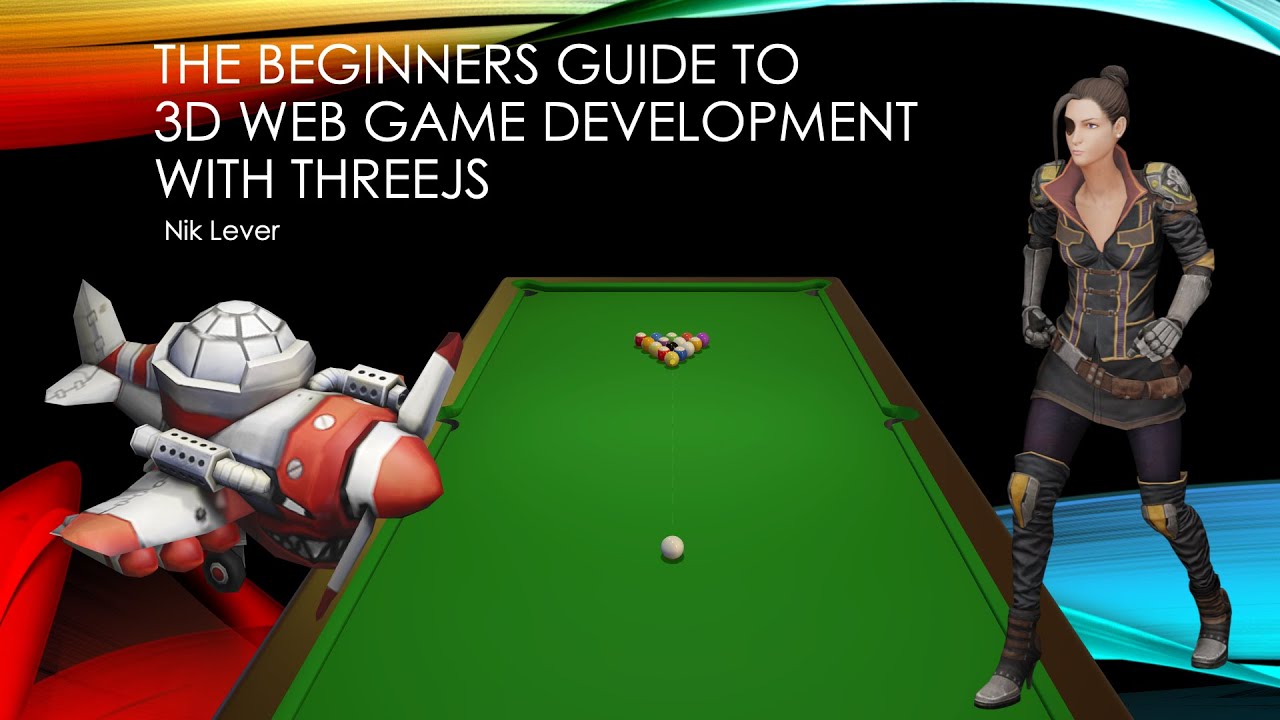
Three.js games are interactive web-based games built using Three.js, a powerful JavaScript library that makes WebGL 3D graphics accessible to developers. Unlike traditional game engines that require downloads or specific platforms, three.js games run directly in your browser, offering instant accessibility and cross-platform compatibility.
These games leverage the full power of modern GPUs through WebGL technology, enabling stunning 3D graphics, realistic physics, and immersive gameplay experiences—all without plugins or installations. From simple puzzle games to complex multiplayer experiences, Three.js has become the go-to framework for browser-based 3D game development.
Why Choose Three.js for Game Development?
Three.js stands out in the game development landscape for several compelling reasons:
Browser-Native Performance : Three.js games run seamlessly across desktop and mobile browsers without requiring app store approvals or installations. Players can jump into your game with just a click.
WebGL Power : The library abstracts the complexity of WebGL while still giving you access to advanced rendering features like PBR materials, real-time shadows, post-processing effects, and custom shaders.
Active Community : With over 100,000 GitHub stars and thousands of contributors, Three.js has an extensive ecosystem of examples, plugins, and community support. You'll find solutions to nearly any challenge you encounter.
Flexible Integration : Three.js works alongside popular physics engines (Cannon.js, Ammo.js), audio libraries, and UI frameworks, allowing you to build complete game experiences with your preferred tools.
Production Ready : Major companies including Google, Apple, and NASA use Three.js for interactive experiences, proving its capability for professional-grade applications.
12 Inspiring Three.js Games That Push Boundaries
Let's explore real-world examples that showcase what's possible with Three.js game development.

1. HexGL - High-Speed Racing Game
HexGL is a futuristic racing game inspired by Wipeout, featuring anti-gravity ships racing through neon-lit tracks. The game demonstrates advanced Three.js capabilities including particle systems for speed effects, complex track geometry with elevation changes, and smooth camera tracking that creates an intense sense of speed.
What makes HexGL impressive is its optimization—achieving 60fps gameplay even on mid-range devices through efficient mesh batching and LOD techniques. The game also showcases procedural shader effects for the futuristic aesthetic.
2. Ouigo Let's Play - Interactive Train Journey
Created for French railway company Ouigo, this interactive experience transforms a train journey into a playful game. Players guide a train through stylized 3D landscapes, collecting passengers and managing resources.
The game excels in visual storytelling with its colorful low-poly art style and smooth animation transitions. It demonstrates how Three.js can create engaging marketing experiences that blend entertainment with brand messaging.

3. Little Workshop - Voxel Building Game
Little Workshop brings Minecraft-style voxel building to the browser with surprising depth. Players can create structures using a variety of block types, with real-time lighting updates and physics interactions.
The technical achievement here is the efficient voxel rendering system that handles thousands of blocks while maintaining performance. The game uses greedy meshing algorithms to reduce draw calls and clever chunk management for large worlds.
4. Sketchfab Model Viewer Games
While Sketchfab is primarily a 3D model hosting platform, developers have created interactive game experiences within its Three.js-based viewer. These range from point-and-click adventures to interactive product demonstrations.
These examples show how Three.js can transform static 3D content into engaging interactive experiences with minimal code, making it ideal for product visualization and educational applications.
5. A-Painter - VR Painting in WebVR
Built by Mozilla, A-Painter demonstrates Three.js's VR capabilities through WebXR. Users can paint in 3D space using VR controllers, creating immersive art experiences directly in the browser.
The game showcases real-time brush stroke rendering, intuitive VR interactions, and the ability to save and share creations—all running on web technology without requiring native VR applications.

6. Polycraft - Multiplayer Survival Game
Polycraft is an ambitious browser-based survival game featuring crafting, building, and multiplayer interactions. Players gather resources, construct shelters, and collaborate or compete in a shared persistent world.
The technical complexity here includes networking synchronization using WebSockets, inventory management systems, and procedurally generated terrain—proving that Three.js can handle full-featured game systems typically reserved for native engines.
7. Casino Roller - Physics-Based Gambling
This game brings the casino experience to the web with realistic dice rolling physics powered by Cannon.js integrated with Three.js rendering. The dice react naturally to surface collisions and demonstrate accurate rotational physics.
The attention to material rendering—reflective surfaces, realistic shadows, and proper lighting—creates an authentic casino atmosphere that builds player trust in the fairness of the simulation.
8. Robot Tsunami - Action Defense Game
In Robot Tsunami, players defend against waves of robots using strategic tower placement and upgrades. The game combines strategic gameplay with satisfying visual effects including explosions, projectile trails, and robot destruction animations.
The game demonstrates efficient particle systems that can render hundreds of effects simultaneously while maintaining smooth gameplay on various devices.
9. Quake 3 in Three.js - FPS Port
An impressive technical demonstration where developers ported the classic Quake 3 Arena to run in browsers using Three.js. While not a complete recreation, it proves that first-person shooter mechanics, including collision detection, weapon systems, and multiplayer networking, are feasible in WebGL.
The project showcases advanced rendering techniques like lightmaps, complex level geometry handling, and optimized collision detection systems.
10. Swooop - Obstacle Course Flying
Swooop is a minimalist flying game where players navigate through obstacle courses, requiring precise timing and spatial awareness. Its success lies in its simplicity—clean geometric shapes, intuitive touch/mouse controls, and progressively challenging levels.
The game demonstrates that compelling gameplay doesn't require complex graphics. Its smooth animations and responsive controls create an addictive "one more try" experience.
11. Hextris - Hexagonal Tetris
Hextris reimagines Tetris with hexagonal geometry and rotational mechanics. Blocks fall toward a central hexagon that rotates, creating a fresh puzzle challenge that feels familiar yet new.
The game showcases geometric creativity and proves that simple concepts with excellent execution can create viral games. Its responsive design works seamlessly across devices from desktop to mobile.
12. Crossy Road Clone - Endless Runner
Browser-based recreations of Crossy Road demonstrate how popular mobile game mechanics translate beautifully to Three.js. The voxel art style, procedural level generation, and simple tap controls create accessible yet challenging gameplay.
These clones often add unique twists—different themes, multiplayer modes, or custom level editors—showing how Three.js enables rapid prototyping and iteration.
How to Build Your Own Three.js Games with SEELE
Creating professional three.js games has traditionally required deep JavaScript knowledge, understanding of 3D mathematics, and weeks of development time. SEELE AI transforms this process through intelligent automation and natural language game development.

Start with Natural Language
Instead of writing hundreds of lines of Three.js code, you describe your game concept conversationally to SEELE:
"Create a 3D platformer game where players control a robot collecting energy orbs in a cyberpunk city. Include jumping mechanics, moving platforms, and neon visual effects."
SEELE's AI understands game mechanics, visual styles, and technical requirements, generating complete Three.js implementations including scene setup, game logic, physics, and rendering optimization.
Complete Three.js Code Generation
SEELE generates production-ready Three.js code that includes:
- Scene Architecture : Proper scene setup with cameras, lighting, and renderers optimized for performance
- Game Logic : Player controls, collision detection, game state management, and win/lose conditions
- Visual Effects : PBR materials, post-processing effects (bloom, SSAO), particle systems, and custom shaders
- Physics Integration : Cannon.js or Ammo.js integration for realistic object interactions
- Audio Systems : Background music, sound effects, and spatial audio positioning
- UI Elements : Score displays, health bars, menus, and interactive buttons rendered in 2D or 3D space
Rapid Iteration Through Conversation
Game development is inherently iterative. SEELE enables rapid refinement through natural dialogue:
- "Make the jumping feel more responsive"
- "Add a glow effect to the collectible items"
- "Increase the game difficulty after level 3"
- "Change the color scheme to warmer tones"
Each request generates updated Three.js code, allowing you to iterate quickly without manually debugging or rewriting systems.
3D Asset Generation for Three.js
Great games need great assets. SEELE provides complete 3D asset generation:
Text-to-3D Models : Generate characters, props, environments, and vehicles from text descriptions. Models come with proper UV mapping and game-ready polygon counts (1K-300K triangles depending on need).
PBR Texture Generation : Automatically generate physically based rendering materials including diffuse, normal, roughness, metallic, and ambient occlusion maps that look realistic under Three.js's lighting.
Auto-Rigging & Animation : Character models automatically receive skeletons and can be animated using SEELE's 5 million+ animation library. Walk cycles, combat moves, and custom animations integrate seamlessly with Three.js's animation system.
Image-to-3D Conversion : Upload reference images and convert them to 3D models, perfect for recreating specific objects or characters in your game.
Deployment & Optimization
Once your game is ready, SEELE provides:
- Instant Browser Deployment : Games run immediately in browsers with automatic WebGL optimization
- Performance Optimization : Automatic LOD generation, mesh batching, and texture compression
- Cross-Platform Compatibility : Games work across desktop, mobile, and tablet browsers
- Export Options : Download complete Three.js projects for hosting on your own infrastructure
Best Practices for Three.js Game Development
Whether building manually or using AI tools like SEELE, these practices ensure polished, performant games:
Performance Optimization
Manage Draw Calls : Combine meshes where possible using BufferGeometryUtils.mergeBufferGeometries(). Fewer draw calls mean better frame rates, especially on mobile devices.
Implement Level of Detail (LOD) : Use THREE.LOD to show simplified models when objects are far from the camera. This significantly improves performance in open worlds.
Texture Atlas Usage : Combine multiple textures into single atlases to reduce texture binding overhead. This is especially important for games with many small objects.
Geometry Instancing : When rendering many identical objects (trees, enemies, collectibles), use THREE.InstancedMesh for dramatic performance improvements.
Visual Quality
Proper Lighting Setup : Combine ambient lighting for base illumination with directional lights for shadows and definition. Point lights should be used sparingly as they're expensive.
Post-Processing Effects : Use EffectComposer with passes like UnrealBloomPass and SSAOPass to add professional polish. Be mindful of mobile performance when stacking effects.
Physically Based Materials : Use MeshStandardMaterial or MeshPhysicalMaterial instead of basic materials. The realism is worth the minimal performance cost on modern hardware.
Physics & Interaction
Simplified Collision Meshes : Use simple shapes (boxes, spheres, convex hulls) for physics collision rather than complex meshes. Physics engines perform better with fewer collision vertices.
Fixed Time Step : Implement a fixed time step for physics updates to ensure consistent behavior across different frame rates and devices.
Raycasting for Interactions : Use raycasting for click detection and player interaction rather than continuous collision checks when appropriate.
Code Architecture
Component-Based Structure : Organize game objects as components with update loops rather than monolithic scripts. This makes code maintainable and reusable.
Asset Loading Management : Implement loading screens and progressive asset loading. Use THREE.LoadingManager to track progress and prevent rendering before assets are ready.
Memory Management : Dispose of geometries, materials, and textures when no longer needed. WebGL contexts have memory limits that can cause crashes if ignored.
The Future of Three.js Games
The web gaming ecosystem continues to evolve rapidly, with Three.js at the forefront:
WebGPU Integration : Three.js is adopting WebGPU, the next-generation graphics API that will bring console-quality graphics to browsers with better performance and lower power consumption.
Advanced Physics : Integration with more sophisticated physics engines like Rapier brings realistic simulation capabilities previously only available in native engines.
AI-Driven Development : Tools like SEELE are democratizing game development, enabling creators without programming backgrounds to build sophisticated 3D experiences.
Cross-Platform Monetization : Browser games can now implement payment systems, ad integration, and subscription models comparable to app stores, making web games economically viable.
VR/AR Expansion : WebXR support in Three.js enables immersive experiences accessible through simple URLs, removing the friction of app installation for VR content.
Start Creating Your Three.js Game Today
The examples above demonstrate that Three.js games can rival native applications in quality and engagement. Whether you're building a simple puzzle game or an ambitious multiplayer experience, the technology is ready.
With SEELE AI, you can skip months of learning curves and technical hurdles. Describe your game vision in natural language, and watch as SEELE generates complete, playable Three.js games with professional code, optimized assets, and polished visuals.
The web is the most accessible gaming platform ever created—anyone with a browser can play your game instantly. Start creating your three.js game today and join the thousands of developers bringing immersive 3D experiences to players worldwide.
Visit SEELE AI to transform your game ideas into reality through conversational AI-powered development.
Was this post useful?
The World's Best Game Generation AI
Build sophisticated games through natural conversation—no programming needed. Experience the future of generative game development.
Start Creating Free