What the image supplies
A photo or illustration can communicate silhouette, proportion, visible material cues, and surface landmarks. It does not provide reliable back-side geometry or physical measurements by itself.
Seele AI · Tool
Use a single image to explore 3D shape direction, silhouette, materials, and iteration notes before deeper modeling work.
Start with a specific image to 3d model need, then carry that prompt into the workspace for deeper iteration and follow-up planning.
A photo or illustration can communicate silhouette, proportion, visible material cues, and surface landmarks. It does not provide reliable back-side geometry or physical measurements by itself.
Rotate the draft and check hidden faces, disconnected shells, thin projections, cavities, self-intersections, polygon density, and the intended physical scale. Edit or regenerate uncertain regions instead of assuming the image resolved them.
SEELE supports image-to-3D generation and editing. Slicing, support placement, G-code, printer profiles, tolerances, and print validation belong in dedicated print software and physical tests.
Usually not. Hidden surfaces, true depth, topology and material behavior must be inferred and then checked in the generated asset.
It can structure the reference analysis, constraints and review checklist. It is not presented as the system directly generating or exporting the 3D file.
No. Image-to-3D creates a candidate that still needs geometry and scale review. Export the edited model through a supported format, then use dedicated slicer software for supports, slicing, material settings, and G-code.
Input is a reference image plus a short text brief describing style, category, and use case. The page produces a structured modeling brief and review checklist; any resulting 3D model must be checked in the actual downstream workflow.
Review hidden surfaces, disconnected shells, intersections, normals, thin features, polygon density, intended scale, and the supported export path. The slicer and a physical test remain responsible for print-specific validation.
Quick Start Searches
Pick a concrete image to 3d model scenario and jump into the workspace with a stronger starting prompt.
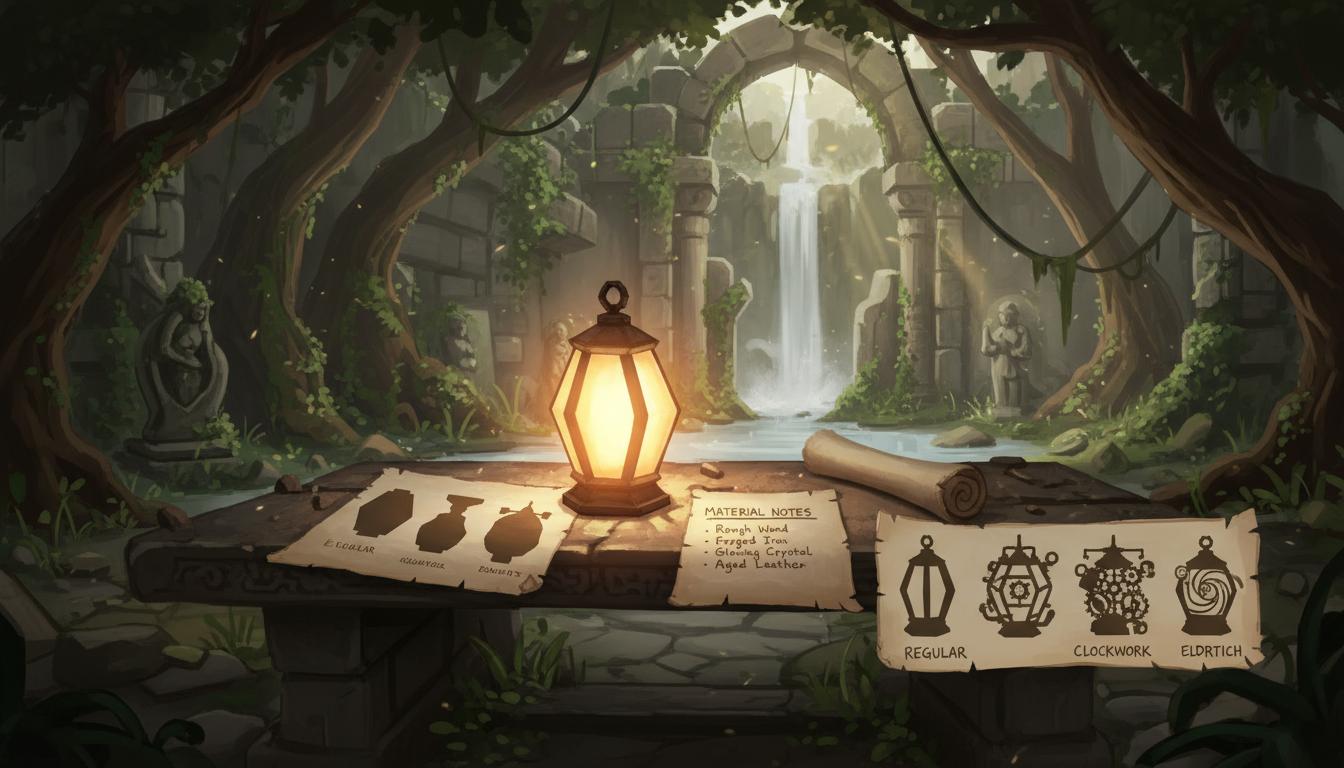
Turn a single prop image into a shape-focused 3D concept brief.
Search this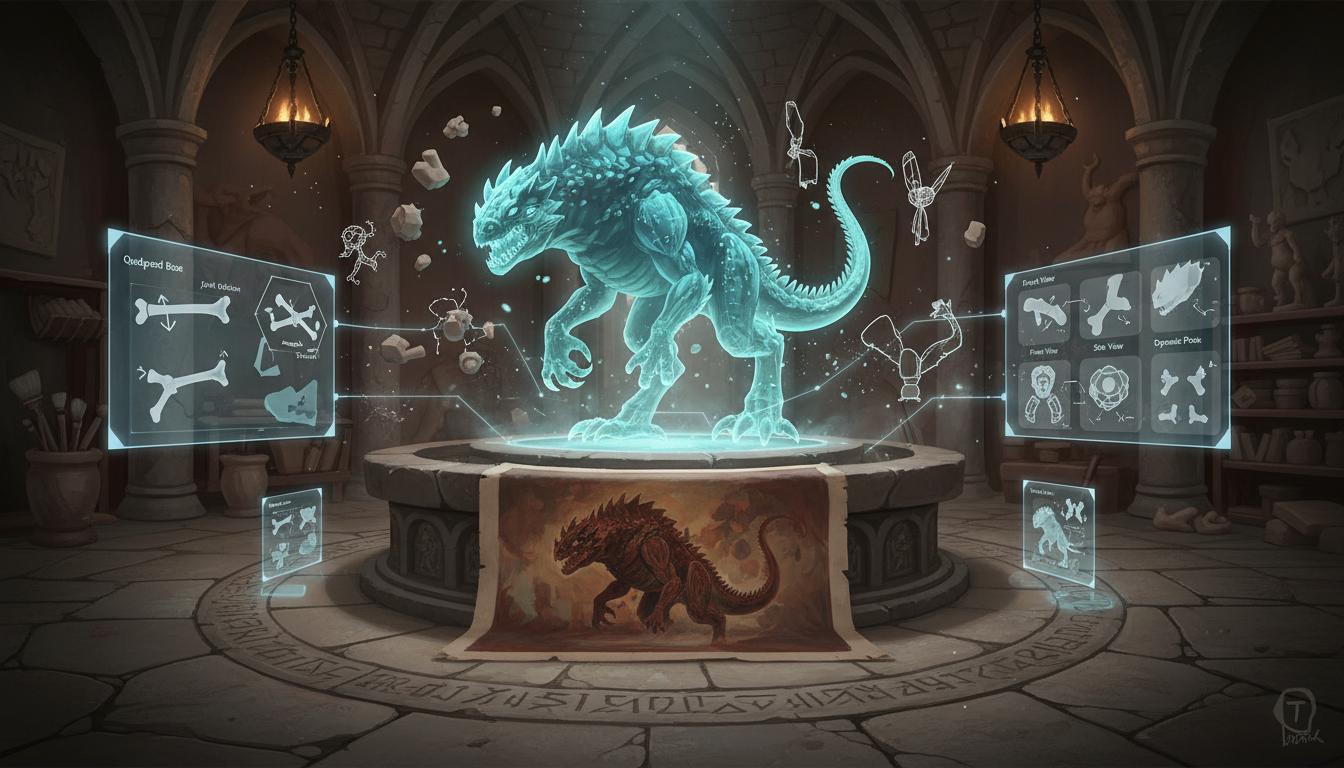
Translate a painted creature reference into a model planning prompt.
Search this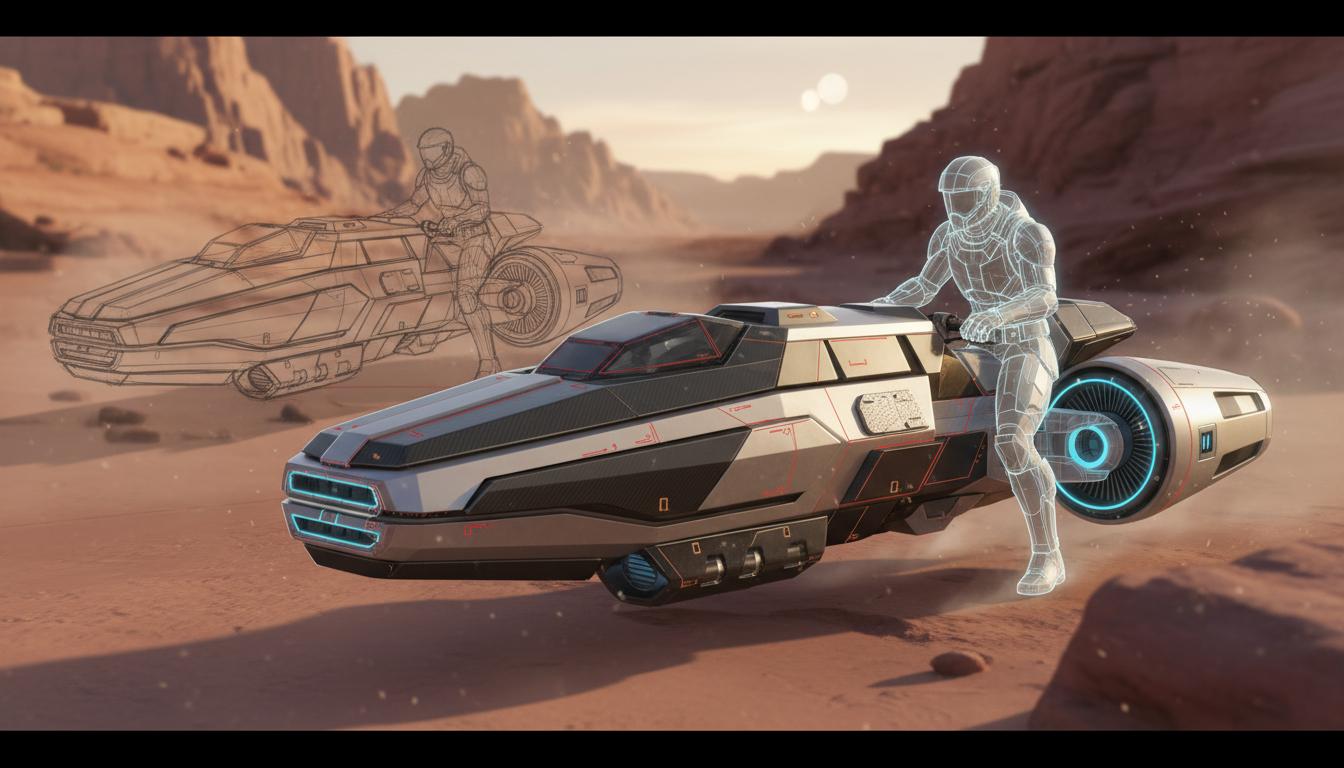
Use a vehicle or gadget image to define volume and panel logic.
Search this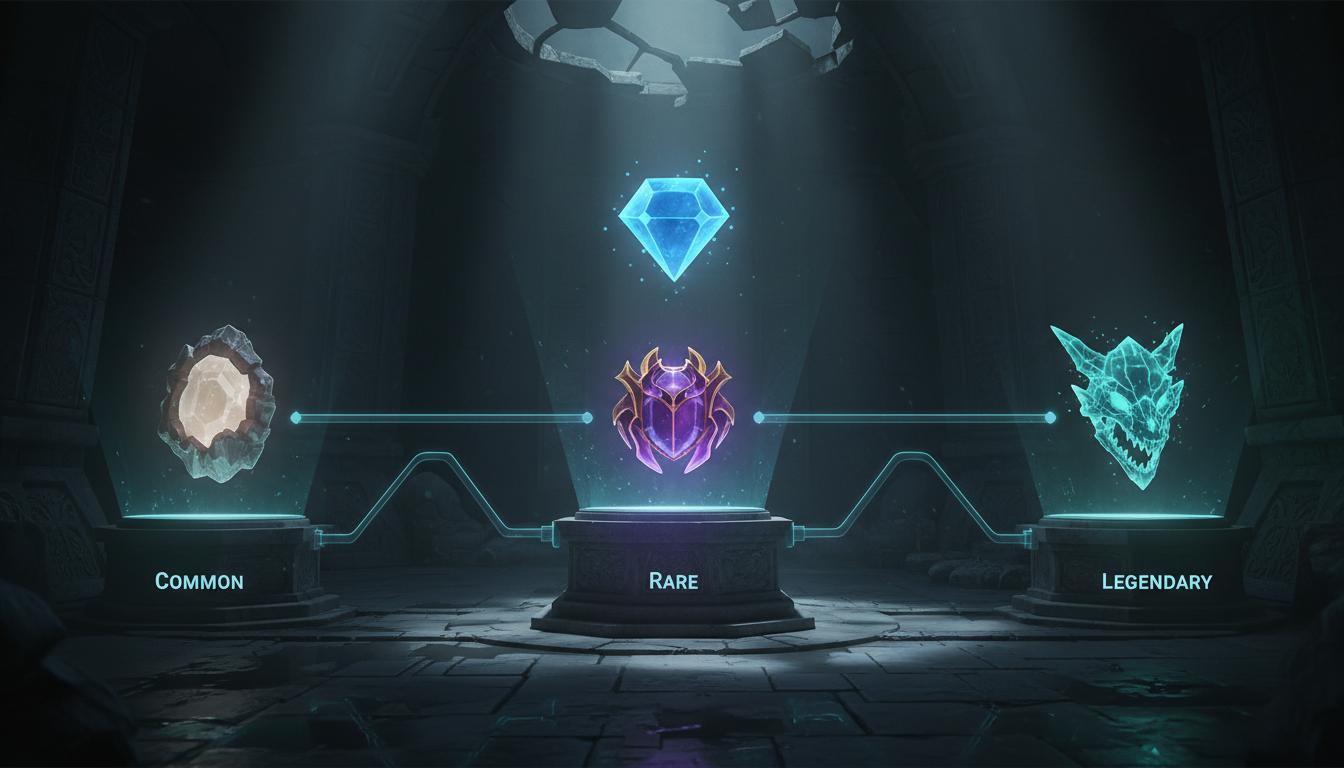
Start with one item image and branch into multiple collectible directions.
Search this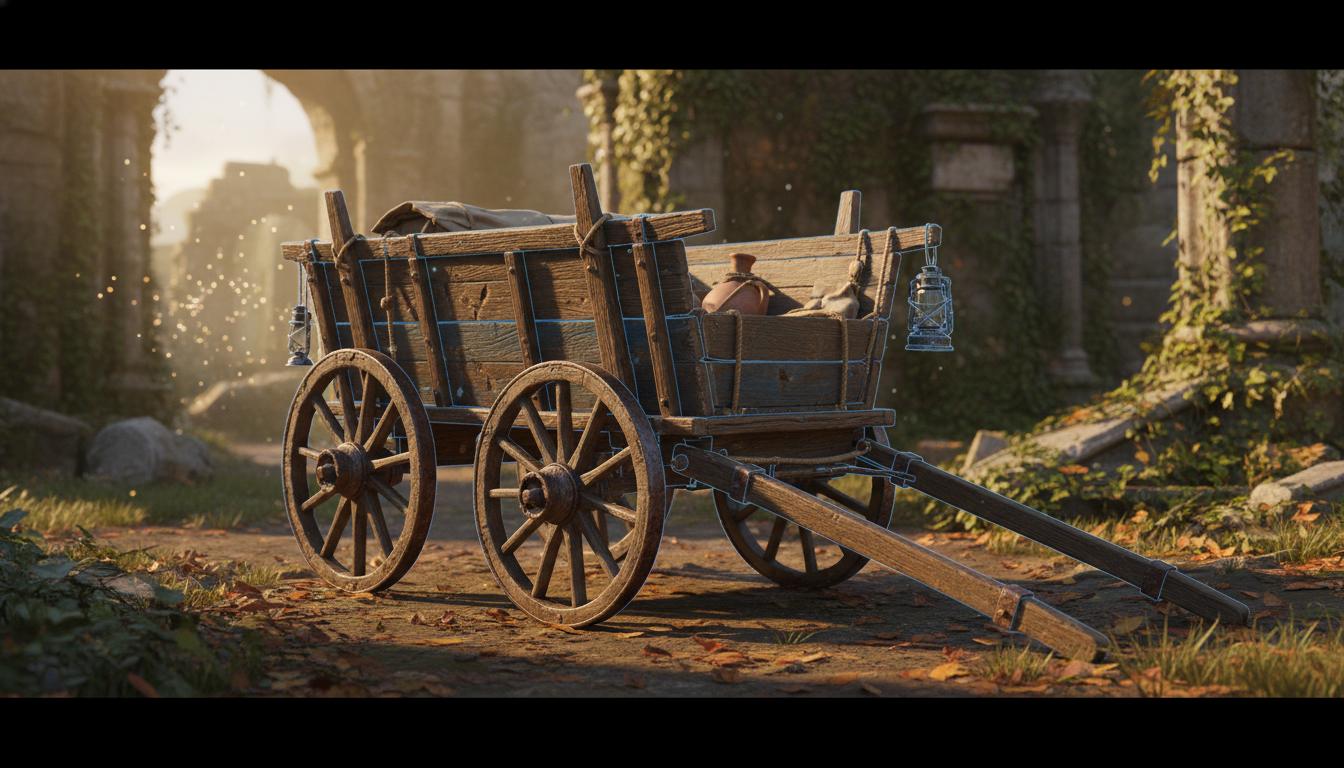
Convert a rough concept into a cleaner prop handoff for modeling.
Search this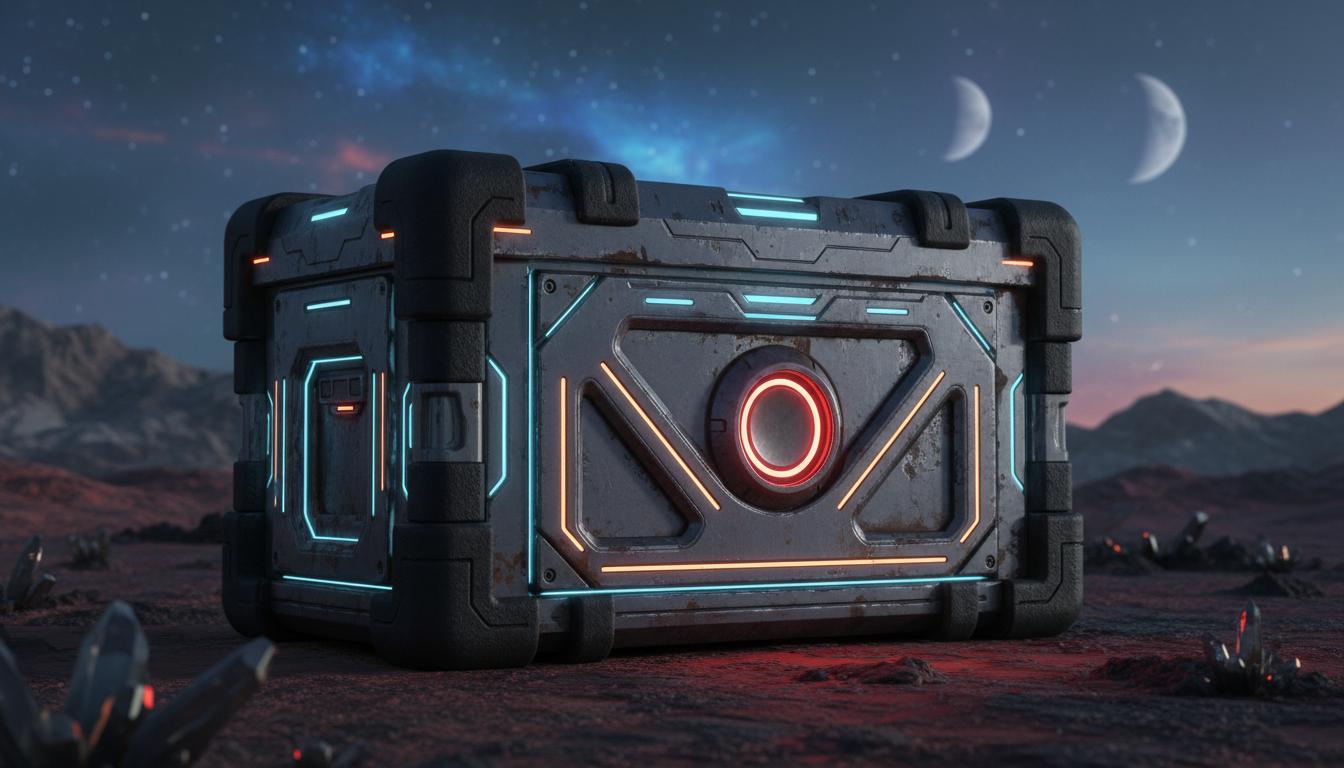
Focus on what materials the model should communicate.
Search thisCore Features
This page is strongest when you need clearer image to 3d model direction before expensive production steps begin.
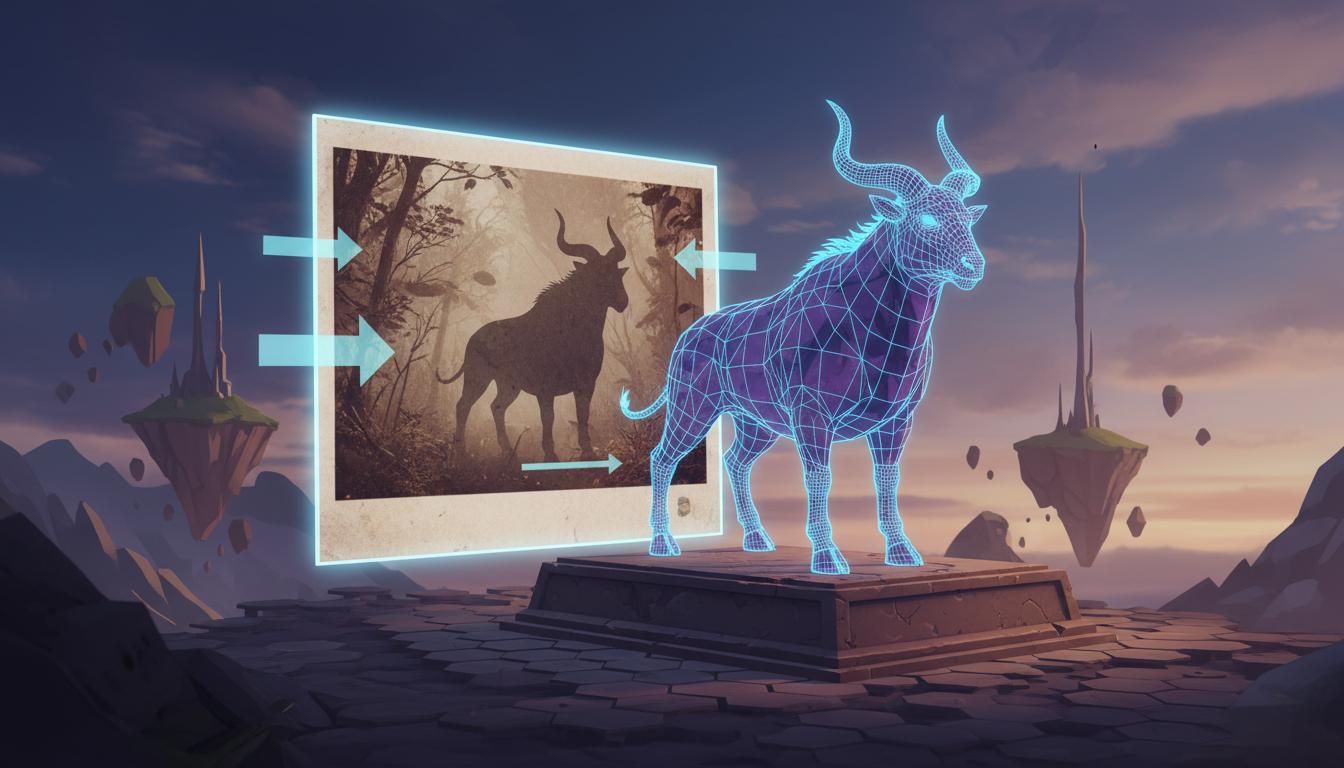
Starts from an actual image so the first-pass 3D direction stays grounded in visible silhouette and proportions.
Open Workspace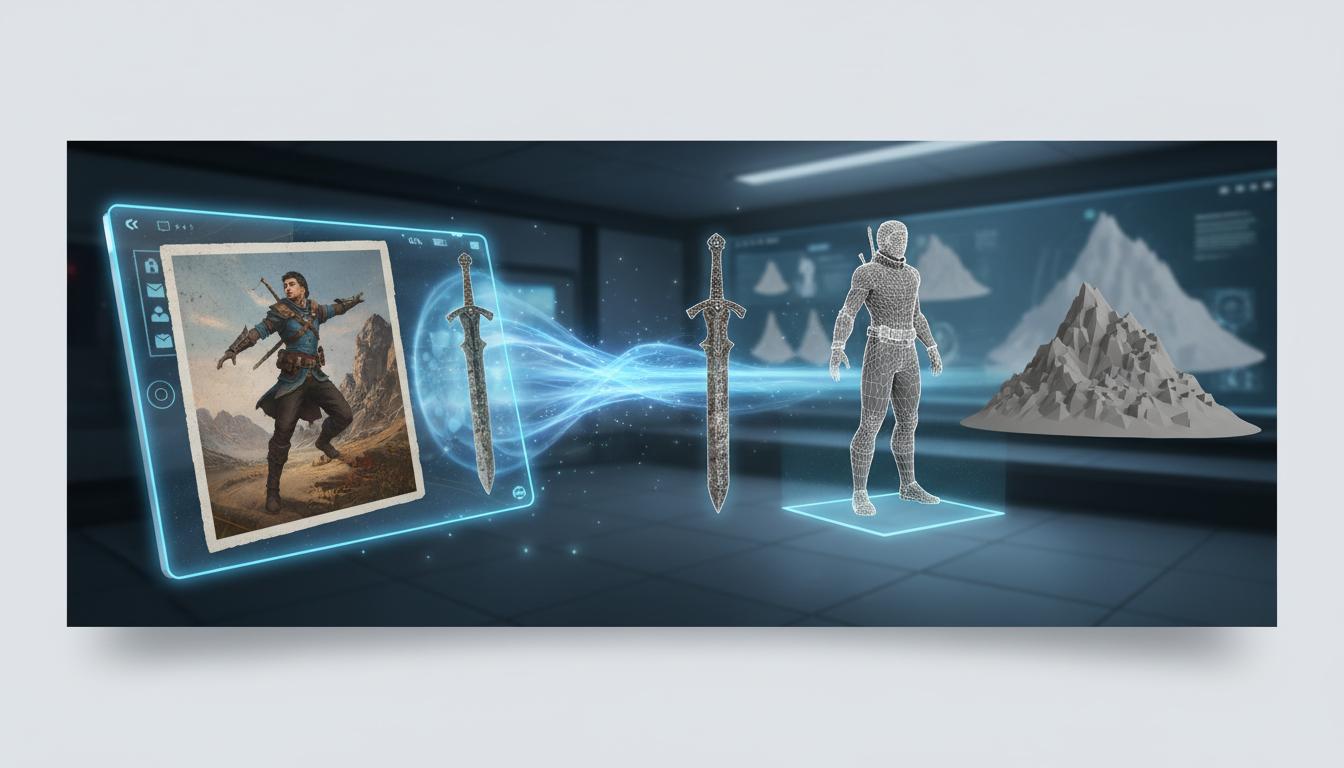
Works best when you need a planning layer before committing to manual modeling or additional concept passes.
Open Workspace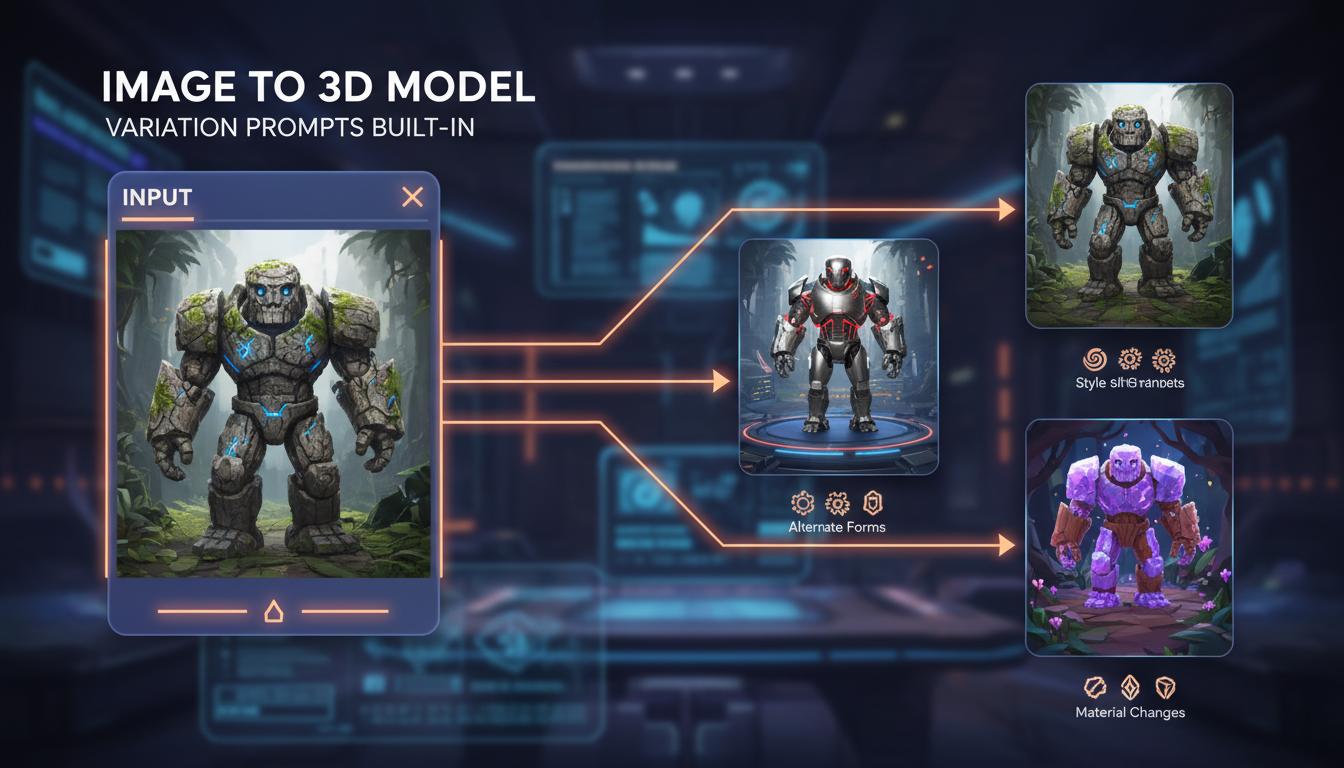
Generates follow-up prompt language for alternate forms, style shifts, or material changes from the same source.
Open Workspace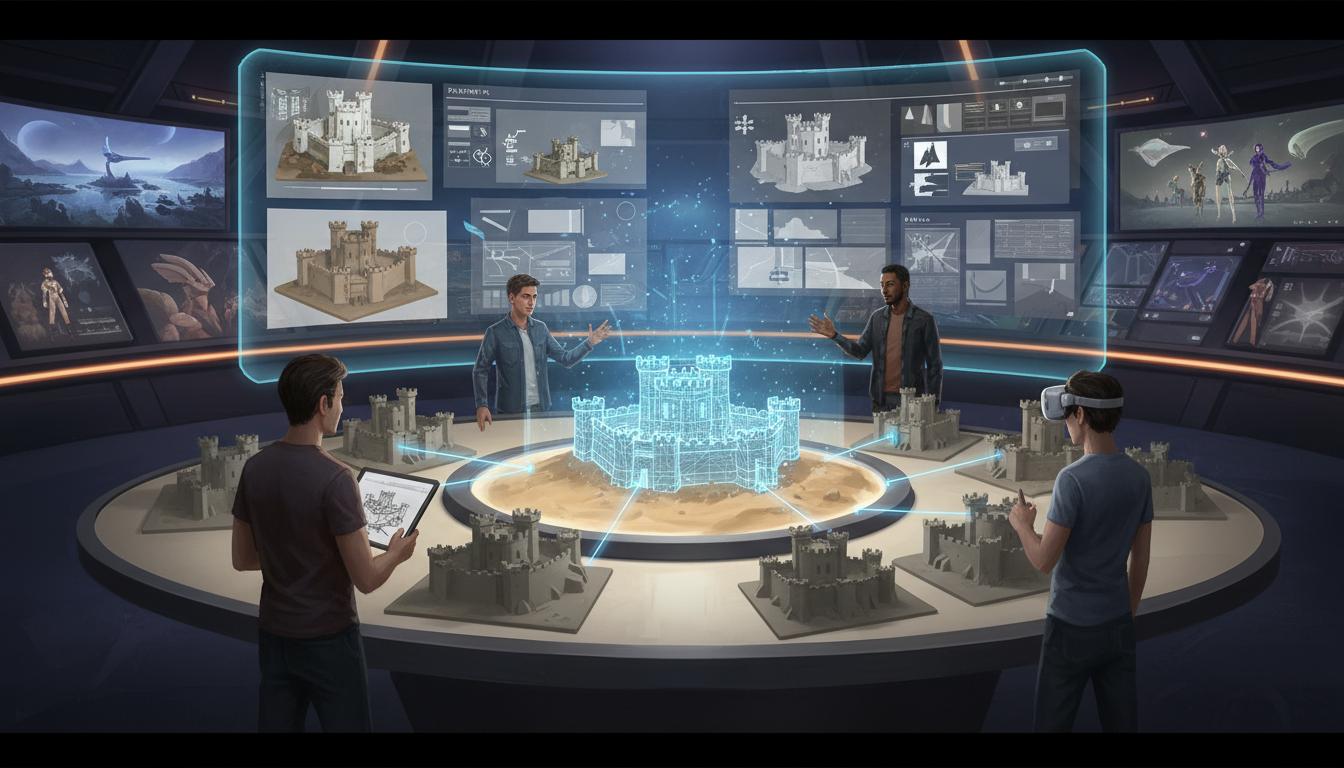
Helps teams align on shape intent, theme, and complexity before someone spends time in a 3D tool.
Open Workspace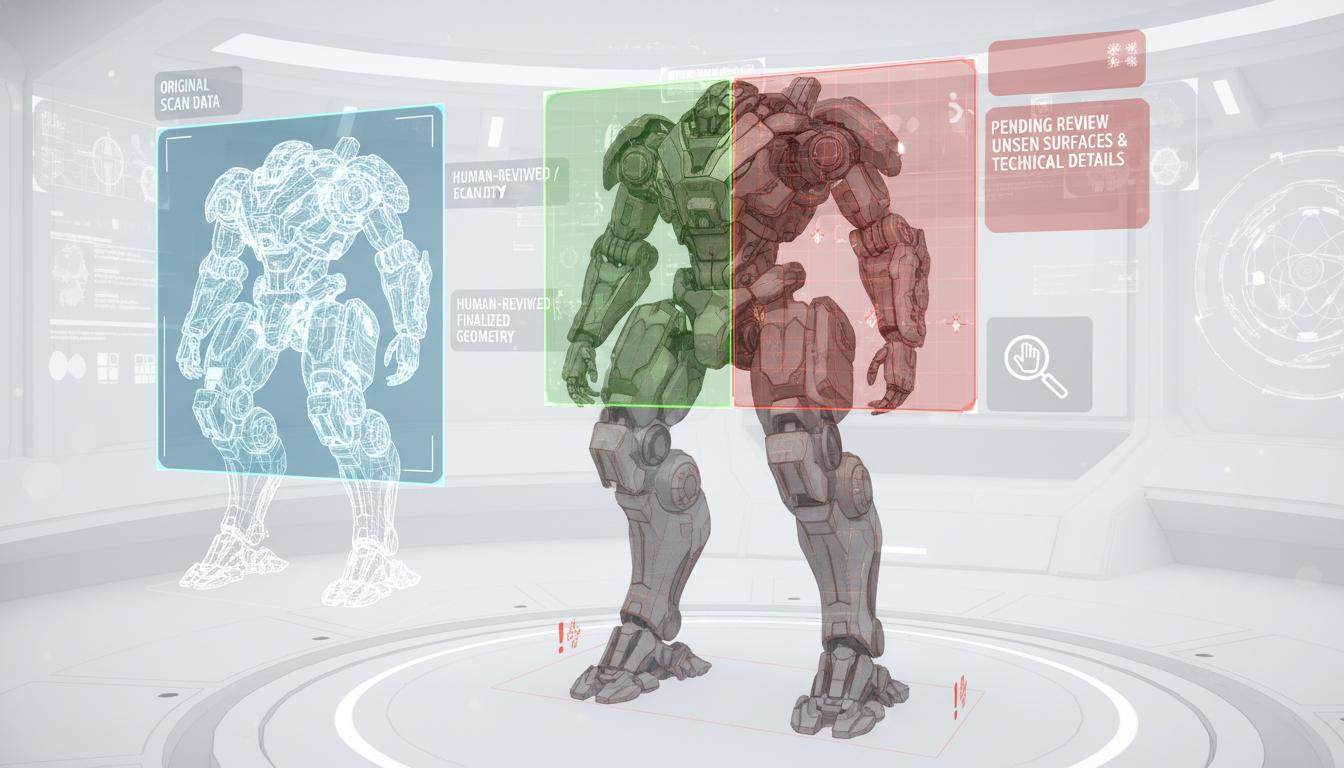
Makes it explicit which parts still need human review, especially unseen surfaces and technical production details.
Open Workspace
Outputs can be reused for later art iteration, design review, or adjacent asset-generation workflows.
Open WorkspaceComparison
| Criteria | Image to 3D Print Model: From Reference to Editable Draft | Manual workflow | Generic prompt-only ideation |
|---|---|---|---|
| Time to first usable direction | Fast | Slow | Fast |
| Best stage | Prototype and pre-production | Production execution | Early ideation only |
| Iteration cost | Low | High | Low |
| Review boundary clarity | High | High | Low |
| Technical production readiness | Needs review | Strong when finished | Not applicable |
| Team alignment speed | High | Medium | Medium |
Who This Tool Page Is For
The strongest use cases appear when one team needs image to 3d model direction quickly, not a final production asset immediately.
Use faster page-specific prompts and planning outputs to move from idea to reviewable direction without waiting on a full production pass.
Open WorkspaceCompare scope, style, and production trade-offs earlier so later implementation work starts from a clearer brief.
Open WorkspaceBring stronger first-pass options into review and decide which direction deserves deeper production effort.
Open WorkspaceAn image to 3d model workflow helps bridge the gap between concept art and manual modeling. Instead of starting from a blank page, teams can use an existing image to frame the silhouette, material intent, and shape language of a new asset.
That makes it easier to align on direction early, compare variants faster, and reduce back-and-forth before deeper production work begins.
This kind of tool works best for first-pass asset exploration: props, stylized characters, vehicles, collectibles, and environment pieces. It is especially useful when a team already has a visual reference but needs a more structured 3D interpretation and reusable prompt language.
Use the output as direction, not as proof of final technical readiness. Human review is still needed for topology, backside detail, UV planning, material execution, rigging, and engine-specific optimization.
“Image to 3D model” describes a broader conversion intent. On this page, the immediate output is a modeling brief: silhouette, likely hidden forms, material zones, constraints, and review prompts—not a guaranteed downloadable mesh or separate converter product. Use the brief in a verified downstream workflow, then inspect geometry, materials, scale, rights, and engine fit.
Input: one reference image plus a short text brief describing style, category, and use case. Output: a generated 3D draft with review notes, not a production-ready asset. Topology, hidden-surface geometry, UVs, materials, and target-engine checks remain human work. Last reviewed: 2026-07-21.
How It Works
Provide one image and describe the target style, use case, or asset category. Seele AI reads the silhouette, proportions, and visible material cues from the reference.
Add notes about stylization, complexity, camera views, or gameplay function. Seele AI turns the input into modeling guidance, variation prompts, and material suggestions.
Compare the suggested directions and pick one to continue. Seele AI packages the chosen direction into reusable prompt language and review notes.
What You Get
Summarizes shape, silhouette, scale, and material intent inferred from the image.
Provides prompt-ready directions for alternate views or stylized variants.
Highlights areas that still need human adjustment such as topology, proportions, or missing details.
Where This Works Best
Where This Works Best
After generation
Use Image to 3D Print Model: From Reference to Editable Draft AI Tool for Fast 3D Concept Drafts as the starting point, then review topology, scale, materials, texture count, file size, target format, and engine constraints before treating the asset as ready.
After generation
Use Image to 3D Print Model: From Reference to Editable Draft AI Tool for Fast 3D Concept Drafts as the starting point, then review topology, scale, materials, texture count, file size, target format, and engine constraints before treating the asset as ready.
Canada search intent
Image-to-3D can turn a reference image into a candidate model, but hidden surfaces, depth, topology, scale, and print or engine requirements still need review. Continue with the online 3D model editor or the game-ready asset workflow .
Image to 3D model
For image to 3D model, photo to 3D model, or images to 3D model searches, start with the source image, define the intended use, then review the resulting geometry, scale, materials, and file handoff. Use this workflow for a structured 3D draft—not a guarantee of a finished print or production asset.
Edit and inspect the model online after generation, or compare the STL to GLB preparation path when the destination is a web or game prototype.
Use image to 3D AI for a photo to 3D model, picture to 3D model, or sketch to 3D model planning workflow while keeping hidden surfaces, depth, and topology subject to review. Continue with the 3D model generator workflow or 3D asset generator workflow .
Use an image-to-3D model workflow when a photo, picture, or drawing is the starting reference. Multiple views can reduce hidden-surface ambiguity, but depth, scale, thin features, topology, and print or engine constraints still need inspection.
An image to 3d model AI tool is best used to create a first-pass 3D concept direction, modeling brief, and iteration prompts from a reference image. It helps you move from flat visual input toward a more structured 3D asset plan, but it does not replace final manual modeling review.
Not by itself. This workflow is positioned for early 3D direction, shape planning, and review notes rather than production-ready topology, rigging, or final engine delivery.
Clear front or three-quarter views with readable silhouette and material cues work best. If the source image hides important sides or uses extreme perspective, you should expect more human review in later passes.
Yes. Stylized props, creatures, and environment pieces are a strong fit because the workflow can preserve theme and exaggeration while still organizing the asset into a more practical 3D brief.
You should still review topology, hidden surfaces, texture strategy, UV plans, and any rigging or engine-specific constraints. The output is most useful as a planning layer rather than a final shipping asset.
Practical review guide
Turning a 2D photo into a 3D model is easier to evaluate when the reference reveals shape rather than hiding it. Prefer an evenly lit image with a clear silhouette and limited perspective distortion. If the back, underside, or depth is not visible, treat those areas as design decisions that still need human review. A single image can communicate appearance, but it cannot prove hidden geometry or production-ready topology.
Searches mapped to this route include “3d model ai”, “3d model from image ai”, “ai image 3d model”, “ai to 3d model”, and “best 3d model ai”. Confirm the actual job and destination instead of assuming every wording is equivalent. Use a small editable model to evaluate control, learning path, UV and material work, export, destination fit, and reviewability. “Best” depends on the input, editing needs, export target, rights, collaboration, and performance budget. AI-assisted output still needs human review for rights, editability, technical fit, and release readiness.
Searches mapped to this route include “3d from image”, “ai image to model”, and “image to model ai”. Confirm the actual job and destination instead of assuming every wording is equivalent. Define the subject, destination, format, and performance budget. Review rights, geometry, scale, materials, and runtime behavior before use. AI-assisted output still needs human review for rights, editability, technical fit, and release readiness.
Searches mapped to this route include “ai image to 3d”, “best 2d to 3d model ai”, “best image to 3d”, “best image to 3d ai”, and “best image to 3d ai generator”. Confirm the actual job and destination instead of assuming every wording is equivalent. Define camera, detail, format, and destination; then check all-side geometry, scale, topology, materials, textures, and runtime performance. “Best” depends on the input, editing needs, export target, rights, collaboration, and performance budget. AI-assisted output still needs human review for rights, editability, technical fit, and release readiness.
Searches mapped to this route include “best image to 3d model ai”, “best image to 3d model free”, “best image to 3d model generator”, “best image to 3d models”, and “free image to 3d model generator”. Confirm the actual job and destination instead of assuming every wording is equivalent. Define camera, detail, format, and destination; then check all-side geometry, scale, topology, materials, textures, and runtime performance. “Best” depends on the input, editing needs, export target, rights, collaboration, and performance budget. Free access, sign-up rules, limits, and commercial rights can change; verify the current official terms. AI-assisted output still needs human review for rights, editability, technical fit, and release readiness.
Searches mapped to this route include “free image to 3d stl”, “image to 3d”, “image to 3d object free”, “image to 3d stl free”, and “turn image to 3d model free”. Confirm the actual job and destination instead of assuming every wording is equivalent. After conversion, rotate the result, inspect hidden surfaces and thin parts, verify scale and materials, and test the destination file. Free access, sign-up rules, limits, and commercial rights can change; verify the current official terms.
Searches mapped to this route include “fully free unrestricted ai image to 3d model generator”, “image to 3d model free no sign up”, and “image to 3d model free online no sign up”. Confirm the actual job and destination instead of assuming every wording is equivalent. After conversion, rotate the result, inspect hidden surfaces and thin parts, verify scale and materials, and test the destination file. Free access, sign-up rules, limits, and commercial rights can change; verify the current official terms. AI-assisted output still needs human review for rights, editability, technical fit, and release readiness.
Searches mapped to this route include “3d ai model” and “ai 3d model from image”. Confirm the actual job and destination instead of assuming every wording is equivalent. Define subject, style, topology, scale, format, and destination. Review all sides, clean up, optimize, and test the target runtime. AI-assisted output still needs human review for rights, editability, technical fit, and release readiness.
Searches mapped to this route include “3d model”, “3d model image”, “a 3d model”, “free 3d model from image”, and “free ai to 3d model”. Confirm the actual job and destination instead of assuming every wording is equivalent. Build or edit one representative asset, record units and export settings, import it, and make one round-trip revision. Free access, sign-up rules, limits, and commercial rights can change; verify the current official terms. AI-assisted output still needs human review for rights, editability, technical fit, and release readiness.
Searches mapped to this route include “3 d model”, “3-d model”, “3d an image”, “3d image”, and “3d-model”. Confirm the actual job and destination instead of assuming every wording is equivalent. Turn the phrase into an asset brief covering silhouette, detail, format, engine, and camera. Test the actual model, not its thumbnail.
Searches mapped to this route include “ai image model”, “free image 3d”, “image model”, “image to model”, and “image-to-3d”. Confirm the actual job and destination instead of assuming every wording is equivalent. Define the subject, destination, format, and performance budget. Review rights, geometry, scale, materials, and runtime behavior before use. Free access, sign-up rules, limits, and commercial rights can change; verify the current official terms. AI-assisted output still needs human review for rights, editability, technical fit, and release readiness.
Searches mapped to this route include “model ai”, “model ai free”, “model free”, and “s-c-p model”. Confirm the actual job and destination instead of assuming every wording is equivalent. Turn the phrase into an asset brief covering silhouette, detail, format, engine, and camera. Test the actual model, not its thumbnail. Free access, sign-up rules, limits, and commercial rights can change; verify the current official terms. AI-assisted output still needs human review for rights, editability, technical fit, and release readiness.
Searches mapped to this route include “2d image to 3d model free”, “2d to 3d ai free”, “ai image to 3d model free”, “free 2d to 3d image conversion software”, and “free image to 3d”. Confirm the actual job and destination instead of assuming every wording is equivalent. Define camera, detail, format, and destination; then check all-side geometry, scale, topology, materials, textures, and runtime performance. Free access, sign-up rules, limits, and commercial rights can change; verify the current official terms. AI-assisted output still needs human review for rights, editability, technical fit, and release readiness.
Searches mapped to this route include “free image to 3d ai”, “free image to 3d model”, “free image to 3d model ai”, “fully free image to 3d model”, and “image to 3d ai free”. Confirm the actual job and destination instead of assuming every wording is equivalent. After conversion, rotate the result, inspect hidden surfaces and thin parts, verify scale and materials, and test the destination file. Free access, sign-up rules, limits, and commercial rights can change; verify the current official terms. AI-assisted output still needs human review for rights, editability, technical fit, and release readiness.
Searches mapped to this route include “image to 3d file free”, “image to 3d free”, “image to 3d model ai free”, “image to 3d model ai online”, and “image to 3d model free”. Confirm the actual job and destination instead of assuming every wording is equivalent. Define camera, detail, format, and destination; then check all-side geometry, scale, topology, materials, textures, and runtime performance. Free access, sign-up rules, limits, and commercial rights can change; verify the current official terms. AI-assisted output still needs human review for rights, editability, technical fit, and release readiness.
Searches mapped to this route include “image to 3d model free online”, “image to 3d model online”, “online photo to 3d model”, “photo to 3d model free”, and “photo to 3d model free online”. Confirm the actual job and destination instead of assuming every wording is equivalent. Use a rights-cleared, readable reference. Inspect unseen geometry, depth, scale, topology, materials, texture projection, and export from every side. Free access, sign-up rules, limits, and commercial rights can change; verify the current official terms.
Searches mapped to this route include “picture to 3d model free” and “picture to 3d model free online”. Confirm the actual job and destination instead of assuming every wording is equivalent. After conversion, rotate the result, inspect hidden surfaces and thin parts, verify scale and materials, and test the destination file. Free access, sign-up rules, limits, and commercial rights can change; verify the current official terms.
For audit traceability only, the source file supplied these malformed fragments: “3d model 3d”, “3d model at at”, “3d model of”, “3d model of a”, and “at at 3d model”. They are not interpreted as reader intent or recommended page wording. Correct or remove them in the upstream dataset before any future content use.
For audit traceability only, the source file supplied these malformed fragments: “3 model”, “ai of model”, and “cellposition none link huggingface.co from photo 2d to 3d model text huggingface.co from photo 2d to 3d model type url”. They are not interpreted as reader intent or recommended page wording. Correct or remove them in the upstream dataset before any future content use.
SEELE AI · 3D workflow decision guide
A single image can guide a 3D draft, but it cannot prove hidden surfaces, depth, scale, topology, materials, or readiness. SEELE AI helps structure the prompt and inspection checklist before production.
Use a rights-cleared reference with a readable silhouette. Specify views, inferred depth, units, material zones, destination, and acceptance checks; inspect any resulting artifact from every side.
Plan this workflow in SEELE AI
Planning guidance only. Availability, formats, limits, pricing, and production readiness must be verified in the current product and destination workflow.