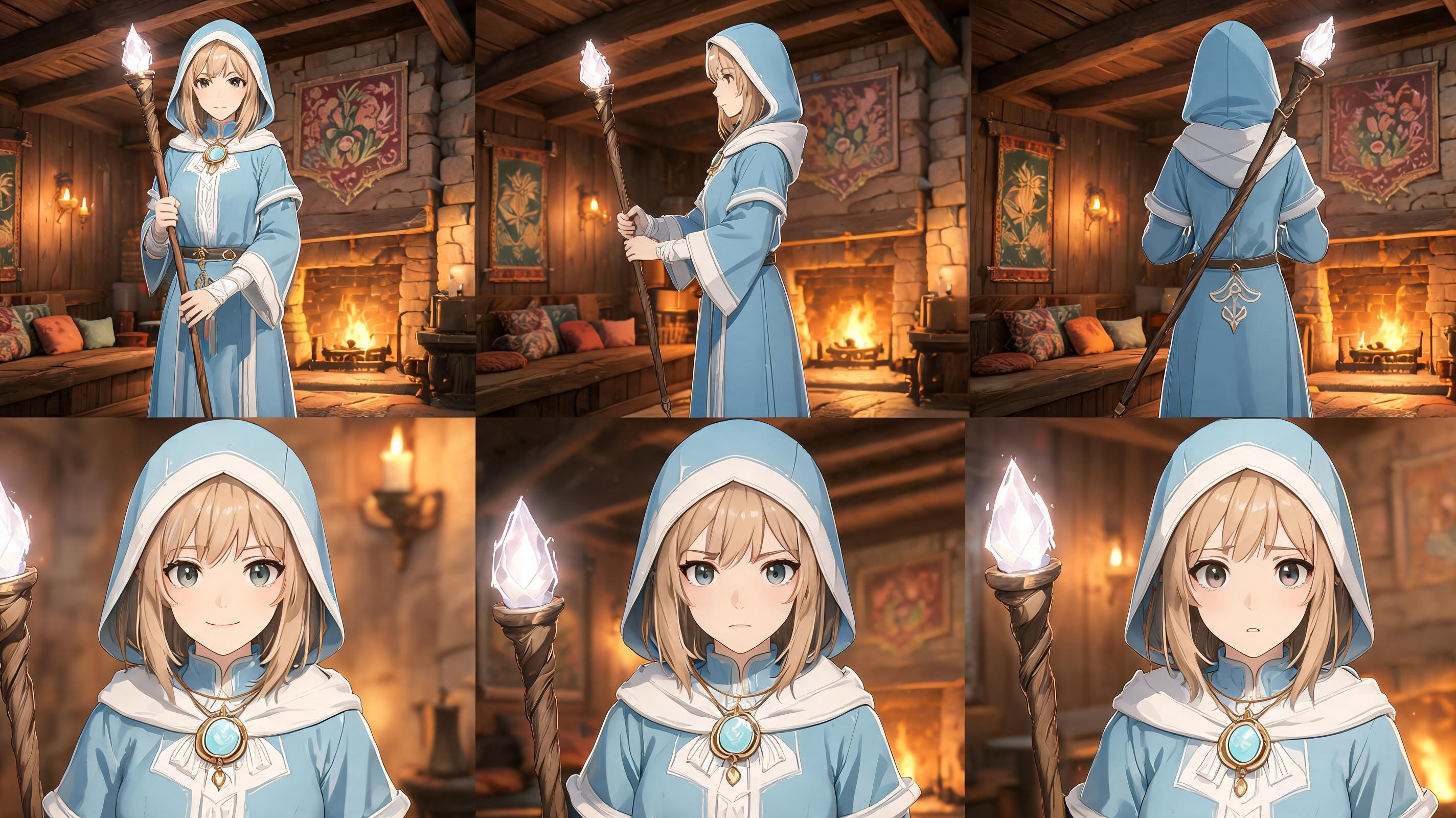
RPG Character Sheet
Build a reusable front, side, back, and expression reference brief.
Use this promptAn AI character generator for games helps teams define character identity, generate pose and expression directions, and hand off approved concepts to game asset workflows.
Try this in SEELE AI
Start with a concrete game asset need, then launch into the workspace with your prompt carried across.
Try Focused Game-Art Prompts
Start from a concrete asset need and launch the prompt into the workspace.
Build a reusable front, side, back, and expression reference brief.
Use this prompt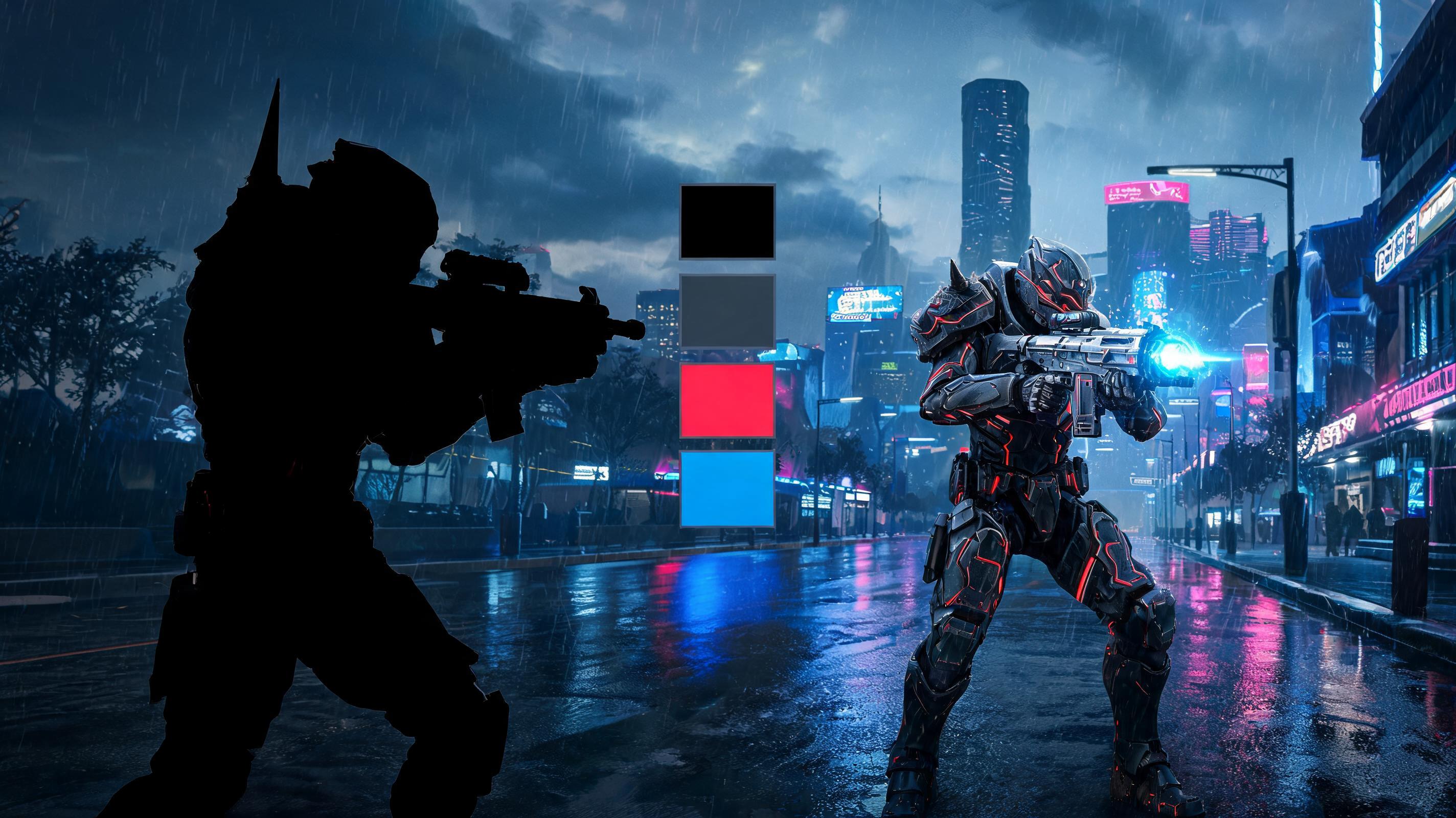
Explore readable enemy shapes, equipment, and combat identity.
Use this prompt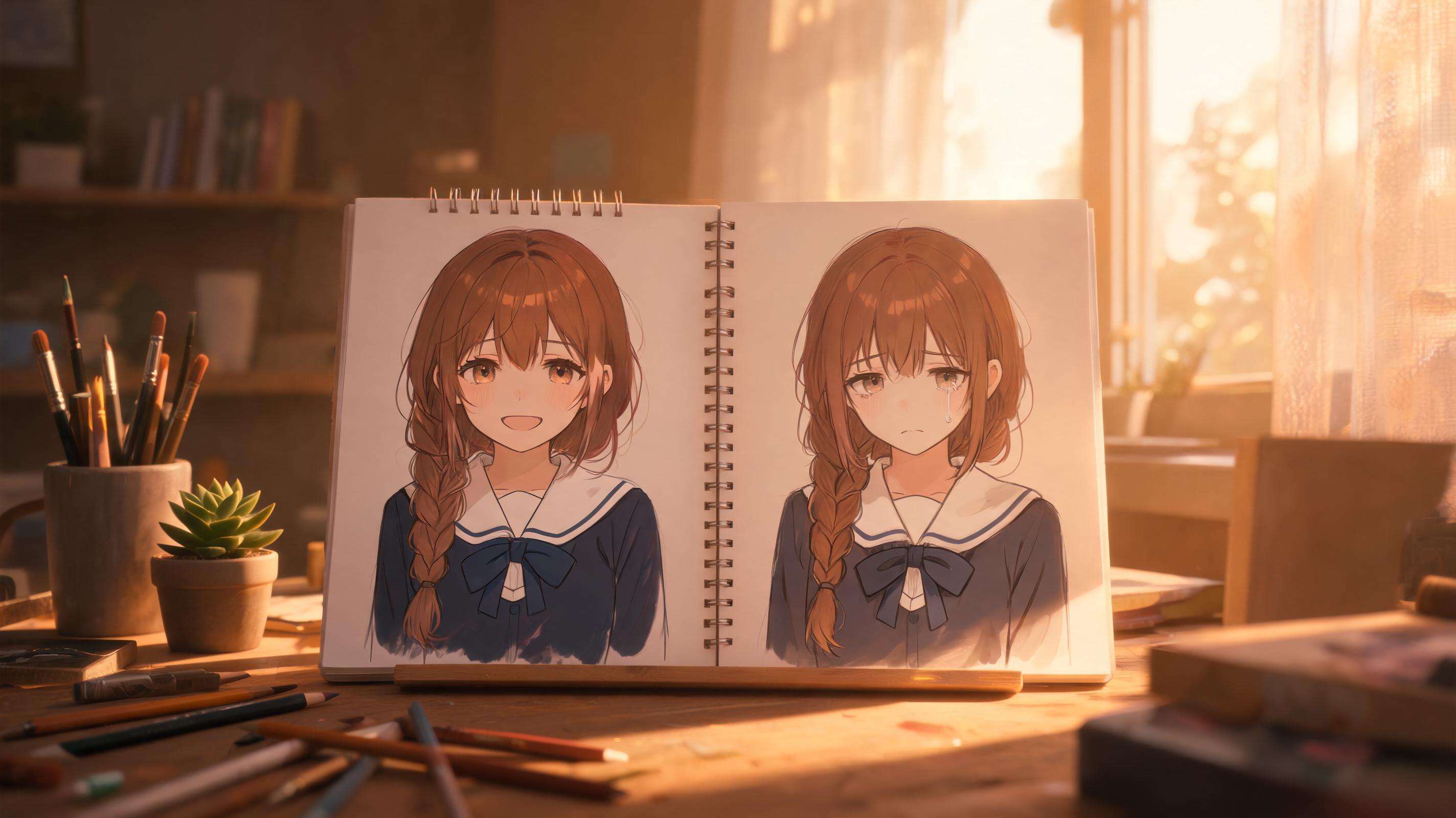
Create portrait prompt directions with stable costume and emotion rules.
Use this promptWorkflow Support For Game Assets
Structured feature cards explain the tool without relying on generic art samples.
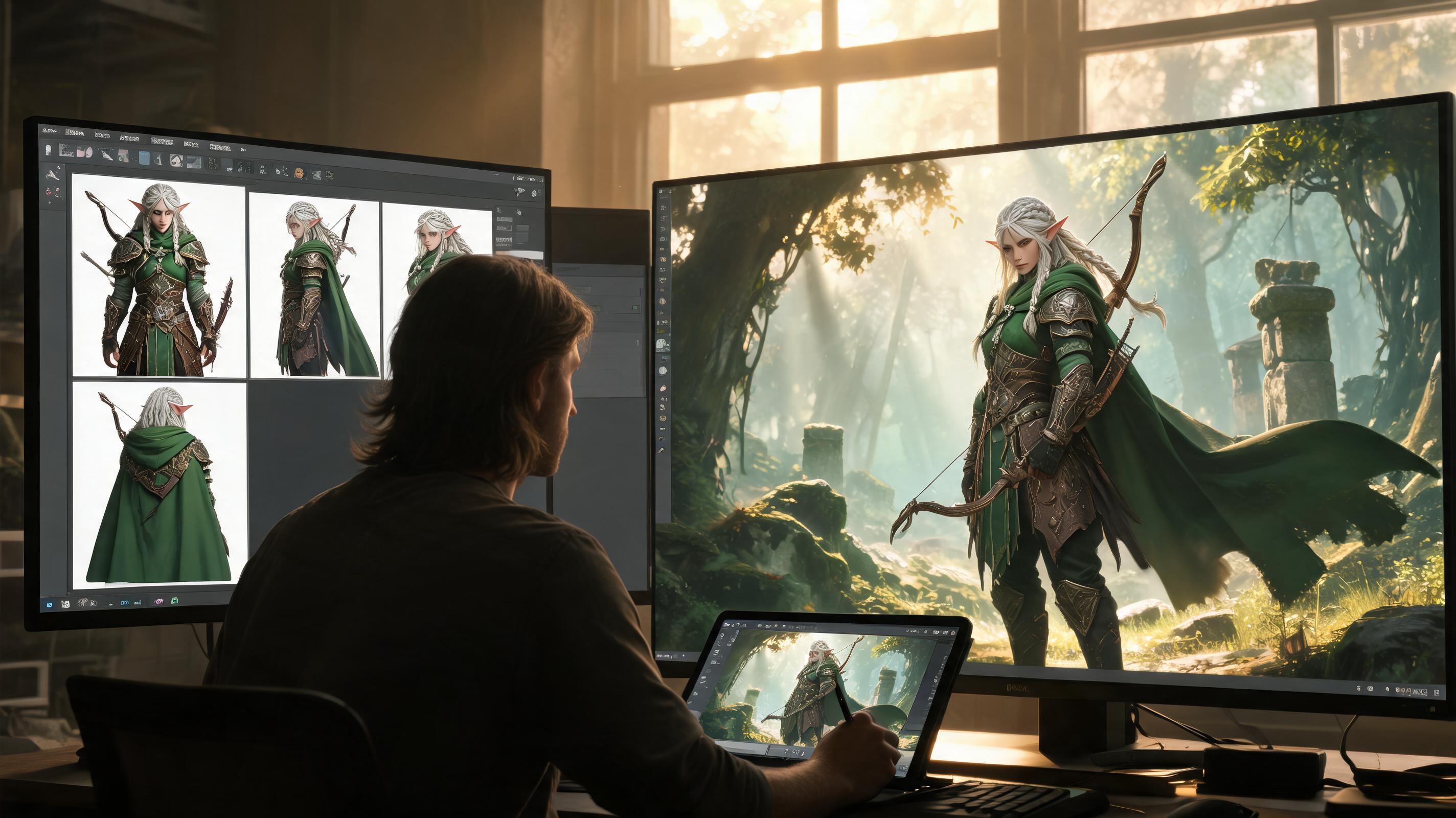
Start with a character bible and multi-view references before final scenes.
Open Workspace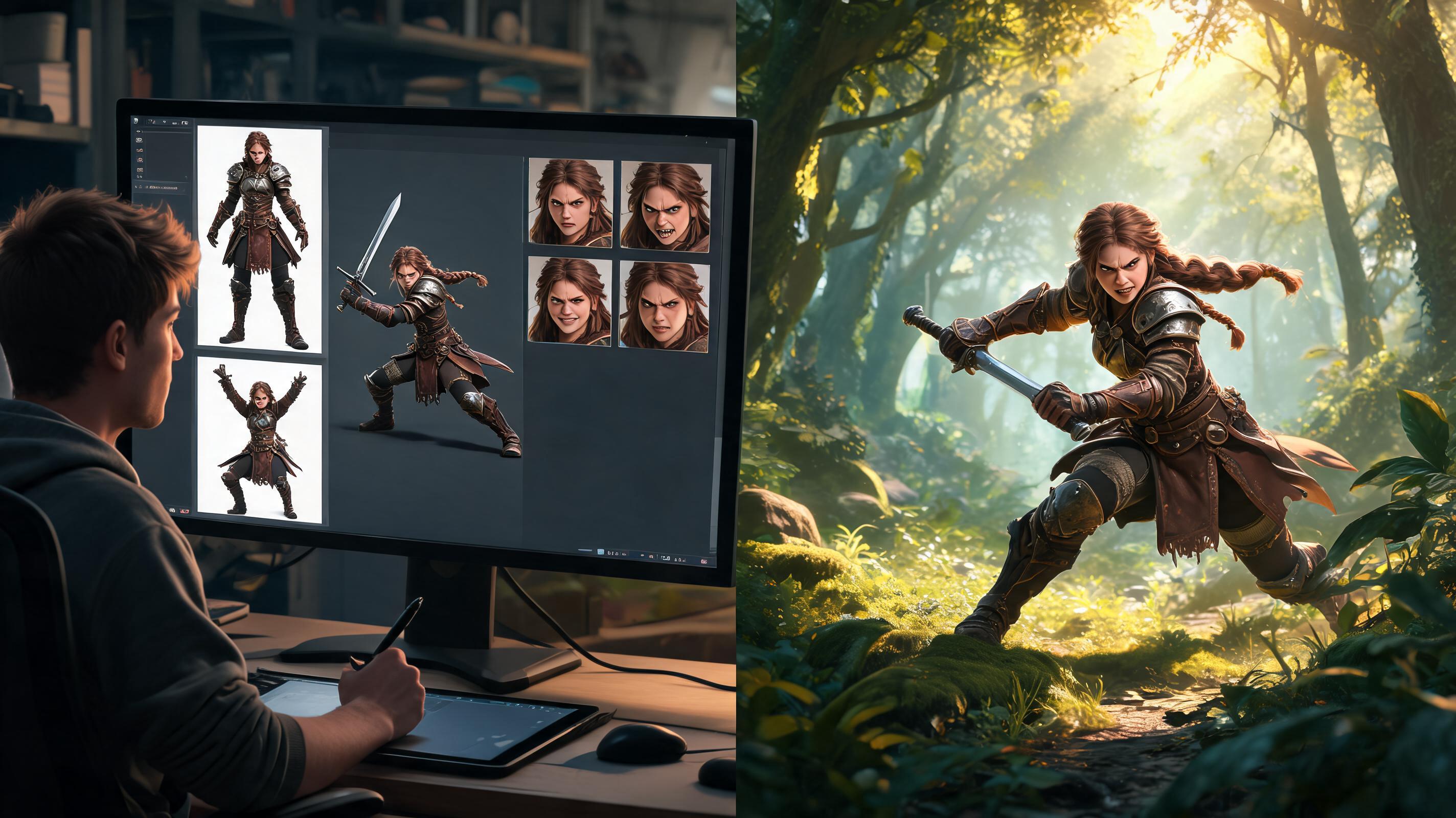
Generate prompts for actions, emotions, portraits, and sprite or animation needs.
Open Workspace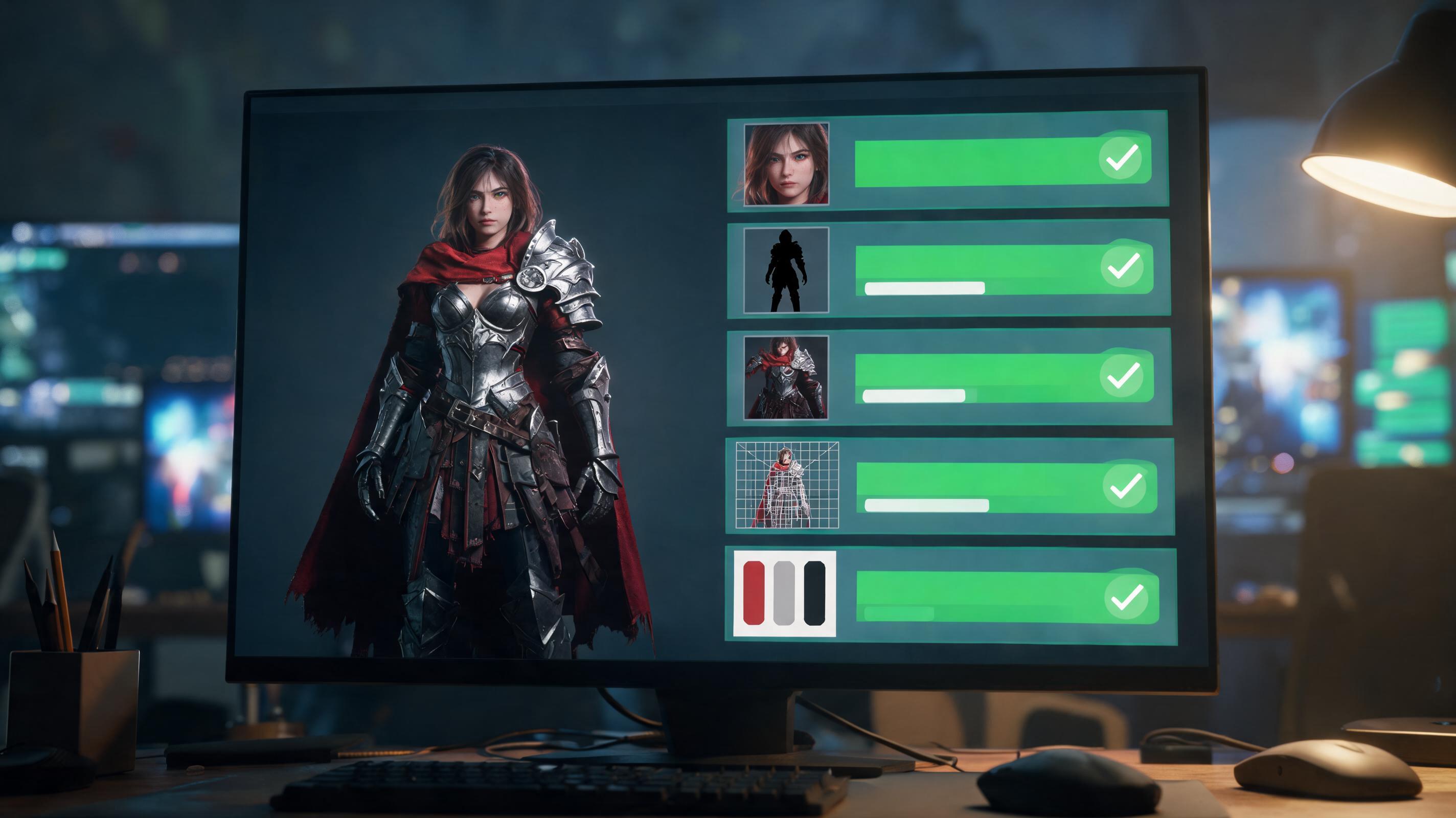
Score face, silhouette, outfit, proportions, and palette before accepting outputs.
Open WorkspaceChoose By Production Fit
Compare tools by asset coverage, consistency controls, commercial-use review, and game handoff instead of screenshots alone.
| Criterion | SEELE AI workflow | Generic image-only workflow |
|---|---|---|
| Asset coverage | SEELE supports game creation plus 2D, 3D, sprites, textures, animation, and audio workflows | Image-only tools may need extra handoff steps |
| Handoff | Workspace prompt carries into game creation workflow | Standalone art output often needs manual organization |
| Review boundary | Human review remains explicit for rights, style, and platform requirements | Some workflows over-focus on one-click output |
Built For Small Game Teams
How It Works
Describe asset type, game context, visual constraints, and review risks. SEELE turns the input into a structured generation direction and game-aware asset brief.
Try several style, pose, palette, or output variants. The workflow helps explore controlled options without losing the original asset goal.
Select the strongest direction and check rights, consistency, and in-game readability. The selected prompt carries into the workspace for generation and iteration.
What You Get
A concrete prompt tailored to the asset type, game genre, and production need.
A structured summary of style, constraints, use case, and review requirements.
Next-step guidance for variants, cleanup, and game prototype handoff.
Where This Works Best
It is a workflow for creating character concepts, references, poses, expressions, and production briefs for game use.
Consistency improves when you use reference sheets, locked visual invariants, and one-variable prompt changes, followed by human review.
Include silhouette, proportions, palette, outfit rules, face details, camera angle, game genre, pose, and forbidden references.
Only after checking tool terms, inputs, originality, resemblance to protected IP, and platform requirements. Keep generation and edit records.
SEELE supports 2D sprites, sprite sheets, 3D assets, animation, and broader game creation workflows that can use character directions.
Join thousands building with Seele AI — no setup required.
Open Workspace