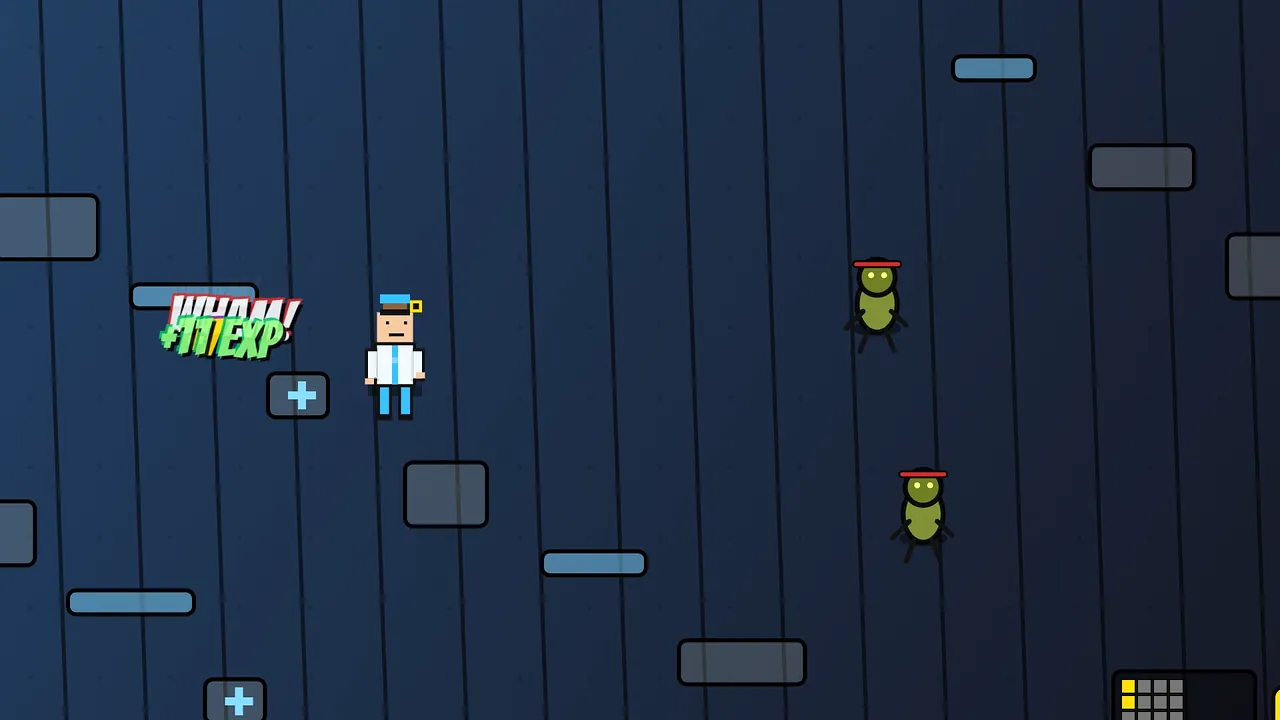
Keep ads between play moments
Avoid blocking an active challenge.

Map where an ad could appear, what happens if it is unavailable, and how players continue. Treat revenue and policy requirements as items for current platform and business review.
How it works

Start with the loop, audience, theme, and what makes the game replayable.
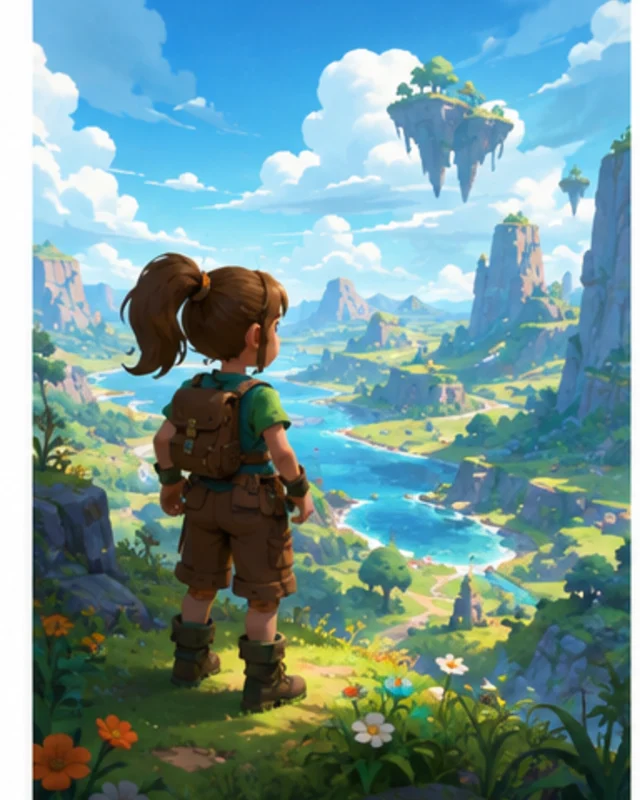
SEELE AI turns the prompt into a playable prototype you can iterate.
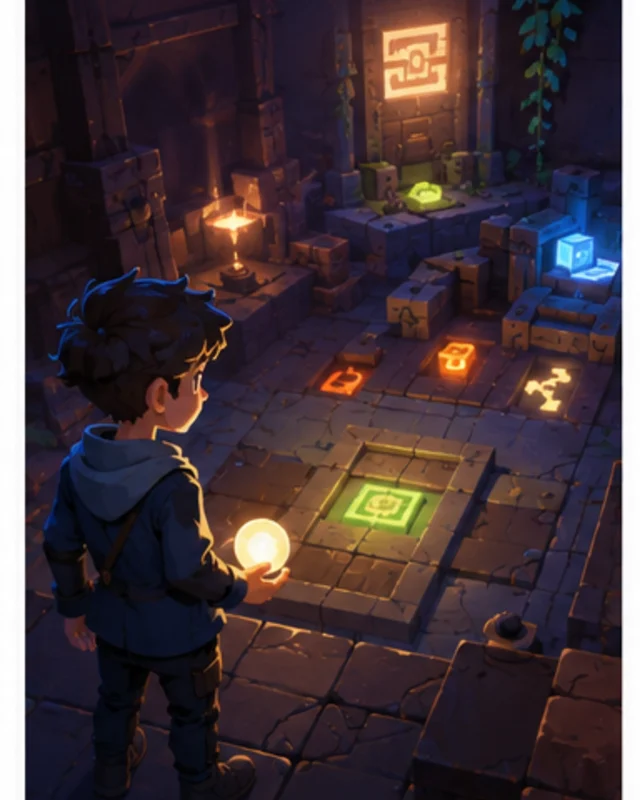
The platform handles the ad-supported publishing path so engagement and ad revenue can become validation signals.
Pick a starting point
The ad offer does not block replay.
Place an optional rewarded-ad button on the results screen after a completed round. Keep the replay and exit actions visible beside it.
Ad placement ↗Why SEELE
Avoid blocking an active challenge.

Show the exchange clearly.

Give players a usable next action.

Keep replay and exit accessible.

Confirm requirements with platform owners.

Use verified data for revenue estimates.
Who it’s for
Define the player, one core mechanic, and one testable outcome for a first No-Code Game Maker With Built-In Ad Revenue brief. Keep the scope small enough to playtest.
No-Code AI Engine for Game Creation ↗Compare No-Code Game Maker With Built-In Ad Revenue directions against the target player and engine workflow before the team commits to a larger build.
no-code AI game maker ↗Reviews
FAQ
For No Code Game Maker with Ad Revenue, start with the first scoped outcome. Define the intended audience and one measurable outcome, then review the first version against the brief.
Short-session mini games, casual puzzles, idle clickers, runners, meme games, and simple replayable mechanics are usually better candidates than long production games.
It is designed for both, but the strongest fit is creators and small teams that have game ideas and want a fast playable validation path before committing engineering time.
Before a first No-Code Game Maker With Built-In Ad project, define the task, intended audience, one visible outcome, and a constraint. Use Define the task as a direction that fits the brief.
To get started with No-Code Game Maker With Built-In Ad, use Describe the game idea as the first step. Set one goal, audience, and constraint; test a small version, then change one thing at a time.
For No-Code Game Maker With Built-In Ad, name the intended user, one action, and a visible outcome. Use Define the task as a starting direction and add one requirement from its example prompt.
Ask someone who matches the intended player or viewer for No-Code Game Maker With Built-In Ad to test its main action. Note where the brief is unclear, then revise once before adding features.
For No-Code Game Maker With Built-In Ad, try Define the task first. Define the action, outcome, and one constraint, then compare another direction only if the first misses the brief.
Check the No-Code Game Maker With Built-In Ad result against the brief, intended behavior, and first workflow step. Record one mismatch and test that change before expanding scope.
Scope a first No-Code Game Maker With Built-In Ad prototype to Define the task, one user action, and one visible outcome. Defer secondary features until that path works.
Compare Define the task and Set expected output for No-Code Game Maker With Built-In Ad using the same user action and visible outcome. Choose the direction that fits the brief with fewer assumptions.
After reviewing No-Code Game Maker With Built-In Ad, record one gap between the brief and result. Make one focused change, then test the same action against the original outcome.
Match a linked tool's input and output to one need in the No-Code Game Maker With Built-In Ad brief. If it does not support that step, skip it and keep the test in the main project.