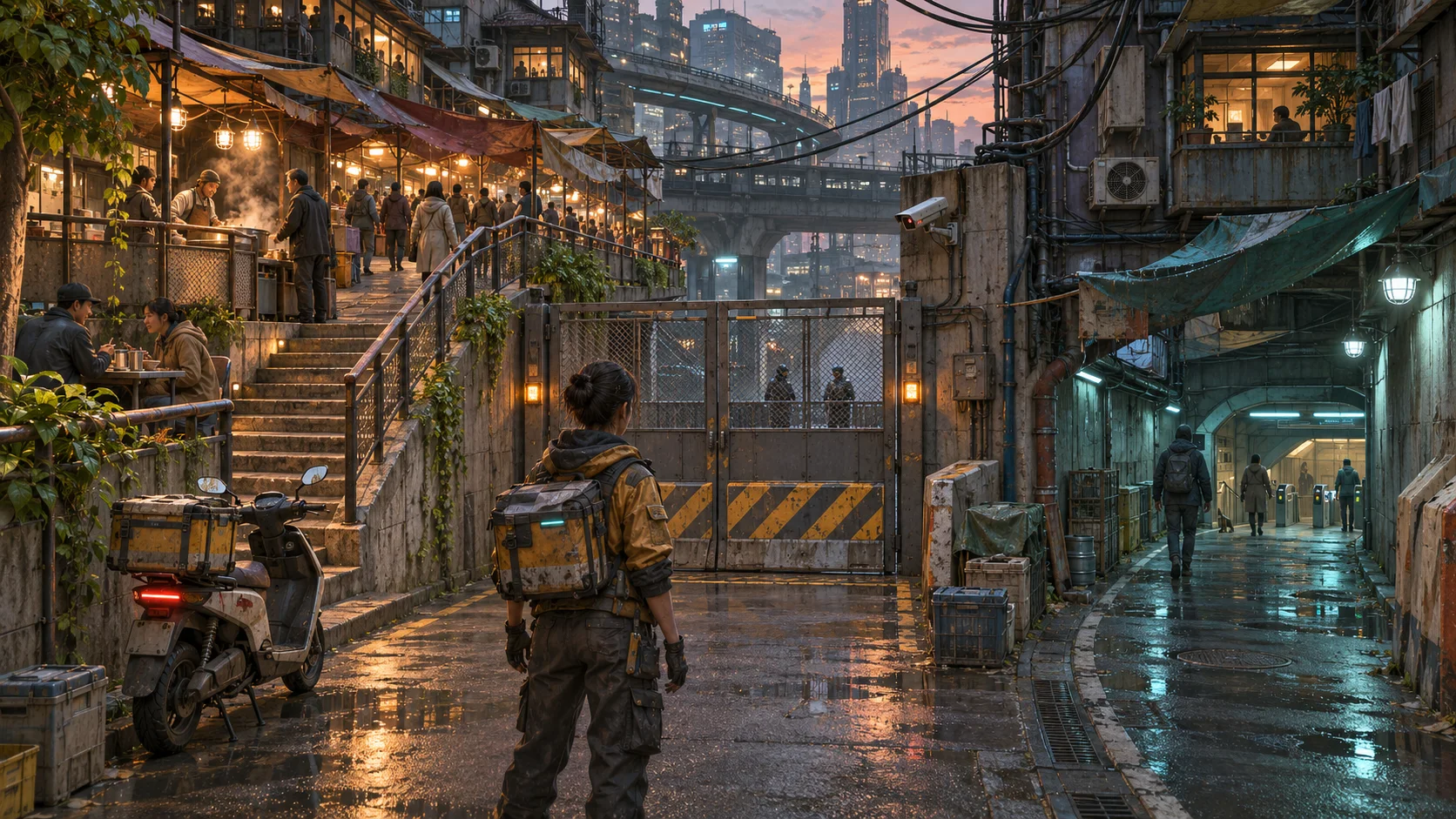
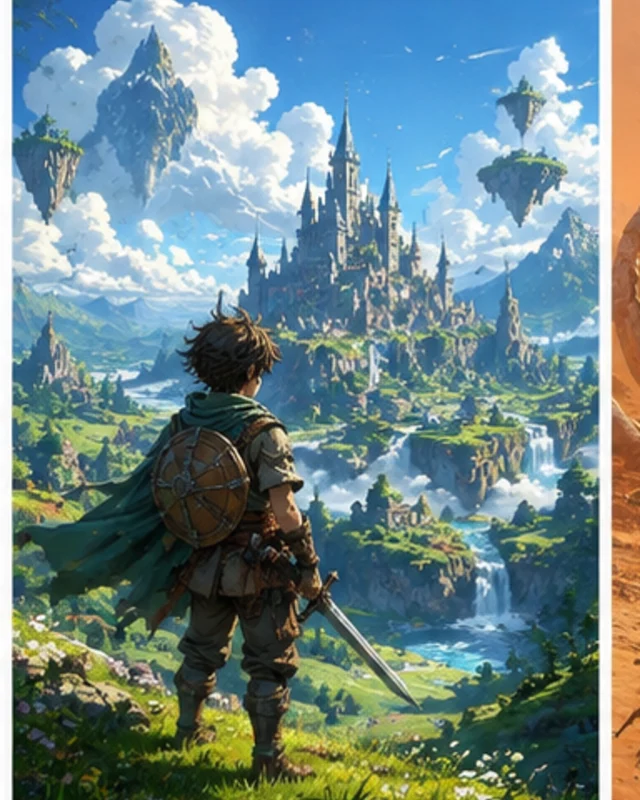
Describe a game in plain language
Set out the player, main action, and intended result. Review the generated code and gameplay before you build further.

Describe your game in plain English, review a playable 2D or 3D result, and iterate in Workspace. Check Koin costs and account options before each generation.
Partners and teams

















Pick a starting point
Build a 3D RPG adventure with Three.js — a village to explore, characters to talk to, and quests to follow.
Build a 3D fantasy village RPG with Three.js: a hero who can explore, talk to villagers around a campfire, take quests, and fight enemies outside the walls.
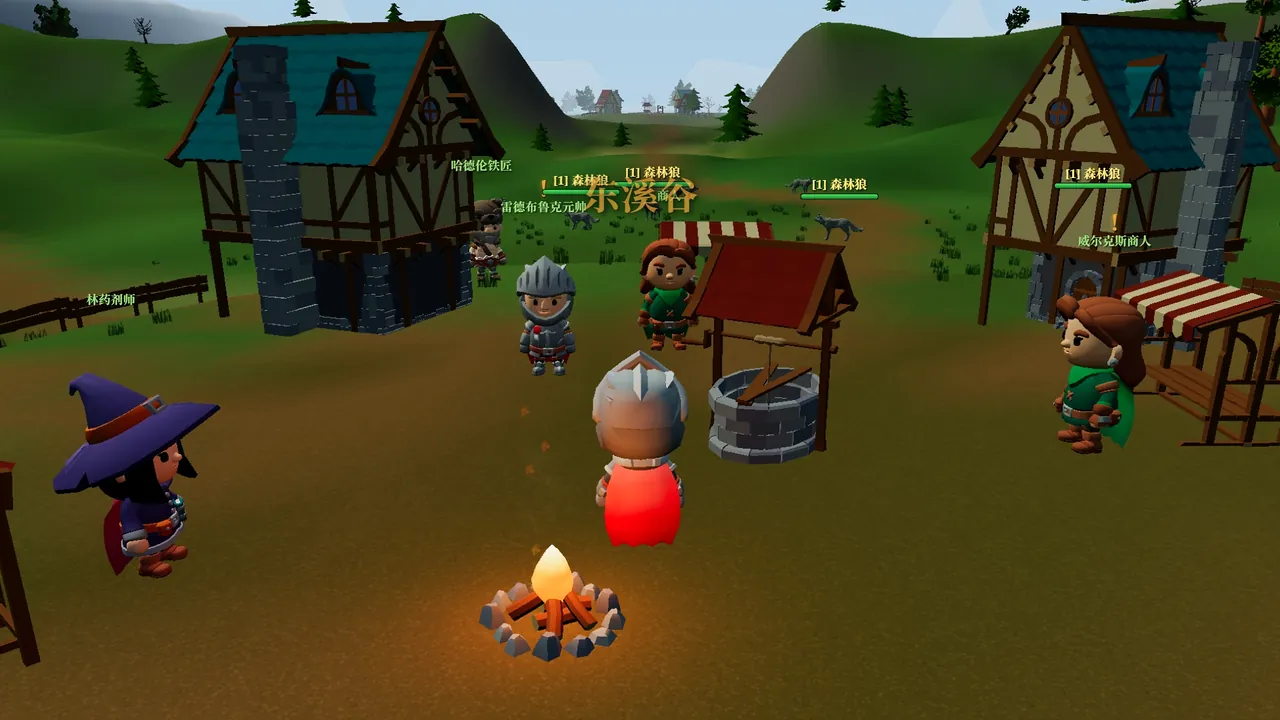 Make a Warcraft RPG ↗
Why SEELE
Set out the player, main action, and intended result. Review the generated code and gameplay before you build further.

Describe a 2D or 3D game idea, then inspect the playable result and decide what needs another pass.

SEELE can generate visual and audio assets alongside game code. Check each asset for quality, consistency, and rights before release.

Select a target in Workspace and confirm its current export options and plan requirements before continuing in another engine.

SEELE offers a free starting path. Review the model, plan, and displayed generation cost in Workspace before you continue.

Creator incentives may be available under separate eligibility rules. Check the current terms; creating or publishing a game does not guarantee a payout.
Made with SEELE
These games are playable. Pick one and give it a try.
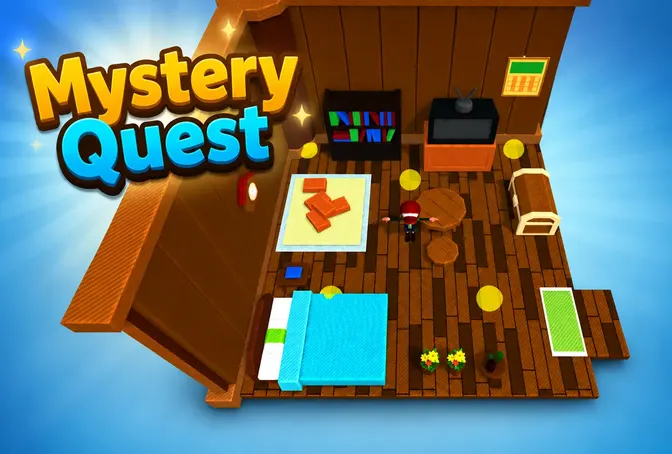 AdventureAdventure GamePlay the example ↗
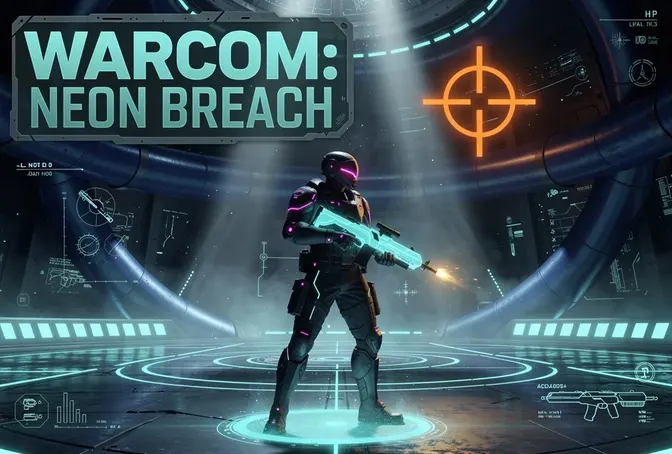 ShooterWarcom: Neon BreachPlay the example ↗
 ActionOld Gods RunPlay the example ↗
 CasualCaution! Egg on the Car RoofPlay the example ↗
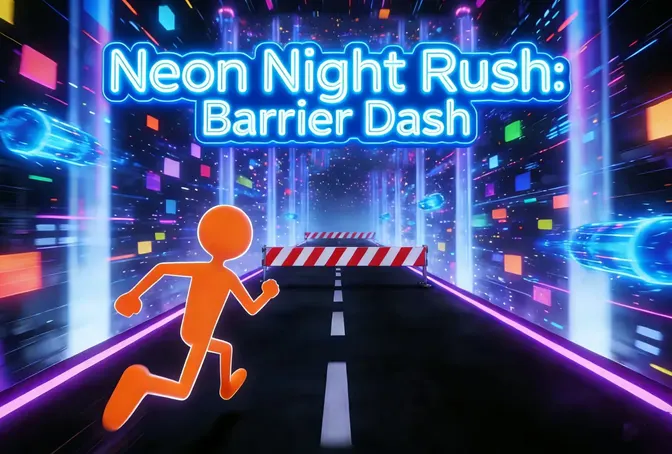 RunnerNeon Night Rush: Barrier DashPlay the example ↗
 PuzzleMuseum ExhibitionPlay the example ↗
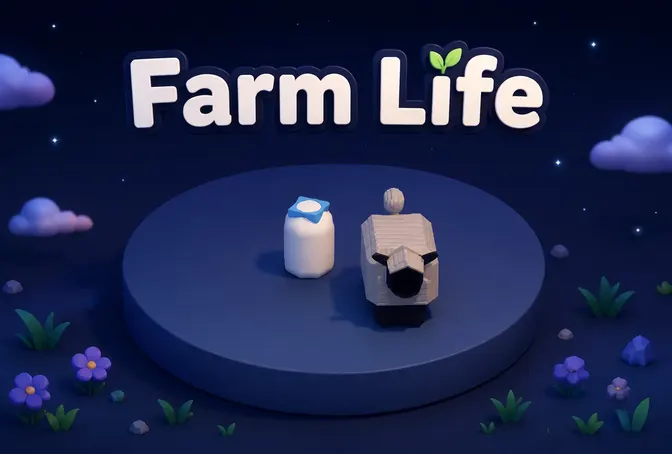 SimulationMilky Way Idle 3DPlay the example ↗
 CasualSnowfall & Starry GiftsPlay the example ↗
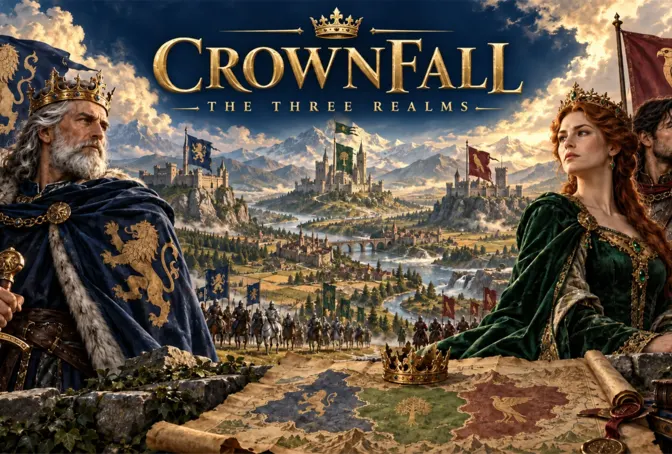 RPGCrownfall-The-Three-Realms-CoverPlay the example ↗
 SimulationFLYING CARPlay the example ↗
Who it’s for
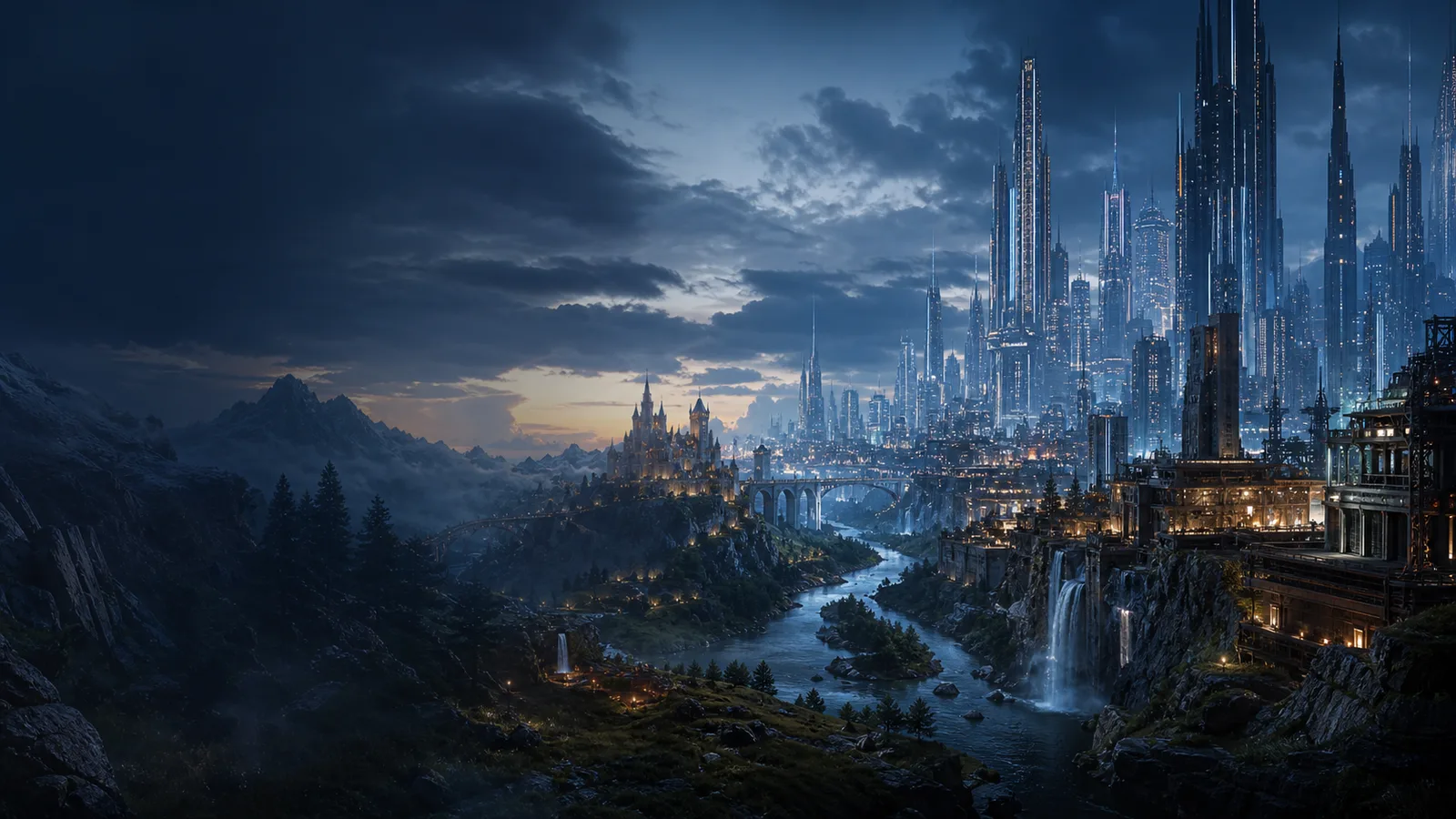
Sketch a focused mechanic, review a playable prototype, and decide what to revise before taking the project further.
3D PC Game Maker AI ↗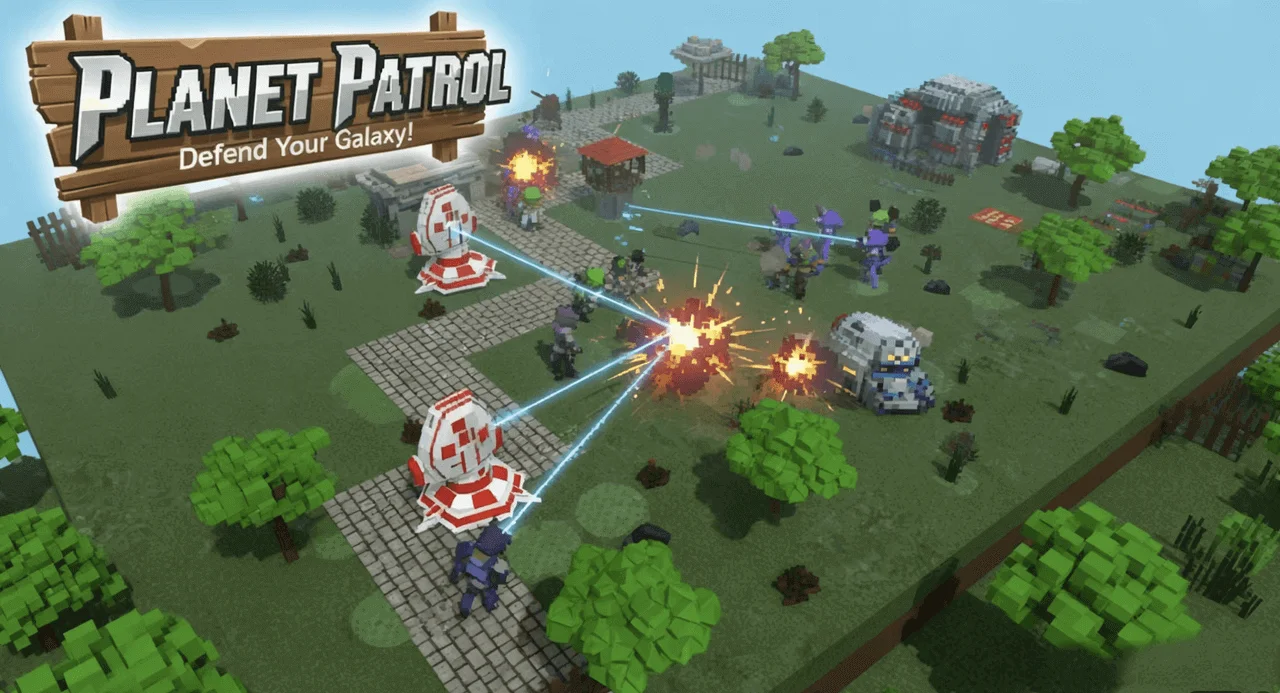
Use a small game brief to discuss game design. Learners can inspect the generated code and test how the result responds to their changes.
AI 3D Game Maker with Code ↗
Shape a small interactive idea, preview it in the browser, and share a link when the result is ready for feedback.
2D + 3D AI Game Maker ↗Compare
See how SEELE AI's free game maker compares to other online game creation tools.
| Feature | Other game makers (Rosebud, Ludo) | SEELE AI Game Maker |
|---|---|---|
| Engine target | Name the intended engine and verify its current project handoff in Workspace. | A browser preview alone does not confirm native project compatibility. |
| 2D assets | Describe the camera, controls, visual style, and assets you want to review. | Check the generated sprites and animation for coverage and consistency. |
| 3D assets | State the models, scene, and interactions needed for the first playable pass. | Inspect geometry, materials, and behavior before using a generated asset in production. |
| Editing workflow | Review the build, request a focused change, and inspect the next version. | Generated output can contain errors and needs testing before release. |
| Creator earnings | Check current creator-program eligibility and terms before relying on payouts. | Game creation or publication does not guarantee income. |
Reviews
FAQ
An AI game maker turns a written game brief into a playable starting point. SEELE can generate code, assets, and audio; review the result and test it before sharing or building further.
SEELE offers a free starting path. Available models, credits, and project handoffs can depend on the current plan, so check Workspace for the options and cost before a generation.
You can describe the game in plain language and review the generated result without writing the first version by hand. Generated code and gameplay still need review and testing.
You can preview browser-playable builds and share them by link. If you need an engine project, check the current handoff options for your selected target in Workspace.
You can describe a 3D game idea and review the generated playable result. The assets and behavior depend on the prompt and selected model, so inspect them before using the project further.
You can describe a 2D game, including its camera, controls, and visual style. Review the generated gameplay and assets, then refine the parts that do not match the brief.
Check Workspace for the current target and handoff options for your project and plan. A browser preview does not by itself confirm that a native engine project is available.
Check Workspace for Unity handoff availability and plan requirements for this project. Open any provided files in Unity and test them before continuing production.
Timing varies with the game scope, requested assets, and generation steps. Start with a small playable version, review it, and add detail in later passes.
You can ask the agent to change a project and review the updated build. Check each change in context and test the gameplay before sharing it.
You can describe different 2D and 3D game ideas, such as platformers, puzzles, role-playing games, racers, or simulations. The result depends on the brief and needs to be reviewed.
Review the selected model, plan, and cost shown in Workspace before a generation. The cost can vary with the requested work and current account options.
SEELE may offer creator incentive programs under separate terms and eligibility requirements. Participation and earnings are not guaranteed; review the current Creator Program terms before relying on payouts.
Compare the current creation workflow, editing tools, supported project targets, plan requirements, and terms on each product's official pages. Test a small project before choosing a workflow.
Start with free credits. Describe your idea, play the result, and keep making it yours.
Make your first game →