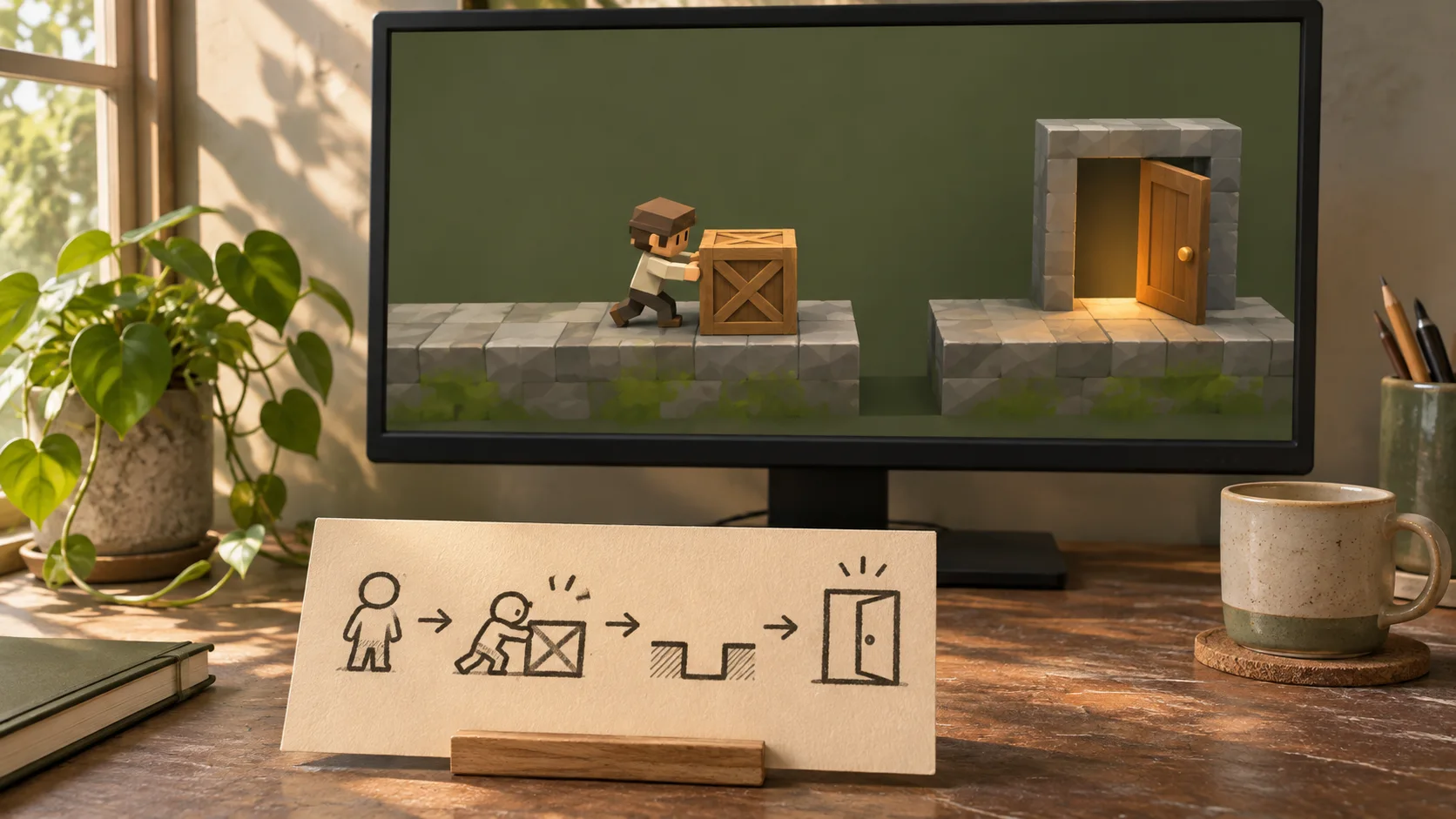
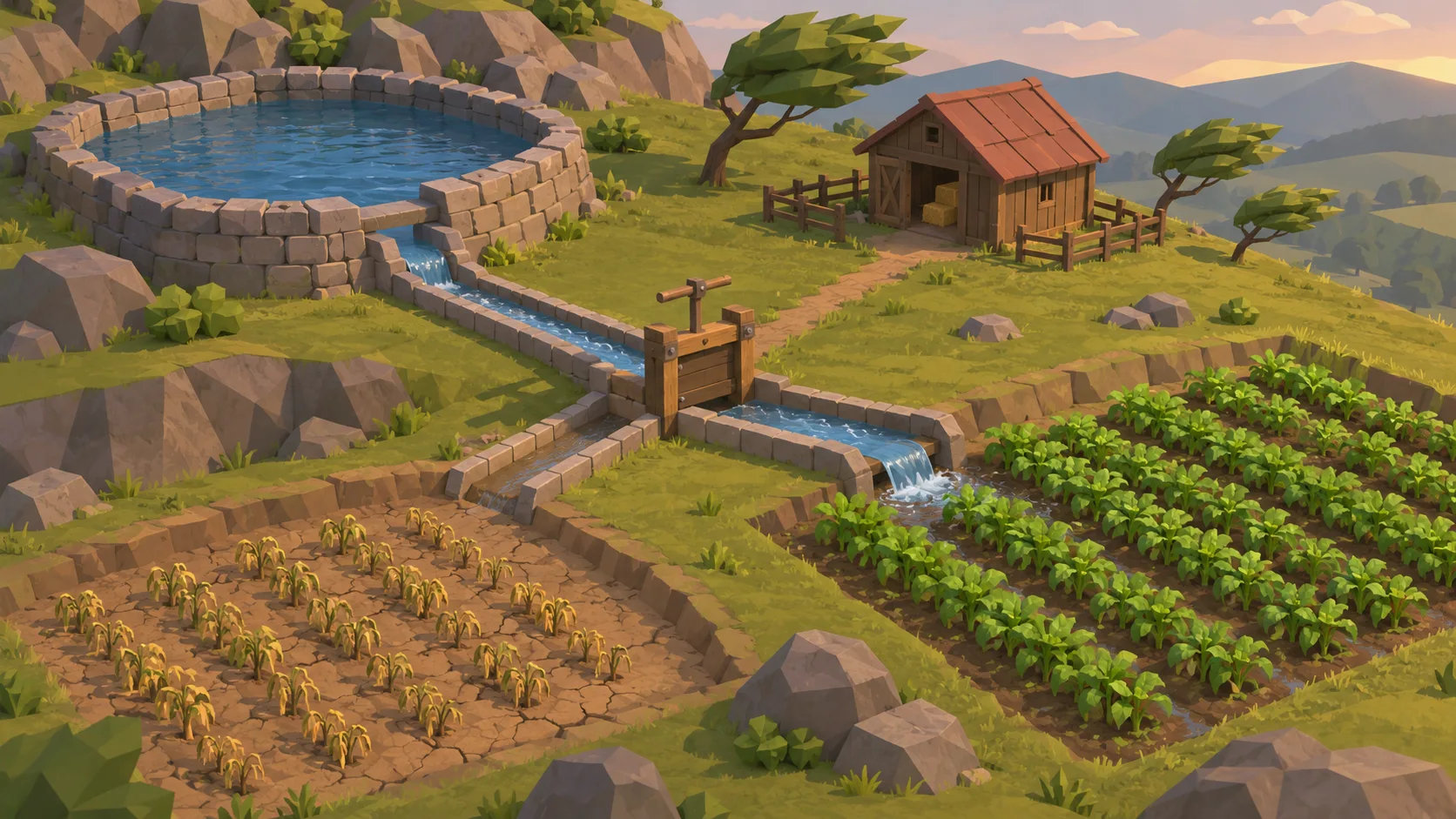
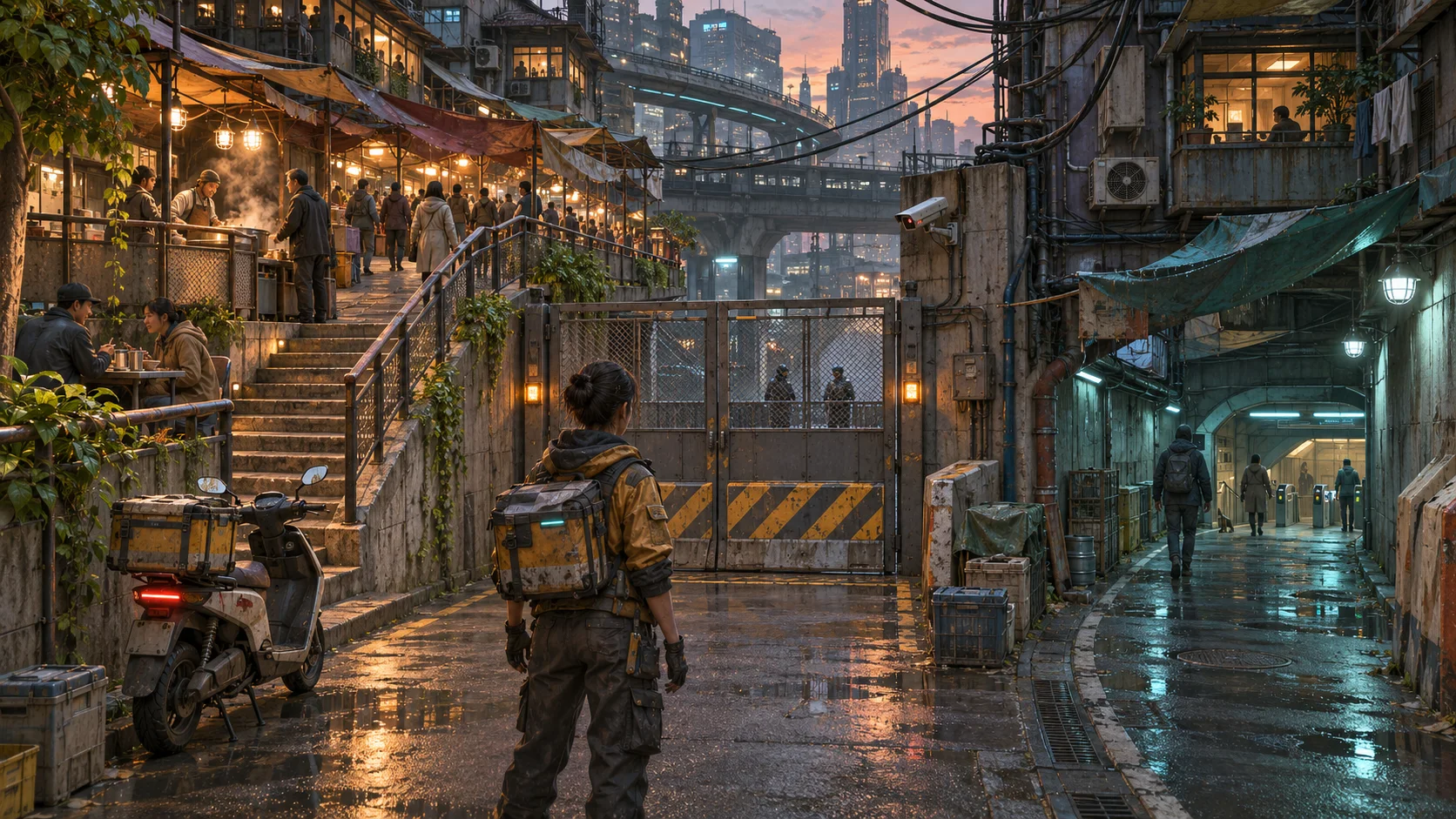
Start from a map condition
Show what is built, what is missing, and who needs help.

Plan a small city-building scenario around space, services, and limited resources. Make the effect of each construction choice visible to residents.
Partners and teams

















How it works

Name the genre, audience, platform, and creative constraints. Seele AI turns the input into a scoped direction with fewer blank-page decisions.

Ask for alternate mechanics, art moods, pacing, or asset formats. The workflow keeps variants comparable instead of random.

Choose the strongest direction and continue in the workspace. The prompt carries into Seele AI for iteration and generation.
Pick a starting point
Start a harbor town with a crowded market and one unused hilltop. Review whether the action and outcome suit this game concept.
Start a harbor town with a crowded market and one unused hilltop. Ask the player to place either a clinic or a water tower first, then show which neighborhood benefits and which still lacks service.
Starting condition ↗Why SEELE
Show what is built, what is missing, and who needs help.

Display the resource cost and the residents affected by each choice.

Use distance, capacity, or access as a reason to place a building.

Use one neighborhood so a decision can be reviewed quickly.

Let growth or a shortage appear after the relevant turn.

Review access and resident needs alongside budget changes.
Made with SEELE
These games are playable. Pick one and give it a try.
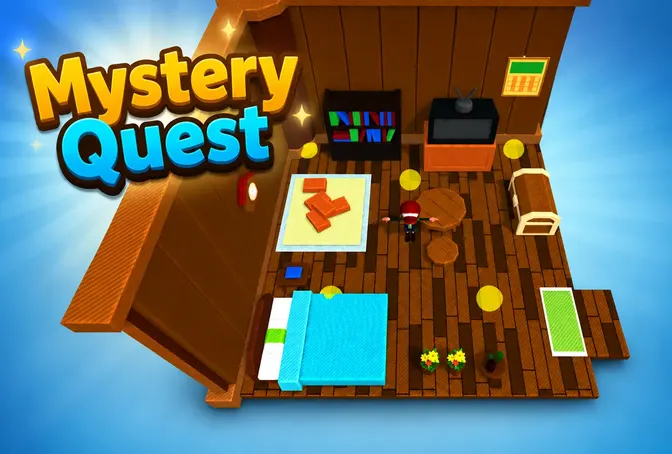 AdventureAdventure GamePlay the example ↗
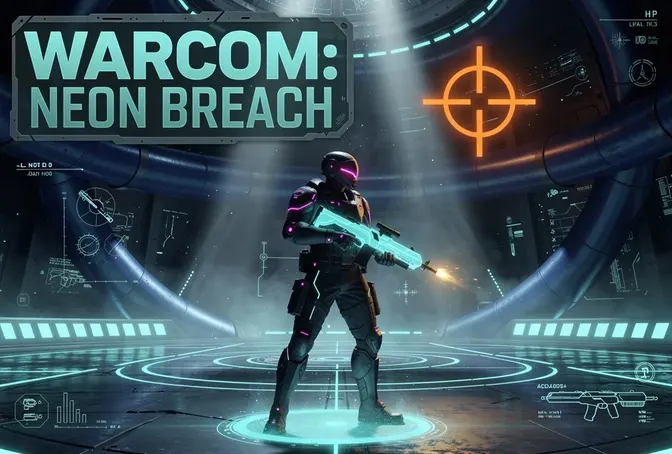 ShooterWarcom: Neon BreachPlay the example ↗
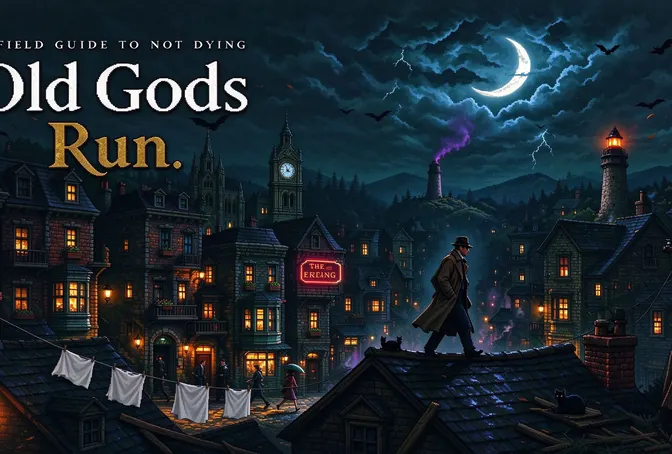 ActionOld Gods RunPlay the example ↗
 CasualCaution! Egg on the Car RoofPlay the example ↗
 RunnerNeon Night Rush: Barrier DashPlay the example ↗
 PuzzleMuseum ExhibitionPlay the example ↗
 SimulationMilky Way Idle 3DPlay the example ↗
 CasualSnowfall & Starry GiftsPlay the example ↗
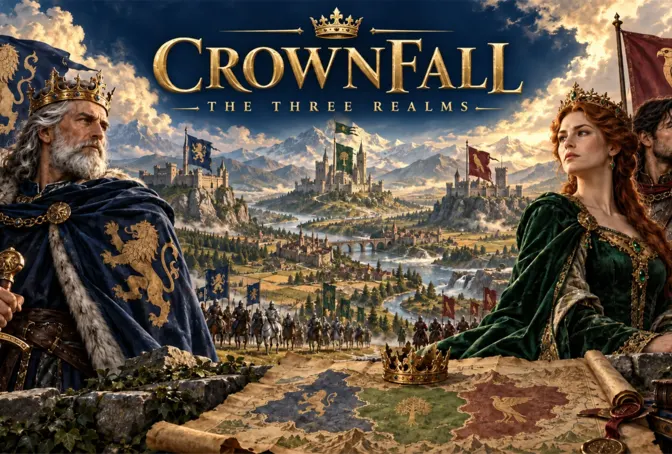 RPGCrownfall-The-Three-Realms-CoverPlay the example ↗
 SimulationFLYING CARPlay the example ↗
Who it’s for
Define the player, one core mechanic, and one testable outcome for a first AI City Builder Game Maker brief. Keep the scope small enough to playtest.
AI Game Generator from Prompt ↗Compare AI City Builder Game Maker directions against the target player and engine workflow before the team commits to a larger build.
Simulation Builder ↗Reviews
FAQ
For AI City Builder Game Maker, describe the intended interaction, visual direction, and one constraint. Review the result against that brief, then refine any mismatch before expanding the scope.
For Create AI City Builder Game Maker with AI, define the audience, one outcome, and a constraint. Use starting condition as the first focus, then review the result against the brief.
Set the expected Create AI City Builder Game Maker with AI output format and one acceptance check in the brief. The first pass should be reviewed against starting condition; confirm any required files or assets in the current workflow.
To get started with AI City Builder Game Maker, use Frame The Production Goal as the first step. Set one goal, audience, and constraint; test a small version, then change one thing at a time.
For AI City Builder Game Maker, name the intended user, one action, and a visible outcome. Use Starting condition as a starting direction and add one requirement from its example prompt.
Ask someone who matches the intended player or viewer for AI City Builder Game Maker to test its main action. Note where the brief is unclear, then revise once before adding features.
For AI City Builder Game Maker, try Starting condition first. Define the action, outcome, and one constraint, then compare another direction only if the first misses the brief.
Check the AI City Builder Game Maker result against the brief, intended behavior, and first workflow step. Record one mismatch and test that change before expanding scope.
Scope a first AI City Builder Game Maker prototype to Starting condition, one user action, and one visible outcome. Defer secondary features until that path works.
Compare Starting condition and Key decision for AI City Builder Game Maker using the same user action and visible outcome. Choose the direction that fits the brief with fewer assumptions.
After reviewing AI City Builder Game Maker, record one gap between the brief and result. Make one focused change, then test the same action against the original outcome.
Match a linked tool's input and output to one need in the AI City Builder Game Maker brief. If it does not support that step, skip it and keep the test in the main project.
Review the linked guides most relevant to AI City Builder Game Maker. Choose one based on your question and check its scope before applying the steps.