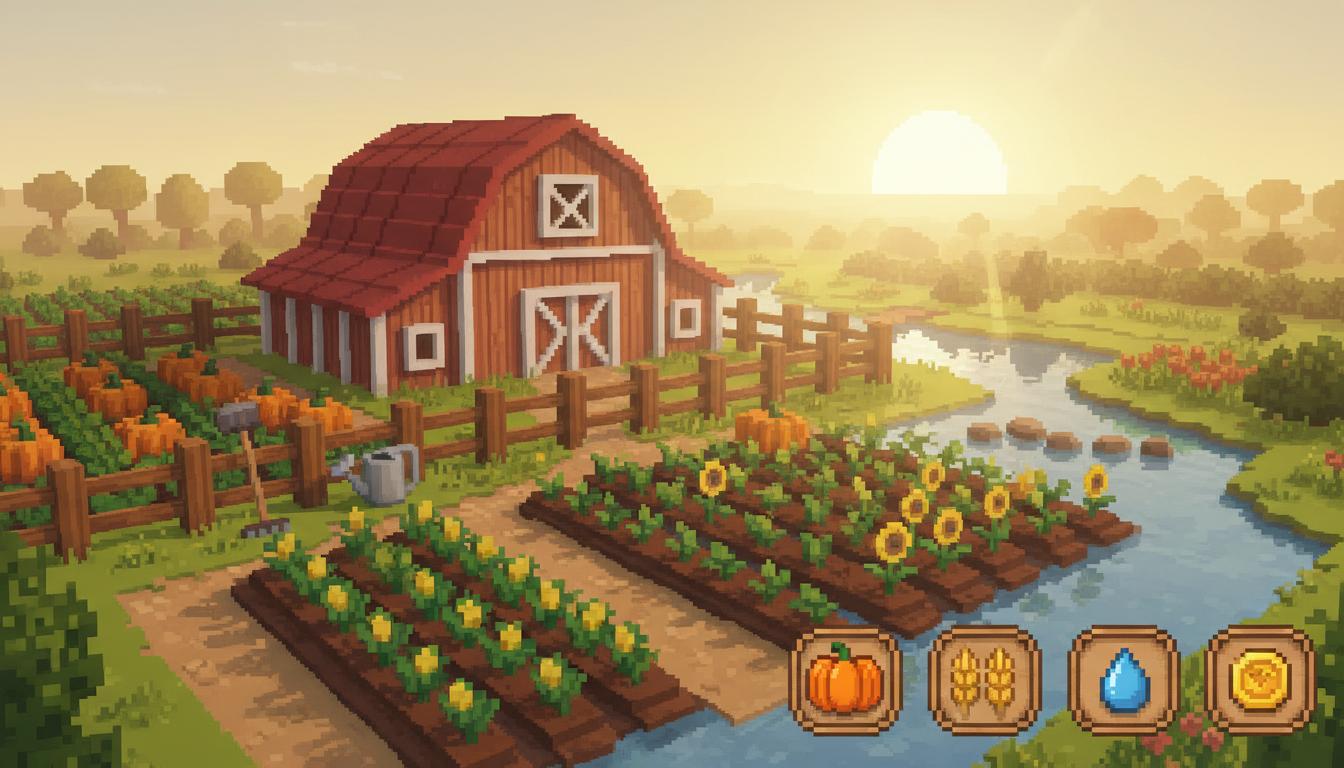
Cozy Farm Asset Pack
Shape a warm and readable pixel-art world.
Search thisTurn a retro game idea into a clearer pixel-art asset family, style guide, and production handoff before detailed sprite polish begins.
Try this in Seele AI
Start with a specific pixel art game asset maker need, then carry that prompt into the workspace for deeper iteration and follow-up planning.
Quick Start Searches
Pick a concrete pixel art game asset maker scenario and jump into the workspace with a stronger starting prompt.
Shape a warm and readable pixel-art world.
Search this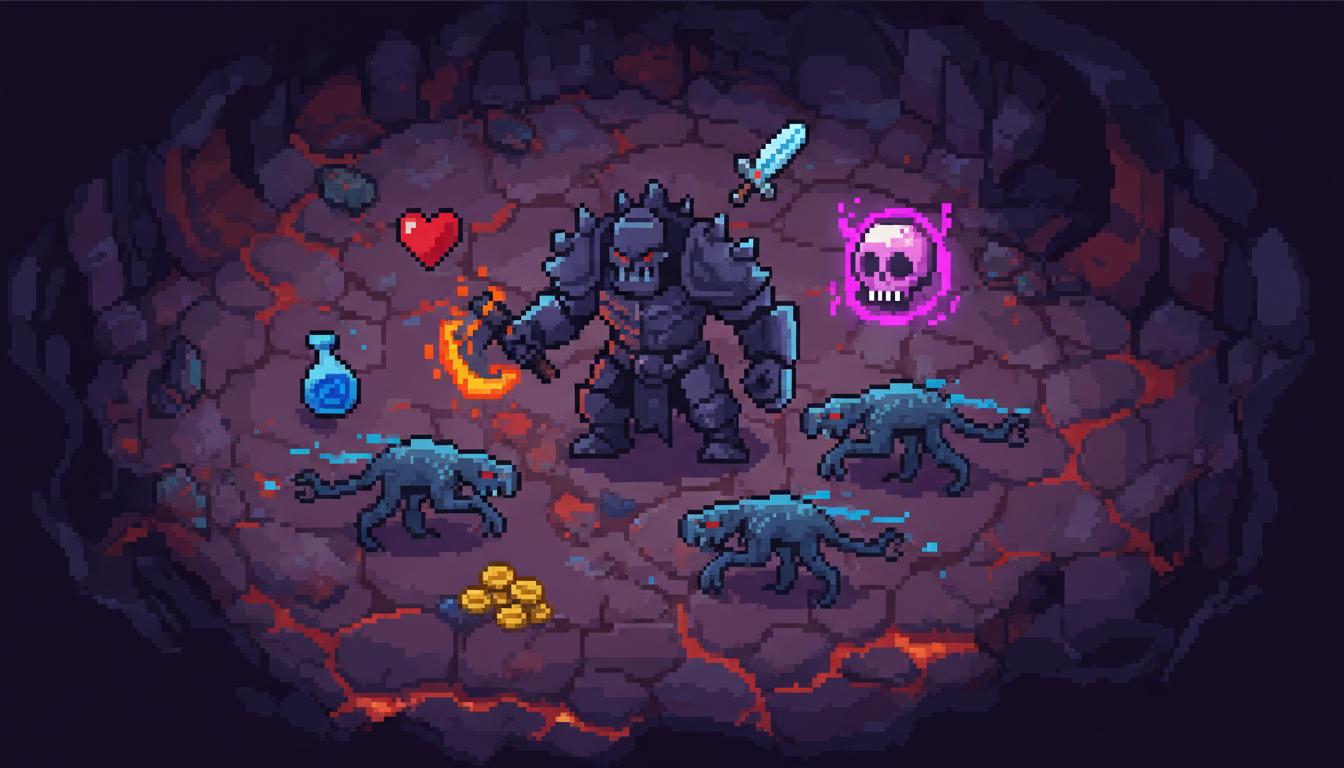
Keep a hostile cast visually consistent.
Search this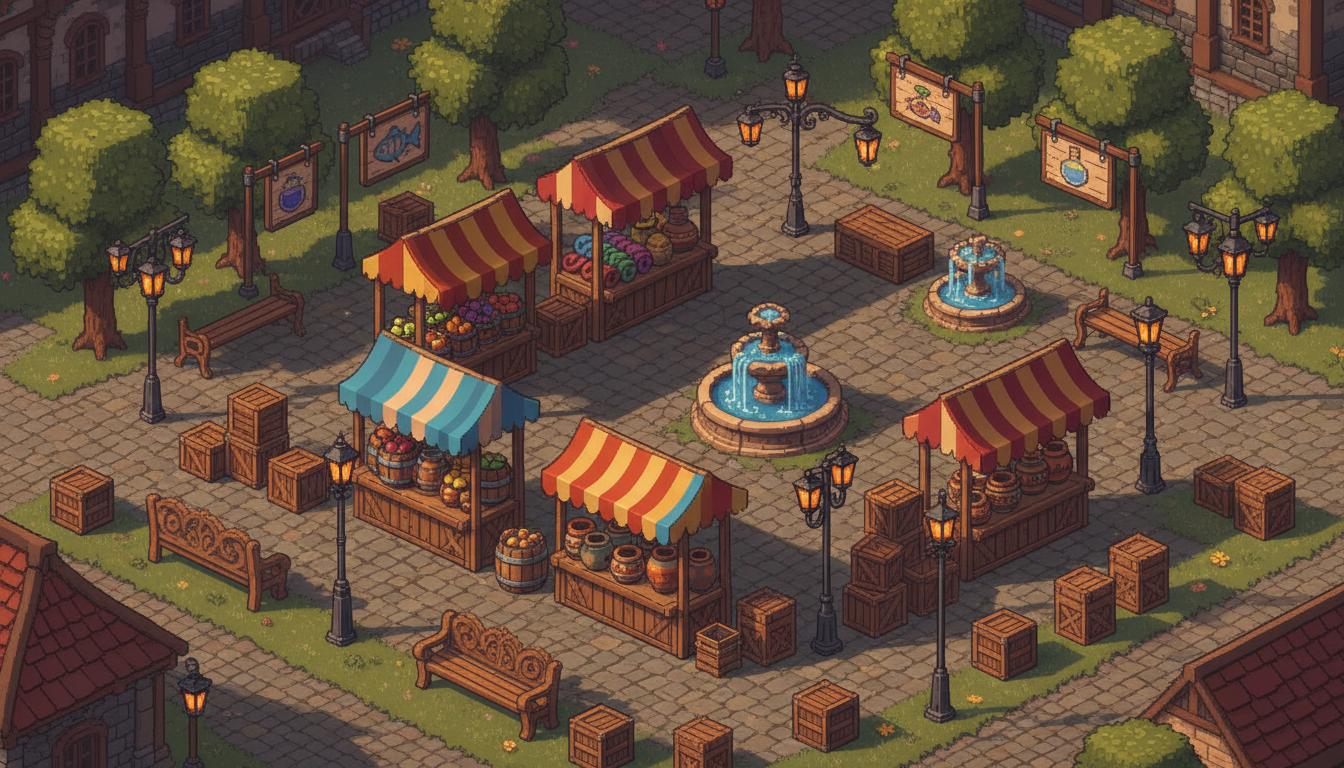
Plan set dressing without losing style control.
Search this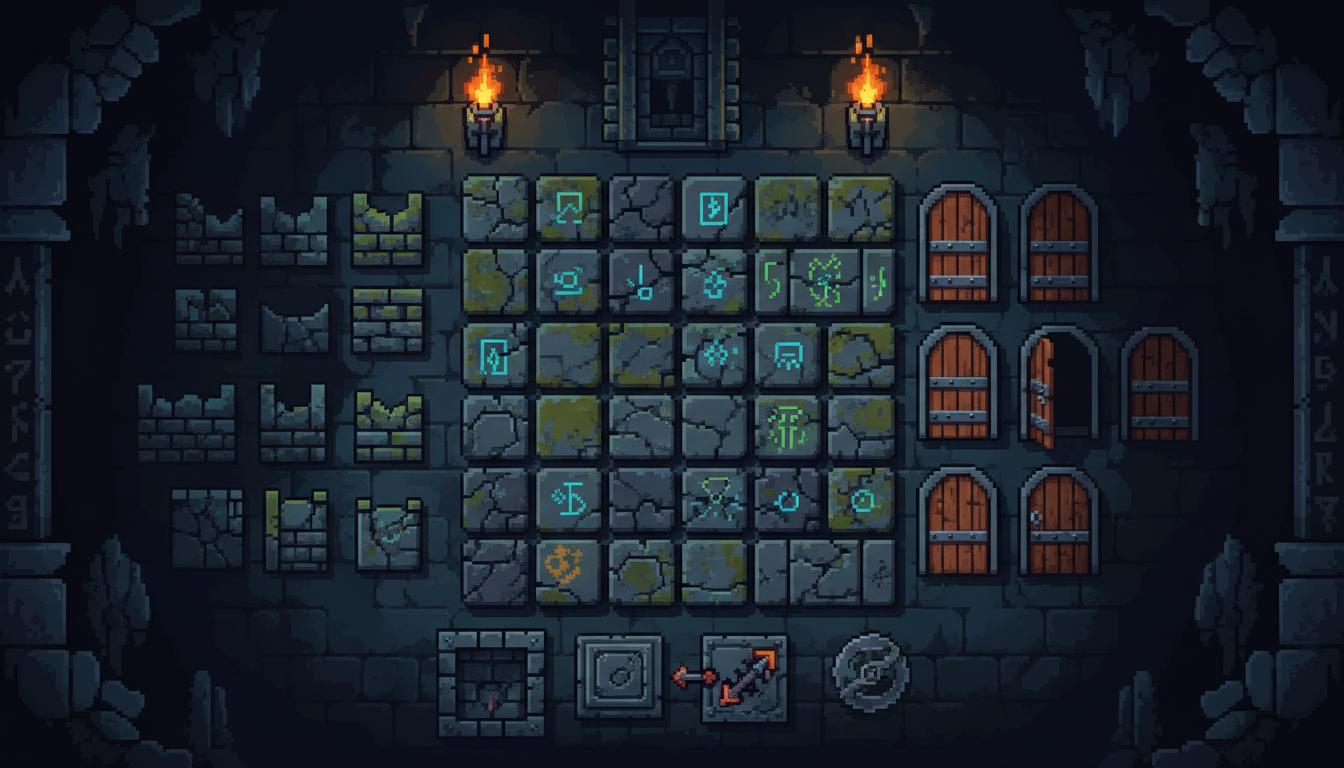
Define level-building pieces before deeper production.
Search this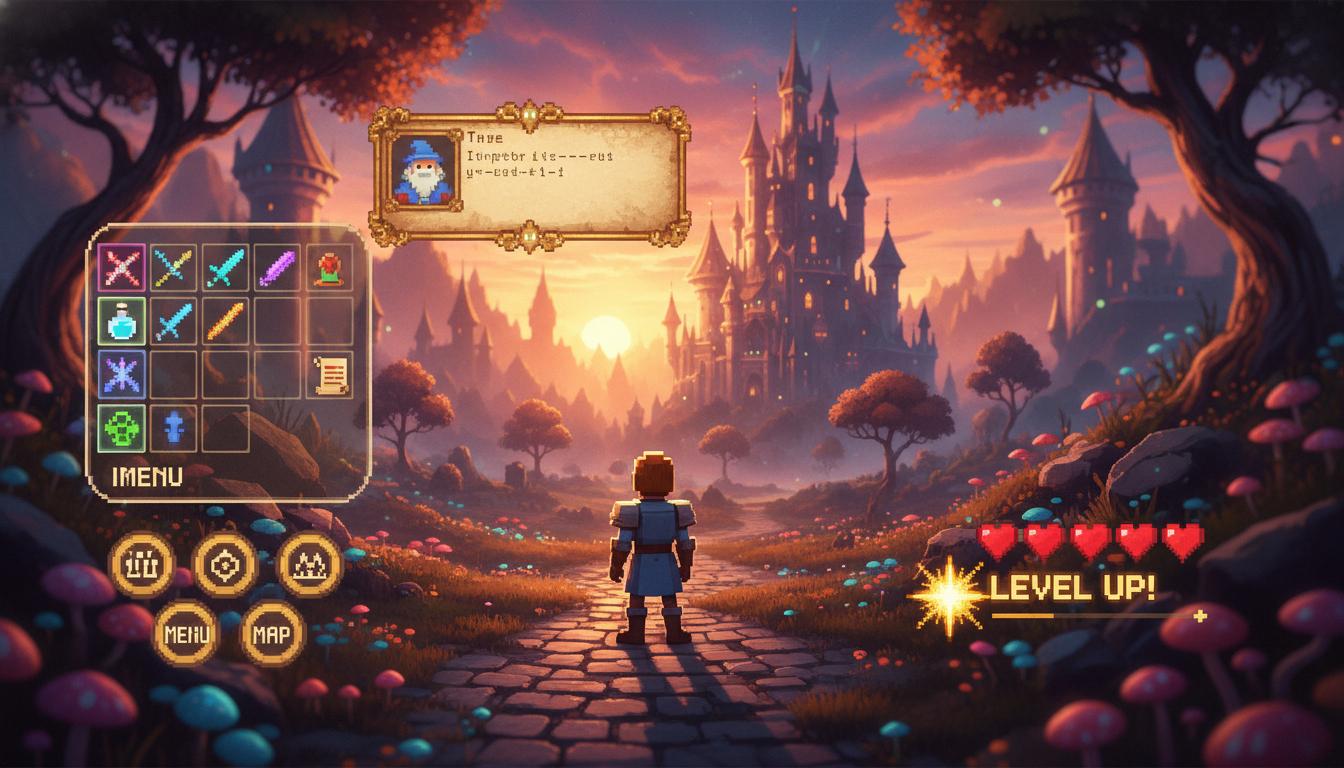
Align interface pieces with the game world.
Search this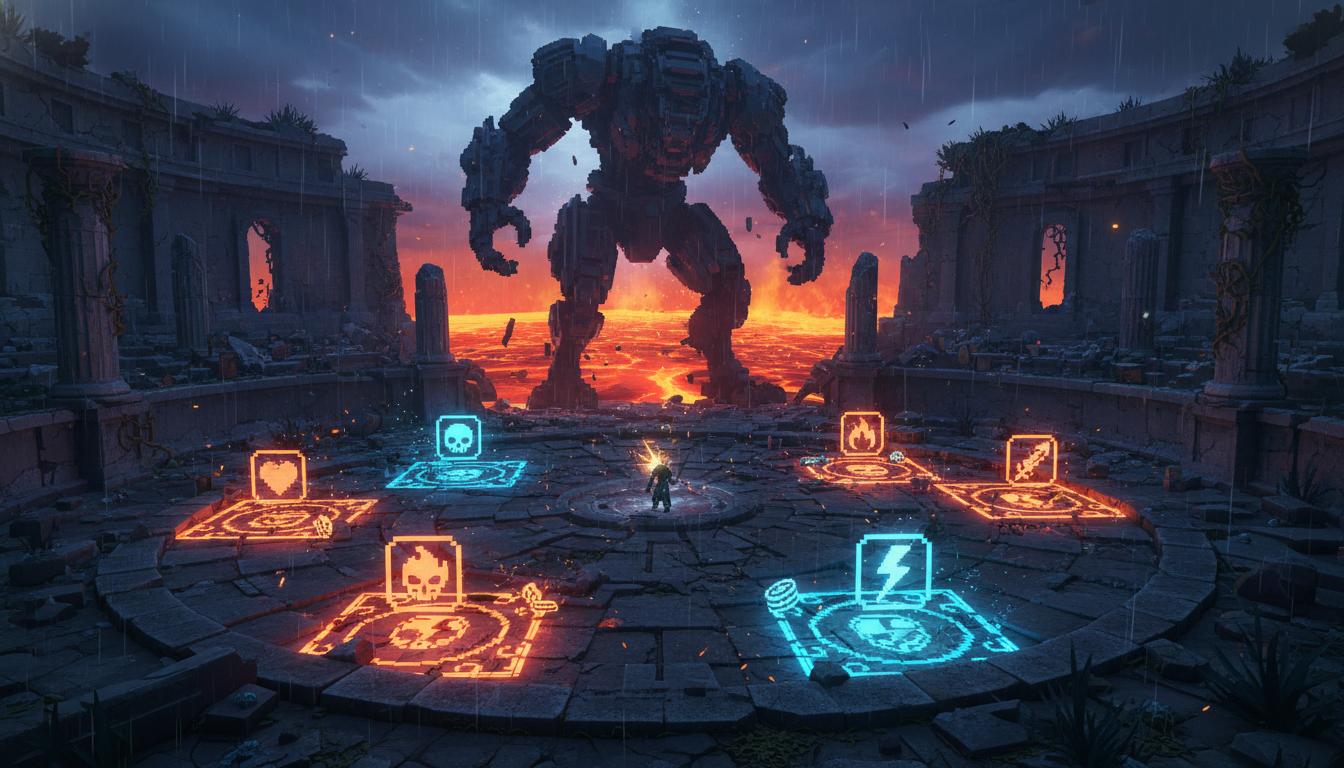
Cover more than just characters.
Search thisCore Features
This page is strongest when you need clearer pixel art game asset maker direction before expensive production steps begin.
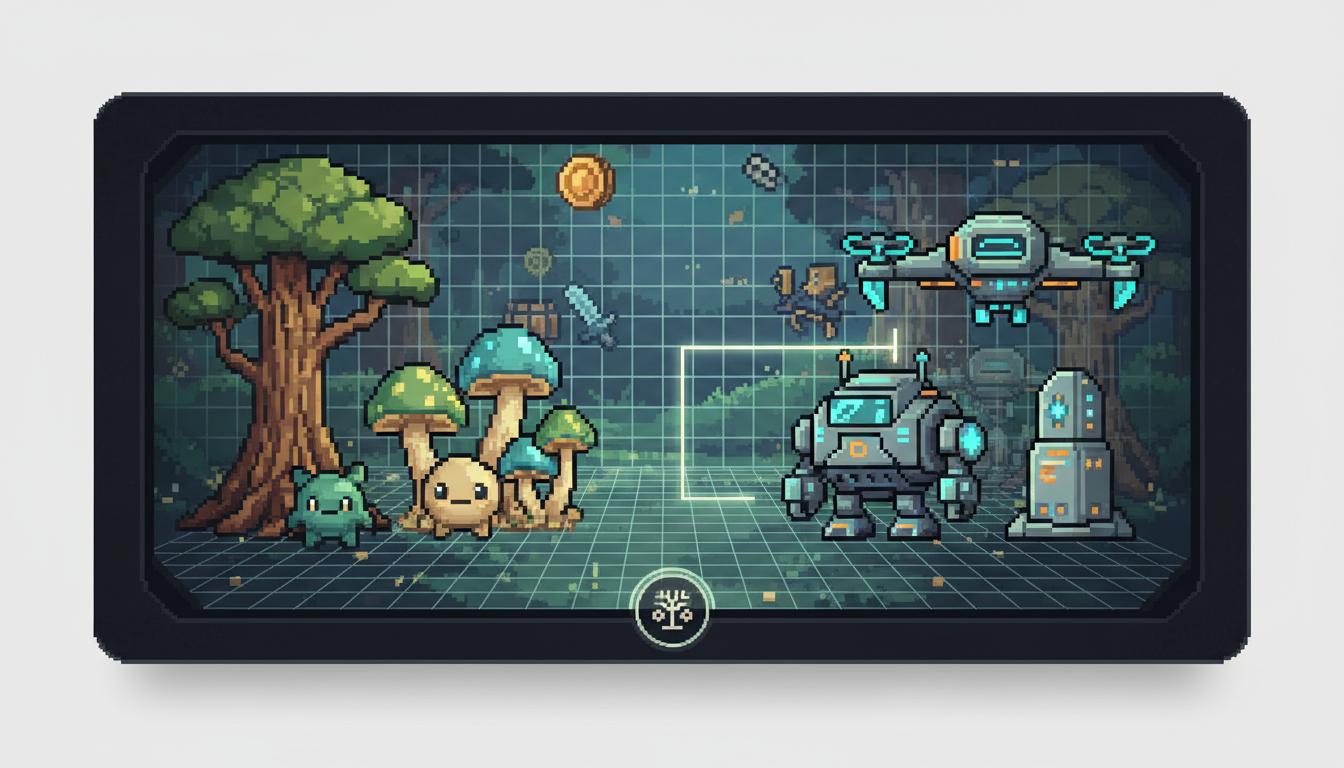
The workflow is most useful when a game needs multiple asset groups that still have to feel like they belong together.
Open Workspace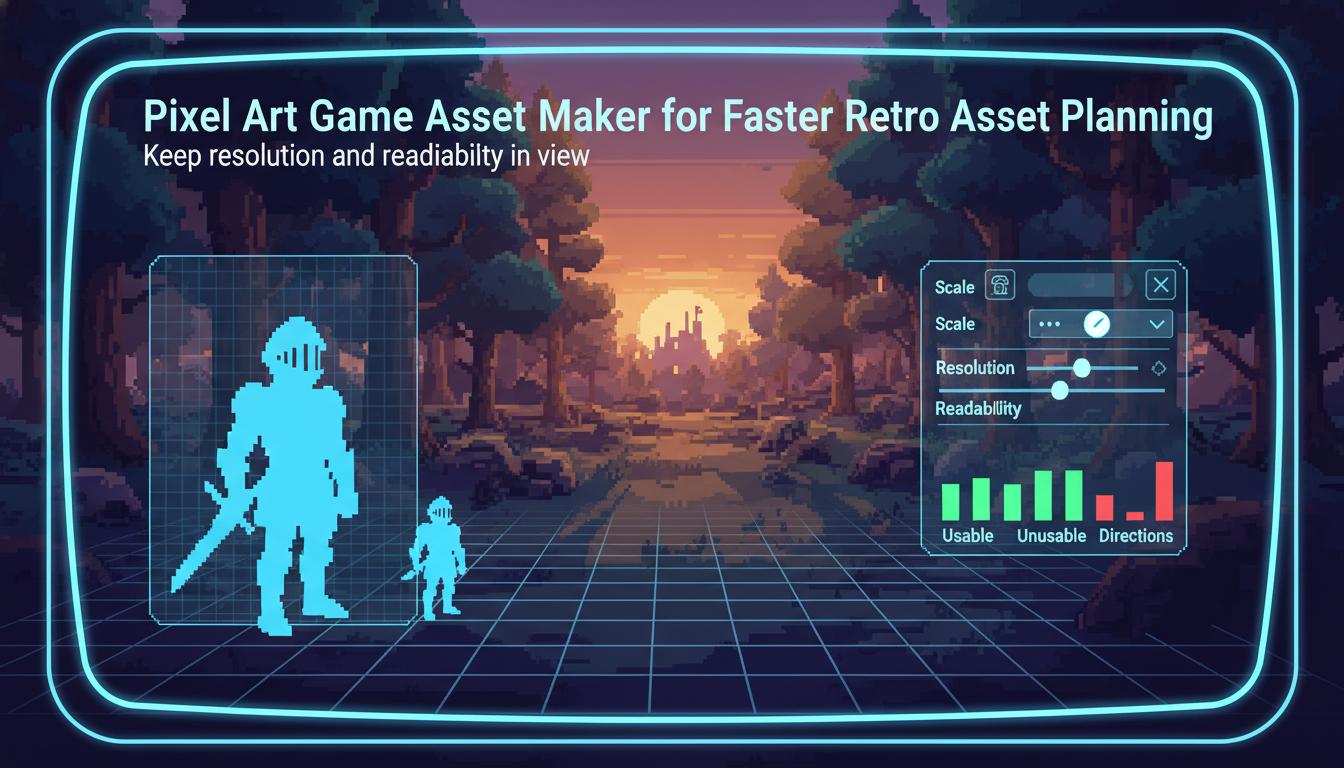
Prompting with intended scale and silhouette needs helps prevent pretty but unusable pixel direction.
Open Workspace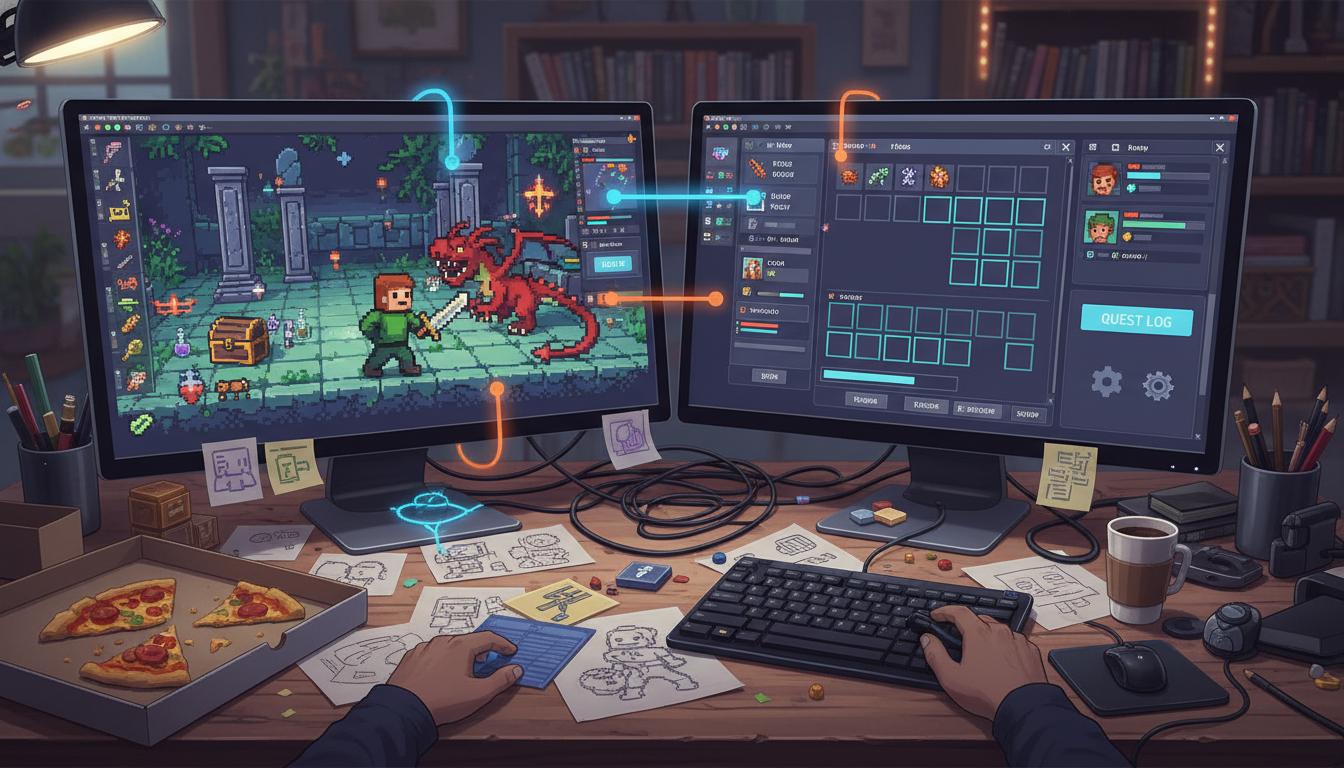
A strong pixel pipeline often spans characters, tiles, props, pickups, and interface components rather than one category alone.
Open Workspace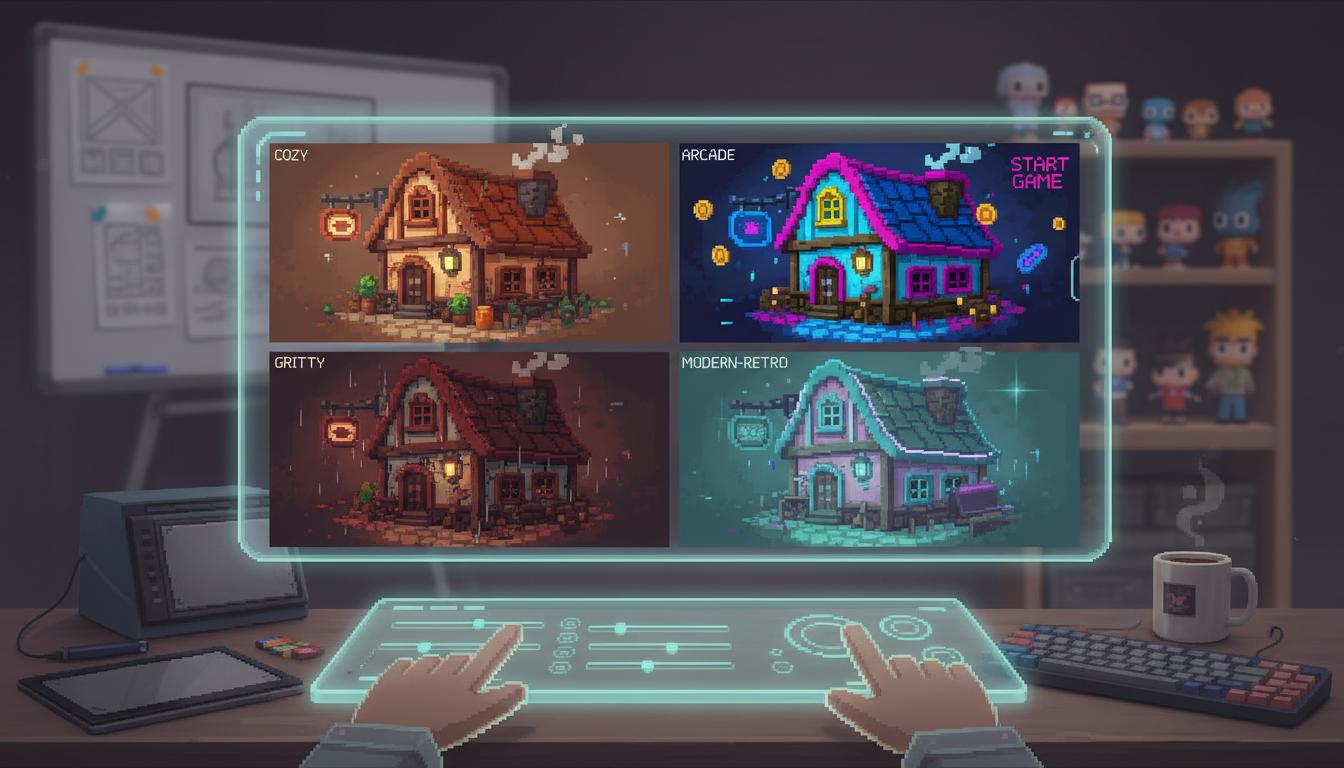
Alternative routes make it easier to choose between cozy, arcade, gritty, or modern-retro directions.
Open Workspace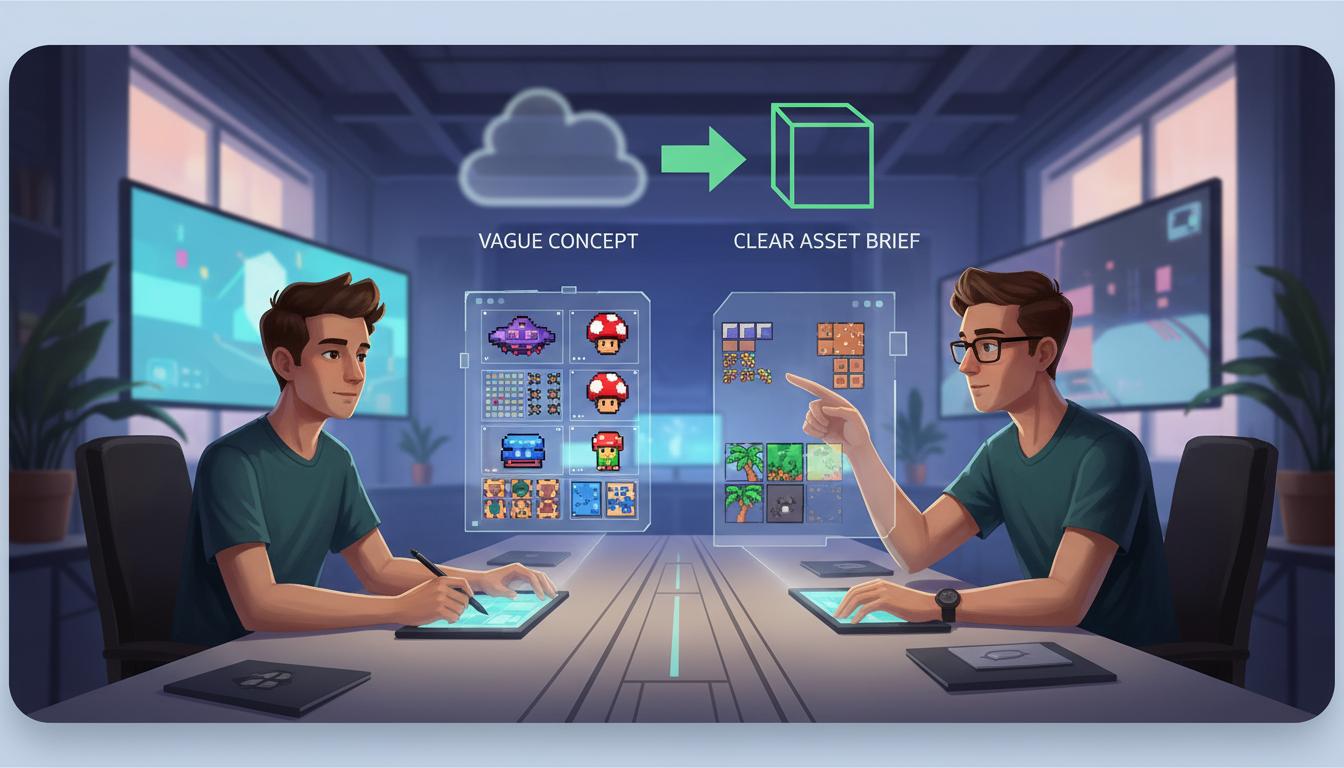
A clearer asset brief helps designers and pixel artists agree on what actually matters first.
Open Workspace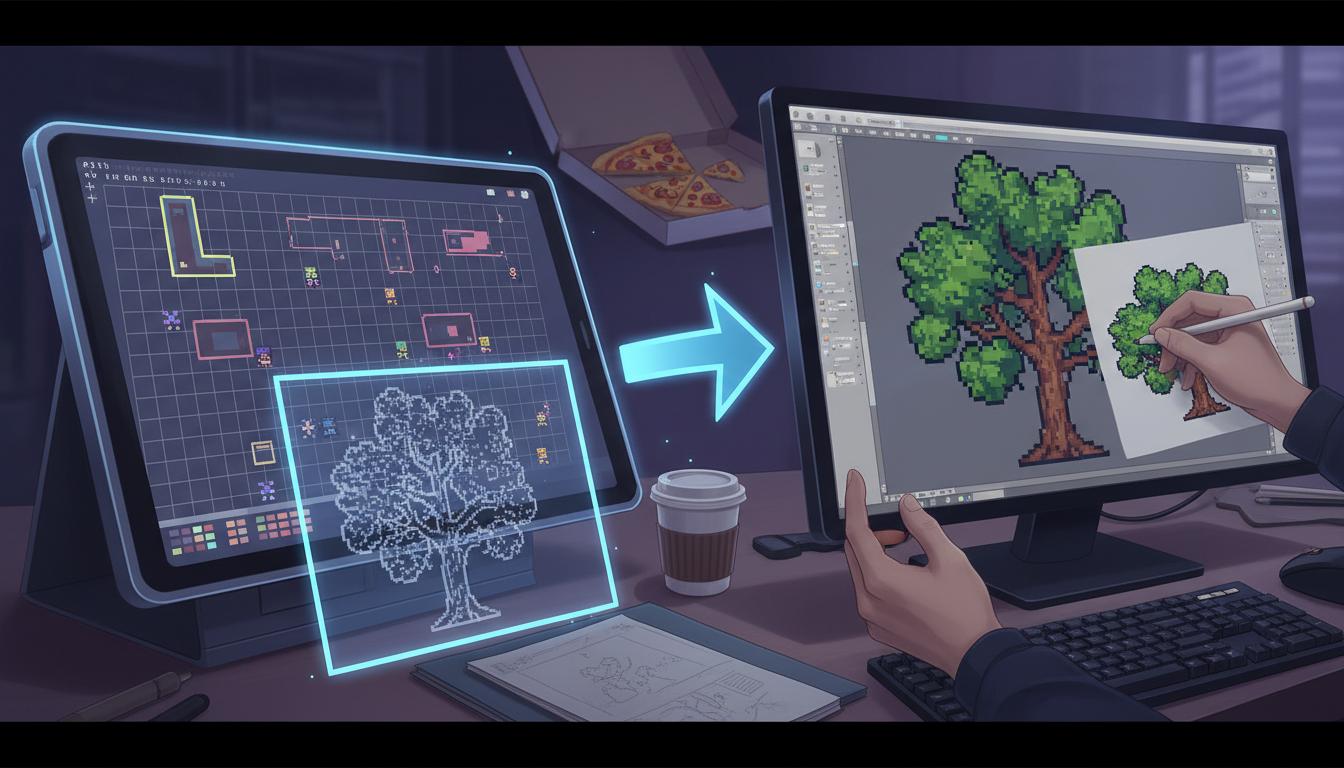
The right promise is faster asset planning, not automatic final pixel polish, animation, and export without follow-up.
Open WorkspaceComparison
Use this page to understand where pixel art game asset maker helps most in a real workflow.
| Criteria | Pixel Art Game Asset Maker for Faster Retro Asset Planning | Manual workflow | Generic prompt-only ideation |
|---|---|---|---|
| Time to first usable direction | Fast | Slow | Fast |
| Best stage | Prototype and pre-production | Production execution | Early ideation only |
| Iteration cost | Low | High | Low |
| Review boundary clarity | High | High | Low |
| Technical production readiness | Needs review | Strong when finished | Not applicable |
| Team alignment speed | High | Medium | Medium |
Who This Tool Page Is For
The strongest use cases appear when one team needs pixel art game asset maker direction quickly, not a final production asset immediately.
Use clearer prompts and structured outputs to move from idea to a reviewable direction without waiting on a full production pass.
Open WorkspaceCompare scope, style, and production trade-offs earlier so implementation starts from a cleaner brief.
Open WorkspaceBring stronger first-pass options into review and decide which path deserves deeper production effort.
Open WorkspaceA pixel art game asset maker is most useful when a team needs a coherent asset family, not just one nice-looking sprite. Retro production usually spans characters, props, tiles, pickups, and UI. If those pieces are planned separately, the game can feel visually fragmented fast.
The practical outputs are a style brief, a few consistency routes, and a handoff note for production priorities. That helps teams compare different visual directions before they spend time polishing frames or drawing large sets of supporting assets.
Palette tuning, sub-pixel readability, animation timing, cleanup, export, and in-engine scale tests still require manual craft. The page should promise faster planning and stronger consistency, not automatic final asset packs.
How It Works
Explain the genre, style mood, target resolution feel, and which asset group you need first. Seele AI frames the likely palette logic, silhouette needs, and consistency goals for the asset family.
Ask for one or more directions covering characters, tiles, props, items, or UI in the same world. Seele AI proposes alternative routes that balance readability, cohesion, and scope.
Pick the route that best fits the game tone and production constraints. Seele AI condenses the chosen route into a more practical handoff for pixel production.
What You Get
A structured summary of style, palette mood, and asset-family goals.
Different ways to keep characters, tiles, props, and UI visually aligned.
A concise view of what still needs manual pixel polish, animation, or scale tests.
Where This Works Best
It is best for planning pixel-art characters, tiles, props, items, and UI direction before full production starts. Teams use it to lock a stronger retro asset family faster.
Yes. It can also help with tilesets, environment props, pickups, effects, and UI elements that need to fit the same visual language.
No. Final pixel polish, animation, export prep, and in-game readability review still need manual work. The workflow is strongest as a planning and handoff tool.
Include the genre, palette mood, target resolution feel, asset type, and what needs to stay readable in play. Those details make the asset family direction much stronger.
Because characters, props, tiles, and UI often drift apart if they are planned separately. A shared workflow helps keep the whole game world visually coherent.
Join thousands building with Seele AI — no setup required.
Open Workspace