Scope a browser-ready idea
Describe the game before deciding how much to build.

Plan a browser game around its player goal, controls, and review criteria. Confirm current account, credit, and export terms in the product before relying on free-tier assumptions.
Partners and teams

















Pick a starting point
Build a browser game where the player catches falling stars in a basket. Use left and right keys, show the score, and end the round after five misses.
Create a browser-playable arcade round where the player sorts falling shapes into matching lanes for 60 seconds. Include keyboard and touch input, score feedback, pause, restart, and a clear end state.
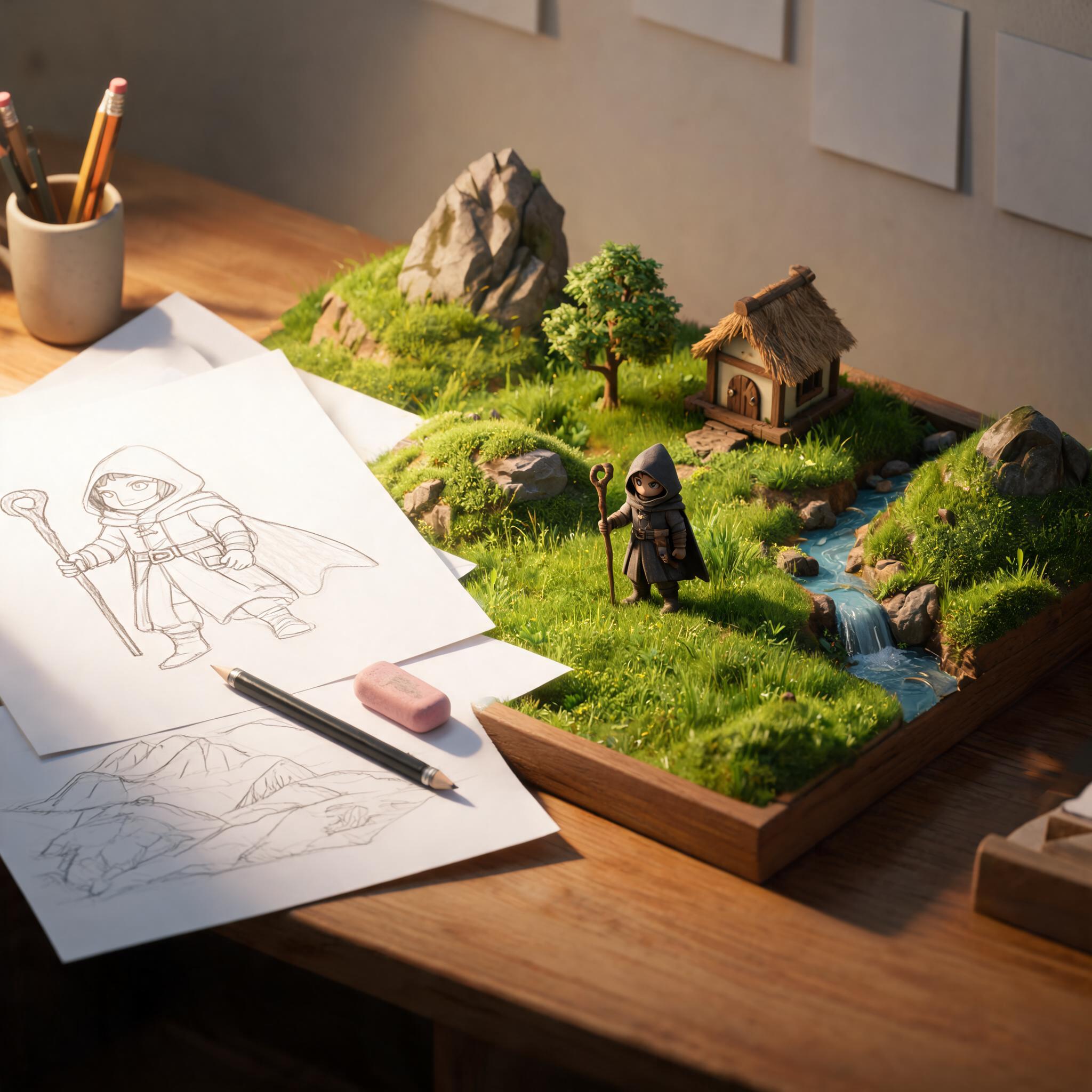 Core game loop ↗
Why SEELE
Describe the game before deciding how much to build.

Help players start without guessing the input.

Make the core action clear before adding difficulty.

Check layout and interaction on the intended device.

Credits, access, and export options may depend on current product terms.

Use playtest feedback before adding content.
Made with SEELE
These games are playable. Pick one and give it a try.
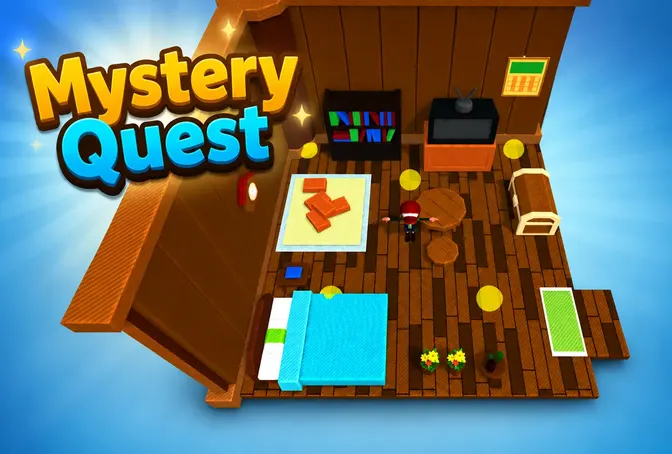 AdventureAdventure GamePlay the example ↗
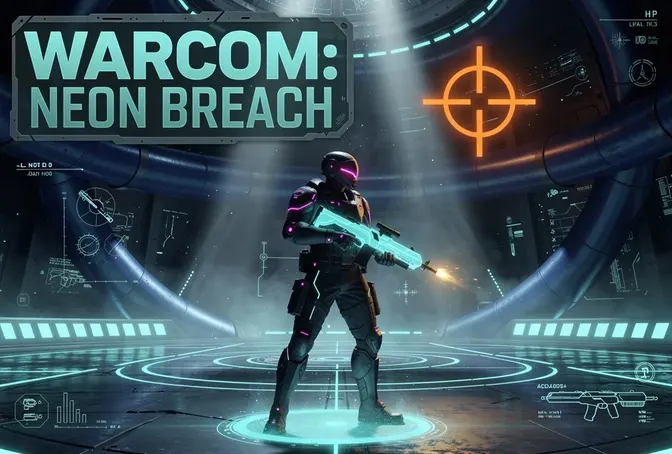 ShooterWarcom: Neon BreachPlay the example ↗
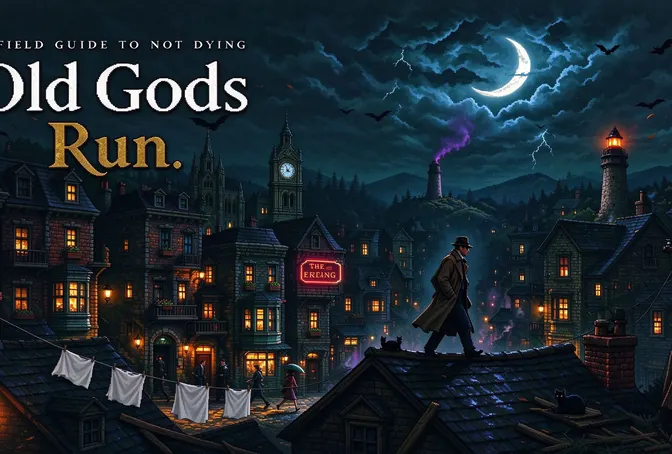 ActionOld Gods RunPlay the example ↗
 CasualCaution! Egg on the Car RoofPlay the example ↗
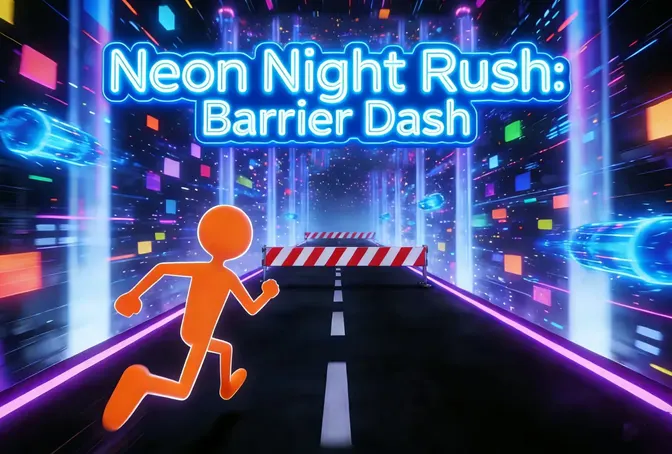 RunnerNeon Night Rush: Barrier DashPlay the example ↗
 PuzzleMuseum ExhibitionPlay the example ↗
 SimulationMilky Way Idle 3DPlay the example ↗
 CasualSnowfall & Starry GiftsPlay the example ↗
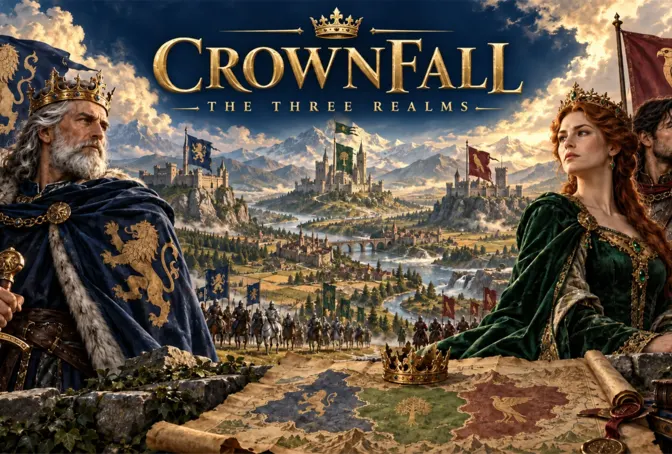 RPGCrownfall-The-Three-Realms-CoverPlay the example ↗
 SimulationFLYING CARPlay the example ↗
Who it’s for
Define the player, one core mechanic, and one testable outcome for a first Game Online: AI Design Generator brief. Keep the scope small enough to playtest.
Image to Game Generator ↗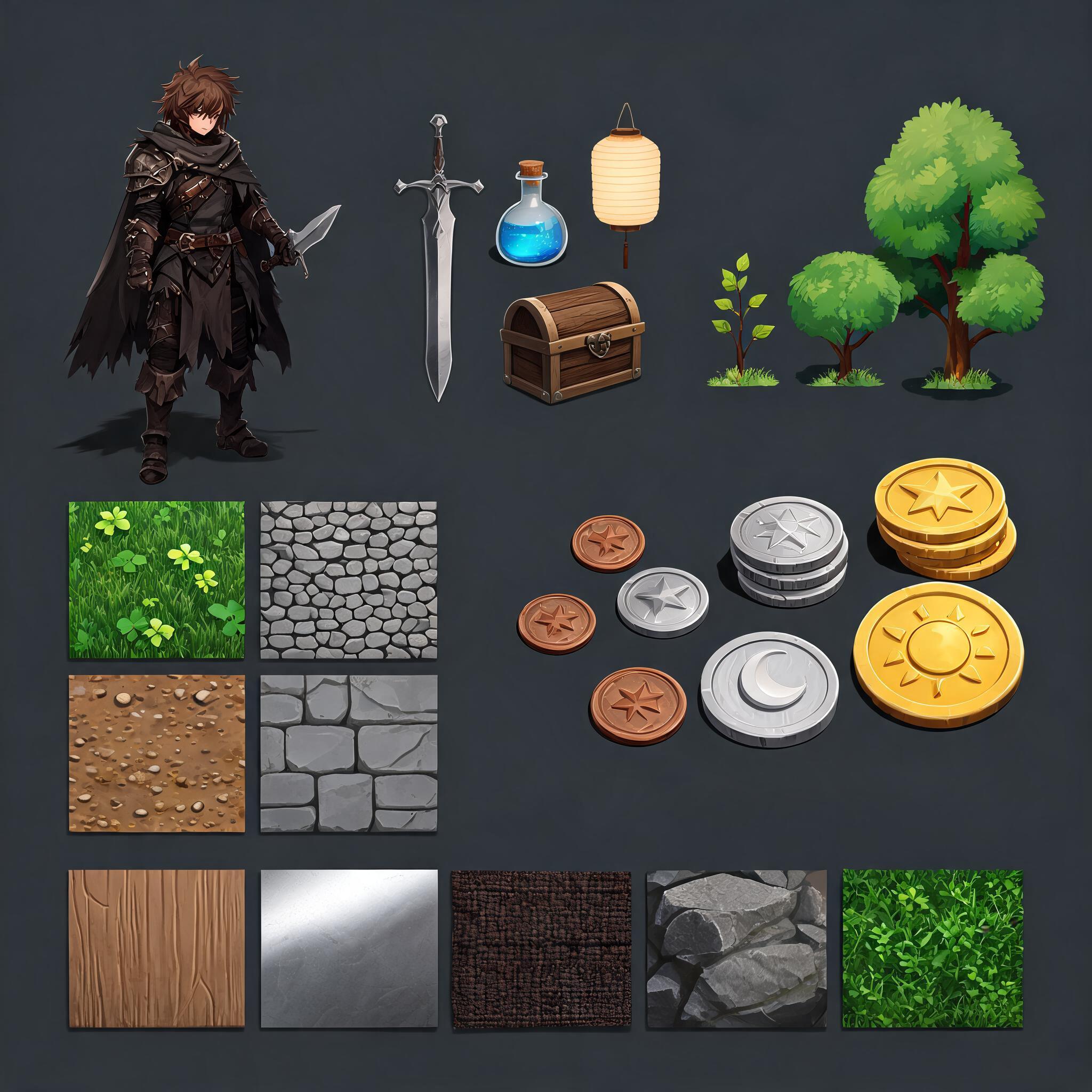
Compare Game Online: AI Design Generator directions against the target player and engine workflow before the team commits to a larger build.
No-Code AI Engine for Game Creation ↗Compare
See how Manus Design View stacks up against traditional AI design tools.
| Feature | Create Game Online: AI Design Generator | Starting from scratch |
|---|---|---|
| Starting point | Describe the audience, core loop, and first playable outcome for Create Game Online: AI Design Generator. | Define the project, engine, and first milestone before implementation. |
| First review | Set review criteria for the controls, content, and visual direction of Create Game Online: AI Design Generator. | Review the project setup, scene structure, and implementation plan before playtesting. |
| Scope | Begin with one audience, one core mechanic, and one playable outcome for Create Game Online: AI Design Generator. | Set the engine, asset needs, and implementation scope before building. |
| Prompt detail | State the audience, desired result, format, and main constraint for Create Game Online: AI Design Generator. | Decide those inputs separately before testing a focused direction. |
| Review boundary | Check the first Create Game Online: AI Design Generator result against quality, rights, continuity, and intended audience. | Write the review checks separately before expanding the project. |
Reviews
FAQ
This Create Game Online Free page does not establish a verified feature-by-feature comparison. Compare current official product information for inputs, editing, output formats, and terms using the same brief.
For commercial use, the current Terms require an active paid subscription at Pro tier or above for content you create with SEELE. Check third-party asset permissions before publishing.
Yes. For Create Game Online: AI Design Generator, write a plain-language sketch of the intended audience, one action, and the outcome you want to review. Add one constraint after the first idea is clear.
Before a first Game Online Free project, define the task, intended audience, one visible outcome, and a constraint. Use Core game loop as a direction that fits the brief.
To get started with Game Online Free, use Describe the job as the first step. Set one goal, audience, and constraint; test a small version, then change one thing at a time.
For Game Online Free, name the intended user, one action, and a visible outcome. Use Core game loop as a starting direction and add one requirement from its example prompt.
Ask someone who matches the intended player or viewer for Game Online Free to test its main action. Note where the brief is unclear, then revise once before adding features.
For Game Online Free, try Core game loop first. Define the action, outcome, and one constraint, then compare another direction only if the first misses the brief.
Check the Game Online Free result against the brief, intended behavior, and first workflow step. Record one mismatch and test that change before expanding scope.
Scope a first Game Online Free prototype to Core game loop, one user action, and one visible outcome. Defer secondary features until that path works.
Compare Core game loop and Player challenge for Game Online Free using the same user action and visible outcome. Choose the direction that fits the brief with fewer assumptions.
After reviewing Game Online Free, record one gap between the brief and result. Make one focused change, then test the same action against the original outcome.
Match a linked tool's input and output to one need in the Game Online Free brief. If it does not support that step, skip it and keep the test in the main project.