
Seele AI · Story Workspace
Image to Game Generator
Use Image to Game Generator to plan turn image references into game scenes, assets, and prototype direction with Seele AI. Start from a prompt, review the sco
TRY IT FREE
See what works before you build the whole thing.
Start with a rough idea above. Starter credits help you test the direction before you spend time on every detail.
Start with a free ideaStart with free starter credits
Try the first version before deciding whether the idea deserves more time.
No coding required
Describe mechanics, visuals, audience, and constraints in plain English.
Review cost before generating
Review the generation path before committing to a larger run.
Trusted by leaders in
AI, gaming & entertainment




EXAMPLES
Start with a playable direction.
Start with a direction that resembles your project, then change the mechanics, look, or audience before you build further.
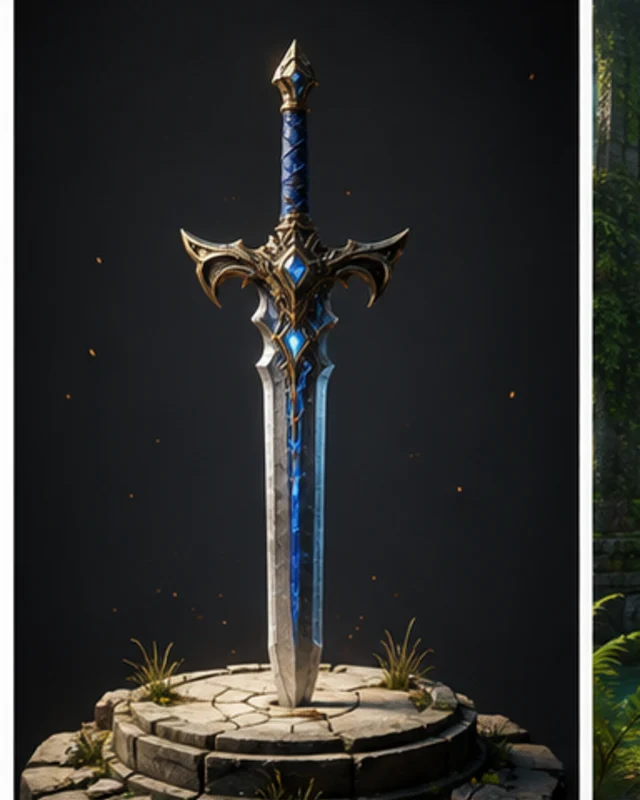
Describe The Target Outcome
A focused Image to Game Generator direction that gives an Image to Game Generator a concrete first result to review.
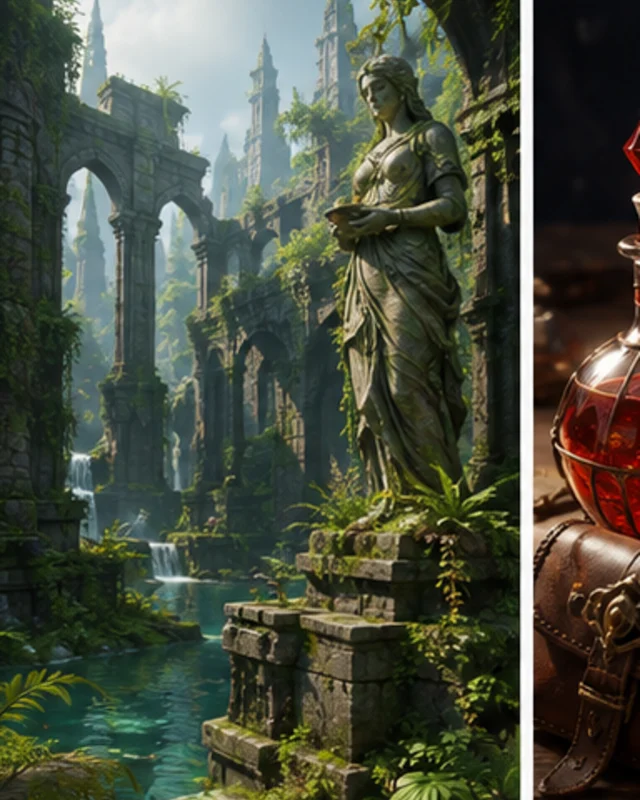
Structure The First Usable Pass
A focused Image to Game Generator direction that gives an Image to Game Generator a concrete first result to review.
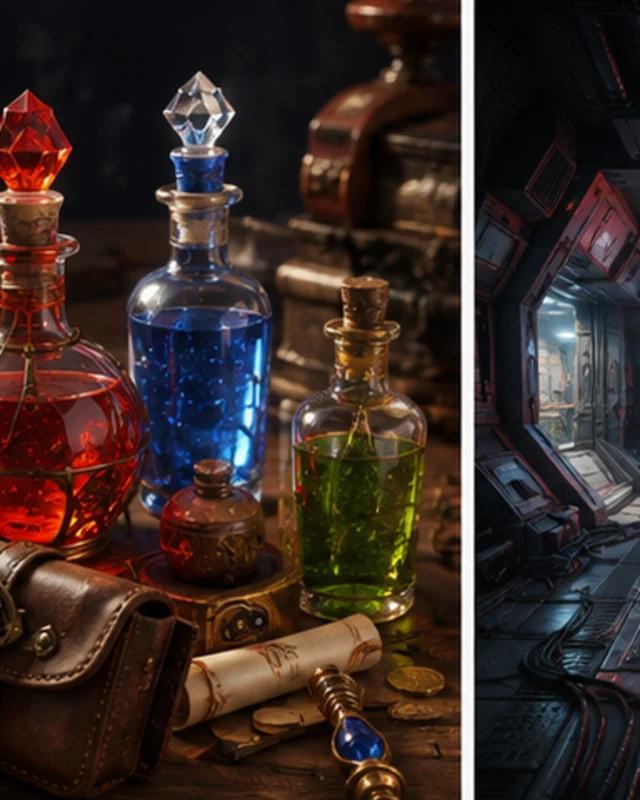
Continue In The Workspace
A focused Image to Game Generator direction that gives an Image to Game Generator a concrete first result to review.
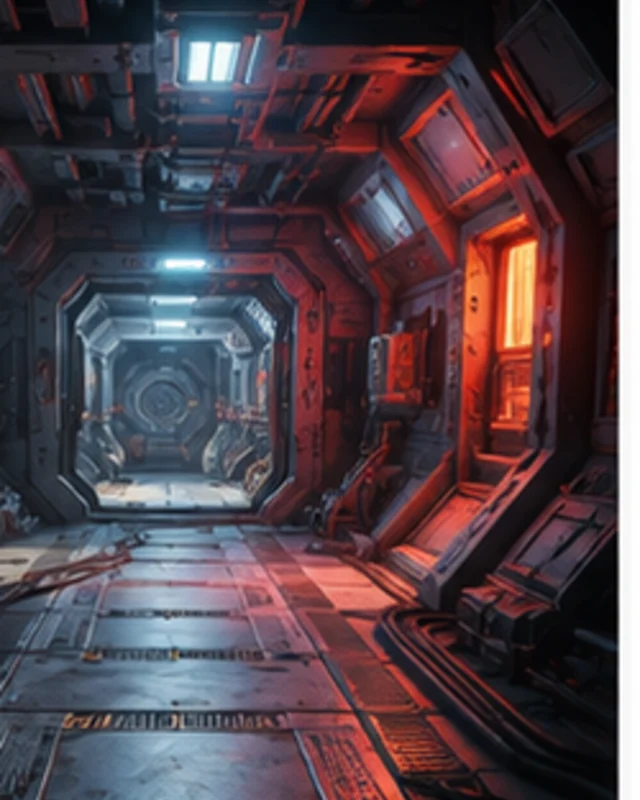
Production prompt
A focused Image to Game Generator direction that gives an Image to Game Generator a concrete first result to review.
Why use it
Make the next decision with something real.
Focus on the parts of the idea that need a concrete result before the next decision.
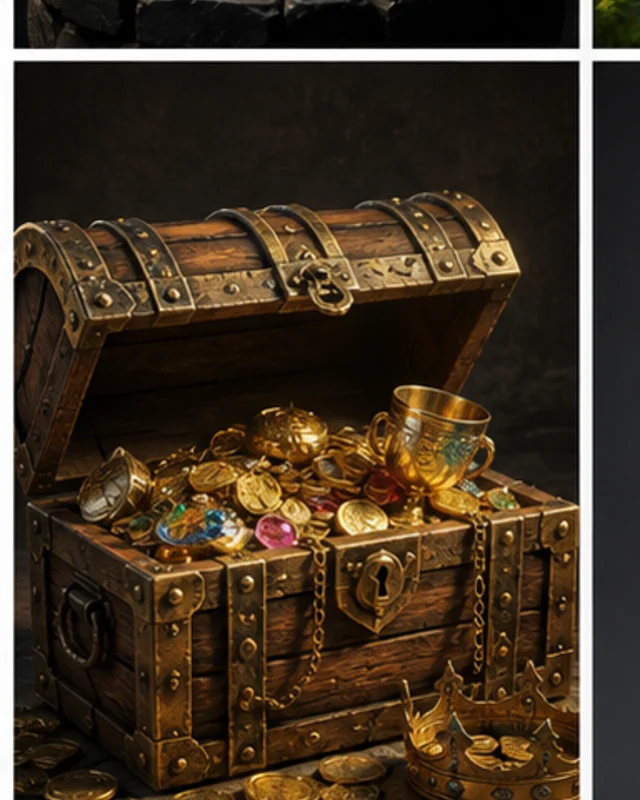
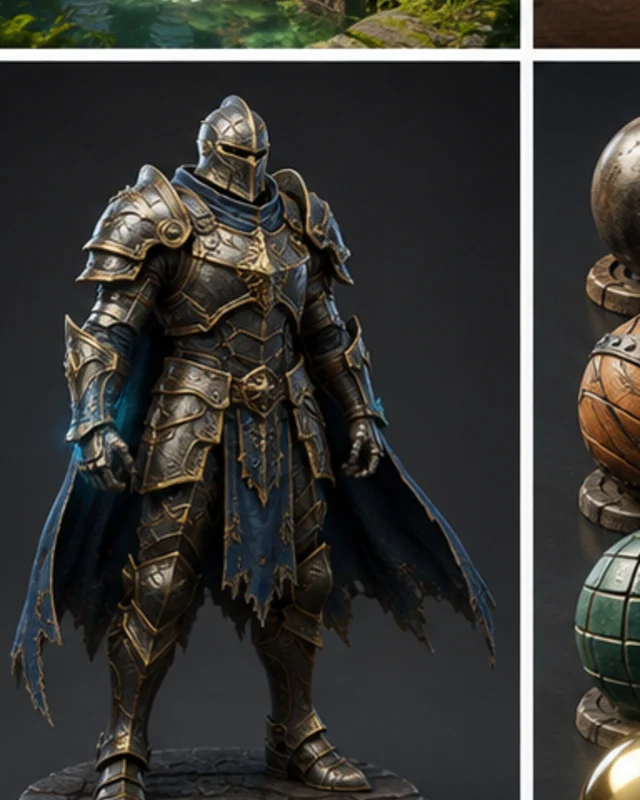
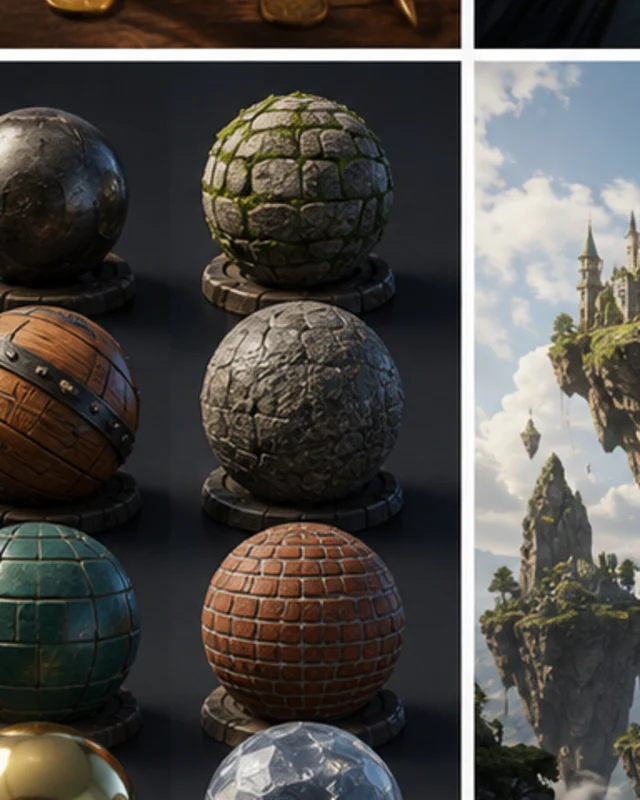
What does “ai image to game” cover in practice?
Define success, test the smallest complete workflow, keep source and settings, and review the output against destination requirements. AI-assisted output still needs human review for rights, editability, technical fit, and release readiness.
Try it nowWho it is for
Who is an Image to Game Generator for?
creators, designers, and small teams can use this page to make one project decision easier to test before a larger build or launch.
- People with a specific project question
Use an Image to Game Generator when you need to see how an idea, interaction, asset, or release path might work.
- Teams comparing options
Put the audience, desired result, and constraints beside one proposal so the team can discuss the same idea.
- Creators checking the details
Review quality, continuity, accessibility, rights, and publishing requirements before using the result in a real project.
How to use it
From related creative-production workflow searches to a workable prompt
Give an Image to Game Generator enough context to make the result specific, then test the part that matters to your project.
Describe The Target Outcome
Enter the game genre, visual style, platform, and scope. Seele AI reframes the request into a focused production prompt.
Structure The First Usable Pass
Choose constraints such as camera, controls, asset style, or narrative tone. The workflow organizes tasks, assets, and next prompts.
Continue In The Workspace
Launch the carried prompt and iterate with the generated direction. The workspace keeps the prompt context attached to the creation flow.
A CLEARER FIRST MOVE
Image to Game Generator compared with a blank first pass
A useful first result gives the next decision something concrete to react to, without hiding the work that still needs human ownership.
What changes
Image to Game Generator
Starting from scratch
Starting point
A focused Image to Game Generator prompt
A blank project and an open-ended task
First review
A concrete result to inspect
A plan before there is something to try
Scope
One audience, output, and constraint
Many decisions made at once
FAQ
Questions about Image to Game Generator
What is Image to Game Generator? +
Image to Game Generator is a Seele AI workflow for creators who need to turn image references into game scenes, assets, and prototype direction. It turns a short intent into a structured prompt and production checklist.
Can I start with a rough idea? +
Yes. Add the genre, style, target platform, and one constraint. The workflow turns that rough input into a clearer workspace prompt.
What should I review before production? +
Review gameplay fit, art direction, rights, performance, and any publishing requirements before treating the output as production ready.
Start creating
Try Image to Game Generator
Describe the job, test one version, and decide what to do next inside SEELE AI.
Start creatingFree