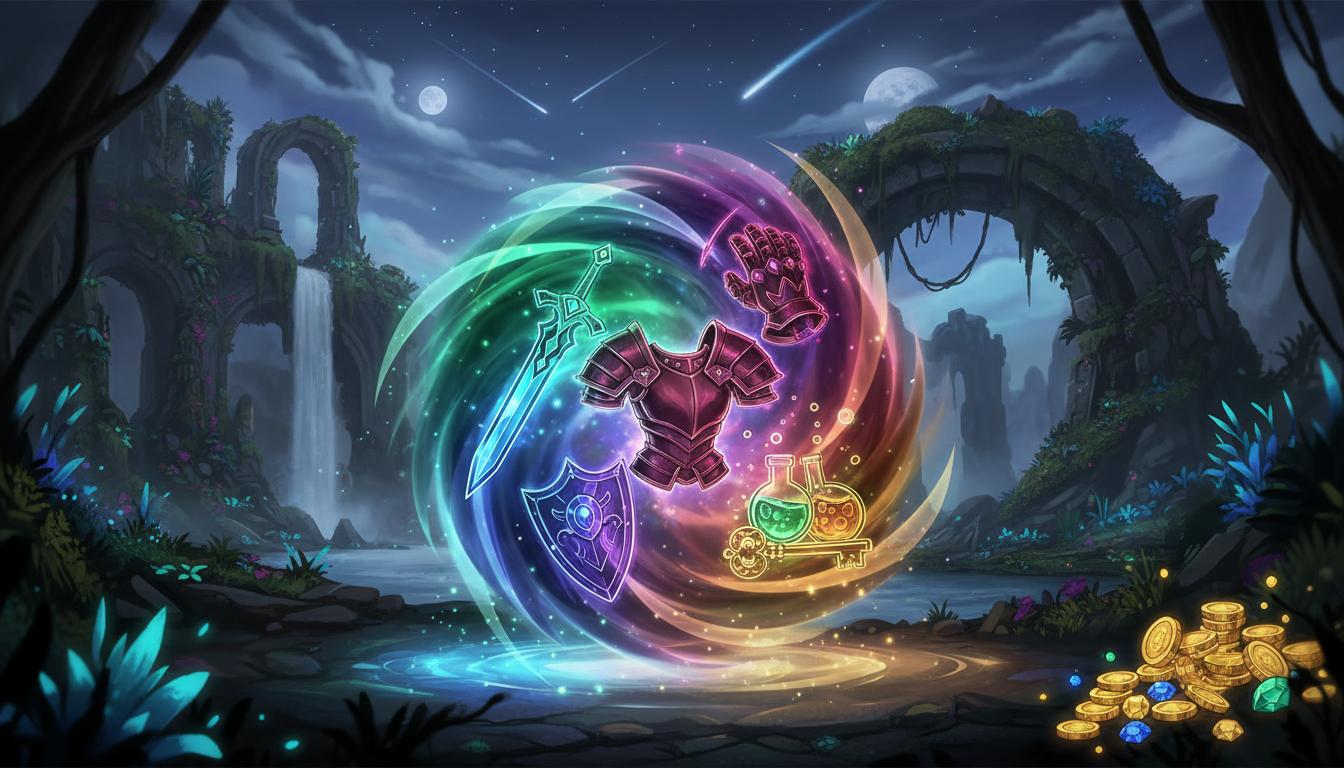
Fantasy Inventory Set
Build an icon family for inventory categories and resources.
Search thisExplore icon directions for game menus, items, skills, currencies, and HUD systems with faster style alignment.
Try this in Seele AI
Start with a specific game ui icon generator need, then carry that prompt into the workspace for deeper iteration and follow-up planning.
Quick Start Searches
Pick a concrete game ui icon generator scenario and jump into the workspace with a stronger starting prompt.
Build an icon family for inventory categories and resources.
Search this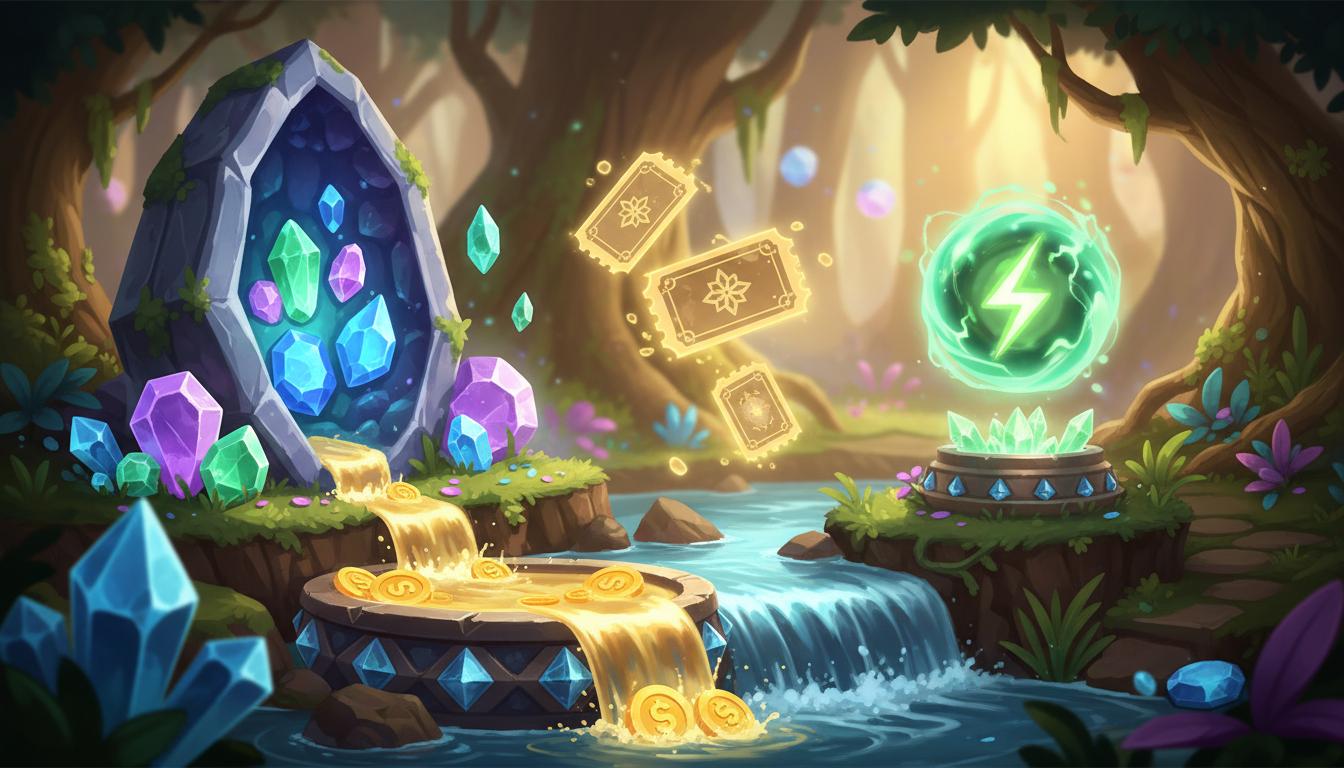
Design readable premium and soft currency symbols.
Search this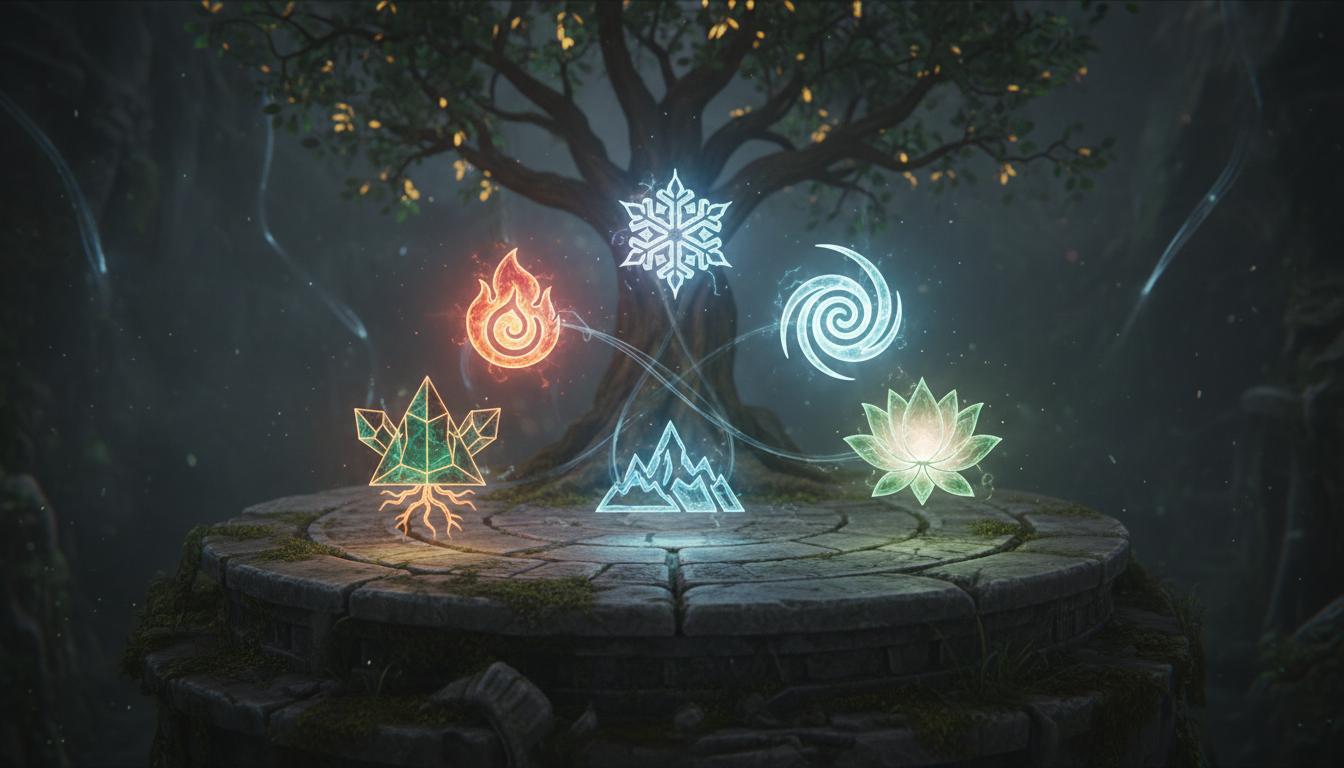
Explore themed ability icons for different classes or elements.
Search this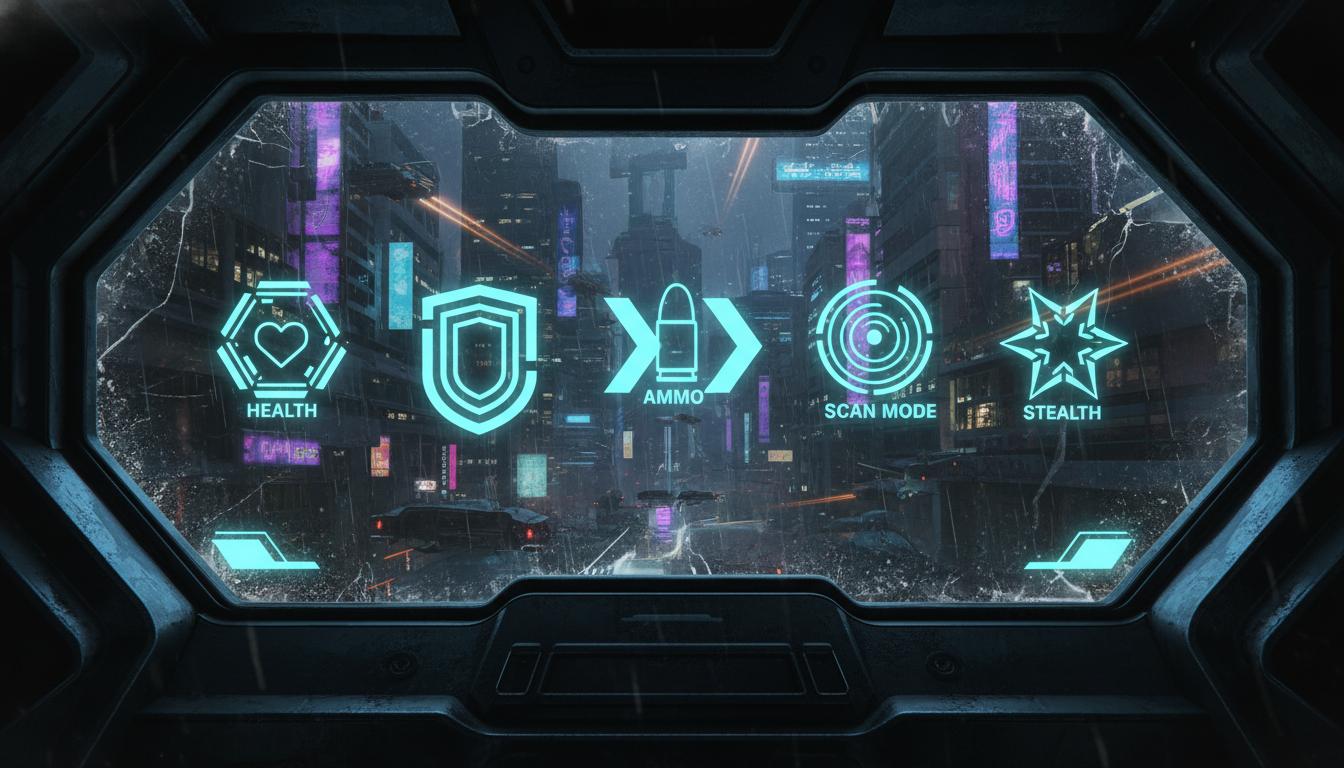
Prototype sleek interface icons for combat and scanning systems.
Search this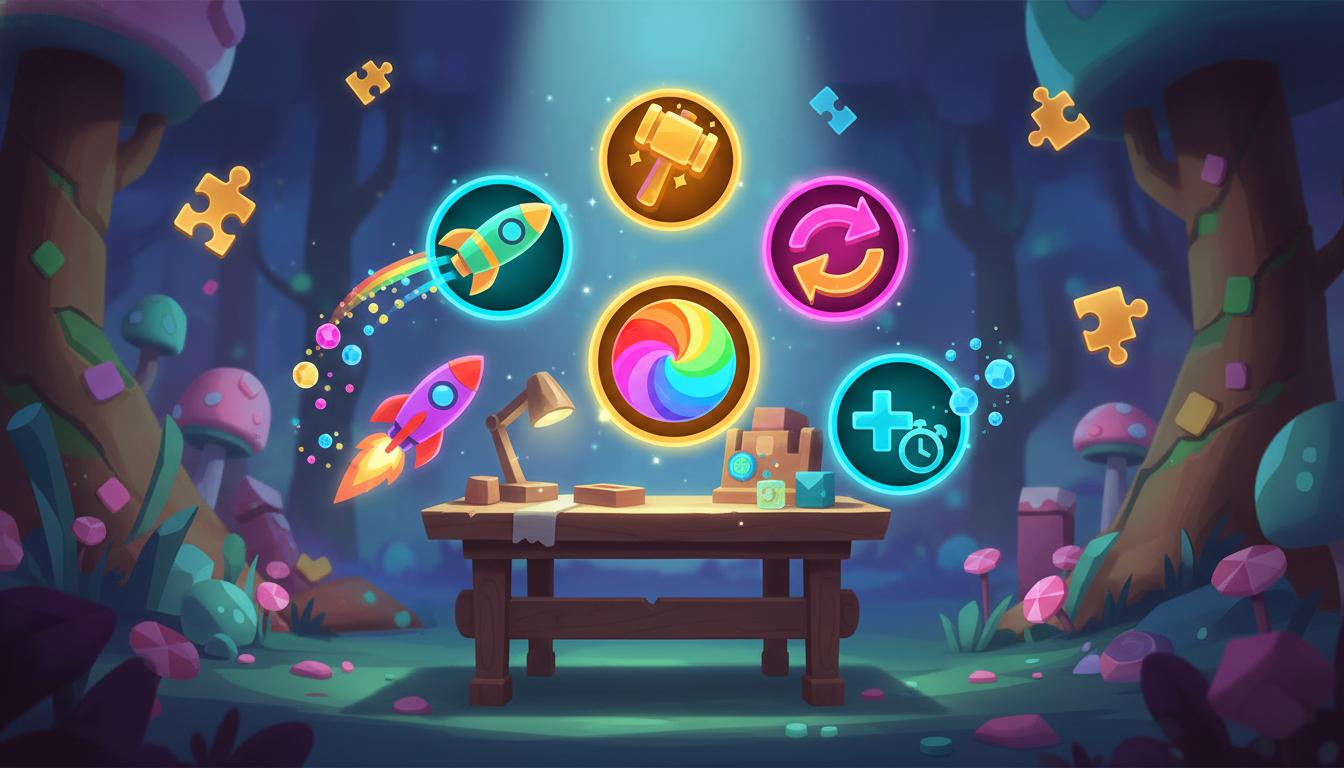
Create strong silhouettes for power-up buttons.
Search this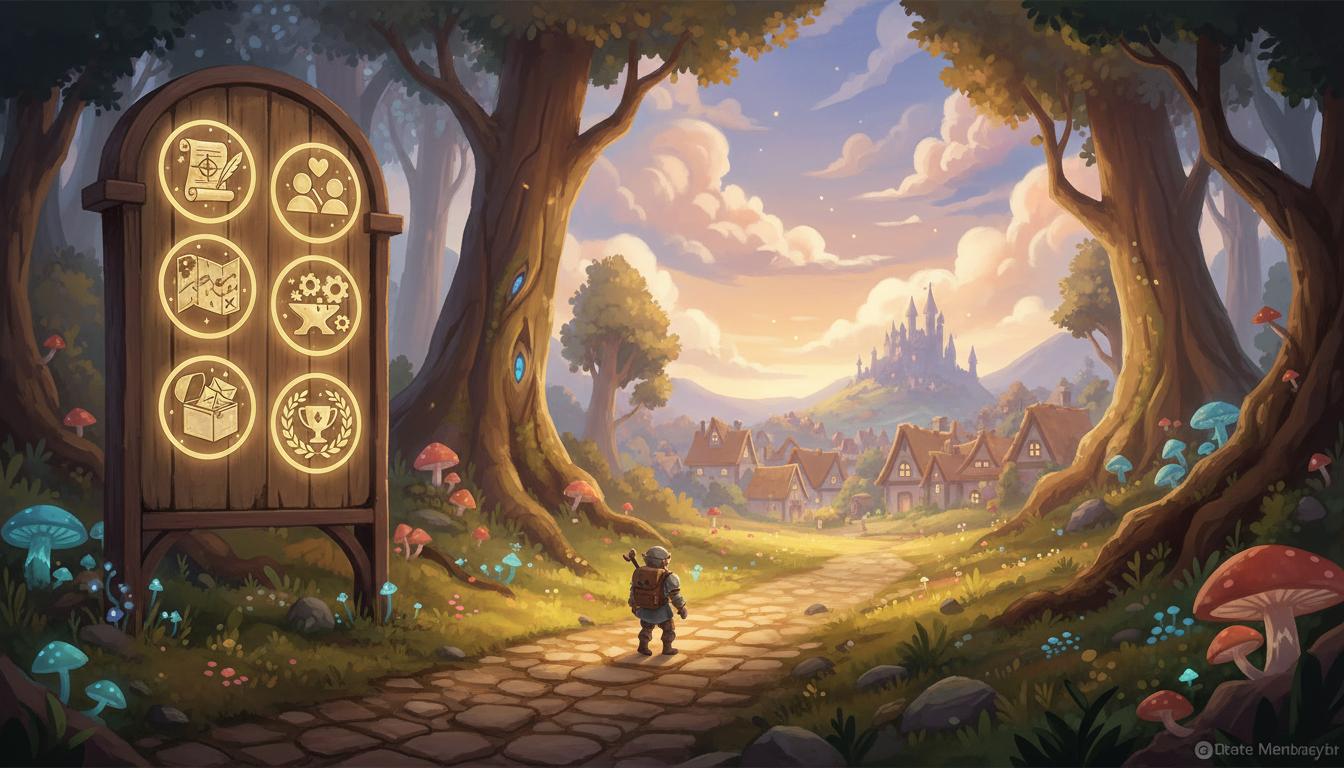
Plan iconography for quests, maps, and social tabs.
Search thisCore Features
This page is strongest when you need clearer game ui icon generator direction before expensive production steps begin.
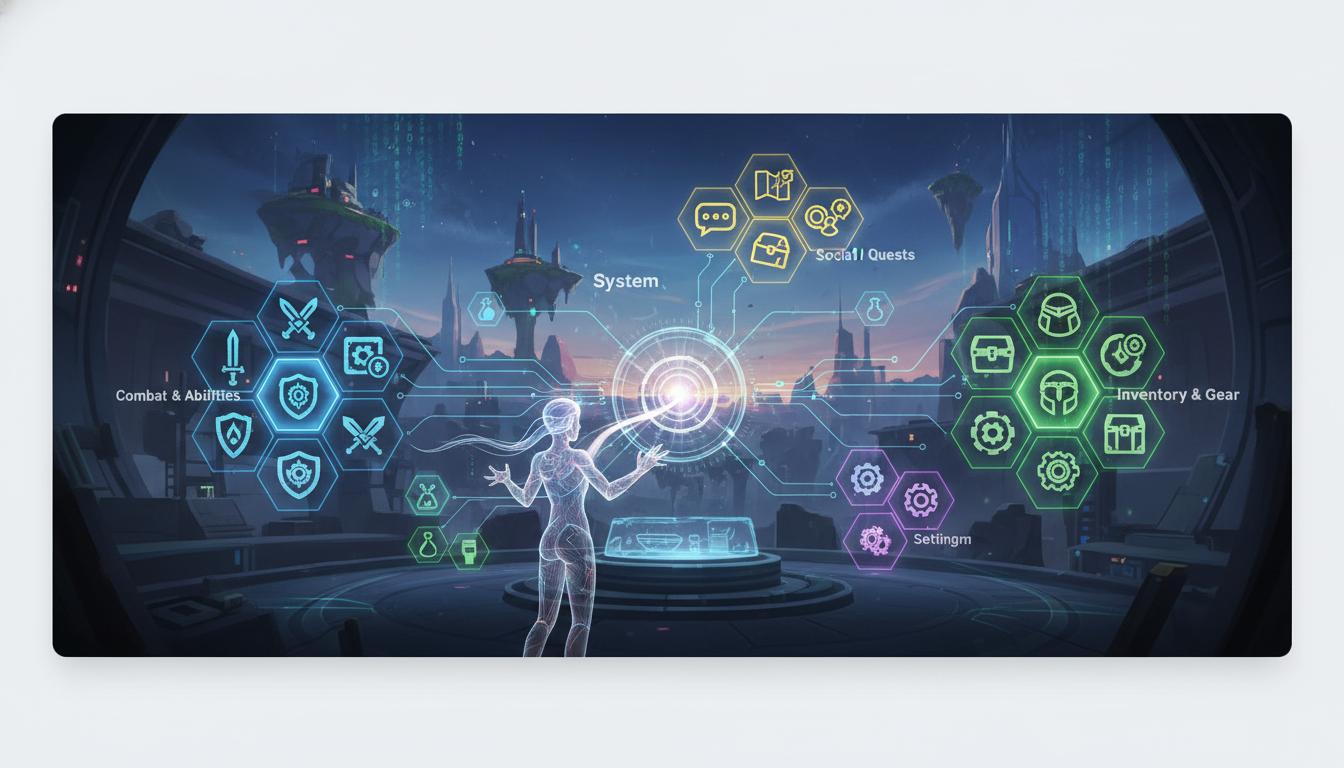
Starts from the whole UI system so the output can cover multiple categories instead of isolated one-off symbols.
Open Workspace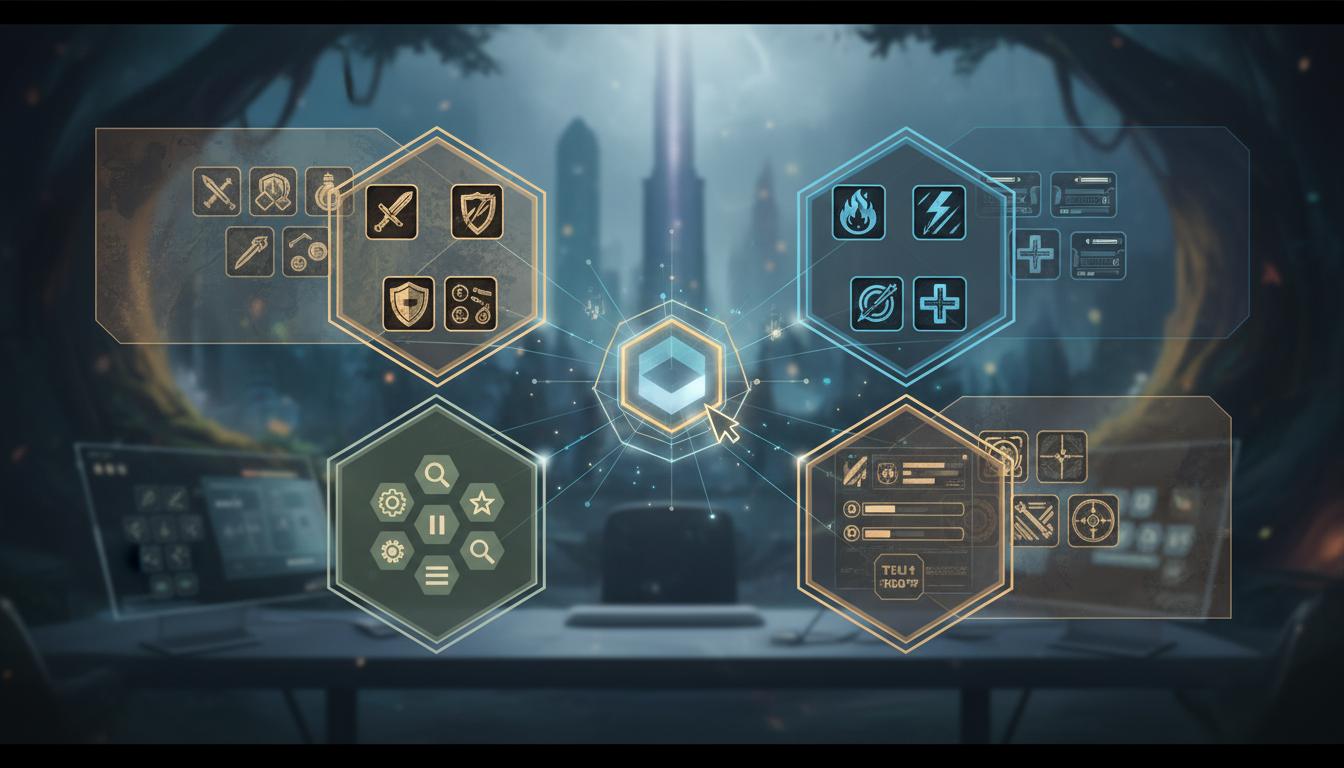
Helps maintain a more consistent look across item, skill, menu, and HUD icon prompts.
Open Workspace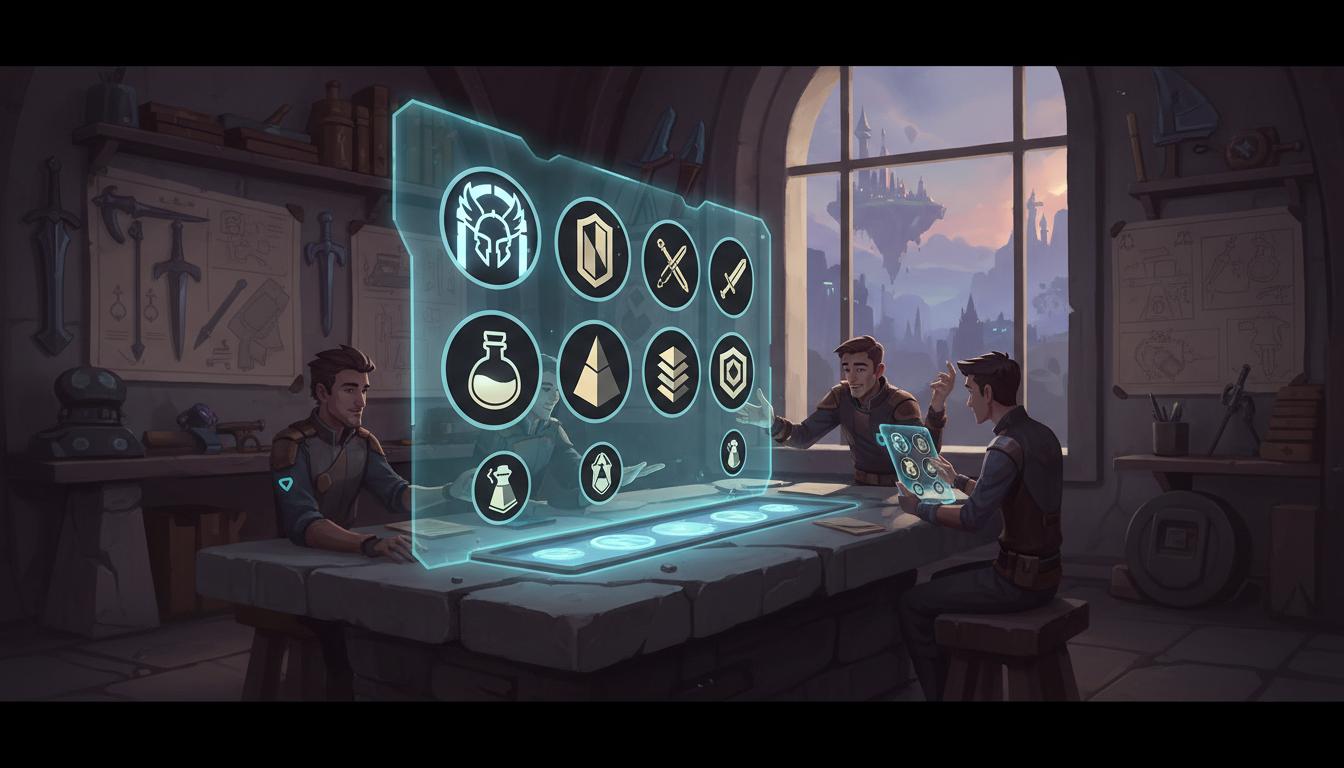
Encourages specific choices around silhouette, contrast, and hierarchy that matter for small icons.
Open Workspace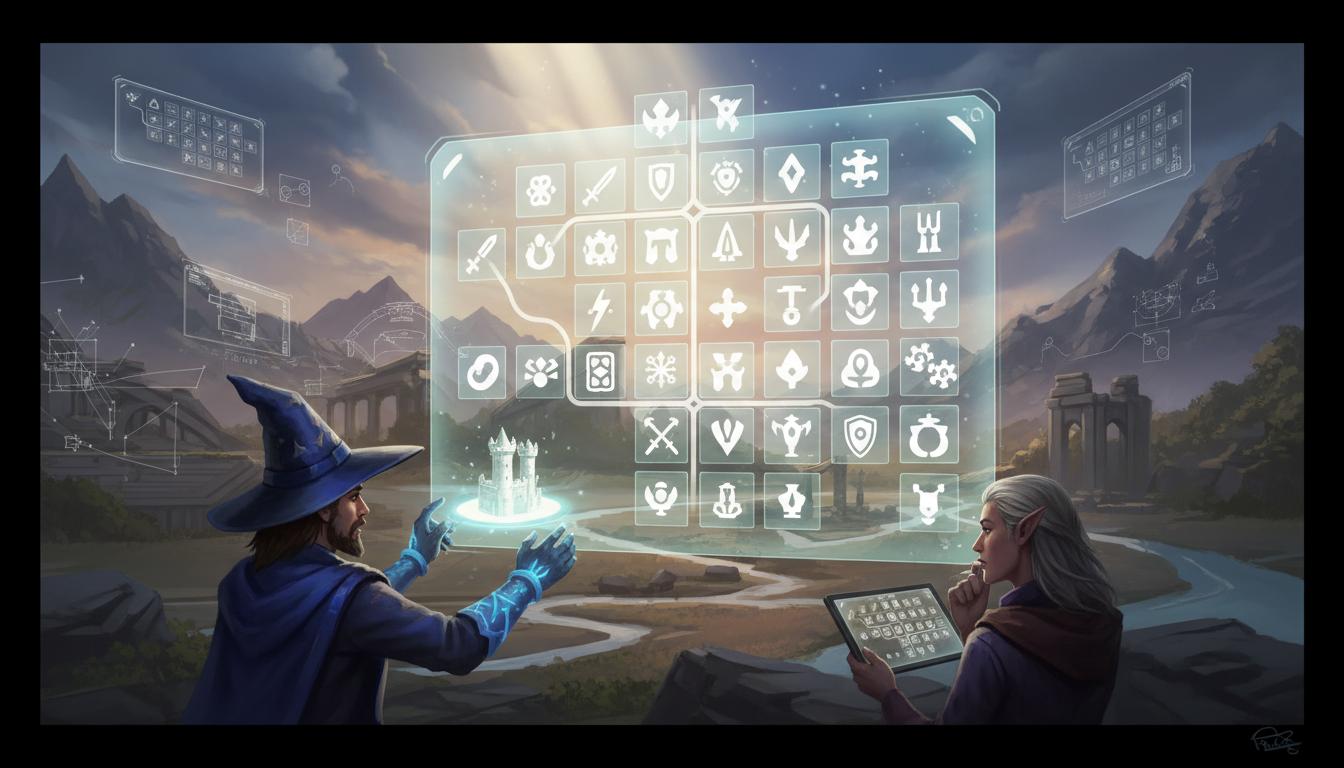
Best used for art direction and icon family exploration before final hand-tuning and implementation.
Open Workspace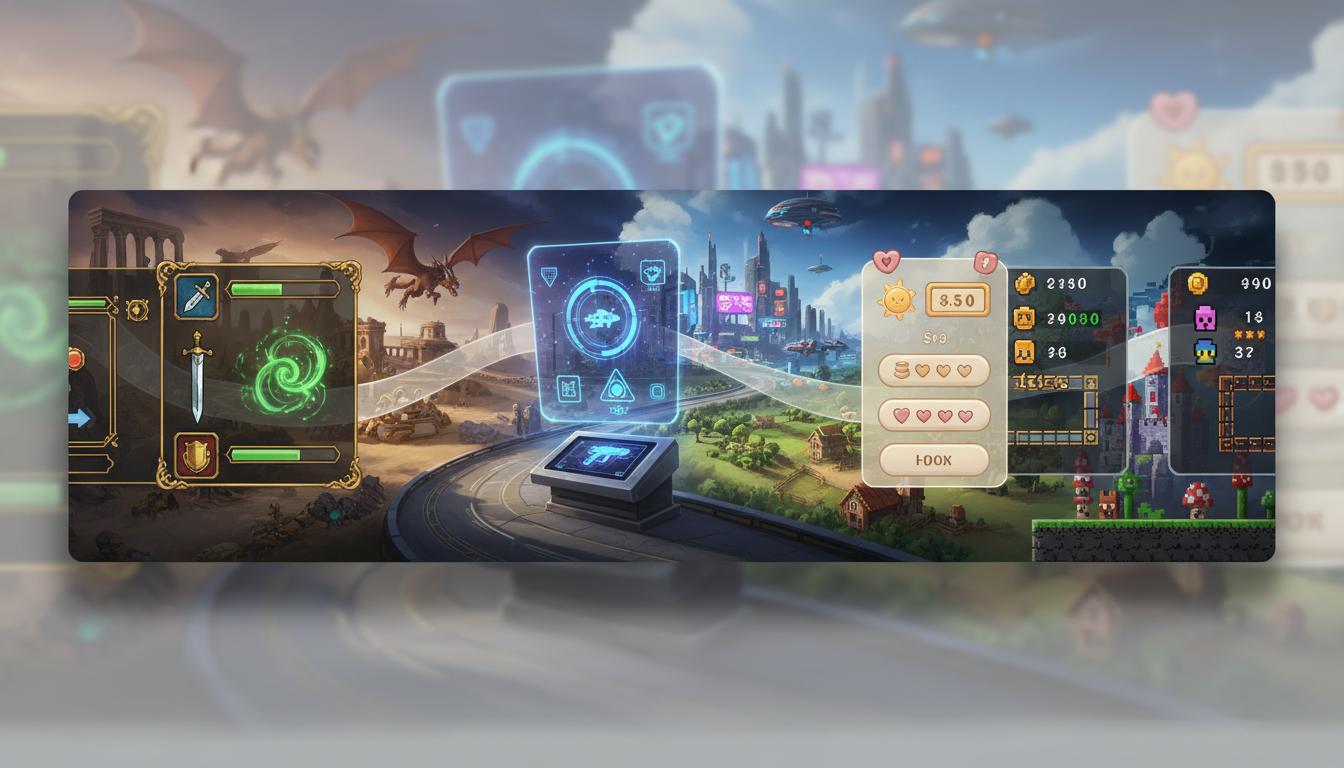
Supports fantasy, sci-fi, casual, cozy, and retro-flavored UI systems with different visual rules.
Open Workspace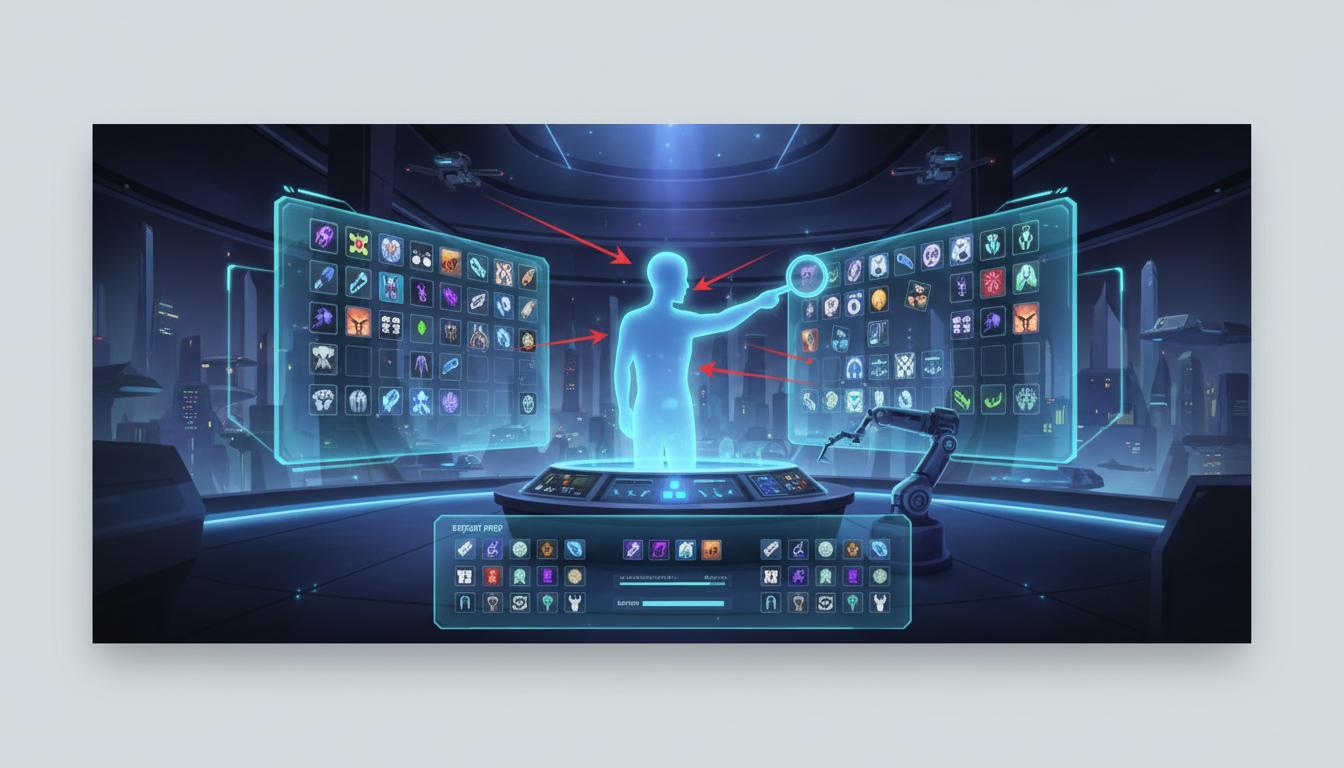
Small-size legibility, exact spacing, export prep, and final category consistency still need review.
Open WorkspaceComparison
Use this page to understand where game ui icon generator helps most in a real workflow.
| Criteria | Game UI Icon Generator | Manual workflow | Generic prompt-only ideation |
|---|---|---|---|
| Time to first usable direction | Fast | Slow | Fast |
| Best stage | Prototype and pre-production | Production execution | Early ideation only |
| Iteration cost | Low | High | Low |
| Review boundary clarity | High | High | Low |
| Technical production readiness | Needs review | Strong when finished | Not applicable |
| Team alignment speed | High | Medium | Medium |
Who This Tool Page Is For
The strongest use cases appear when one team needs game ui icon generator direction quickly, not a final production asset immediately.
Use faster page-specific prompts and planning outputs to move from idea to reviewable direction without waiting on a full production pass.
Open WorkspaceCompare scope, style, and production trade-offs earlier so later implementation work starts from a clearer brief.
Open WorkspaceBring stronger first-pass options into review and decide which direction deserves deeper production effort.
Open WorkspaceGame UI icons rarely fail because the idea is missing. They fail because the set is inconsistent, hard to read, or not organized around the actual UI system. A game ui icon generator helps define that system earlier by grouping categories, style rules, and readability needs.
Instead of drafting one icon at a time, teams can use the workflow to outline a full family: items, currencies, tabs, skills, and status indicators. That usually leads to better cohesion and fewer redesign loops later.
Final UI icons still need QA under real usage conditions, especially at small sizes. Contrast, alignment, export setup, and interface context should be checked by a human before the assets are considered final.
How It Works
Describe the game genre, icon categories, readability needs, and art style. Seele AI maps the request into icon families, visual constraints, and style rules.
Adjust visual traits like outline weight, fill style, glow, shape language, or color accents. Seele AI generates prompt-ready icon directions and variation ideas that keep the set more coherent.
Select the strongest direction for menus, inventory, or HUD usage. Seele AI packages the chosen direction with readability and consistency checks.
What You Get
Defines the categories, style language, and readability goals for the target UI system.
Provides reusable prompt directions for alternate icon treatments within the same system.
Highlights where visual hierarchy, legibility, or category separation still need human review.
Where This Works Best
A game ui icon generator helps you plan icon families, style directions, and category coverage for menus, inventory, skills, HUD elements, and currencies. It speeds up ideation and alignment, especially early in UI production.
It is safer to position it as a fast ideation and prompt-planning tool, not a final shipped icon QA pipeline. Readability at small sizes, spacing, export prep, and implementation still need human review.
Include the game genre, icon categories, style references, silhouette preferences, readability requirements, and any color or outline constraints. That gives the workflow enough context to keep the icon family more coherent.
Yes, especially for fast exploration of currencies, boosters, and menu symbols. Mobile UI is also where small-size readability matters most, so a final review pass is still important.
You should still review silhouette clarity, contrast, visual hierarchy, exact sizing, export format, and consistency across the complete shipped set. The output is most useful as a direction-setting layer.
Join thousands building with Seele AI — no setup required.
Open Workspace