

Name the input method
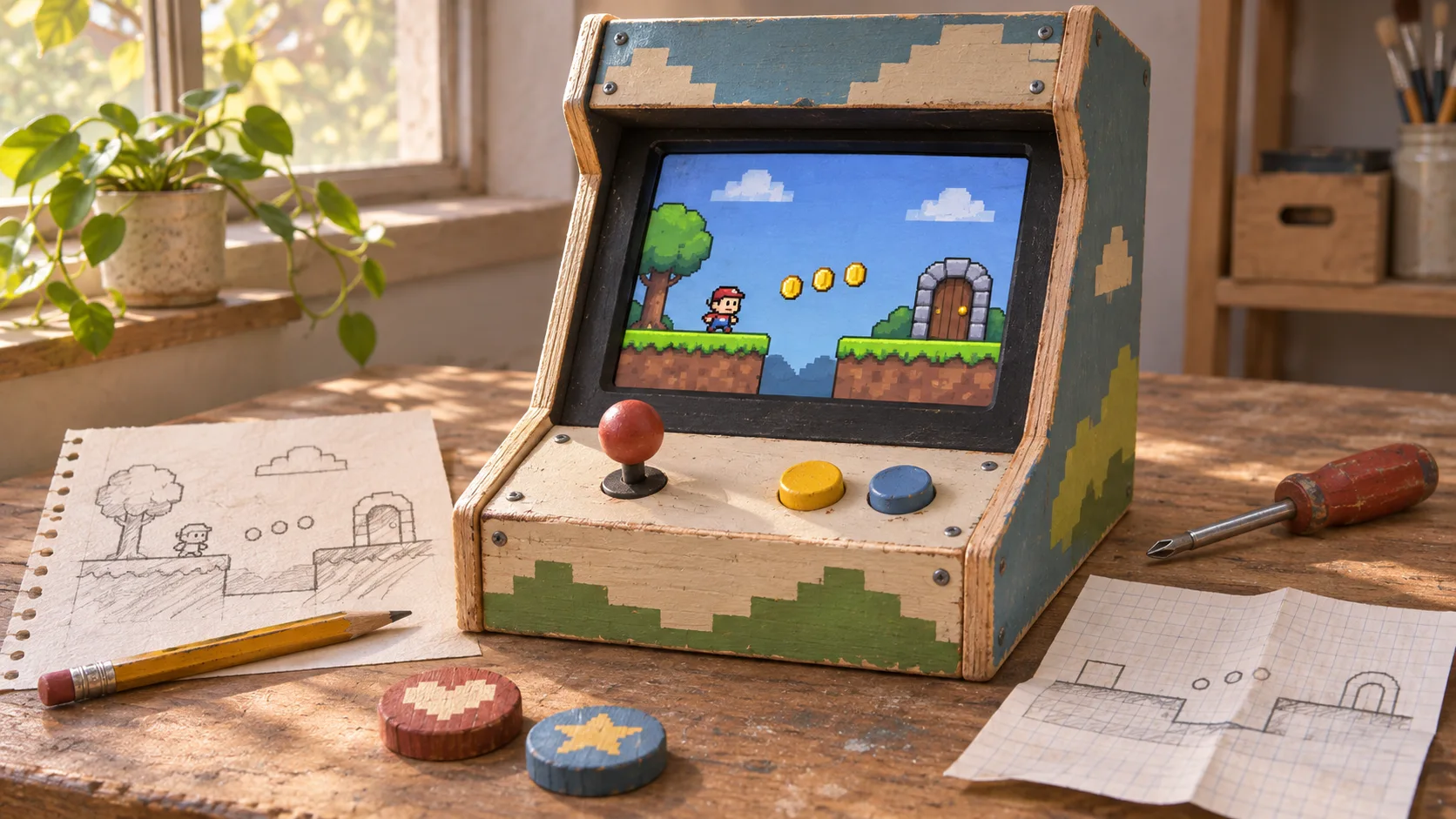
Choose keys, pointer, or touch before designing the first challenge.

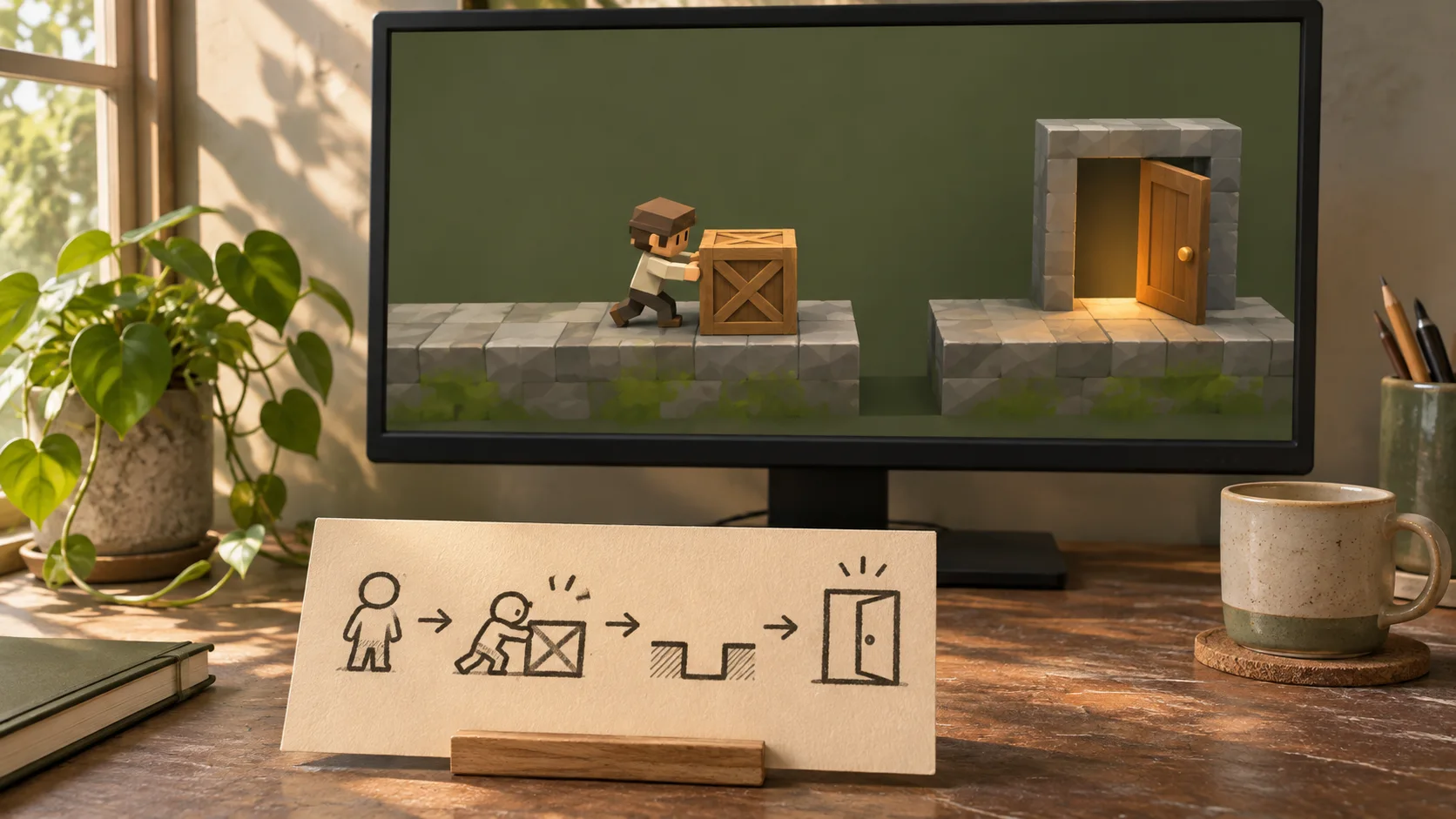
Plan a browser game around its first screen, input method, and one clear win condition. Start with a small game loop that can be understood in the browser. Name the player action, how input works, and what success looks like.
Partners and teams

















How it works
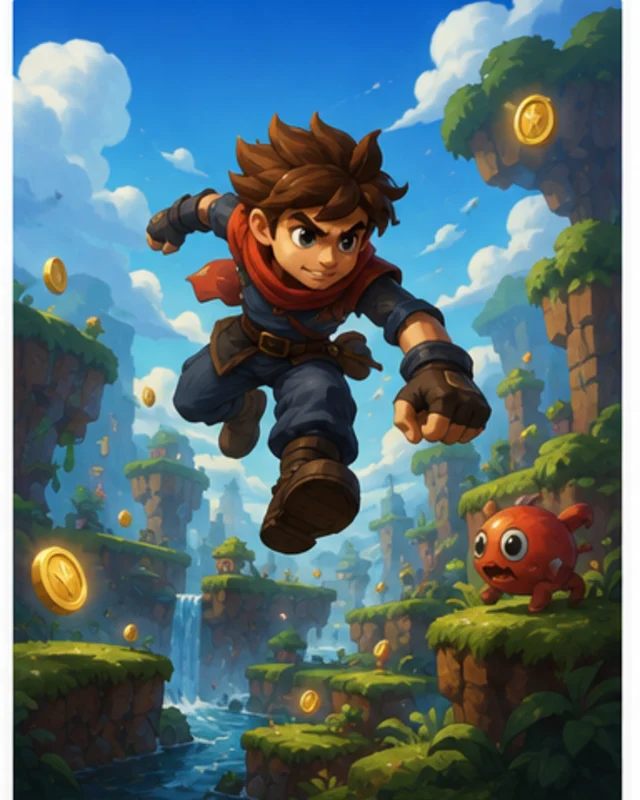
Enter genre, camera, player goal, controls, and target device. Seele AI organizes the rough idea into a clearer gamescript and browser game prototype direction.

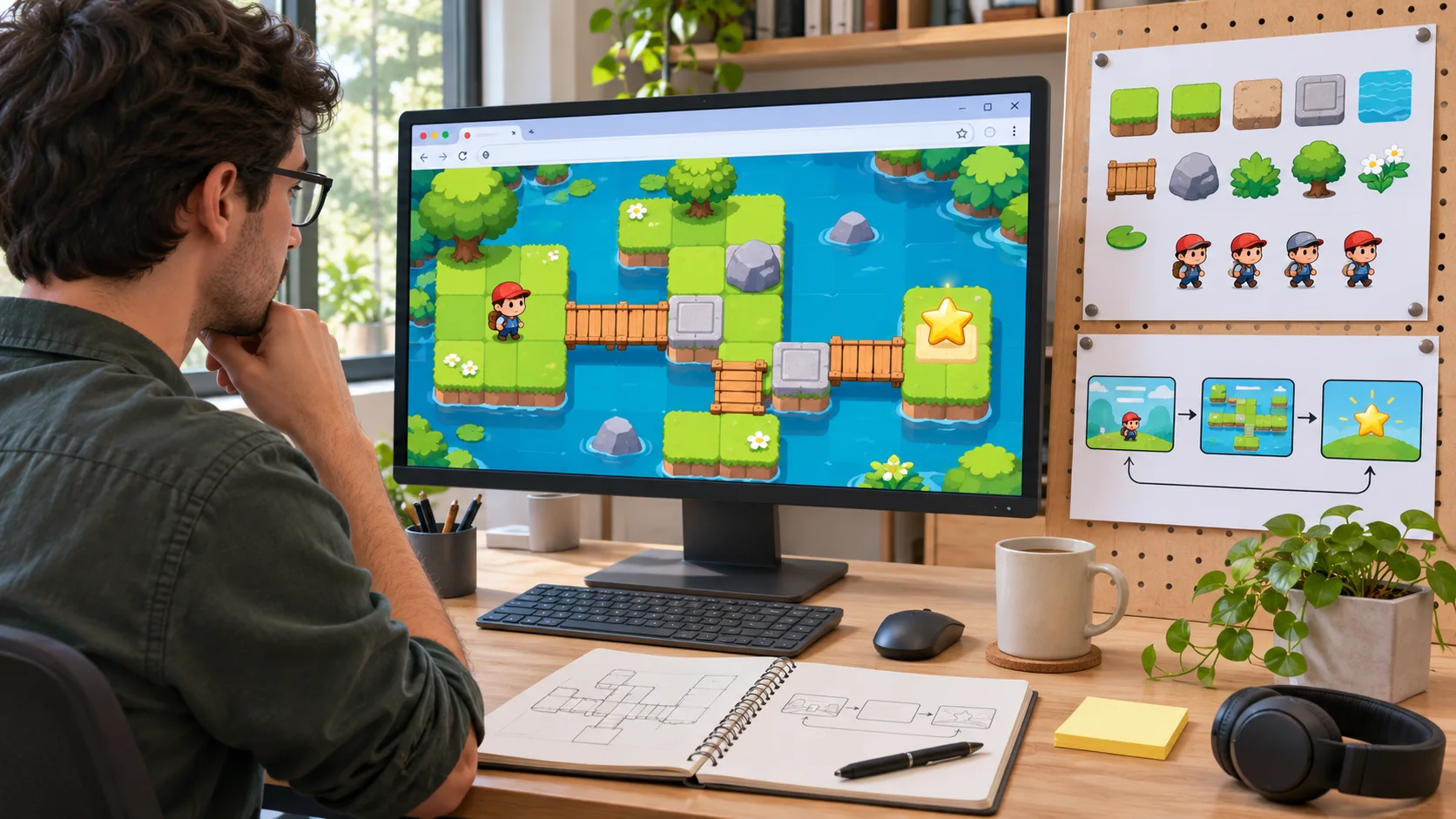
Add the first level, core interaction, win condition, and asset needs. The workflow turns broad ambition into a testable playable slice.

Launch the prompt and iterate on game feel, visuals, and scope. The carried prompt becomes the starting point for generation and refinement.
Pick a starting point
Start with one browser round and test the same input rules on a phone and a desktop.
Create an HTML5 parcel sorter. For 45 seconds, send colored parcels to matching bins with arrow keys or touch buttons. Show the score, timer, and a cue for a wrong bin. Keep the bins in view on a narrow screen and include a restart button.
Build an HTML5 parcel sorter ↗Why SEELE
Choose keys, pointer, or touch before designing the first challenge.

Show the objective and the controls where the player needs them.

Give the game clear start, play, success, and retry states.

A quick round makes browser testing and iteration easier.

Confirm that controls and the play area remain visible.

State the browser behavior or asset needs the prototype depends on.
Made with SEELE
These games are playable. Pick one and give it a try.
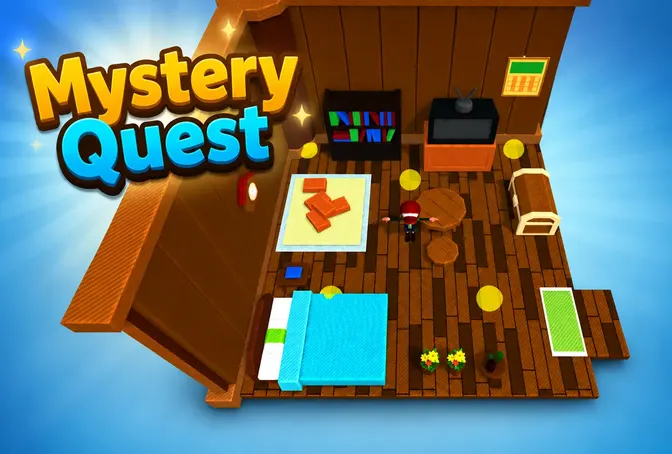 AdventureAdventure GamePlay the example ↗
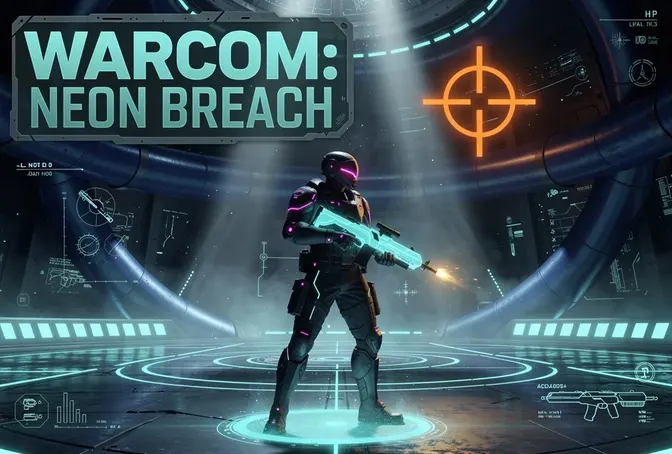 ShooterWarcom: Neon BreachPlay the example ↗
 ActionOld Gods RunPlay the example ↗
 CasualCaution! Egg on the Car RoofPlay the example ↗
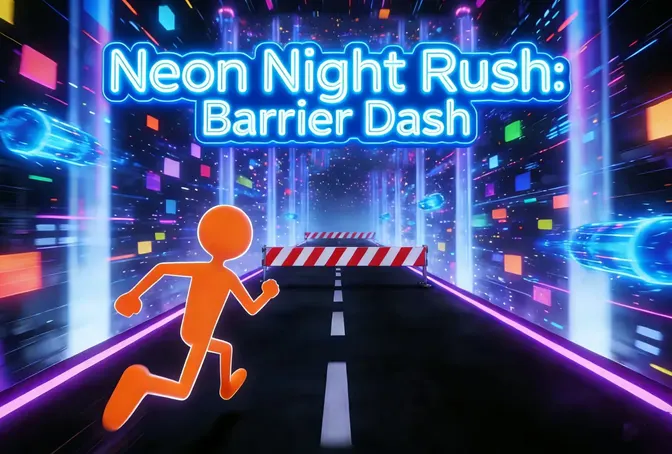 RunnerNeon Night Rush: Barrier DashPlay the example ↗
 PuzzleMuseum ExhibitionPlay the example ↗
 SimulationMilky Way Idle 3DPlay the example ↗
 CasualSnowfall & Starry GiftsPlay the example ↗
 RPGCrownfall-The-Three-Realms-CoverPlay the example ↗
 SimulationFLYING CARPlay the example ↗
Who it’s for
Define the player, one core mechanic, and one testable outcome for a first AI Browser Game Maker for Game Scripts brief. Keep the scope small enough to playtest.
Game Generator AI Free ↗Compare AI Browser Game Maker for Game Scripts directions against the target player and engine workflow before the team commits to a larger build.
AI Game Generator from Prompt ↗Reviews
FAQ
An AI browser game maker helps turn a web game idea into a structured gamescript or game script AI prompt, including genre, camera, controls, first scene, gameplay loop, and asset direction.
Yes. Start by naming whether the prototype is 2D, 3D, isometric, first person, or third person, then describe the first playable slice. This can guide a browser game plan or a coding website used to make games, while keeping the first test small.
For AI Browser Game Maker, describe the intended result in plain language, then inspect the code, assets, and behavior returned in Workspace. Generated work may need edits and testing before it is shared or extended.
Before a first AI Browser Game Maker for Game Scripts project, define the task, intended audience, one visible outcome, and a constraint. Use Core game loop as a direction that fits the brief.
Start with the one-screen fruit game: move the basket with the arrow keys, catch the falling fruit, and show a score and end state. Increase drop speed only once for the first test.
For AI Browser Game Maker for Game Scripts, name the intended user, one action, and a visible outcome. Use Core game loop as a starting direction and add one requirement from its example prompt.
Ask someone to play the fruit round with only the on-screen instructions. They should find the arrow controls, understand the score, and know when the run ends; then try whether the maze gate’s rhythm is readable.
Choose Core game loop for catching fruit and scoring. Choose Player challenge to test the moving maze gate, visible exit, and retry after a collision.
Check that left and right input moves the basket, a catch changes the score, and the round can end. In the maze, make the gate rhythm and retry point clear before asking for precision.
Scope a first AI Browser Game Maker for Game Scripts prototype to Core game loop, one user action, and one visible outcome. Defer secondary features until that path works.
Choose Core game loop for catching fruit and scoring. Choose Player challenge to test the moving maze gate, visible exit, and retry after a collision.
Specify the player, one action, one goal, and the end condition. Choose keyboard or touch controls and a target screen size. Preview a complete round, test reset and narrow-screen layout, then change one mechanic at a time. For a 3D asset, add it to the workspace and confirm scale, materials, and collision in the preview.
Match a linked tool's input and output to one need in the AI Browser Game Maker for Game Scripts brief. If it does not support that step, skip it and keep the test in the main project.