Key Takeaways: How to Make a Shareable No-Download Browser Game
- To make a shareable no-download browser game, scope one small loop, use a browser-native or web-outputting stack, optimize public assets, test the final build across supported devices, publish web-ready files to an authorized HTTPS host, and share the resulting URL with honest requirements. Verify any prototype-to-web handoff; this guide does not promise a one-click SEELE export, integration, or publishing path.
A no-download browser game is a small web application that loads in a modern browser from a normal HTTPS link. Players should not need an installer, extension, account, or special launcher. The practical workflow is: define one tiny game loop, build it with web-friendly technology, keep its files lightweight, test on the devices you support, publish the static files to an authorized web host, and share the resulting URL.
This is a legitimate creation and hosting workflow. It does not involve bypassing school or workplace controls, hiding traffic, or using alternate routes around network policy. A working public link can still be restricted by an organization, and players should use it only where permitted.
Updated: 2026-08-06.
Start with the delivery promise

Before choosing an engine or writing code, define what “runs from a link” means for your project:
- the first screen appears quickly on a typical mobile connection;
- the core loop works with keyboard, pointer, and touch where relevant;
- the game does not require a browser extension or executable download;
- progress, audio, and fullscreen behavior are explained honestly;
- the host uses HTTPS and a stable URL you are authorized to publish;
- players know whether the game stores data, connects to a server, or includes social features.
A one-screen puzzle, short score challenge, visual toy, turn-based prototype, or small narrative scene is a better first target than an online world. Multiplayer, user accounts, payments, voice chat, and persistent cloud saves add backend, moderation, privacy, security, and support work. Add them only when the project truly needs them.
Scope one small game loop

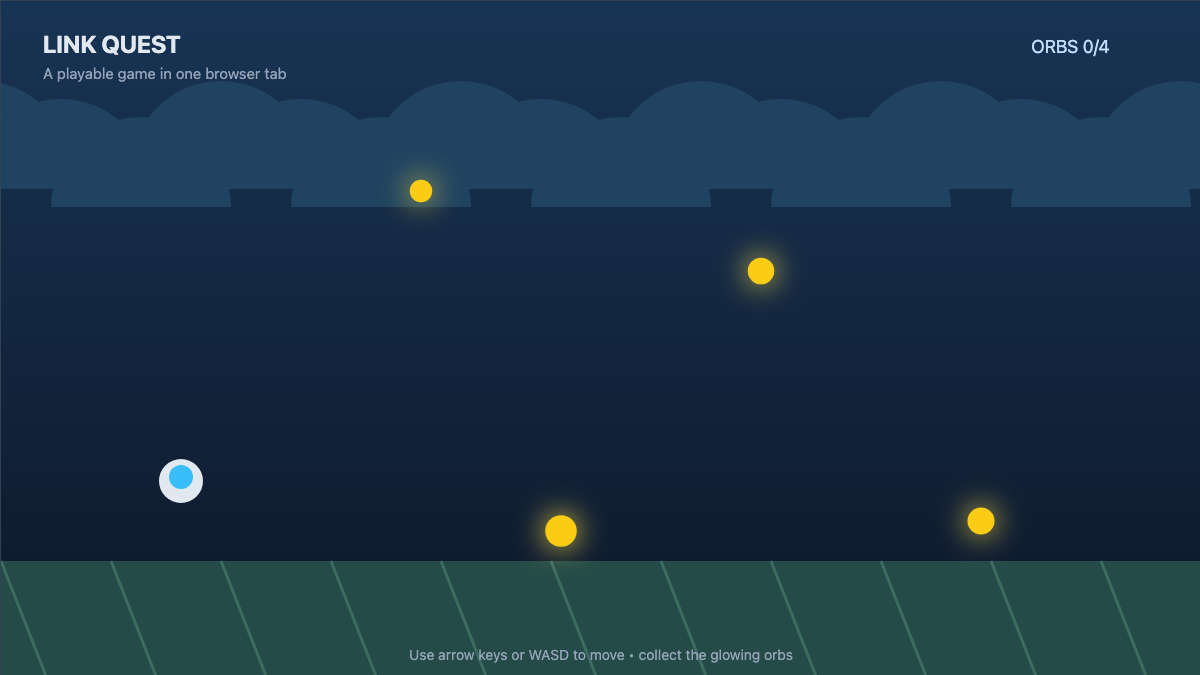
Write the loop in one sentence: the player performs an input, the game changes, the player receives feedback, and the challenge resets or advances. For example, “tap to move a character between three lanes, avoid obstacles for 45 seconds, then show a score and retry button.”
Limit the first playable version to:
- one controllable action;
- one win or score condition;
- one failure or reset condition;
- one short session;
- a clear start, pause, and restart path.
This scope is not merely easier to finish. It also reduces download size, memory pressure, loading delay, input complexity, and the number of states that can break on mobile. MDN’s game development resources explain the browser APIs and design concerns behind web games, while its anatomy of a video game describes the update-render loop used by many interactive projects.
Choose a browser-friendly stack
For a very small 2D game, plain HTML, CSS, and JavaScript with Canvas can be enough. A lightweight web game library can help with scenes, input, animation, audio, and asset loading. A 3D project may use WebGL through an engine that supports web output, but its models, textures, shaders, and runtime can make the first load much heavier.
Evaluate a tool by its actual output and license, not by marketing labels. Ask:
- Does it produce files that a standard HTTPS web host can serve?
- Which browsers and mobile devices does it support?
- How large is the runtime before your own art and audio?
- Can the game resize without clipping controls?
- What are the asset, engine, and third-party license obligations?
- Does export require a paid plan, proprietary service, or manual build step?
A browser game commonly ends as an index.html file plus JavaScript, styles, images, audio, fonts, and data files. More complex games may also need a backend. Static hosting alone cannot provide secure accounts, authoritative multiplayer state, private keys, or trusted payment processing.
Build for small and predictable loads
Treat every asset as part of a loading budget. Resize images to the largest size actually displayed, compress them, remove unused audio, subset fonts where licensing permits, and avoid shipping source assets that the browser never needs. Load the first playable scene before optional levels or cosmetic media.
Also design failure states. Show a simple loading indicator, explain when audio needs a user gesture, and provide a retry path if an asset fails. Do not disguise a large download as “instant.” On slower devices, graceful simplification is better than an elaborate scene that freezes or crashes.
The performance guidance at web.dev is written for websites broadly, but its principles—smaller transfers, less main-thread work, stable layout, and responsive input—apply directly to browser games.
Make controls and presentation adaptable
Use a responsive game container rather than assuming one screen size. Decide whether the game letterboxes, scales, or rearranges its interface. Keep essential controls away from browser gestures and phone notches. Make tap targets comfortably large, support keyboard focus, and avoid requiring hover.
Provide visible feedback without relying only on color. Offer a mute control, avoid unexpected autoplay, and respect reduced-motion preferences where possible. Test with zoom and high-contrast settings. Accessibility does not have to wait for a large release; readable labels, remappable actions, adjustable timing, captions, and non-color cues are easiest to add while the game is still small.
Where SEELE AI can fit—and where the handoff begins
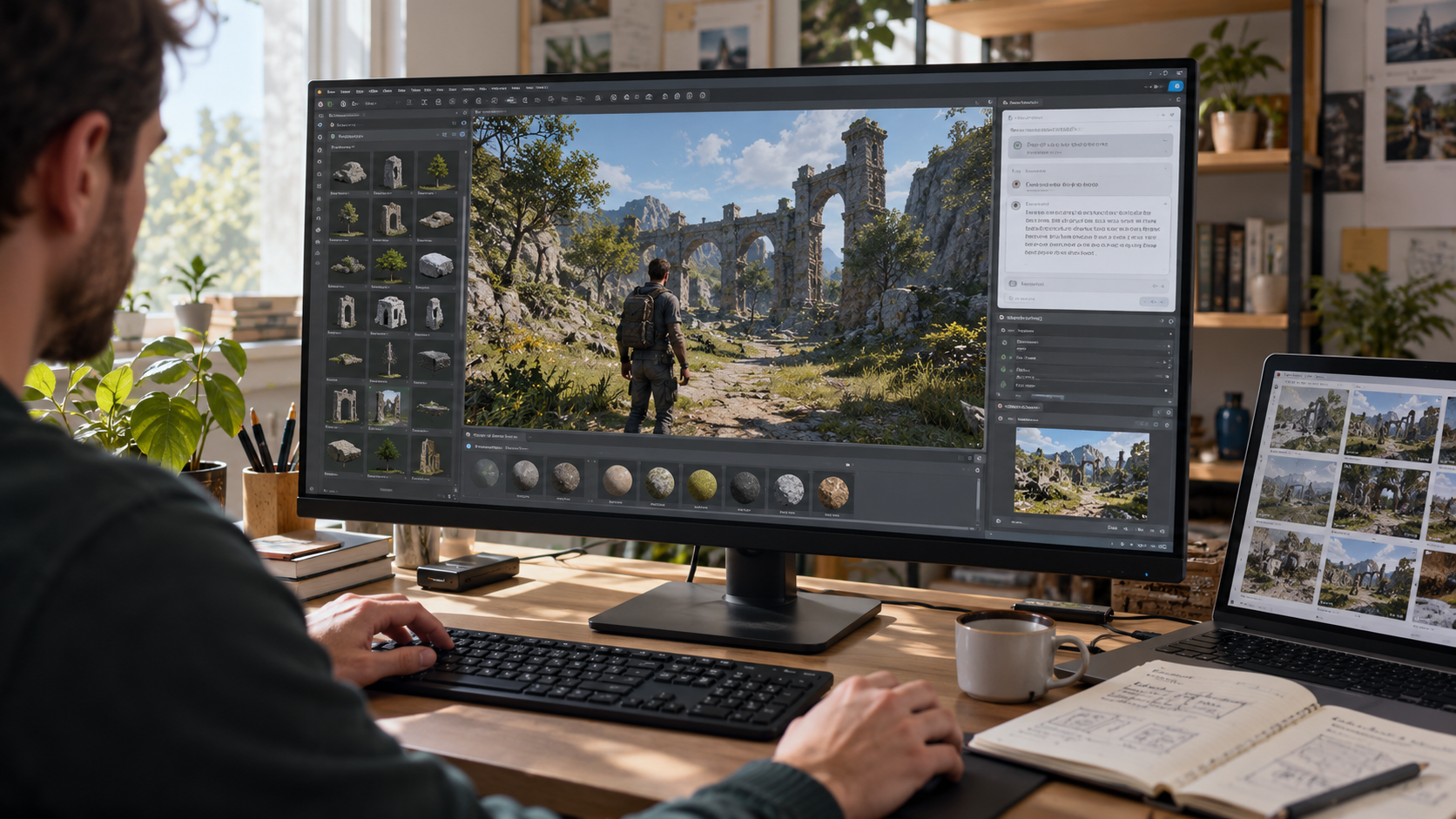
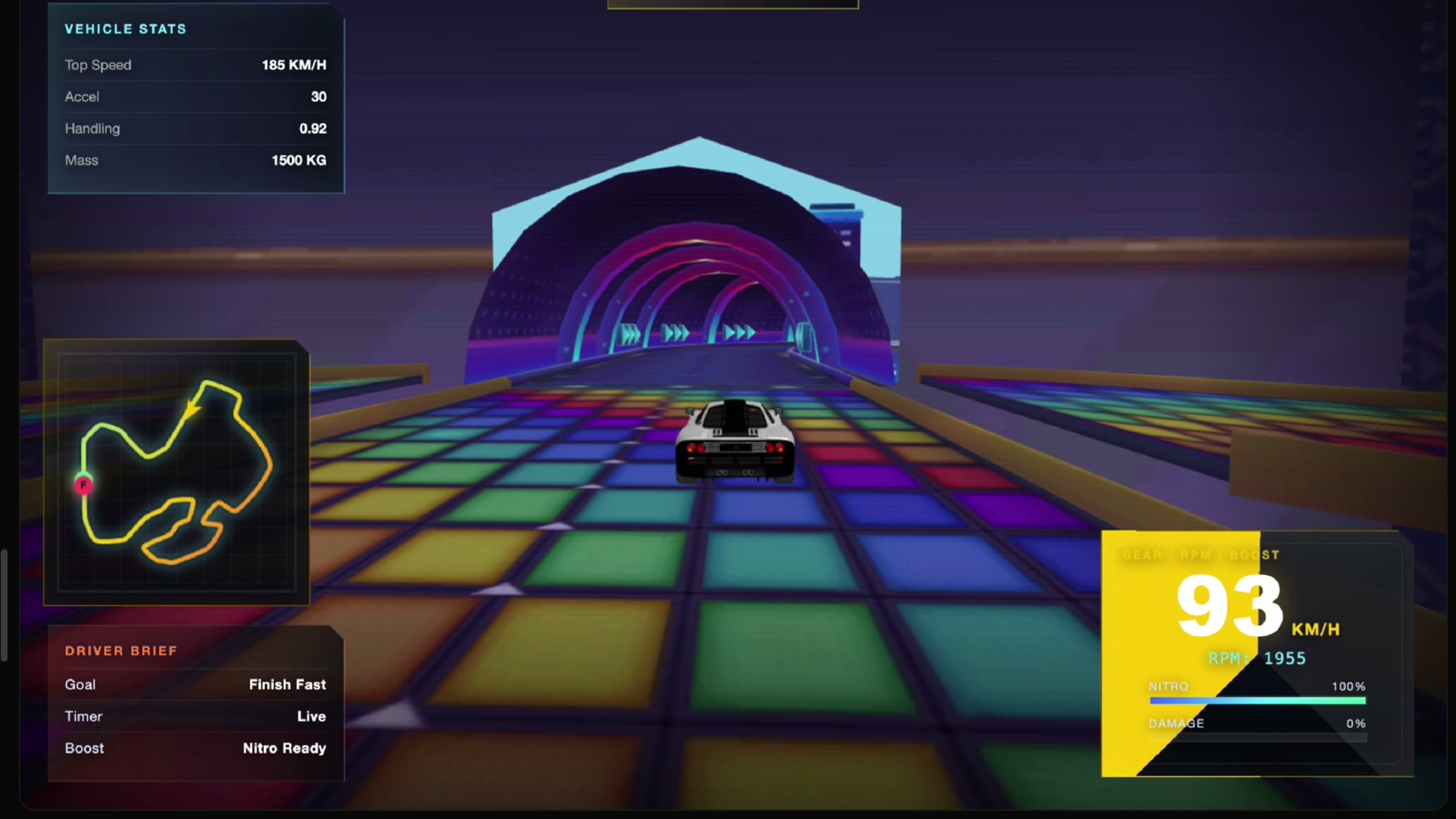
SEELE AI can help a creator explore a game idea and iterate on a prototype in a workspace. Use that stage to clarify mechanics, camera, art direction, controls, and playtest feedback. Then verify the current workspace capabilities and inspect the project you actually have before choosing a delivery path.
Do not assume this article promises a one-click SEELE export, integration, host, or publishing feature. The final browser-link workflow requires web-ready files and a host that supports them. If the workspace does not provide the files or build format your chosen host needs, hand the concept, assets, and implementation requirements to a conventional web project or supported engine workflow. Keep product exploration separate from claims about deployment.
For a creator-oriented starting point, see AI Browser Game Maker. Treat any tool page as an entry into creation and verification—not evidence that every hosting target or export format is supported.
Test before you share

Run the game through a local development server during development; opening files directly can behave differently from a real web origin. Before publishing, test the final build on:
- a current Chromium-based browser, Firefox, and Safari where your audience uses them;
- at least one lower-powered phone, not only a desktop workstation;
- portrait and landscape orientations if both are supported;
- keyboard-only, pointer, and touch paths;
- a throttled or slower connection;
- refreshed and deep-linked pages on the intended host;
- muted audio, interrupted loading, backgrounding, and restart states.
Ask playtesters to use a clean browser profile so cached files do not hide missing assets. Check the console and network panel for failed requests, wrong paths, oversized files, mixed content, and uncaught errors. Confirm that no development secrets, source maps containing private material, API keys, or personal data were bundled into public files.
Publish to an authorized web host
Choose a host that matches the build. Static hosts can serve a client-only game composed of public files. GitHub Pages is one example for static sites; itch.io’s HTML5 documentation describes its requirements for browser-playable uploads. Other hosts have different limits, headers, routing, caching, and content rules.
Follow the host’s current documentation. Upload only files you own or are licensed to distribute. Configure the expected entry file and relative asset paths, enable HTTPS, and retest the public URL in a private window. If the game needs a backend, deploy that separately with appropriate authentication, rate limits, logging, privacy notices, and secret management—never place server credentials in browser code.
A school, employer, library, or event can still restrict the published site. Do not tell players to evade those controls. Ask the responsible administrator for approval or use an approved venue. For player-side safety and permission checks, read Legal No-Download Browser Games for School Breaks.
Share responsibly and maintain the link
Send a short description with the URL: supported devices, approximate load size, controls, session length, audio behavior, data collection, content rating or audience, and a contact for problems. Avoid shortened or misleading links when recipients need to verify the destination.
After launch, monitor failed loads and player feedback, keep dependencies patched, preserve license records, and provide a way to remove or replace the game. A shareable browser game is not a one-time upload; it is a small public software product with an owner and maintenance obligations.
Bottom line
The shortest reliable path is a tiny loop, a browser-native or web-exporting stack, a strict asset budget, real cross-device testing, and an authorized HTTPS host. Prototype tools can help shape the game, but verify the handoff instead of assuming an export or publishing capability. Share the final link with honest requirements, respect network policy, and maintain what you publish.
FAQs
What files does a no-download browser game need?
A small client-only game usually needs an index.html file plus JavaScript, styles, and optimized media. Accounts, multiplayer, or trusted transactions also require a properly secured backend.
Do players download anything when a game runs in a browser?
The browser still transfers page code and media, but players should not need an installer, extension, or separate executable for a true no-install experience.
Can I host a browser game as a static site?
Yes, if the game is client-only and its build uses static public files. Server accounts, private state, multiplayer authority, and secrets require backend services.
Does SEELE AI provide one-click export or publishing to every web host?
This guide makes no such claim. Verify the current workspace and the output you actually have, then use a supported web build and hosting workflow.
What should I test before sharing the link?
Test browsers, phones, orientations, keyboard and touch input, slow loading, refresh behavior, missing assets, console errors, accessibility, and the final public HTTPS URL.