Key takeaways
- Use a tool that exports a complete HTML5 or Web build, then host that exported folder over HTTPS. For the fastest low-code route, use GDevelop or Construct with itch.io. For a code-first, Web-native project, use Phaser with a static host. Godot Web export is a good engine-style option when you have tested its browser constraints. The final acceptance test is simple: a new player can open one public URL in a private browser window and start playing without downloading an installer.
The short answer
Use a tool that exports a complete HTML5 or Web build, then upload that build to a host that serves it over HTTPS. The player opens one URL and the game runs in a modern browser without an installer. For most hobbyists, GDevelop or Construct plus itch.io is the fastest low-code route. If you want to write code and keep direct control over the project, use Phaser with a static host. If you already prefer a general-purpose engine, Godot's Web export can work, but test browser and hosting constraints before committing to it.
The important choice is not simply “which game engine is best?” It is whether your creation tool can produce browser-ready files and whether your host can serve those files correctly. A downloadable Windows, macOS, or mobile build does not become an instant-link game just because you put the installer on a webpage.
What an instant-link browser game actually needs
A browser game normally arrives as an HTML entry page plus JavaScript, images, audio, and sometimes WebAssembly data. The host sends those files to the player's browser. The browser loads them, starts the game, and handles input, graphics, sound, and storage within the permissions of the page.
That gives you three practical requirements:
- A Web export. Your tool must export HTML5, WebGL, JavaScript, or WebAssembly content intended to run in a browser.
- Static-file hosting or an HTML5 game page. The host must serve the entry file and every referenced asset from stable URLs over HTTPS.
- A tested first load. The game must load quickly enough that a new player does not leave before the title screen appears.
A simple game can be entirely static. Accounts, shared inventories, real-time multiplayer, cloud saves, or creator dashboards introduce backend services and change the hosting decision. Do not add those systems until the one-link single-player build works reliably.
Pick the creation tool by how you want to work
Choose GDevelop or Construct for the shortest no-code path
Visual event systems are a good fit when your goal is to finish and share a small fan game, game jam entry, interactive story, or arcade prototype without building an engine layer first. You assemble scenes and behaviors, define events, export for the Web, and upload the resulting package.
Choose this route when you value fast iteration over low-level control. Before paying for a plan or building a large project, verify the current export options, licensing terms, file-size limits, and whether the features you need work in a browser. The official GDevelop Web publishing guide and Construct exporting guidance are the right places to confirm the current workflow.
Choose Phaser when you are comfortable with JavaScript or TypeScript
Phaser is a browser-focused 2D game framework. It is a strong choice when you want your game to live naturally in the Web stack, keep the repository easy to inspect, and use ordinary frontend deployment tools. You will write more code than with a visual editor, but you also control loading, layout, input handling, and integration with surrounding webpages.
This route suits custom interfaces, lightweight 2D games, portfolio pieces, and projects that may later connect to a Web service. The tradeoff is that you own more engineering decisions, including asset loading, scene organization, mobile input, and build tooling. Start with Phaser's official overview, then deploy the production output rather than the source-development server.
Choose Godot Web export when you want an engine workflow
Godot can export projects for the Web, which is useful if you prefer scene trees, an editor, and an engine-style project. It is reasonable for 2D work and carefully scoped 3D experiments, especially when the same project may also produce desktop builds.
The browser is not identical to a desktop runtime. Rendering features, multithreading, networking, memory, mobile browser behavior, and host headers can affect the result. Read the current Godot Web export documentation and test an exported slice on your target browsers before building the whole game around an unverified feature.
Choose the host by the kind of link you want to share
For the easiest public game page, itch.io is often the most direct choice. It accepts HTML5 projects and gives the project a page that can include instructions, screenshots, comments, and downloadable alternatives. Follow the current itch.io HTML5 upload guide when packaging the files.
For a cleaner standalone URL, use a static site host such as GitHub Pages, Cloudflare Pages, Netlify, or Vercel. These services are suitable when the exported game is a collection of static files. Connect a repository or upload the build directory, set the correct output folder, and confirm that the entry page is served at the route you share.
Use a custom domain when presentation and ownership matter. It makes the link memorable and lets you move between compatible hosts later. It does not fix a broken export, so validate the provider URL before configuring DNS.
Do not share a local development address such as localhost, a file path from your computer, or a preview URL that expires. Open the final link in a private window or on another device to prove that it works without your logged-in session.
A reliable workflow from idea to shareable URL
- Build one complete loop. Include a start state, the main interaction, a win or fail condition, and a restart action. A tiny finished loop is more useful than a large unfinished map.
- Design for browser input. Support keyboard controls where appropriate, but add pointer or touch controls if phone players matter. Avoid requiring hover or right-click for essential actions.
- Compress the first download. Resize images to their displayed dimensions, use appropriate audio compression, remove unused assets, and split optional content from the initial scene.
- Export a production Web build. Use the tool's Web or HTML5 target. Keep the directory structure intact; moving files individually can break relative asset paths.
- Upload the complete output directory. The entry HTML file and every dependency must be deployed together.
- Test the public URL from a cold start. Use a private window, disable cached data, and try at least one desktop browser and one phone if mobile sharing matters.
- Send the link with one instruction. Tell players what to do first, such as “Use WASD to move and collect four orbs.” Do not make them hunt for the controls.
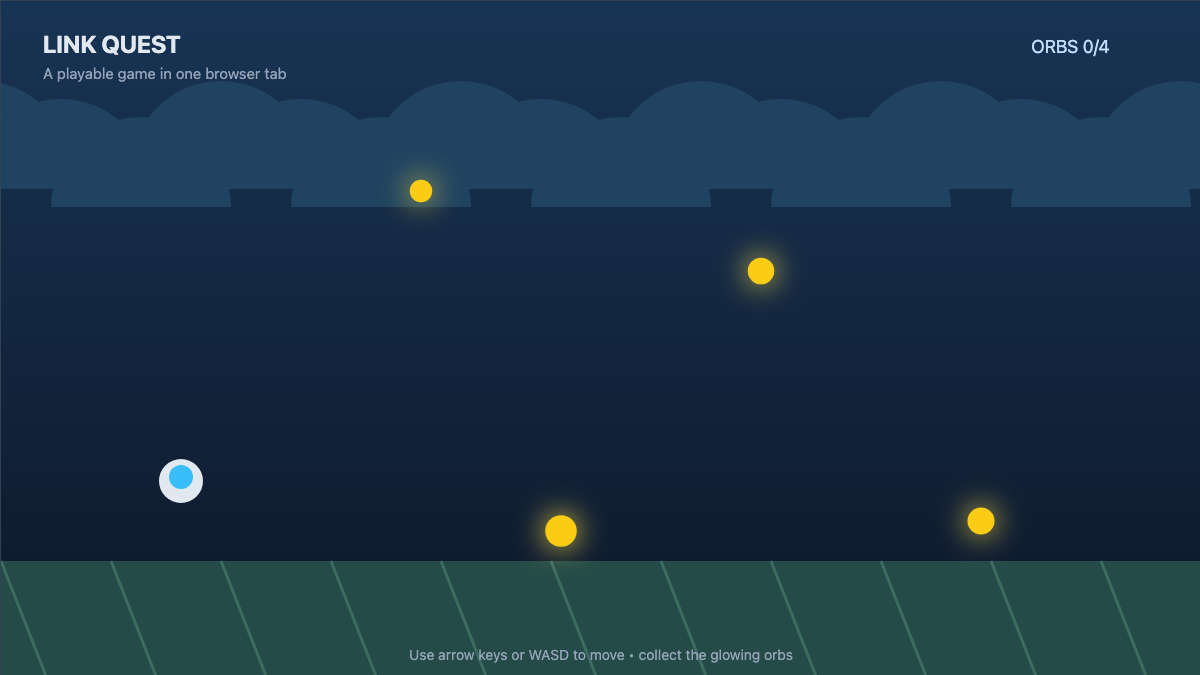
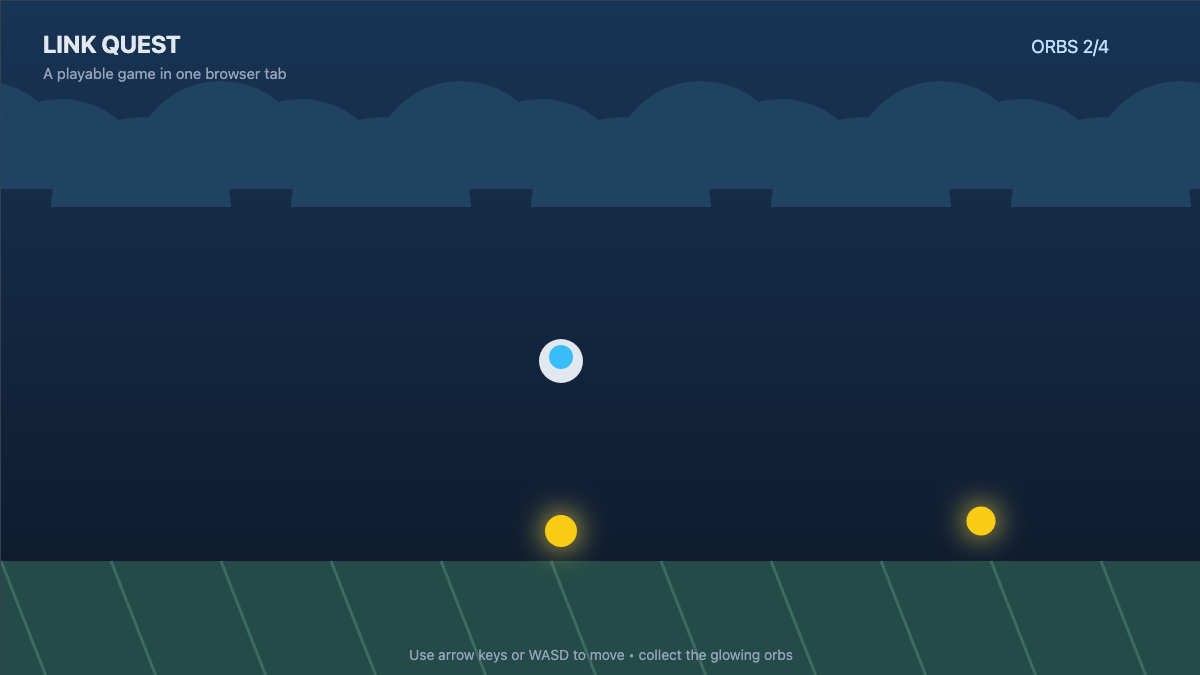
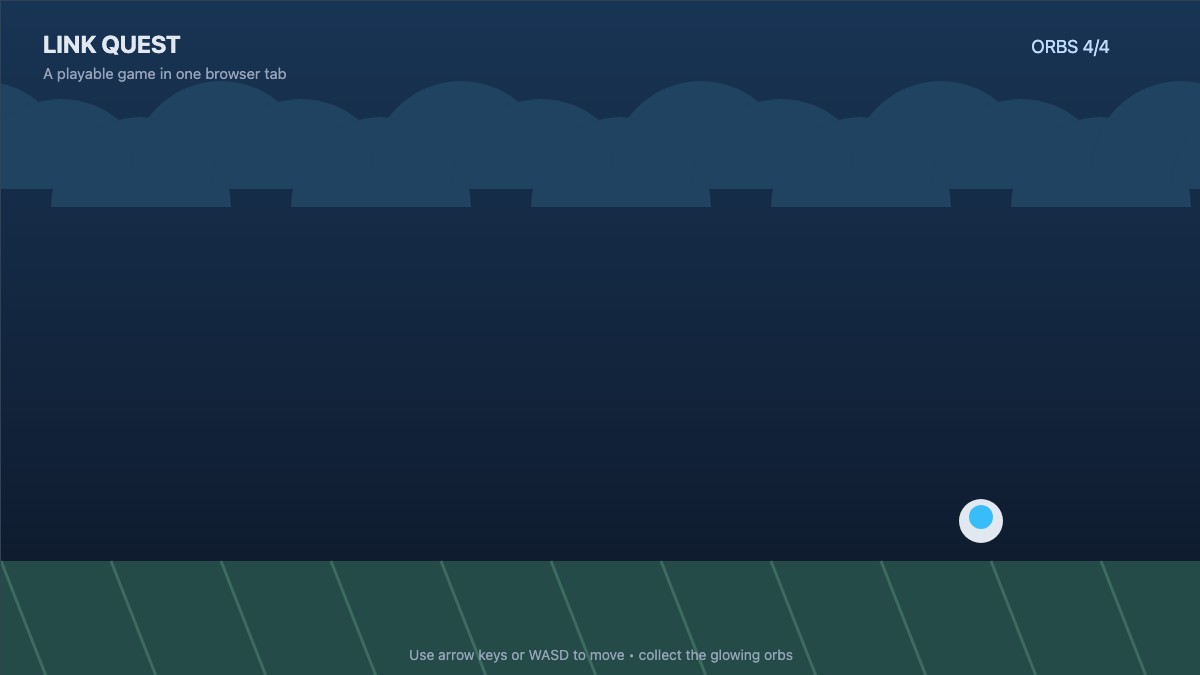
The captured example on this page is deliberately small: one room, one movement system, four collectibles, and an on-screen goal. That scope is enough to validate the full chain from browser input to public delivery before adding levels or accounts.
Test the things that most often break after upload
A working editor preview is not proof that the public build works. Check the deployed version for a blank screen, missing assets, audio blocked until interaction, incorrect letterboxing, touch controls hidden off-screen, keyboard focus captured by the page, and saves disappearing after privacy settings change.
Also inspect the browser console for missing-file errors. Paths can be case-sensitive on the host even when they appeared forgiving on your computer. If Player.png is exported but the game requests player.png, the asset may fail only after deployment.
Ask one person who has never opened the project to test the link. Record the device, browser, time to first interactive screen, first confusing moment, and whether restart works. Fix the first point of abandonment before expanding content. For a fan game, also confirm that you have permission to use the characters, music, logos, and other source material; a technically shareable build is not automatically authorized for public distribution.
The decision in one minute
Choose GDevelop or Construct plus itch.io if you want the quickest visual workflow and a ready-made game page. Choose Phaser plus static hosting if you can code and want a lightweight, Web-native project with flexible deployment. Choose Godot Web export plus static hosting if you want an editor-led engine workflow and have tested the exact browser features your project depends on.
Whichever route you choose, make “opens from a fresh browser link” the acceptance test from the first playable milestone. That keeps instant sharing as a property of the game rather than a packaging problem left for the end.
FAQs
What is the easiest way to make a game playable from a link?
For many hobbyists, the easiest route is a visual game tool with an HTML5 or Web export, followed by an itch.io upload. GDevelop and Construct are common options. Build one tiny complete loop, export the full package, and test the public page in a private browser window before sharing it.
Do players need to install anything for an HTML5 game?
Usually no separate game installer is required. The browser downloads the page and game assets when the player opens the URL. A modern browser and any features required by the game are still necessary, and the player may need to interact once before audio starts.
Can I host a browser game for free?
Yes. HTML5 game pages and static-site hosts often provide free tiers suitable for prototypes and small hobby projects. Check current storage, bandwidth, build, and usage limits before relying on a service for a popular release, and keep a copy of the exported build so you can move it later.
Can a browser game work on phones?
It can, but mobile support must be designed and tested. Add touch controls, responsive scaling, readable text, sensible orientation behavior, and a small initial download. Test on real mobile browsers rather than assuming a desktop Web build will translate automatically, especially if the game uses keyboard focus or large textures.
Why does my Web export work locally but fail after upload?
Common causes include missing files, incorrect output folders, case-sensitive asset paths, unsupported host headers, mixed-content requests, and assumptions tied to a development server. Check the deployed browser console, verify every requested URL, and confirm that the host serves the entry page and its dependencies from the expected paths.
Is an instant-link game suitable for a fan game?
The delivery format is suitable, but public availability does not grant rights to someone else's characters, music, artwork, or trademarks. Use original or authorized material, review the relevant fan-content rules before publishing, and remember that removing a download step does not remove copyright, trademark, or platform-policy responsibilities.