Key takeaways
- Can I make a game in a browser without Unity? Yes. Choose a visual no-code builder, a prompt-first AI game maker such as SEELE AI, or a browser coding framework. Start with a one-screen, 30-second game; test one change at a time; and check sharing, recovery, and export options before committing to a larger project.
Yes. You can make a small game entirely in a web browser without installing Unity or another desktop engine. The best tool depends on how you want to work: a visual no-code builder if you prefer dragging behaviors together, a prompt-first AI game maker if you want to describe the result in plain language, or a browser coding framework if you are comfortable learning some JavaScript. For a complete beginner who wants the shortest path from idea to playable link, start with a tiny one-screen game and choose a tool that can preview and share the result in the browser.
The important distinction is that “browser-based” describes the workspace, not the amount of work involved. You can skip engine installation and local setup, but you still need to choose a clear game loop, test the controls, fix confusing moments, and keep the project small enough to finish.
What counts as a browser-based game maker?

A browser-based game maker runs its editor or creation workflow on a website. You open a URL, sign in if required, create a project, and preview the result without first installing a full game engine. Some tools store projects in the cloud; others let you export files or publish a web link. The exact export and ownership options vary, so check them before committing to a long project.
This is different from simply playing a web game. A useful browser creation tool gives you a way to define scenes, player input, rules, goals, and feedback. It should also let you test changes quickly. For a first project, you do not need advanced rendering, a marketplace full of assets, or console deployment. You need a reliable edit–play–fix loop.
Browser tools remove several setup hurdles: large downloads, operating-system compatibility checks, local project folders, and engine updates. They are especially useful on a shared computer, a lightweight laptop, or when you want to test an idea before deciding whether to learn a traditional engine.
The three main browser-based routes
Visual no-code builders
A visual builder represents logic with events, behaviors, blocks, or connected actions. You might set a rule such as “when the player touches a coin, increase the score and remove the coin” without writing that rule as source code. This route is good for people who think spatially and want to inspect each rule.
The tradeoff is that visual systems still have concepts to learn. Variables, conditions, collisions, object states, and scene order do not disappear; they are presented differently. Large projects can also become difficult to scan when many event sheets or blocks depend on one another.
Prompt-first AI game makers
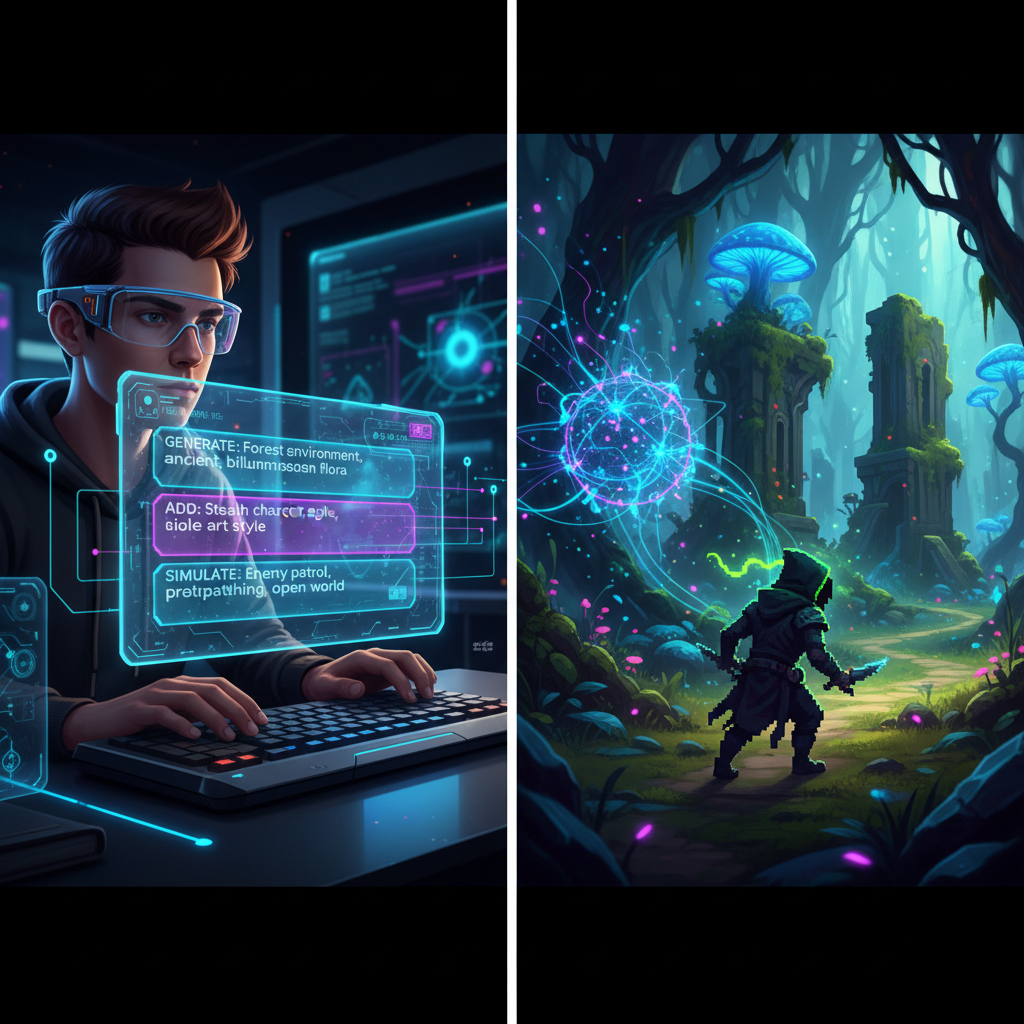
A prompt-first tool lets you describe a game or a change in everyday language. For example: “Make a one-screen game where the player moves left and right to catch stars for 30 seconds. Show the score and add a restart button.” The tool can turn that direction into a first playable draft and help with follow-up changes.
This route can be the least intimidating for a complete beginner because the first interface is conversation rather than an empty engine. SEELE AI offers a browser workspace for this prompt-first approach. Treat every generated result as a draft: play it, describe one problem at a time, and verify the fix before asking for another feature.
Browser coding frameworks
A browser coding framework gives you more direct control, usually through HTML, JavaScript, and a game library. It can be a good bridge if your long-term goal is to learn programming. You will see how input, movement, physics, and game state work in code, often with a quick browser preview.
The cost is a steeper first hour. You may need to understand files, functions, errors, and browser developer tools. Choose this route when learning code is part of the goal—not when your main requirement is to avoid technical setup altogether.
How to choose without getting overwhelmed
Start with your preferred way of giving instructions. If you want to arrange objects and rules visually, try a no-code builder. If you want to explain the game in sentences and iterate through conversation, try a prompt-first tool. If you want to own and understand every line of behavior, use a browser coding framework.
Then test five practical criteria:
- First playable time: Can you make a character move and reach a goal in one session?
- Preview loop: Can you test a change immediately without a long build process?
- Sharing: Can another person open the result easily, and what permissions are required?
- Recovery: Can you duplicate a project, undo a bad change, or return to a working version?
- Exit options: Can you export the project or assets in a form that matches your future plans?
Do not select a tool based on the most impressive showcase project. Select it based on whether you can understand and revise a small project yourself. A tool is beginner-friendly only if you can tell what changed, test the result, and recover when something breaks.
A first browser game you can actually finish
Choose a one-screen collection game. The player moves left and right, catches falling stars, earns one point per star, and plays for 30 seconds. The game needs only a player, one collectible, movement, collision detection, a score, a timer, an end state, and a restart button.
This scope is small enough to reveal whether the tool fits you. You will touch the essential parts of game creation without needing levels, dialogue, inventory, multiplayer, or saved progress. If the tool makes this tiny loop confusing, a larger project will not improve the experience.
Use a plain-language brief before you open the editor:
Create a one-screen browser game. The player moves left and right with the arrow keys. Stars fall from the top. Catching a star adds one point. The round lasts 30 seconds, then shows the score and a restart button. Use simple high-contrast shapes first.
The last sentence matters. Temporary shapes let you test the rules before spending time on art. Once the loop works, add a clear catch effect, a missed-star effect, readable instructions, and sound only if it improves feedback.
A safe beginner workflow from prompt to playable link

First, ask for or build only the movement. Test both directions, the screen edges, and whether controls work after restarting. Second, add one falling object and confirm that it appears, moves, and leaves the screen correctly. Third, add collision and score. Fourth, add the timer and end state. Fifth, add restart. Each step should leave you with a playable version.
After every change, run the same short test: start a round, move to both edges, catch an object, miss an object, reach the end, and restart. If something fails, describe the observed behavior and the expected behavior. “The score increases twice after one catch; it should increase once” is more useful than “the score is broken.”
Keep a copy of the last working version before a major change. Browser tools can make iteration feel disposable, but a simple version history prevents one ambitious prompt or rule edit from undoing a working loop.
When the game works for you, send it to one person without explaining the controls. Watch where they pause. Fix the first confusing moment before adding a second level or new art. This is the point where a browser-based tool proves its value: the distance between a change and a fresh playtest should be short.
What browser tools do not remove
They do not remove scope. A browser editor can make a large idea easier to start, but not easier to finish. Online multiplayer, open worlds, persistent accounts, complex inventories, and user-generated content create connected systems regardless of the interface.
They also do not guarantee that generated rules, code, or art are correct or ready to publish. Test every important behavior. Review asset usage rights and the tool’s current terms before commercial release. Confirm whether the free plan limits projects, storage, exports, collaborators, or published games; these details can change.
Finally, a browser tool depends on network access and the service itself. If offline work, source control, custom plugins, advanced performance profiling, or a specific platform export becomes essential, you may eventually prefer a desktop engine or local framework. That does not make the browser start a mistake. A finished browser prototype can clarify whether the larger investment is worthwhile.
When SEELE AI is a sensible starting point
SEELE AI is a strong fit when your requirement is “I want to describe a small game, see a playable direction, and keep refining it in a browser.” Begin in the SEELE AI workspace with one player action, one goal, and one end condition. Avoid asking for a whole genre at once.
A useful first request is: “Build a simple one-screen star-catching game for desktop browsers. Use left and right arrow controls, a 30-second timer, a score, and a restart button. Start with simple shapes. Explain the current game loop before adding anything else.” Then test the output and request one correction at a time.
If you later decide that you want to understand the broader process, use the AI game prototyping guide. If you want a more general overview of the discipline, read how to make a video game. The goal is not to avoid learning forever; it is to learn only the concepts that help you make the next useful decision.
The bottom line
You do not need Unity, a large download, or prior engine experience to make your first game. Use a browser-based game maker, pick the interaction style that feels natural, and judge the tool with a one-screen project rather than a dream game. A visual builder offers inspectable rules, a prompt-first tool offers the fastest conversational start, and a browser framework offers the clearest route into code.
For a complete beginner, the best next step is simple: open one browser tool, build a 30-second game loop, test it with another person, and finish that version before expanding it.
FAQs
Can I make a game without downloading Unity?
Yes. A browser-based game maker can let you create, preview, and share a small game from a website without installing Unity. You still need to define the rules, test the result, and check the tool’s current export, ownership, storage, and publishing options before investing in a larger project.
What is the easiest browser game to make first?
A one-screen catching or dodging game is a good first project. It uses a small set of systems—movement, spawning, collision, score, timer, end state, and restart—so you can finish and test it quickly. Keep the first round short and use simple shapes until the loop works.
Do browser game makers require coding?
Not always. Visual builders use events or blocks, prompt-first AI tools use plain-language instructions, and browser frameworks use code. Choose the route that matches how you want to work. Even without code, expect to learn basic ideas such as conditions, variables, collisions, game states, and testing.
Can I publish a game made in a browser?
Many browser tools offer a share link, web publishing, or export, but the exact options vary by product and plan. Confirm public access, export format, storage limits, collaborator permissions, branding, and commercial terms before building a large project. Test the full sharing flow with another person early.
Is a browser game maker good enough for a commercial game?
It can be suitable for prototypes and some small releases, but commercial needs vary. Review performance, asset rights, backups, source or project export, analytics, payments, privacy, and target-platform requirements before committing. Build a small vertical slice first and verify every requirement with the tool’s current documentation.
When should I move to a desktop game engine?
Consider a desktop engine when you need offline work, advanced profiling, custom plugins, a specific console or native export, or deeper control than your browser tool provides. Validate the game loop first so the move has a clear purpose, and confirm that your project or assets can transfer in a usable format.