
Key Takeaways: Legal No-Download Browser Games for School Breaks
- Use browser games only on a permitted network and only through approved services. This guide focuses on legal categories—puzzles, word games, turn-based games, educational activities, and creator prototypes—and explicitly does not provide bypass, proxy, VPN, or filter-evasion instructions.
No-download browser games are only appropriate when the network, organization, and people responsible for it permit that use. This guide does not list workarounds, mirrors, proxy services, VPNs, filter-evasion methods, or instructions to defeat school or workplace controls. If a site is blocked or the policy is unclear, the correct next step is to stop and ask—not to find another path around the restriction.
Updated: 2026-08-06.
Start with permission, not a workaround
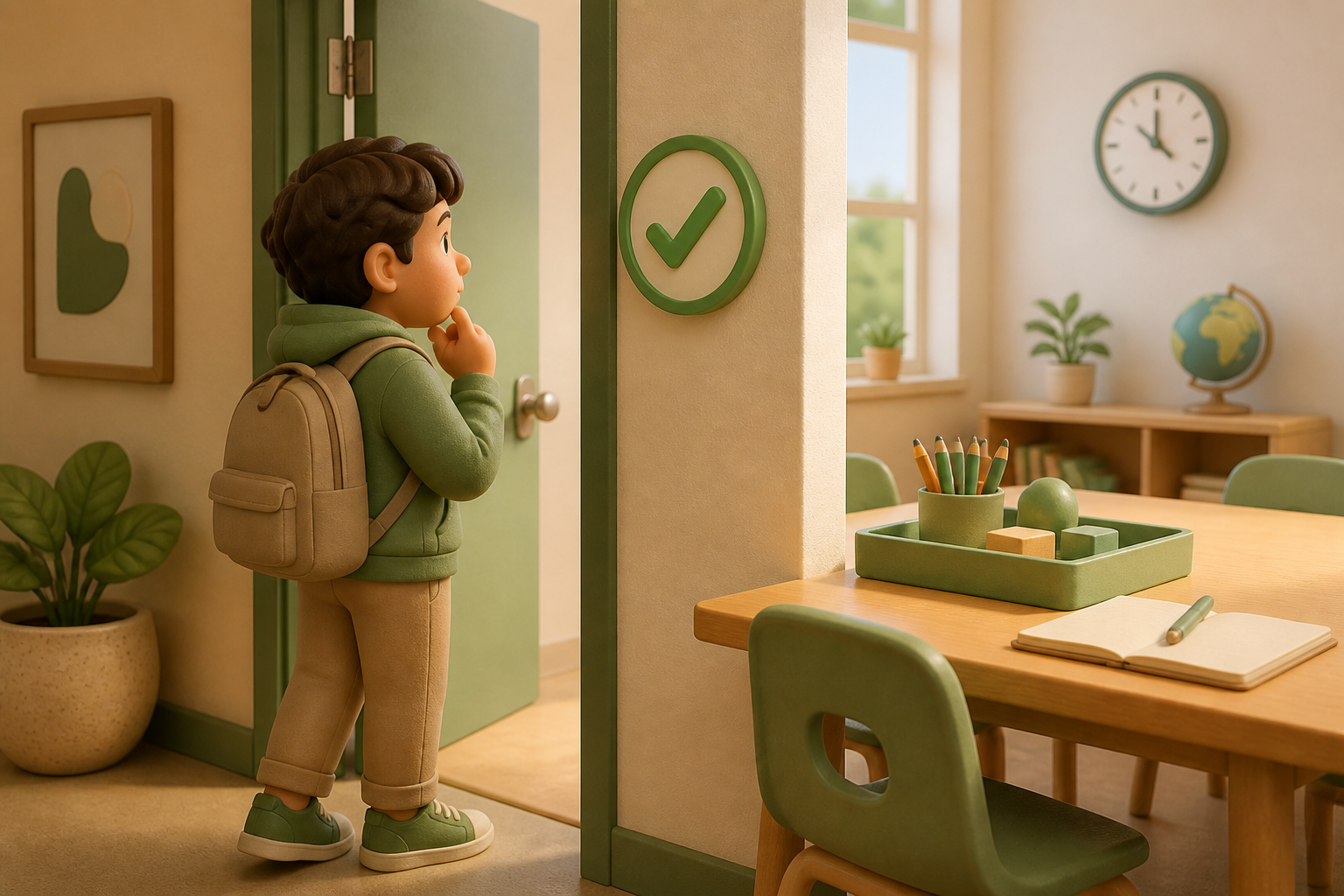
A legal browser game is not automatically permitted on every network. Rules can differ by school, library, workplace, device, age group, class period, bandwidth needs, privacy requirements, and local law. Check the acceptable-use policy, ask the teacher, librarian, IT team, or manager who owns the network, and respect the answer.
Use this simple decision rule:
- Explicitly permitted: use the approved site or activity as directed.
- Policy is unclear: ask the responsible adult or administrator before opening a game site.
- Blocked or not allowed: choose a non-network activity, an approved alternative, or return to the assigned work. Do not attempt to bypass the control.
This respects the people who maintain a shared network and protects classmates and colleagues from security, privacy, and disruption risks.
Legal no-download options by category

When browser play is allowed, choose categories that fit the available time and the organization’s approved tools. These are categories, not a promise that any particular website is permitted.
| Category | Good for | What to verify | | --- | --- | --- | | Puzzle and logic games | Short solo breaks and problem solving | Site approval, advertising, account requirements | | Word and trivia games | Small groups and low-bandwidth play | Age appropriateness and whether chat is involved | | Classic turn-based games | Quiet social sessions with clear stopping points | Approved platform and player privacy | | Educational or museum games | A topic-linked break or classroom activity | Teacher/library recommendation and licensing | | Creator-made prototypes | Game jams, portfolios, and feedback sessions | Creator permission, sharing terms, and original assets |
A useful break has a clear end time. Pick a small activity, set a timer, and close it when the break ends. Do not create accounts, enter personal information, spend money, or invite unknown people unless the responsible policy and a parent or guardian where relevant allow it.
Reliable sources for permission and safety
The most current source is your own organization’s policy. For general digital-citizenship and privacy guidance, use recognized educational and safety sources rather than anonymous “unblocked games” lists. The Federal Trade Commission’s Children’s Privacy guidance explains why services that collect information from children have special obligations. Common Sense Education offers educator-oriented digital citizenship resources.
If a game asks for sign-in, a payment method, location, microphone, camera, contact list, or external chat, pause and check whether that request is necessary and permitted. A no-download game can still collect data or expose players to user-generated content.
For students and Game Jam creators
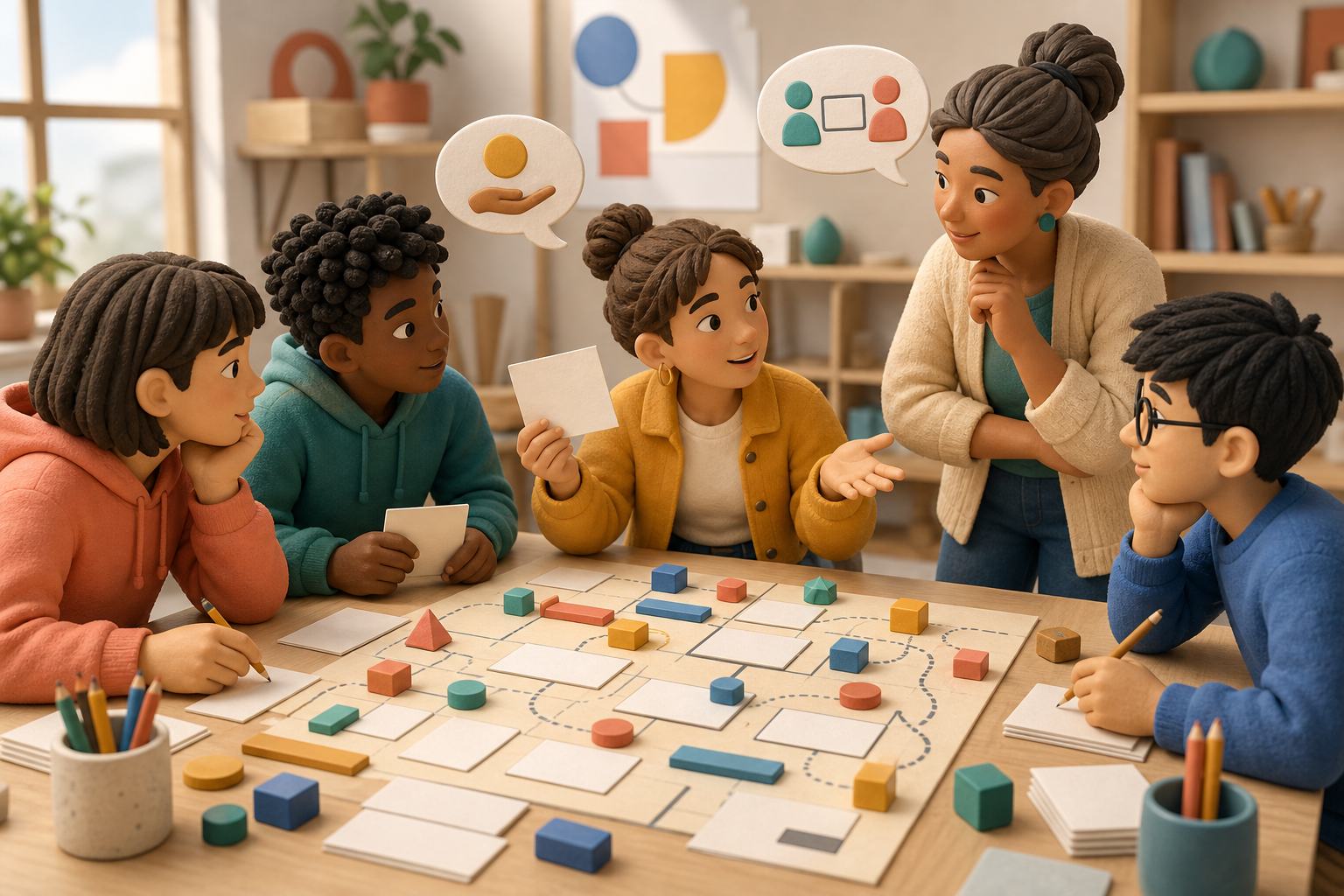
Students and creators can make browser play more shareable by designing for permission rather than assuming access. A small original prototype can run locally in a supervised showcase, be presented from a teacher-approved host, or be shared after the organizer confirms the destination and license.
For an original game, document:
- who owns the code, artwork, music, and fonts;
- whether third-party assets are licensed for the intended sharing method;
- whether the host requires accounts, analytics, or cookies;
- what audience rating, content notes, and privacy expectations apply;
- who approves the venue or network for a school or workplace demonstration.
Use original or properly licensed assets. Do not copy another game’s characters, names, artwork, levels, or code just because the result is only a browser prototype. The U.S. Copyright Office’s Copyright Basics is a helpful starting point for understanding that creative work has protection.
A respectful school-break plan
A safe, permitted plan is short and boring in the best way: confirm permission, choose one approved category, avoid sensitive information, keep the session within the break, and leave the network settings alone. If someone says the activity is disruptive or not allowed, close it without debate.
The goal is not to make every restriction disappear. It is to make a break enjoyable while respecting the shared environment, its rules, and other people’s time.
What this guide does not cover
This page intentionally does not recommend “unblocked” sites as a category, list circumvention tools, or explain ways around content filters. It also cannot certify that a site is legal, safe, age-appropriate, accessible, or permitted in a particular location. Permission must come from the organization and the people responsible for the player, not from an article.
Frequently Asked Questions
Can I play a browser game if a school or workplace filter blocks it?
No. Treat the block as a signal to stop and ask the responsible administrator; do not use a workaround or alternative route.
Does no download mean a game is safe or allowed?
No. Browser services can still collect data, show ads, use chat, or conflict with local policy.
What should I do when the policy is unclear?
Ask a teacher, librarian, IT team, manager, or other person responsible for the network before using a game site.
Can a Game Jam project be shared at school?
Only after the organizer confirms the hosting, licensing, privacy, and network-permission requirements.
Why does this guide avoid unblocking instructions?
Bypassing controls can violate policy and create security or privacy risks. The safe path is permission or an approved alternative.