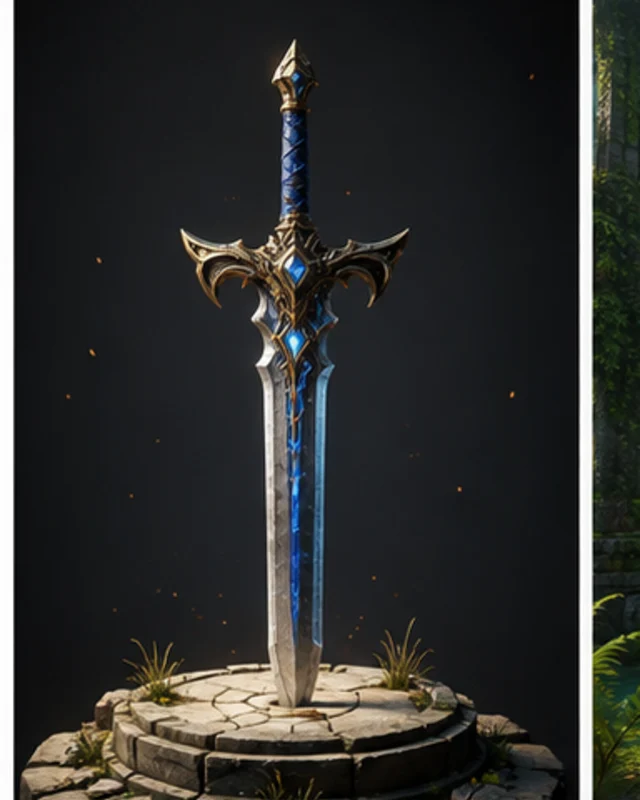
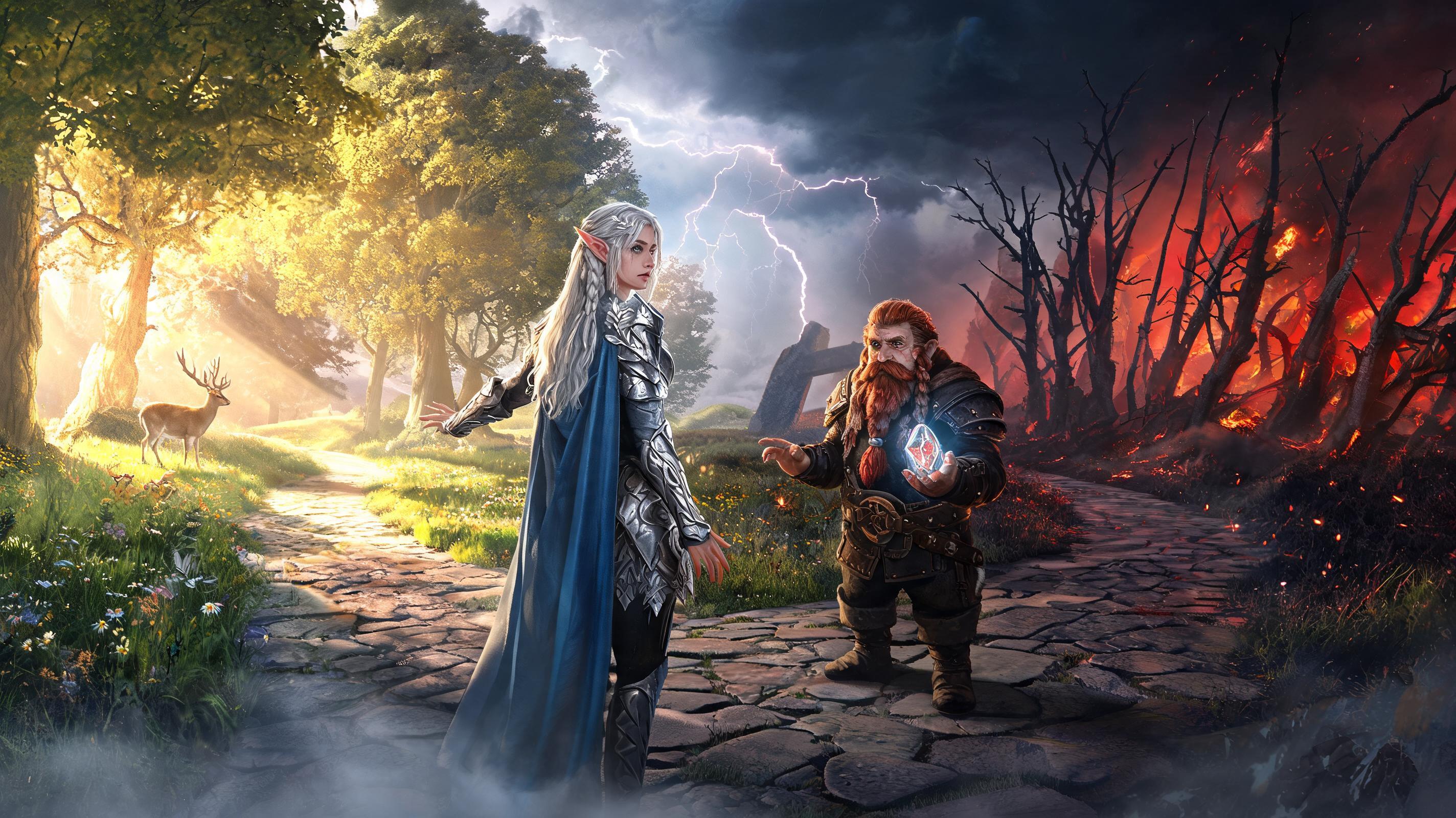
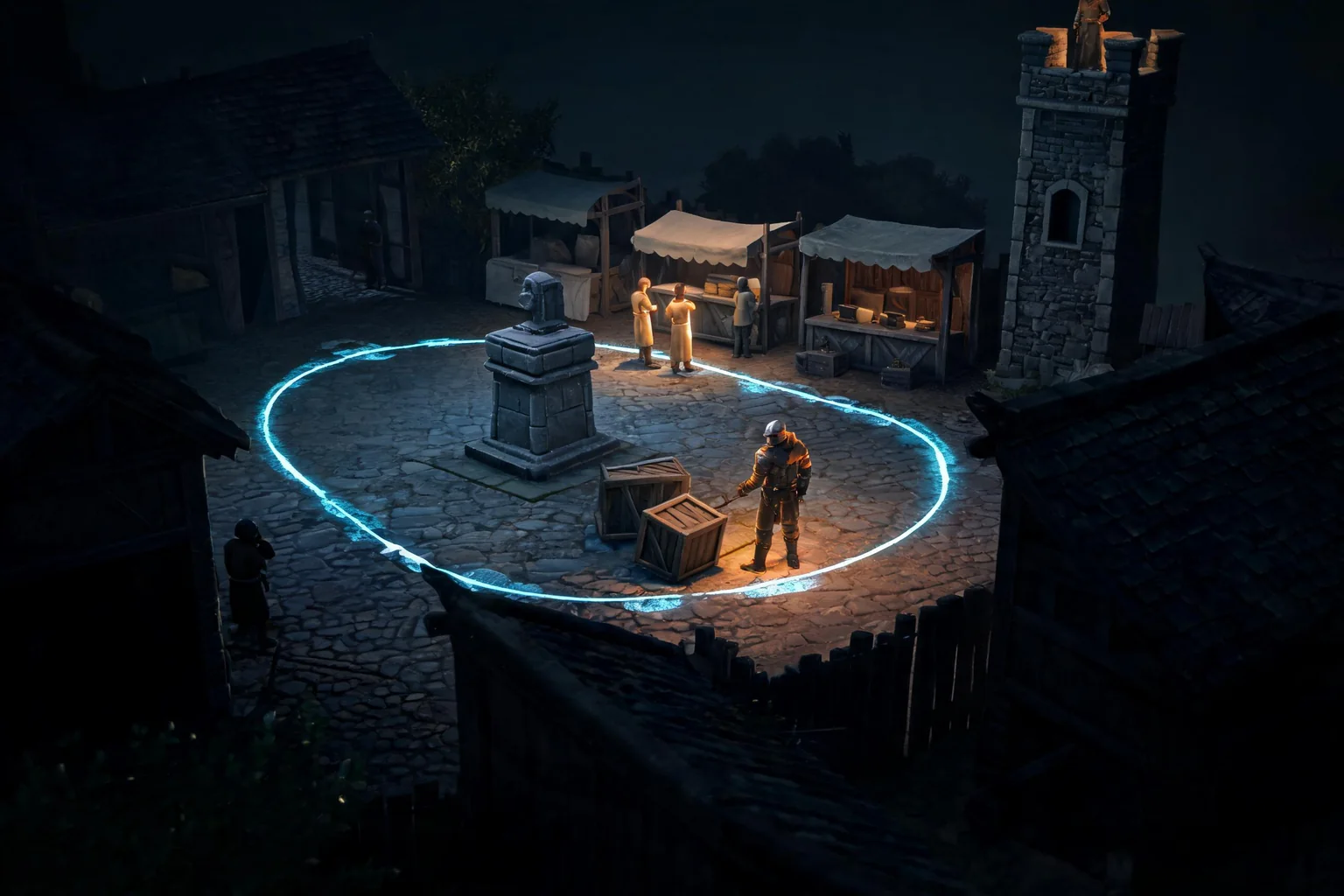
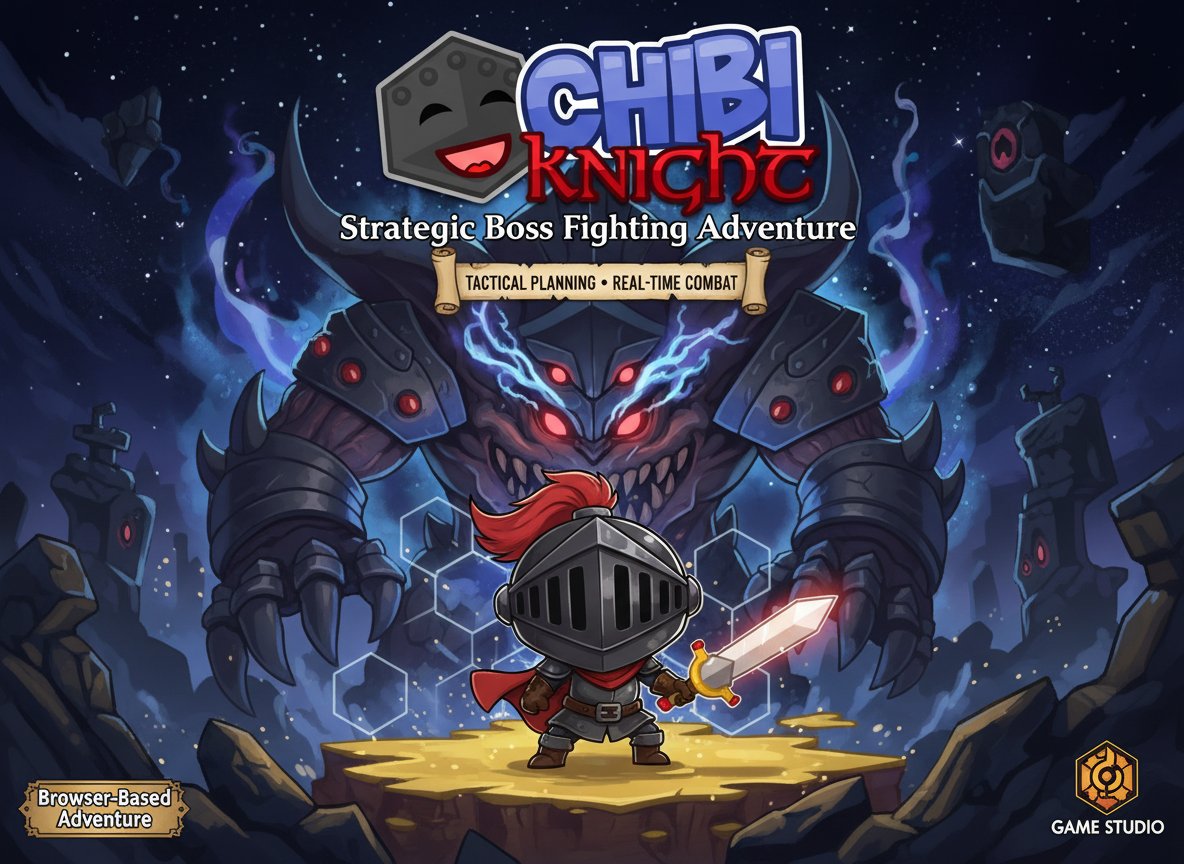
Name the focal subject
Describe what viewers should notice first.

Create original character, environment, or promotional image concepts with a clear composition and use case. Check rights and asset requirements before using generated imagery in a release.
How it works
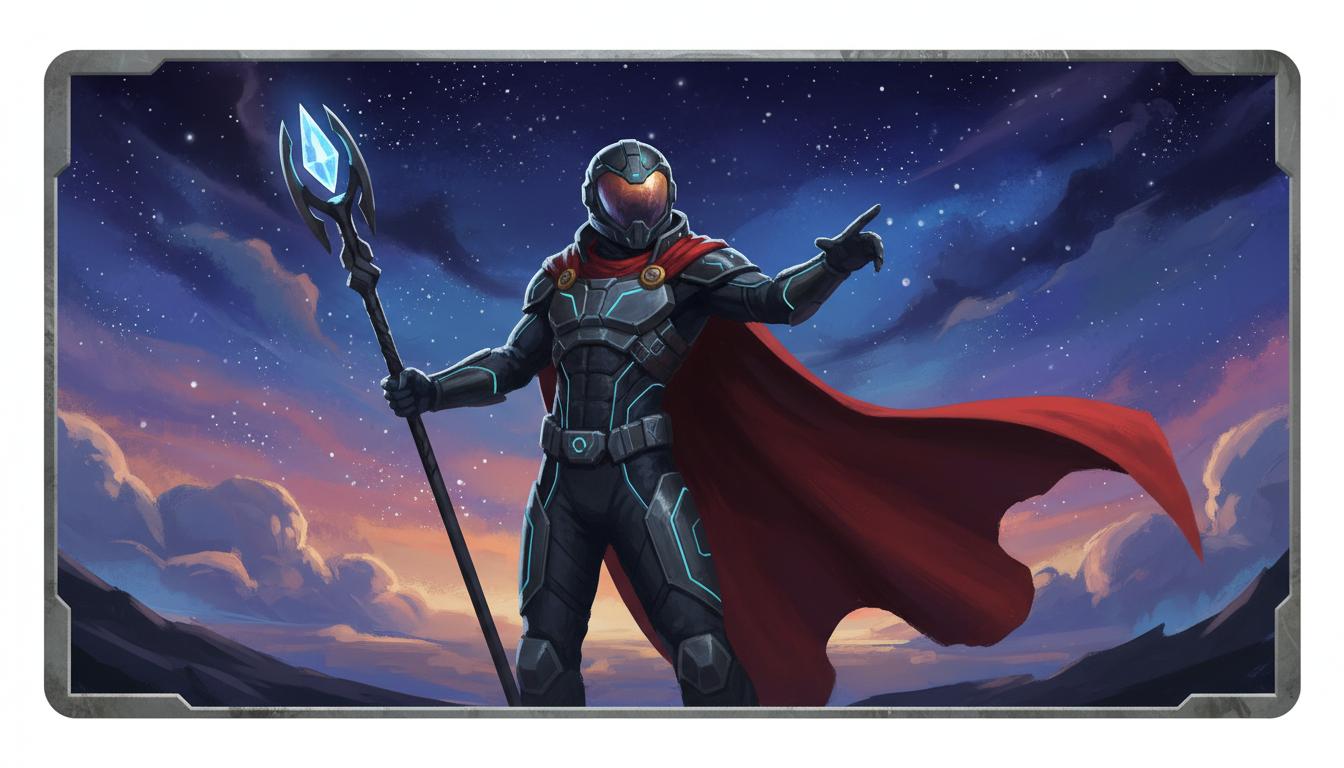
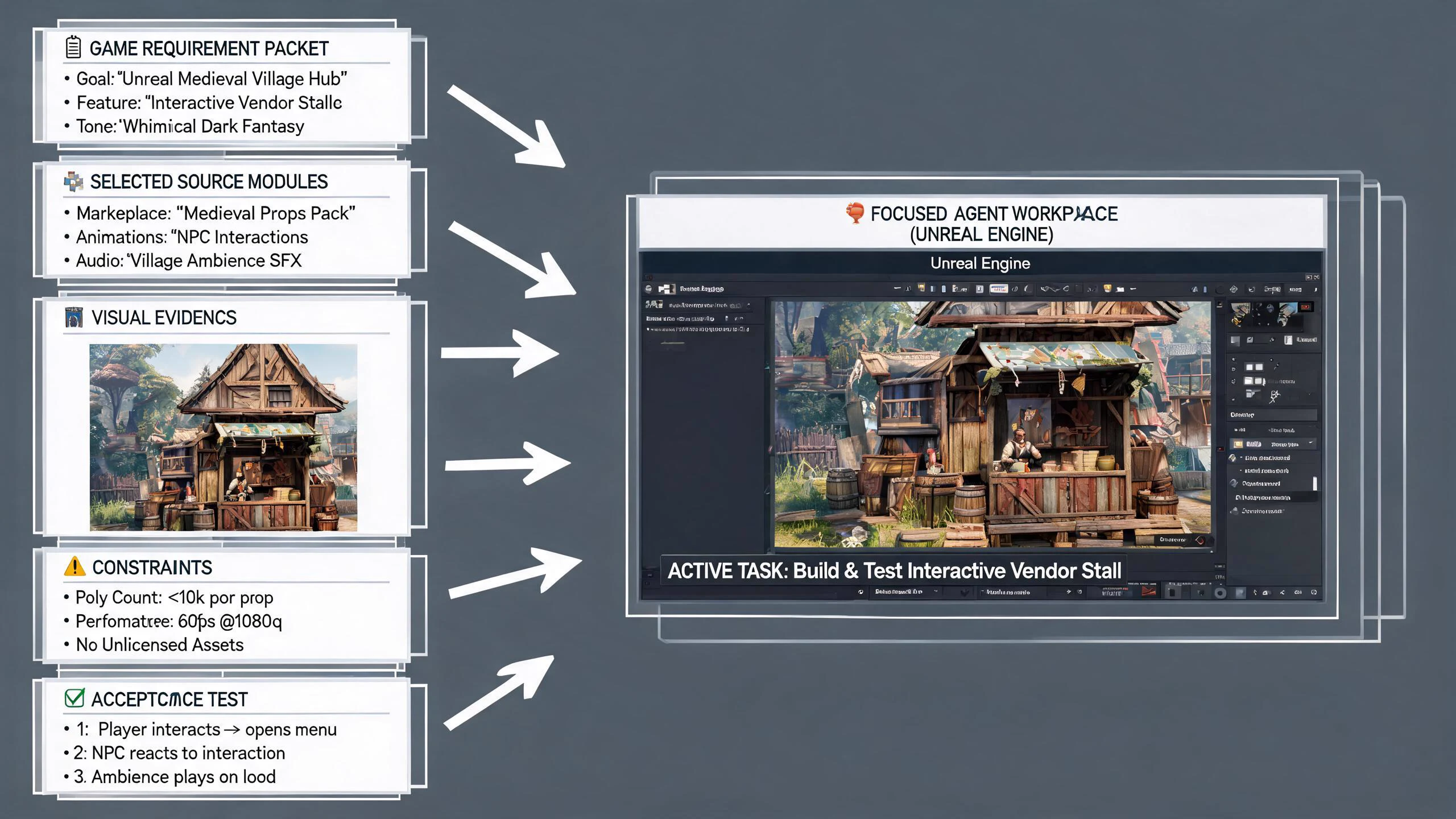
Pick the one image that would reduce the most uncertainty for the project, such as a hero, world frame, or launch concept. SEELE frames that goal as a generation-ready starting prompt inside the workspace.
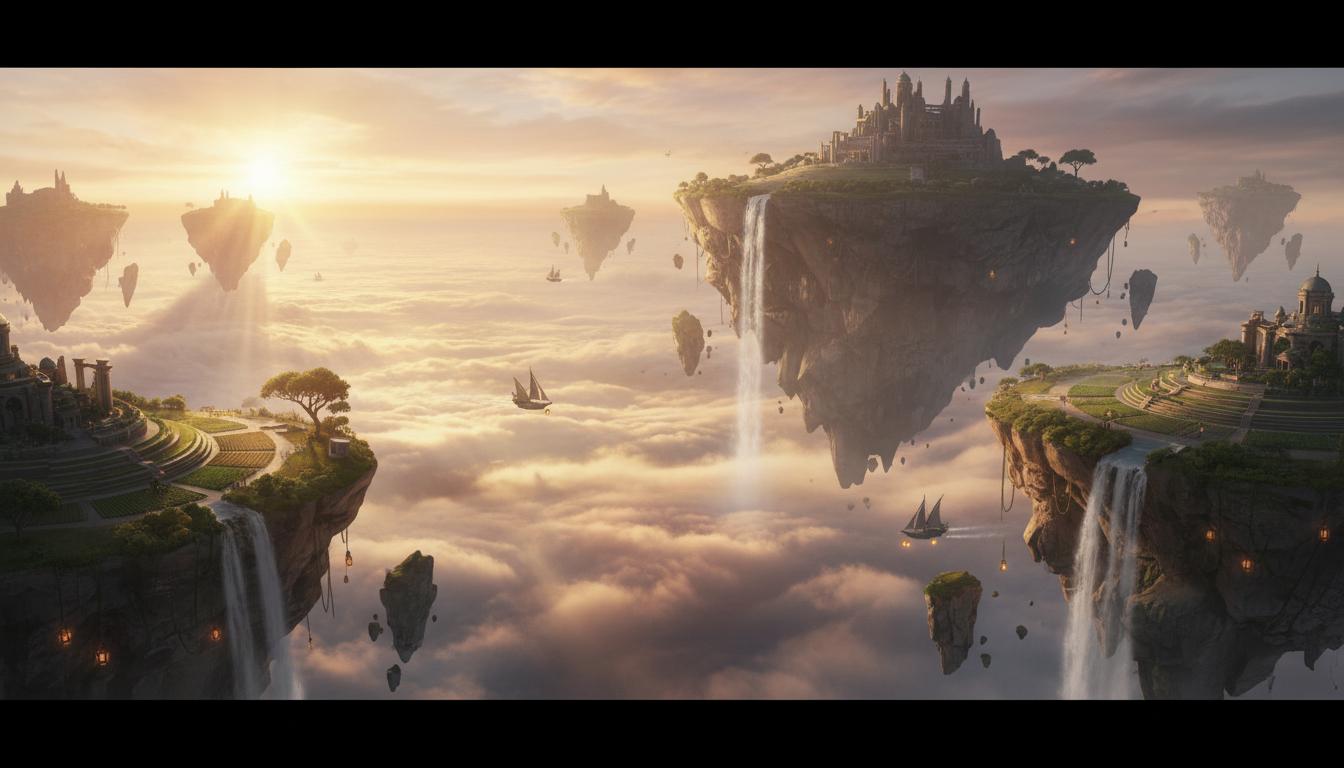
Generate a few distinct variants instead of trying to perfect the first one. SEELE helps surface differences in style, mood, composition, and readability quickly.
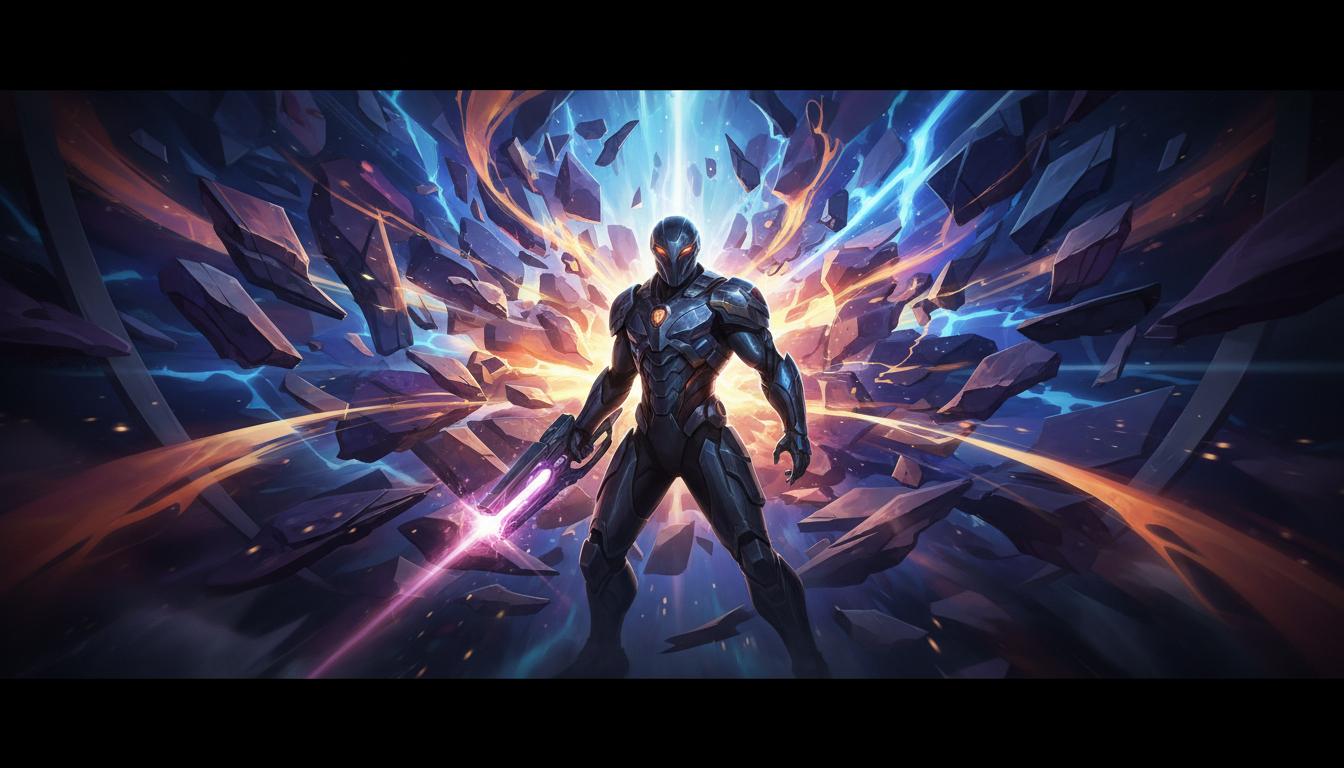
Choose one strong default and request specific changes to style, detail, or composition. SEELE uses that feedback to narrow the visual direction without resetting the whole workflow.
Pick a starting point
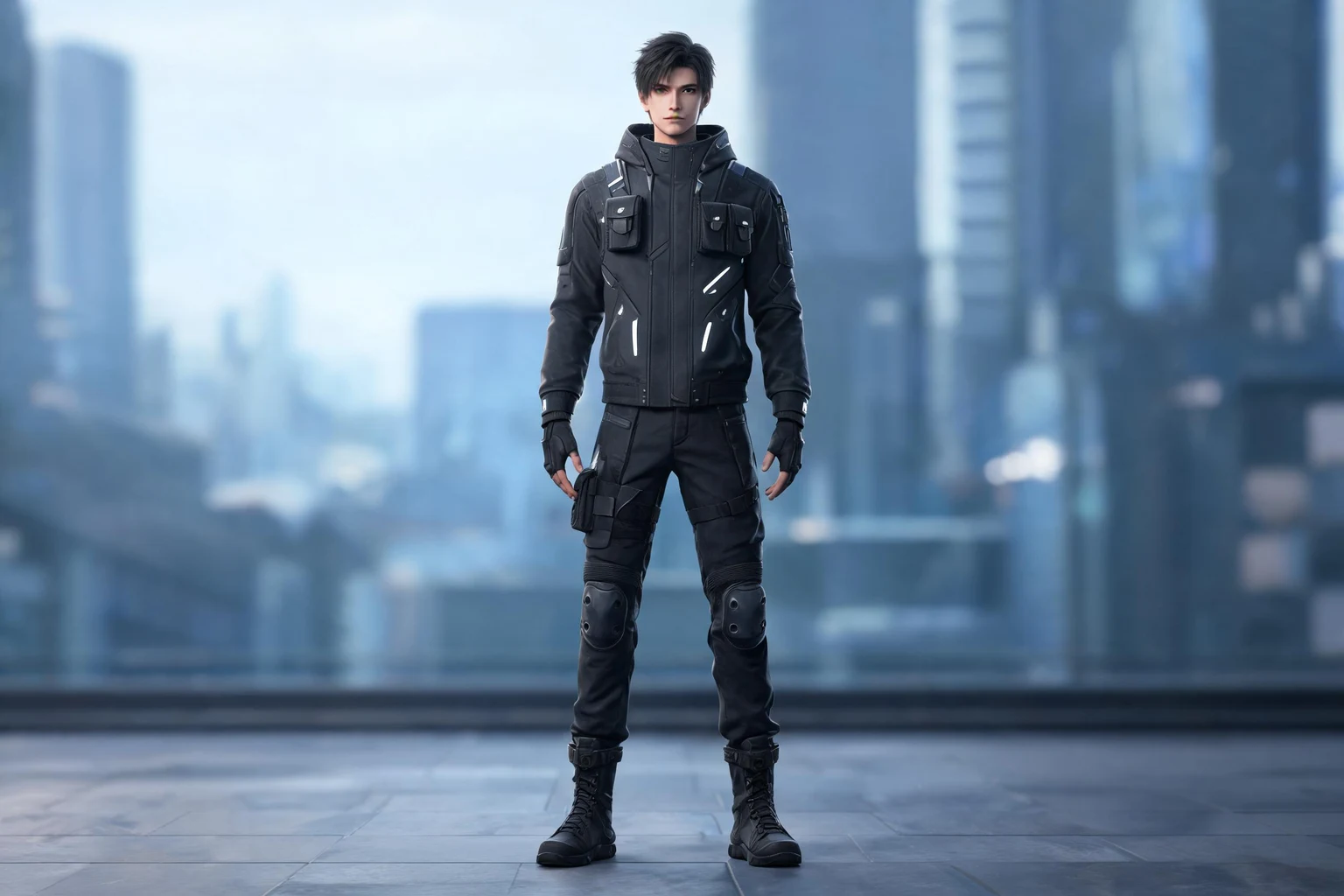
Design an original courier character balancing a stack of parcels while crossing a windy rooftop. Review whether the image or scene supports the intended use.
Design an original courier character balancing a stack of parcels while crossing a windy rooftop. Show the moment the top parcel begins to slide and keep the face readable.
Subject and action ↗Why SEELE
Describe what viewers should notice first.

Specify portrait, square, or wide composition for the destination.

Concrete visual cues make revisions easier to discuss.

Reserve room for UI, captions, or a title when needed.

Record clothing, color, and silhouette cues across related images.

Check source references and rights before publishing or selling an image.
Who it’s for
Define the player, one core mechanic, and one testable outcome for a first AI Images for Game Projects brief. Keep the scope small enough to playtest.
Image to Game Generator ↗Compare AI Images for Game Projects directions against the target player and engine workflow before the team commits to a larger build.
Claude Opus 5 Prompting and Context Engineering ↗Reviews
FAQ
Start with the visual that removes the most uncertainty, such as a lead character, a core environment, or the campaign key visual that the team needs to align on.
For AI Image Generator, describe the intended interaction, visual direction, and one constraint. Review the result against that brief, then refine any mismatch before expanding the scope.
For AI Image Generator, compare current documentation for supported outputs, editing workflow, pricing, and terms. Evaluate each option against the same project brief because features and plans can change.
Before a first AI Image Generator project, define the task, intended audience, one visible outcome, and a constraint. Use Subject and action as a direction that fits the brief.
To get started with AI Image Generator, use Choose The First Visual Goal as the first step. Set one goal, audience, and constraint; test a small version, then change one thing at a time.
For AI Image Generator, name the intended user, one action, and a visible outcome. Use Subject and action as a starting direction and add one requirement from its example prompt.
Ask someone who matches the intended player or viewer for AI Image Generator to test its main action. Note where the brief is unclear, then revise once before adding features.
For AI Image Generator, try Subject and action first. Define the action, outcome, and one constraint, then compare another direction only if the first misses the brief.
Check the AI Image Generator result against the brief, intended behavior, and first workflow step. Record one mismatch and test that change before expanding scope.
Scope a first AI Image Generator prototype to Subject and action, one user action, and one visible outcome. Defer secondary features until that path works.
Compare Subject and action and Composition and framing for AI Image Generator using the same user action and visible outcome. Choose the direction that fits the brief with fewer assumptions.
After reviewing AI Image Generator, record one gap between the brief and result. Make one focused change, then test the same action against the original outcome.
Match a linked tool's input and output to one need in the AI Image Generator brief. If it does not support that step, skip it and keep the test in the main project.