

Set the atmosphere
Turn a biome and mood into color, cloud, and horizon directions you can compare.

Give your world a horizon players can read. Describe the level and what the player needs to spot. Use seeleAgent to explore lighting, weather, and skyline directions around that landmark.
Partners and teams

















How it works
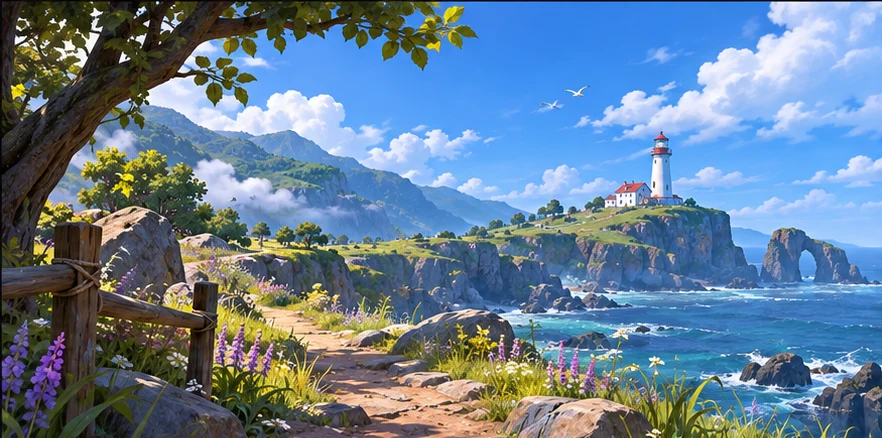
Describe the biome, camera angle, and one landmark the player should spot as they enter the level.
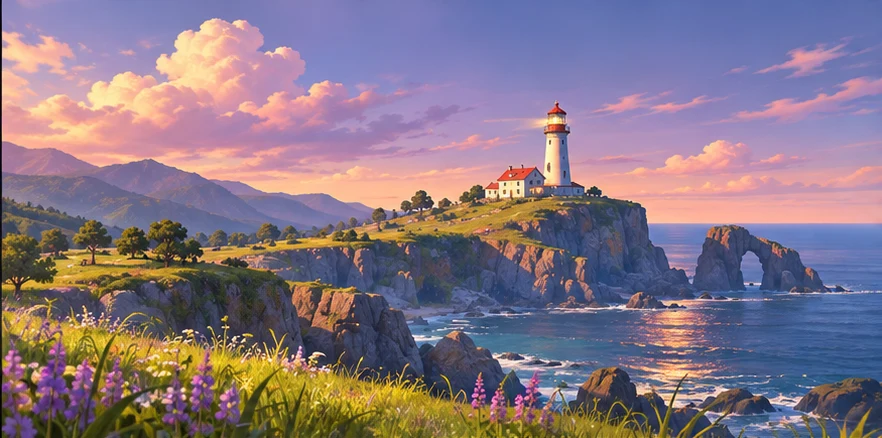
Ask seeleAgent for variations in weather and time of day. Keep the camera and landmark fixed so you can compare the effect.
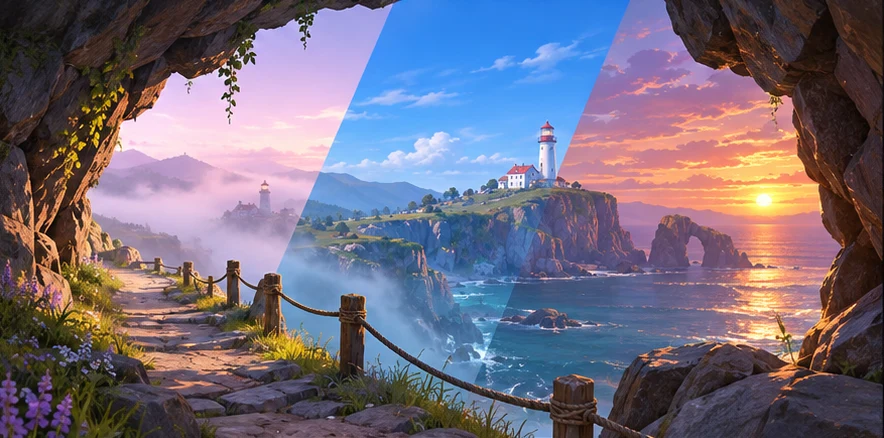
Check the landmark at gameplay scale, then keep the color and lighting notes for your environment pass.
Get startedPick a starting point
Keep a distant destination readable from a cliff path in a first-person exploration game.
Propose three skybox directions for a first-person coastal exploration game. The player steps out of a cave onto a narrow cliff path and should spot a white lighthouse across the bay. Compare dawn mist, clear blue hour, and storm light. Keep the lighthouse silhouette readable from the same camera. For each direction, describe the horizon palette and where to keep the clouds clear.
Build tension in the distance while keeping the enemy silhouettes and exits clear.
Propose two sky and horizon directions for a third-person action arena among desert ruins. The player needs to read a low gate and enemies on a ridge while a sandstorm approaches. Keep the strongest dust behind the ridge and describe how each direction separates the ridge silhouette from the sky.
Signal the end of the day with color while keeping paths and interactable crops easy to spot.
Propose dusk sky directions for a cozy farming game viewed from an elevated camera. Compare warm sunset with a lavender twilight. Use the windmill and tree line as the horizon and describe a palette that keeps the crops, fence gate, and paths distinct.
Why SEELE
Turn a biome and mood into color, cloud, and horizon directions you can compare.

Ask for different conditions around the same camera and landmark.

Carry forward the chosen palette, silhouette priorities, and areas to keep clear.
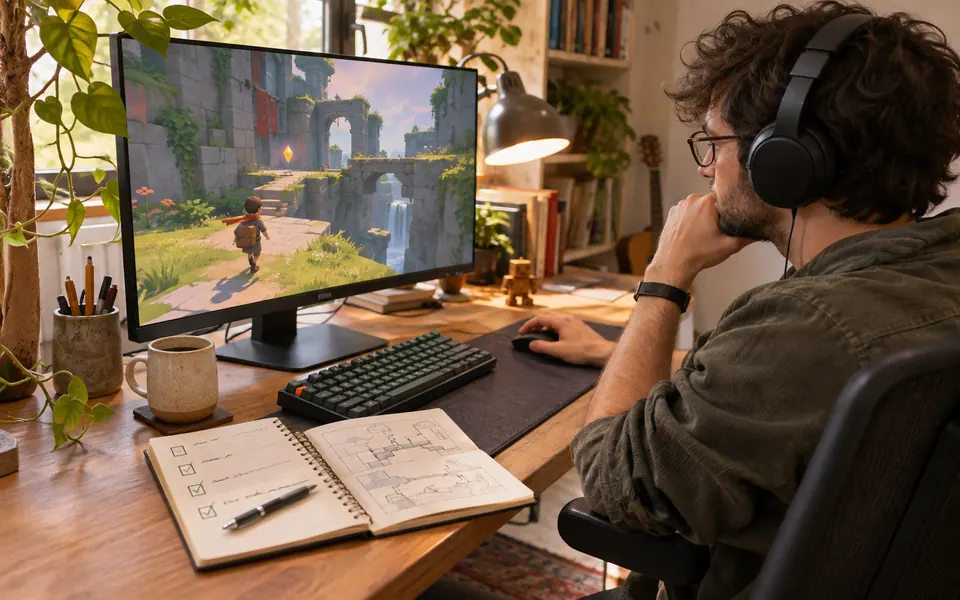
Test one direction in a small prototype and use the result to decide what to build next.

Turn one mechanic into a playable loop and test its goal, feedback, and rewards.
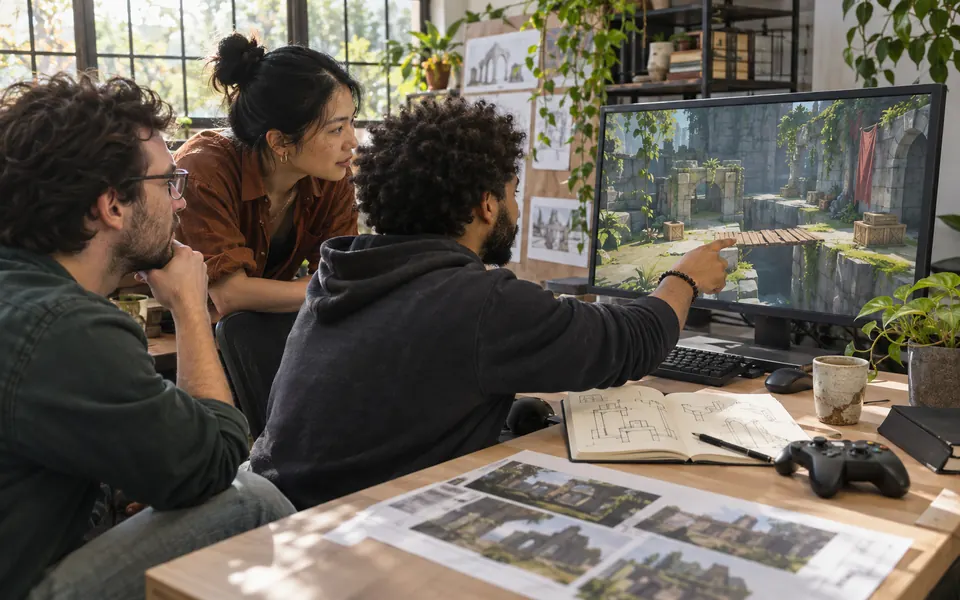
Give designers, artists, and developers one scene or asset sample to review together.
FAQ
Give seeleAgent the biome, camera, weather, time of day, and one landmark that should stand out. If your level has a key reveal, describe where the player stands when they see it.
A fixed camera makes it easier to see how light, color, and clouds change the way the level reads. Check the view at the point where the player needs to pick a route or spot a target.
Use the chosen palette, weather, horizon silhouette, and landmark contrast notes as a brief. Check the projection and file format in your target engine when you build the skybox asset.
Use the sky to set the mood and frame distant landmarks. Place traversable routes, collision, props, and close-up materials in the level itself.
Start with the first view you want your player to see.
Write a skybox prompt