Key takeaways
- Yes, AI can use an uploaded character drawing to accelerate a playable prototype, but the image does not automatically supply game logic, animation, rigging, technical asset quality, or usage rights. Define one small loop, choose whether the image is reference, sprite source, or 3D source, then test input, collision, outcomes, and restart before polishing the asset.
Yes—an AI game-making tool can use your character drawing or uploaded image as visual input for a playable prototype. It may help interpret the character, create or adapt 2D/3D assets, place them in a scene, and accelerate a small game build. But uploading an image does not automatically guarantee complete game logic, correct animation, a production-ready rig, consistent art from every angle, or permission to use the character.
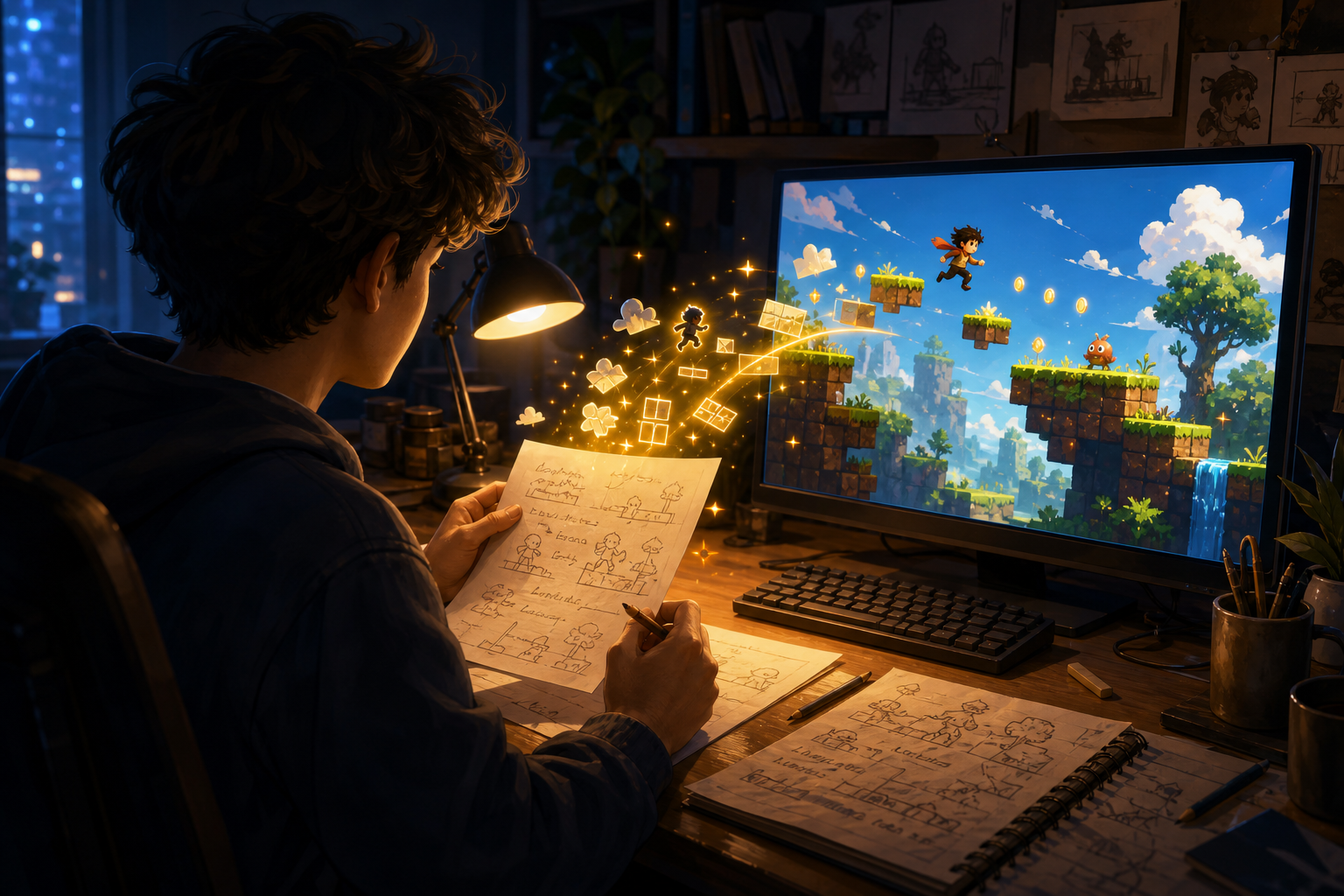
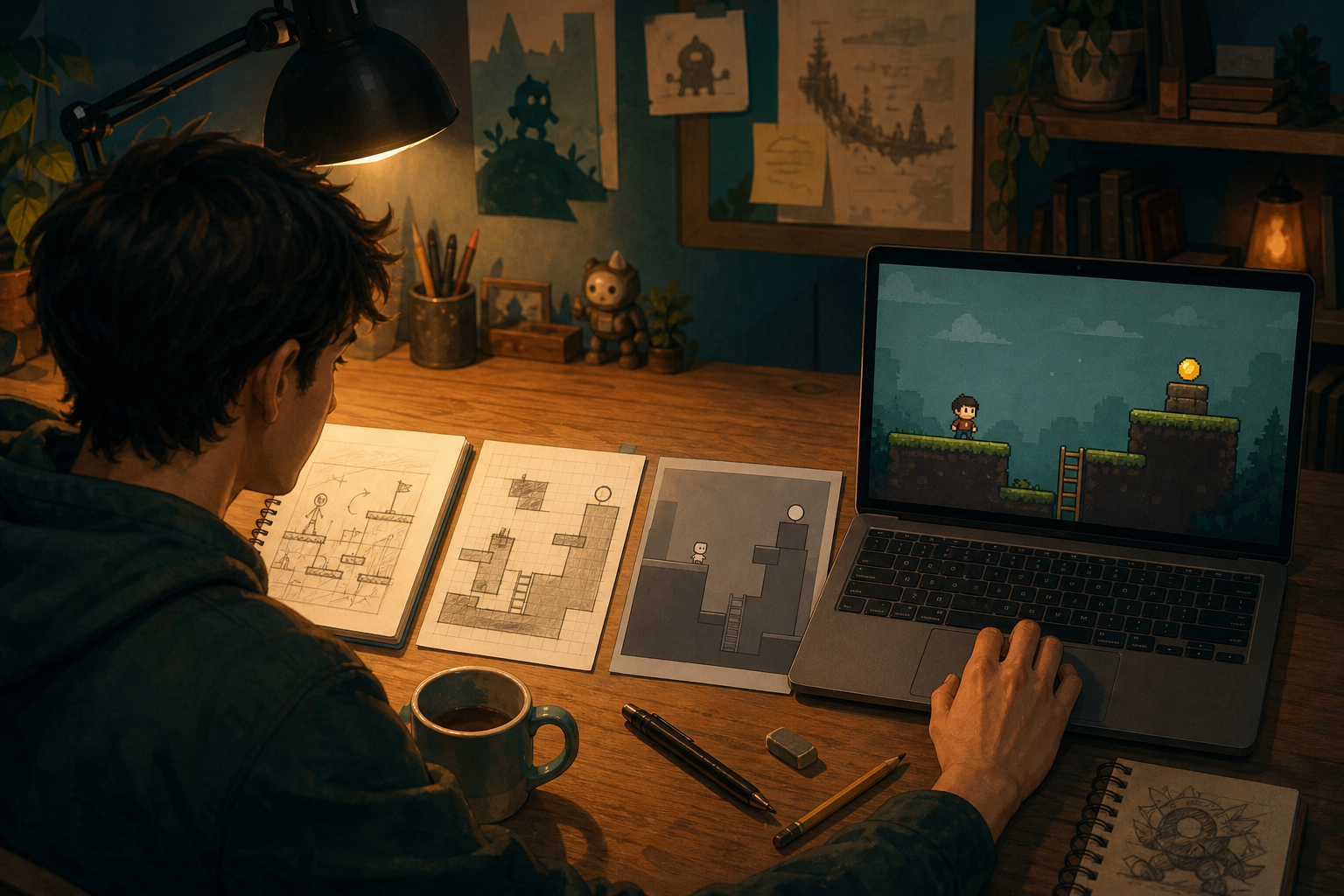
The reliable path is to treat the image as a starting reference, then specify one playable loop: what the player controls, the goal, the obstacle, what happens on contact, how the round ends, and how it restarts. In SEELE AI, you can combine an uploaded visual reference with a short build brief, test the first result, and request focused changes. The official SEELE AI Image to Game workflow is the product reference for this route.
What “image to game” actually means
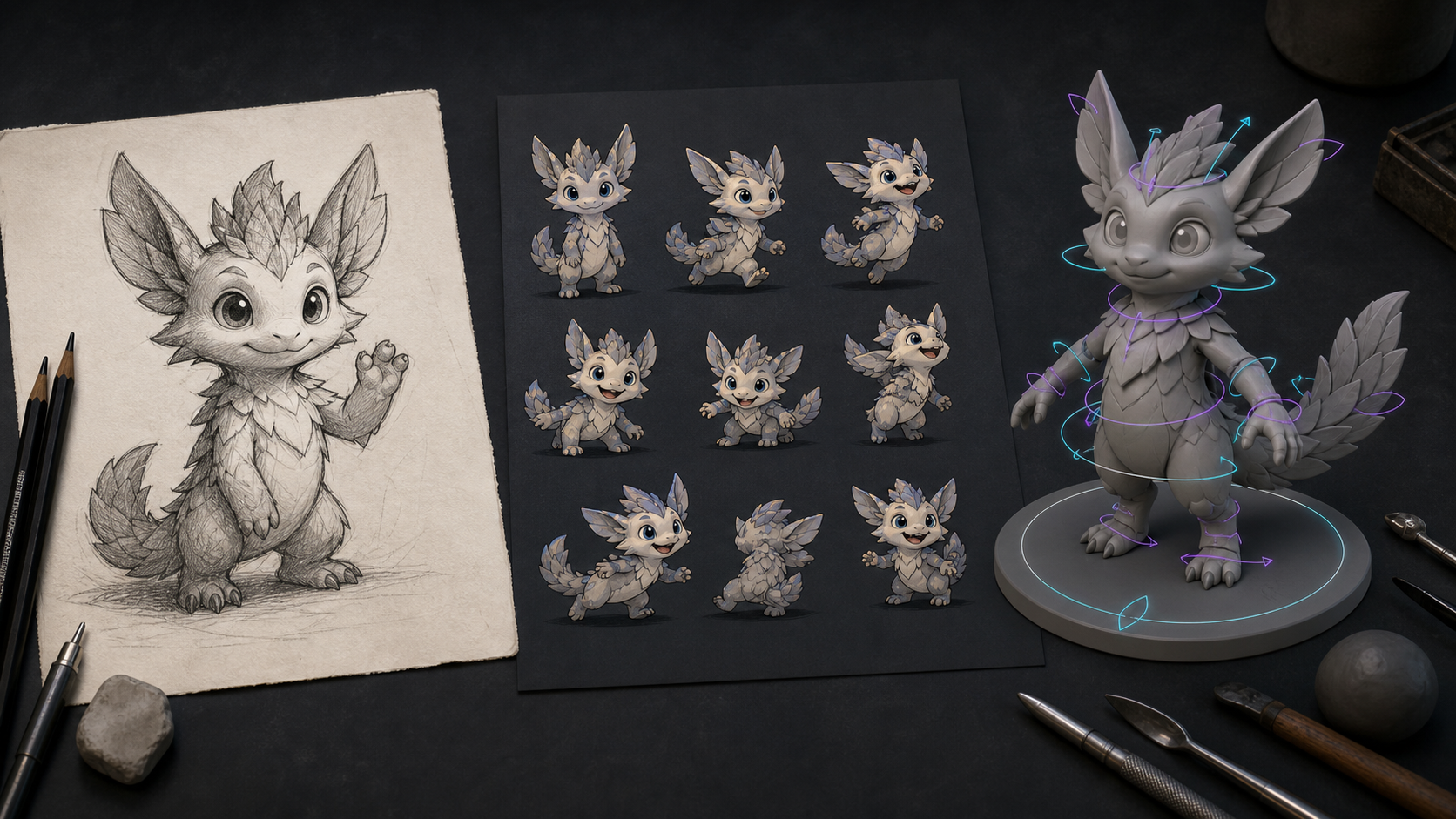
“Image to game” is a useful shorthand, not one universal technical operation. Different tools may do very different jobs after you upload a picture:
- Visual reference: the image guides a character’s colors, silhouette, clothing, mood, or environment style.
- 2D game asset: the image is cleaned, cropped, separated from its background, resized, or adapted into a sprite.
- Sprite animation source: the tool proposes multiple poses or frames for idle, walk, attack, or reaction animations.
- 3D asset source: the image helps generate a mesh, textures, or a character approximation, especially when several views are available.
- Prototype context: the image and your instructions are used together to assemble a small interactive scene.
These outputs are not interchangeable. A character reference can look convincing while still being unusable as a sprite. A textured 3D mesh can look good from the front but lack clean topology, a skeleton, collision, or animations. A playable prototype may use a faithful-looking character but still need rule fixes.
The practical question is therefore not only “Can this tool accept my image?” Ask: what artifact does it produce from the image, and what work remains before that artifact can respond to player input?
What AI can do with a character drawing
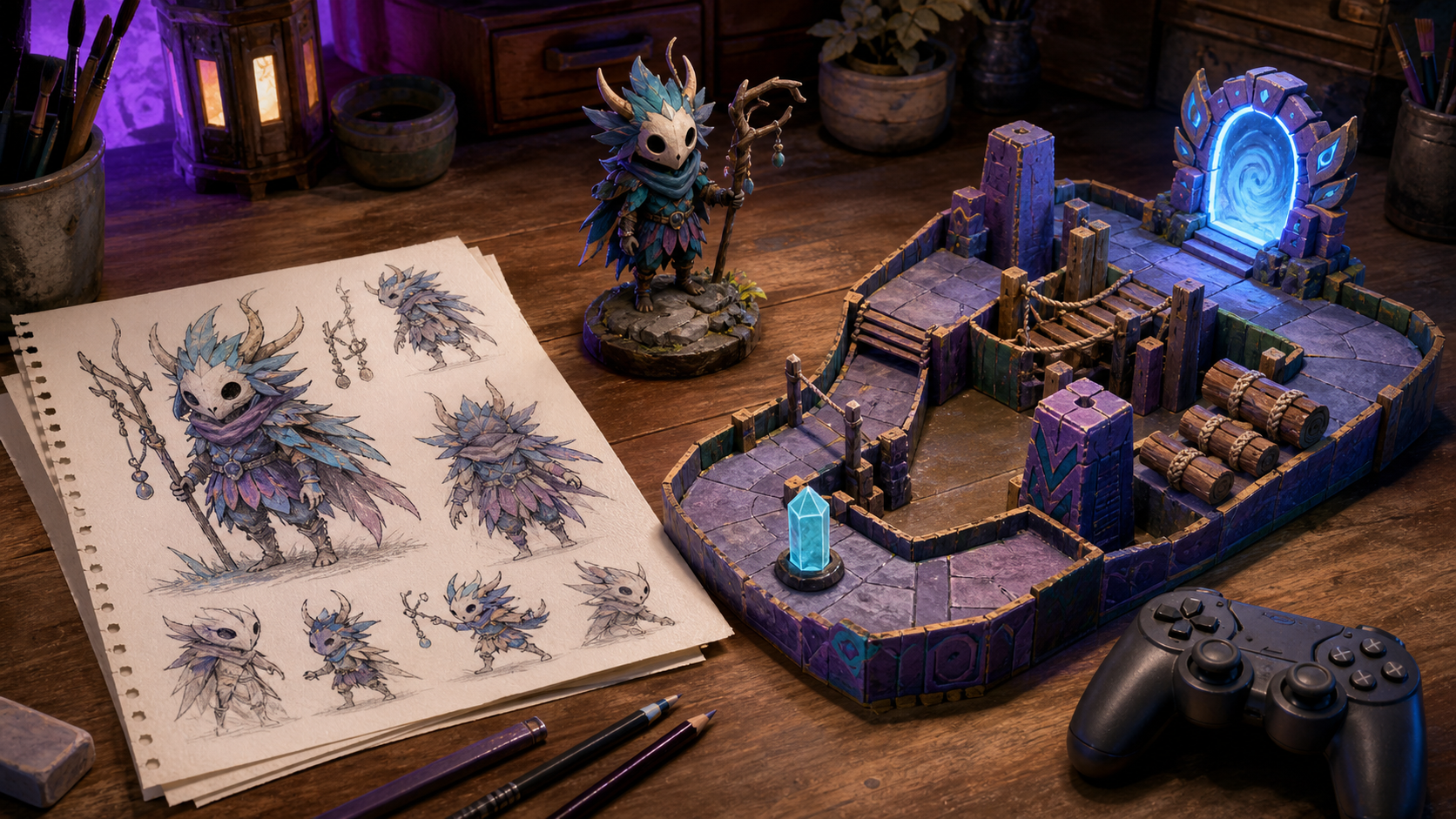
A clear drawing can reduce the time spent describing a character from scratch. AI can often help with early visual exploration: preserving a recognizable palette, creating variations, isolating a subject from a background, proposing front or side views, or adapting an illustration toward a game-friendly style.
For a 2D prototype, the quickest result may be a single transparent character image used as a player token. It does not need a complete sprite sheet if the design question is simply whether movement, collision, and a goal work. Later, you can request a small set of consistent poses and replace the token.
For a 3D prototype, one drawing provides incomplete information. The model must infer the hidden sides, depth, materials, and proportions. Front, side, and back views—drawn consistently—usually give a stronger basis than one dramatic perspective. Even then, inspect the result from every angle before treating it as a usable asset.
AI is strongest here as an accelerator for interpretation and iteration, not as proof that an asset is technically ready. Keep the original drawing and record which generated version you selected so later revisions do not drift unintentionally.
Visual reference, sprite, 3D asset, and playable character are different
A useful way to avoid confusion is to check four layers separately.
1. Character visual reference
This answers: “What should the character look like?” It covers silhouette, colors, costume, facial traits, and style. A reference image does not contain movement rules or an animation system.
2. Sprite or 3D asset
This is the file the game can display. A 2D sprite may need transparent edges, consistent scale, a stable pivot, and separate frames. A 3D character may need usable geometry, textures, material settings, and sensible proportions.
3. Animation and rigging
A sprite sheet needs coherent frames and timing. A 3D character usually needs a skeleton, skin weights, animation clips, and checks for deformation. Automatic rigging can help, but unusual anatomy, layered clothing, wings, tails, or props often need correction. For pipeline terminology, see Unity’s humanoid model import documentation and Blender’s armature introduction.
4. Game behavior
This defines what happens when the player presses a key, touches an obstacle, takes damage, reaches a goal, wins, loses, or restarts. Those rules do not reliably emerge from appearance alone. You must describe and test them.
A “playable character” exists only when these layers work together. If the character appears on screen but cannot move, collide, react, or reach an outcome, you have a displayed asset—not yet a playable game.
What an uploaded image cannot automatically guarantee
An image alone cannot guarantee:
- Complete game logic. The picture does not specify controls, scores, enemy behavior, objectives, or state transitions.
- Correct animation. One pose cannot reveal every frame, timing choice, or how hidden body parts should move.
- Production-ready rigging. Automatic skeletons and skin weights may bend badly or fail on stylized anatomy.
- Consistent unseen views. A single front image leaves the back and sides open to interpretation.
- Clean technical assets. Background removal, pivots, sprite dimensions, mesh topology, collision, materials, and performance still need inspection.
- A complete game. Menus, progression, saving, sound, accessibility, balancing, testing, and publishing are separate workstreams.
- Usage rights. A tool accepting an upload does not establish that you own or may commercially use the character, source image, or generated derivative.
That boundary is important for fan-game creators. As a general risk precaution, use characters and images you created or have permission to use, review the tool’s current terms, and check any relevant rights before sharing or commercializing a project. This is a practical warning, not a legal conclusion. For a primary overview of copyright basics, see the U.S. Copyright Office.
From one drawing to a first playable prototype
Use this minimum workflow.
Step 1: prepare the image
Choose a clear, high-resolution image with the character fully visible. A simple background and readable silhouette make interpretation easier. For 3D work, add consistent front, side, and back views if possible. Keep the original file unchanged.
Step 2: define one core loop
Write the rules the image cannot communicate. Use this compact brief:
The player controls [character] with [input] to [goal]. [Obstacle] creates pressure. When [collision or event] happens, the game [response]. The round ends when [win or loss], then [restart behavior].
Example: “The player moves my forest spirit left and right with arrow keys to collect five light seeds. Falling stones remove one heart. The character flashes after a hit. Collecting five seeds wins; losing three hearts ends the round; a button restarts it.”
Step 3: upload the reference and request the smallest build
In SEELE AI or another suitable tool, upload the character image together with the brief. Ask for one screen, one character, one obstacle, one collectible, one win condition, one loss condition, and restart. State whether the image should be used as a temporary 2D token, adapted into a sprite, or treated only as style reference.
Do not request a full RPG, multiple levels, dialogue, inventory, or online play yet. A small prototype makes incorrect assumptions easier to spot.
Step 4: verify in the right order
Test mechanics before appearance polish:
- Does the intended input move the character?
- Do collisions trigger the stated result exactly once?
- Are goal, damage, win, and loss understandable?
- Can the player restart from a clean state?
- Does the visual asset stay readable at play size?
- If animated, do frames or joints behave correctly?
When something fails, request one observable change at a time. “Make it better” is vague. “On contact with a stone, remove exactly one heart, play one reaction, and give one second of invulnerability” is testable.
Step 5: replace temporary assets only after the loop works
Once the loop is understandable, improve the character asset. For 2D, check transparency, dimensions, frame consistency, pivot placement, and animation timing. For 3D, inspect geometry, materials, rig, skinning, animation clips, collision, and performance. Keep a fallback version so an art update cannot erase a working prototype.
A practical first prompt for SEELE AI
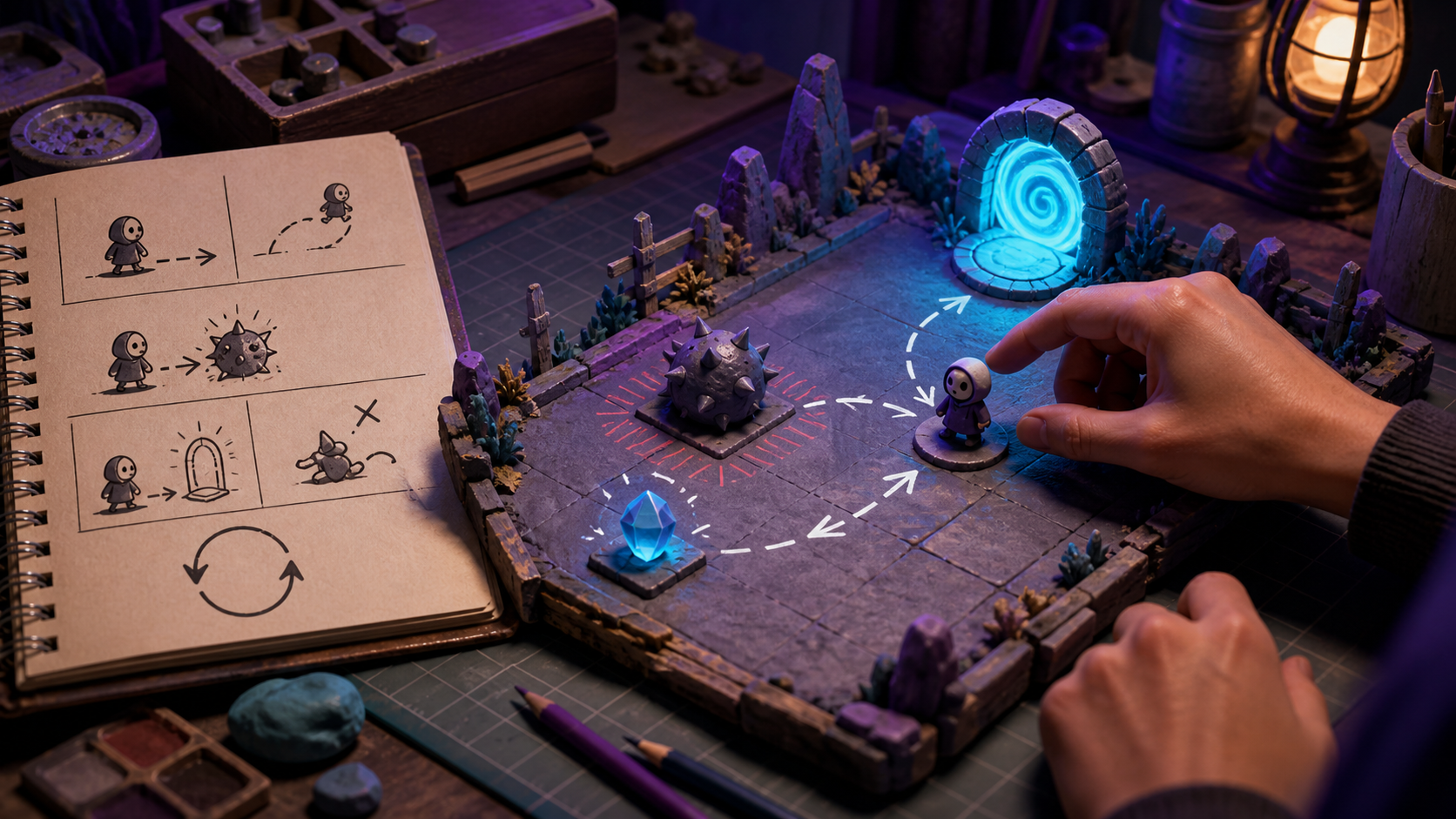
Try a request shaped like this:
Use my uploaded original character drawing as visual reference for a one-screen 2D prototype. The player moves left and right with arrow keys to collect five glowing objects while avoiding one falling obstacle type. A hit removes one of three hearts and briefly flashes the character. Collecting five objects wins; losing all hearts ends the round. Add a clear restart. Use the uploaded character as a temporary static player image first; do not invent extra abilities, story, levels, inventory, or multiplayer.
This prompt separates appearance from behavior and limits the first build. After testing, ask for either a small idle/walk sprite set or a 3D asset workflow—not both at once.
How to choose the right image-to-game tool
Evaluate tools by the artifact and control they provide, not by a dramatic demo. Upload one original test character and check:
- Can you tell the tool whether the image is reference, sprite source, or 3D source?
- Can you edit movement, collision, goals, and restart after generation?
- Can you replace the character without rebuilding the game logic?
- Can you preview or play the result immediately?
- Are generated assets exportable in a useful format for your next step?
- Are ownership, privacy, storage, and commercial-use terms clear enough for your project?
- Can you reproduce or version a working build after revisions?
SEELE AI is a practical option when your priority is moving from a visual idea and plain-language rules to a small playable prototype. If your priority is a highly optimized 3D character for a specific engine pipeline, you may also need dedicated modeling, rigging, and animation tools.
The right first milestone
Do not measure success by whether AI “made the whole game from one picture.” Measure it by whether your drawing becomes part of a testable loop: the character responds to input, the player understands the goal, events produce clear feedback, the round ends correctly, and restart works.
That milestone is small, but it proves the most important transition—from an image you can imagine playing to a prototype someone else can actually play.
FAQs
Can AI turn a drawing into a playable game?
Yes, AI can use a drawing as visual reference or adapt it into an asset while helping assemble a small playable prototype. The drawing alone does not define controls, objectives, collision rules, win and loss states, or restart behavior, so you must provide and test those rules.
Does uploading a character image automatically create game logic?
No. An image communicates appearance, not complete behavior. Define the player input, goal, obstacle, event responses, end conditions, and restart explicitly, then verify each rule in the generated prototype. You still need to define each rule, run the prototype, and correct unexpected behavior before the result counts as a working game loop.
Can one character drawing become a sprite sheet?
AI can propose sprite poses or animation frames from one drawing, but consistency is not guaranteed. Check silhouette, scale, transparent edges, frame alignment, pivot placement, missing details, and animation timing before using the sheet in a game.
Can AI turn a 2D character image into a 3D game character?
AI can generate a 3D approximation from an image, but one view leaves depth and hidden sides ambiguous. Multiple consistent views help. Inspect geometry, textures, materials, rigging, skin weights, animations, collision, and performance before calling the character production-ready.
Do I need rigging and animation after image-to-3D generation?
Usually, yes. A visible 3D mesh is not automatically a playable character. It may need a skeleton, skin weights, animation clips, deformation fixes, collision, and logic that maps player input to movement and actions. Test a representative movement set before investing in polish or additional character variations.
Can I use fan art or an existing character in an AI-made game?
A tool accepting an upload does not establish usage rights. As a general precaution, use work you created or have permission to use, review the tool’s current terms, and check relevant rights before publishing or commercializing. This is general risk guidance, not a legal conclusion.