

Build a focused first pass
Use your game context to prepare a game character concept with a distinct role, silhouette, and expression cues.

Make the role obvious the moment the player sees it. Ask seeleAgent for a game character concept with a distinct role, silhouette, and expression cues. Describe what you are making and how the player will use it.
Partners and teams

















How it works
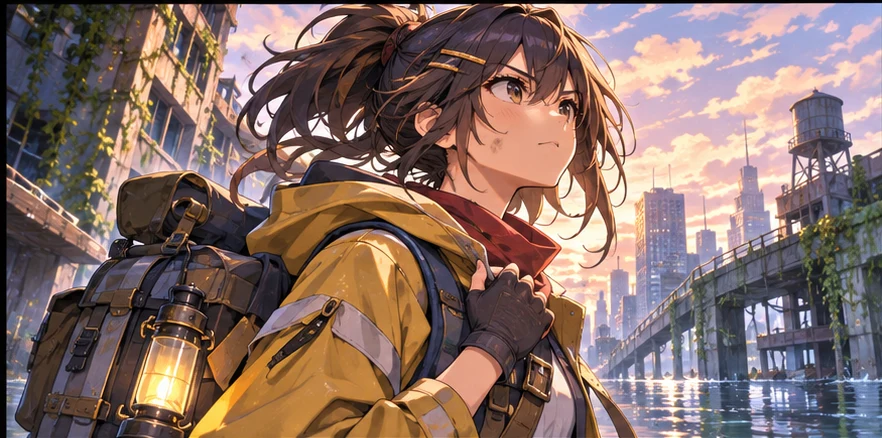
Describe the genre, camera or screen size, and what the player should notice or do. Start with a game character concept with a distinct role, silhouette, and expression cues.
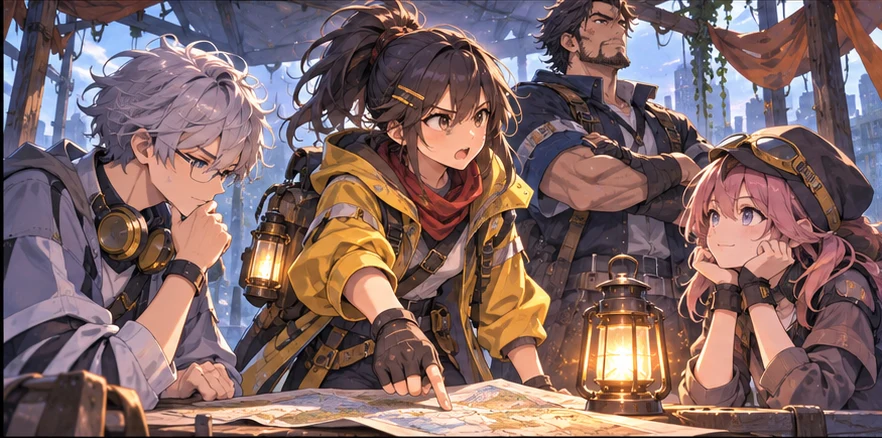
Ask for two versions around the same scene or player action. Vary one choice at a time so you can compare the result.
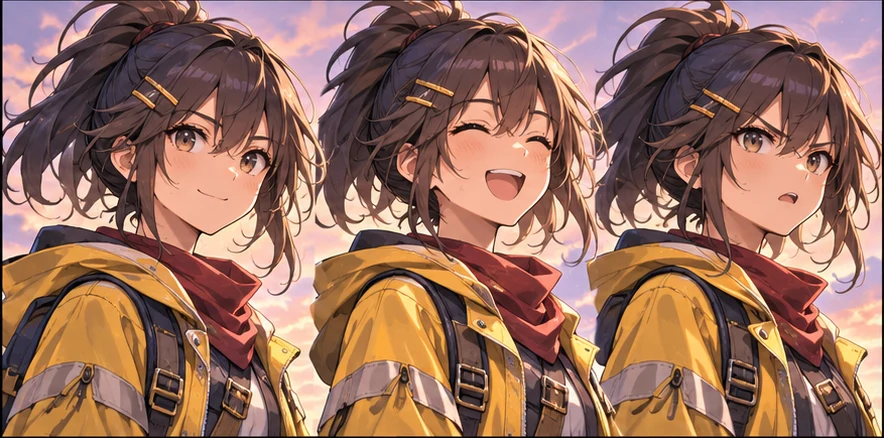
Use a small scene or sample to check your choice. The role reads through the silhouette or a signature detail. Keep the decisions you want to carry into your next pass.
Get startedPick a starting point
Use a starting prompt from this tool and adapt it to your own game.
Create a visual novel protagonist portrait with three expressions and consistent outfit details.
Work on a game character concept with a distinct role, silhouette, and expression cues for an adventure game set in a flooded city with characters and props that share a material palette.
Help me plan a game character concept with a distinct role, silhouette, and expression cues for an adventure game set in a flooded city with characters and props that share a material palette. Give me two workable directions and a small test I can run. Check that the design stands apart at the player camera distance.
Work on a game character concept with a distinct role, silhouette, and expression cues for a short arcade game that needs an unmistakable visual cue when a new ability appears.
Help me plan a game character concept with a distinct role, silhouette, and expression cues for a short arcade game that needs an unmistakable visual cue when a new ability appears. Give me two workable directions and a small test I can run. Check that players can identify the cue without reading a label.
Why SEELE
Use your game context to prepare a game character concept with a distinct role, silhouette, and expression cues.

Keep the same game scene and compare two approaches before deciding what to make.

Set one acceptance check for the next pass. The role reads through the silhouette or a signature detail.
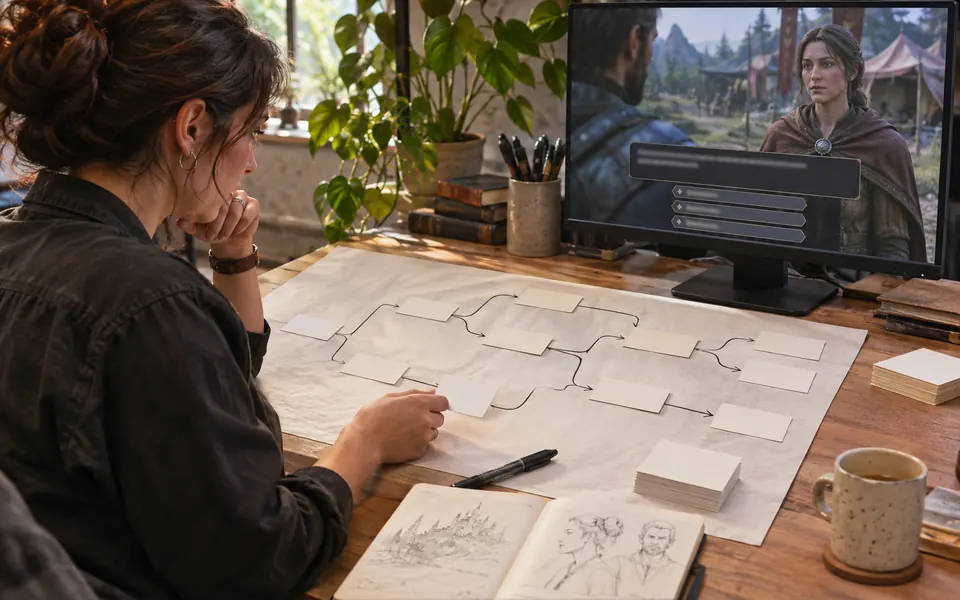
Turn story beats into dialogue, choices, and quest branches you can test in play.
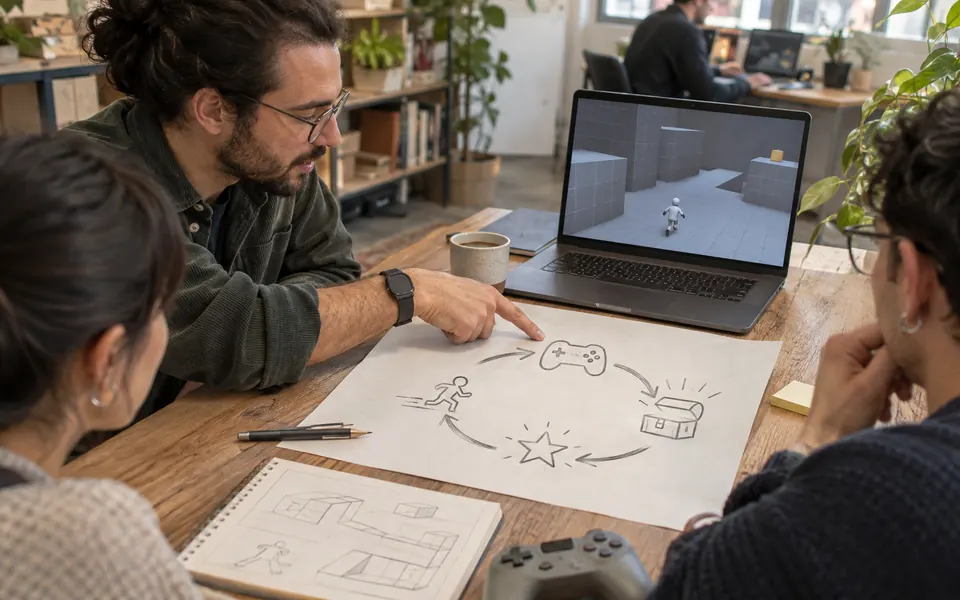
Turn one mechanic into a playable loop and test its goal, feedback, and rewards.
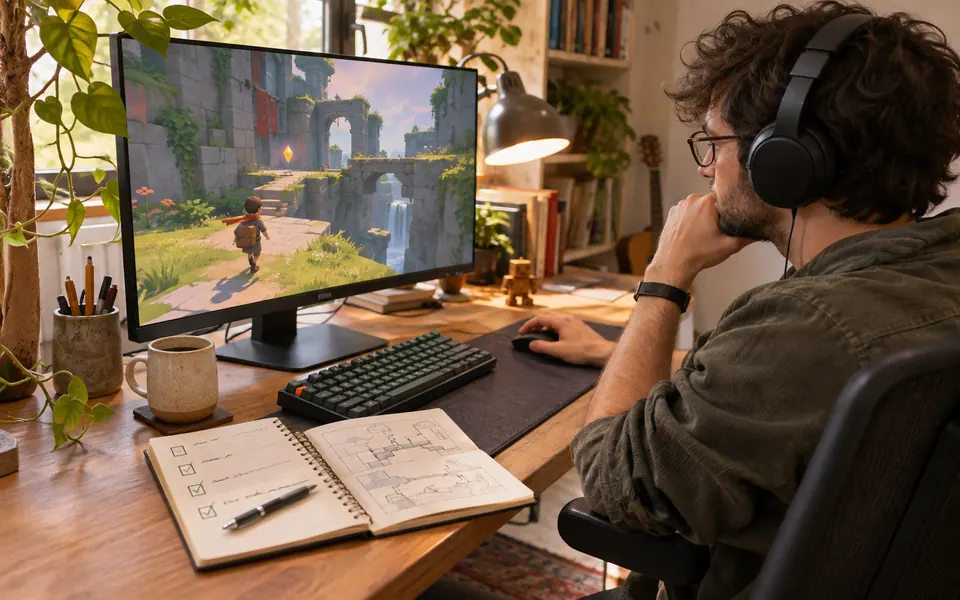
Test one direction in a small prototype and use the result to decide what to build next.
FAQ
AI Visual Novel Character Generator is a SEELE AI workflow for turning a game asset brief into structured prompts, variants, review notes, and production handoff inputs.
It can create strong production inputs, but final game use still needs human review for originality, style fit, platform policy, and engine requirements.
Start with the asset type, genre, camera or UI context, size constraints, style direction, and what the asset must do for the player.
Use the generated direction inside SEELE AI workflows for 2D assets, 3D assets, textures, sprites, UI, animation, browser previews, or Unity-oriented handoff.
Describe the game, the moment the player sees or uses the result, and the constraint that matters most. Ask for a game character concept with a distinct role, silhouette, and expression cues.
Try it in a small scene or review it from the player camera. For the first example, check that the role reads through the silhouette or a signature detail.
Yes. Pick one small scene or interaction and describe what the player should see or do. You can revise the prompt as the idea becomes clearer.
Bring a game idea to Workspace and work through a game character concept with a distinct role, silhouette, and expression cues.
Write a game prompt