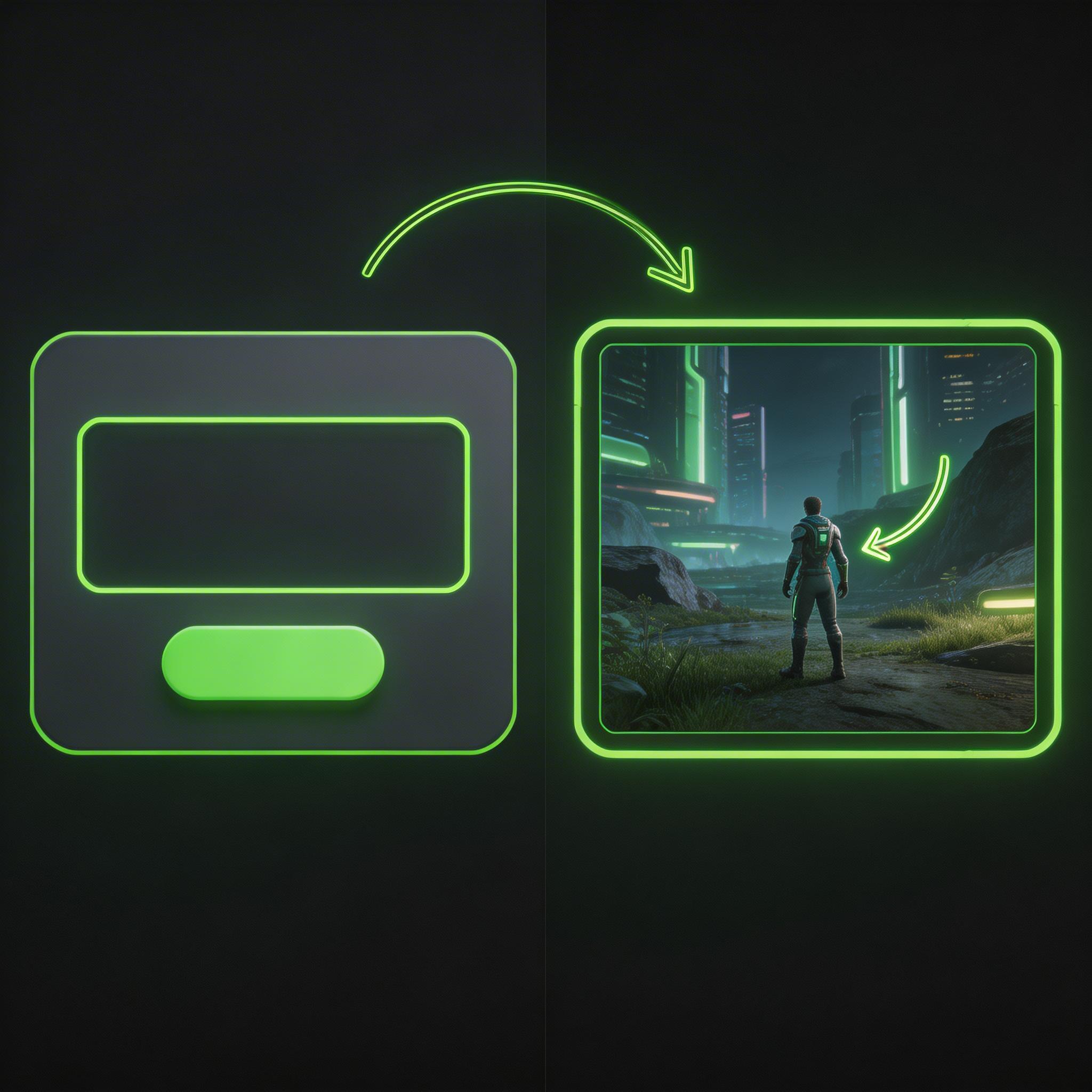
Play the idea before it grows
A browser-playable scene gives you an early way to judge the camera, controls, and objective.

Start with a player, a clear objective, and one interaction. Play the first result online, note where the controls or camera feel unclear, and refine the brief before adding more systems.
How it works
Describe one scene, play the result in your browser, and use what you observe to guide the next revision.
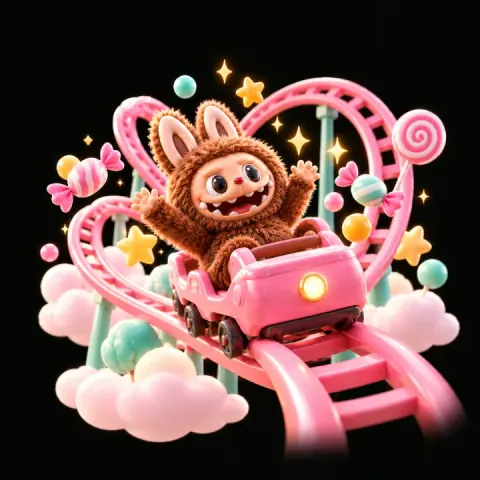
Describe a small room, course, or arena and the action the player should try there.
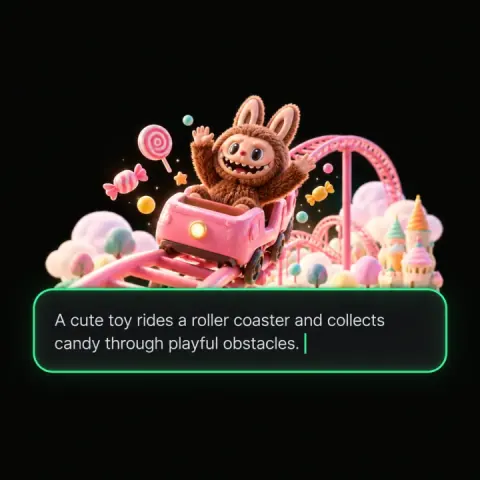
Name the camera perspective and keep the target or next landing area easy to see.
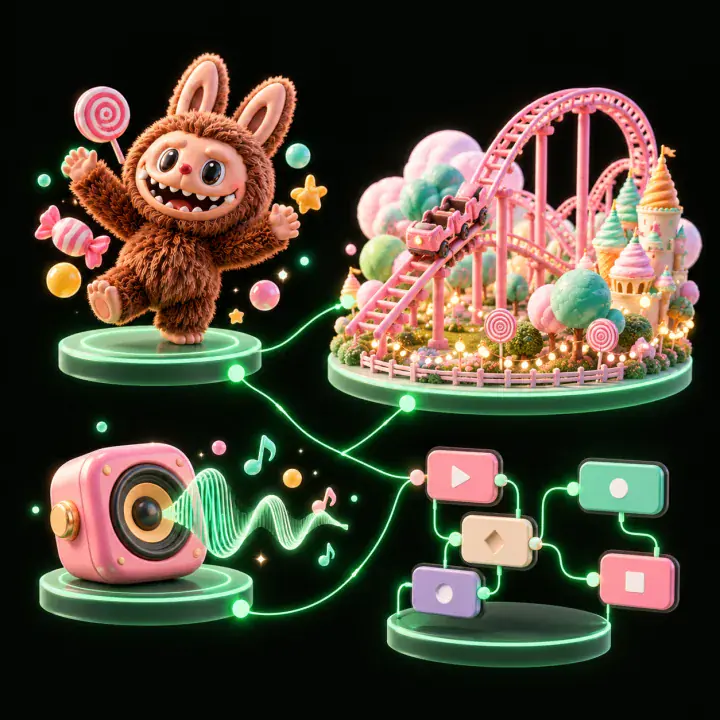
Describe the input and the response it should trigger. Keep the first test focused on one mechanic.
Try the scene yourself or ask someone to play without guidance. Note when the goal, camera, or control stops making sense.
Change the detail tied to the problem you observed, then play again to see whether the scene reads more clearly.
Pick a starting point
Try a small FPS room, platform course, RPG scene, or control test. Each gives you a specific question to answer in a playtest.
Build a compact first-person space around a few targets. Check whether movement, aim, and hit feedback are easy to read before adding more combat.
Create a small first-person 3D practice room with three stationary targets at different distances. Let the player move around a marked floor, aim, and fire a simple projectile. Show a hit marker and a reset control so the same short test can be played again.
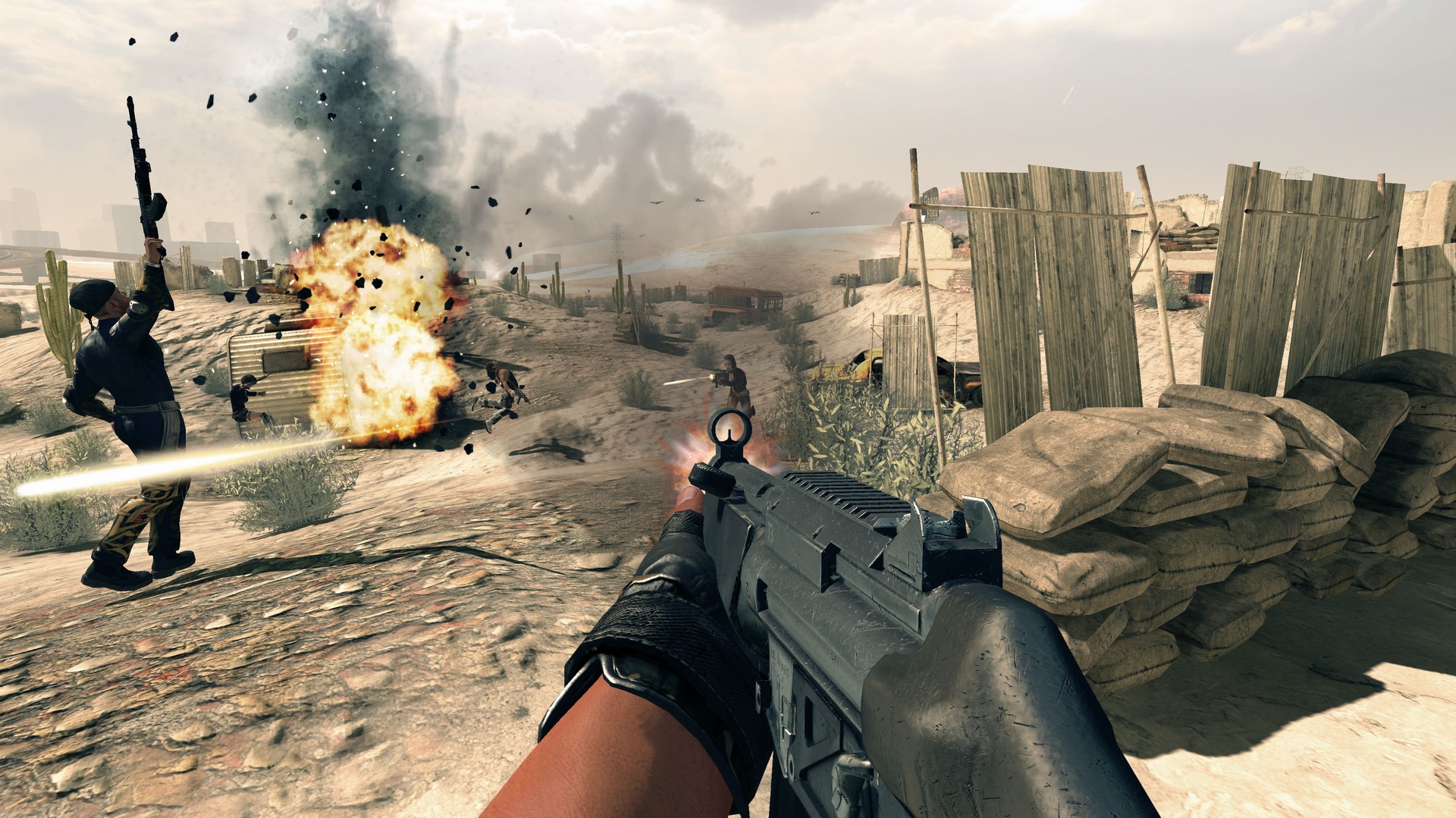 FPS practice room ↗
Why SEELE
A browser-playable scene gives you an early way to judge the camera, controls, and objective.

Choose one location and one player action so feedback points to a specific change.

Name first-person, third-person, or top-down view and check whether the key action stays visible.

Use a visible target, destination, or state change so a short playtest has a clear purpose.

Watch a player use the scene without instructions. Note where they hesitate or misunderstand the controls.

Use the playtest to choose the next adjustment, then check whether it solves the problem you observed.
Who it’s for
A short playable scene gives a group something concrete to discuss before committing to a larger project.
Try one small scene and learn whether its goal and controls are clear before planning a larger project.
Create 3D Game ↗
Put movement, camera, or one interaction in front of a player and use the playtest to guide the next revision.
Game Generator AI Free ↗
Use a playable scene to make a game idea easier to review together. Confirm technical and production requirements separately before committing to a full build.
3D AI Game Maker ↗Compare
An online prompt-to-prototype workflow helps explore an idea; manual setup gives direct control over implementation from the start.
| Feature | Prompt-to-prototype in a browser | Manual project setup |
|---|---|---|
| First step | Describe one scene, player action, and visible objective. | Choose a project setup and create the first scene by hand. |
| First review | Play the result online and note issues with camera, controls, or goal clarity. | Run the project and inspect the scene after the initial setup. |
| Scope | Try a single interaction before expanding the brief. | Plan the project structure and dependencies before adding features. |
| Best fit | Explore a game idea and discuss a first playable direction. | Build a project that needs direct control over its implementation. |
| Before release | Review the actual project, assets, performance, and target platform. | Test the implementation against the project’s release requirements. |
Reviews
These videos show broader SEELE AI game workflows. They provide general product context; verify current editor features in the product.
Explore 3D game pages, tutorials, and tools for planning scenes, mechanics, and game assets.
FAQ
It is a browser-based way to start shaping a 3D game idea. With SEELE AI, describe a scene and interaction, then review the playable result in the current workflow.
Start with a small scene, name the camera view and player action, and give the player one visible goal. Try the result, then refine the part that was unclear.
The Create page is designed around browser-based creation and play. Check the current project controls for the exact preview and sharing options available to your account.
You can describe a first idea in plain language without writing code. Review the generated scene and check the current editor options before planning a more technical project.
Name the camera view, player action, objective, setting, and one constraint. A compact brief makes it easier to see what needs adjustment after a playtest.
Choose a short interaction you can judge quickly: a small target room, a few platform jumps, one item-gathering task, or a single control test.
Keep the next destination visible, make the main input clear, and give the player feedback when an action succeeds. Observe a first-time player before changing several controls at once.
Put the objective and the next movement area in view. Try the scene from the intended perspective and note any moment when the camera hides an important cue.
Yes. Describe the core action and one small scene from the concept. Use original names and assets, and confirm you have rights to any material you plan to include.
A first prototype helps you explore an idea. Review the actual output and verify implementation, performance, target platform, and release requirements before treating it as a finished project.
Export options can depend on the current workflow and output. Check the editor for the available handoff before planning a project around a particular engine.
Play through the scene, check controls and objective clarity, and review assets, performance, and the intended audience. Confirm rights before sharing third-party material.
It can help beginners, designers, and small teams discuss a 3D game direction through a scene they can try. Match the scope to the question you want the playtest to answer.
Write down the first point where play becomes confusing. Change one thing related to that moment, then play again to see whether the adjustment helped.