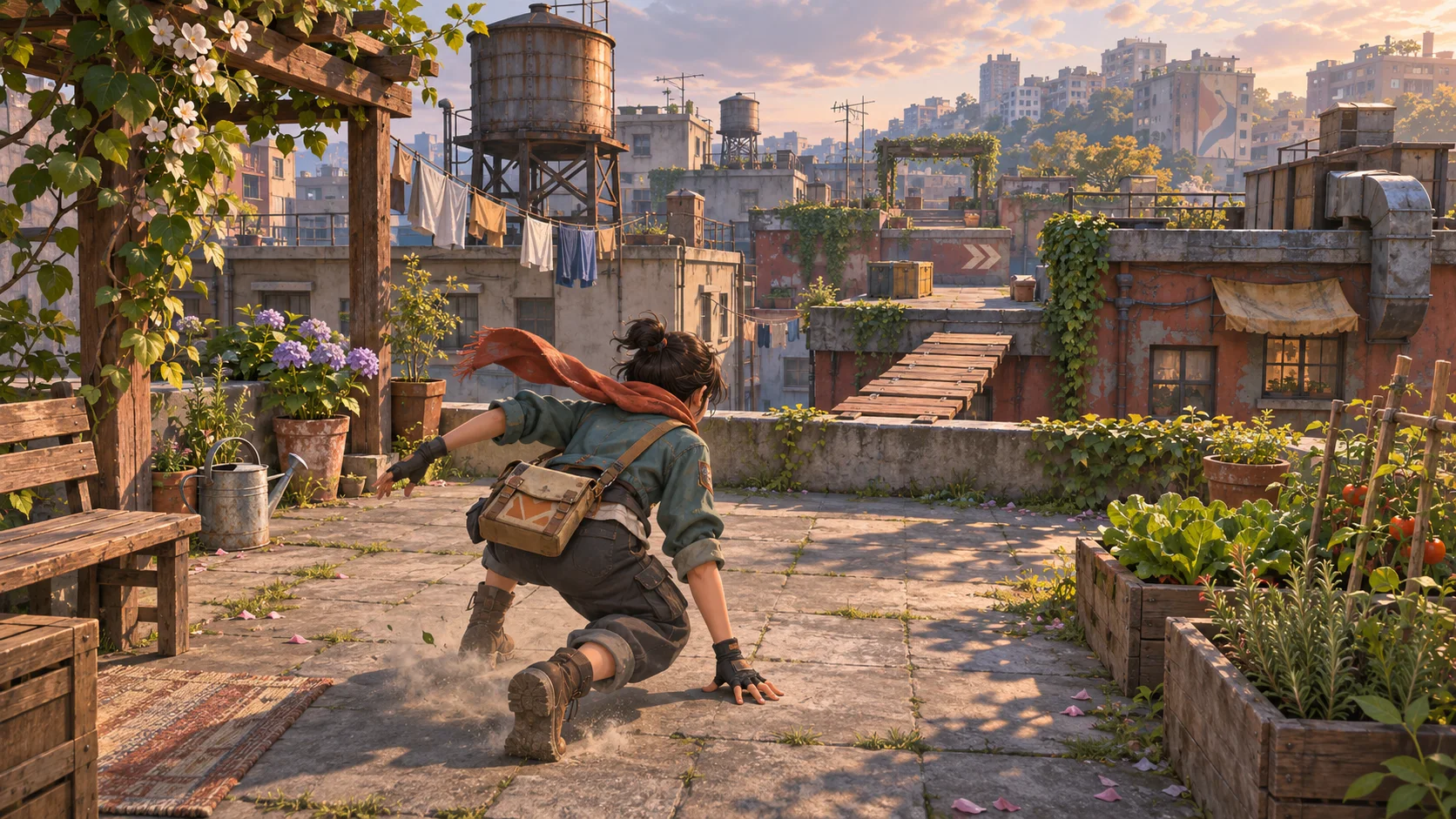
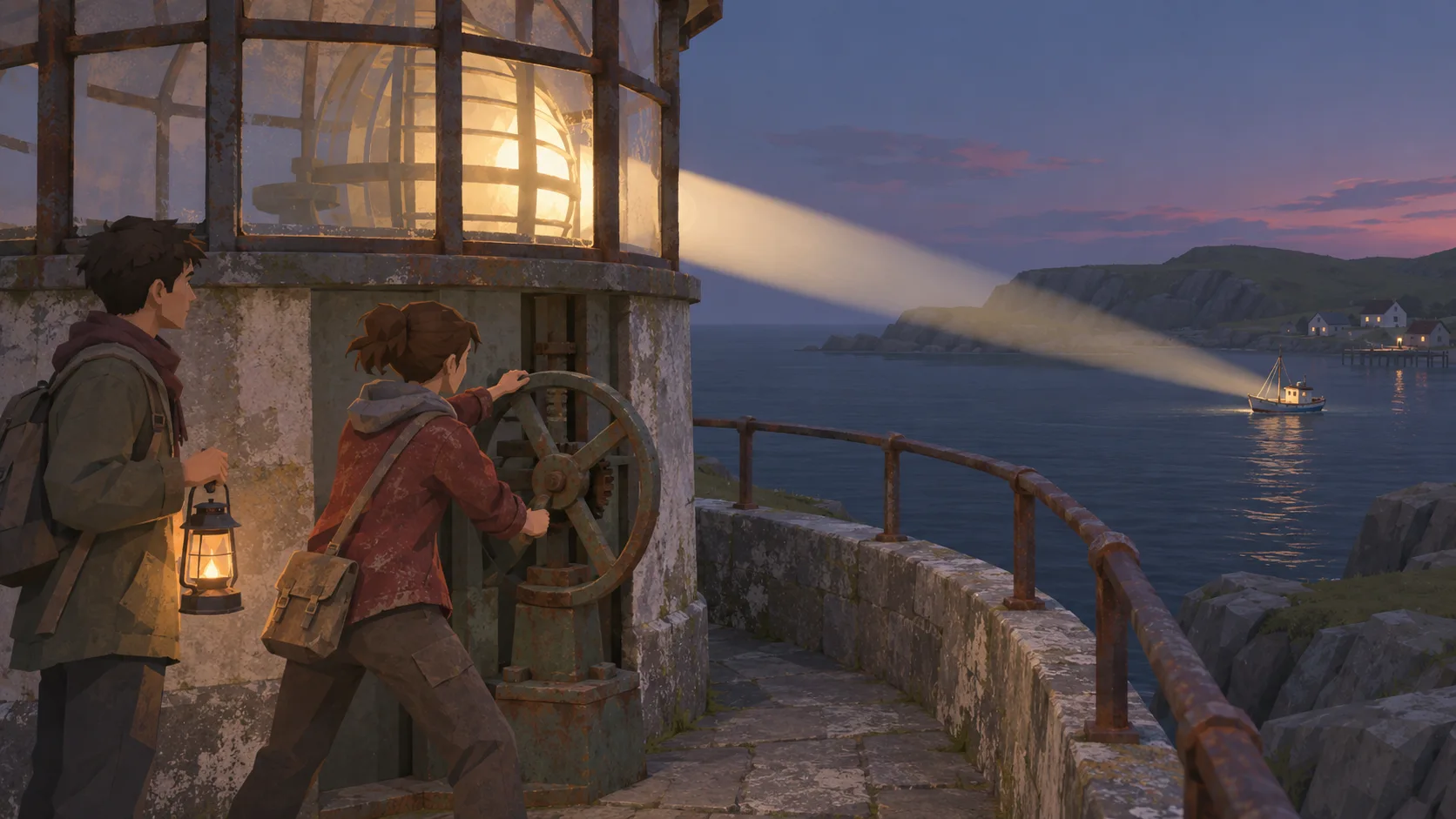
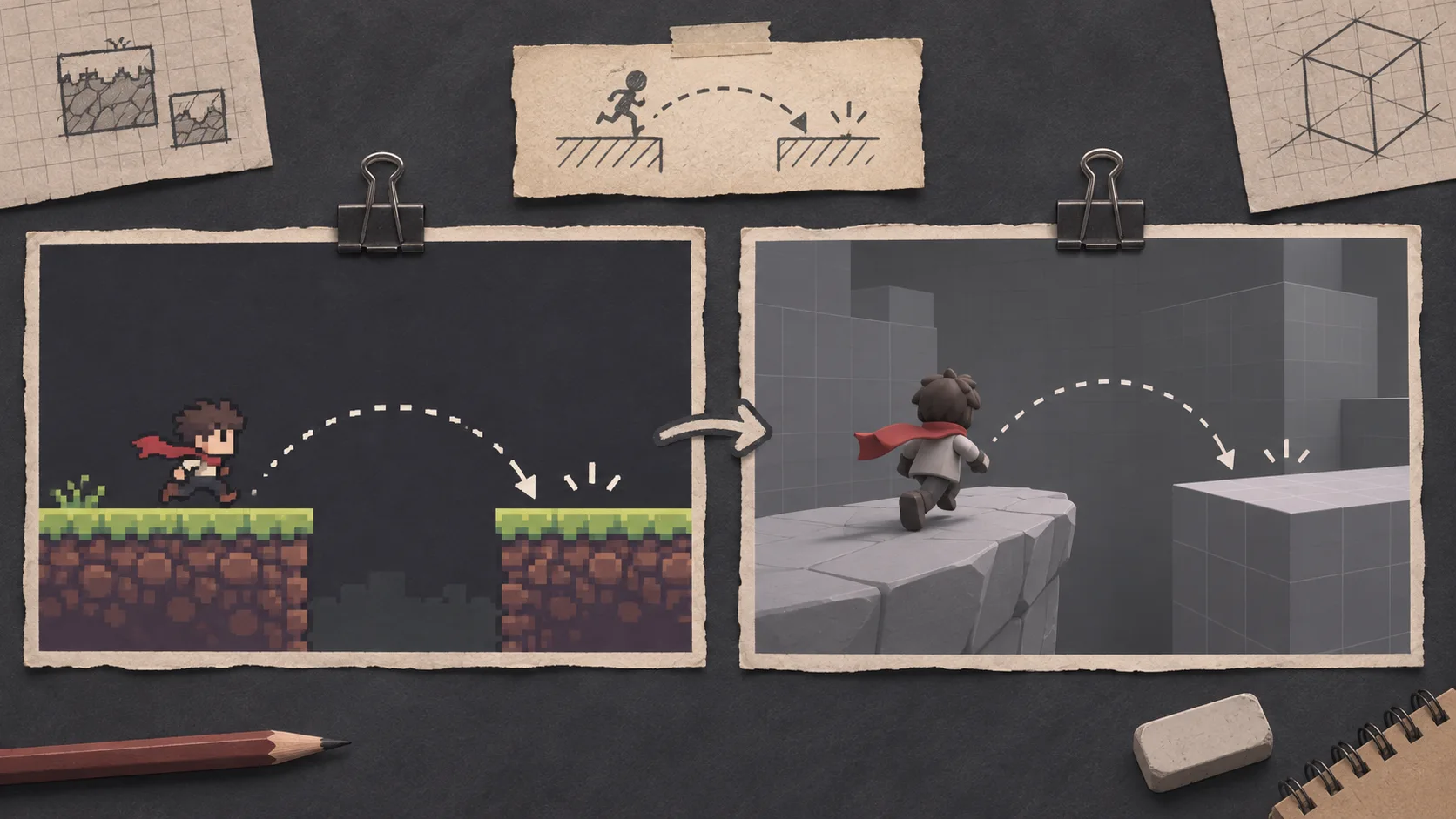
Turn a broad idea into a playable loop
Start with a player goal, one action, and a result. A small loop gives you something concrete to judge before you plan a larger game.

Start with one scene and one player action.
Describe the view, the player’s goal, and the main interaction. SEELE can turn that brief into a playable first build; review what works before growing the project.
Partners and teams

















Pick a starting point
Try a short FPS drill, RPG quest, platforming level, or voxel dungeon. Each example gives you one player loop to test before expanding the game.
Build a small first-person practice space with visible targets and a clear score. Use it to review camera, input, and feedback before adding combat systems.
Create a first-person 3D target range with three stationary training bots at different distances. Let the player move within a marked lane, aim, and fire one simple projectile. Show an ammo count and a hit marker, then reset each bot after a few seconds so the same drill can be replayed.
 FPS target drill ↗
Why SEELE
Start with a player goal, one action, and a result. A small loop gives you something concrete to judge before you plan a larger game.

Set first-person, third-person, or top-down perspective in the brief. Check whether the player can see the route, target, and important feedback from that view.

Keep the first environment focused on the interaction you want to test. Add scenery where it helps players understand space or purpose.

Show the destination, item, or state the player needs to reach. A clear objective makes a short playtest easier to follow.

Watch someone try the build without coaching. Note where they stop, miss a cue, or misunderstand the controls, then make one change.

Add another level, enemy, or system after the core action is understandable. This keeps early feedback focused on the mechanic.
Made with SEELE
These games are playable. Pick one and give it a try.
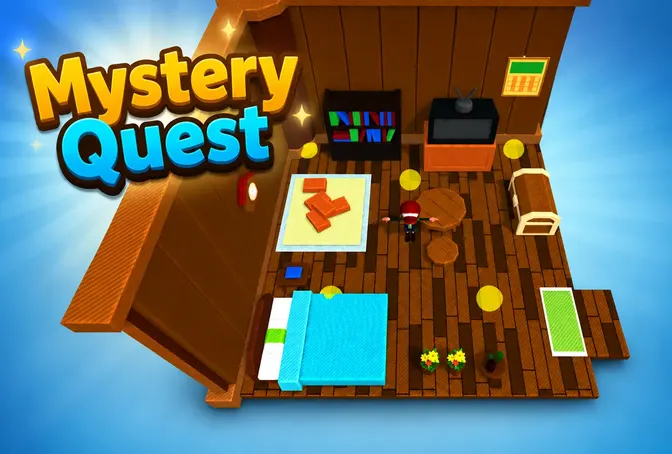 AdventureAdventure GamePlay the example ↗
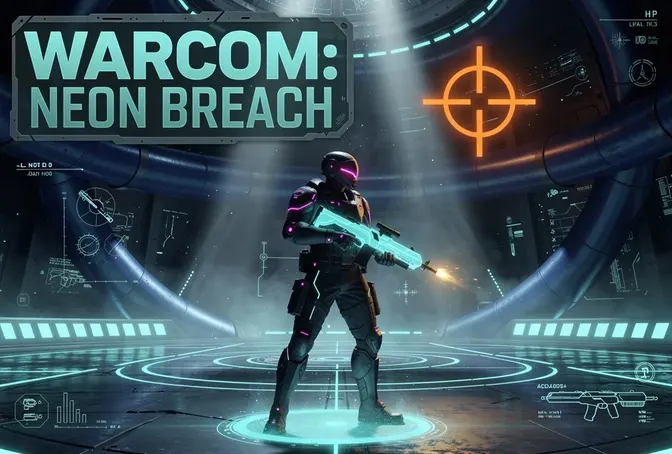 ShooterWarcom: Neon BreachPlay the example ↗
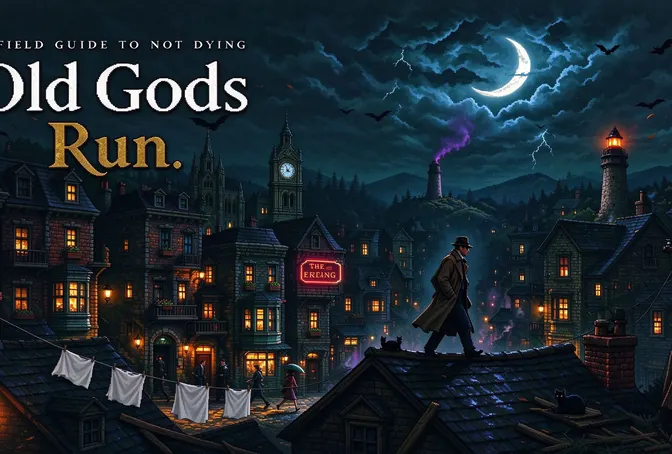 ActionOld Gods RunPlay the example ↗
 CasualCaution! Egg on the Car RoofPlay the example ↗
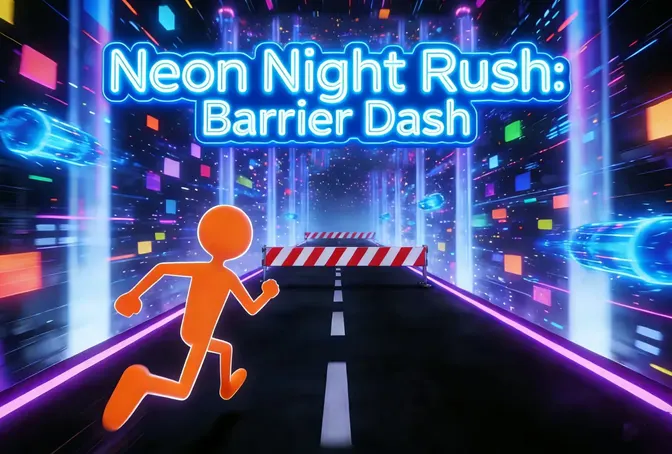 RunnerNeon Night Rush: Barrier DashPlay the example ↗
 PuzzleMuseum ExhibitionPlay the example ↗
 SimulationMilky Way Idle 3DPlay the example ↗
 CasualSnowfall & Starry GiftsPlay the example ↗
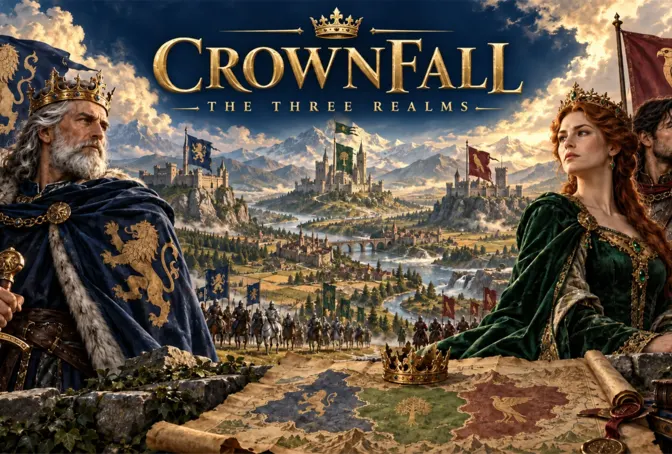 RPGCrownfall-The-Three-Realms-CoverPlay the example ↗
 SimulationFLYING CARPlay the example ↗
Who it’s for
A first playable scene can help beginners, designers, and students discuss a game idea in concrete terms.
Describe a short scene in everyday language and see whether its goal and controls are clear. Keep the first attempt small; generated output still needs review.
3D Game Creator ↗
Use a compact level to explore camera, movement, and one interaction. Share the result with a teammate and agree on the next change.
3D AI Game Maker ↗
Use one scene to discuss objectives, feedback, and player choices. Review the generated build and identify what would need work in a finished project.
AI Game Maker Free ↗Compare
A playable first scene gives you something to test; it does not replace project, platform, and release review.
| Feature | Start with a playable first scene | Plan a 3D project before building |
|---|---|---|
| First brief | Set the camera, player action, and scene goal | Define the project direction and implementation plan |
| First review | Try the scene and watch where the loop breaks | Review requirements before a playable build exists |
| Feedback | Use player behavior to choose one focused change | Use the plan to identify assumptions and missing requirements |
| Scope | Begin with one level, encounter, or interaction | Map the wider game structure before implementation |
| Before release | Check the actual project, assets, performance, and target platform | Verify the implementation against the release plan |
Reviews
Related pages cover 3D game creation, playable prototypes, and focused game-making workflows.
FAQ
An AI 3D game maker turns a written game idea into a starting point for a 3D game. With SEELE, begin with a player goal, a scene, and one interaction, then review the playable first build.
You can describe a game idea in plain language and try a first build without writing code. The result may still need code, asset, and gameplay review before you extend or release it.
Describe the camera view, player goal, main action, and the scene where it happens. Add one constraint—such as a short level or a simple control scheme—so the first result stays focused.
Choose one small idea, such as reaching a landmark or solving one room. Define the controls and success condition, try a build, and change one thing after you play it.
A short exploration route, platforming challenge, puzzle room, or arena encounter can each test a different player action. Start with the one mechanic you most want to understand.
Include the intended camera in your brief and check the result in the playable build. Camera behavior can affect visibility, movement, and how players read the level.
Give the player a visible goal, a short route, and one obstacle that teaches the main mechanic. Add a checkpoint if a failed attempt would otherwise force a long replay.
Do not assume a browser preview is ready for mobile release. Test controls, performance, screen layout, and the actual export in the target device and platform workflow.
The engine and handoff depend on the available creation workflow. Check the current Workspace options and inspect the generated project before planning engine-specific work.
A prompt can explore many directions, but each generated result has limits. Start with a small representative scene and verify the mechanics you need before expanding the scope.
Treat them as first-pass assets until you check geometry, materials, scale, rights, and performance in the target project. Asset suitability depends on how and where you plan to use them.
Give a tester the objective without explaining the controls. Watch whether they can act, recognize feedback, and reach the outcome; use their behavior to choose the next revision.
Review gameplay, code, assets, licenses, performance, accessibility, packaging, and platform rules first. A playable preview does not by itself establish release readiness.
Add the element that supports the next test: another obstacle, a second room, or a clearer feedback cue. Keep the original loop available so you can compare the change.