Menu
Seele AI · Tool

AI Game Character Designer

Use a game character designer to turn rough art direction into clearer visual routes, style references, and production-ready prompts.

Start with the ai game character designer you want to shape

Describe the game context, intended player experience, production constraints, and the outcome you want. This handoff sends the request into Seele AI instead of stopping at a static landing page.

0

Seele AI Vs Typical Alternatives

Seele AI Vs Typical Alternatives

This page is strongest when a team needs a usable handoff, not just inspiration copy.

DimensionSeele AITypical alternative
Starting pointTurns rough intent into a structured handoff tied to WorkspaceOften leaves the user with a static note or generic response
Production fitBuilt to continue into broader game workflowsOften stops after the first answer
Best stageEarly planning, direction-setting, and prototype alignmentBrainstorming only or later manual production
Review boundaryMakes human-review limits explicitOften leaves limits underspecified

How It Works

How It Works

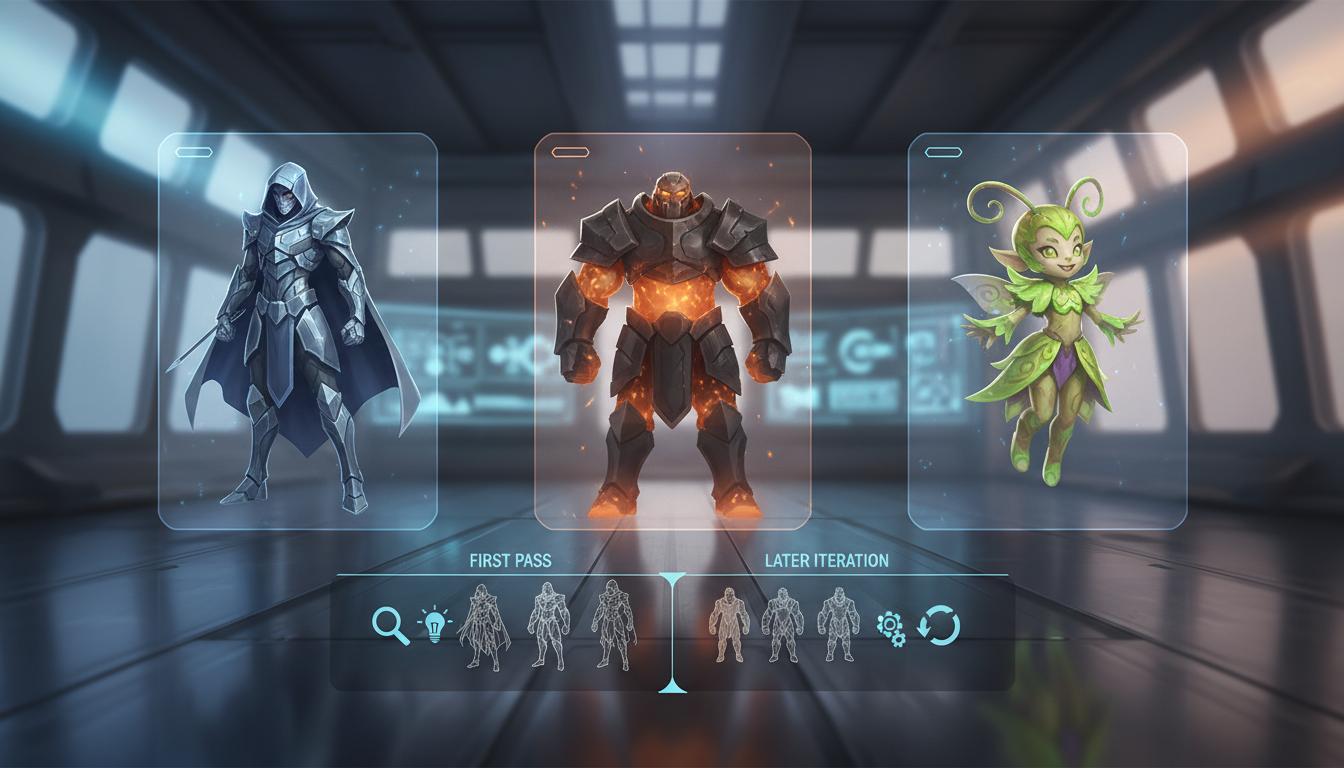
This page is built to reduce blank-page friction so a team can get to a usable first-pass direction faster.

01

Frame The Visual Direction

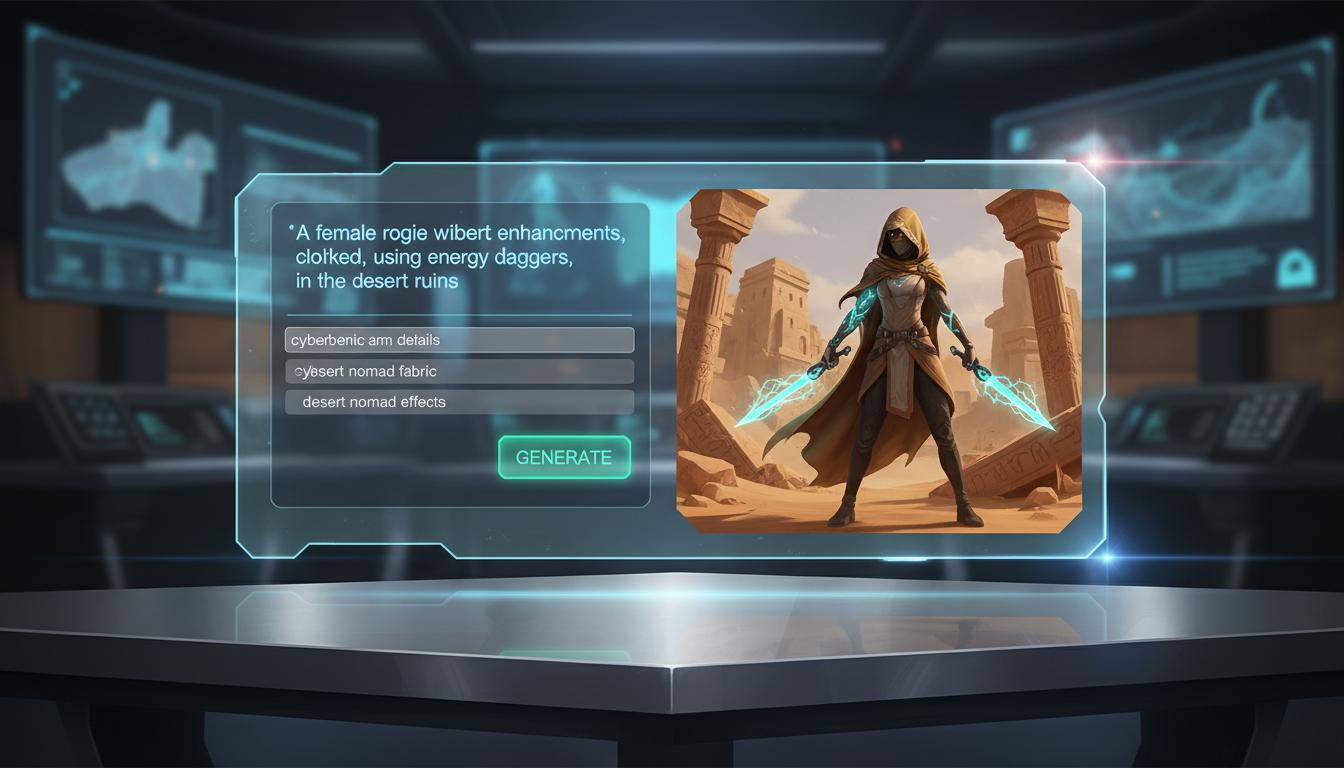
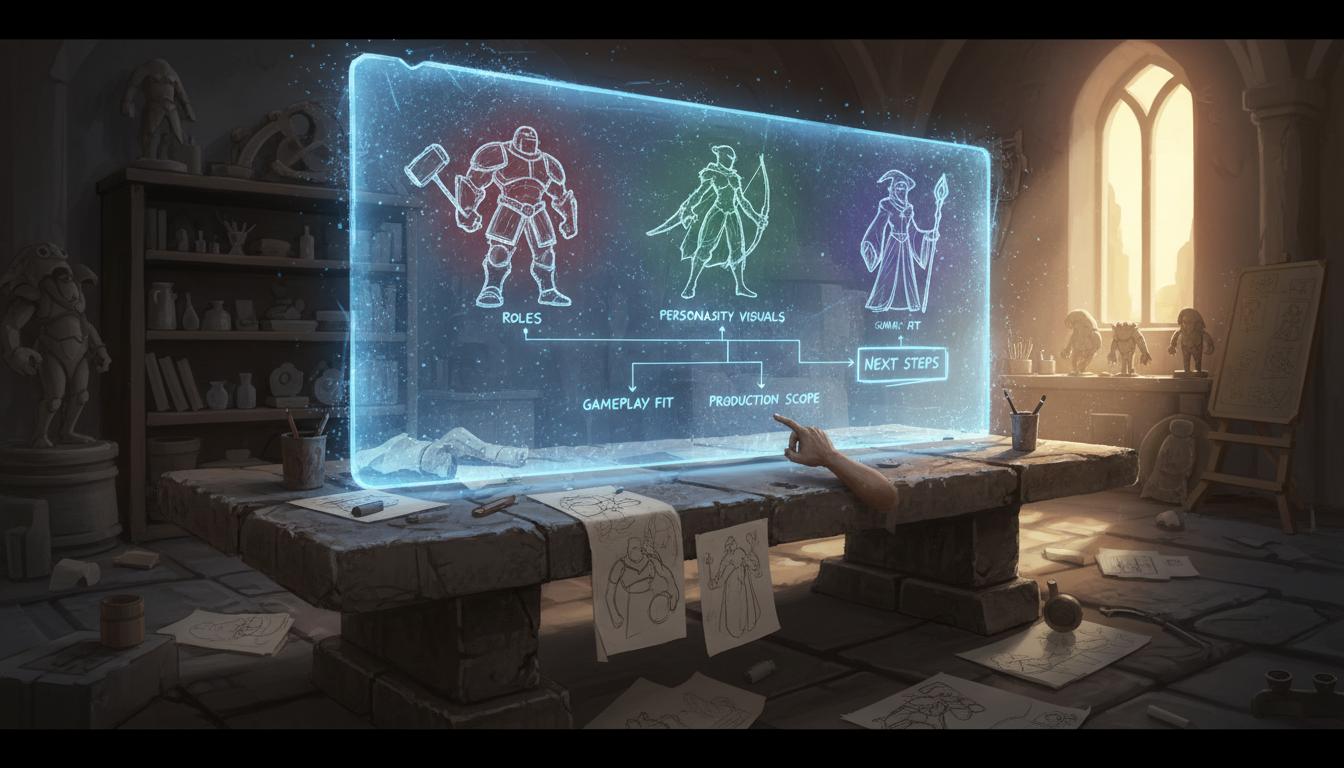
Describe the game context, audience, and constraints behind character roles, silhouettes, and personality-driven visual routes. Seele AI restructures the request into a clearer first-pass character design brief.

02

Compare Style Routes

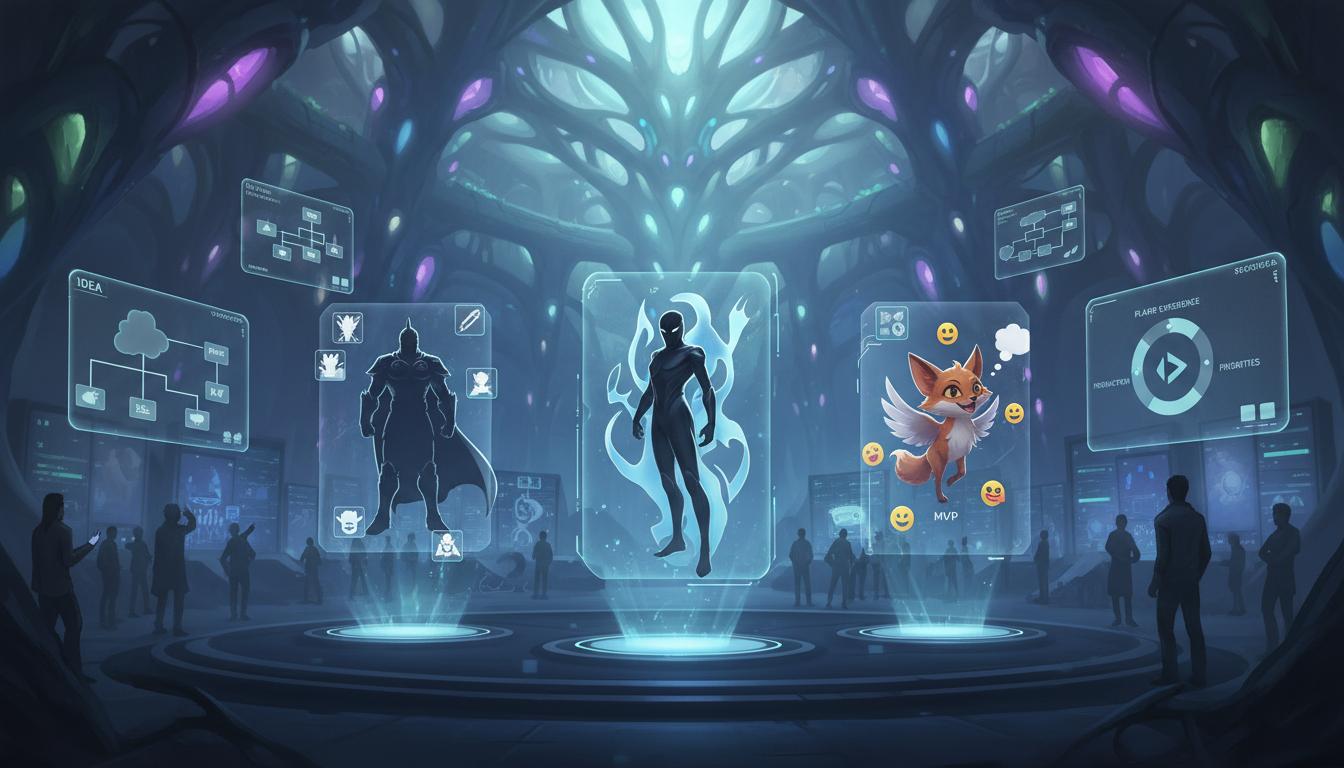
Clarify what matters most for character roles, silhouettes, and personality-driven visual routes, what belongs in version one, and which routes should be compared. The workflow organizes the request into something easier to review, trim, and continue.

03

Carry The Best Route Forward

Choose the strongest route worth iterating, prototyping, or handing to collaborators. The same prompt continues inside Workspace so the team can move into deeper production-facing work without restarting.

What You Get

What You Get

One pass should leave the team with something concrete enough to discuss, refine, or carry into production.

Character Design Brief

A clearer first-pass version of character roles, silhouettes, and personality-driven visual routes that is easier to review with the team.

Direction Comparison

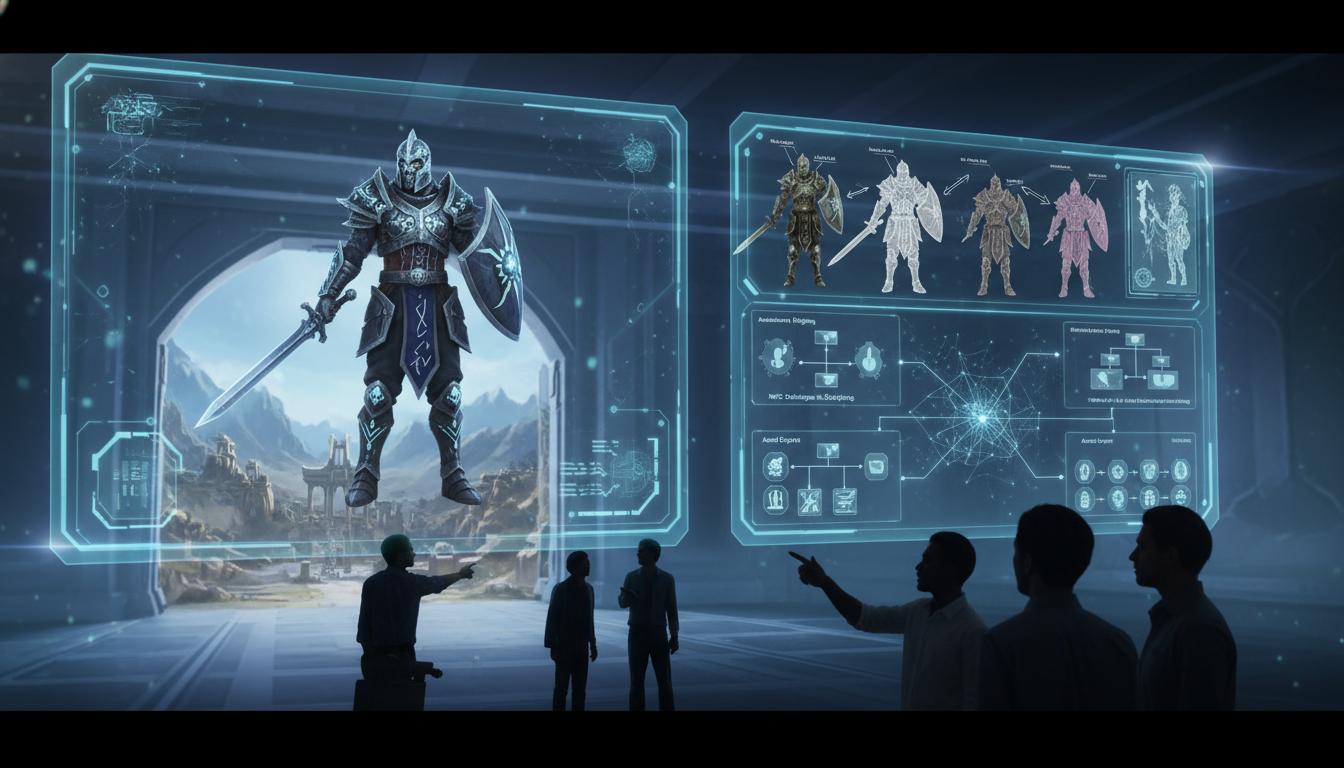
Multiple routes for scope, style, or structure so the team can decide intentionally.

Review Boundary

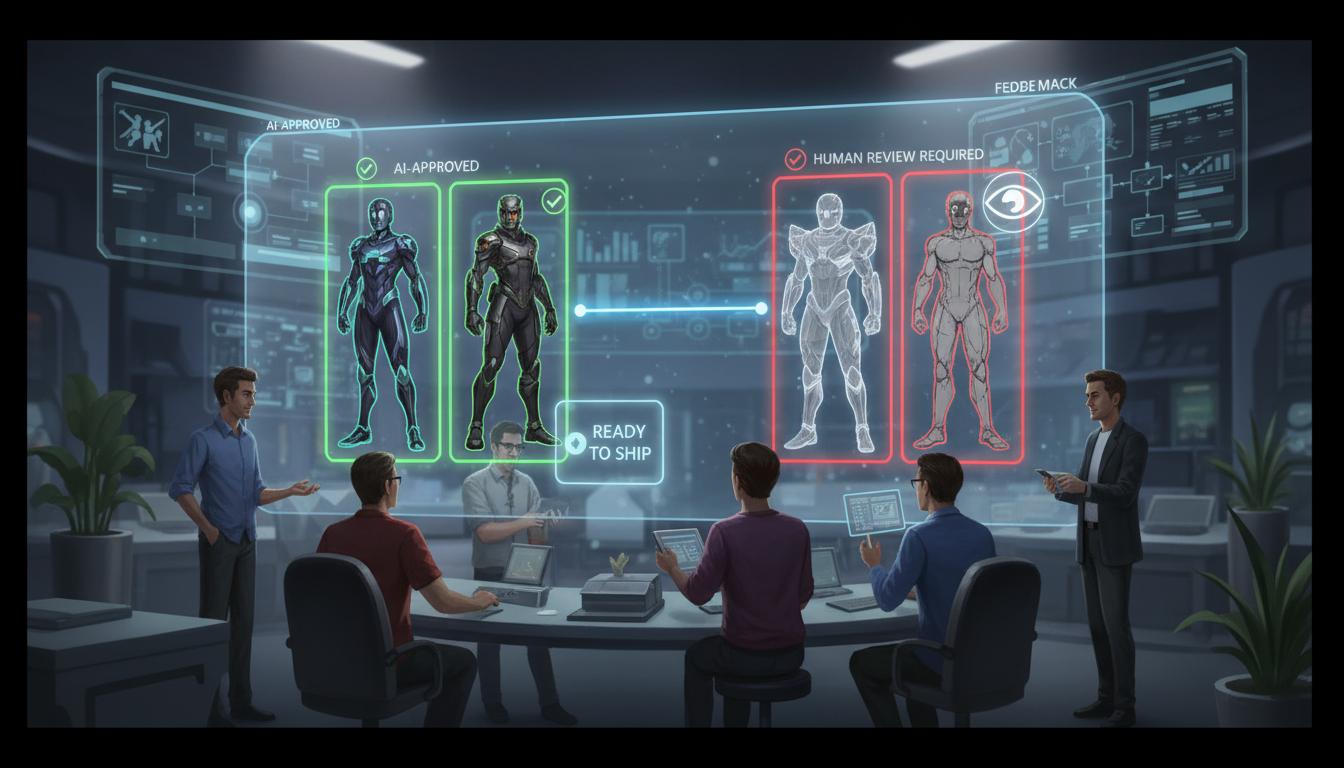
A clearer view of what can move forward now and what still needs manual review later.

Where This Works Best

Best For And What Still Needs Review

Where This Works Best

  • Exploring art direction before committing to one visual route.
  • Comparing character, key art, or style options early in production.
  • Giving designers and artists a shared starting point for iteration.
  • Continuing the same visual prompt inside Seele AI Workspace.
  • Final art direction, IP fit, and shipping-quality polish.
  • Production feasibility, illustration cleanup, and asset consistency.
  • Any final approval on style system, readability, and brand fit.
  • Downstream implementation and performance choices where relevant.

FAQ

AI Game Character Designer is best used for turning rough intent into clearer character design brief, faster team alignment, and a stronger first-pass handoff before deeper production work begins.

A practical character creation evaluation checklist

Related-search decision guide

Use one representative input and follow it through edit, export, and destination testing. Treat “free” and “best” as search intent—not a promise about current access or quality.

Searches mapped to this route include “3d character designer” and “character designer free”. Confirm the actual job and destination instead of assuming every wording is equivalent. Review front, side, and gameplay-camera views, then check rights, geometry, textures, scale, rigging, deformation, export, and performance. Free access, sign-up rules, limits, and commercial rights can change; verify the current official terms.
Start creating with AI Game Character Designer

Join creators building with Seele AI — no setup required.

Open Workspace