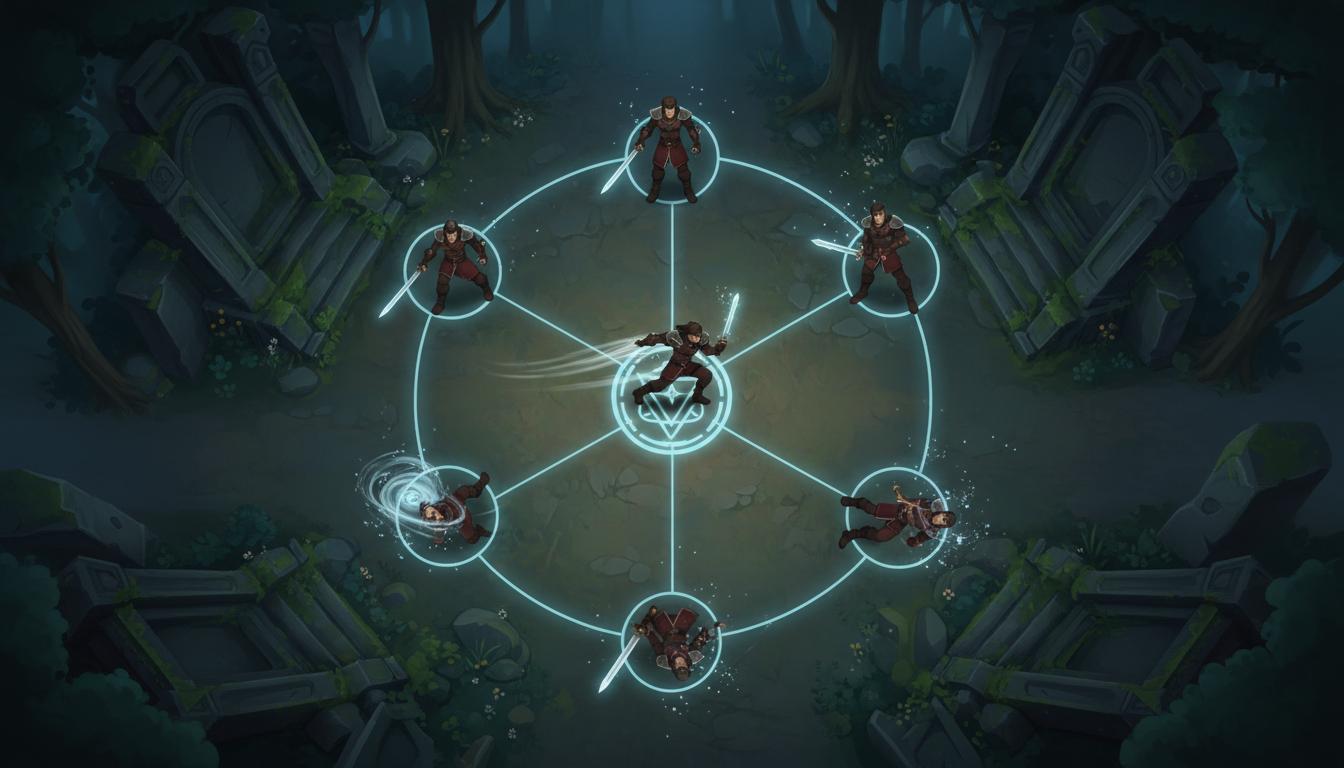
Top-Down Hero States
Cover core actions for a controllable player character.
Top-Down Hero States Cover core actions for a controllable player character. Search thisSearch thisTurn a 2D character, prop, or effect idea into a clearer sprite-sheet brief, state list, and animation planning handoff before final export work.
Try this in Seele AI
Start with a specific ai sprite sheet generator need, then carry that prompt into the workspace for deeper iteration and follow-up planning.
Quick Start Searches
Pick a concrete ai sprite sheet generator scenario and jump into the workspace with a stronger starting prompt.
Cover core actions for a controllable player character.
Top-Down Hero States Cover core actions for a controllable player character. Search thisSearch this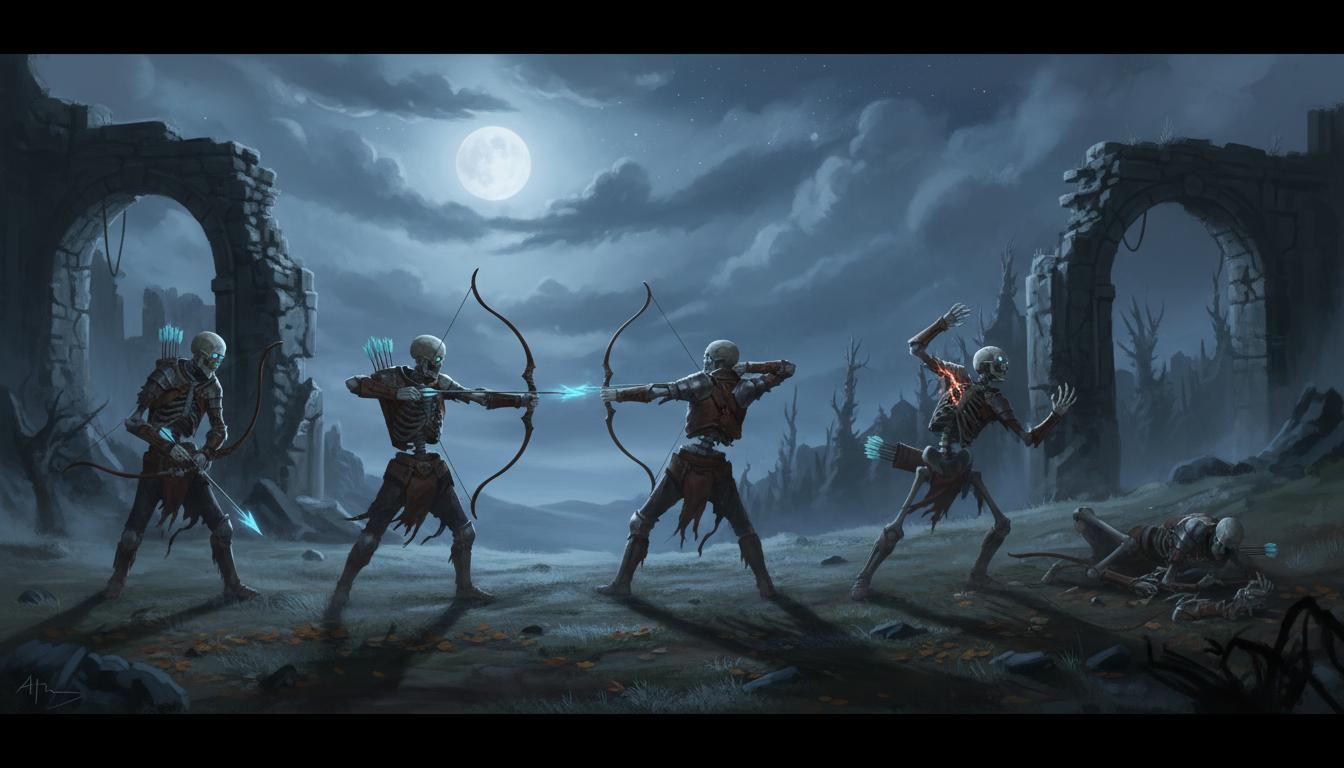
Shape a cleaner state set for combat readability.
Enemy Loop Planning Shape a cleaner state set for combat readability. Search thisSearch this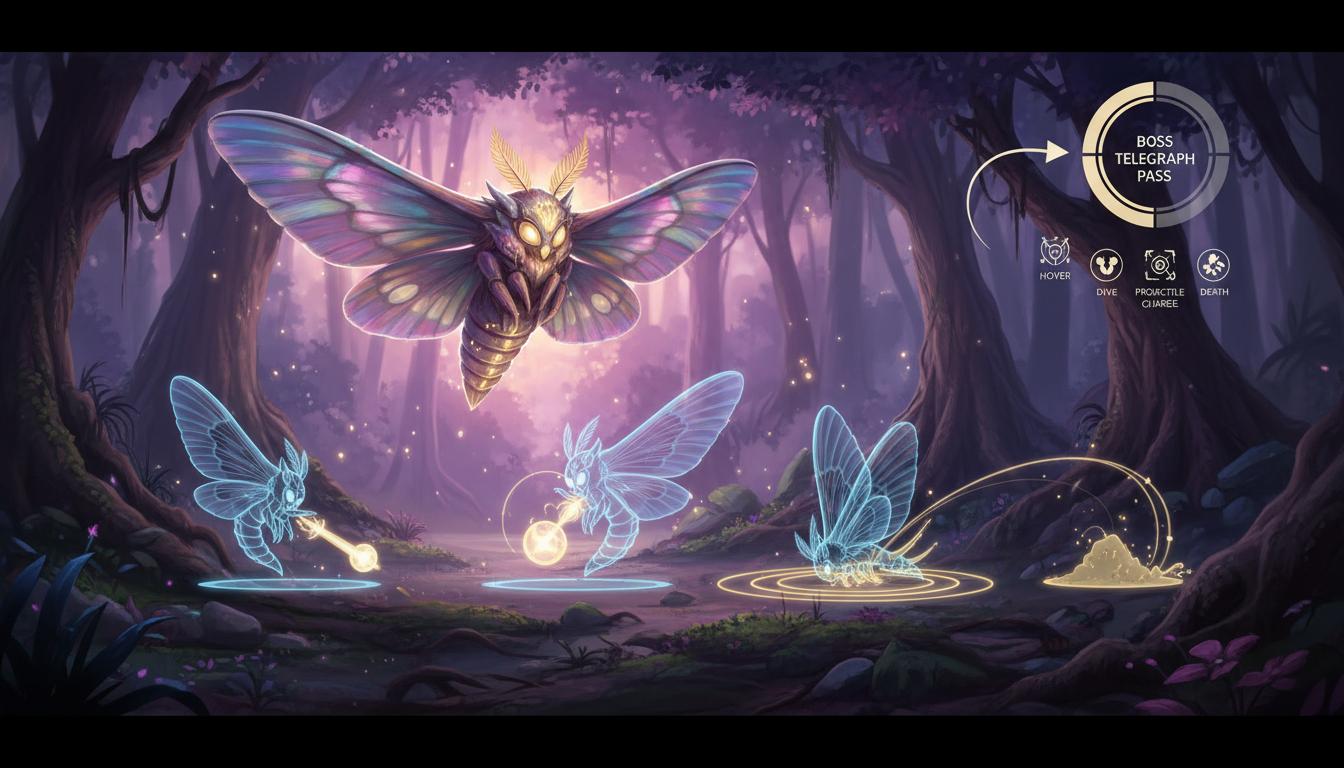
Break down attack loops and windups before art production.
Boss Telegraph Pass Break down attack loops and windups before art production. Search thisSearch this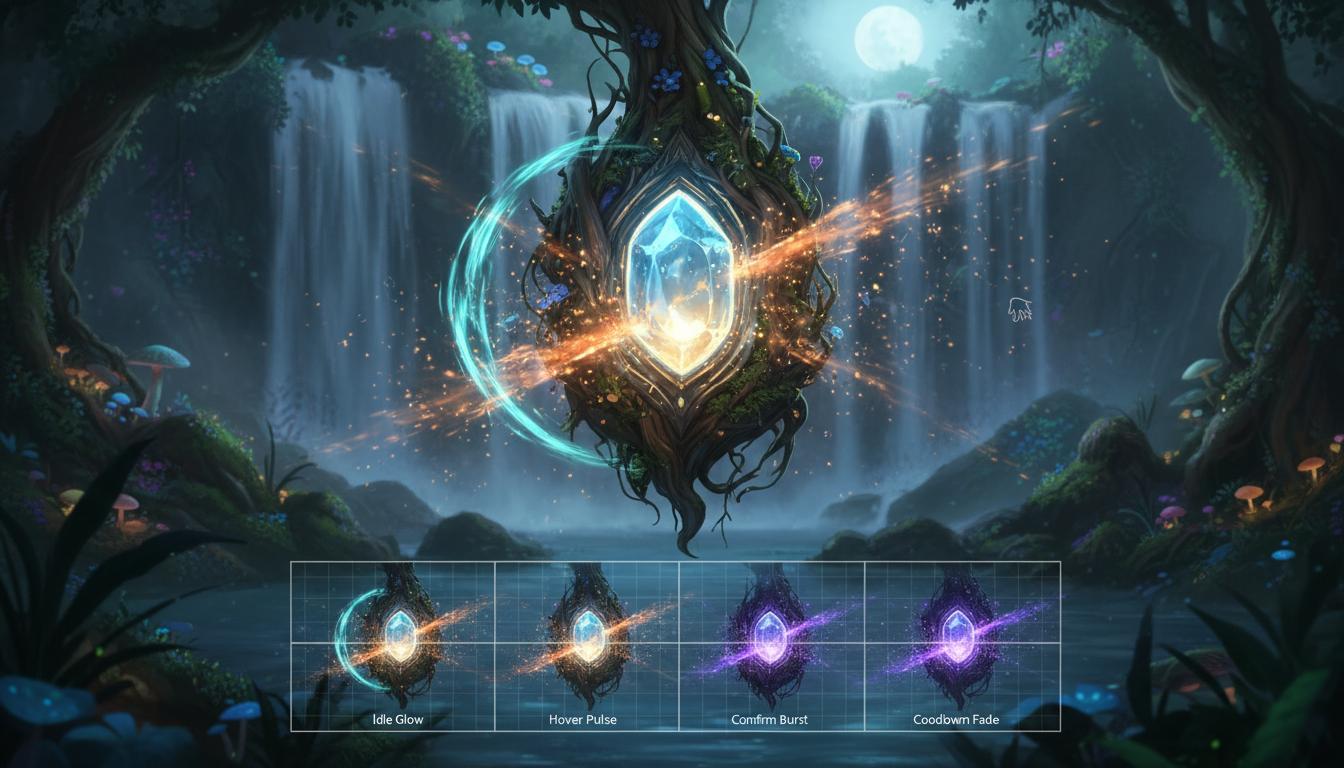
Use the same workflow for interface motion assets.
UI Effect Animation Use the same workflow for interface motion assets. Search thisSearch this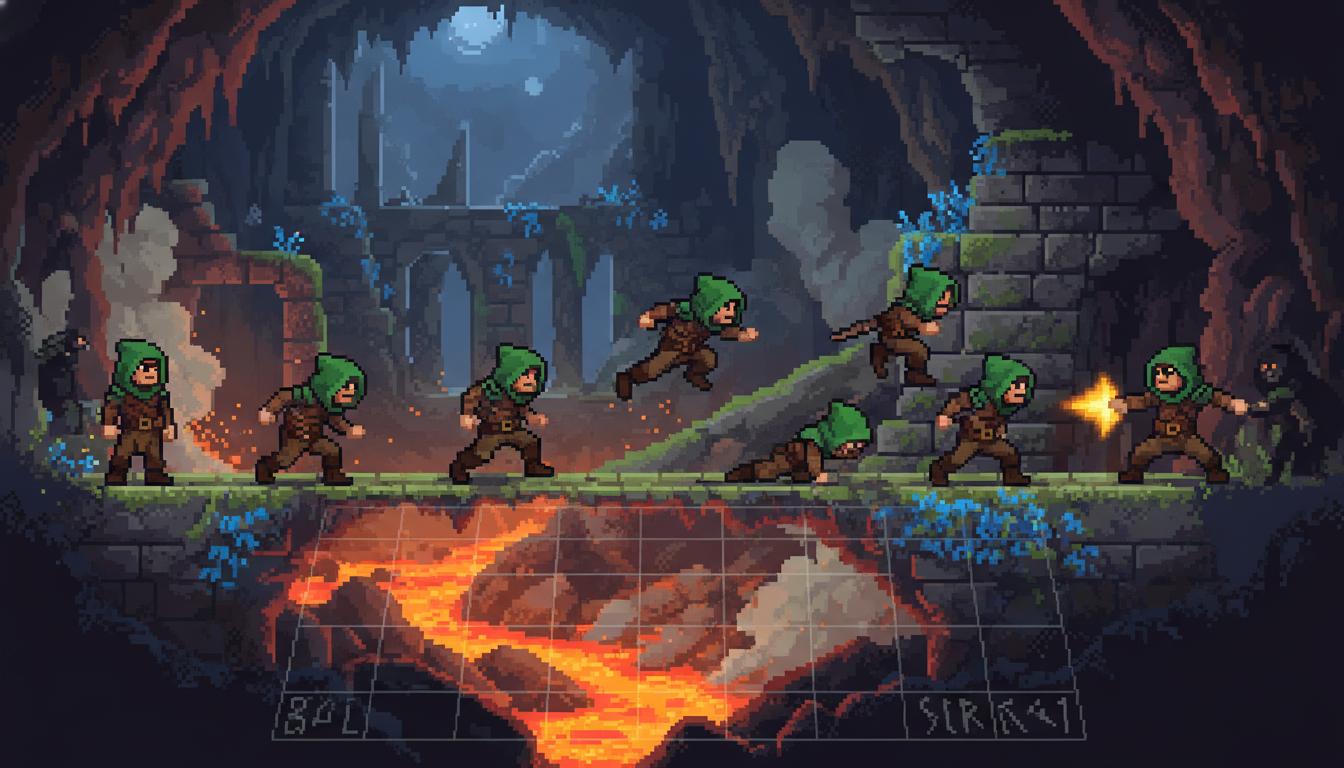
Keep movement states aligned across a retro game.
Pixel Platformer Set Keep movement states aligned across a retro game. Search thisSearch this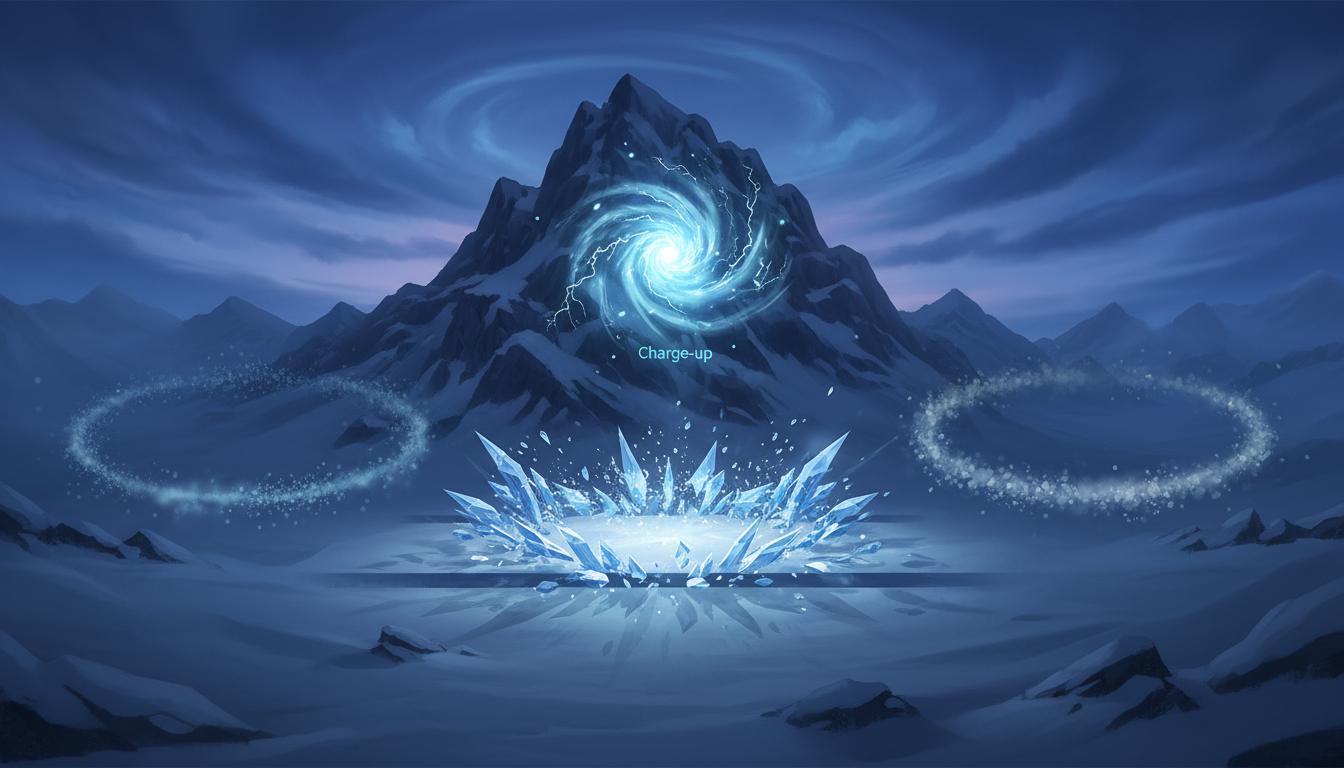
Plan effect timing in a more structured way.
Spell VFX Sequence Plan effect timing in a more structured way. Search thisSearch thisCore Features
This page is strongest when you need clearer ai sprite sheet generator direction before expensive production steps begin.
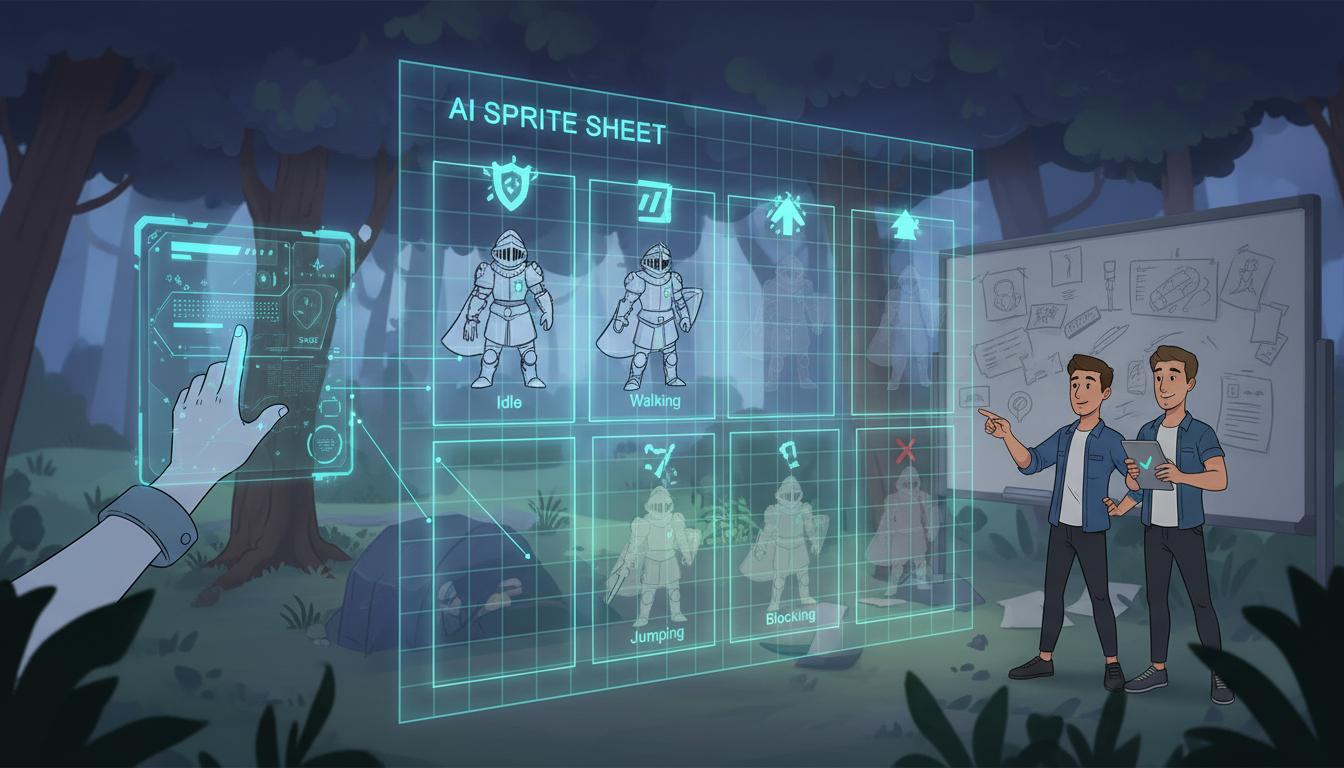
The workflow helps teams decide what belongs on the sheet before animation production starts consuming time.
Clarify State Coverage Before Drawing Frames The workflow helps teams decide what belongs on the sheet before animation production starts consuming time. Open WorkspaceOpen Workspace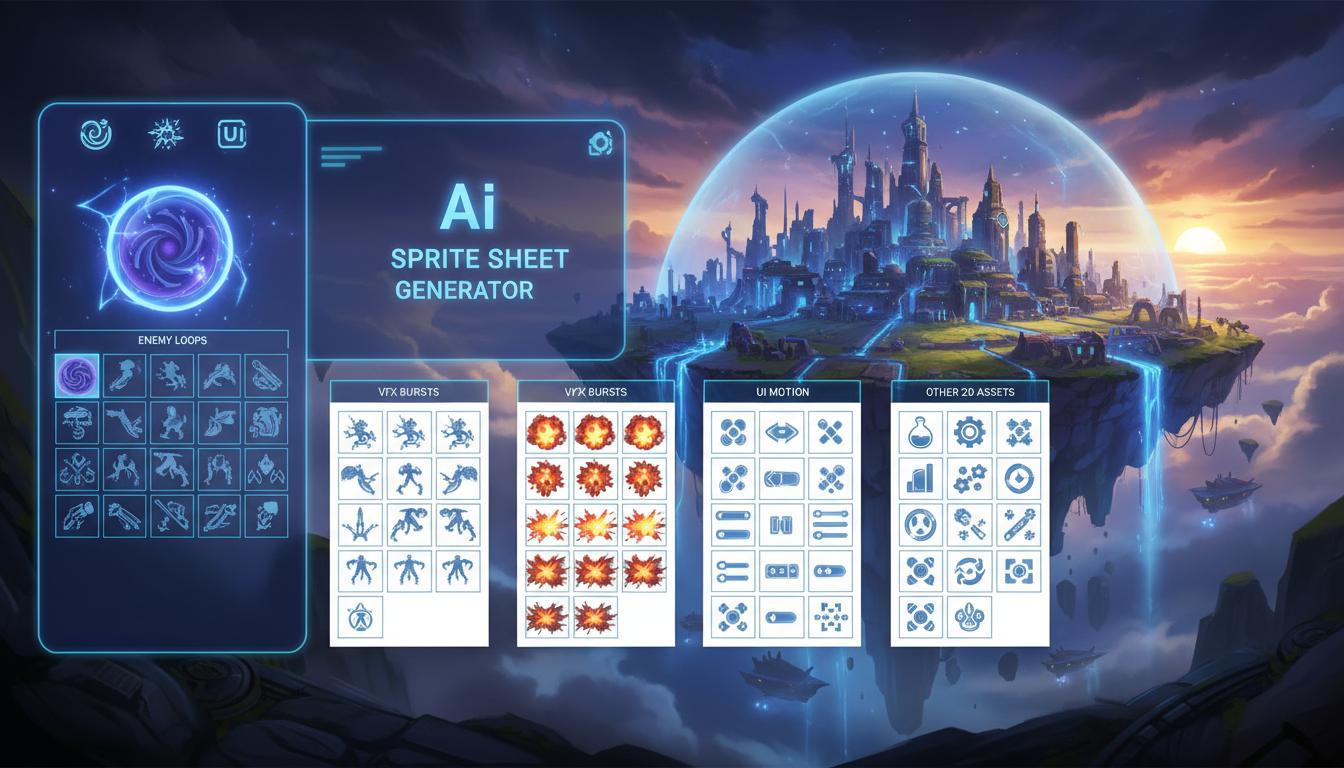
It can also support enemy loops, VFX bursts, UI motion, and other 2D assets that still need state structure.
Useful Beyond Character Sprites It can also support enemy loops, VFX bursts, UI motion, and other 2D assets that still need state structure. Open WorkspaceOpen Workspace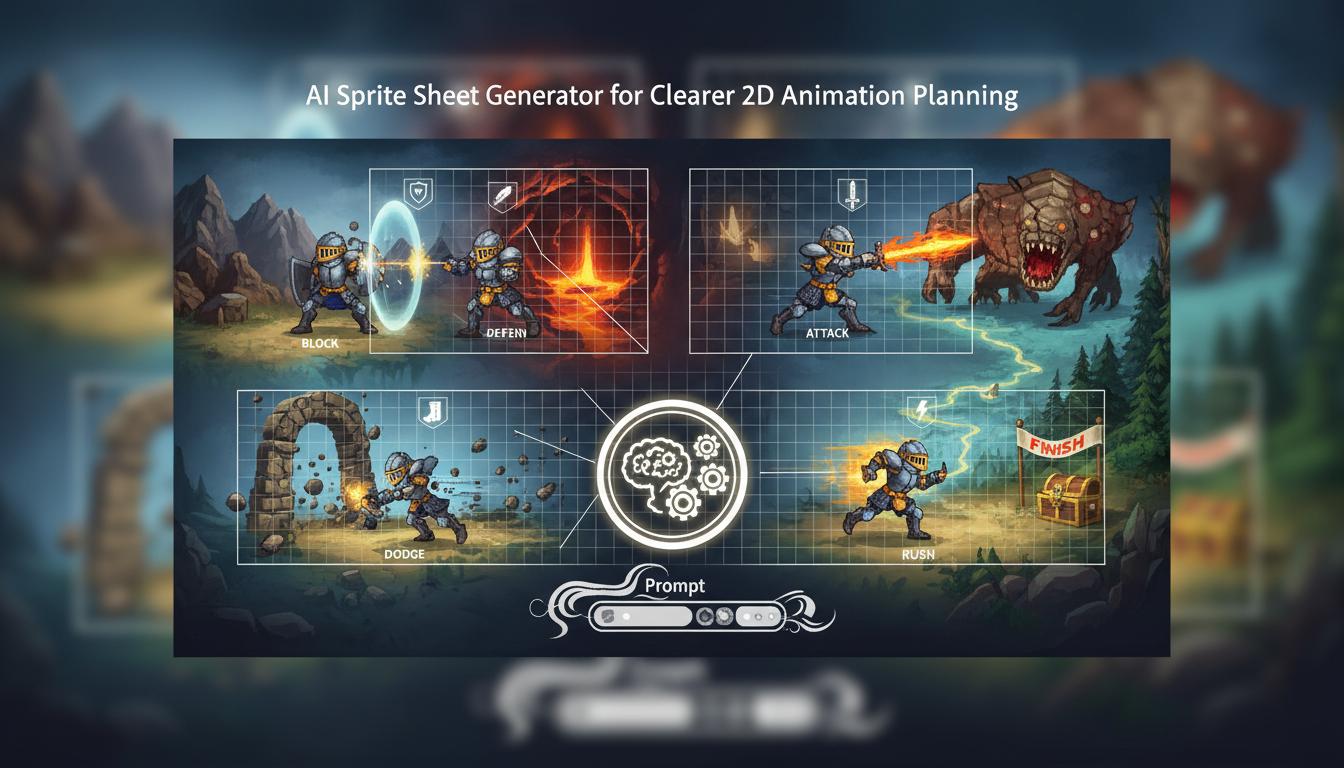
Results get better when the prompt explains why each state matters in the game rather than listing random motions.
Tie Motion Planning To Gameplay Context Results get better when the prompt explains why each state matters in the game rather than listing random motions. Open WorkspaceOpen Workspace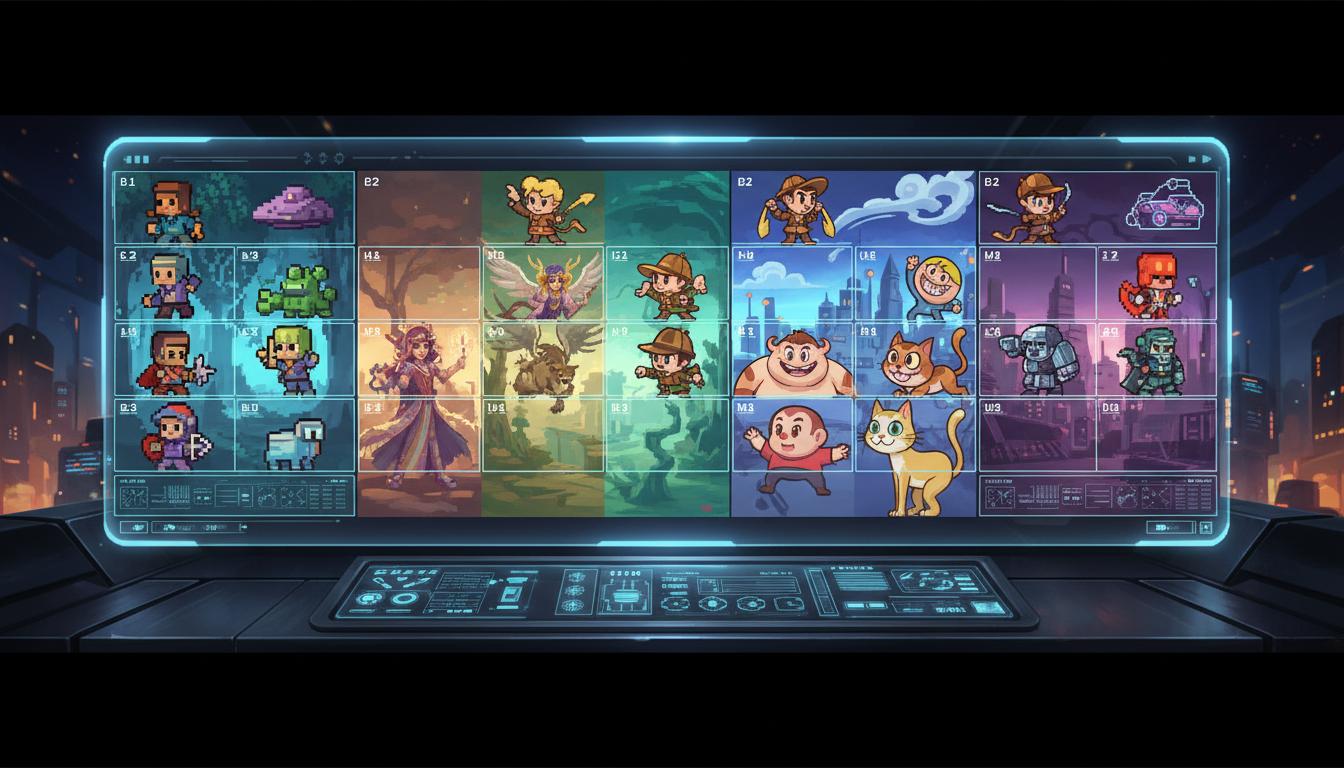
Pixel art, painterly 2D, cartoon animation, and hybrid styles can all use the same planning logic.
Support Multiple 2D Visual Styles Pixel art, painterly 2D, cartoon animation, and hybrid styles can all use the same planning logic. Open WorkspaceOpen Workspace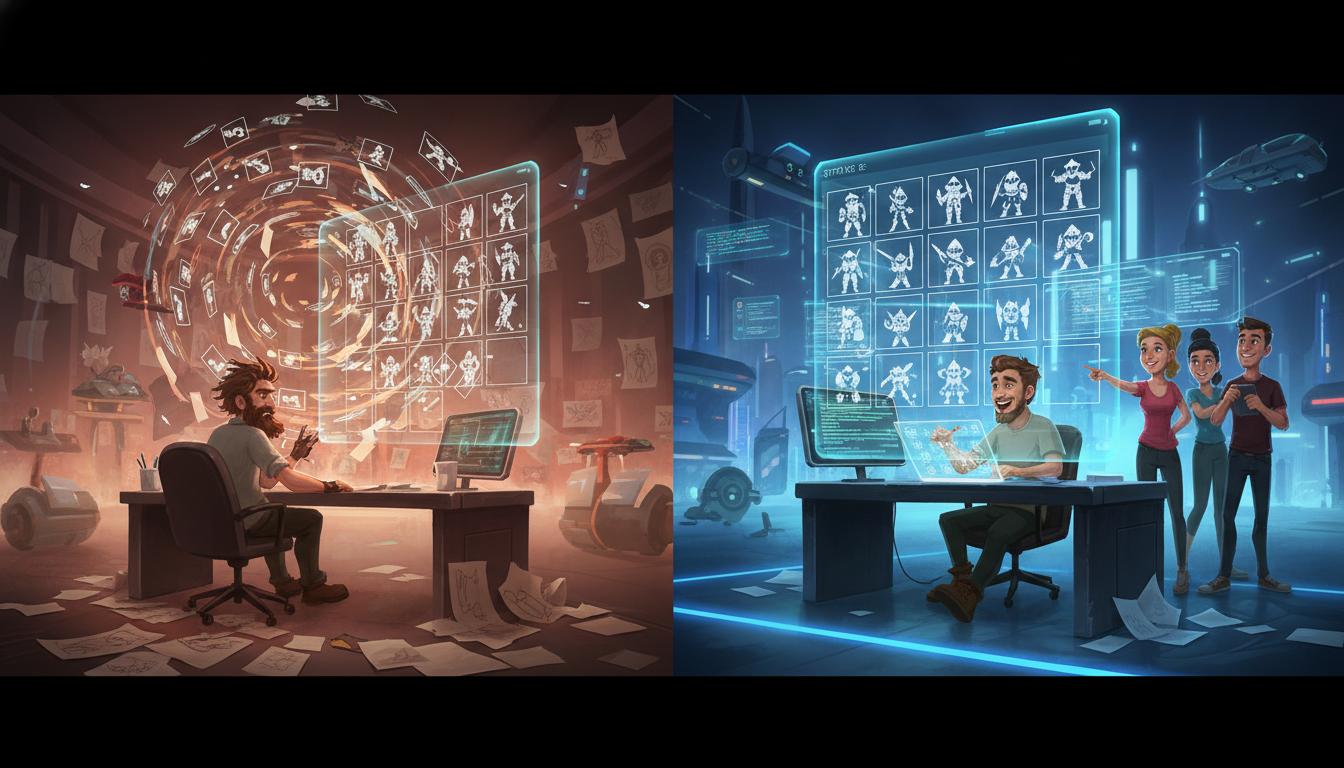
A stronger sprite-sheet brief makes collaboration easier between design, art, and implementation.
Reduce Messy Downstream Handoffs A stronger sprite-sheet brief makes collaboration easier between design, art, and implementation. Open WorkspaceOpen Workspace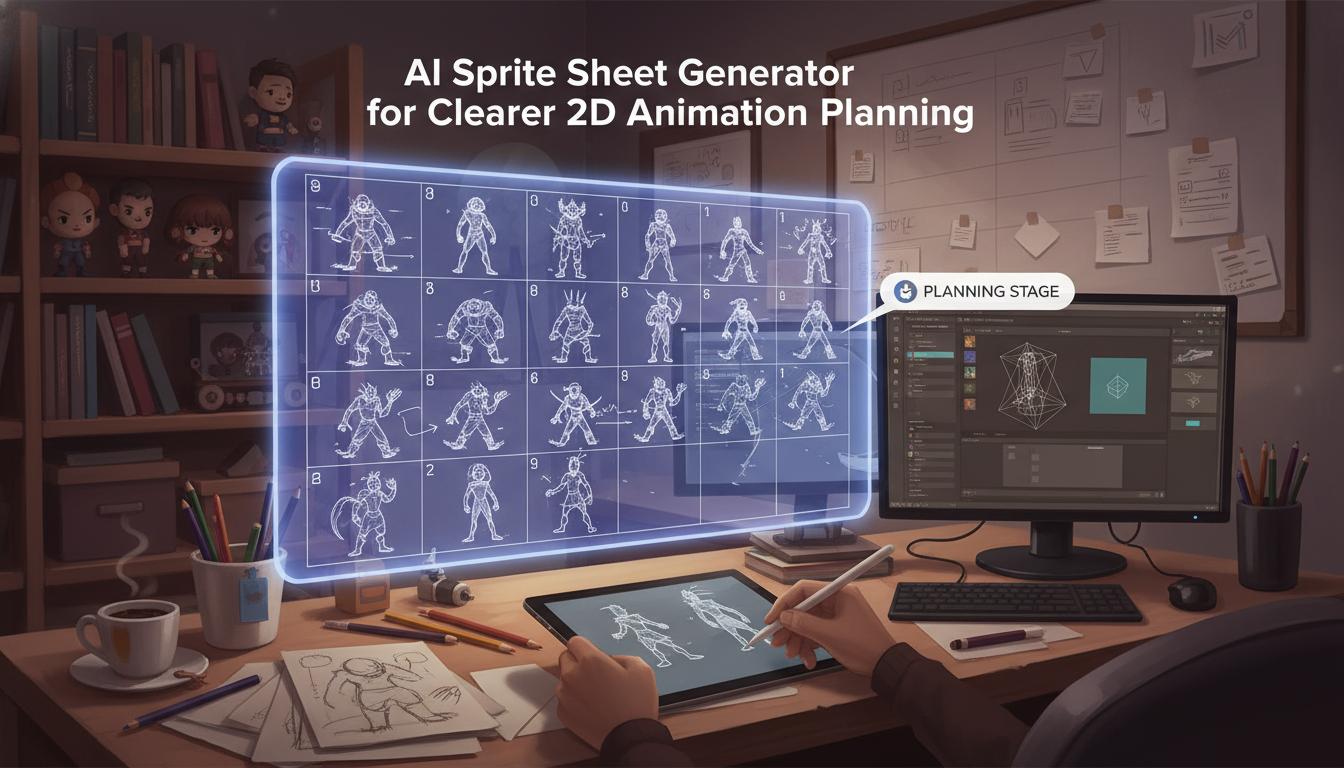
This should be framed as animation planning help, not a promise of polished final sprite sheets for every engine automatically.
Avoid False Claims About Final Export This should be framed as animation planning help, not a promise of polished final sprite sheets for every engine automatically. Open WorkspaceOpen WorkspaceComparison
Use this page to understand where ai sprite sheet generator helps most in a real workflow.
| Criteria | AI Sprite Sheet Generator for Clearer 2D Animation Planning | Manual workflow | Generic prompt-only ideation |
|---|---|---|---|
| Time to first usable direction | Fast | Slow | Fast |
| Best stage | Prototype and pre-production | Production execution | Early ideation only |
| Iteration cost | Low | High | Low |
| Review boundary clarity | High | High | Low |
| Technical production readiness | Needs review | Strong when finished | Not applicable |
| Team alignment speed | High | Medium | Medium |
Who This Tool Page Is For
The strongest use cases appear when one team needs ai sprite sheet generator direction quickly, not a final production asset immediately.
Use clearer prompts and structured outputs to move from idea to a reviewable direction without waiting on a full production pass.
Indie Game Teams Use clearer prompts and structured outputs to move from idea to a reviewable direction without waiting on a full production pass. Open WorkspaceOpen WorkspaceCompare scope, style, and production trade-offs earlier so implementation starts from a cleaner brief.
Designers And Technical Artists Compare scope, style, and production trade-offs earlier so implementation starts from a cleaner brief. Open WorkspaceOpen WorkspaceBring stronger first-pass options into review and decide which path deserves deeper production effort.
Creative Leads Bring stronger first-pass options into review and decide which path deserves deeper production effort. Open WorkspaceOpen WorkspaceSprite work often gets expensive when teams jump into drawing frames before agreeing on what the animation set actually needs. An AI sprite sheet generator helps clarify state coverage , motion intent, and production scope first, which is often the difference between a clean sheet and a messy one.
The page should not be limited to player characters. It also fits enemies, bosses, VFX bursts, pickups, UI animation, and other 2D game assets that need coherent loops and transitions.
Manual polish still matters for frame timing, silhouette cleanup, smears, easing, export layout, and engine-side readability tests. The promise here is faster planning and a stronger animation brief, not final frame-perfect delivery out of the box.
How It Works
Provide the asset type, camera angle, style, and which animation states matter in gameplay. Seele AI frames the likely state coverage, motion hierarchy, and frame-planning priorities for the sheet.
Ask for one or more animation-state structures tuned to combat, traversal, UI, or effects. Seele AI proposes different ways to group states and keep the motion set coherent.
Choose the route that best balances coverage, readability, and production effort. Seele AI condenses the route into a clearer handoff for sprite production or prototype implementation.
What You Get
A structured summary of the asset, states, and motion goals to cover.
A clearer view of which loops, transitions, or effects belong on the sheet.
A concise note on what still needs pixel polish, cleanup, or engine testing.
Where This Works Best
Where This Works Best
Join creators building with Seele AI — no setup required.
Open Workspace