
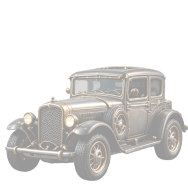
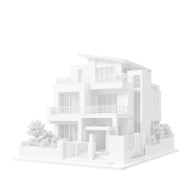

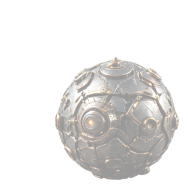
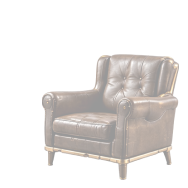
Games
Turn ideas into 3D
Create, refine, and export 3D assets from a prompt or image
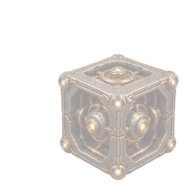
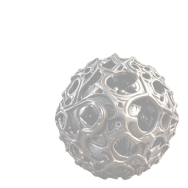
Games
Product Design
Education
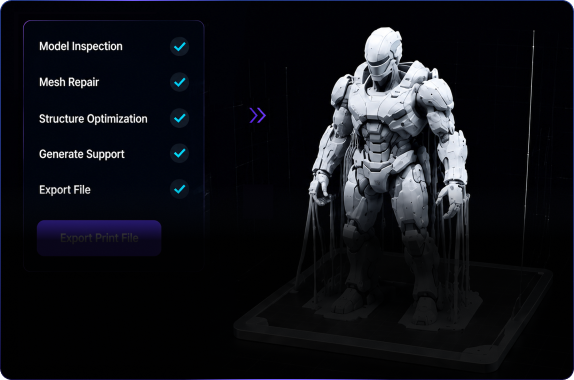
3D Printing
VR/AR
Interiors
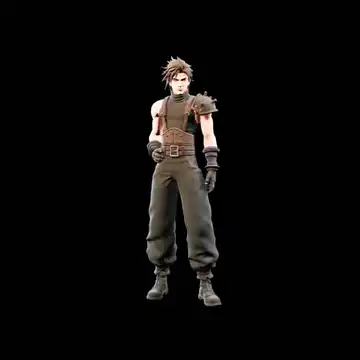
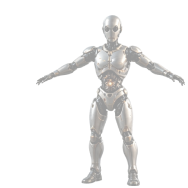
Characters
Workflow
Three steps from idea to a 3D asset you can inspect.
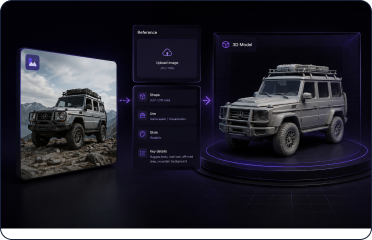
Start with a prompt or reference image. Set the model direction, materials, textures, and polygon budget, then preview and export with less guesswork.
Add your idea
Describe a character, prop, product, or space, or upload a reference image. Define the form, purpose, style, and important details.
Text / image / multi-view
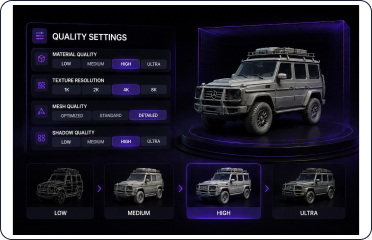
Tune the quality
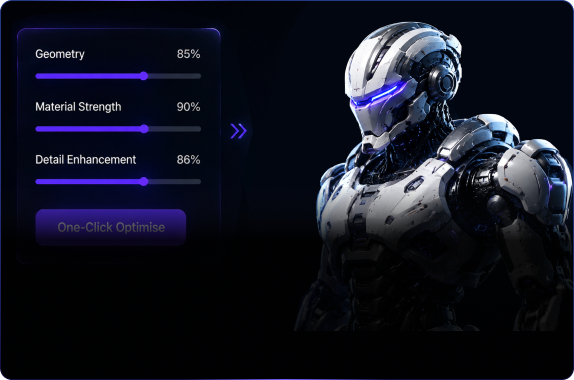
Choose materials, texture quality, topology, and a polygon budget so the output better fits games, presentation, printing, or product validation.
Quality check preview
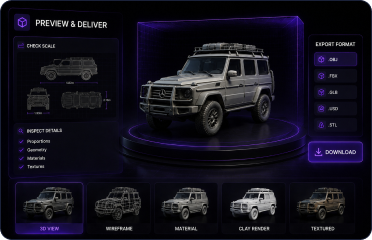
Preview and export
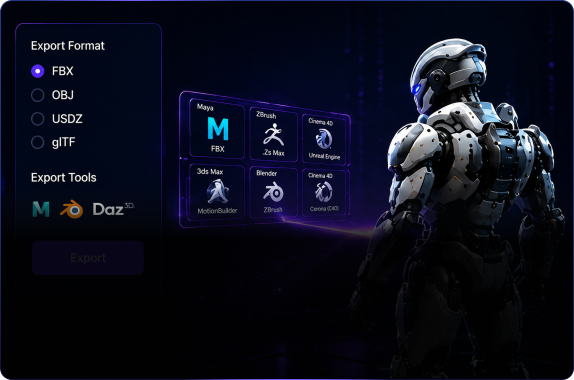
Check proportions, detail, and export formats. When it looks right, download the model for engine import, presentation, or the next production step.
GLB / FBX / OBJ
3D Asset Toolkit
Make the first modelfeel closer to finished.
From text, images, materials, and meshes to rigging and animation previews, every step is designed around making, presenting, and delivering your next asset.
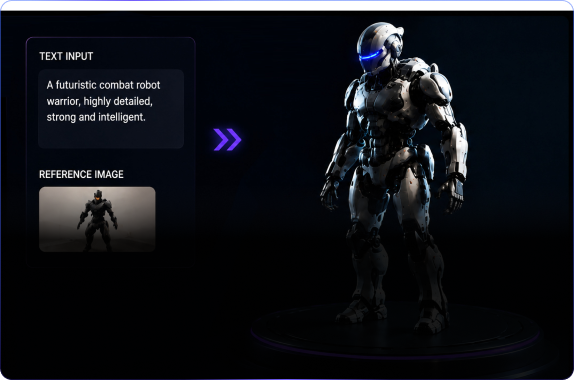
A prompt becomes a model
Text to 3D models
Describe the shape, use, materials, and style to quickly create character, prop, or product models ready for refinement.
Keep the silhouette from a reference
Image to 3D models
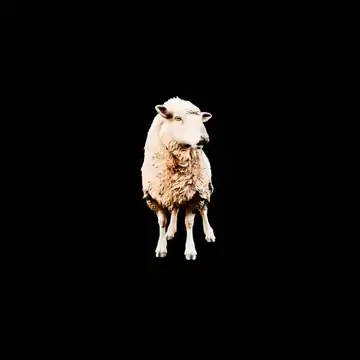
Use a reference image to anchor the silhouette, proportions, and design language, with less trial and error from a blank start.
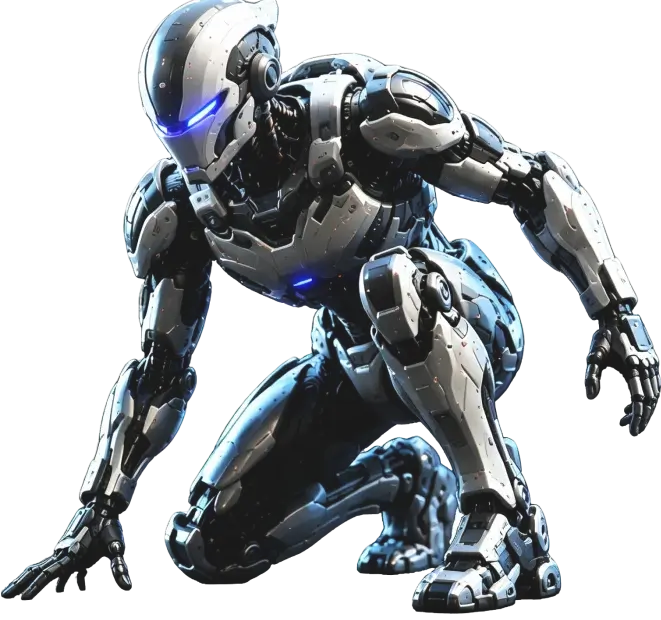
Preview PBR materials
AI texturing
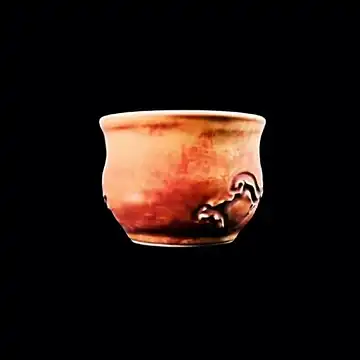
Set the visual direction for metal, leather, ceramic, emissive, or worn finishes so the model reads as more complete at a glance.
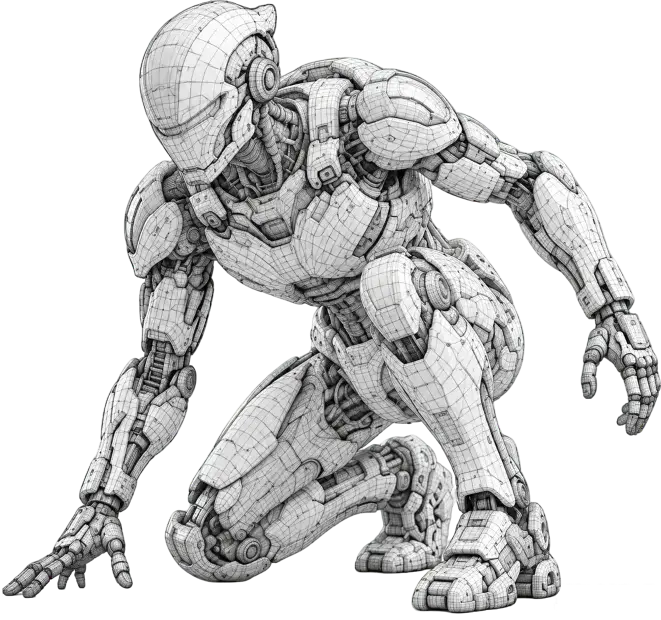
Preview wireframe topology
Remesh and polygon control
Control topology and polygon count for games, printing, or presentation, making later import and optimization easier.
Check bones and poses
Rigging and animation prep
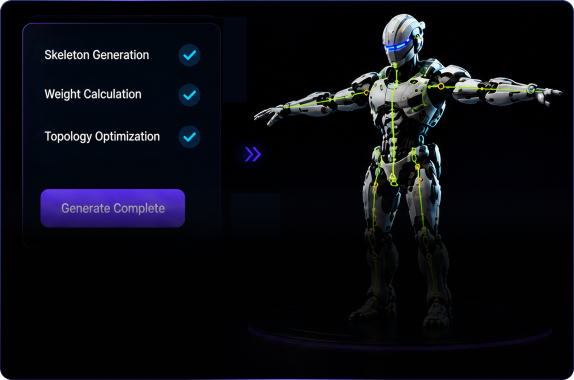
Define poses, part separation, and skeletal needs early to leave room for character animation.
Preview keyframe motion
Animation and scene previews
Use keyframes, cameras, and presentation scenes to inspect the model and decide what is worth taking further.
Model gallery
A world of 3D ideas, made to explore.
3D workflow
Take your asset from first idea to final delivery.
Choose the next focused tool for generating, reviewing, editing, rigging, preparing, or exporting your 3D asset.
Choose AI 3D model generation settings
Set the prompt, reference, materials, topology, and output direction before you generate.
Preview and inspect 3D assets online
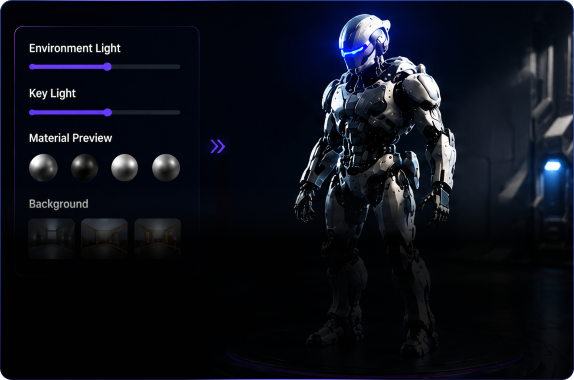
Review models in the browser with camera, material, lighting, and animation controls.
Edit and optimize AI 3D models
Refine the asset for the look, scale, and technical quality your next use needs.
Rig 3D characters and retarget motion
Plan skeleton checks, skinning, and motion transfer for character assets.
Prepare AI 3D models for printing
Check the model before it moves into a print-ready workflow.
Export 3D assets to DCC tools and game engines
Prepare the handoff for Blender, Maya, Unity, Unreal Engine, and downstream production.
Ready
Turn your next 3D project into a confident start.
When you are ready, open the 3D creation workspace and turn the idea into a first model.
Start Creating