Target creators
Blender users sending static geometry to older tools, clients, or print/game utilities.
SEELE AI · 3D workflow tool
Move a Blender scene into an OBJ-compatible handoff while understanding what the format drops.
A focused .blend to .obj workflow rather than a generic 3D software directory.
Start in SEELE WorkspaceStart from a concrete brief. Review every output before production use — the world's first online native Unreal workflow.
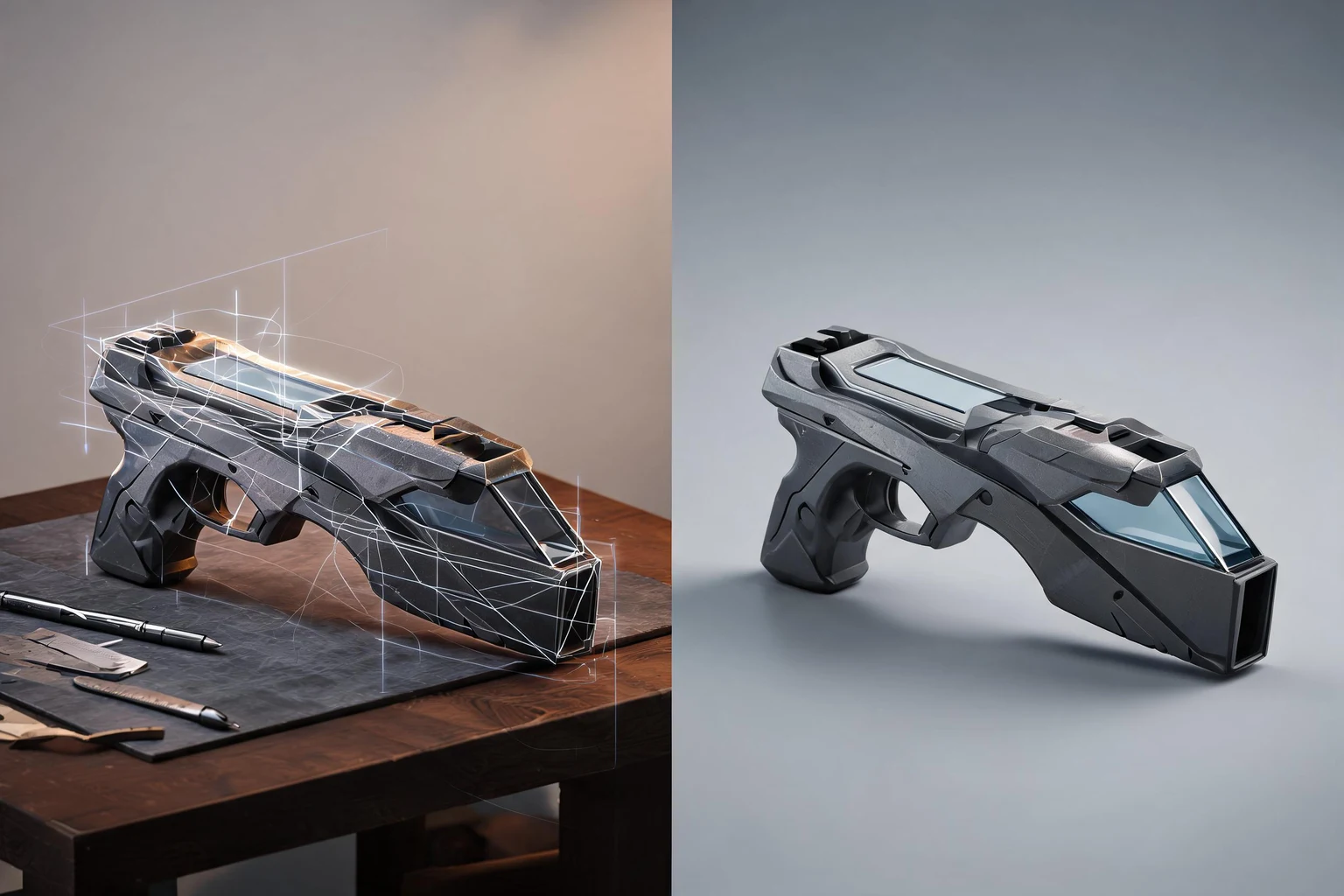
Blend to OBJ Converter: Export Blender Files to OBJ Online is a prompt-led workflow for turning a specific 3D asset need into a clearer brief, review plan, and next-step handoff. It is best used to reduce ambiguity before detailed modeling, rigging, conversion, rendering, or engine integration.
Blender users sending static geometry to older tools, clients, or print/game utilities.
A scoped brief with named inputs, constraints, review checkpoints, and a clear destination.
This page opens a SEELE Workspace workflow; it does not claim a standalone in-browser converter, viewer, or guaranteed export format.
You: Provide the source, intended use, and constraints for this step.
SEELE: Workspace uses the prompt to organize the next iteration.
Output: A named artifact or review decision.
You: Provide the source, intended use, and constraints for this step.
SEELE: Workspace uses the prompt to organize the next iteration.
Output: A named artifact or review decision.
You: Provide the source, intended use, and constraints for this step.
SEELE: Workspace uses the prompt to organize the next iteration.
Output: A named artifact or review decision.
You: Provide the source, intended use, and constraints for this step.
SEELE: Workspace uses the prompt to organize the next iteration.
Output: A named artifact or review decision.
Compatibility warning — unsupported Blender-only data called out before conversion.
Package manifest — OBJ, MTL, textures, units, and axis settings.
Round-trip check — source versus converted bounds, normals, UVs, and material slots.
Create a .blend to .obj brief for a stylized game asset, including silhouette, materials, scale, topology goals, and review checks.
Use this promptPlan a realistic .blend to .obj workflow for a small studio, with inputs, iteration checkpoints, and a handoff checklist.
Use this promptDraft a low-poly .blend to .obj direction optimized for clear shape language and a constrained game scene.
Use this promptCompare two .blend to .obj directions and explain geometry, material, animation, and performance tradeoffs before production.
Use this promptNo coding is required to begin with a structured prompt. Technical review is still needed before treating any generated asset or workflow as production-ready.
No. Treat the first result as a reviewable draft, then check geometry, materials, scale, rights, performance, and destination-specific requirements.
The page carries a concrete brief into SEELE Workspace, where you can continue prompting and iteration. It does not claim a separate one-click browser utility.
Name the intended asset, visual direction, target use, scale, topology or motion needs, material constraints, and the decision you want to review first.
Check rights, geometry, transforms, UVs, materials, scale, naming, performance, and compatibility in the actual destination tool or runtime.
No. It can structure a starting brief and iteration plan, while artistic judgment, technical validation, cleanup, and final delivery remain human responsibilities.
Carry a concrete prompt into SEELE Workspace, then keep human review at every production decision.
Continue in Workspace