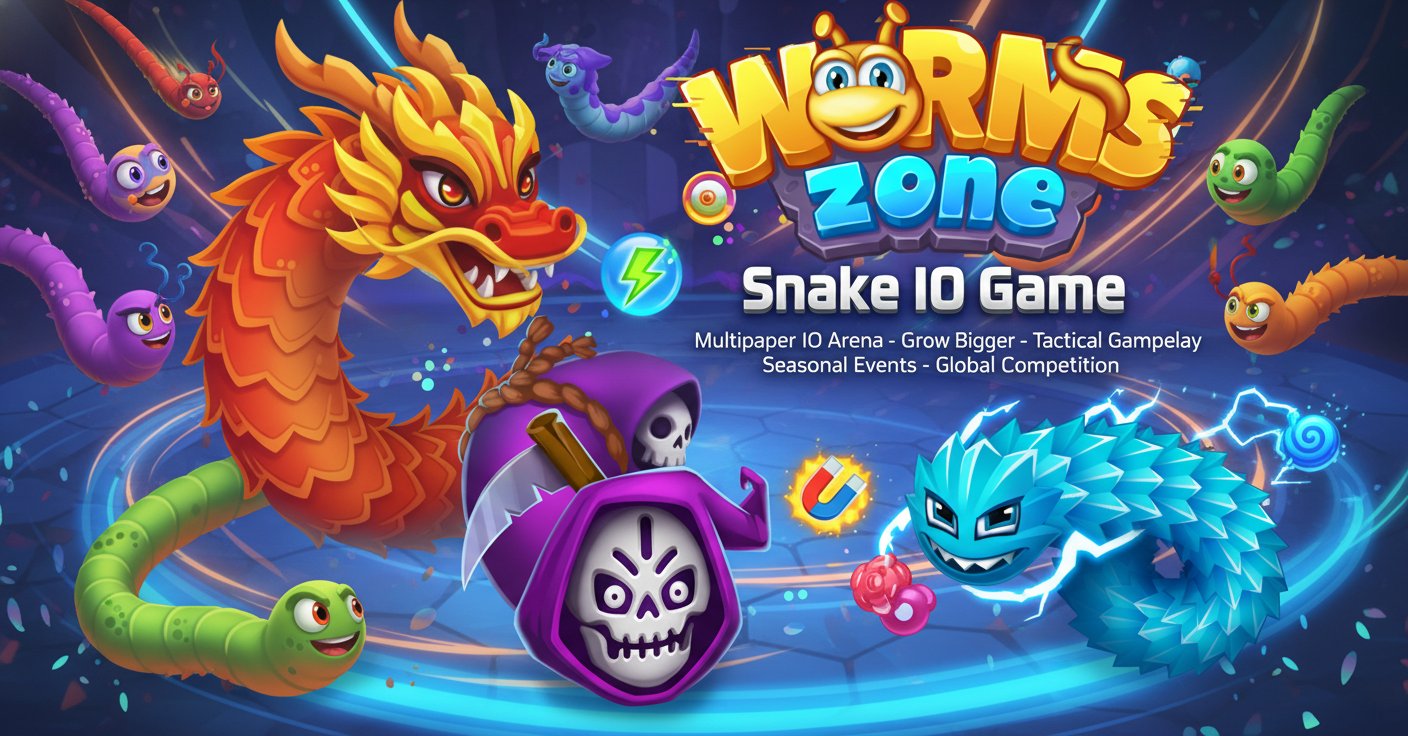
Worms.Zone - Snake IO Game

Seele01-Flash
By
Worms.Zone is a thrilling multiplayer IO arena game where you control a colorful worm, eat food to grow bigger, and compete against players worldwide. Master tactical gameplay with power-ups, multiple game modes, and seasonal events in this addictive survival experience.

Prompt

MODEL: Seele01-Flash
Based on the visual analysis of the provided artwork and the detailed gameplay description, here is the structured development prompt for generating a mobile-first version of **Worms.Zone** using Three.js. Please use Three.js to generate a **mobile-first game** with the theme "**Worms.Zone Clone**". Please read the following detailed game design requirements first, and then generate the code accordingly: ### 1. Assets & Environment * **Visual Style:** Create a vibrant, cartoon-style aesthetic with high saturation. The world should look "juicy" and playful. * **Player & Enemy Models (Worms):** * Implement a **Segment-Based Snake Model**: The worm should be composed of multiple spherical or slightly flattened sphere segments following a head. * **Customization:** Allow for dynamic coloring (stripes, patterns) or skins (basic colors to start). The head should have distinct eyes and a mouth to give character (like the promo image). * **Movement Animation:** The body segments must follow the head's path using a delay/lerp mechanic to create a smooth, sinuous "slither" effect, not rigid grid movement. * **Environment (The Arena):** * **Map:** A large, bounded 2D plane (xy-plane) with a tiling background texture (grid or soft abstract pattern) to help convey speed and scale. * **Boundaries:** Clearly visible red borders indicating the "death zone." * **Collectibles (Food & Potions):** * **Food:** Small, glowing, geometric shapes (spheres, cubes, tetrahedrons) or stylized food icons (burgers, candy) scattered densely. They should have a slight bobbing or rotating animation. * **Power-ups:** Distinct "Potion Bottle" models (Red/Blue, Green, Yellow) that are larger than food and emit a soft particle glow. * **Remains:** When a worm dies, convert its body segments into a long chain of high-value "food" particles. * **Camera:** A Top-Down Orthographic or high-angle Perspective camera that follows the player's head smoothly. **Crucial:** Implement dynamic zoom—zoom out slightly when the worm speeds up or grows very large to maintain field of view. * **Performance Optimization (Mobile):** Use `InstancedMesh` for the hundreds of food items. Limit segment polygon counts (Low-poly spheres). Use simple vertex shaders for wiggling effects instead of complex bone animation if possible. ### 2. Audio Requirements * **BGM:** Upbeat, arcade-style background music. Think "playful synth-pop" or "cartoon chase music" that loops seamlessly. * **Sound Effects (SFX):** * **Eating:** A satisfying "pop" or "munch" sound (high pitch for food, lower pitch for potions). * **Boost:** A continuous "whoosh" or wind sound while the turbo is active. * **Death/Collision:** A comedic "bonk" or "crash" sound followed by a particle disintegration sound. * **Level Up:** A short triumphant jingle when the worm reaches a certain size. ### 3. Gameplay Loop * **Core Mechanic:** The player controls a worm that constantly moves forward. The goal is to survive and grow the longest. * **Growth:** * Eating food increases the score and adds segments to the worm's length. * Eating potions grants temporary buffs (Speed, Magnet, Zoom, Multiplier). * **Combat & Collision Logic:** * **Self-Collision:** Touching your own body is **SAFE**. * **Enemy Collision:** If the player's *head* hits another worm's *body*, the player dies (Game Over). * **Strategy:** Players must cut off enemies to force them to crash into the player's body. * **Turbo Mechanic:** Consumes the player's current score/length to increase movement speed. The worm slowly shrinks while boosting. * **Victory/Defeat:** No strict "Win" state (Endless mode). Defeat occurs upon hitting the map border or another worm. Show a "Game Over" screen with the final size/score and a "Restart" button. ### 4. Mobile Controls & Interaction * **Input Scheme:** * **Virtual Joystick:** Implement a dynamic virtual joystick anywhere on the screen. The worm turns smoothly relative to the joystick angle. * **Alternative (Follow Finger):** The worm's head constantly turns toward the touch position on the screen. * **Turbo/Boost:** * **Double Tap:** Double tap anywhere and hold to activate Turbo. Release to stop. * **Dedicated Button:** A distinct, semi-transparent button on the bottom-right for Turbo (44x44px minimum touch area). * **Screen Orientation:** Landscape mode is preferred for a wider field of view, but the UI should adapt if the user is in Portrait. * **Feedback:** * **Haptic:** Trigger a short vibration when the worm dies or picks up a rare potion (using `navigator.vibrate` if available). * **Visual:** Display floating text numbers (+10, +50) when eating food. Flash the screen red briefly upon death. Do not ask for clarification. Do not request confirmation. Directly execute the generation task based on the given instructions.

Game Introduction

About the Game

Worms.Zone is an exciting multiplayer IO arcade game that puts you in control of a hungry worm in a competitive online arena. Your mission is simple yet challenging: eat as much food as possible, grow bigger than your opponents, and become the ultimate worm champion. With vibrant graphics, strategic gameplay, and intense multiplayer action, this game offers endless entertainment for players of all skill levels.

The game combines classic snake mechanics with modern multiplayer features, creating a unique survival experience where only the smartest and most tactical worms survive. Whether you're a casual player looking for quick fun or a competitive gamer seeking intense challenges, Worms.Zone delivers thrilling gameplay that keeps you coming back for more.

Core Features

Multiple Game Modes

Worms.Zone offers diverse gameplay experiences through various game modes:

  • Infinity Mode : Classic survival gameplay where you grow until you fail
  • Time Mode : Fast-paced 7-minute battles with double points and coins
  • Treasure Hunter : Strategic gameplay focused on finding hidden treasures
  • Seasonal Events : Limited-time modes during holidays like Christmas, Halloween, and Easter

Power-Up System

The game features six distinct power-ups that provide tactical advantages:

  • Red and Blue Potions : Increase capture radius for easier food collection
  • Blue Potions : Multiply food intake by five times for rapid growth
  • Purple Potions : Reveal locations where other worms have died
  • Green Potions : Boost movement speed temporarily
  • Round Green Potions : Improve control precision for better collision avoidance
  • Yellow Potions : Zoom out for strategic bird's-eye view of the arena

Customization Options

Personalize your worm with extensive customization features:

  • Worm Outfits : Unlock colorful designs and funky patterns as you level up
  • Color Schemes : Choose your favorite colors for the game interface
  • Food Types : Select from three different food varieties
  • Progressive Unlocks : Earn new content through gameplay achievements

Game Mechanics

Growth and Survival

Start as a small worm and strategically consume food scattered throughout the arena. As you eat more, your worm grows longer and becomes more powerful, but also slower and more vulnerable. The key to success lies in balancing aggressive growth with defensive positioning.

Tactical Combat

Defeat opponents by making them crash into your body. When enemy worms collide with you, they leave behind all their accumulated food, providing massive growth opportunities. Master the art of cutting off opponents while avoiding their traps.

Speed Boost Strategy

Use turbo speed sparingly by clicking mouse buttons or pressing spacebar. While speed boosts help you escape danger or secure food, they consume your score and make your worm shrink. Smart players use turbo frequently when small and conservatively when large.

Operation Guide

Basic Controls

  • Mouse Movement : Control worm direction by moving your mouse
  • Left/Right Mouse Button : Activate turbo speed (consumes score)
  • Spacebar : Alternative speed boost control
  • Arrow Keys : Alternative directional control for keyboard players

Strategic Tips

  • Collect power-ups strategically based on your current situation
  • Use walls and arena boundaries to trap opponents
  • Stay alert for larger worms that can eliminate you instantly
  • Focus on consistent food collection rather than risky aggressive plays
  • Monitor your score before using speed boosts

Advanced Techniques

  • Circle smaller worms to trap them gradually
  • Use speed boosts to escape tight situations
  • Position yourself near power-up spawn locations
  • Learn to predict opponent movement patterns

Why Play Worms.Zone

Worms.Zone stands out in the crowded IO game market through its perfect balance of simplicity and depth. The game is completely free to play across all platforms, requires no downloads, and supports both desktop and mobile devices. With cross-platform multiplayer, you can compete against players worldwide regardless of their device.

The game's addictive progression system, seasonal events, and constant updates ensure fresh content and new challenges. Whether you have five minutes or several hours, Worms.Zone provides engaging gameplay that scales to your available time. The strategic depth hidden beneath simple mechanics creates a skill ceiling that rewards both quick reflexes and tactical thinking.

Unlike many mobile games, Worms.Zone offers premium gameplay experience without paywalls or energy systems - just pure competitive fun accessible to everyone.

Frequently Asked Questions (FAQ)