Draw Pixel Art - Free Online Pixel Drawing Game

Seele01-Flash
By
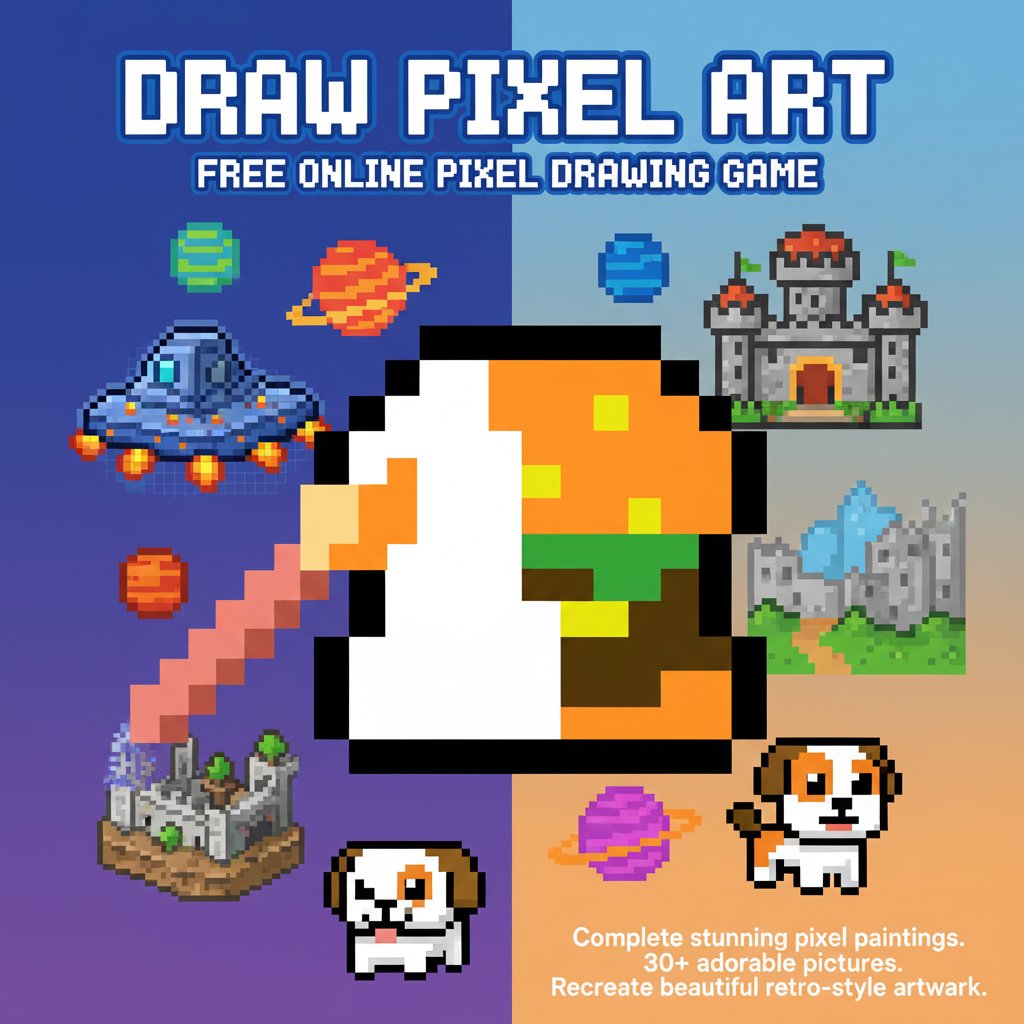
Draw Pixel Art is a creative drawing game that lets you complete stunning pixel paintings with precision. Choose from over 30 adorable pictures and fill each pixel with the perfect color to recreate beautiful retro-style artwork.

Prompt

MODEL: Seele01-Flash
Please use Three.js to generate a **mobile-first game** with the theme "**Voxel Art Studio: Mobile Edition**". Please read the following detailed game design requirements first, and then generate the code accordingly: ### 1. Assets & Environment * **Visual Style**: Adapt the 2D pixel art concept into a **3D Voxel environment**. Each "pixel" on the canvas should be represented by a `BoxGeometry` (cube). * **Camera**: Use an **OrthographicCamera** to maintain the "pixel art" look without perspective distortion, positioned at an isometric angle (e.g., position (10, 10, 10) looking at (0, 0, 0)). * **Grid System**: Create a 10x10 or 16x16 grid of white/grey base cubes representing the "canvas". * **Reference Image**: Display the "Target Image" (the pixel art to copy) as a floating 2D UI texture in the top-left corner, or as a "ghost" overlay on the grid with high transparency. * **Optimization**: Use `InstancedMesh` for the grid cubes to ensure 60FPS performance on mobile devices, as there may be many cubes. * **Background**: A soft, solid pastel blue (hex: #7DA5F6) similar to the screenshot to keep focus on the art. ### 2. Audio Requirements * **BGM**: A relaxing, lo-fi "study beat" or soft chiptune track that loops seamlessly to encourage a meditative state. * **SFX (Interaction)**: A satisfying, soft "pop" or "click" block sound when a voxel is colored. A "shwoosh" sound when selecting a new color. * **SFX (Feedback)**: A cheerful 8-bit fanfare when the "Check" button is pressed and the image is correct. A low-pitch "buzz" if the submission is incorrect. ### 3. Gameplay Loop * **Data Structure**: The level data should be a 2D array of color codes representing the target image (e.g., the Burger from the screenshot). * **The Loop**: 1. The player selects a color from the bottom palette. 2. The player taps a cube on the grid to apply that color. 3. The player can overwrite colors if they make a mistake. 4. **Win Condition**: The player clicks a prominent "OK / CHECK" button. The game compares the player's grid array with the target level array. 5. **Victory**: If 100% match, the voxels do a "wave" animation (move up and down slightly), and a "Level Complete" modal appears. ### 4. Mobile Controls & Interaction * **Touch Handling**: Use `Raycaster` for precise touch detection. Since fingers cover the screen, ensure the raycast hit box is slightly larger than the visual cube for forgiveness. * **Camera Controls**: * **One-finger tap**: Paint the voxel. * **Two-finger pinch/drag**: Zoom in/out and pan the camera (essential for smaller mobile screens). * **UI Layout (Portrait Mode)**: * **Top**: Level Progress / Target Reference Image. * **Center**: The 3D Voxel Grid. * **Bottom**: A scrollable horizontal bar of Color Swatches (minimum touch target 48x48px). * **Floating Action Button**: The "Check/OK" button should be placed in the bottom-right, easily accessible by the thumb. * **Feedback**: When a cube is tapped, it should briefly scale down and back up (scale 0.9 -> 1.0) to provide visual confirmation of the touch. ### 5. Code Generation Please generate the complete HTML/JS code in a single file structure (index.html containing scripts), utilizing CDN links for Three.js. Focus heavily on the touch event listeners and the logic for comparing the painted grid to the target grid. Do not ask for clarification. Do not request confirmation. Directly execute the generation task based on the given instructions.

Game Introduction

About the Game

Draw Pixel Art is an engaging online drawing game that combines creativity with precision gameplay. This pixel-perfect art creation game challenges players to recreate beautiful images by carefully coloring each individual pixel. With over 30 adorable pictures to choose from, ranging from cute characters to charming objects, players can immerse themselves in a relaxing world of digital artistry.

The game follows a simple yet satisfying concept: you're presented with a reference image and a grid of empty pixels. Your mission is to fill each pixel square with the correct color, following the provided example exactly. Once you believe you've completed the artwork perfectly, click "OK" to see if you've successfully recreated the original design.

Core Features

Extensive Picture Collection

With over 30 different designs available, Draw Pixel Art offers plenty of creative challenges. Each picture presents a unique artistic puzzle, from simple geometric patterns to more complex character designs. The variety ensures that both beginners and experienced pixel artists will find suitable challenges.

Precision-Based Gameplay

The game emphasizes accuracy and attention to detail. Every pixel matters, and success depends on your ability to match colors precisely to the reference image. This mechanic makes each completed artwork feel like a genuine accomplishment.

Relaxing Creative Experience

Draw Pixel Art provides a meditative, stress-free gaming experience. There's no time pressure or competitive elements - just pure creative enjoyment. The pixel art style evokes nostalgia for classic video games while offering modern accessibility.

Instant Feedback System

The built-in verification system provides immediate feedback on your work. When you think you've completed a picture, the game instantly tells you whether you've matched the original perfectly, encouraging you to refine your attention to detail.

How to Play

Playing Draw Pixel Art is beautifully straightforward:

  1. Select Your Canvas : Choose from over 30 available pictures to work on
  2. Pick Your Colors : Click on the color palette to select the appropriate shade
  3. Fill the Pixels : Click on each empty pixel square to fill it with your selected color
  4. Follow the Reference : Use the provided example image as your guide
  5. Check Your Work : Click "OK" when finished to see if you've recreated the image perfectly
  6. Celebrate Success : Enjoy the satisfaction of completing your pixel masterpiece!

The intuitive point-and-click interface makes the game accessible to players of all ages and skill levels. No complex controls or steep learning curves - just pure creative fun.

Why Play This Game

Draw Pixel Art offers a perfect blend of creativity, precision, and relaxation. It's ideal for:

  • Art Enthusiasts : Experience the joy of digital art creation without needing advanced software
  • Casual Gamers : Enjoy a peaceful, non-competitive gaming experience
  • Retro Game Fans : Appreciate the nostalgic pixel art aesthetic
  • Stress Relief : Use the meditative coloring process to unwind
  • Skill Development : Improve attention to detail and color recognition
  • All Ages : Family-friendly content suitable for children and adults alike

The game runs completely free in your web browser with no downloads required. Whether you have five minutes or an hour to spare, Draw Pixel Art provides the perfect creative outlet. Each completed artwork becomes a small digital masterpiece you can be proud of, making every gaming session rewarding and fulfilling.

Frequently Asked Questions (FAQ)