Emoji Builder - Create Your Own Custom Emojis - Casual Game
Prompt
Game Introduction
About Emoji Builder
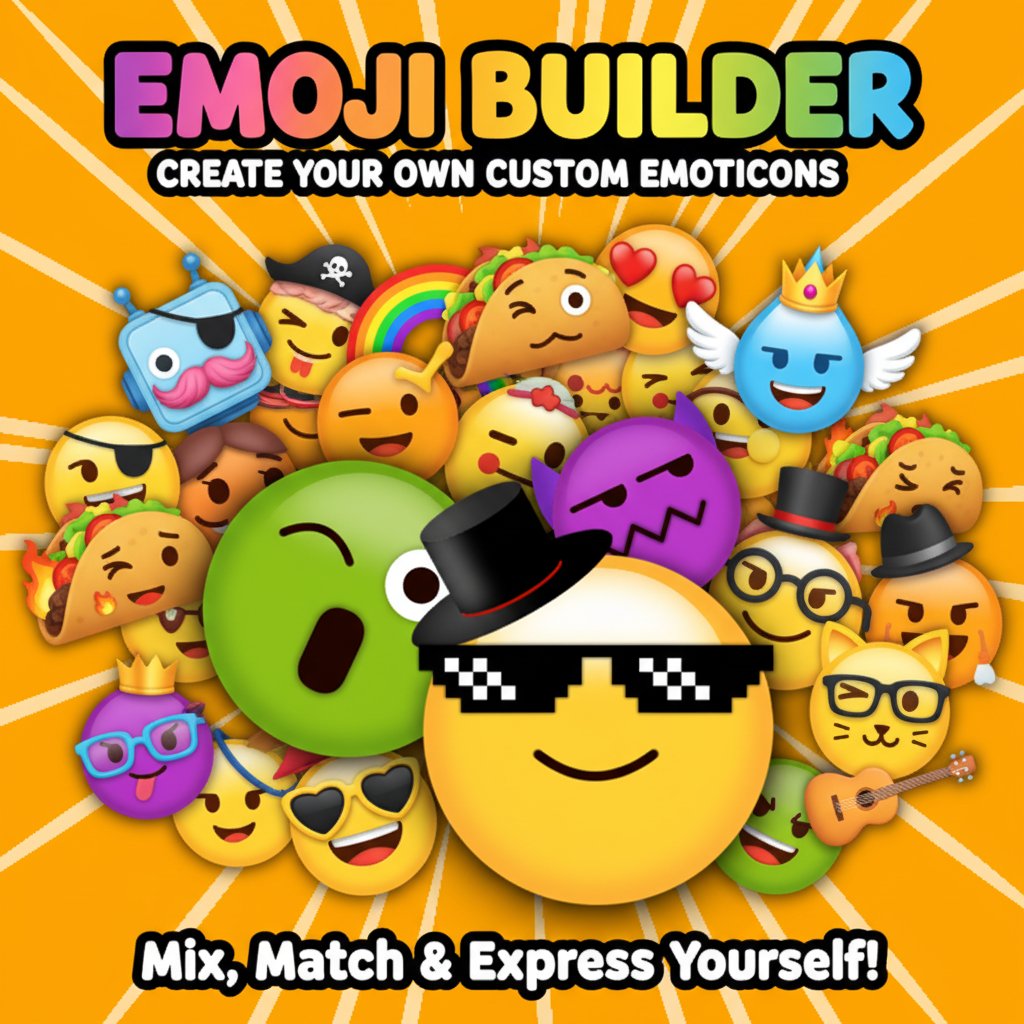
Emoji Builder is an innovative and entertaining creative game that lets you become the designer of your own custom emojis. This free online game combines creativity with fun, allowing players to mix and match different emoji parts to create unique expressions that perfectly capture their mood or personality.
The game features an intuitive drag-and-drop interface where you can experiment with countless combinations of eyes, mouths, accessories, and expressions. Whether you want to create a silly face, a cool character, or something completely original, Emoji Builder gives you the tools to bring your imagination to life.
Core Features
Unlimited Creative Possibilities
With Emoji Builder , the creative possibilities are truly endless. The game offers:
- Extensive Part Library : Choose from a wide variety of eyes, mouths, accessories, and expressions
- Mix and Match System : Combine different elements to create unique emoji personalities
- Custom Creations : Design emojis that reflect your personal style and mood
- Showcase Feature : Create a reel of your four favorite emoji designs to show off your creativity
- Instant Preview : See your creations come to life in real-time as you build
Perfect for All Ages
This family-friendly game appeals to players of all ages who enjoy creative expression. Whether you're a child exploring digital art or an adult looking for a fun creative outlet, Emoji Builder provides an accessible and entertaining experience.
Free and Accessible
Enjoy complete access to all features without any cost. The game is entirely free to play with no hidden fees, premium upgrades, or subscription requirements.
Game Features
Creative Expression Tools
- Diverse Emoji Parts : Access to hundreds of different facial features and accessories
- Color Variations : Multiple color options for different emoji elements
- Accessory System : Add hats, glasses, and other fun accessories to your creations
- Expression Library : Choose from happy, sad, surprised, cool, and many more emotions
Sharing and Showcase
- Reel Creation : Compile your best four emoji designs into a shareable reel
- Gallery View : Review all your created emojis in one place
- Creative Challenges : Push your creativity with different emoji themes and styles
How to Play
Getting Started
Playing Emoji Builder is incredibly simple and intuitive:
- Launch the Game : Open the game in your web browser on any device
- Select Base : Choose your emoji's base color and shape
- Add Features : Use mouse clicks or taps to select and place different facial features
- Customize : Experiment with various eyes, mouths, and expressions
- Add Accessories : Enhance your emoji with hats, glasses, or other fun elements
- Create Multiple : Build up to four different emoji designs
- Make a Reel : Showcase your completed creations in a fun presentation
Pro Tips for Better Emojis
- Experiment Freely : Don't be afraid to try unusual combinations
- Consider Emotions : Think about what feeling you want your emoji to convey
- Use Contrasts : Combine different styles for more interesting results
- Save Your Favorites : Create reels of your best designs to remember great combinations
Why Play Emoji Builder
Creative Benefits
Emoji Builder offers more than just entertainment - it's a creative outlet that helps develop:
- Artistic Skills : Explore color combinations and visual design principles
- Creative Thinking : Experiment with unique combinations and express original ideas
- Digital Literacy : Become comfortable with digital creation tools
- Self-Expression : Create emojis that represent your personality and emotions
Stress Relief and Fun
The game provides a relaxing, stress-free environment where you can:
- Take a creative break from daily routines
- Enjoy satisfying drag-and-drop gameplay
- Express yourself through digital art
- Create something uniquely yours
Educational Value
While primarily entertainment-focused, the game also offers educational benefits:
- Visual Design Principles : Learn about composition and color theory
- Digital Creation : Gain experience with digital design tools
- Communication : Understand how visual elements convey emotions and messages
Technical Excellence
Cross-Platform Compatibility
Emoji Builder works seamlessly across all devices:
- Desktop Computers : Full-featured experience on Windows, Mac, and Linux
- Mobile Phones : Optimized touch controls for iOS and Android devices
- Tablets : Perfect screen size for creative work on iPad and Android tablets
- Web Browsers : Compatible with Chrome, Firefox, Safari, and Edge
No Download Required
Enjoy instant access through your web browser without any downloads, installations, or storage concerns. The game loads quickly and runs smoothly on any modern device.
User-Friendly Interface
The game features an intuitive interface designed for users of all technical skill levels. Simple drag-and-drop mechanics make it easy to create professional-looking emoji designs without any learning curve.