GrindCraft - Minecraft Clicker & Crafting Game - Casual Game
Prompt
Game Introduction
About GrindCraft
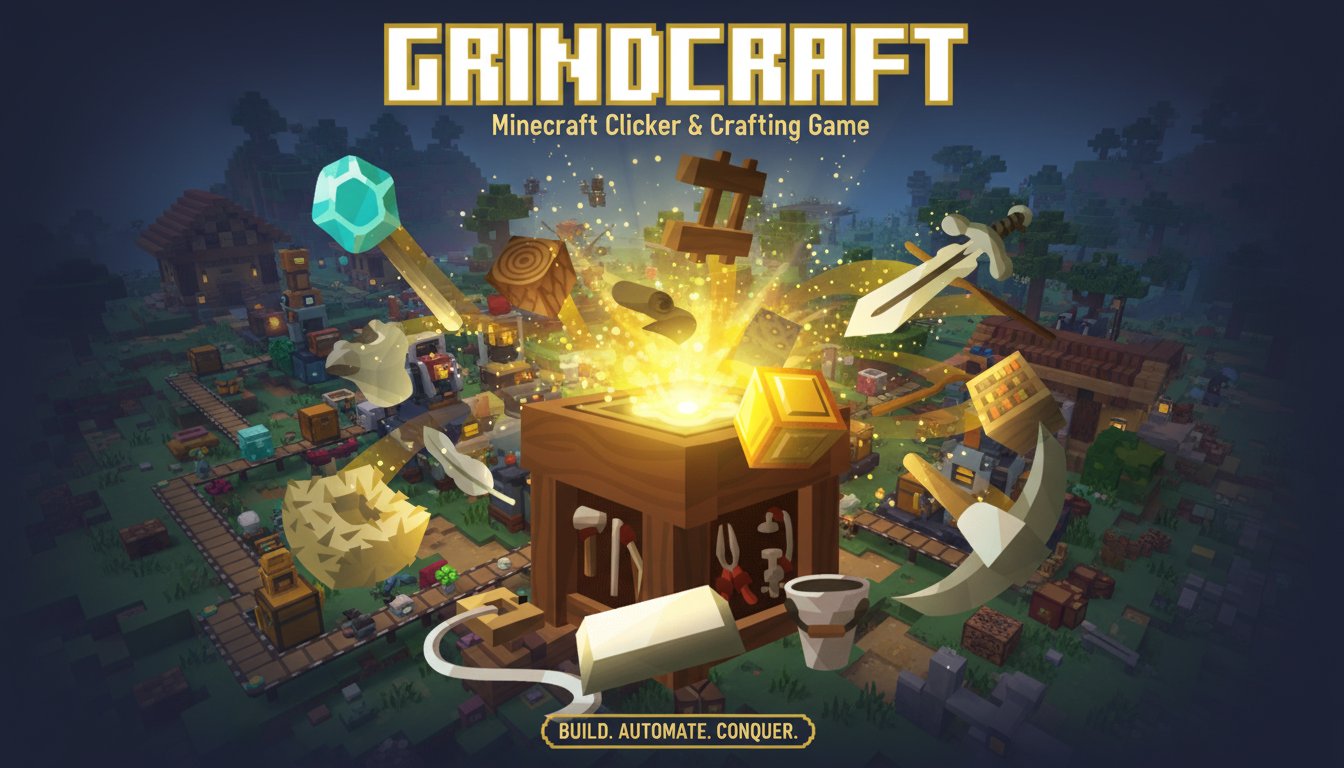
GrindCraft is a captivating Minecraft-themed clicker game that strips away the 3D world to focus entirely on the core crafting experience. This free-to-play browser game transforms the beloved crafting mechanics of Minecraft into an addictive idle clicker format. Players start with nothing but their fists and gradually build up a resource empire through strategic clicking and smart automation.
The game features the iconic pixelated art style reminiscent of Minecraft, with familiar tools, resources, and items that fans of the franchise will instantly recognize. What sets GrindCraft apart is its focus on the satisfaction of progression - every click brings you closer to unlocking new crafting recipes and building more efficient resource collection systems.
Core Features
Progressive Crafting System
GrindCraft offers a comprehensive crafting ladder that mirrors Minecraft's complexity. Starting with basic wooden tools, you'll progress through stone, iron, diamond, and beyond. Each tier of tools makes resource collection more efficient, creating a satisfying feedback loop of improvement.
Four Resource Categories
The game organizes resource collection into four distinct areas: - Overworld : Collect wood, stone, and surface materials - Mine : Dig for ores, gems, and underground resources - Food : Grow crops and raise livestock - Mobs : Battle creatures for rare drops and materials
Village Automation
One of GrindCraft's most compelling features is the village system. Once you've gathered enough resources, you can create villagers who automatically collect resources for you. This idle game mechanic allows your empire to grow even when you're not actively clicking.
Smart Resource Display
The game intelligently shows only the resources you can actually collect based on your current tools. Don't have a bucket? Lava won't appear as an option. This design keeps the interface clean and focused on achievable goals.
Gameplay Guide
Getting Started
Begin your GrindCraft journey by clicking trees to collect wood with your bare hands. This wood becomes the foundation for crafting your first wooden tools - an axe for faster tree harvesting and other essential implements.
Building Your Toolkit
As you accumulate resources, craft increasingly powerful tools. Each upgrade significantly improves your efficiency: - Wooden tools for basic resource gathering - Stone tools for improved speed and durability - Iron tools for accessing new resource types - Diamond tools for maximum efficiency
Advanced Strategies
Focus on building a village as soon as possible. Villagers provide passive income that accelerates your progress exponentially. Balance your resource collection across all four categories to unlock the full crafting tree.
Operation Instructions
Mouse Controls : GrindCraft uses simple point-and-click mechanics. Click on resource icons to collect them, and click on craftable items in your inventory to create them.
Crafting Interface : Hover over any craftable item to see the required resources. The game displays recipes clearly, showing exactly what materials you need and how many you currently have.
Resource Management : Keep track of your inventory in the bottom panel. Resources are automatically organized by type, making it easy to see what you have available for crafting.
Village Management : Once unlocked, manage your villagers through the village interface. Assign them to different tasks to optimize your resource generation.
Why Play GrindCraft
Perfect for Minecraft Fans
If you love Minecraft's crafting system but want a more streamlined experience, GrindCraft delivers exactly that. It captures the essence of resource gathering and tool progression without the complexity of 3D navigation or survival mechanics.
Ideal Idle Game Experience
GrindCraft strikes the perfect balance between active engagement and passive progression. You can actively click for faster progress or let your villagers do the work while you multitask.
Completely Free and Accessible
Play instantly in any web browser without downloads, installations, or payments. The game runs smoothly on both desktop computers and mobile devices, making it perfect for quick gaming sessions anywhere.
Satisfying Progression Loop
Every action in GrindCraft feels meaningful. Whether you're crafting your first wooden pickaxe or unlocking diamond tools, the sense of advancement keeps you engaged for hours.
GrindCraft successfully distills one of gaming's most satisfying mechanics into a pure, accessible format that appeals to both casual clickers and dedicated crafting enthusiasts.